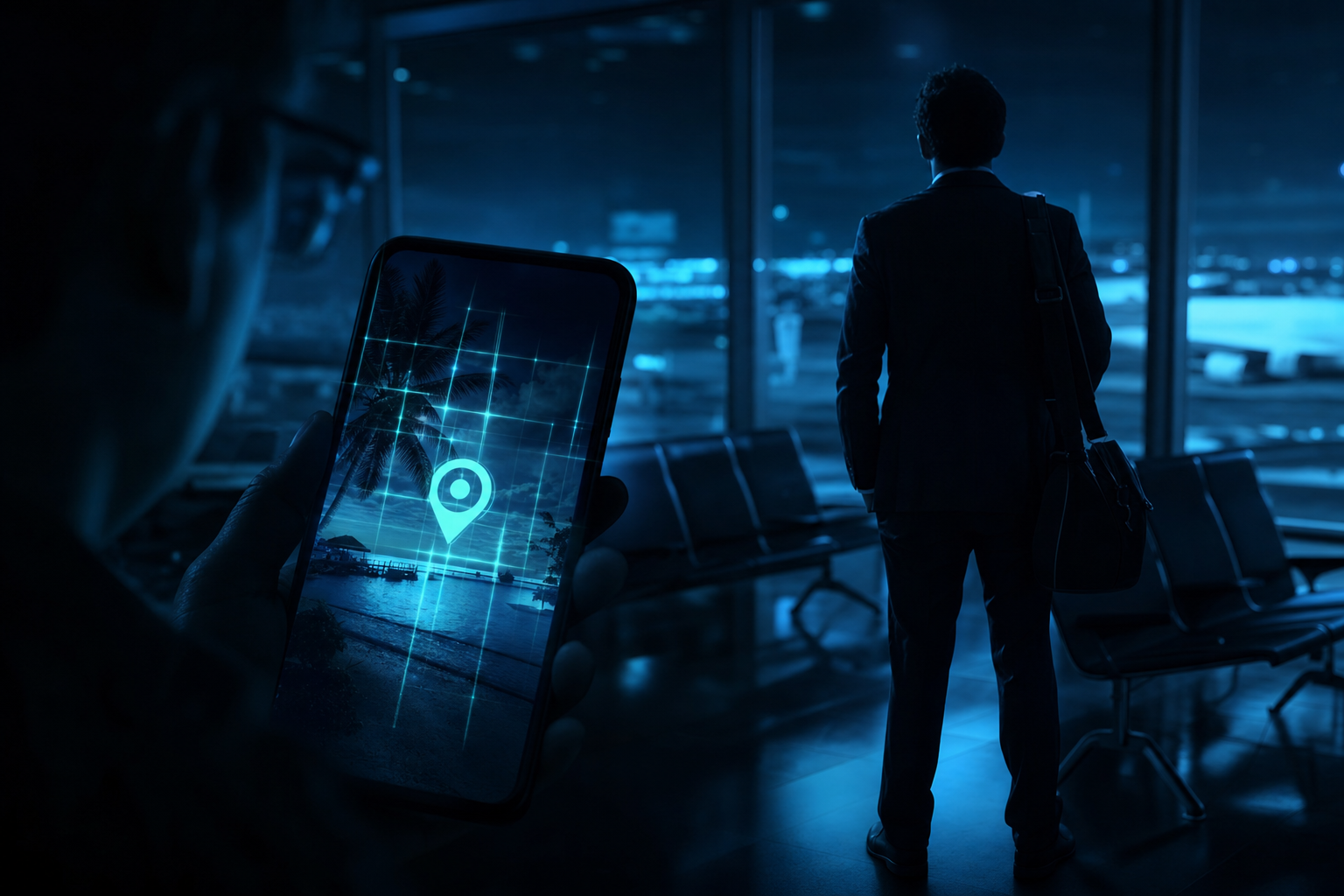
On 16 August 2026, The Guardian’s Money desk published research from McAfee Labs that ought to change how every British business thinks about the innocuous holiday snap. Freely available artificial intelligence tools, the research found, can now work out where a photograph was taken - often to the exact town, sometimes the exact street - from the background alone. No location tag. No GPS metadata. No caption. Just the architecture behind you, the shape of the kerb, the signage over a shop, the quality of the light. In McAfee’s testing, one freely available model correctly identified the location in 91% of cases across more than 21,000 travel images; a second managed 87%. For the holidaymaker that is an uncomfortable novelty. For the UK small and medium-sized enterprise whose directors and finance staff post conference photos to LinkedIn, it is a live security exposure.
The reason this matters beyond the beach is simple: criminals have already started using the technique. Knowing where a target is - right now, in real time - is exactly the missing ingredient that turns a generic scam text into a convincing one. A message that reads “we detected unusual activity while you were travelling in Porto, please verify immediately” lands very differently when the recipient is, in fact, in Porto. McAfee’s EMEA head Vonny Gamot put it plainly: AI “gives context… so that makes the scam, makes the threats credible”. That credibility is the whole game. And the same capability that lets a fraudster tailor a bank-alert text to a tourist lets an attacker tailor a business email compromise (BEC) lure to a travelling executive whose whereabouts they have just inferred from a single posted image.
What McAfee actually found - and why it is different from geotagging
For years the standard privacy advice about photographs concerned metadata: the invisible EXIF data embedded in an image file, which can include the GPS coordinates recorded by the phone at the moment of capture. Strip the metadata, the thinking went, and you strip the location. Most social platforms already remove EXIF data on upload, so many people assumed the problem was solved. McAfee’s research demolishes that assumption. The AI models it tested do not read metadata at all. They read the picture. Architecture, signage, street markings, the design of a bollard, the typeface on a menu, the species of tree, the angle and colour temperature of the sunlight - each is a clue, and a model trained on billions of images can combine them into a confident guess.
The examples are striking. In McAfee’s demonstrations, ChatGPT correctly identified a photograph of a river fringed with trees as Hastings-on-Hudson in New York, and a photograph of flowers as the Keukenhof gardens in the Netherlands - both purely from visual layout, with nothing in the frame that a human would obviously recognise as a named place. There was no signpost reading “Keukenhof”. The model inferred it from the arrangement of the beds, the flower varieties, the light and the horticultural style. That is the leap: the technology is no longer matching famous landmarks against a database, it is reasoning about ordinary scenes the way an extremely well-travelled detective might, only faster and at scale.
Not every photograph is equally exposed. McAfee found that images containing landmarks, city skylines and distinctive storefronts are placed fastest and most precisely. A beach photo or a hotel-room interior is harder to pin to a specific spot - but even then the models can usually establish the country, and frequently the region. For a scammer, country-level accuracy is more than enough. Knowing a target is “somewhere in Portugal this week” is sufficient to craft a plausible travel-disruption or bank-alert message; the precise street is a bonus, not a requirement.
The exposure is not the metadata any more - it is the picture itself. Stripping GPS tags no longer protects you, because the AI does not need them. Every conference selfie, hotel-view snap, airport-lounge photo or “great to be in [city]” post your team publishes hands an attacker two things at once: confirmation that a named individual is away from their normal environment, and a strong signal of where they are. Combine that with a job title from the same LinkedIn profile and a finance team back at the office, and you have the raw materials for a targeted business email compromise attack - the single most expensive category of cybercrime for UK businesses.
How we got here - a short timeline
Which photos give the most away
Not all images are equally revealing. McAfee’s findings, and the wider body of work on AI geolocation, point to a rough hierarchy of exposure. The chart below is an illustrative ranking of how readily different photo types tend to betray a location - useful for thinking about which posts to worry about, rather than a precise measured statistic. The pattern is clear: the more built environment and human-made signage in the frame, the faster and more precise the placement.
The lesson is not that a beach photo is safe - it is that a beach photo is merely less precise. For a fraudster building a pretext, “you are on the Algarve this week” still does most of the work. And the moment a member of your team pairs that beach shot with a captioned skyline photo from the same trip, the AI has everything it needs to narrow the country down to a city and a date.
The number that should worry finance teams
Business email compromise is not a fringe threat. It is consistently among the highest-value cybercrime categories precisely because it does not rely on malware or technical compromise - it relies on a convincing story. Everything that makes a story convincing (the right name, the right timing, the right location, the right tone of urgency) is what AI geolocation now supplies for free. The donut below reflects the single most important figure from McAfee’s research: the top model’s success rate at placing a photo.
Turn that figure around from the attacker’s side. A criminal scraping a company’s LinkedIn page for “we’re at the summit in Lisbon” posts, or an employee’s public Instagram, does not need certainty. They need a plausible location for a plausible pretext, and a nine-in-ten hit rate delivers exactly that. The finance clerk who receives an urgent email - apparently from a director who really is abroad this week, referencing the city they are really in, asking for a same-day payment before a “deal closes” - is being manipulated with intelligence that used to require surveillance and now requires a single uploaded photo.
Where UK businesses are most exposed
The risk is not evenly distributed. It concentrates in a handful of habits and gaps that are common across British SMEs. The grid below scores where the residual risk is highest once you account for what most firms currently do - and do not do - about staff travel and social posting.
The pattern is instructive. The highest-risk items are not technical failures - they are process failures. A firm can have excellent email filtering (a genuinely low residual risk) and still be wide open, because the attack does not come through a technical hole. It comes through a finance process that trusts an urgent, well-timed, location-accurate message. That is why the remedy is as much about how your people work as about which software you buy.
What this costs - and what protection costs
The economics are what make targeted fraud attractive to criminals and painful to victims. A single successful business email compromise can move five- or six-figure sums in one transfer, and recovery through the banking system is far from guaranteed once money has left the account. The table below sets illustrative exposure and sensible baseline controls against typical UK business-size bands - not a quote, but a way to think about proportionate spend.
| Business size | Typical exposure per successful BEC | Baseline controls to prioritise | Indicative annual control spend |
|---|---|---|---|
| Micro (1–9 staff) | £2,000–£25,000 per incident | Cyber Essentials, MFA everywhere, dual-approval on payments | £500–£2,000 |
| Small (10–49 staff) | £10,000–£90,000 per incident | Above plus impersonation protection, staff phishing training, travel-post policy | £2,000–£8,000 |
| Medium (50–249 staff) | £40,000–£250,000+ per incident | Above plus documented out-of-band verification, executive social-media guidance, monitored mailboxes | £8,000–£30,000 |
| Regulated / high-value transfers | Six figures and reputational/regulatory cost | Above plus vCIO-led control review, tested payment-fraud playbook, tabletop exercises | £30,000+ |
The figures are illustrative, but the ratio is not accidental: proportionate prevention is consistently a fraction of a single loss. Cyber Essentials certification - the UK government-backed baseline - addresses the technical foundations (access control, multi-factor authentication, patching, secure configuration) at a cost most SMEs can absorb, and it is precisely the layer that makes the subsequent process controls meaningful.
Reactive versus proactive posture
Reactive posture
What many SMEs do today
- Encourage staff to post trip and conference photos live, as free marketing, with no thought to location intelligence
- Leave executive and personal social accounts public by default
- Allow finance to action “urgent” payment requests on the strength of an email alone
- Treat scam texts and account-alert messages as an individual’s problem, not a business risk
- Assume stripping photo metadata is enough to protect location
- Discover the gap only after a fraudulent transfer has already left the account
Proactive posture
Where Cloudswitched takes you
- Adopt a simple travel-post policy: publish after returning, restrict visibility to known contacts
- Review the public footprint of key staff so name, role and whereabouts are not trivially linkable in real time
- Require out-of-band verification for any payment, changed bank details or urgent transfer
- Train staff to recognise location-tailored phishing and never click links in unexpected “unusual activity” messages
- Certify the technical baseline with Cyber Essentials so the human controls sit on solid foundations
- Rehearse the payment-fraud playbook before it is needed, not during the incident
The gauge reflects a common reality rather than a measured average. Many SMEs sit in the mid-30s because the technical basics may be in place while the human and process controls - travel-post discipline, out-of-band payment verification, awareness of AI-enabled pretexting - lag well behind. The good news is that the highest-impact improvements are inexpensive and procedural: they change behaviour, not budgets.
Four habits close most of the gap. First, delay: post travel and conference photos after you return home, not while you are away. Second, restrict: set personal and executive social accounts so that only known contacts can see your posts. Third, never click: treat any unexpected “unusual activity” or “verify immediately” message as suspect, however well it references where you are. Fourth, verify independently: if an account alert seems real, check it through the official app or the phone number printed on your card or statement - never the number or link in the message itself. For the business, add one rule: no payment, and no change of bank details, is actioned on email alone.
At a glance
| Fact | Detail |
|---|---|
| Who published | The Guardian (Money), 16 August 2026, based on McAfee Labs research |
| What was tested | Two freely available AI models against more than 21,000 travel images |
| Best result | 91% correct location identification; the second model scored 87% |
| How it works | Background detail only - architecture, signage, street markings, food stalls, light quality - no GPS or tags needed |
| Worked example | ChatGPT placed a river/trees photo as Hastings-on-Hudson, New York, and a flower photo as the Keukenhof gardens, Netherlands |
| Easiest to place | Landmarks, skylines and distinctive storefronts |
| Hardest to place | Beaches and plain hotel rooms - but country-level identification is usually still possible |
| How criminals use it | To add credibility to fraud texts and emails referencing the victim’s real location |
| Expert view | McAfee EMEA head Vonny Gamot: AI “gives context… so that makes the scam, makes the threats credible” |
| Business risk | Real-time location intelligence on travelling staff fuels business email compromise and CEO-fraud pretexting against finance teams |
| Top defences | Delay travel posts, restrict visibility, never click unexpected alert links, verify via official channels, require out-of-band payment approval |
| Baseline certification | Cyber Essentials - the UK government-backed control standard for the technical foundations |
Related reading
This story sits alongside a run of recent developments we have covered where AI and social engineering intersect with everyday business risk. If you found this useful, read our analysis of the RingCentral breach and the rise of voice-phishing (vishing), which shows how attackers combine stolen data with a convincing pretext, and our piece on who is legally liable when an autonomous AI agent causes harm. For the supply-chain dimension, see how a self-propagating npm worm compromised the software supply chain and how UK manufacturers were targeted through their suppliers. And for the wider AI tooling context, our look at the Microsoft Copilot app merger explains how quickly AI capability is being folded into the everyday tools your staff already use.
Turn location-tailored fraud into a closed door
Cloudswitched helps UK SMEs harden the exact gaps this research exposes - certifying the technical baseline with Cyber Essentials, adding out-of-band payment verification, and coaching staff to spot pretexts built on their own posted whereabouts, so a convincing message never becomes a costly transfer.
Talk to us about Cyber Essentials CertificationFrequently asked questions
Make your people the hard target, not the soft one
The photo is already posted - what matters now is whether a convincing, location-aware message can turn into a fraudulent payment. Cloudswitched builds the technical baseline and the human controls together, from Cyber Essentials certification to payment-verification discipline and staff awareness, so your travelling directors and your finance team stay a step ahead of AI-enabled fraud.
Talk to us about Cyber Essentials Certification
CloudSwitched
London-based managed IT services provider offering support, cloud solutions and cybersecurity for SMEs.