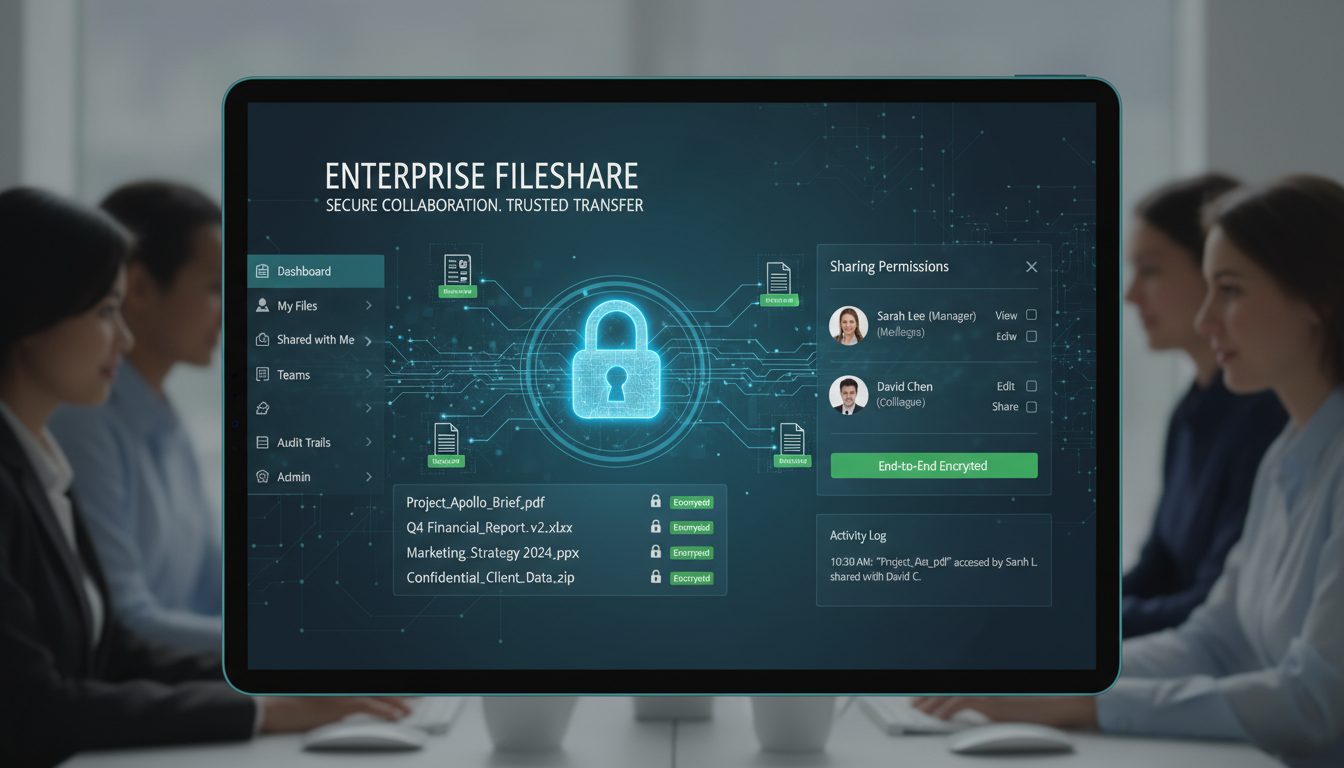
Every business shares files. Contracts are sent to clients. Financial reports are distributed to directors. Design files are exchanged with agencies. HR documents are shared with employees. Project deliverables are submitted to customers. The question is not whether your business shares files, but whether it does so securely - and for a troubling number of UK businesses, the answer is no.
Insecure file sharing is one of the most common causes of data breaches in the United Kingdom. Personal data sent via unencrypted email. Sensitive documents shared via consumer-grade platforms with no audit trail. Confidential files uploaded to free cloud services with servers outside the UK. Former employees retaining access to shared folders months after leaving the company. Each of these scenarios represents a potential GDPR violation and a business risk that is entirely preventable.
This guide explains how to implement secure file sharing across your organisation, covering the risks of current practices, the features to look for in a secure platform, the policies you need to have in place, and the practical steps to transition from ad hoc sharing to a governed, compliant approach. Whether you are a legal firm in London handling privileged documents, a healthcare provider in Birmingham sharing patient records, or a financial services company in Edinburgh exchanging regulated data, secure file sharing is not optional - it is essential.
The Risks of Insecure File Sharing
Before looking at solutions, it is worth understanding exactly what can go wrong when file sharing is not properly managed. The risks are real, and the consequences for UK businesses can be severe.
Data Breaches and GDPR Fines
The Information Commissioner's Office (ICO) has the authority to impose fines of up to £17.5 million or 4% of global annual turnover for serious GDPR violations. Many of the breaches that trigger ICO enforcement action involve insecure file sharing - personal data sent to the wrong recipient, sensitive files left accessible on poorly configured cloud storage, or confidential information shared without appropriate security controls. Even without a fine, the ICO's investigation process is time-consuming and reputationally damaging.
Intellectual Property Theft
If your business creates valuable intellectual property - designs, software code, research data, commercial strategies, or proprietary processes - insecure file sharing puts it at risk. Files shared via consumer platforms, personal email accounts, or USB drives can be easily copied, forwarded, or retained by recipients without your knowledge or control. Once intellectual property leaves your controlled environment, recovering it is virtually impossible.
Regulatory Non-Compliance
Beyond GDPR, many UK industries have sector-specific regulations governing how data must be shared. Financial services firms regulated by the FCA must demonstrate adequate controls over data sharing. Healthcare organisations must comply with NHS Data Security and Protection Toolkit requirements. Legal firms are bound by Solicitors Regulation Authority (SRA) standards on client confidentiality. Insecure file sharing can put you in breach of these regulations, with consequences ranging from fines to loss of regulatory authorisation.
According to ICO enforcement data, the most frequently reported file sharing incidents involve: emails containing personal data sent to the wrong recipient, files left accessible on public-facing cloud storage, lack of encryption when sharing sensitive data, failure to revoke access for former employees, and sharing personal data with third parties without a data processing agreement. All of these are preventable with proper tools and policies.
What Secure File Sharing Looks Like
Secure file sharing does not mean making file sharing difficult. It means implementing the right tools, policies, and practices so that sharing is both easy and safe. A well-implemented secure file sharing solution should be more convenient than the ad hoc methods it replaces, not less.
Encryption
Files should be encrypted both in transit (while being sent) and at rest (while being stored). Encryption in transit means using TLS 1.2 or higher for all file transfers, ensuring that data cannot be intercepted during transmission. Encryption at rest means that files stored on the platform are encrypted using AES-256 or equivalent, so even if the storage is compromised, the data is unreadable without the encryption keys.
Access Controls
Granular access controls determine who can view, edit, download, or share each file. The principle of least privilege should apply - users should only have access to the files they need for their role. Shared links should have expiry dates and can optionally require a password. The ability to revoke access at any time - for individual files or for entire user accounts - is essential, particularly when employees leave the organisation.
Audit Trails
Every file access, download, share, and modification should be logged in an audit trail. This serves multiple purposes: it enables you to investigate security incidents, demonstrate compliance to regulators, detect unusual behaviour, and maintain accountability. For UK businesses subject to regulatory oversight, audit trails are often a specific compliance requirement rather than simply a best practice.
| Feature | Consumer Platforms | Business File Sharing | Why It Matters |
|---|---|---|---|
| Encryption at Rest | Basic (provider-managed keys) | AES-256 with customer-managed key options | Protects data if storage is compromised |
| Access Controls | Basic sharing links | Granular role-based access, expiring links | Ensures only authorised users access files |
| Audit Trail | None or minimal | Comprehensive logging of all activities | Required for compliance and incident investigation |
| Data Residency | No choice (usually US) | UK/EU data centre options | GDPR compliance for UK personal data |
| Admin Controls | None | Central management, policy enforcement | Organisational oversight and governance |
| DLP Integration | None | Data loss prevention scanning | Prevents sensitive data from being shared inappropriately |
Choosing a Secure File Sharing Platform
The UK market offers several excellent business-grade file sharing platforms. The right choice depends on your existing technology ecosystem, your specific security requirements, and your budget.
Microsoft OneDrive and SharePoint
For businesses already using Microsoft 365, OneDrive for Business and SharePoint Online are the natural choice. They provide enterprise-grade encryption, comprehensive access controls, detailed audit logging, sensitivity labels for data classification, and integration with Microsoft's data loss prevention (DLP) and information protection capabilities. Data can be stored in UK data centres, and the platform meets ISO 27001, SOC 2, and GDPR compliance requirements.
Google Drive (Business)
For Google Workspace users, Google Drive provides robust file sharing with encryption in transit and at rest, access controls, sharing restrictions, and audit logging through the Admin Console. Google's UK data centre options ensure data residency compliance, and the platform integrates with Google's security features including DLP, access context management, and advanced data classification.
Specialist Secure File Sharing Platforms
For businesses with heightened security requirements - legal firms, healthcare providers, financial services companies - specialist platforms such as Tresorit, Citrix ShareFile, or Egress offer additional capabilities including end-to-end encryption, digital rights management, advanced access controls, and compliance certifications specific to regulated industries.
Secure File Sharing Best Practices
- Use business-grade platforms with encryption and audit trails
- Implement role-based access controls on all shared folders
- Set expiry dates on all external sharing links
- Revoke access immediately when employees leave
- Use data classification labels for sensitive files
- Enable data loss prevention scanning
- Train all staff on the file sharing policy
- Review sharing permissions quarterly
File Sharing Practices to Eliminate
- Sending sensitive files via unencrypted email
- Using personal Dropbox, Google, or WeTransfer accounts
- Sharing files via USB drives with no encryption
- Creating "anyone with the link" shares for sensitive data
- Leaving file permissions unchanged when staff leave
- Storing sensitive files on local hard drives with no backup
- Sharing passwords for shared accounts via email or chat
- Using consumer platforms without a business agreement
Implementing a File Sharing Policy
Technology alone is not sufficient. You also need a clear, documented file sharing policy that sets expectations for how all staff should share files. This policy should define which platforms are approved for file sharing, classify data types and the sharing rules for each (public, internal, confidential, restricted), specify rules for external sharing including approval requirements and link expiry, mandate encryption for sensitive data, require access reviews on a defined schedule, and outline consequences for policy violations.
The policy should be practical and user-friendly. If your secure file sharing process is significantly more cumbersome than simply attaching a file to an email, people will find workarounds. The goal is to make secure sharing the easiest option, not the most difficult one. Invest time in configuring your platform so that the secure way is also the most convenient way.
Training is essential. Roll out the policy with practical training sessions that show staff exactly how to share files securely using the approved tools. Cover common scenarios: sharing a contract with a client, distributing a report to the board, collaborating on a document with an external partner, and sending sensitive personal data to an authorised third party. Hands-on training is far more effective than simply distributing a written policy that nobody reads.
Data Loss Prevention for File Sharing
Data Loss Prevention (DLP) adds an automated safety net to your file sharing practices. DLP policies scan files and communications for sensitive data - credit card numbers, National Insurance numbers, health records, financial data - and take action when sensitive content is about to be shared in a way that violates your policy.
Both Microsoft 365 and Google Workspace include DLP capabilities that can be configured to detect sensitive data types relevant to UK businesses, including GDPR-defined personal data, financial information, and health records. When a DLP policy is triggered - for example, if someone tries to share a spreadsheet containing National Insurance numbers via an external link - the system can block the share, notify the user, alert administrators, or require manager approval before proceeding.
DLP is not a substitute for user training and clear policies, but it provides an important backstop that catches mistakes and prevents inadvertent data breaches. For businesses handling large volumes of sensitive data, it is an essential component of a mature file sharing security strategy.
External File Sharing: Working Securely with Clients and Partners
Sharing files within your organisation is one challenge; sharing files with external parties - clients, suppliers, partners, and contractors - introduces additional complexity. External sharing must balance security with usability, because if the process is too cumbersome, recipients will not use it and your staff will revert to insecure alternatives.
The most effective approach for external sharing uses password-protected sharing links with expiry dates. The recipient receives a link, enters a password (communicated separately via phone or text message), and can access the files for a defined period. Once the expiry date passes, the link ceases to function and the files are no longer accessible. This approach provides security without requiring the recipient to create an account on your platform or install any software.
For ongoing relationships with external parties - such as accountants, solicitors, or major clients - consider creating external guest accounts within your file sharing platform. Both Microsoft 365 and Google Workspace support guest access that allows external users to access specific shared folders while your security controls, audit logging, and access restrictions remain in force. This is far more secure than emailing files back and forth, and it creates a single shared workspace that both parties can access.
For highly sensitive documents - such as legal agreements, financial reports, or personal data transfers - consider using a secure file transfer service with end-to-end encryption, delivery confirmation, and download tracking. These services provide the highest level of security and accountability, ensuring that sensitive data reaches its intended recipient and that you have a complete record of the transfer for compliance purposes.
Migration: Moving from Insecure to Secure File Sharing
Transitioning your organisation from ad hoc file sharing to a governed, secure approach requires careful planning. Attempting to switch overnight - blocking all existing methods and forcing everyone onto a new platform immediately - typically creates chaos and resistance. A phased approach is far more effective.
Begin by deploying the new platform and migrating existing files. Ensure the folder structure makes sense, permissions are correctly configured, and the platform is working reliably before asking anyone to change their behaviour. Then run a pilot with a single department - ideally one that handles sensitive data and is therefore motivated to adopt better practices. Use the pilot to identify and resolve any issues before rolling out to the wider organisation.
Provide training that focuses on practical scenarios rather than abstract security concepts. Show people exactly how to share a document with a client, how to request access to a file they need, how to set permissions on a shared folder, and how to use the mobile app when working remotely. Hands-on training sessions of 30 to 45 minutes, tailored to each department's typical file sharing needs, are far more effective than generic hour-long presentations.
Finally, set a deadline for decommissioning insecure methods. After the new platform is established and staff are trained, disable access to consumer file sharing services, block large email attachments (replacing them with sharing links), and collect any USB drives that were previously used for file transfers. Communicate these changes clearly, explain the reasons behind them, and provide a clear escalation path for anyone who encounters problems with the new approach.
Measuring and Maintaining File Sharing Security
Secure file sharing is not a one-time project - it requires ongoing attention. Schedule quarterly reviews of your file sharing practices to ensure that security standards are being maintained and that new risks have not emerged. Review external sharing links to confirm that expired links are actually inactive. Audit user permissions to identify and remove access that is no longer needed. Check that former employees and contractors have been properly offboarded and can no longer access shared files.
Use the reporting capabilities of your platform to identify patterns that might indicate problems. A sudden spike in external sharing might indicate a data exfiltration attempt. A user downloading large volumes of files shortly before their leaving date might indicate intellectual property theft. Files being shared to personal email addresses might indicate that staff are working around your security controls because they find them too restrictive. Each of these patterns deserves investigation and may indicate a need to adjust your policies, training, or tooling.
For UK businesses subject to regulatory oversight, maintain documentation that demonstrates your file sharing controls. This should include your file sharing policy, evidence of staff training, audit log samples, access review records, and incident response procedures. Having this documentation readily available significantly reduces the disruption of regulatory audits and ICO investigations, and demonstrates that your organisation takes data protection seriously.
Need Help With Secure File Sharing?
Cloudswitched helps UK businesses implement secure, compliant file sharing solutions using Microsoft 365, Google Workspace, and specialist platforms. From platform configuration and DLP policy setup to user training and ongoing management, we ensure your organisation can share files confidently without compromising security or compliance. Get in touch to discuss your requirements.
GET IN TOUCH
CloudSwitched
London-based managed IT services provider offering support, cloud solutions and cybersecurity for SMEs.


