- Cloud Email
How to Migrate Your Business Email to Microsoft 365
25 Feb, 2026

£43.55 inc. VAT
AI-generated summary
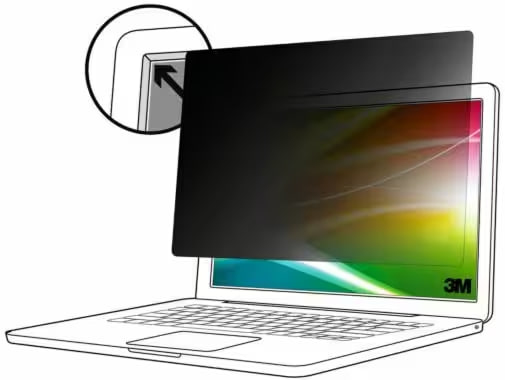
If you’re working in a busy office (open-plan, shared hot desks, customer-facing roles), this kind of 3M privacy filter is a sensible, low-effort way to reduce “should-I-lean-over-and-read-that” moments. The big upside with 3M is they usually fit and behave consistently, and the frameless nature makes it less of a faff than some older clip-on designs. At ~£36 ex-VAT, it’s priced like a practical accessory rather than a premium “lab-grade” solution—good value if your screen spend is otherwise higher than your security spend.
That said, be realistic about the trade-offs: privacy filters typically dim the display and can change viewing comfort/colour a bit, especially if you’re picky about brightness or use colour-sensitive work. If you’re mostly working alone or on a laptop you’re constantly rotating around, you may find it more hassle than benefit. I’d buy this if you have a 13.3" netbook/ultrabook and you’re genuinely privacy-concerned at your desk; I’d skip it if you hate screen dimming, or if you need perfect colour/contrast for design, media, or presentation work. Also, double-check your exact screen model/fit—privacy filters are unforgiving when dimensions don’t match.
Kensington
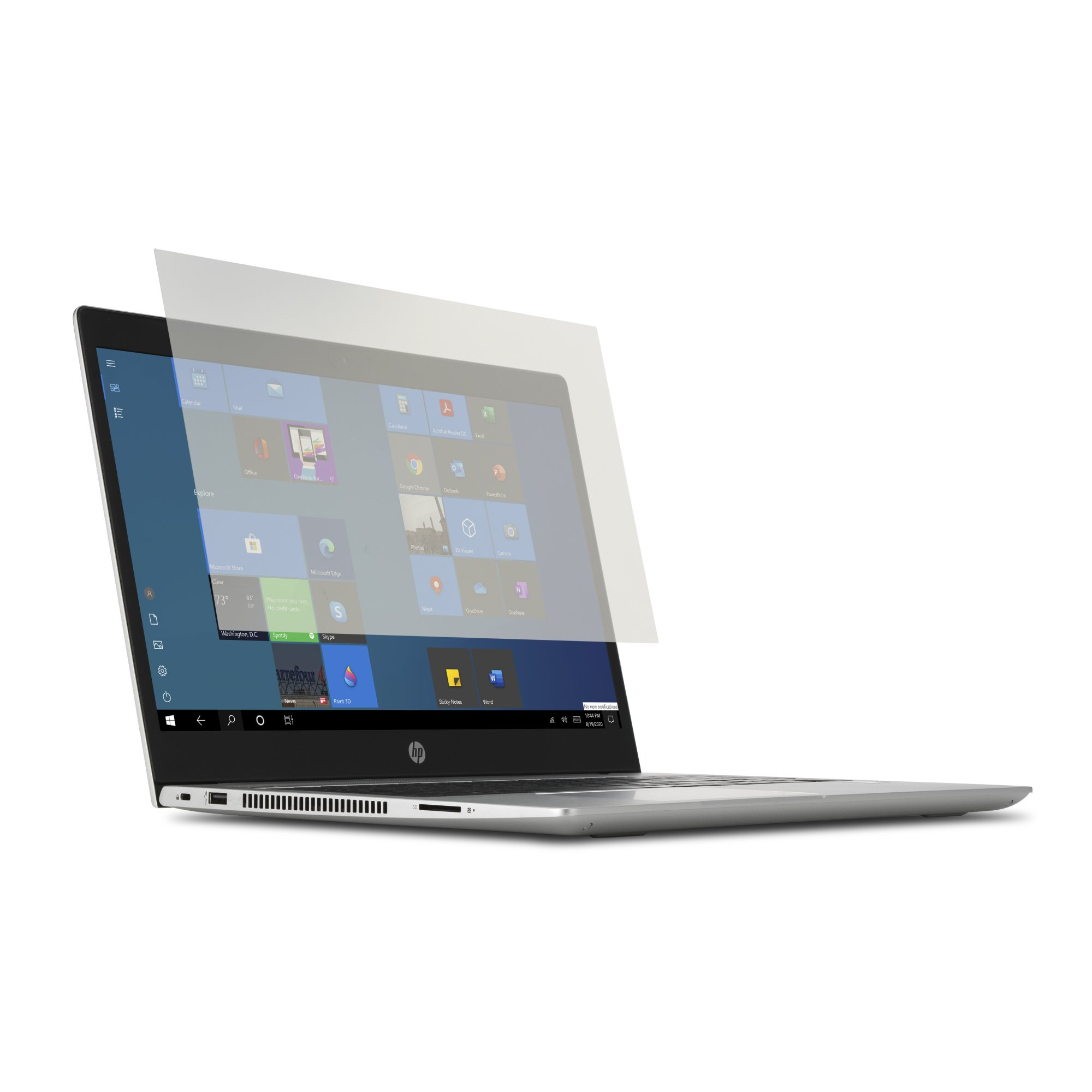
Kensington - Notebook anti-glare filter - removable - 15.6" wide - transparent
Kensington
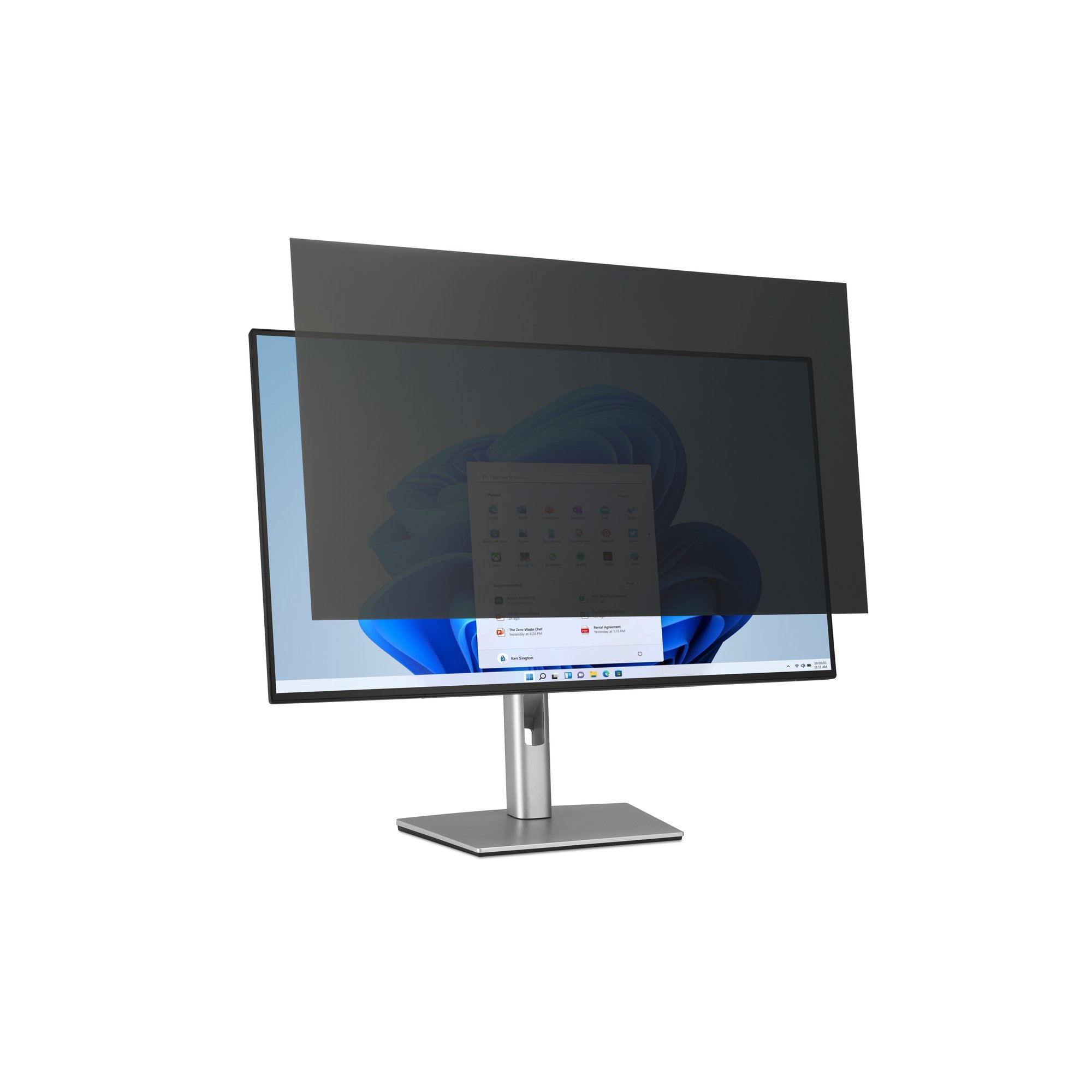
Kensington - Display privacy filter - 2-way - removable - 32" wide
STARTECH
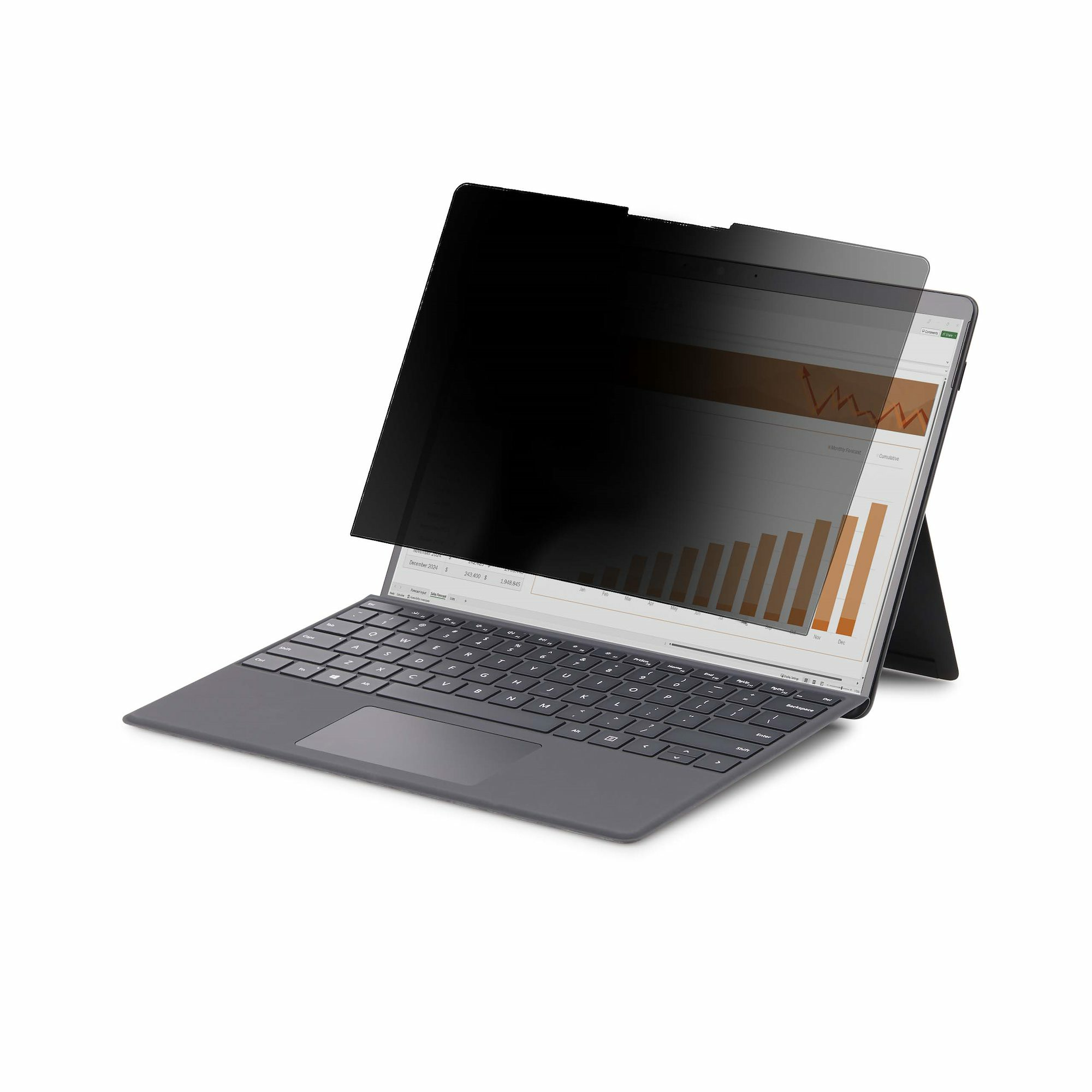
StarTech.com 4-Way 12.4in Surface Laptop Go 1/2/3 Privacy Screen Filter, Portrait/Landscape, Touch-Enabled, +/- 30 Deg. View, Blue Light Reduction, Matte Finish - Notebook privacy filter (horizontal) - adhesive - 12.4" - black
Kensington
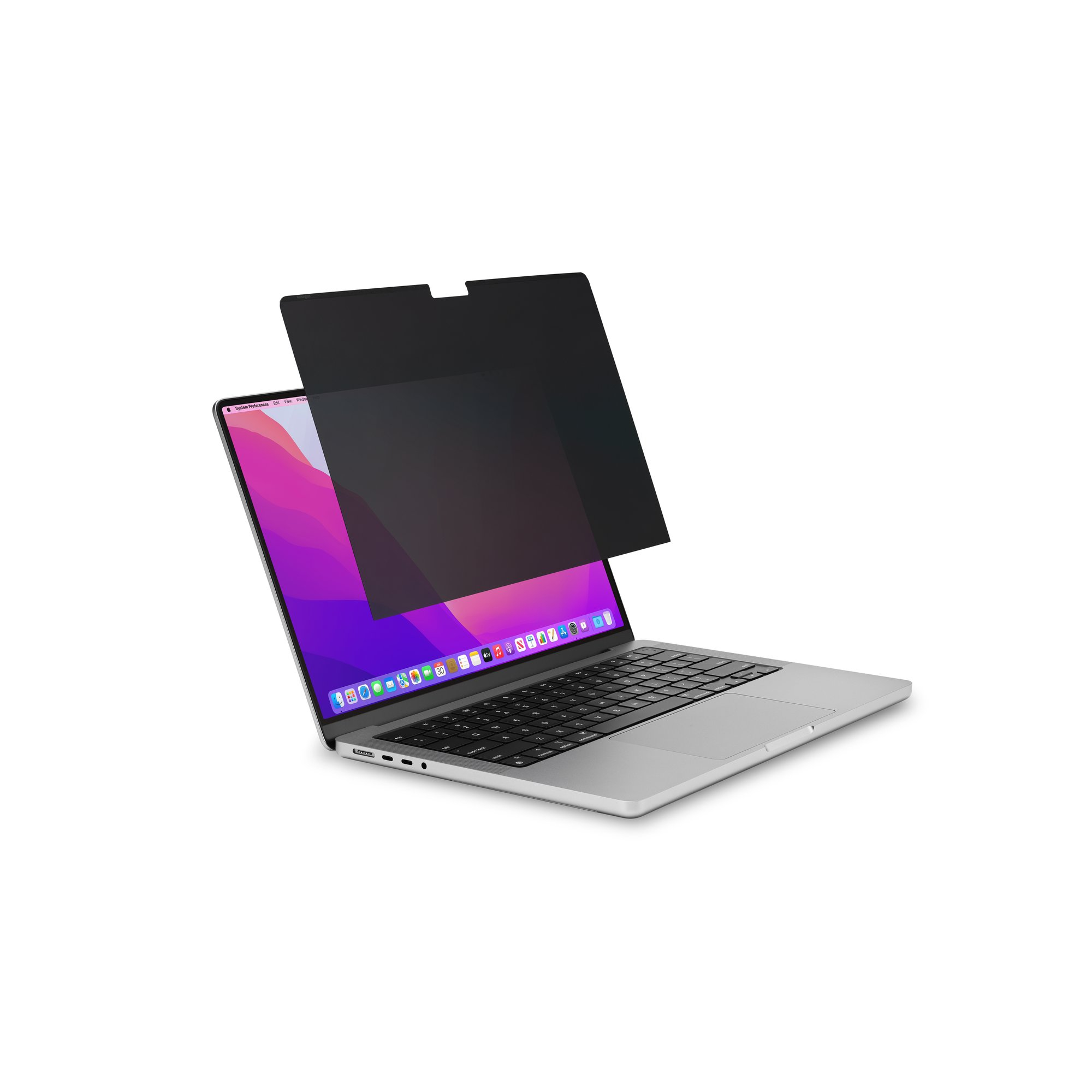
Kensington MagPro Elite - Notebook privacy filter - removable - magnetic - 14" - black - for Apple MacBook Pro (14.2 in)