- Network Admin
The SME Guide to Network Monitoring and Management
10 Mar, 2026
£121.69 inc. VAT
AI-generated summary
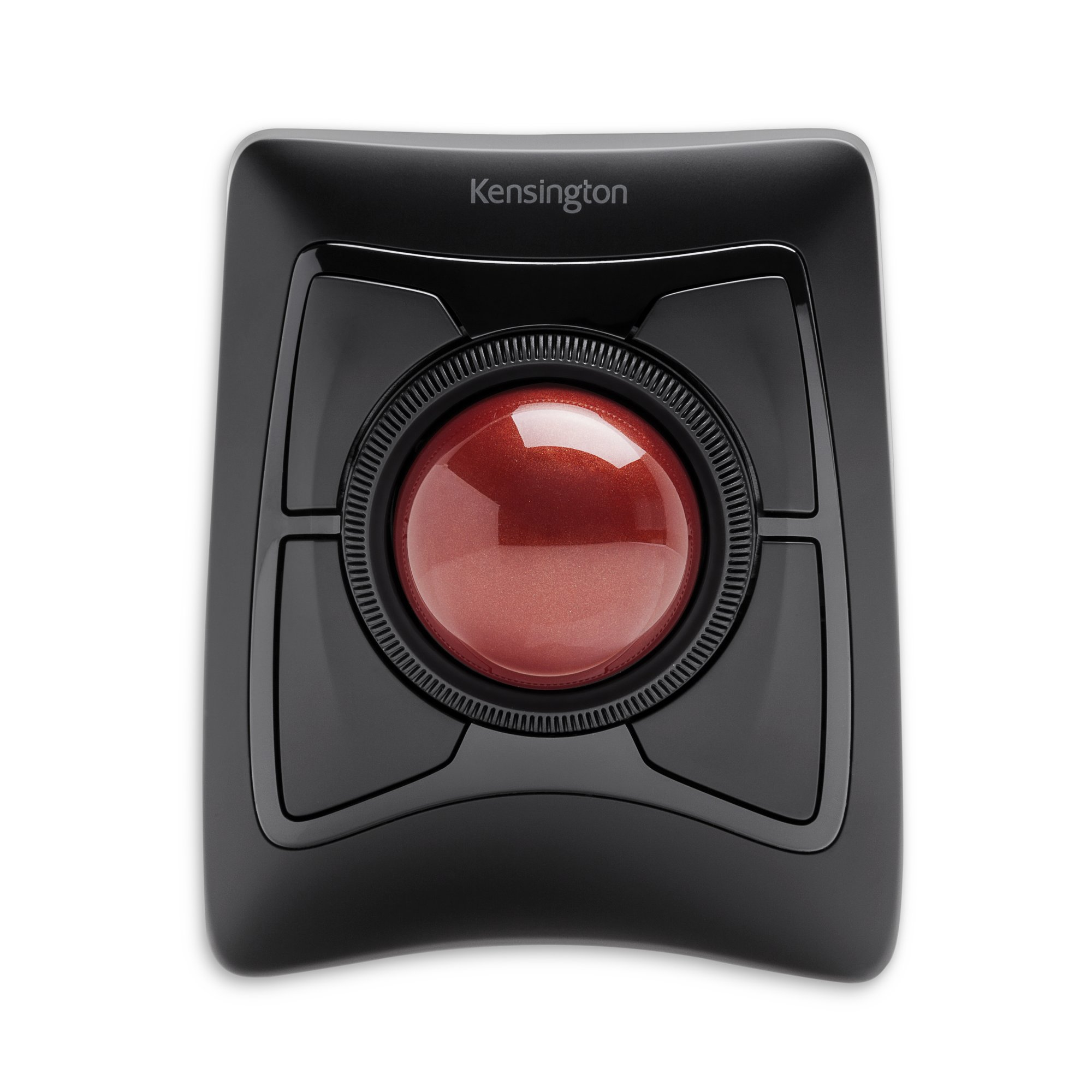
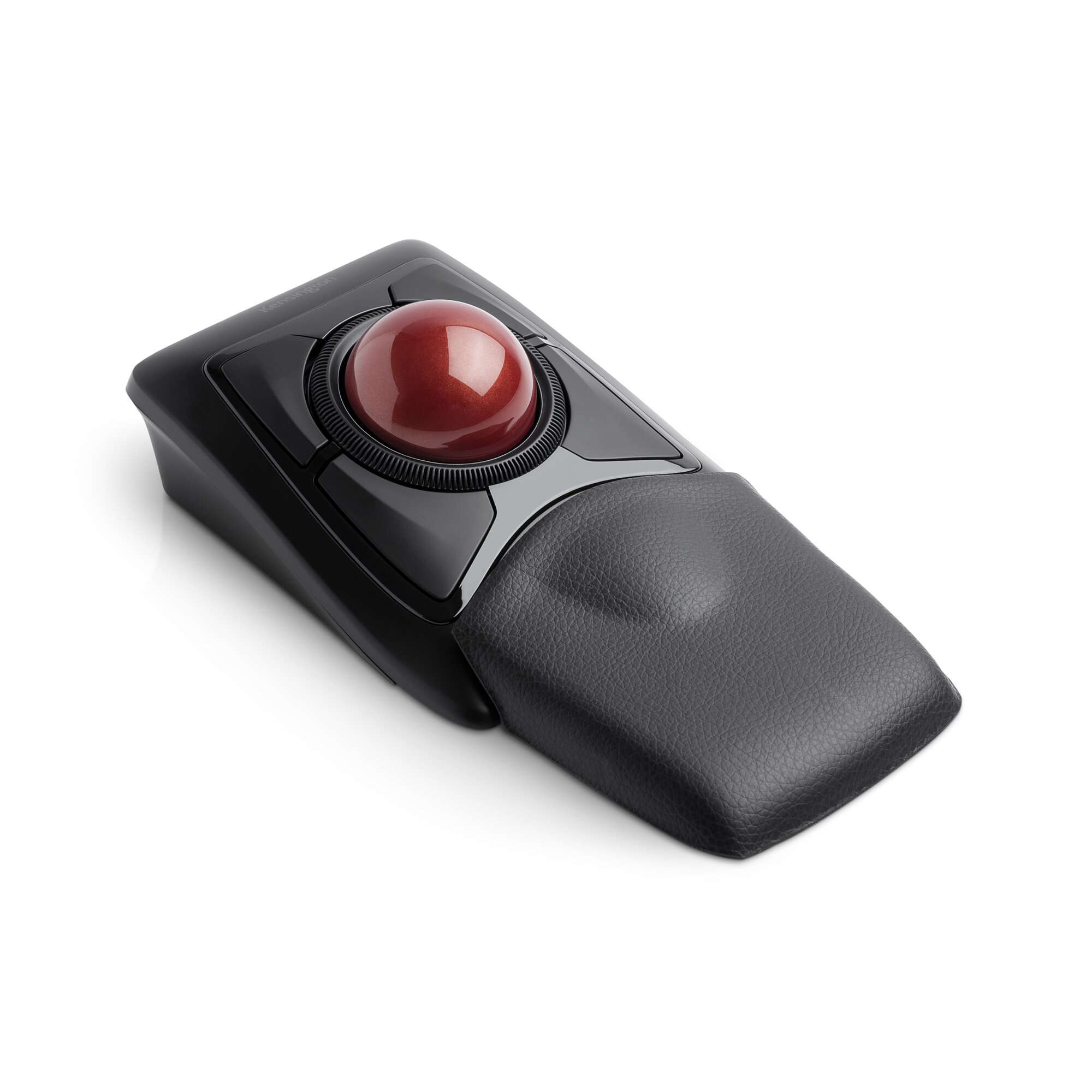
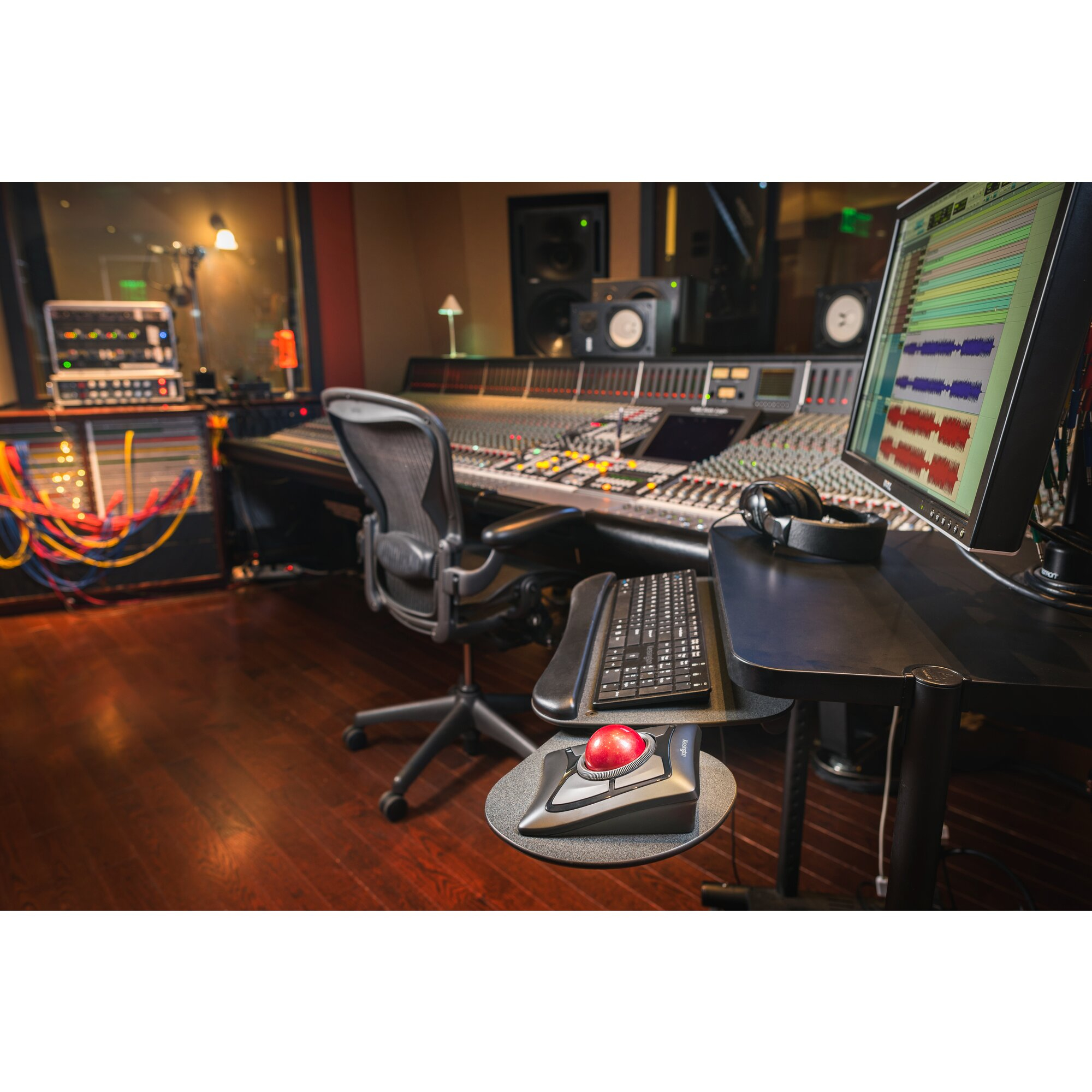
The Kensington Expert Mouse Wireless Trackball is one of those “buy it once, stop fiddling” tools—if you already know you want a trackball-style workflow. Compared with typical wireless mice, it’s especially good for people who deal with lots of precision work or who’ve had wrist/hand strain from constant mouse movement. The big win is control: you can keep your wrist still and move the pointer with your fingers, which tends to make long sessions feel less demanding. In a B2B environment, it also suits roles like CAD/light design, spreadsheets with lots of navigation, IT admin work, and anything where you’re frequently zooming, panning, and targeting small UI elements.
That said, £101 ex-VAT is only “worth it” if you’re committed to the trackball lifestyle. If you’re coming from a normal mouse and you expect it to feel instantly familiar, you’ll likely find it awkward for a couple of weeks. Also, if you regularly move across huge areas of screen quickly, a conventional mouse may still be more efficient. My honest take: buy it if you want comfort and precision and you’re prepared to adapt; skip it if you just need a generic office mouse that’s easy to hand out to everyone.

Designed for Surface
Kensington worked directly with Microsoft to provide professional-level solutions that look as good as they function, so you can work like a pro.
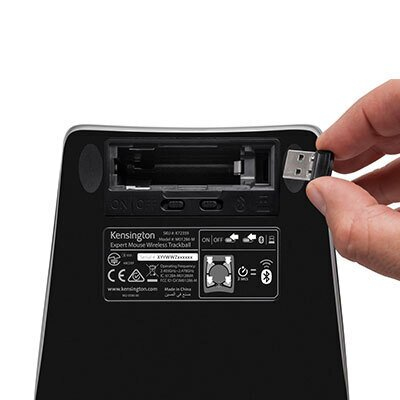
Dual Wireless Technology
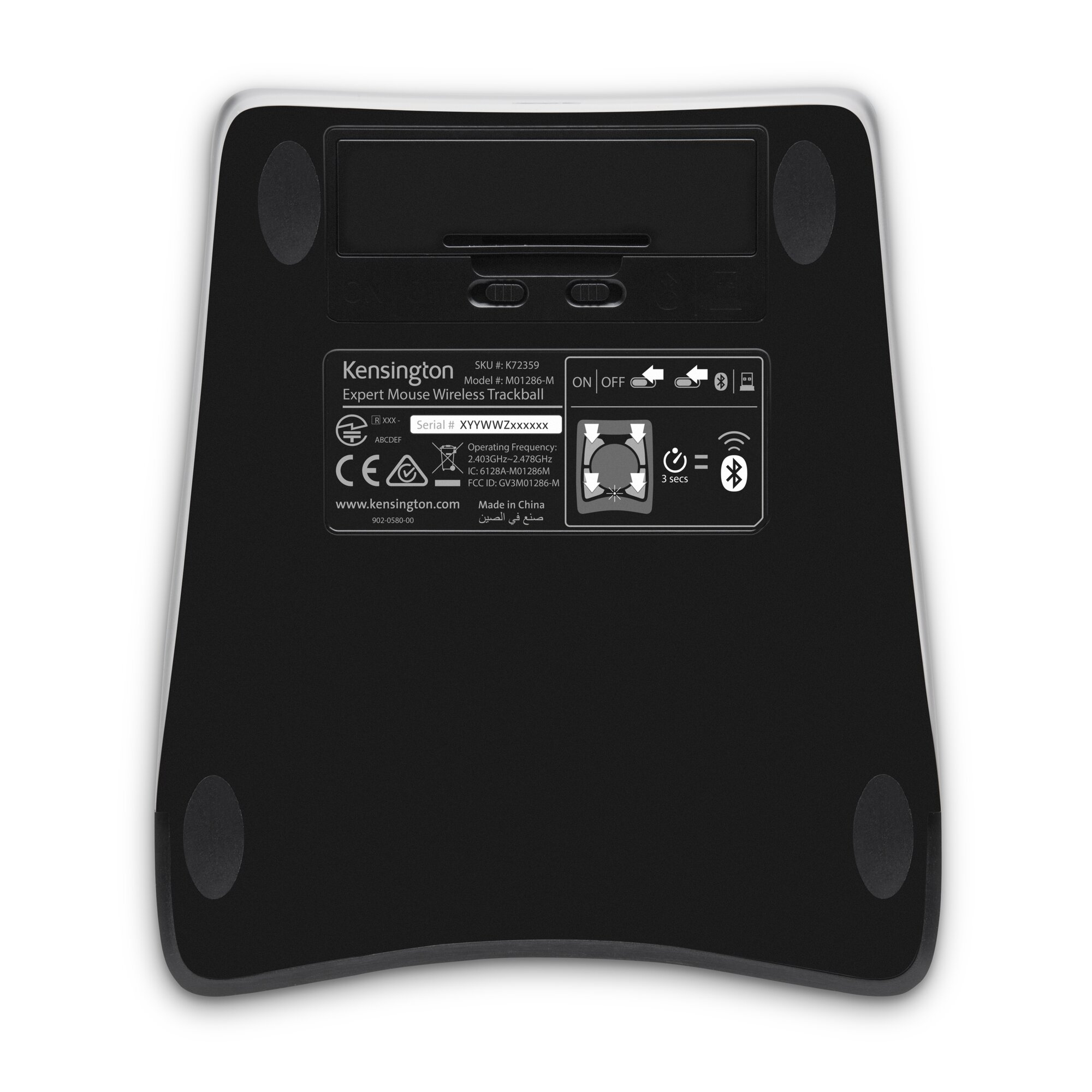
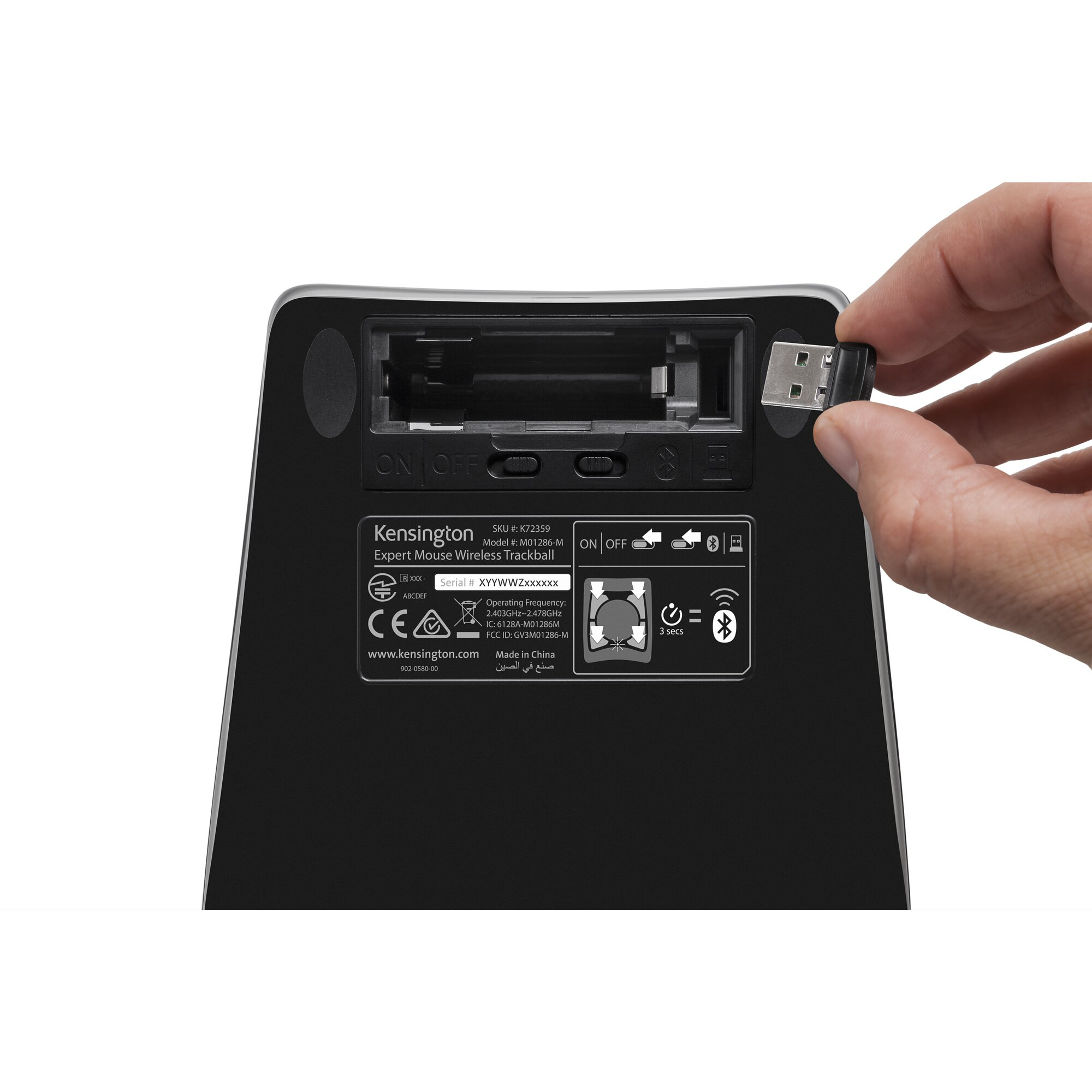
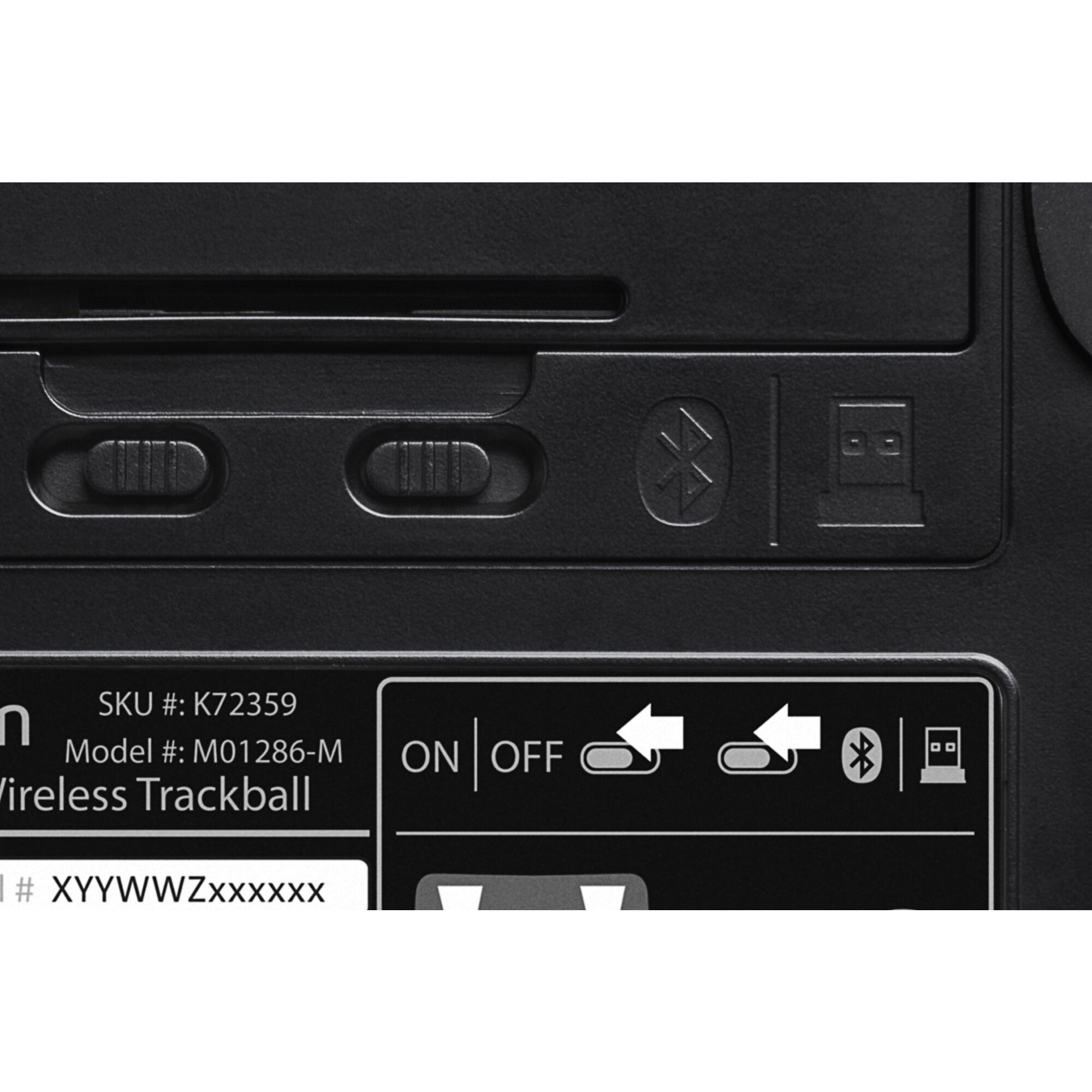
The ultimate in wireless freedom, allowing you to connect either via Bluetooth® LE that allows you to save a valuable USB port or through a highly reliable 2.4GHz USB nano receiver
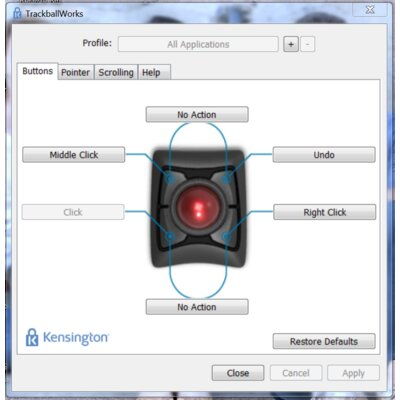
TrackballWorks™ Customization
Free downloadable software provides an even more personalized experience, giving you the ability to assign a wide variety of program functions to each of the 4 buttons, as well as adjusting cursor ...

DiamondEye™ Optical Tracking
Movement detection technology provides smooth, precise cursor control so you can get where you want on the screen quickly with less hand movement, improving productivity and efficiency
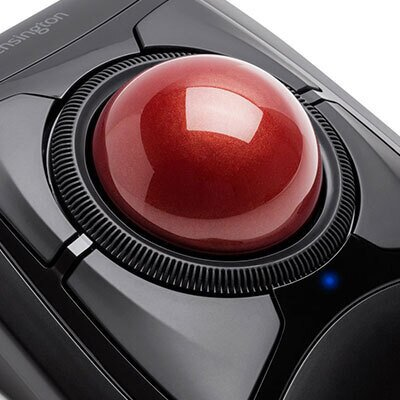
Scroll Ring and Large Ball
Spin the dial to move up and down web pages or documents with complete ease. The red ball has been specially designed with an absolute spherical, hard surface for precise tracking and control.
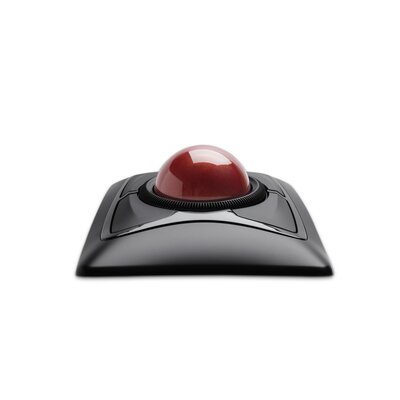
Ambidextrous Design
Works equally well for both right-handed and left-handed users to get the most out of their trackball

Dell
Dell MS5120W - Mouse - optical - 7 buttons - wireless - 2.4 GHz, Bluetooth 5.0 - titan grey - with 3 years NBD Advance Exchange
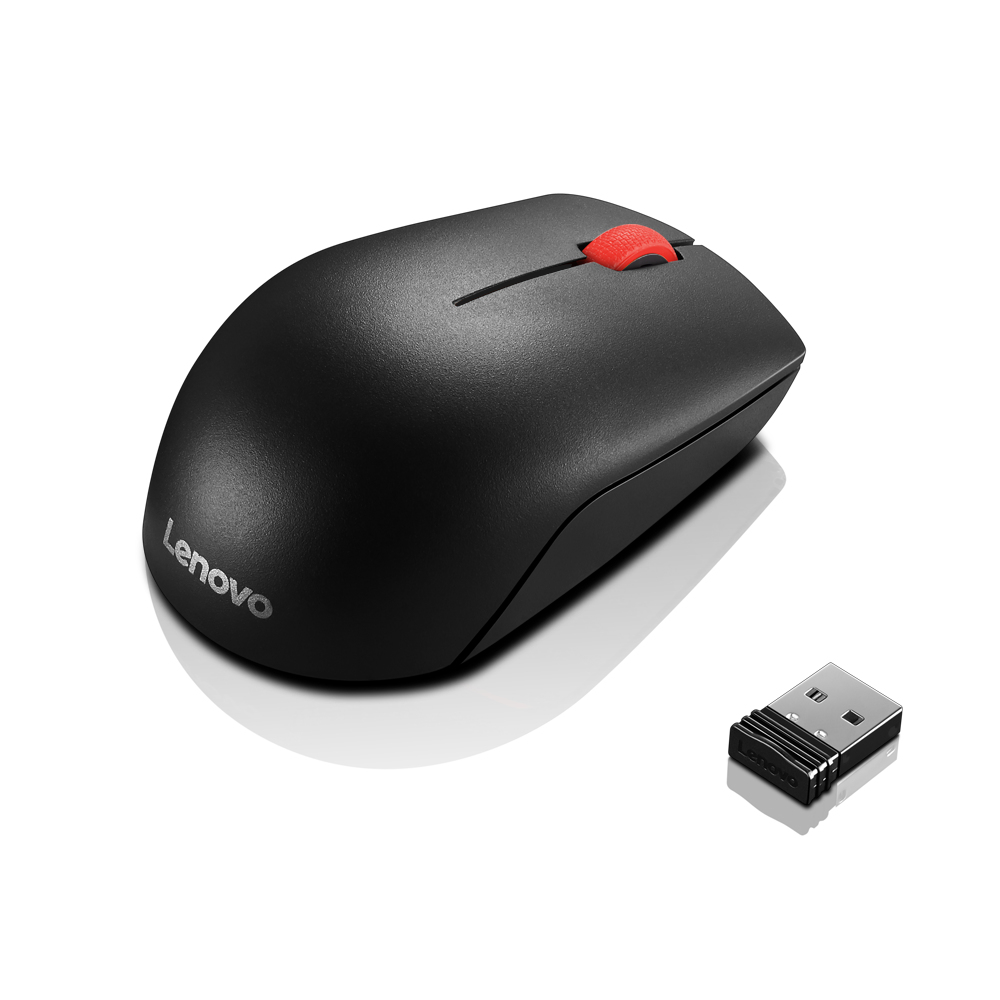
Lenovo
Lenovo Essential Compact - Mouse - right and left-handed - 3 buttons - wireless - 2.4 GHz - USB wireless receiver - black - OEM
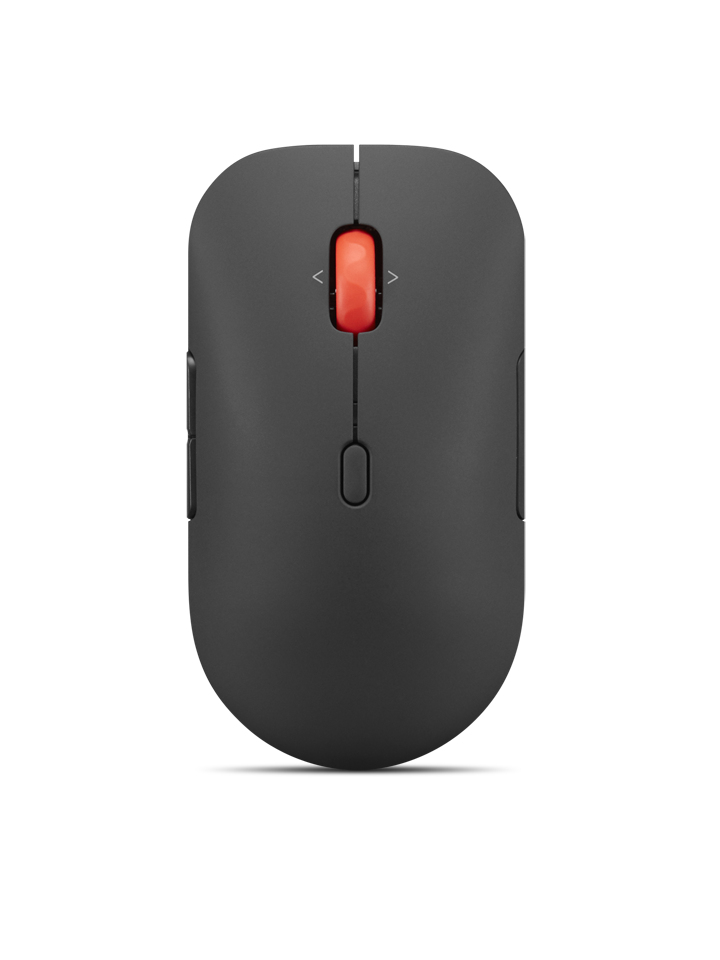
Lenovo
Lenovo Pro Plus 6050 - Mouse - multi-mode - optical - 6 buttons - wireless - Bluetooth 5.3, 2.4 GHz - USB wireless receiver - eclipse black - brown box
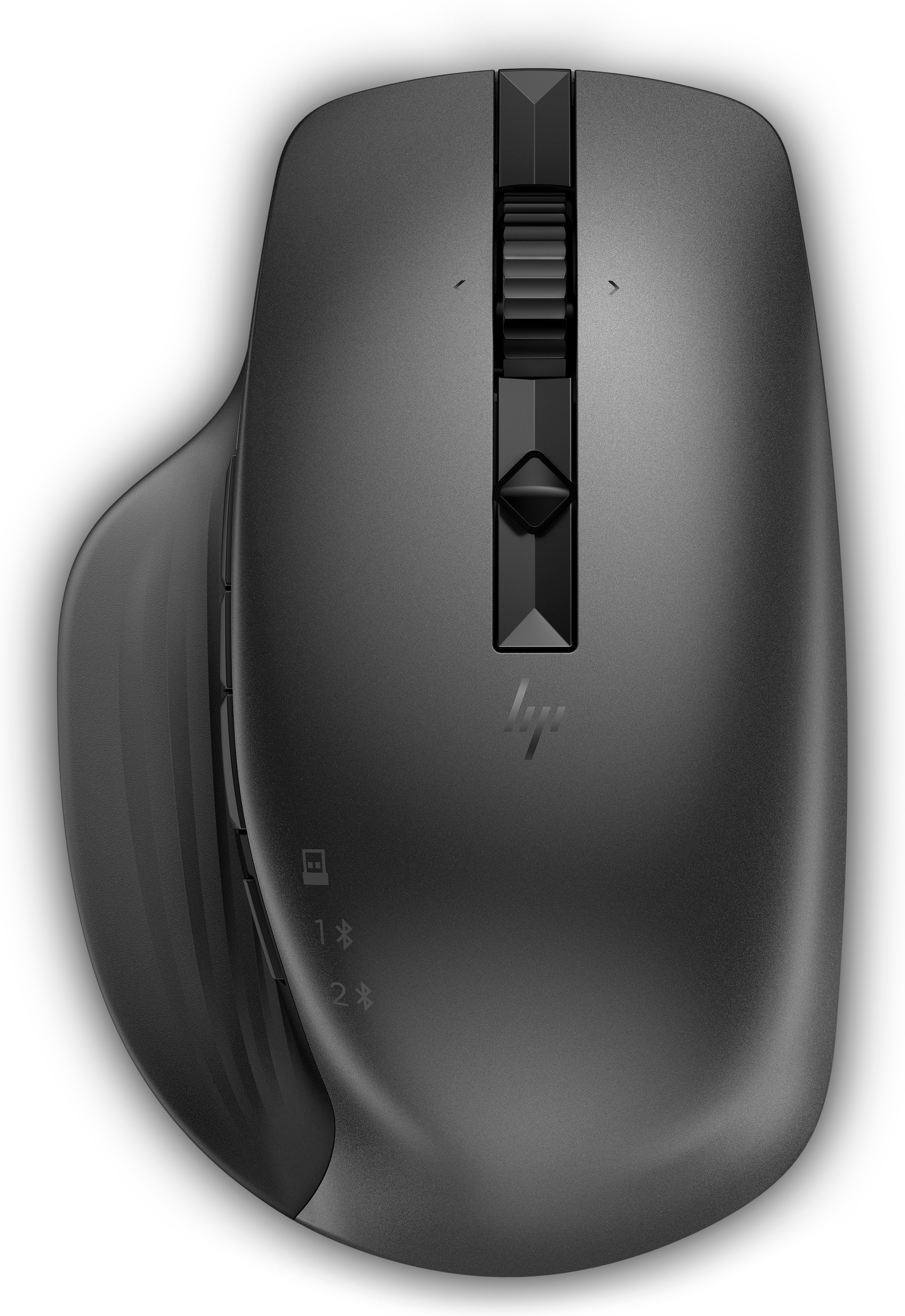
HP
HP Creator 935 BLK WRLS Mouse No localization
Powered by industry-leading technologies including SolarWinds, Cloudflare, BitDefender, AWS, Microsoft Azure, and Cisco Meraki to deliver secure, scalable, and reliable IT solutions.


