- Cloud Backup
Lessons from Real Data Loss Incidents: What Went Wrong
29 Mar, 2026
£43.75 inc. VAT
AI-generated summary
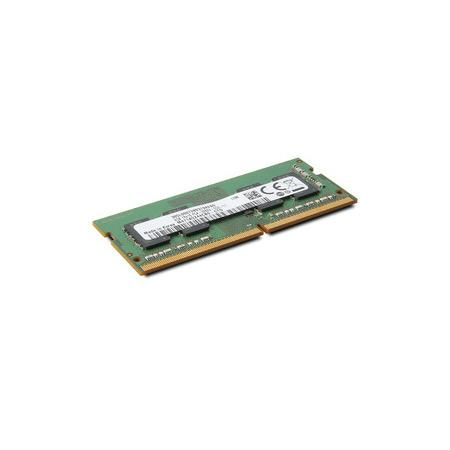
For £36.47 ex-VAT, this Lenovo 4GB DDR4 SO‑DIMM is the kind of “quick fix” upgrade that can actually make a small difference—assuming you’ve got a compatible Lenovo laptop that’s currently running short on memory. If you’re dealing with basic office work, a handful of browser tabs, and light multitasking, adding 4GB can noticeably reduce stutter and swapping. It’s also a sensible choice when you want to keep things simple and use the manufacturer-qualified part rather than gambling on random compatible sticks.
That said, I wouldn’t buy this if the machine is already on the edge of usability or if you’re expecting a big performance jump for heavier workloads. 4GB total (or moving from, say, 8GB to 12GB) helps, but it’s not a magic wand—modern apps and browsers can still feel cramped, especially for anything like VDI, design tools, or coding environments. Also, before you commit, double-check your laptop’s memory capacity and how many slots are available (and whether it supports the speed/type you’re planning). If your device can take larger upgrades, spending a bit more for a bigger RAM uplift is usually better value than topping up with just 4GB.
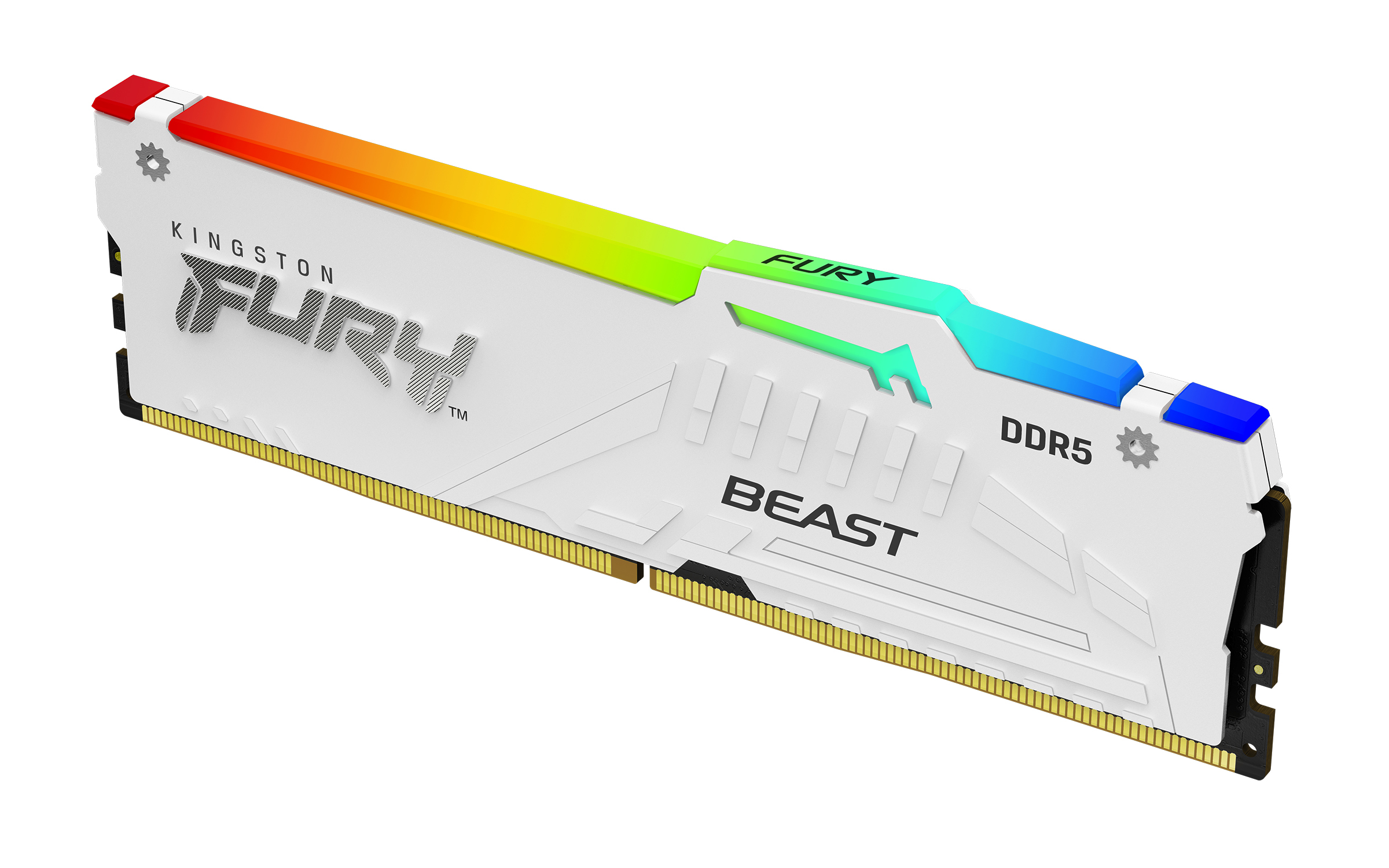
Kingston
Kingston FURY Beast RGB - DDR5 - module - 16 GB - DIMM 288-pin - 6000 MT/s / PC5-48000 - CL36 - 1.35 V - unbuffered - on-die ECC - white

Kingston
Kingston FURY Renegade - DDR5 - module - 32 GB - DIMM 288-pin - 6400 MT/s / PC5-51200 - CL32 - 1.4 V - unbuffered - on-die ECC - black, silver
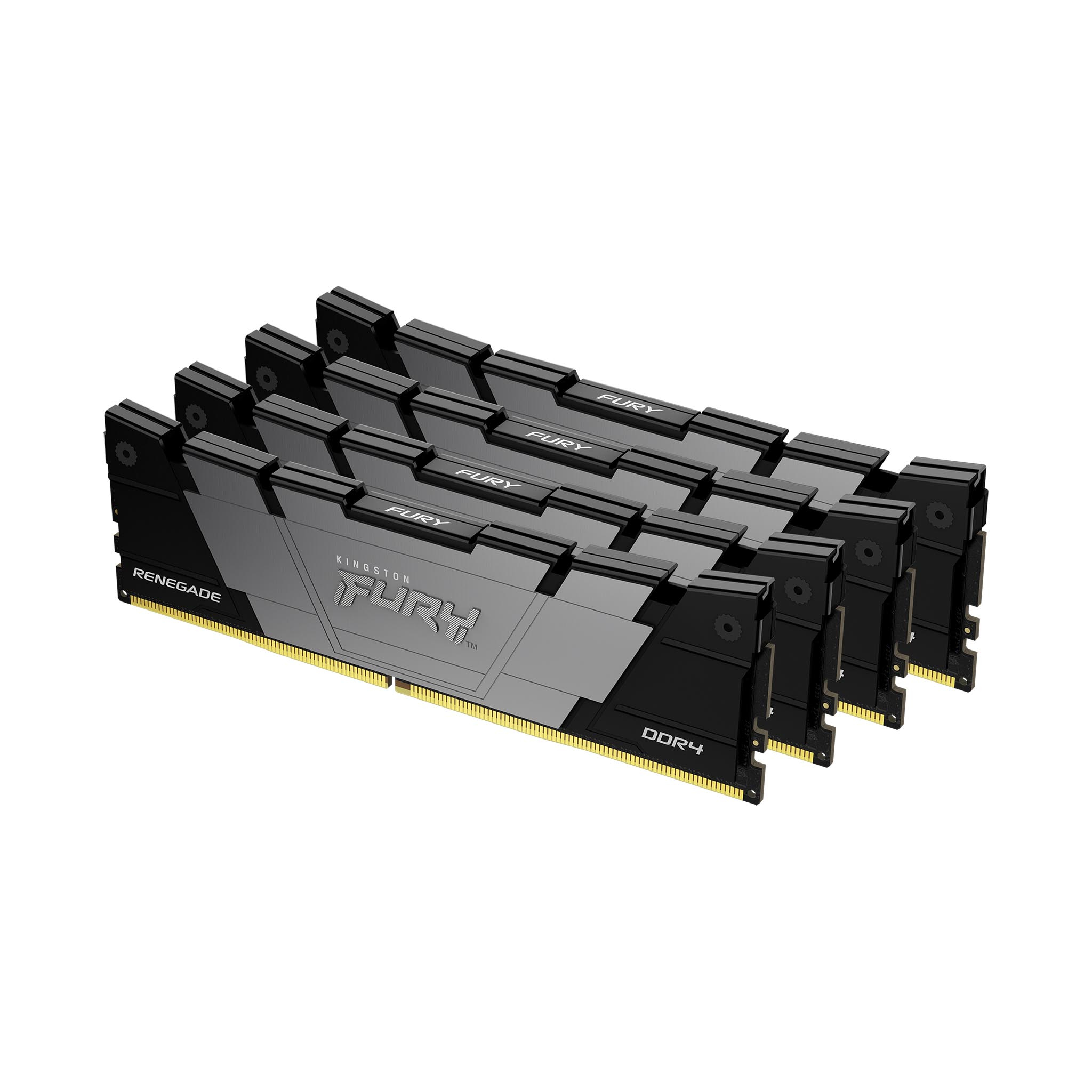
Kingston
Kingston FURY Renegade - DDR4 - kit - 32 GB: 4 x 8 GB - DIMM 288-pin - 3200 MT/s / PC4-25600 - CL16 - 1.35 V - unbuffered - non-ECC - black
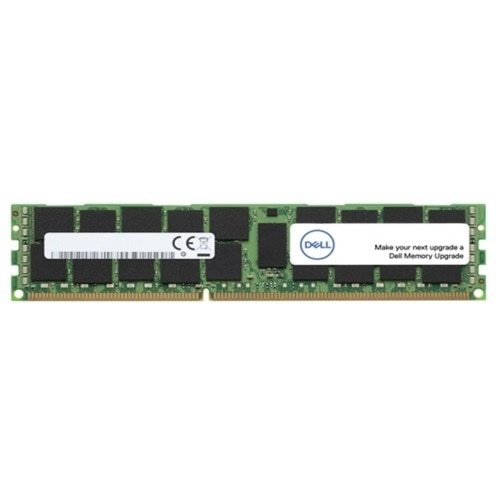
Dell
Dell - DDR5 - module - 16 GB - DIMM 288-pin - 6400 MT/s / PC5-51200 - registered - Upgrade
Powered by industry-leading technologies including SolarWinds, Cloudflare, BitDefender, AWS, Microsoft Azure, and Cisco Meraki to deliver secure, scalable, and reliable IT solutions.


