- Network Admin
How to Manage User Accounts and Permissions Effectively
7 Jul, 2025
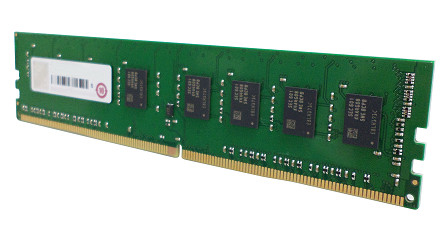
£279.01 inc. VAT
AI-generated summary
If you’ve got a QNAP NAS that explicitly supports this specific DDR4 ECC UDIMM generation, this RAM is a sensible, low-drama upgrade. The value proposition is basically “get reliable compatibility with minimal fuss,” and ECC is the right choice for a box that’s meant to run 24/7 storing data—especially if you’re doing heavier workloads like multiple SMB/NFS clients, VM/container workloads, or lots of indexing. At £231.59 ex-VAT, I’m not calling it a bargain, but for QNAP-specific compatibility, it’s not unusual either.
That said, I wouldn’t buy it blindly. The main reason to be careful is that QNAP memory can be picky about exact module type (not just “DDR4” in general), and DDR4 speed/rank support matters for stability. Also, 8GB is a modest bump in most NAS setups—great if you’re currently swapping or running close to the edge, but limited if you’re trying to scale up performance across multiple services. If you’re under pressure, it’s usually better to check how much RAM your model can realistically take and whether adding capacity in a matched way (rather than a single odd module) makes sense.
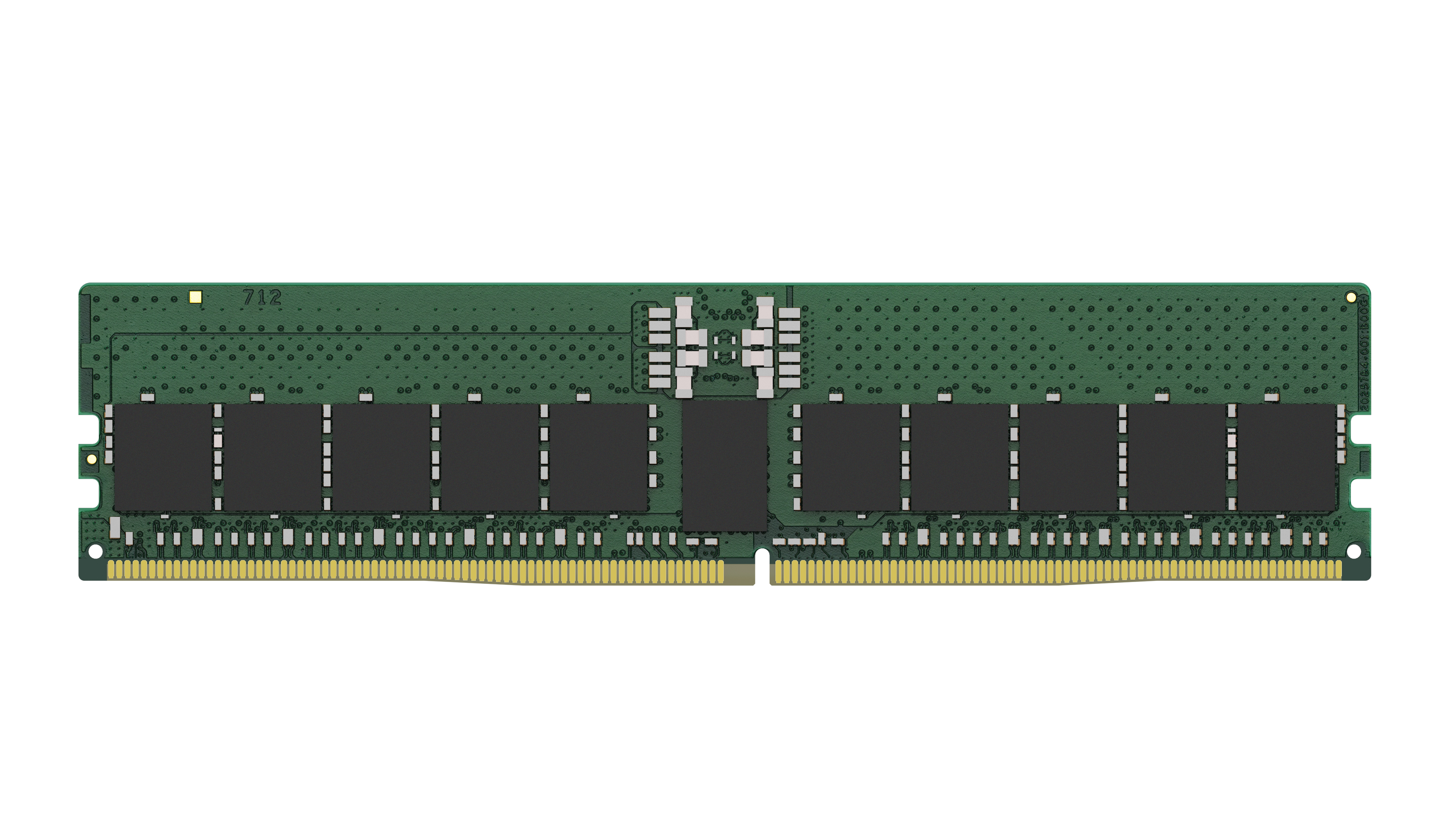
Kingston
Kingston - DDR5 - module - 48 GB - DIMM 288-pin - 5600 MHz / PC5-44800 - CL46 - 1.1 V - registered - ECC
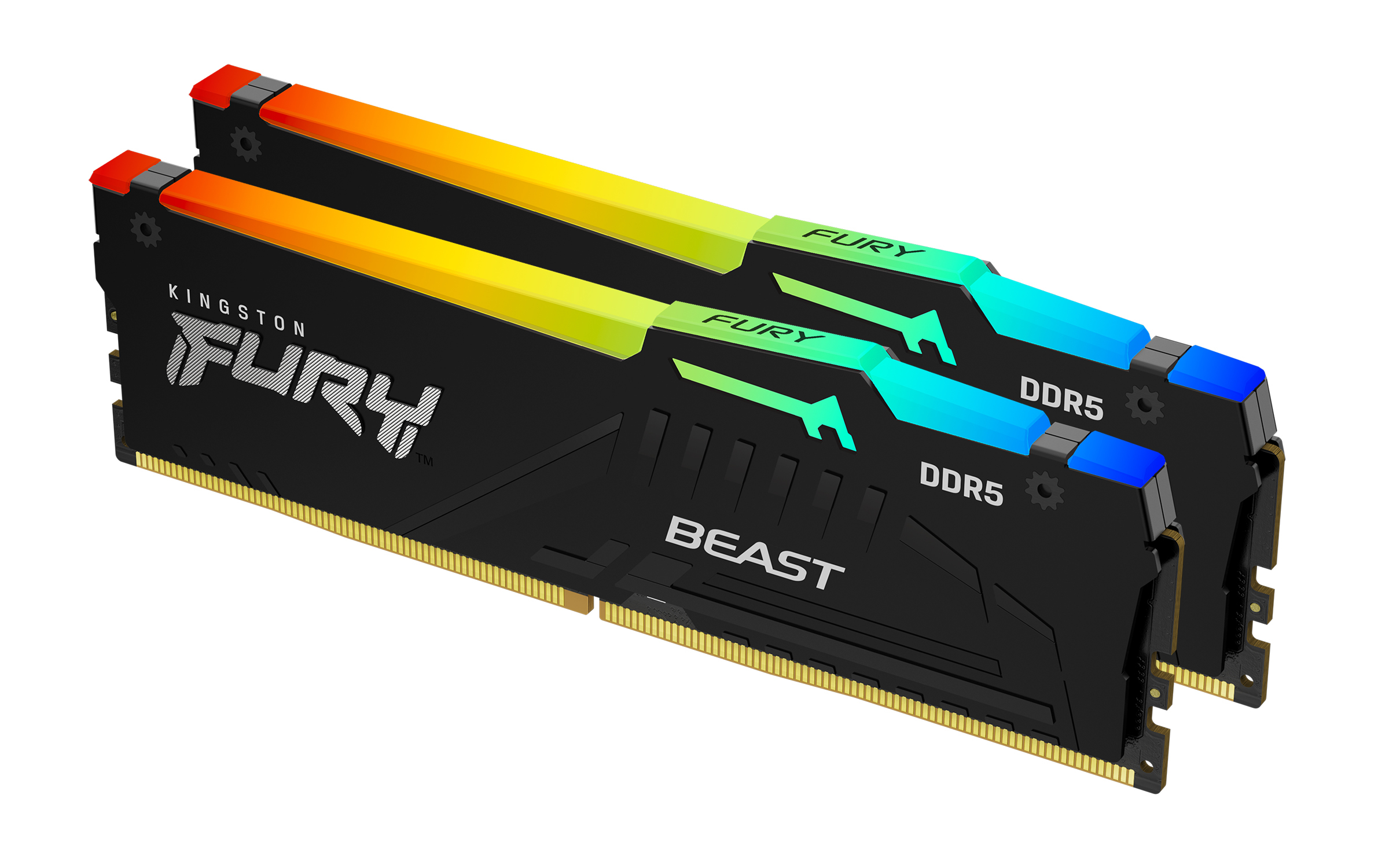
Kingston
Kingston FURY Beast RGB - DDR5 - kit - 64 GB: 2 x 32 GB - DIMM 288-pin - 6400 MHz / PC5-51200 - CL32 - 1.4 V - unbuffered - on-die ECC - black
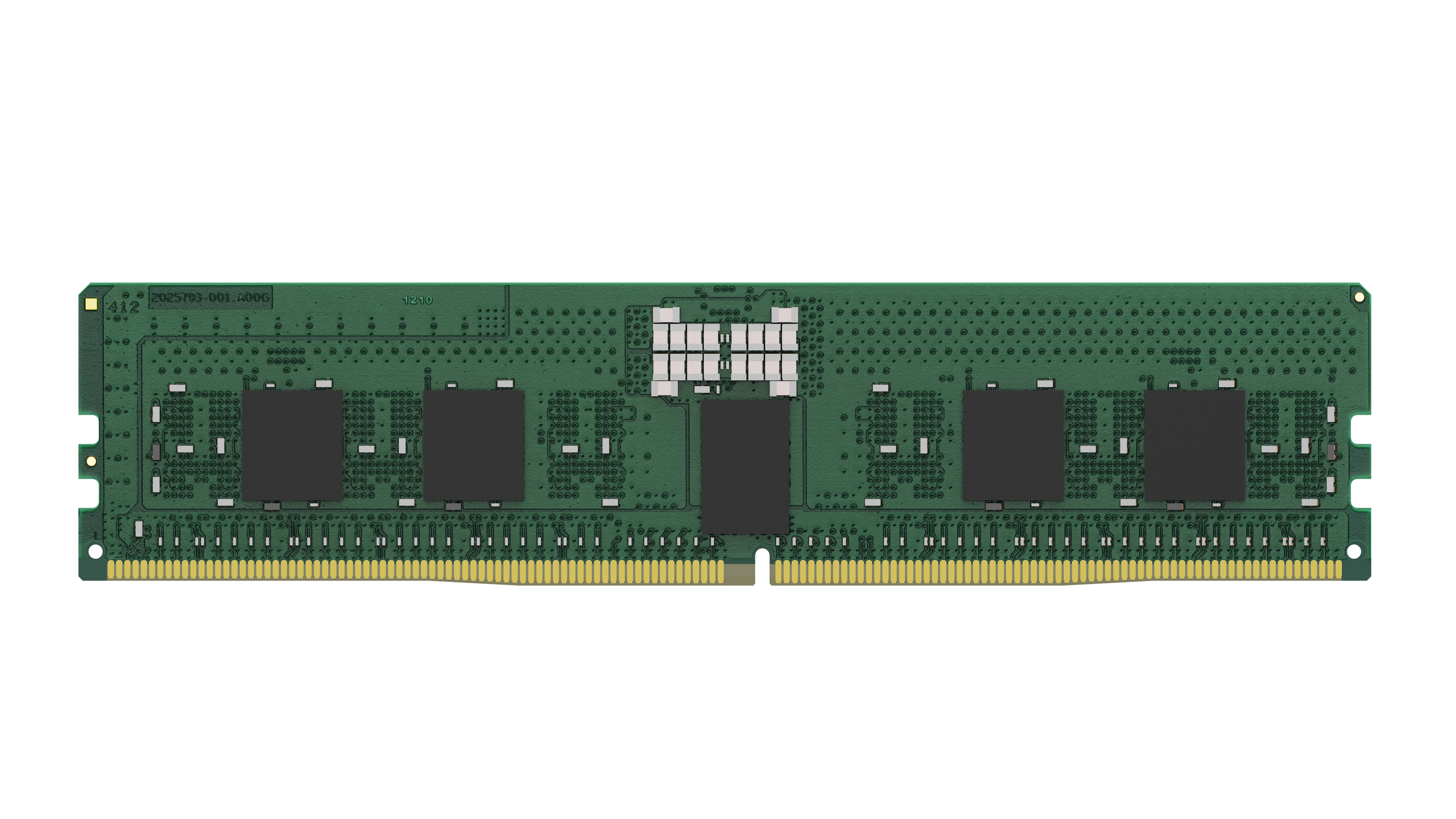
Kingston
Kingston - DDR5 - module - 16 GB - DIMM 288-pin - 5600 MHz / PC5-44800 - CL46 - 1.1 V - registered - ECC
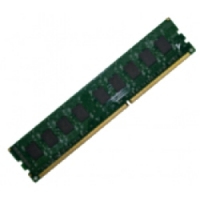
Qnap
QNAP - DDR4 - module - 32 GB - DIMM 288-pin - 2133 MHz / PC4-17000 - 1.2 V - registered - ECC
Powered by industry-leading technologies including SolarWinds, Cloudflare, BitDefender, AWS, Microsoft Azure, and Cisco Meraki to deliver secure, scalable, and reliable IT solutions.


