- IT Office Moves
How To Plan an Effective IT Office Move in 7 Steps
18 Mar, 2025


£556.69 inc. VAT
AI-generated summary
The Samsung LS34C650TAU is a sensible buy if you want an ultrawide workhorse for day-to-day productivity, and you’re happy to live in “less clutter, more workspace.” At 34" and a 21:9-style layout, spreadsheets, documents, coding, and side-by-side research feel much less cramped than a normal 16:9 monitor. Samsung’s tuning is usually reliable too—great if you don’t want to spend your evenings calibrating or tweaking menus just to get readable text and consistent colour.
That said, I wouldn’t rush to buy it purely as a “premium” content monitor. For the price (£463.91 ex-VAT), you should expect strong performance for business use first—ergonomics, connectivity and how well it handles your specific workflow matter more than marketing labels. If you need office-life features (easy docking, lots of ports, proper height/tilt options for your setup) or if you do lots of colour-critical work, you’ll want to double-check those practical bits before committing. It’s most worth it for knowledge workers who want a big productivity boost from one screen and aren’t chasing the highest-end display perks.
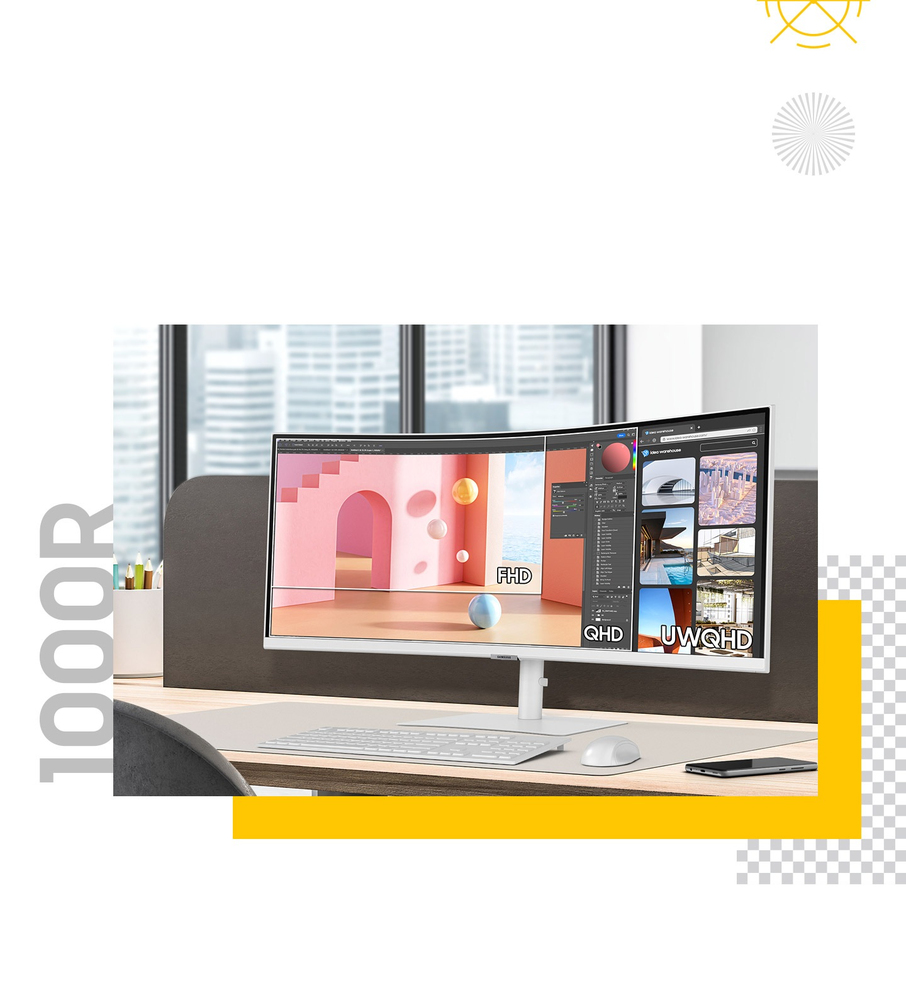
Ultra Wide immersion
Ultra-WQHD in 1000R curvature Immerse yourself in games, movies or design projects. A 34" 1000R curved display surrounds you with a 21:9 aspect ratio. The curve closely matches the human field of s...
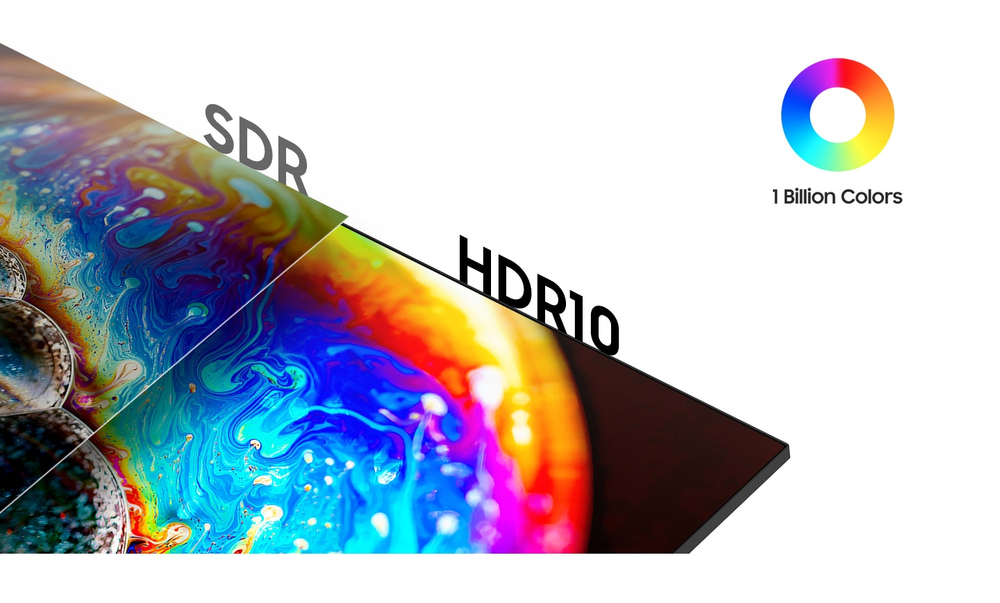
Enhanced realism through more colour
1 billion colours with HDR10 See a wider gamut of colours for stunning accuracy and detail. HDR10 provide near limitless hues and true-to-life colour representation, with darker darks and the brigh...
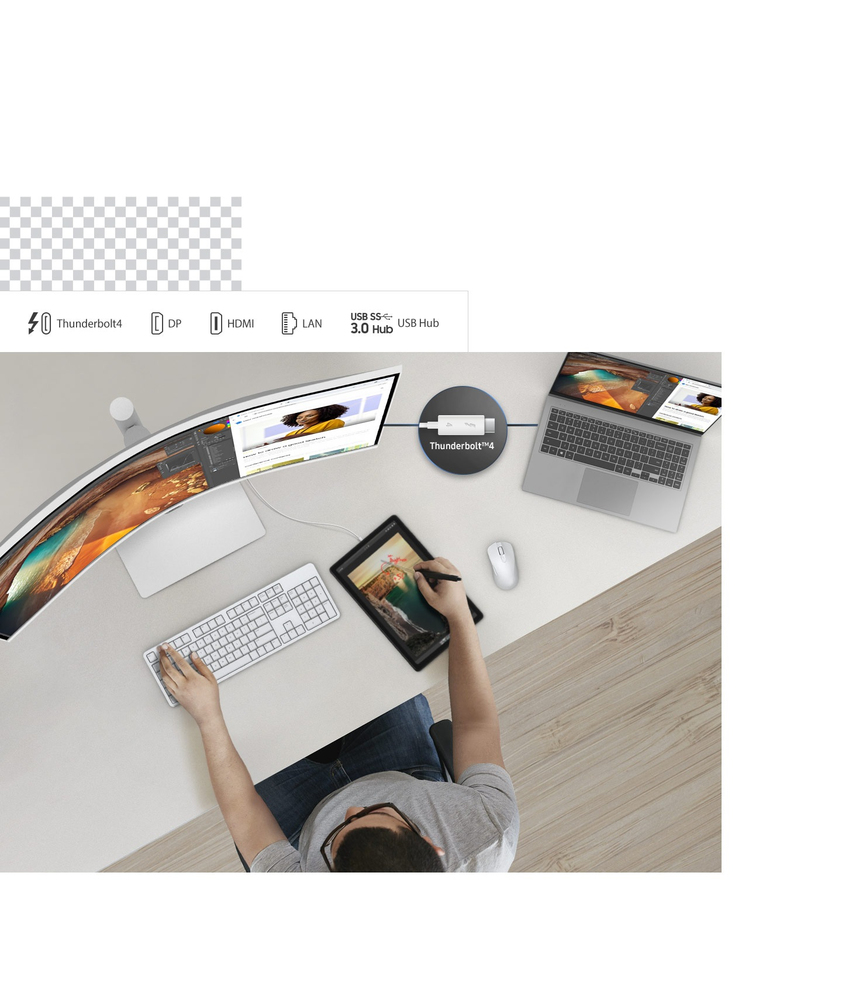
Connect to more
Thunderbolt™ 4 and More Ditch the clutter with multiple ports. Power devices with 90W charging and transmit data at the same time with Thunderbolt™ 4 connectivity. The HDMI, DisplayPort and USB3 Hu...
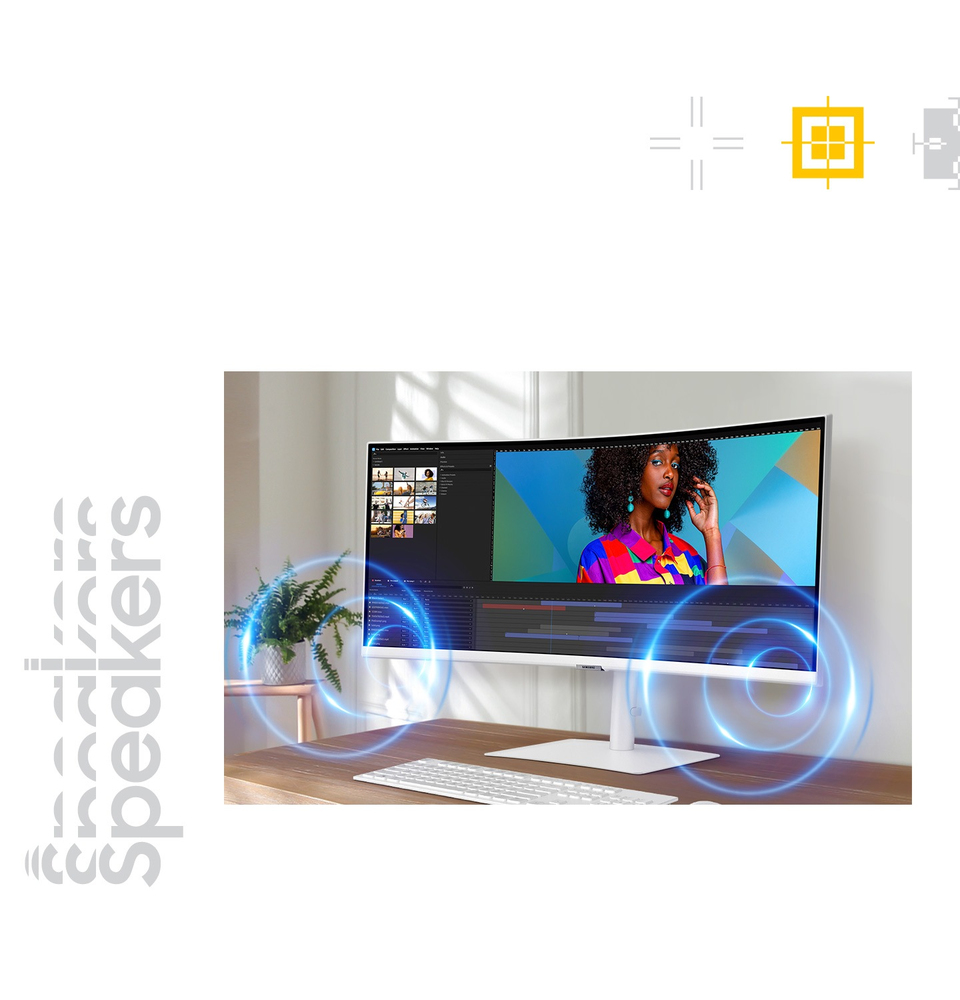
Sound without taking up space
Built-in speaker Work, learn and play without the need for additional peripherals. With built-in speakers, you can free up desk space by minimizing the connections needed for a more efficient worki...
Master multiple sources in harmony
KVM switch, PBP/PIP and Easy Setting Box Remove multi-device hassle. A built-in KVM switch lets you control two sources on your monitor with one keyboard and mouse. And it's up to you how you see e...
Adjustable to meet your needs
An ergonomic design Stay focused and comfortable, even when work runs long. Position the monitor to your fit your ergonomics, with a height-adjustable stand, along with swivel and tilt functions to...
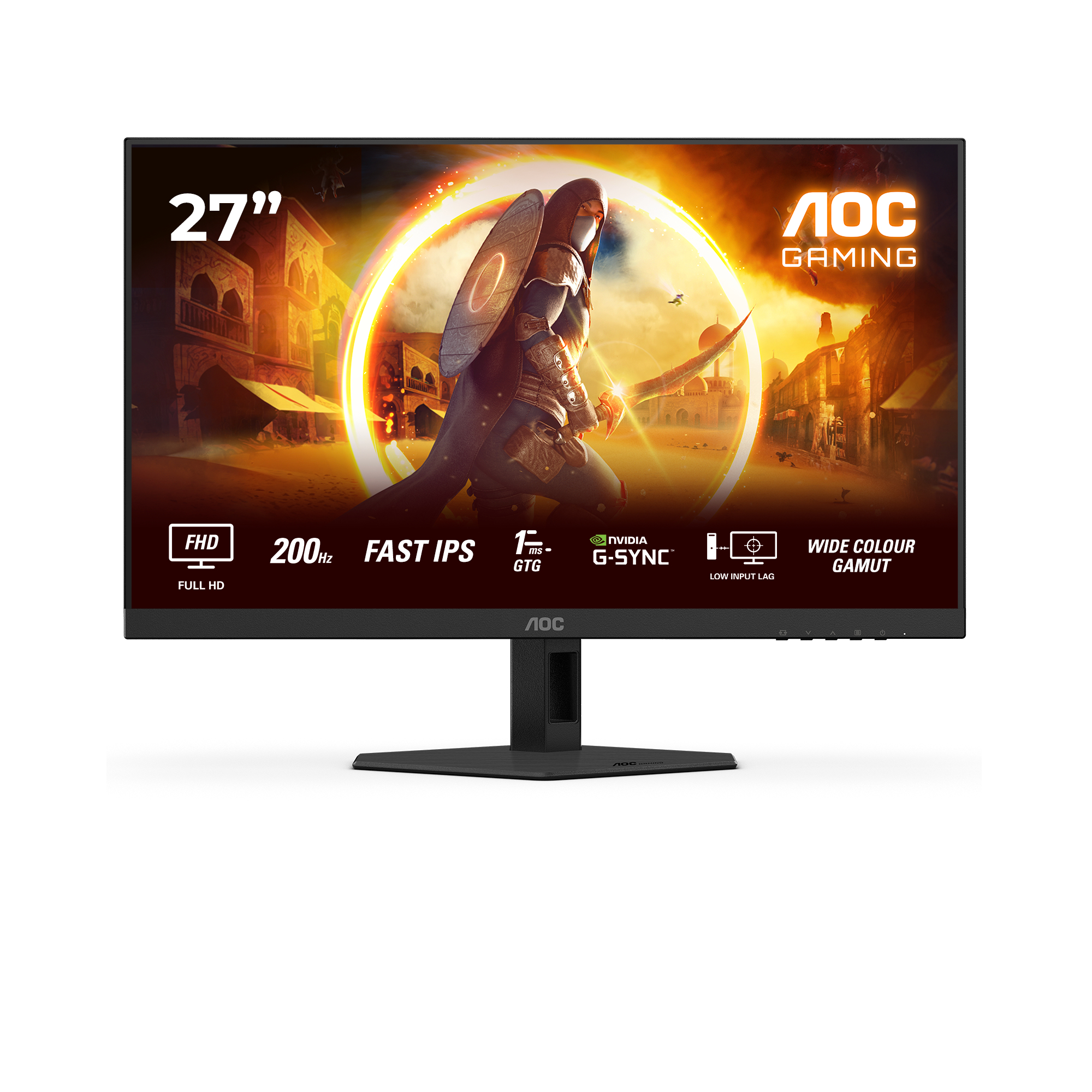
AOC
AOC Gaming 27G4HRE - LED monitor - gaming - 27" - 1920 x 1080 Full HD (1080p) @ 200 Hz - Fast IPS - 300 cd/m� - HDR10 - 0.5 ms - 2xHDMI, DisplayPort - speakers
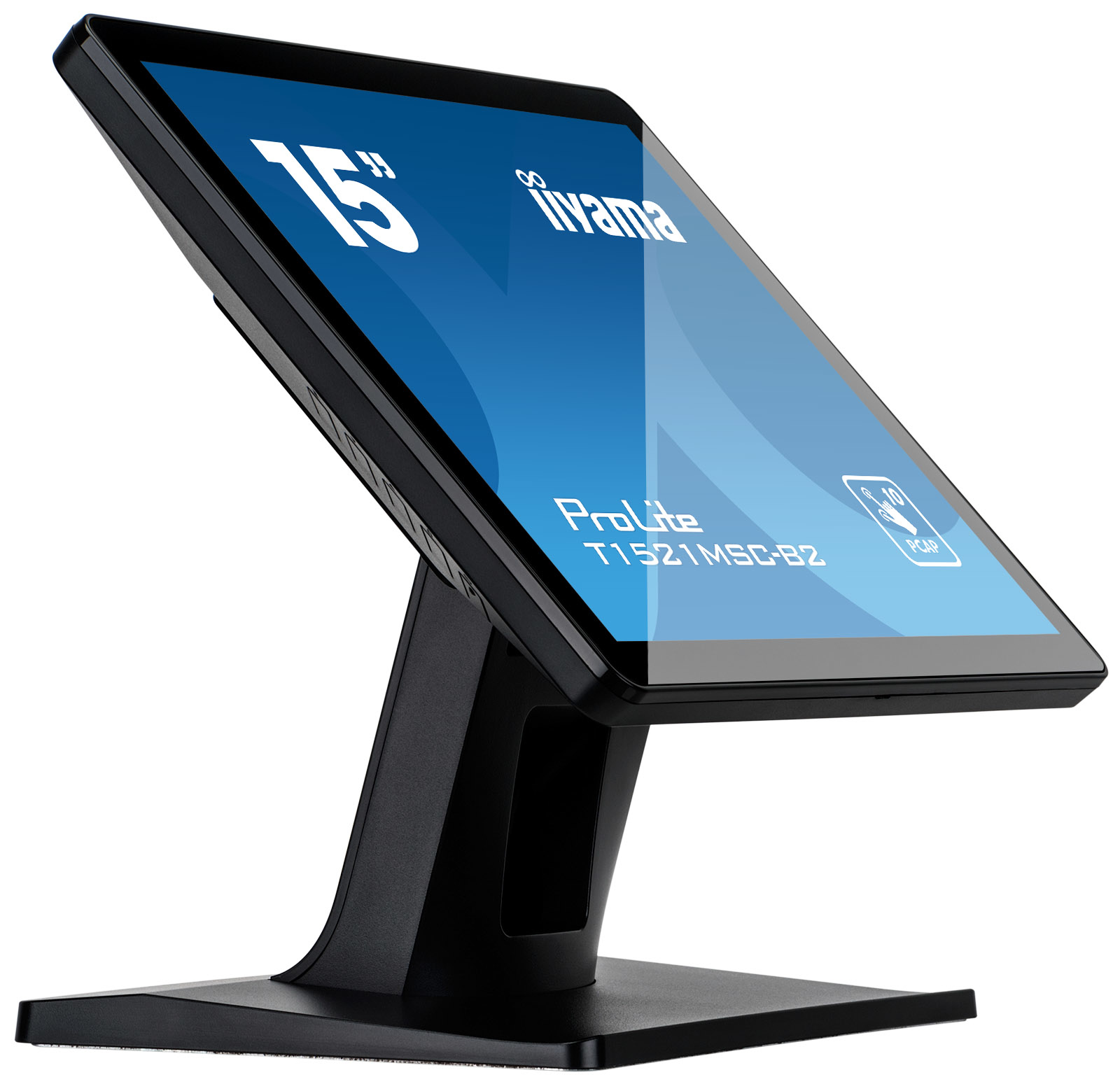
Iiyama
iiyama ProLite T1521MSC-B2 - LED monitor - 15" - touchscreen - 1024 x 768 - TN - 370 cd/m� - 800:1 - 8 ms - HDMI, VGA - speakers - matte black
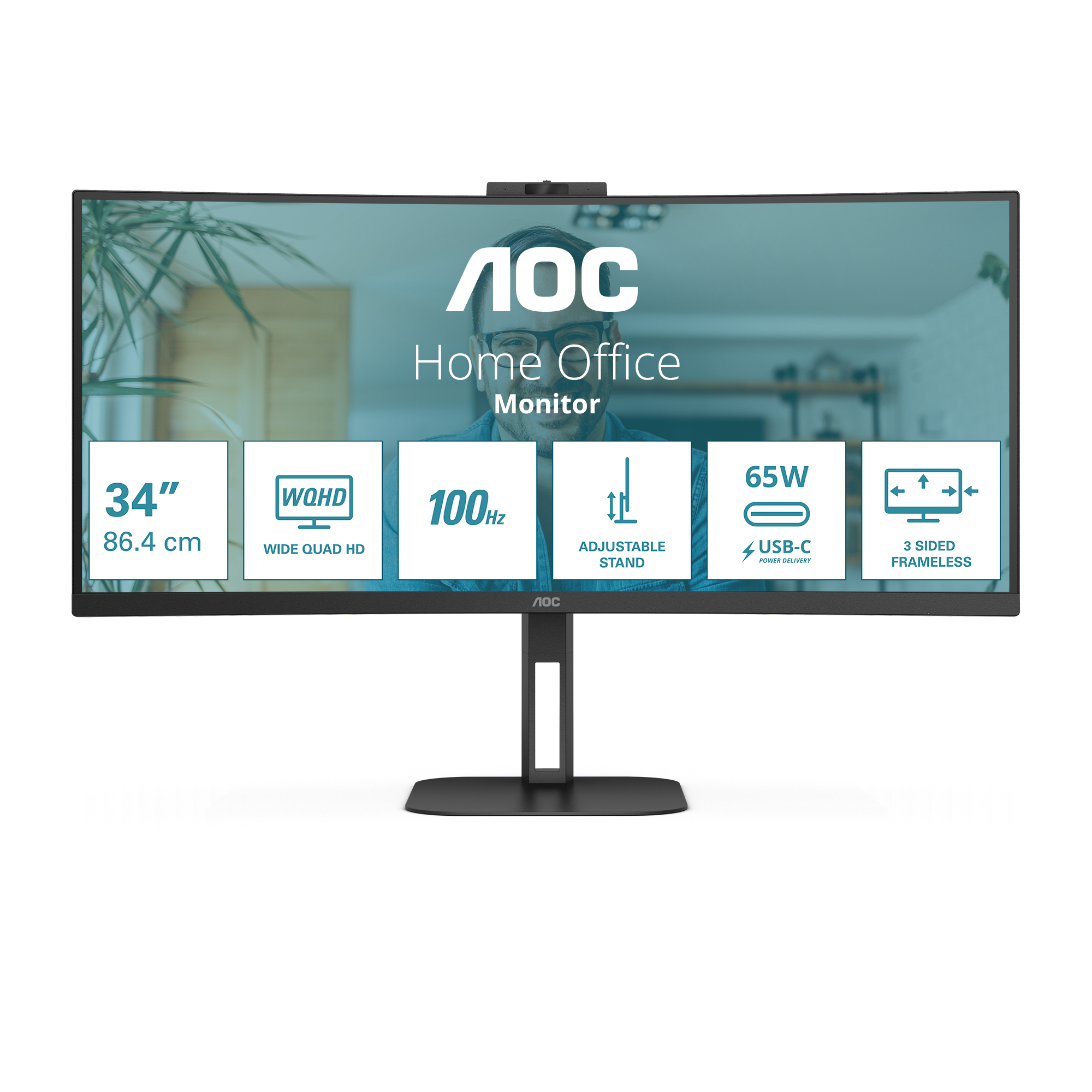
AOC
AOC Value-line CU34V5C/BK - V5 series - LED monitor - curved - 34" - 3440 x 1440 WQHD @ 100 Hz - VA - 300 cd/m� - 3000:1 - 4 ms - HDMI, DisplayPort, USB-C - speakers - matte black
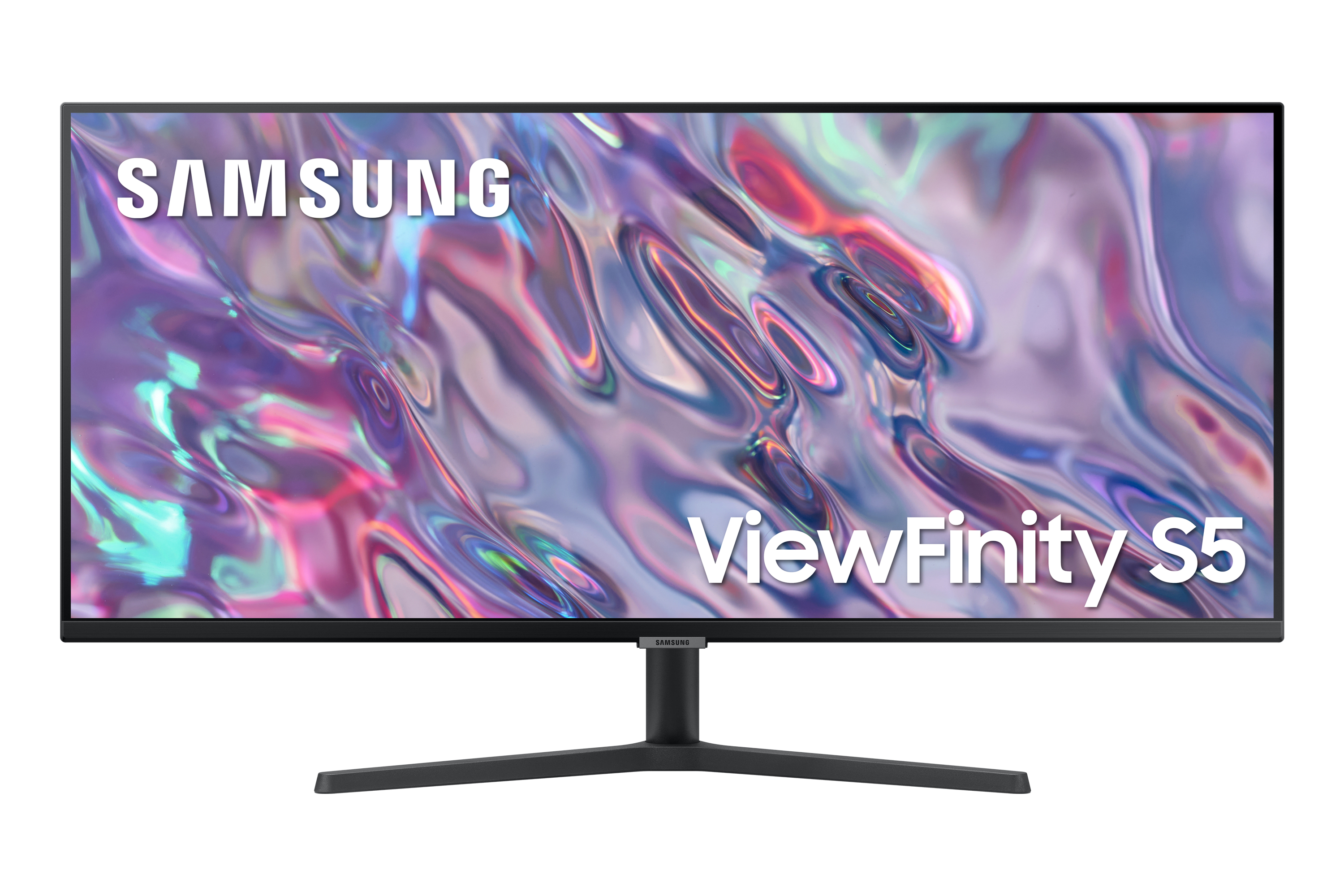
Samsung
Samsung ViewFinity S5 S34C500GAU - S50GC Series - LED monitor - 34" - 3440 x 1440 UWQHD @ 100 Hz - VA - 300 cd/m� - 3000:1 - HDR10 - 5 ms - 2xHDMI, DisplayPort - black