- Internet & Connectivity
How to Plan Network Infrastructure for a New Office
18 Mar, 2026
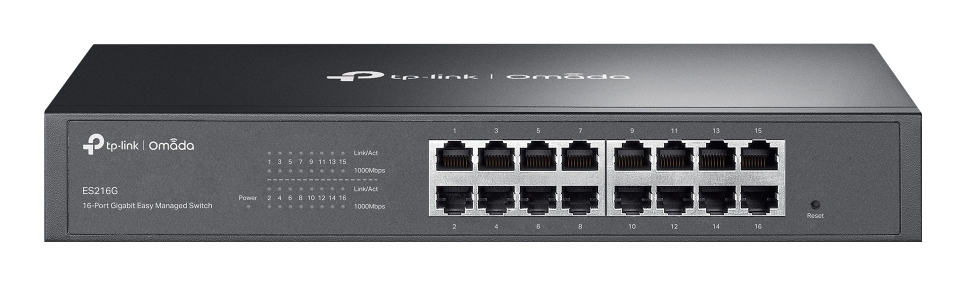
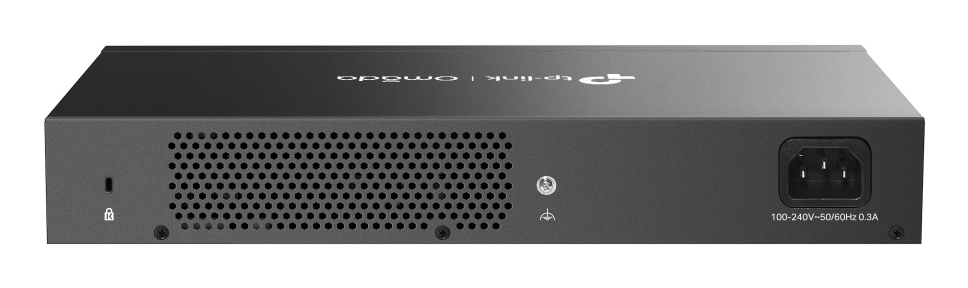
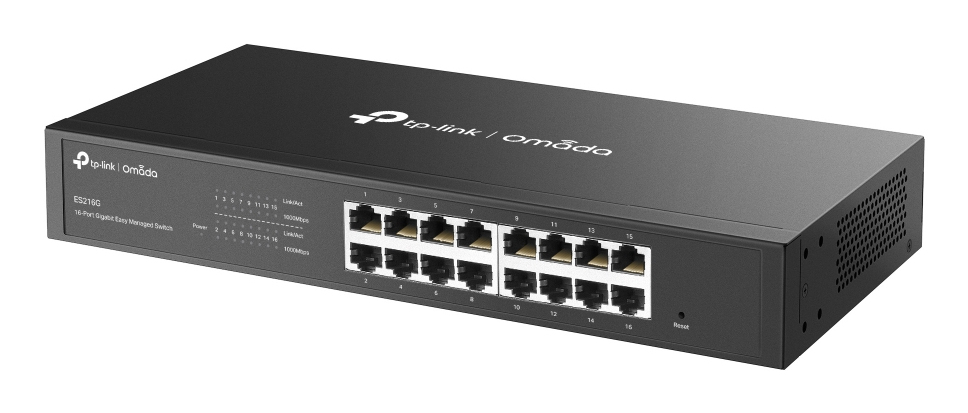
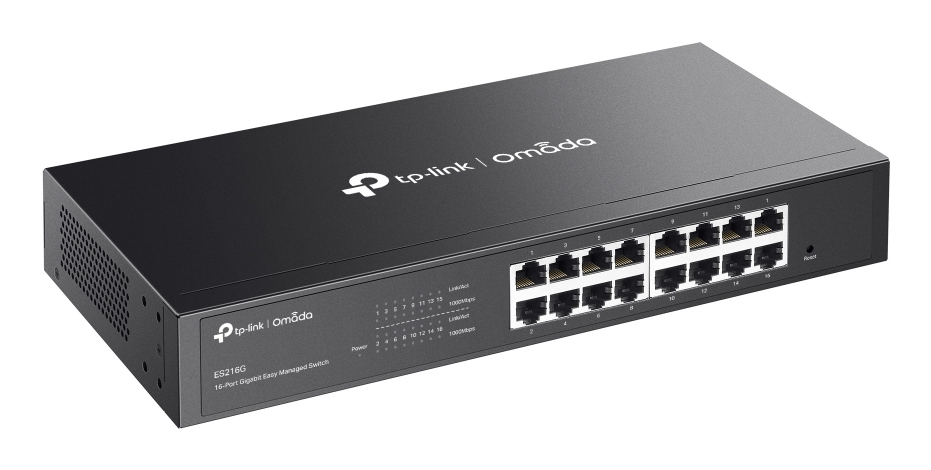
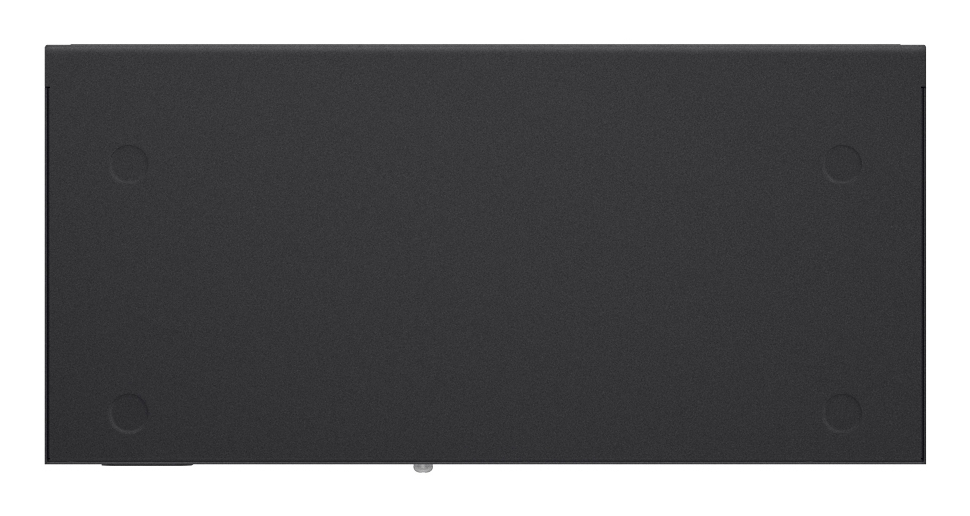
£107.70 inc. VAT
AI-generated summary
The TP-Link Omada ES216G is a solid little managed switch for the money. For the price point (£89.57 ex-VAT), you’re getting proper L2 management without going up to “proper grown-up” enterprise pricing, and that matters in day-to-day UK office installs where you just need VLANs, sensible port control and fewer headaches when things go wrong. If you’re already in Omada land (or planning to be), it’s especially easy to manage because you don’t end up bouncing between a standalone switch UI and everything else.
Who it suits: small offices, branch sites, meeting rooms, light retail setups—anywhere you want VLAN segmentation (e.g., guest vs corporate), basic traffic hygiene, and a cleaner network than an unmanaged switch gives you, but you don’t need stacking/backplane features or fancy layer-3 routing. Who should *avoid* it: teams running large, high-throughput networks with lots of inter-switch traffic, or anyone who needs more advanced features than basic managed L2 can offer. Also, if you’re not going to use Omada management, it’s still fine—but you may feel like you’d be better off picking a simpler managed option, depending on your requirements.
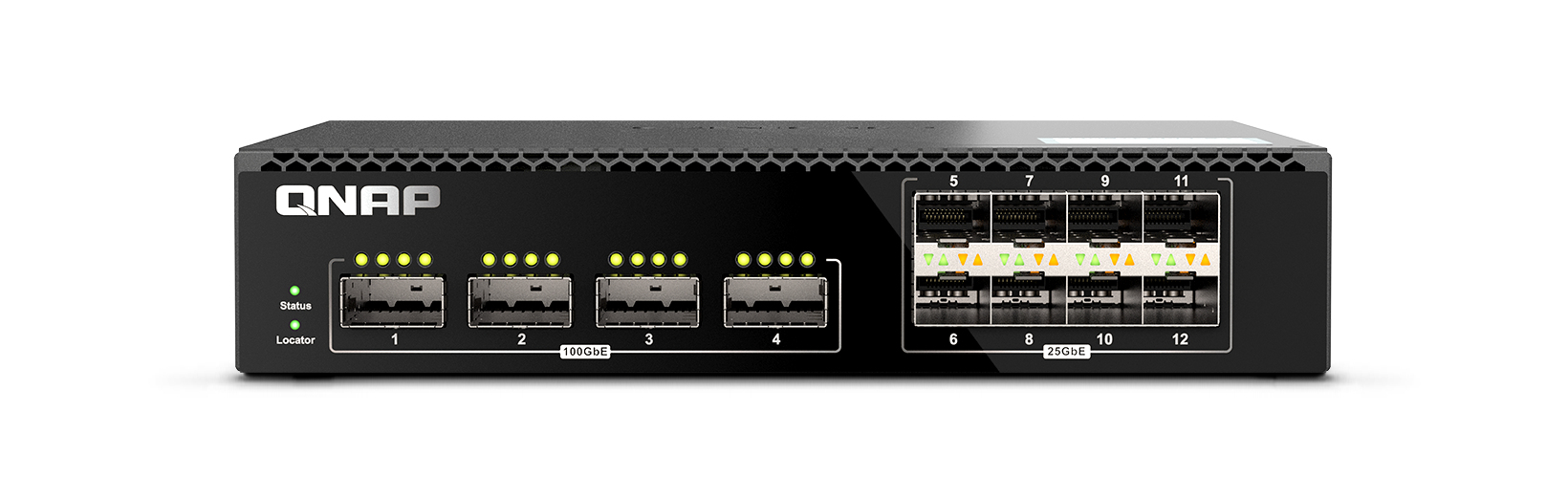
Qnap
QNAP QSW-M7308R-4X - Switch - Managed - 4 x 100 Gigabit QSFP28 + 8 x 25 Gigabit SFP28 - rack-mountable
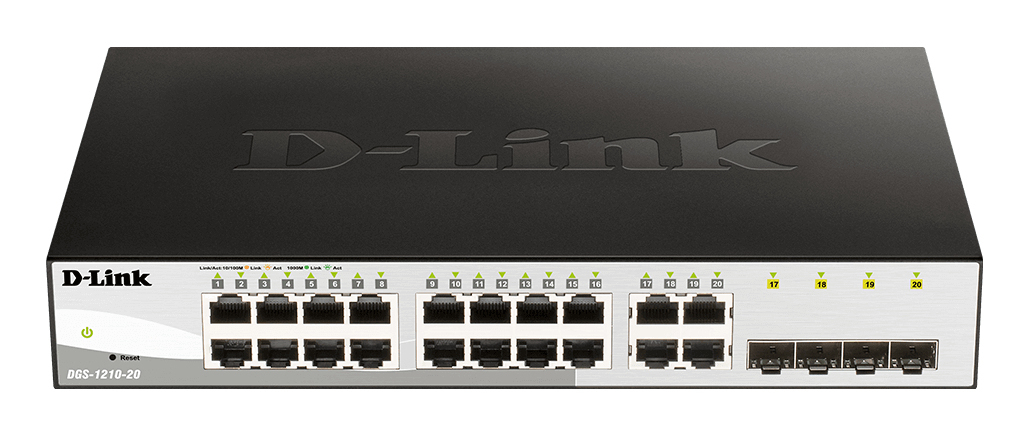
D-Link
16 10/100/1000 Base-T port with 4 x 1000Base-T /SFP ports
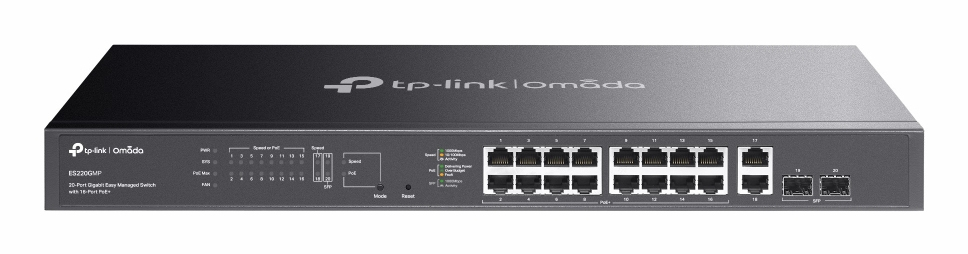
TP-Link
TP-Link Omada ES220GMP V1.6 - Switch - Managed - 16 x 10/100/1000 (PoE+) + 2 x 10/100/1000 + 2 x Gigabit SFP - rack-mountable - PoE+ (250 W)
TP-Link
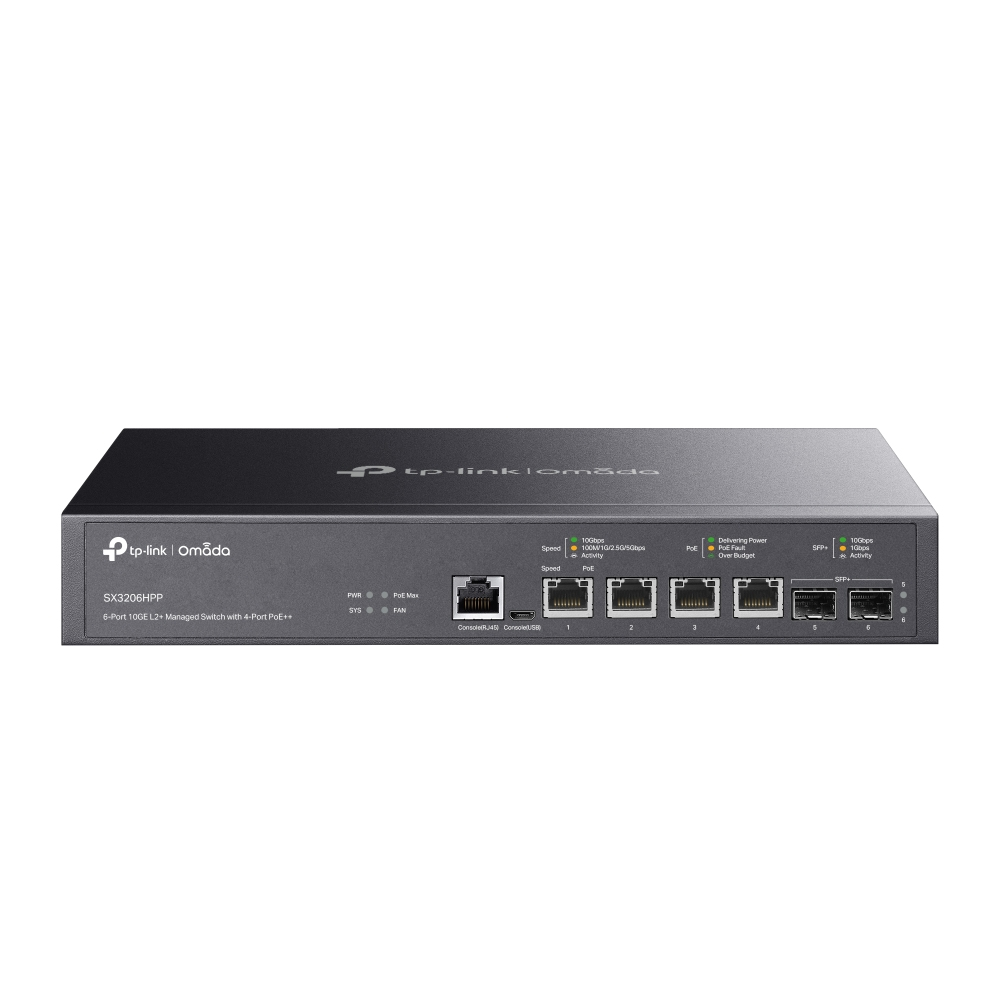
TP-Link JetStream TL-SX3206HPP V1 - Switch - L2+ - Managed - desktop, rack-mountable - PoE++ (200 W)