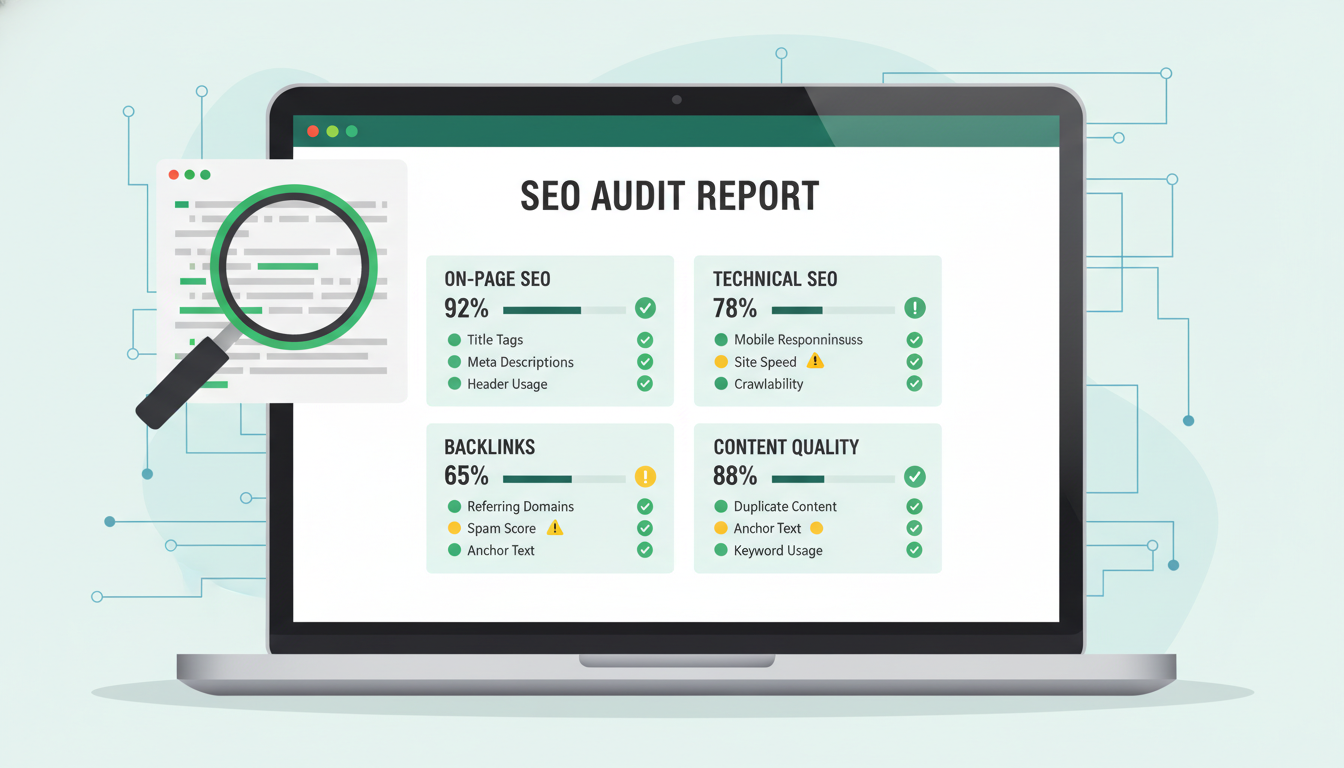
Your website might look perfectly fine on the surface - professional design, decent content, reasonable loading times - and still be haemorrhaging search traffic due to hidden SEO issues. Technical problems, on-page gaps, and structural weaknesses can silently suppress your rankings without triggering any obvious alarms. A thorough SEO audit is the process of systematically uncovering these problems and building a prioritised plan to fix them.
For UK businesses that depend on organic search to generate enquiries and sales, an SEO audit isn't optional - it's essential maintenance. Just as you'd service your company vehicle or review your financial accounts, your website needs regular inspection to ensure it's performing at its best. This guide provides a comprehensive, practical framework for auditing your website's SEO, covering everything from technical foundations to content quality and competitive positioning.
Why You Need a Regular SEO Audit
Search engines update their algorithms hundreds of times per year. Google alone confirmed over 4,000 changes to its search systems in a single year. What worked well twelve months ago might be actively hurting your rankings today. Common triggers that should prompt an immediate audit include sudden traffic drops, a website redesign or migration, launching new products or services, or simply not having audited in the past six months.
Beyond algorithm changes, your competitors aren't standing still. If they're improving their SEO while yours stagnates, you'll see a gradual decline in rankings even if you've done nothing wrong. An audit helps you understand where you stand relative to the competition and where the most valuable opportunities lie.
Phase 1: Technical SEO Audit
Technical SEO is the foundation everything else sits on. If search engines can't properly crawl, index, and render your pages, no amount of brilliant content will save you. Start here.
Crawlability and Indexation
Begin by checking how search engines see your site. Open Google Search Console and review the Pages report (formerly Coverage). Look for pages with errors - these are URLs Google tried to crawl but couldn't process correctly. Common issues include server errors (5xx), redirect loops, pages blocked by robots.txt, and noindex tags applied accidentally.
Next, compare the number of indexed pages in Search Console against the number of pages you actually want indexed. If you have 200 pages but only 120 are indexed, something is preventing Google from finding or including the rest. If you have 200 pages but 500 are indexed, you likely have duplicate content, parameter URLs, or other technical bloat inflating your index.
Site Speed and Core Web Vitals
Page speed has been a confirmed ranking factor since 2018, and Core Web Vitals became a ranking signal in 2021. Use Google PageSpeed Insights to test your key pages - homepage, main service pages, and your most important blog posts. Focus on three metrics: Largest Contentful Paint (LCP, target under 2.5 seconds), First Input Delay (FID, target under 100ms), and Cumulative Layout Shift (CLS, target under 0.1).
Common speed killers include unoptimised images, render-blocking JavaScript, excessive third-party scripts (analytics, chat widgets, social media embeds), and poor server response times. For UK businesses, ensure your hosting is geographically appropriate - a server in California will add latency for users in London or Manchester.
Mobile Usability
Google uses mobile-first indexing, meaning it predominantly uses the mobile version of your site for ranking and indexing. Test your site's mobile experience using Google's Mobile-Friendly Test and by physically browsing on a smartphone. Look for text that's too small, buttons placed too close together, horizontal scrolling, and content that's hidden or truncated on mobile.
HTTPS and Security
Your entire site should be served over HTTPS. Check for mixed content warnings (pages served over HTTPS that load resources like images or scripts over HTTP), expired SSL certificates, and insecure forms. Beyond the ranking benefit, HTTPS is a trust signal for users - particularly important for UK businesses handling customer data.
XML Sitemap and Robots.txt
Your XML sitemap should accurately reflect your site's structure, including only URLs you want indexed and excluding those you don't. Verify it's submitted in Google Search Console and check for errors. Your robots.txt file should not be accidentally blocking important pages or directories - this is a surprisingly common issue, especially after website migrations.
Phase 2: On-Page SEO Audit
With technical foundations checked, move to on-page elements - the content and HTML signals that tell search engines what each page is about and how relevant it is to specific queries.
Title Tags and Meta Descriptions
Review every page's title tag and meta description. Title tags should be unique, include your primary target keyword naturally, and stay under 60 characters. Meta descriptions should be compelling, include a call to action, and stay under 155 characters. Common problems include duplicate title tags across multiple pages, missing meta descriptions, titles that are too long (and get truncated in search results), and keyword-stuffed titles that read unnaturally.
Heading Structure
Each page should have exactly one H1 tag that clearly describes the page's topic. H2 tags should break the content into logical sections, and H3 tags should subdivide those sections where appropriate. Check for pages with missing H1 tags, multiple H1 tags, or heading tags used purely for styling rather than structure.
Content Quality and Depth
Thin content is one of the most common SEO problems for UK business websites. Evaluate each key page against these questions: Does it thoroughly address the user's search intent? Is it at least as comprehensive as the top-ranking competitors? Does it provide unique value - original insights, data, or perspectives? Is it well-structured with subheadings, lists, and visual elements? Has it been updated recently?
Pages with fewer than 300 words rarely rank well for competitive terms. For service pages and cornerstone blog posts, aim for 1,500–2,500 words of genuinely useful content. Quality always trumps quantity, but depth matters for demonstrating expertise.
Never add content purely for word count. Google's Helpful Content Update specifically targets pages that feel like they were written for search engines rather than people. Every paragraph should earn its place by providing genuine value to the reader.
Internal Linking
Internal links distribute authority across your site and help search engines understand your content hierarchy. Check for orphaned pages (pages with no internal links pointing to them), pages with too few internal links, broken internal links, and opportunities to link from high-authority pages to important but underperforming ones. A solid internal linking strategy should create clear topical clusters, with pillar pages linking to related supporting content and vice versa.
Image Optimisation
Images are frequently overlooked in SEO audits. Check that all images have descriptive alt text (not just "image1.jpg"), file sizes are optimised (use WebP format where possible), dimensions are appropriate (don't upload a 4000px image and display it at 400px), and file names are descriptive and include relevant keywords where natural.
Phase 3: Off-Page and Authority Audit
Your site's authority - largely determined by the quality and quantity of external links pointing to it - significantly influences rankings. This phase examines your backlink profile and overall domain strength.
Backlink Profile Analysis
Use tools like Ahrefs, Moz, or SEMrush to pull your complete backlink profile. Evaluate the total number of referring domains, the quality distribution (how many links come from authoritative, relevant sites versus low-quality or spammy ones), anchor text distribution (is it natural and varied, or does it look manipulated?), and the rate of new link acquisition (are you gaining or losing links over time?).
Toxic Link Identification
Not all backlinks are beneficial. Links from spammy directories, link farms, irrelevant foreign-language sites, or private blog networks can actively harm your rankings. Identify any toxic links and consider submitting a disavow file through Google Search Console if they constitute a significant portion of your profile.
Competitor Comparison
Compare your backlink profile against your top three to five competitors for your most important keywords. Look at their total referring domains, their most valuable links, and - critically - links they have that you don't. This gap analysis reveals specific link-building opportunities you can pursue.
Phase 4: Local SEO Audit (For UK Businesses With Physical Locations)
If your business serves customers in specific geographic areas - whether you have a physical office or simply target particular UK regions - local SEO deserves dedicated attention in your audit.
Google Business Profile
Verify that your Google Business Profile is claimed, fully completed, and accurate. Check your business name, address, phone number (NAP), opening hours, categories, and description. Ensure your photos are current and high-quality. Review and respond to all customer reviews - both positive and negative. Businesses that actively manage their Google Business Profile consistently outrank those that don't.
Local Citations
A citation is any online mention of your business NAP. Consistency is critical - your name, address, and phone number must be identical everywhere they appear. Check major UK directories including Yell, Thomson Local, Bing Places, Apple Maps, and industry-specific directories. Inconsistent citations confuse search engines and can suppress local rankings.
Location-Specific Content
If you serve multiple UK locations, each should have a dedicated, unique page with location-specific content. Avoid thin location pages that differ only in the city name - Google sees through this and may penalise it. Include genuine local information: directions, parking details, local landmarks, and content relevant to that specific community.
Phase 5: Content Gap Analysis
An audit isn't just about fixing problems - it's about identifying opportunities. A content gap analysis reveals topics and keywords your competitors rank for that you don't, allowing you to plan new content that captures additional search traffic.
Export the keywords your top competitors rank for using SEMrush, Ahrefs, or a similar tool. Compare against your own keyword rankings. The gap - keywords they rank for that you don't - represents your content opportunity map. Prioritise gaps based on search volume, commercial intent (how likely the searcher is to become a customer), and difficulty (how hard it will be to rank).
For UK businesses, pay particular attention to localised keyword variations. "IT support London" and "IT support Manchester" are entirely different keywords with different competition levels and local intent signals. Your content strategy should account for these geographic variations.
Building Your Audit Action Plan
An audit that produces a list of problems but no action plan is only half the job. Once you've completed all five phases, organise your findings into a prioritised roadmap using this framework.
Critical (fix within one week): Issues that are actively preventing pages from being indexed or causing significant ranking harm. Examples include noindex tags on important pages, broken redirects, severe speed issues, and manual penalties.
High priority (fix within one month): Issues that are meaningfully suppressing performance but aren't causing catastrophic harm. Examples include missing or duplicate title tags, thin content on key pages, and significant crawl errors.
Medium priority (fix within three months): Issues that represent optimisation opportunities rather than critical failures. Examples include image alt text gaps, internal linking improvements, and schema markup implementation.
Low priority (ongoing): Continuous improvement activities like content gap creation, backlink building, and regular technical monitoring.
Track everything in a spreadsheet or project management tool. For each issue, record the URL, the problem, the priority level, who's responsible for fixing it, and the status. This audit document becomes a living roadmap that you update and review regularly, not a one-off report that sits in a drawer.
Tools You'll Need for a Comprehensive Audit
You don't need every tool on the market, but you do need the right combination. Here's a practical toolkit for UK businesses.
Free tools: Google Search Console (indexation, performance data, Core Web Vitals), Google Analytics (traffic patterns, user behaviour), Google PageSpeed Insights (page speed analysis), Screaming Frog SEO Spider (free for up to 500 URLs - covers most SME websites), and Google's Mobile-Friendly Test.
Paid tools: Ahrefs or SEMrush (backlink analysis, keyword research, competitor analysis - essential for phases 3 and 5), Screaming Frog paid licence (for sites over 500 URLs), and Surfer SEO or Clearscope (for content quality benchmarking).
For most small to medium UK businesses, the combination of Google's free tools plus one paid tool (Ahrefs or SEMrush) provides everything needed for a thorough audit.
Choosing the right combination of tools is essential, but it is equally important to understand what each tool excels at and where its limitations lie. The following table summarises the most widely used SEO audit tools, their pricing models, and how well they serve UK-based businesses. Having this overview to hand will help you assemble a toolkit that covers every phase of your audit without unnecessary duplication or expense.
| Tool | Type | Best For | UK Suitability |
|---|---|---|---|
| Google Search Console | Free | Indexation, performance, Core Web Vitals | Excellent - direct Google data |
| Screaming Frog | Free (up to 500 URLs) | Technical crawl analysis | Excellent - UK-based company |
| Ahrefs | Paid (from £79/mo) | Backlink analysis, keyword research | Strong UK database coverage |
| SEMrush | Paid (from £99/mo) | Competitor analysis, full site audit | Comprehensive UK keyword data |
| Google PageSpeed Insights | Free | Core Web Vitals, speed diagnostics | Excellent - real UK user data |
| Surfer SEO | Paid (from £49/mo) | Content optimisation benchmarking | Good - supports UK SERP analysis |
How Often Should You Audit?
The frequency depends on your site's size and how actively you're publishing content. As a general guideline, comprehensive audits should happen every six months. Technical spot-checks (speed, crawl errors, indexation) should be monthly. Content audits of your most important pages should be quarterly. Backlink profile reviews should be quarterly.
If you experience a sudden, unexplained drop in organic traffic, conduct an immediate audit focused on the affected pages. Check Google Search Console for manual actions, review recent algorithm updates, and inspect any recent changes to the affected pages or their templates.
Common Audit Findings for UK Business Websites
Having audited hundreds of UK business websites, certain issues appear with remarkable consistency. Slow page speeds are almost universal, typically caused by unoptimised images and excessive plugins (particularly on WordPress sites). Duplicate or cannibalised content is extremely common - multiple pages targeting the same keyword, confusing Google about which to rank. Poor mobile experience persists despite mobile-first indexing being years old. Thin service pages with just a paragraph or two of generic copy fail to demonstrate expertise. Inconsistent local citations are ubiquitous among multi-location businesses.
If your site is a WordPress site - as many UK business sites are - additional issues to watch for include bloated databases from revision history, plugin conflicts causing JavaScript errors, theme-generated duplicate pages, and XML sitemaps that include category, tag, and author archive pages unnecessarily.
What to Do After the Audit
Completing the audit is the beginning, not the end. Implement your fixes according to the priority framework above, and measure the impact of each change. Track rankings for your target keywords weekly, monitor organic traffic trends monthly, and compare performance quarter over quarter.
Some changes - like fixing a noindex tag or resolving a redirect chain - will produce nearly immediate results. Others - like building backlinks or creating new content - take months to show their full effect. Patience and consistent execution are essential. SEO is a long game, and an audit gives you the map to play it strategically.
DIY Audit vs Professional SEO Audit
One of the most common decisions UK businesses face is whether to conduct their SEO audit in-house or engage a professional agency. Both approaches have merit, and the right choice depends on your internal capabilities, budget, and the complexity of your website. A smaller business with a straightforward brochure site may manage perfectly well with an in-house audit using free tools. However, larger or more complex sites - particularly those with e-commerce functionality, multiple subdomains, or international targeting - typically benefit significantly from professional expertise.
Professional auditors bring not only technical knowledge but also objective perspective. It is remarkably difficult to identify problems on a website you interact with every day, in much the same way that a proofreader catches errors an author has read past dozens of times. An experienced SEO professional will also benchmark your site against industry standards and competitor performance, providing context that is nearly impossible to generate internally without access to premium tooling and years of comparative data.
DIY SEO Audit
Professional SEO Audit
Need Expert Help Auditing Your Website?
Our SEO specialists conduct comprehensive audits for UK businesses, identifying exactly what's holding your site back and building a clear, prioritised roadmap to improve rankings and organic traffic. Get a professional assessment today.
GET IN TOUCH
CloudSwitched
London-based managed IT services provider offering support, cloud solutions and cybersecurity for SMEs.


