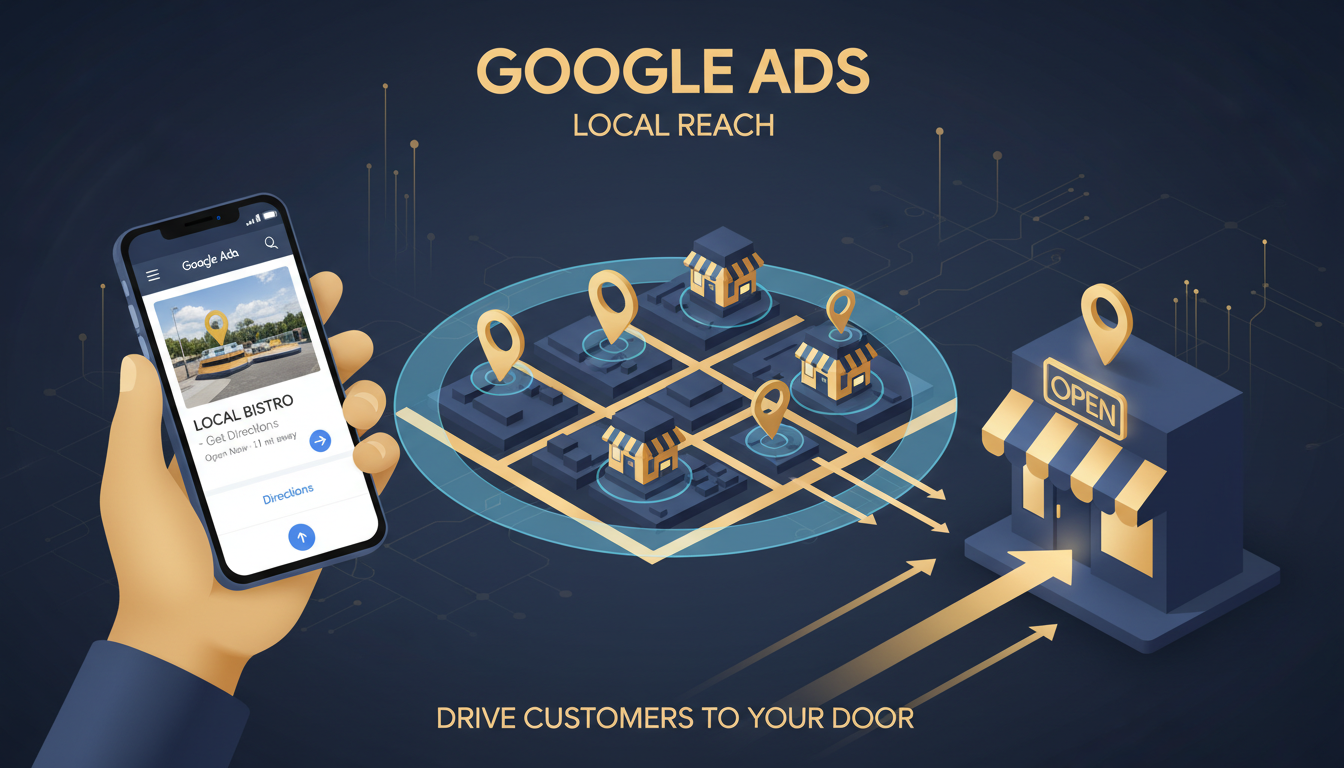
For local businesses across the United Kingdom, the customers who matter most are the ones right on your doorstep. Whether you run a dental practice in Bristol, a plumbing company in Glasgow, or a boutique hotel in the Cotswolds, your revenue depends on reaching people within your service area at the precise moment they need what you offer.
Google Ads has become the most powerful tool available for connecting local businesses with nearby customers. When someone types "emergency plumber near me" or "best restaurant in York" into their phone, Google Ads determines which businesses appear at the top of results - and those positions drive real, measurable footfall and phone calls.
This guide is specifically written for UK local businesses. It covers everything from setting up your first local campaign to advanced strategies that the most successful local advertisers use to dominate their service areas.
Why Google Ads Works for Local Businesses
Local advertising has been transformed by mobile search. Over 76% of people who search for something nearby on their smartphone visit a business within 24 hours, and 28% of those searches result in a purchase. For UK local businesses, this represents an extraordinary opportunity - your potential customers are actively telling Google what they need, right now, in your area.
Unlike traditional local advertising channels - newspaper ads, leaflets, local radio - Google Ads connects you with people who have declared their intent through their search query. Someone searching "dentist accepting new patients Leeds" is not casually browsing; they are actively looking for a dentist in Leeds and are ready to book. This intent-driven nature makes Google Ads fundamentally more efficient than broadcast advertising for local businesses.
Setting Up Google Ads for Your Local Business
Getting started with Google Ads as a local UK business requires a different approach than a national e-commerce brand. Your campaigns need to be laser-focused on geography, highly relevant to local search behaviour, and designed to drive the actions that matter most - phone calls, direction requests, and store visits.
Step 1: Define Your Service Area Precisely
Location targeting is the foundation of any local Google Ads campaign. Google offers several ways to define your service area: by town or city, by postcode, by radius around a specific address, or by drawing a custom area on the map. For most UK local businesses, radius targeting provides the best balance of precision and reach.
Consider the realistic distance customers will travel to reach you. A takeaway restaurant in central Manchester might target a 3-mile radius. A specialist medical practice could target a 25-mile radius because patients are willing to travel further for specialist care. A mobile service like a locksmith or electrician should target their entire operational area.
Critically, use the "Presence" targeting option rather than "Presence or interest." The latter will show your ads to people who are merely interested in your area (perhaps planning a visit) but are not physically there. For most local businesses, this wastes budget on people who cannot actually visit.
Step 2: Build a Local Keyword Strategy
Local keyword research differs from standard keyword research. You need to capture three types of local search intent:
- Explicit local searches - These include the location in the query: "accountant in Cardiff," "hair salon Nottingham," "best pizza Edinburgh." Target these with location-modified keywords.
- Implicit local searches - These rely on the searcher's location without naming it: "dentist near me," "open now," "emergency plumber." Google determines local intent from the user's GPS data and serves location-relevant results.
- Service-specific searches - Some searches indicate local intent through the nature of the service: "boiler repair," "dog grooming," "MOT test." Google understands these are inherently local services and shows local results even without location modifiers.
Build your keyword lists to cover all three types. Use Google's Keyword Planner filtered to your target area to find search volumes and competition levels specific to your local market. Pay attention to the language your customers actually use - in many UK regions, colloquial terms differ from formal service descriptions.
Step 3: Write Compelling Local Ad Copy
Your ad copy needs to do more than describe your service - it needs to convince a local searcher that you are the best choice in their area. Effective local ad copy includes:
- Location references - Mention your town, neighbourhood, or area. "Award-winning dentistry in Harrogate" feels more relevant than a generic dental ad.
- Social proof - "Rated 4.9 stars by over 500 local customers" or "Trusted by businesses across the West Midlands" builds credibility immediately.
- Urgency and availability - "Same-day appointments available" or "24/7 emergency callout" addresses the immediate need that drives many local searches.
- Specific calls to action - "Call now for a free quote" or "Book online in 60 seconds" tell the searcher exactly what to do next.
Use Google Ads' location insertion feature to dynamically insert the searcher's city or region into your ad headlines. An ad that says "Expert Roofing in {LOCATION}" will automatically show "Expert Roofing in Sheffield" to someone searching from Sheffield, increasing relevance without creating separate ads for every location.
Google Business Profile: Your Local Ads Supercharger
Your Google Business Profile (GBP) is not just a free listing - it is an integral part of your paid advertising strategy. Google Ads and GBP work together in ways that significantly impact your local ad performance.
When you link your Google Business Profile to your Google Ads account, you unlock location extensions, which display your address, phone number, and distance from the searcher directly in your ads. For local businesses, these extensions are transformative. An ad that shows "0.3 miles away" or displays your opening hours gives the searcher immediate, actionable information that generic ads cannot match.
More importantly, Google uses your Business Profile quality as a signal when determining ad performance. Businesses with complete profiles - including high-quality photos, accurate opening hours, regular posts, and strong review ratings - consistently achieve lower costs per click and higher ad positions than competitors with sparse or neglected profiles.
Optimising Your GBP for Ad Performance
- Complete every section - Fill in all available fields: services, products, attributes (like "wheelchair accessible" or "free Wi-Fi"), and business description. Google rewards completeness.
- Add at least 20 high-quality photos - Include exterior shots (so people can find you), interior shots (so they know what to expect), team photos (to build personal connection), and product or service photos.
- Actively manage reviews - Respond to every review, positive and negative. A business with 200 reviews averaging 4.7 stars will outperform a competitor with 15 reviews averaging 5 stars, because volume signals trust and reliability.
- Post weekly updates - Google Business Profile posts keep your listing active and engaging. Share offers, events, new services, or helpful tips related to your industry.
- Keep information current - Update opening hours for bank holidays, add seasonal services, and correct any inaccuracies immediately. Outdated information frustrates customers and signals neglect to Google.
Local Campaign Types That Drive Results
Google Ads offers several campaign types suited to local businesses. Understanding which to use - and when - is essential for maximising your return on investment.
Performance Max (Local)
Standard Search Campaign
Performance Max for Local
Performance Max campaigns with store goals are designed specifically for businesses with physical locations. Once you link your Google Business Profile, Performance Max automatically creates ads that appear across Search, Maps, Display, YouTube, and Gmail - all optimised to drive store visits, phone calls, and direction requests.
For UK local businesses, Performance Max offers significant advantages: it reaches potential customers across multiple Google surfaces without requiring you to manage separate campaigns for each channel. The AI optimises budget allocation in real time, shifting spend towards whichever channel is driving the most local conversions. A cafe in Brighton might find that YouTube ads drive awareness while Search ads capture immediate intent - Performance Max balances these automatically.
Standard Search Campaigns with Location Extensions
For local businesses that prefer more control, standard Search campaigns remain highly effective. The key is combining tight geographic targeting with location extensions and call extensions. This ensures your ads appear for relevant local searches and provide the information (address, phone number, distance) that local searchers need to take action.
Standard Search campaigns give you granular control over keywords, bids, ad copy, and ad scheduling. For businesses with distinct peak hours - a restaurant busy at lunchtime, an emergency locksmith most needed after 6pm - the ability to adjust bids by time of day is invaluable.
Call-Only Campaigns
For service businesses where phone calls are the primary conversion - plumbers, electricians, solicitors, medical practices - Call-Only campaigns are a game-changer. These campaigns display your phone number prominently and are optimised to drive calls rather than website visits. On mobile devices, tapping the ad initiates a call directly.
Call-Only campaigns are particularly effective for emergency services. When someone's boiler breaks down on a January evening in Newcastle, they are not browsing websites - they want to speak to someone immediately. A Call-Only ad with "24/7 Emergency Boiler Repair - Call Now" addresses this need perfectly.
Budgeting for Local Google Ads
One of the most common questions from UK local businesses is: "How much should I spend on Google Ads?" The honest answer depends on your industry, location, competition level, and profit margins, but here are realistic benchmarks for common UK local business sectors:
A sensible starting budget for most UK local businesses is £500 to £1,500 per month. This provides enough data for Google's algorithm to optimise while generating a meaningful volume of leads. The critical metric is not how much you spend, but what return each pound generates. A solicitor paying £20 per click who converts 10% of clicks into clients worth £3,000 each is getting an exceptional return. A restaurant paying £2 per click that brings in £50 covers is equally profitable at a different scale.
Tracking What Matters: Local Conversion Measurement
For local businesses, the conversions that matter are often different from those tracked by e-commerce companies. While online purchases are straightforward to measure, local businesses need to track:
- Phone calls - Use Google's call tracking (forwarding numbers) to measure calls generated by your ads. Set a minimum call duration threshold (typically 60 seconds) to filter out accidental or irrelevant calls.
- Direction requests - When someone clicks "Get directions" from your ad or Google Business Profile, it indicates strong intent to visit. Track these as conversions.
- Form submissions - Contact forms, booking forms, and quote request forms should all be tracked as conversions. Ensure each form submission triggers a confirmation page with conversion tracking installed.
- Store visits - Google can estimate store visits for businesses with sufficient foot traffic, using anonymised location data from opted-in users. This metric is available to larger advertisers and provides valuable insight into the offline impact of your ads.
Google Ads can track phone calls made directly from your ad (click-to-call), calls made from your website after an ad click (website call conversions), and even calls made after someone viewed your ad but did not click (call impression conversions). For UK local businesses where phone calls drive revenue, setting up all three call tracking methods provides a complete picture of your advertising ROI.
Case Study: A UK Dental Practice's Local Ads Journey
To illustrate how these strategies work in practice, consider the experience of a dental practice in the Home Counties that partnered with a Google Ads agency to grow its patient base.
The situation: The practice was well-established but relied entirely on word-of-mouth referrals. With a new associate joining, they needed to fill the additional capacity quickly. They had never run Google Ads before and had a modest monthly budget of £800.
The approach: The agency set up a standard Search campaign targeting a 10-mile radius around the practice. Keywords focused on high-intent terms like "NHS dentist accepting patients," "emergency dentist [town name]," and "dental implants [county]." Ad copy highlighted same-week appointments, five-star Google reviews, and specific treatments. Call extensions and location extensions were added, and the Google Business Profile was optimised with professional photos and updated service descriptions.
The results after three months: The campaign generated an average of 45 phone calls per month, with 60% converting to booked appointments. The cost per new patient acquisition was £29 - well within the practice's target, given the lifetime value of a dental patient. The practice increased its monthly budget to £1,200 after seeing the return and expanded targeting to include cosmetic dentistry keywords, which carried higher costs per click but also higher patient values.
Key takeaway: Starting with a focused campaign, measuring results rigorously, and scaling based on proven performance is the most reliable path to Google Ads success for UK local businesses.
Common Mistakes Local Businesses Make
After working with hundreds of UK local businesses on their Google Ads campaigns, certain mistakes appear repeatedly. Avoiding these will immediately improve your results:
- Targeting too wide an area - A restaurant targeting a 30-mile radius is wasting budget on people who will never drive that far for dinner. Be realistic about your catchment area and tighten your targeting accordingly.
- Ignoring mobile - The vast majority of local searches happen on mobile devices. If your website is slow, difficult to navigate on a phone, or does not display your phone number prominently, you are losing the majority of your potential customers.
- Not using ad extensions - Location extensions, call extensions, sitelink extensions, and structured snippets make your ads larger, more informative, and more clickable. They are free to add and consistently improve performance.
- Running ads outside business hours - If you cannot answer the phone or respond to enquiries, do not pay for clicks. Use ad scheduling to run ads only during hours when you can handle incoming leads.
- Forgetting negative keywords - A locksmith targeting "locks" might appear for "dreadlocks" or "canal locks." A solicitor targeting "claims" might appear for "insurance claims management" companies. Negative keywords prevent this waste.
- Sending all traffic to the homepage - Create dedicated landing pages for each service you advertise. Someone searching for "emergency boiler repair" should land on a page about emergency boiler repair - not your homepage where they have to navigate to find relevant information.
Seasonal Strategies for UK Local Businesses
Many UK local businesses experience significant seasonal variation. Understanding and planning for these patterns in your Google Ads campaigns can dramatically improve your return on investment.
Heating engineers and boiler repair companies should ramp up budgets from October onwards, when the UK's cold weather drives emergency callouts. Garden centres and landscaping companies peak in spring. Wedding-related businesses - venues, florists, photographers - see most of their enquiries between January and March for the following summer season.
| Business Sector | Peak Advertising Period | Recommended Budget Adjustment |
|---|---|---|
| Heating & Boiler Services | October – March | Increase 50–80% |
| Garden & Landscaping | March – June | Increase 40–60% |
| Wedding Services | January – March | Increase 60–100% |
| Accountants & Tax Advisers | January – April | Increase 50–70% |
| Fitness & Gyms | January – February | Increase 40–60% |
| Holiday & Travel | December – February | Increase 30–50% |
Plan your Google Ads budget around these patterns. Increase spend during your peak enquiry periods when conversion rates are highest, and reduce it during quieter months when enquiry quality tends to drop. Use Google Trends to identify the exact timing of seasonal surges in your area and adjust your campaigns accordingly.
The Future of Local Advertising on Google
Local advertising on Google is evolving rapidly. Several developments will shape the landscape for UK local businesses over the coming years. AI-powered ad creation is making it easier for small businesses to produce professional ad copy and creative without agency support. Visual search through Google Lens is creating new ways for customers to discover local businesses - pointing their phone camera at a product to find nearby stockists, for example.
Google's integration of augmented reality into Maps could allow local businesses to create immersive experiences that showcase their premises before a customer even arrives. And the continued growth of voice search through Google Assistant means local businesses need to think about how their services sound when described verbally, not just how they look in written text.
For UK local businesses, the message is clear: Google Ads is not a luxury or an experiment. It is a fundamental channel for reaching nearby customers at the moment they are ready to buy. The businesses that invest in understanding the platform, measuring their results, and continuously optimising their campaigns will consistently outperform competitors who rely on passive marketing and hope for the best.
Ready to Attract More Local Customers?
We help UK local businesses build Google Ads campaigns that drive real footfall, phone calls, and revenue. From setup to ongoing optimisation, our team handles everything so you can focus on serving your customers.
GET IN TOUCH
CloudSwitched
London-based managed IT services provider offering support, cloud solutions and cybersecurity for SMEs.


