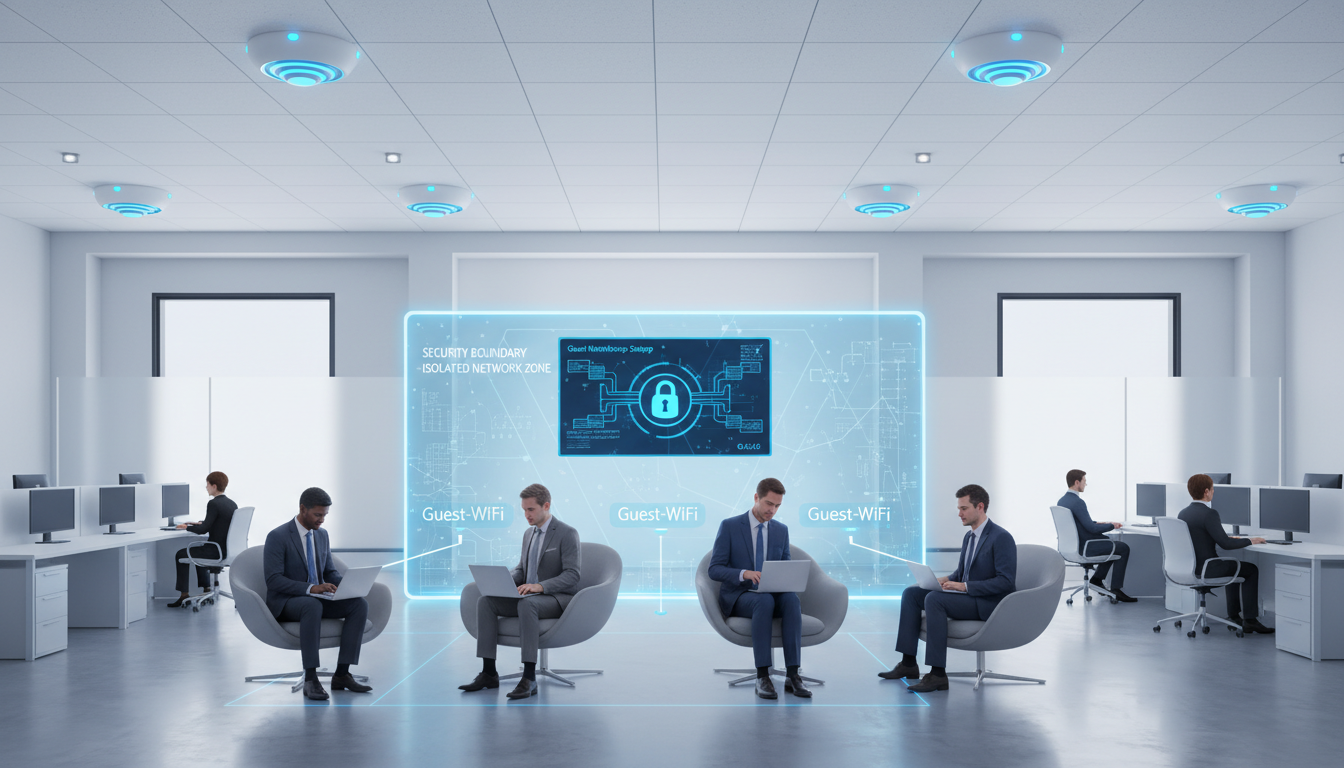
When businesses move into a new office, Wi-Fi for staff is always at the top of the priority list. But there is another wireless network that is just as important and far too often overlooked: guest Wi-Fi. Whether you are hosting clients for meetings, welcoming contractors on-site, or providing connectivity for visitors in reception, a properly configured guest Wi-Fi network is essential for any modern UK business.
Setting up guest Wi-Fi is not simply a matter of sharing your main office password with visitors. In fact, doing so is one of the most common and most dangerous networking mistakes a business can make. A properly segmented guest network protects your corporate data, satisfies your obligations under UK data protection regulations, and provides a professional experience for everyone who walks through your doors.
This guide covers everything you need to know about designing, configuring, and managing guest Wi-Fi in your new office space.
In the United Kingdom, the provision of guest Wi-Fi also carries specific legal considerations that many businesses overlook. Under the Investigatory Powers Act 2016, internet service providers - a definition that can extend to businesses offering Wi-Fi to visitors - may be required to retain certain connection data. Whilst this obligation primarily applies to large-scale public Wi-Fi providers rather than typical office guest networks, understanding your position is important. Additionally, the Computer Misuse Act 1990 places responsibilities on network operators to take reasonable steps to prevent their infrastructure from being used for unlawful purposes, which makes proper network configuration not just a technical best practice but a legal one.
Why Guest Wi-Fi Needs Its Own Network
The fundamental principle behind guest Wi-Fi is network segmentation. Your corporate network contains sensitive data - financial records, customer databases, internal communications, proprietary documents, and access to critical business systems. When a guest connects to your network, their device becomes part of that network, and without proper segmentation, they could potentially access resources they should never see.
Network segmentation creates a logical boundary between your corporate traffic and guest traffic. Guests connect to the internet through your infrastructure but cannot see, access, or interact with any of your internal resources. It is like having two completely separate networks sharing the same physical equipment, each isolated from the other.
Beyond security, segmentation also protects performance. A visitor streaming video or downloading large files on your guest network will not affect the bandwidth available to your staff on the corporate network. Quality of Service (QoS) rules can prioritise corporate traffic, ensuring your team always has the connectivity they need regardless of what guests are doing.
The Business Case for Proper Segmentation
The business case for network segmentation extends well beyond theoretical security concerns. In practical terms, a properly segmented guest network prevents a range of real-world incidents that UK businesses experience with alarming regularity. A visitor's malware-infected laptop connecting to an unsegmented network can spread ransomware to corporate file shares within minutes. A contractor with legitimate network access may inadvertently discover shared folders containing confidential financial data, employee records, or client information - creating a data breach under GDPR that your business is obligated to report to the ICO within 72 hours.
Insurance providers are increasingly scrutinising network security as part of cyber insurance underwriting. Many policies now explicitly require network segmentation between corporate and guest traffic as a condition of coverage. If your business suffers a breach that originated from an unsegmented guest connection, your insurer may decline the claim on the grounds that you failed to implement a basic and widely recognised security control. The modest cost of configuring proper segmentation is negligible compared to the potential financial exposure of an uninsured data breach.
Under GDPR, if you collect any personal data from guests connecting to your Wi-Fi - including email addresses, names, or device identifiers - you must have a lawful basis for processing that data, provide a privacy notice explaining what you collect and why, and ensure the data is stored securely and retained only as long as necessary. The ICO has issued specific guidance on Wi-Fi analytics and tracking that every UK business offering guest Wi-Fi should review. Failure to comply can result in significant fines and reputational damage.
Planning Your Guest Wi-Fi Architecture
The technical architecture of your guest Wi-Fi depends on the size of your office, the number of guests you typically host, and the level of control you need. For most UK SMEs, one of three approaches will be appropriate.
VLAN-Based Segmentation
Virtual Local Area Networks (VLANs) are the most common and cost-effective method of creating a separate guest network. Your existing wireless access points broadcast two SSIDs - one for corporate use and one for guests. Traffic from each SSID is tagged with a different VLAN ID and routed separately through your network switches and firewall. The firewall enforces rules that prevent guest VLAN traffic from accessing corporate VLAN resources while still allowing both to reach the internet.
Dedicated Guest Access Points
For businesses with higher security requirements - such as those handling financial data, healthcare records, or government contracts - physically separate access points for guest Wi-Fi may be appropriate. This provides an air gap between the two networks at the physical layer, eliminating any possibility of VLAN hopping or misconfiguration allowing cross-network access.
Dedicated physical separation is most commonly deployed by businesses subject to frameworks such as Cyber Essentials Plus, ISO 27001, or PCI DSS. If your organisation processes card payments, handles government data, or works within the defence supply chain, your compliance requirements may mandate this level of isolation. For all other businesses, VLAN-based segmentation provides an equivalent level of practical security when configured correctly by a competent network engineer, and is significantly more cost-effective to implement and maintain over the long term.
Cloud-Managed Guest Portals
Solutions like Cisco Meraki, Ubiquiti UniFi, and Aruba Instant On offer cloud-managed guest portals that provide a professional landing page when guests connect. These portals can collect guest details, display your terms of use, and even integrate with your branding. They also provide analytics showing how many guests connect, when they connect, and how much bandwidth they use.
Choosing the Right Approach for Your Business
For the majority of UK businesses setting up a new office, VLAN-based segmentation combined with a cloud-managed platform offers the best balance of security, usability, and cost. The cloud management layer provides the professional captive portal and analytics that elevate the guest experience, whilst the underlying VLAN architecture ensures robust isolation between corporate and guest traffic. Budget between five hundred and two thousand pounds for the initial setup depending on the size of your office and the number of access points required, with ongoing management costs of approximately fifty to one hundred and fifty pounds per month if handled by a managed IT provider.
When evaluating wireless platforms, pay particular attention to ongoing licensing costs. Some vendors - notably Cisco Meraki - require annual licence renewals for cloud management features, and the access points revert to limited functionality if the licence lapses. Others, such as Ubiquiti UniFi, provide cloud management at no ongoing cost beyond the initial hardware investment. Factor these long-term costs into your decision, as the cheapest hardware option may prove more expensive over a three-to-five-year ownership period once annual licensing fees are accounted for.
VLAN-Based Segmentation
- Cost-effective - uses existing hardware
- Easy to manage through existing switches
- Scalable across multiple access points
- Supports QoS and bandwidth limiting
- Suitable for most UK SMEs
- Can be configured remotely
Dedicated Physical Separation
- Higher cost - requires separate hardware
- More complex to install and manage
- Maximum security with true air gap
- Required for some compliance frameworks
- Best for high-security environments
- Requires additional cabling and power
Configuring Your Guest Wi-Fi Settings
Once you have chosen your architecture, the configuration details matter enormously. Getting these settings right ensures your guest network is secure, performant, and compliant with UK regulations.
SSID Naming and Visibility
Choose a clear, professional SSID name that visitors can easily identify. Something like "YourCompany-Guest" works well. Avoid hiding the SSID - while some administrators think hiding the network name adds security, it actually creates usability problems without providing meaningful protection. Modern devices can detect hidden networks anyway, so the inconvenience outweighs any perceived benefit.
Authentication Method
For most office guest networks, a simple pre-shared key (password) that rotates regularly is sufficient. Change the password weekly or monthly, and display it clearly in reception or meeting rooms. For businesses that need more control, a captive portal that requires guests to enter an email address or accept terms of use before connecting provides better accountability and GDPR compliance.
Captive Portal Design and Legal Compliance
If you implement a captive portal, the design and content of that portal matters both legally and professionally. Your portal must include a clear, accessible privacy notice that explains what personal data you collect, why you collect it, how long you retain it, and who you share it with. Under GDPR, relying on consent as your lawful basis for collecting guest data means that consent must be freely given, specific, informed, and unambiguous - a pre-ticked checkbox does not meet this standard. Guests must actively opt in, and they must be able to use the Wi-Fi even if they decline optional data collection beyond what is strictly necessary for providing the service.
From a technical perspective, ensure your captive portal works reliably across all common devices and operating systems. Apple devices, Android phones, Windows laptops, and Chromebooks all handle captive portals slightly differently, and a portal that works perfectly on one platform may fail to trigger or display correctly on another. Test thoroughly across multiple devices before going live, and ensure the portal page is responsive - visitors are almost always connecting from smartphones and tablets rather than laptops, so a portal designed only for desktop screens will create a poor first impression.
Bandwidth Management
Apply bandwidth limits to your guest network to prevent any single guest from consuming excessive resources. A per-client limit of 10-20 Mbps download and 5-10 Mbps upload is generous enough for email, web browsing, and video calls while preventing abuse. Set an overall cap for the guest network that reserves the majority of your internet bandwidth for corporate use.
Security Best Practices for Guest Wi-Fi
Security is the primary reason for having a separate guest network, so it deserves particular attention during setup. The NCSC provides excellent guidance for UK businesses on securing wireless networks, and these recommendations should form the basis of your guest Wi-Fi security policy.
Enable WPA3 encryption if your access points support it, or WPA2-AES as a minimum. Never use WEP or open (unencrypted) networks - even for guest access. While it might seem convenient to offer an open network, the security risks are substantial, and under UK law you could be held partially liable if your network is used for illegal activity.
Content filtering is another layer of protection that responsible businesses should implement on their guest network. Beyond blocking access to malicious websites, consider filtering categories of content that are inappropriate in a professional environment or that could create legal liability for your business. Services such as Cisco Umbrella, Cloudflare Gateway, or OpenDNS provide DNS-based content filtering that can be applied specifically to your guest VLAN without affecting corporate internet access. This filtering operates transparently - guests are simply unable to reach blocked sites - and can be configured and adjusted centrally without touching individual access points or client devices.
Session time limits are equally important. Configure your guest network to automatically disconnect clients after a defined period, typically eight to twelve hours for an office environment. This prevents stale connections from accumulating, ensures that former visitors cannot maintain persistent access to your network, and encourages guests to re-authenticate periodically. Most business-grade access points support session timeouts as a native feature, and captive portal solutions can enforce re-authentication after a configurable interval, adding an additional layer of access control beyond the initial password or portal login.
Implement client isolation on your guest network. This prevents guest devices from communicating with each other, stopping potential lateral movement if a compromised device connects. Most modern access points support this feature, often called "AP isolation" or "client isolation" in the settings.
Configure your firewall to block guest network access to any internal resources, including printers, file shares, and management interfaces. Only allow outbound internet access on standard ports (HTTP, HTTPS, and common email ports). Block peer-to-peer protocols and consider implementing DNS filtering to prevent access to malicious websites.
Logging and Accountability
Maintain logs of guest Wi-Fi connections, including timestamps, MAC addresses, and - if you use a captive portal - the identity information provided by the guest at the point of connection. These logs serve multiple purposes: they support incident investigation if your network is used inappropriately, they provide evidence for regulatory compliance audits, and they help you understand usage patterns that inform capacity planning decisions. Retain logs for a minimum of twelve months, in line with general best practice for UK businesses, but ensure your retention period aligns with what you have stated in your published privacy notice.
Ensure that your logging infrastructure is itself secure and well managed. Logs containing personal data - and Wi-Fi connection logs almost certainly do contain personal data in the form of device identifiers and any portal-collected information - must be stored securely, with access restricted to authorised personnel only. If your managed IT provider handles your logging, confirm that their data handling practices meet your obligations under GDPR and that there is a data processing agreement in place that governs how they store, access, and eventually delete the log data on your behalf.
| Security Feature | Recommended Setting | Why It Matters |
|---|---|---|
| Encryption | WPA3 (or WPA2-AES minimum) | Prevents eavesdropping on guest traffic |
| Client Isolation | Enabled | Stops guests accessing other guest devices |
| VLAN Segmentation | Separate VLAN from corporate | Prevents access to internal resources |
| Bandwidth Limiting | 10-20 Mbps per client | Protects corporate network performance |
| Password Rotation | Weekly or monthly | Limits exposure from shared credentials |
| DNS Filtering | Enabled with malware blocking | Prevents access to malicious sites |
| Session Timeout | 8-12 hours | Automatically disconnects stale sessions |
The Guest Experience: Making It Professional
While security is paramount, the guest experience matters too. Your Wi-Fi is often one of the first things visitors interact with, and a smooth, professional experience reflects well on your business. Conversely, asking guests to type a 20-character random password or navigate a confusing connection process creates a poor first impression.
Display your guest Wi-Fi details prominently in reception and meeting rooms. A simple, well-designed sign with the network name and password is all most visitors need. For a more polished approach, use QR codes that guests can scan with their smartphone camera to connect automatically - most modern phones support this feature natively.
If you use a captive portal, keep it simple and branded. Display your company logo, a brief welcome message, and your terms of use. Avoid asking for excessive personal information - an email address or name is sufficient for most purposes. The more information you request, the more GDPR obligations you create and the more friction you add to the connection process.
Practical Touches That Make a Difference
Small details in your guest Wi-Fi setup can leave a lasting impression on visitors. Ensure that the network performs well in meeting rooms and reception areas - the places where guests actually spend their time. It is surprisingly common for offices to have strong Wi-Fi coverage at employee desks but poor signal in the conference room where clients sit. If necessary, install additional access points or adjust antenna positioning in guest-facing areas to ensure consistent, reliable connectivity where it matters most to your visitors.
Consider the handover experience when guests arrive at your office. Train reception staff to proactively offer Wi-Fi details rather than waiting for visitors to ask. Include Wi-Fi credentials in meeting invitations or pre-visit information packs sent ahead of time. If your business hosts regular events or training sessions, create a streamlined onboarding process that allows multiple guests to connect quickly without creating a queue at reception. These operational details are just as important as the technical configuration in delivering a professional guest experience that reflects well on your business.
For offices with meeting rooms equipped with display screens or video conferencing equipment, ensure that the guest network provides sufficient bandwidth and appropriate firewall rules for screen sharing and video calls. Many visitors will need to present from their own devices or join video meetings whilst on your premises, and a guest network that blocks the ports required for Microsoft Teams, Zoom, or Google Meet defeats the purpose of providing connectivity in the first place. Test the most common conferencing platforms from the guest network during setup and resolve any issues before your first visitors arrive.
Managing Guest Wi-Fi in Multi-Site Offices
If your business operates from multiple UK locations, consistency across sites is important. A guest who visits your London office one week and your Manchester office the next should have the same experience at both locations. Cloud-managed networking solutions excel here, allowing you to define guest Wi-Fi policies centrally and deploy them across all sites automatically.
Consider using the same SSID name across all locations so that returning guests connect automatically. Centralised management also makes it easy to update passwords, modify bandwidth limits, or adjust security settings across all sites simultaneously, reducing administrative overhead and eliminating configuration drift between locations.
Standardising Policies Across All Locations
Create a written guest Wi-Fi policy that applies to all sites and covers network naming conventions, password complexity and rotation schedules, bandwidth allocation rules, content filtering categories, logging requirements, and captive portal content. This policy should be reviewed and approved at a senior level and incorporated into your wider information security management framework. When opening new offices or relocating existing ones, the guest Wi-Fi configuration should be part of the standard build specification rather than an ad hoc decision made by whichever engineer happens to be on site during the move.
For businesses operating across England, Scotland, Wales, and Northern Ireland, be aware that whilst data protection law is broadly consistent across the United Kingdom, there can be subtle differences in how guest Wi-Fi interacts with local authority guidance - particularly if your offices are in areas that have adopted additional requirements around public network provision. A consistent, well-documented policy that meets the highest applicable standard across all your locations will ensure compliance without the need for location-specific variations that are difficult to maintain and easy to get wrong.
When your business grows to include new offices, ensure that guest Wi-Fi deployment is included in your IT project plan from the earliest stages of the fit-out. Decisions about network cabling, access point placement, switch configuration, and internet bandwidth all need to be made during the design phase, not as an afterthought once staff have already moved in. A professional wireless site survey of the new premises, conducted before internal construction begins, ensures that access point locations are optimised for coverage across all guest-facing areas and that any structural challenges - such as thick concrete walls, metal partitions, or large glass panels that interfere with wireless signals - are identified and addressed in the initial network design.
Ongoing Management and Monitoring
Setting up guest Wi-Fi is not a one-time task. Ongoing management ensures the network remains secure, performant, and aligned with your business needs. Regular password rotation, firmware updates for access points, and periodic security reviews should all be part of your IT provider's routine maintenance schedule.
Monitor guest network usage for anomalies. Unusually high bandwidth consumption, connections from unexpected device types, or attempts to access blocked resources could indicate misuse or a security threat. Most cloud-managed platforms provide dashboards and alerts that make this monitoring straightforward.
Review your guest Wi-Fi policy at least annually. As your business grows, moves offices, or takes on new clients, your guest Wi-Fi requirements may change. What worked for a 20-person office in Leeds may not be sufficient when you expand to 60 staff across offices in Leeds and Sheffield.
Need Help Setting Up Guest Wi-Fi?
Cloudswitched designs and deploys secure, professionally managed guest Wi-Fi networks for businesses across the United Kingdom. From VLAN segmentation to branded captive portals, we ensure your guest network is secure, compliant, and impressive. Get in touch to discuss your requirements.
GET IN TOUCH
CloudSwitched
London-based managed IT services provider offering support, cloud solutions and cybersecurity for SMEs.


