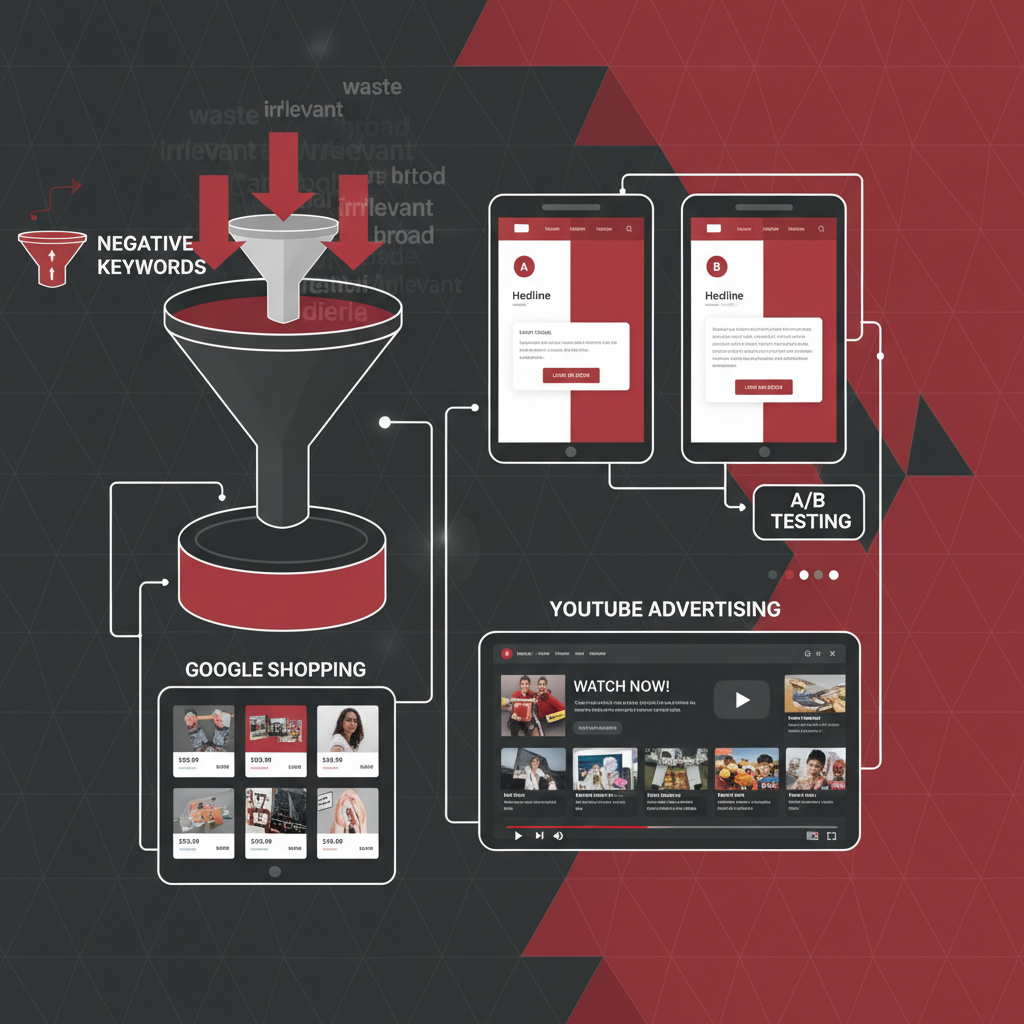
If you're running Google Ads campaigns and haven't built a robust negative keyword strategy, there's a strong chance you're haemorrhaging budget on irrelevant clicks. Negative keywords are one of the most powerful - yet frequently overlooked - tools in the Google Ads platform. They tell Google which search terms should not trigger your ads, ensuring your budget reaches the people who are genuinely interested in what you offer.
For UK businesses navigating an increasingly competitive digital advertising landscape, mastering negative keywords isn't optional. It's the difference between a profitable campaign and one that bleeds money. In this guide, we'll walk through exactly how negative keywords work, why they matter so much, and how to build a strategy that dramatically improves your return on ad spend.
What Are Negative Keywords?
Negative keywords are terms you add to your Google Ads campaigns to prevent your ads from showing when someone searches for those phrases. They work as a filter, blocking irrelevant traffic before it ever has a chance to cost you money.
Consider a practical example. If you run a premium accounting firm in Manchester and you're bidding on "accountant Manchester," your ad might appear for searches like "free accountant Manchester," "accountant jobs Manchester," or "accountant training Manchester." None of those searchers are likely to become clients, but every click still costs you money.
By adding "free," "jobs," and "training" as negative keywords, you instantly stop those wasted clicks. Your ad only appears for the searches that matter - people actively looking for an accountant to hire.
The Three Types of Negative Keywords
Google Ads offers three match types for negative keywords, each working slightly differently from their positive keyword counterparts. Understanding these distinctions is critical for building an effective strategy.
| Match Type | How It Works | Example (Negative: "free") | Blocks These Searches |
|---|---|---|---|
| Broad Match | Blocks searches containing all negative keyword terms in any order | -free | "free accountant," "accountant free consultation" |
| Phrase Match | Blocks searches containing the exact phrase in order | -"free consultation" | "free consultation accountant," "get free consultation" |
| Exact Match | Blocks only the exact search term | -[free accountant] | "free accountant" only |
A crucial difference from positive keywords: negative broad match does not include synonyms or close variants. If you add "free" as a negative broad match keyword, it won't block "complimentary" or "no cost." This means you need to be thorough when building your lists, accounting for every variation searchers might use.
Many advertisers assume negative broad match works the same as positive broad match. It doesn't. With negative keywords, broad match only blocks searches that contain every word in your negative keyword - it won't expand to synonyms or related terms. Always add variations manually.
Why Negative Keywords Matter More Than You Think
The impact of a well-maintained negative keyword list extends far beyond simply blocking a few irrelevant clicks. It fundamentally reshapes the economics and performance of your entire Google Ads account.
When you eliminate irrelevant clicks, several things happen simultaneously. Your click-through rate improves because your ads are shown to more relevant audiences. Google rewards higher CTR with better Quality Scores, which in turn reduces your cost per click. Lower CPCs mean your budget stretches further, generating more qualified clicks. And because those clicks come from more relevant searchers, your conversion rate improves too.
It's a virtuous cycle that begins with the simple act of telling Google what you don't want.
How to Find Negative Keywords
Building a comprehensive negative keyword list requires both proactive research and ongoing maintenance. Here are the most effective methods UK advertisers should use.
1. Search Terms Report
This is your single most valuable tool for finding negative keywords. The Search Terms Report in Google Ads shows you the actual queries that triggered your ads. Navigate to Keywords > Search Terms in your Google Ads account and review this report at least weekly.
Look for patterns. Are job seekers triggering your ads? Are people looking for free alternatives? Are competitors' brand names appearing? Each irrelevant pattern represents a category of negative keywords you should add.
2. Google Keyword Planner
Before launching a campaign, run your target keywords through Keyword Planner and examine the suggested terms. You'll quickly spot irrelevant variations that should be added as negatives from day one. This proactive approach prevents wasted spend from the moment your campaign goes live.
3. Google Autocomplete and Related Searches
Type your target keywords into Google and observe the autocomplete suggestions. Scroll to the bottom of the results page and check "Related searches." These reveal common search patterns that may include irrelevant intent you need to block.
4. Industry-Specific Knowledge
Every industry has its own set of commonly irrelevant terms. A solicitor might need to block "pro bono," "legal aid," and "free advice." An IT services company might need to block "DIY," "tutorial," and "how to." Use your expertise to pre-emptively build sector-specific lists.
Building Your Negative Keyword Strategy
A haphazard approach to negative keywords creates problems. Adding too many can restrict your reach unnecessarily, while too few leaves budget exposed. The key is a structured, systematic strategy.
Start With Universal Negatives
These are terms that almost never indicate purchase intent, regardless of your industry. Add them at the account level so they apply across all campaigns.
Add Campaign-Specific Negatives
Beyond universal negatives, each campaign needs its own tailored list. If you're running separate campaigns for different services, add negatives that prevent cross-contamination. For example, if you have separate campaigns for "web design" and "SEO services," add "SEO" as a negative in your web design campaign and "web design" as a negative in your SEO campaign. This ensures each campaign captures only its intended traffic.
Use Negative Keyword Lists
Google Ads allows you to create shared negative keyword lists that can be applied across multiple campaigns. This is enormously useful for managing account-level negatives efficiently. Create lists for different categories - job-related terms, competitor names, irrelevant industries - and apply them where appropriate.
Negative Keywords at Different Campaign Levels
Understanding where to apply negative keywords is just as important as knowing which ones to add. Google Ads allows negatives at three levels, each serving a different purpose.
Account level: Apply universal negatives here. These are terms that should never trigger any of your ads, regardless of campaign. Job-related terms, explicit content, and clearly irrelevant industries belong at this level.
Campaign level: Use this for terms specific to one campaign's context. Cross-campaign negatives (preventing cannibalisation between your own campaigns) and service-specific irrelevant terms work best here.
Ad group level: The most granular option. Use ad group negatives to control traffic flow between tightly themed ad groups within the same campaign. This ensures each ad group triggers only for its intended keywords.
Proactive vs Reactive: Which Approach Works Best?
One of the most important strategic decisions you will face is whether to take a proactive or reactive approach to negative keyword management. In practice, the most successful UK advertisers use both - building pre-launch lists based on research and industry knowledge, then refining continuously through Search Terms Report analysis. However, if you are forced to prioritise, the proactive approach delivers better results because it prevents budget waste from the outset rather than allowing money to be spent before insights emerge.
Proactive Strategy
Reactive Strategy
The bottom line: launch with a proactive list of at least 50 to 100 negative keywords based on Keyword Planner research, competitor analysis, and industry experience. Then supplement it weekly with discoveries from your Search Terms Report. This combined approach consistently delivers the lowest cost per acquisition and the highest return on ad spend across every sector we have managed campaigns in.
Common Negative Keyword Mistakes
Even experienced advertisers make errors with negative keywords. Recognising these pitfalls helps you avoid them.
Schedule a fortnightly calendar reminder to review your Search Terms Report. The most successful Google Ads accounts treat negative keyword management as an ongoing process, not a one-time setup. Fifteen minutes every two weeks can save thousands of pounds annually.
Being too aggressive: Adding too many negative keywords can severely restrict your reach. Before adding a term, check its search volume and consider whether some of those searches might actually convert. "Cheap" might seem like a negative, but for budget-focused products, it could be highly relevant.
Forgetting close variants: As mentioned, negative keywords don't automatically include synonyms. If you add "free" but not "complimentary," "gratis," or "no charge," you're leaving gaps in your defence. Build comprehensive lists that cover all variations.
Neglecting singular and plural forms: Unlike positive keywords, negative exact match doesn't automatically match singular and plural variations. If you add [free template] as an exact negative, "free templates" (plural) will still trigger your ads. Always add both forms.
Set-and-forget mentality: Search behaviour evolves constantly. New irrelevant terms emerge, especially around seasonal events, trending topics, and industry changes. Regular reviews of your Search Terms Report catch these shifts before they drain significant budget.
Not using negative keyword lists: Managing negatives individually across dozens of campaigns is inefficient and error-prone. Shared lists keep your negatives organised and ensure consistent application across your account.
Advanced Negative Keyword Techniques
Once you've mastered the basics, these advanced tactics can further refine your campaign performance.
Competitor Name Negatives
If you're not running a competitor targeting strategy, add competitor brand names as negatives. People searching for "Sage accounting software" aren't looking for your accounting firm. However, if you are deliberately targeting competitor terms, isolate them in a separate campaign with tailored messaging.
Tiered Negative Keywords for the Funnel
Align your negative keywords with the buyer journey. Top-of-funnel awareness campaigns might accept broad informational queries, while bottom-of-funnel campaigns should aggressively block anything without clear purchase intent. Implement negatives like "what is" and "how does" in conversion-focused campaigns while allowing them in awareness campaigns.
Negative Keywords for Display and YouTube
Negative keywords aren't just for Search campaigns. On the Display Network and YouTube, they control which content your ads appear alongside. Adding irrelevant topic terms as negatives prevents your display ads from appearing on unrelated websites and your video ads from showing before irrelevant YouTube content.
Mining Google Analytics for Negatives
Connect Google Ads with Google Analytics 4 and examine the behaviour of users who arrived via paid search. High bounce rates and low session durations often indicate irrelevant traffic. Trace these sessions back to their search queries and add the irrelevant terms as negatives.
Building a Negative Keyword Audit Process
The most effective approach is to build a systematic audit process that becomes part of your regular campaign management routine.
Weekly: Review the Search Terms Report for each active campaign. Flag irrelevant terms and add them as negatives immediately. Track the volume and cost of irrelevant clicks to measure improvement over time.
Monthly: Review your negative keyword lists for completeness. Check whether any negatives are accidentally blocking valuable traffic by reviewing impression share data. Update your lists based on any new patterns you've identified.
Quarterly: Conduct a comprehensive audit of all negative keywords across your account. Remove outdated negatives that no longer apply. Research new industry-specific terms to add. Compare your current waste rate against previous quarters to measure progress.
Measuring the Impact of Negative Keywords
To quantify the value of your negative keyword strategy, track these key metrics before and after implementation.
Click-through rate (CTR): Should increase as your ads appear for more relevant searches. A CTR improvement of 15-40% is common after implementing a thorough negative keyword strategy.
Cost per click (CPC): Should decrease as improved CTR boosts Quality Scores. Expect a 10-20% reduction in average CPC within the first month.
Conversion rate: Should improve significantly as irrelevant traffic is filtered out. Many UK businesses see conversion rate improvements of 20-50% after cleaning up their search terms.
Cost per acquisition (CPA): The combination of lower CPCs and higher conversion rates typically reduces CPA by 25-40%, making your campaigns substantially more profitable.
Wasted spend percentage: Track the proportion of your budget going to irrelevant clicks. A well-managed account should keep this below 5%, compared to the 20-30% common in unmanaged accounts.
To visualise the typical performance improvements more concretely, here are the average gains we observe across UK business accounts within the first 90 days of implementing a structured negative keyword programme. These scores reflect the degree of improvement relative to the pre-implementation baseline, measured as a normalised index out of 100.
Wasted spend reduction tends to show the most dramatic improvement because it is the most direct consequence of filtering out irrelevant searches. Quality Score improvement, while still substantial, takes longer to materialise because Google reassesses Quality Scores gradually based on accumulated performance data. Patience and consistency are key - the full benefits of a negative keyword programme typically compound over a three-to-six month period.
Industry-Specific Negative Keyword Lists for UK Businesses
To give you a head start, here are negative keyword suggestions tailored to common UK business sectors.
Professional services (solicitors, accountants, consultants): free, pro bono, legal aid, DIY, template, salary, jobs, trainee, apprentice, course, qualification, cheap, discount, complaints, reviews, Wikipedia.
E-commerce and retail: free, sample, giveaway, coupon code, second hand, used, broken, recall, repair, fix, DIY, Amazon, eBay, Temu, Shein.
SaaS and technology: free, open source, crack, pirate, torrent, tutorial, course, certification, jobs, intern, vs, alternative, GitHub, Reddit.
Home services (plumbers, electricians, builders): DIY, how to, tutorial, course, jobs, apprentice, NVQ, insurance claim, complaint, cowboy, bodge.
Healthcare and wellness: NHS, free, symptoms, Wikipedia, Reddit, home remedy, DIY, dangerous, death, lawsuit, complaint, jobs, training.
Beyond the metrics themselves, it is worth understanding the psychological dimension of negative keyword management. Many business owners feel uncomfortable adding restrictions to their campaigns because they worry about missing potential customers. This concern, while understandable, almost always proves unfounded. The vast majority of searches blocked by a well-constructed negative keyword list have zero commercial intent for your business. A job seeker typing "accountant jobs Manchester" is never going to become a client of your accounting firm, no matter how compelling your ad copy is.
Furthermore, the compounding nature of Quality Score improvements means that the long-term benefits of negative keywords extend well beyond the immediate savings. As your CTR increases and Google recognises your ads as highly relevant, you gain access to better ad positions at lower costs. This competitive advantage is difficult for rivals to replicate quickly, giving you a sustained edge in your market. Accounts that have maintained disciplined negative keyword strategies for twelve months or more frequently achieve cost-per-click rates 30 to 45 percent lower than industry averages, which translates directly to higher profitability and greater market share.
What Happens When You Get It Right
The transformation can be dramatic. We've worked with UK businesses that went from spending 30% of their Google Ads budget on completely irrelevant clicks to less than 3% within eight weeks - simply by implementing a structured negative keyword strategy.
One Midlands-based IT support company was spending £6,000 per month on Google Ads with a 1.2% conversion rate. After conducting a thorough negative keyword audit and adding over 400 targeted negatives, their conversion rate jumped to 3.8%, their CPC dropped by 22%, and their cost per lead fell from £180 to £67. The same budget suddenly generated three times the results.
That's the power of telling Google what you don't want.
Stop Wasting Your Google Ads Budget
At Cloudswitched, we build and manage negative keyword strategies that protect your budget and maximise your return on ad spend. Our Google Ads specialists conduct thorough audits to identify wasted spend and implement systematic improvements. Get in touch to find out how much you could save.
Optimise Your Google Ads
CloudSwitched
London-based managed IT services provider offering support, cloud solutions and cybersecurity for SMEs.


