An office move is one of the most complex projects a UK business will ever undertake. Between lease negotiations, fit-out contractors, staff communications, and client notifications, the sheer volume of moving parts can be overwhelming. Yet amidst all this activity, one of the most critical workstreams - your IT relocation - is frequently left until dangerously late in the process.
The consequences of poor IT planning during an office move are severe and immediate. Staff arrive at the new premises on day one to discover phones that do not work, internet connections that are not live, printers that cannot be found on the network, and critical business applications that are inaccessible. Productivity collapses, client commitments are missed, and what should be an exciting new chapter becomes a frustrating and expensive disaster.
The reason IT is so frequently left until too late is understandable, if not forgivable. Business leaders naturally focus on the visible, tangible aspects of a move - the new office layout, the furniture, the branding on the walls. IT infrastructure is invisible when it works and catastrophic when it does not. It lives in server rooms that most staff never enter, in cabling hidden behind walls, and in cloud configurations that have no physical presence at all. This invisibility makes it easy to deprioritise, but the consequences of neglect are immediate, public, and expensive.
Furthermore, the lead times involved in IT relocation catch many businesses off guard. Ordering a new internet circuit is nothing like ordering a new desk - it can take months rather than days. Configuring a network for new premises is not simply a matter of plugging in a router; it requires careful design, specialist equipment, and thorough testing. These realities make early planning not merely advisable but absolutely essential for any business that depends on technology to operate - which, in the modern economy, means every business.
This comprehensive timeline guides you through every IT-related task you need to complete before, during, and after your office move, with clear milestones and deadlines measured backwards from your move date.
Six Months Before the Move: Strategic Planning
Six months before your planned move date is when IT planning should formally begin. At this stage, many of the decisions you make are strategic rather than tactical, but they will determine the success or failure of everything that follows.
Audit Your Current IT Estate
Start by conducting a thorough audit of your existing technology. Document every server, workstation, laptop, printer, phone, network switch, firewall, access point, and cable run in your current office. Note the age, condition, and warranty status of each item. Identify equipment that is approaching end-of-life and would benefit from replacement as part of the move rather than being transported to the new premises.
This audit serves multiple purposes. It gives you an accurate picture of what needs to move, what should be replaced, and what can be decommissioned. It also provides the data your IT provider or internal team needs to plan the new office infrastructure accurately.
For each piece of equipment, record: the make and model, serial number, purchase date and warranty expiry, current location and assigned user, software licences tied to the device, network configuration details (IP addresses, VLANs), and any special requirements such as UPS power or dedicated cooling. This documentation will prove invaluable not only for the move itself but for your ongoing IT asset management.
Assess Your New Premises
Before signing a lease - or as early as possible afterwards - conduct a detailed IT assessment of the new premises. This should cover the availability and capacity of existing network cabling, the location and capacity of the server room or comms cupboard, the electrical capacity and distribution, the availability of internet services at the address, mobile signal strength throughout the building, and the suitability of the space for your wireless network requirements.
Many businesses discover too late that their new premises lack adequate network cabling, have insufficient power for their server room, or are in an area where high-speed internet connections require lengthy installation lead times. Identifying these issues at six months gives you time to address them without impacting your move schedule.
Engage Your IT Provider Early
Whether you use an internal IT team or an external managed service provider, they need to be involved in the move planning process from the very beginning. Ideally, your IT provider should be consulted before you sign the lease on the new premises. They can identify potential showstoppers that are invisible to non-technical eyes - a building with no fibre connectivity, a comms room that is too small for your requirements, electrical capacity that cannot support your server infrastructure, or structural features that will create wireless dead spots throughout the office.
Your IT provider should attend at least one site visit to the new premises alongside the fit-out contractor. This ensures that IT requirements are factored into the fit-out design from the outset, rather than being retrofitted at greater cost and disruption later. Cable routes, power points, trunking positions, and network cabinet locations all need to be coordinated between the cabling contractor, the electrician, and the fit-out team. Failing to align these workstreams early is one of the most common causes of costly rework during an office fit-out.
Order Internet Connectivity
This is arguably the single most important IT task in the entire move timeline, and the one that catches most businesses out. In the UK, a new leased line internet connection typically takes between 60 and 90 working days to install, and in some cases longer if civil works (digging up pavements to lay fibre) are required. Standard business broadband connections from providers like BT, Virgin Media Business, or TalkTalk Business can take 2–4 weeks, but rarely deliver the reliability and speed that a business relying on cloud services needs.
Order your internet connectivity as early as possible - ideally six months before the move. If your new premises already have a live connection from a previous tenant, establish whether you can take over that circuit or whether a new installation is required. If you need a new leased line, begin the wayleave and survey process immediately.
It is also worth considering redundancy at this stage. Even the most reliable leased line can suffer outages, and if your business depends on internet access for cloud applications, email, VoIP telephony, or payment processing, a single point of failure is an unacceptable risk. Order a secondary connection from a different provider using a different technology - for example, a leased line as your primary and an FTTP broadband line as your backup, or vice versa. Ensure the two connections enter the building via different routes if possible, so that a single incident such as roadworks severing a duct cannot take out both connections simultaneously.
| Connection Type | Typical Lead Time | Typical Speed | Monthly Cost | Reliability |
|---|---|---|---|---|
| FTTP Broadband | 2–4 weeks | Up to 900 Mbps | £40–£80 | Good |
| Leased Line (Fibre) | 60–90 working days | 100 Mbps–10 Gbps | £200–£900 | Excellent |
| SoGEA Broadband | 1–2 weeks | Up to 80 Mbps | £25–£50 | Moderate |
| 4G/5G Business Backup | 1–3 days | 30–300 Mbps | £30–£75 | Variable |
Four Months Before: Infrastructure Design
With strategic decisions made and connectivity ordered, the four-month mark is when detailed infrastructure design begins. This is where your IT provider or internal team translates the requirements from your audit and premises assessment into a concrete technical plan.
Network Cabling Design
Work with a qualified cabling contractor to design the network infrastructure for your new office. Specify the number and location of data points, the category of cabling (Cat6a is the current recommendation for future-proofing), the location of patch panels and network cabinets, and any requirements for fibre optic runs between floors or buildings.
A common rule of thumb is to install 20–30% more data points than you currently need. The marginal cost of additional cable runs during a fit-out is minimal compared to the disruption and expense of retrofitting cables after you have moved in. Every desk position should have at least two data points, and consider additional points for printers, wireless access points, CCTV cameras, and meeting room AV equipment.
When specifying cabling, insist on Cat6a throughout the installation. Whilst Cat6 is adequate for current Gigabit Ethernet speeds, Cat6a supports 10 Gigabit Ethernet and provides better performance over longer cable runs and in environments with higher levels of electromagnetic interference. The cost difference between Cat6 and Cat6a is marginal - typically 10 to 15 percent - and the performance headroom it provides will serve you well as network demands increase over the coming years. Every cable run should be individually tested and certified, with test results provided as part of the handover documentation.
Server Room and Network Cabinet Planning
If you are maintaining on-premises servers, plan the server room or comms cupboard carefully. Consider cooling requirements (servers generate significant heat), power requirements (including UPS backup), physical security (restricted access), fire suppression, and cable management. Even if your primary infrastructure is in the cloud, you will still need at least one network cabinet to house your firewall, switches, and patch panels.
Move Checklist: Must Complete by 4 Months
- Full IT asset audit completed and documented
- New premises IT assessment finished
- Internet connectivity ordered
- Cabling contractor appointed
- Network design finalised
- Server room/cabinet requirements specified
- Equipment replacement orders placed
- Telephony migration plan agreed
Common Mistakes at This Stage
- Assuming existing cabling is adequate
- Forgetting to order internet early enough
- Not planning for wireless coverage
- Ignoring server room cooling requirements
- Failing to check mobile signal in new premises
- Underestimating electrical power needs
- Not involving IT provider in premises selection
- Skipping the IT asset audit
Two Months Before: Detailed Preparation
At the two-month mark, planning transitions into active preparation. Cabling installation should be underway or scheduled, equipment orders should be arriving, and your IT provider should be building and configuring new hardware ready for deployment.
Pre-Stage Equipment
One of the most effective strategies for minimising downtime during an office move is pre-staging. This means building, configuring, and testing new equipment at your IT provider's premises or in a dedicated staging area before deploying it to the new office. Servers can be racked, configured, loaded with data, and tested. Workstations can be set up, software installed, and user profiles migrated. Network equipment can be configured and tested.
Pre-staging transforms the move-day experience from a chaotic scramble to a structured deployment. Instead of spending the first week in the new office troubleshooting configuration issues, your team arrives to find equipment that is already working and simply needs to be powered on and connected.
Test Everything Twice
Pre-staging only delivers its full benefit when accompanied by rigorous testing. Every server should be booted, connected to the network, and tested for connectivity to all required services. Every workstation should be logged into with the assigned user's credentials and tested for access to business applications, email, shared drives, printers, and internet access. Every phone should be tested for inbound and outbound calls, voicemail, and call transfer functionality.
Create a formal test plan that lists every system, every test to be performed, and the expected result. Work through the plan methodically and document the outcome of each test. Any failures should be investigated and resolved before the move, not discovered after staff arrive at the new office. This disciplined approach to testing is what separates a professional IT relocation from an improvised one, and it is the single greatest factor in determining whether your first day in the new office runs smoothly.
Plan the Migration Sequence
Not everything can move at once, and attempting to relocate your entire IT estate in a single weekend is a recipe for disaster. Plan a phased migration sequence that prioritises critical systems and minimises business disruption. Typically, the sequence looks something like this: network infrastructure first (switches, firewalls, access points), then servers and core applications, then telephony, then user workstations and peripherals, and finally non-essential equipment like meeting room AV and digital signage.
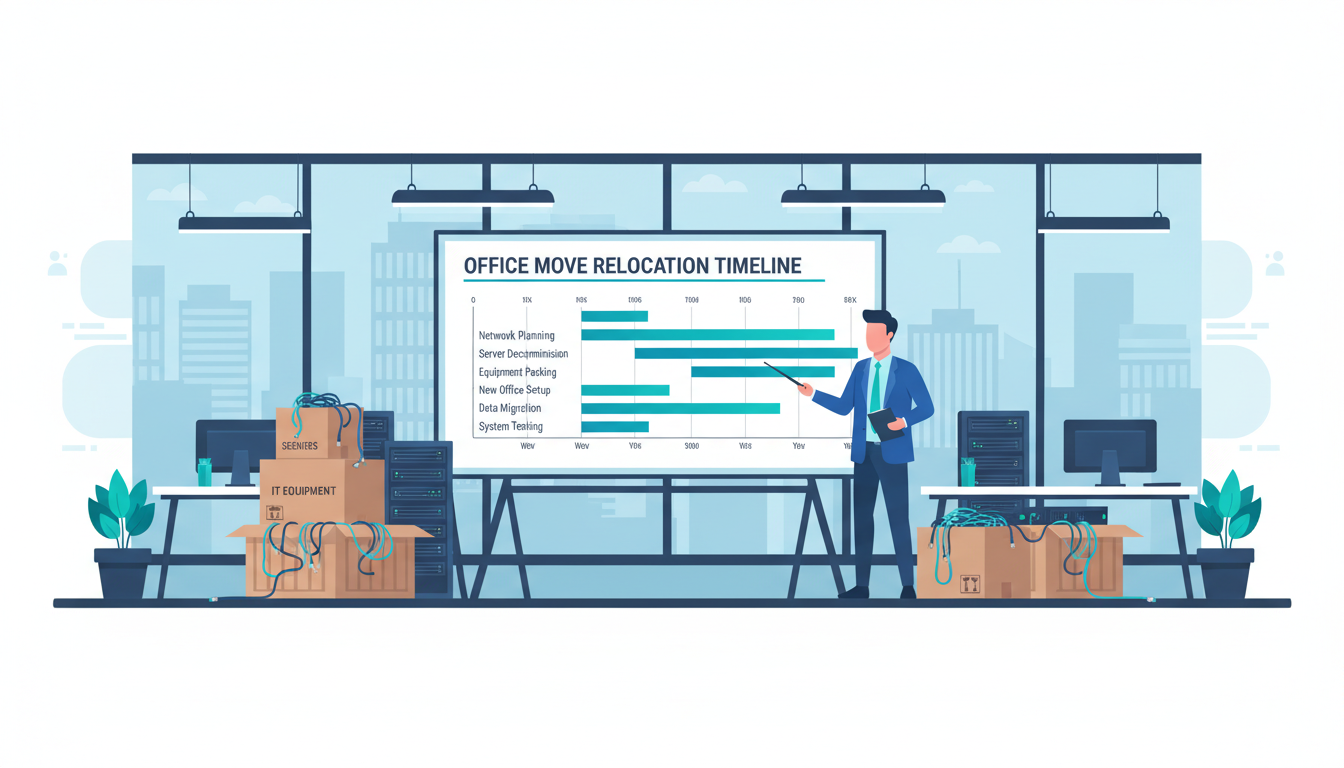
Recommended IT workstream timeline showing when each phase should begin relative to the move date
One Month Before: Final Preparations
The final month before your move is about confirming everything is on track and handling the details that ensure a smooth transition.
Confirm Internet Connectivity
By now, your new internet connection should be installed or have a confirmed installation date. If there have been delays, this is the time to escalate urgently and arrange a temporary backup connection. A 4G or 5G business broadband service can provide a workable interim solution if your primary connection is not ready on move day. Providers like Three Business and EE Business offer rapid deployment with reasonable bandwidth for temporary use.
Complete Full Backups
Before any equipment is disconnected or transported, ensure complete verified backups of all data, configurations, and system states. This includes server data and databases, user files and documents, email archives, network device configurations (router, firewall, switch configs), printer configurations and drivers, and application settings and licence keys. Test your backup restores - do not simply verify that backup files exist. A backup that cannot be restored is worthless.
Beyond standard data backups, consider creating a complete disaster recovery snapshot of your critical systems. For on-premise servers, this might mean a full system image that can be restored to new hardware if the original server is damaged during transit. For cloud-based systems, ensure you have documented the complete configuration so that services can be rebuilt from scratch if necessary. Keep copies of all software installation media and licence keys in a secure, accessible location that is transported separately from the equipment being moved.
Software Licence and Subscription Transfers
Review all of your software licences and subscriptions to identify any that are tied to a specific location, IP address, or hardware device. Some enterprise software products are licensed per site, meaning a change of address may require a licence update or transfer. On-premise server software tied to specific hardware will need reactivating if you replace the server as part of the move. SaaS applications that use IP-based access restrictions will need their allowed IP ranges updated to reflect your new internet connection. Pay particular attention to network device configurations - your firewall rules, switch configurations, VLAN settings, and DHCP scopes represent hours of careful setup work. Export these configurations and store them securely before any equipment is disconnected.
Communicate with Staff
Your staff need to know what to expect during the move, particularly regarding IT. Send clear communications covering what time to arrive at the new office, how to connect to the network and log in, who to contact if they experience IT issues, what has changed (new phone numbers, printer locations, Wi-Fi details), and any temporary workarounds that may be in place during the first few days.
Move Weekend: Execution
The move weekend itself should be the most straightforward part of the process if the preceding months of planning have been thorough. Your IT team or provider should be on-site at the new premises before the moving lorries arrive, ready to receive equipment, connect devices, and resolve any issues in real time.
Key activities during the move weekend include connecting and testing the network infrastructure, deploying servers and verifying connectivity to cloud services, setting up and testing the phone system, deploying workstations to desks, connecting and testing printers and peripherals, verifying Wi-Fi coverage throughout the office, and testing critical business applications end-to-end.
Have a dedicated IT help desk resource available from the moment staff arrive at the new office on Monday morning. The first few hours will inevitably generate a spike of support requests as people discover issues with their specific setups, and having someone available to resolve these quickly makes the difference between a successful move and a chaotic one.
Contingency and Rollback Planning
Communication during the move weekend is as important as the technical work itself. Establish a clear communication channel - a WhatsApp group or Microsoft Teams channel works well - where the IT team, the office manager, the removals company, and any other key stakeholders can share real-time updates. Assign one person as the overall IT move coordinator who has the authority to make decisions and visibility of all workstreams.
Plan for the worst case. Have spare equipment available on-site: spare network cables, spare power cables, a spare switch, spare keyboard and mouse sets. Have contact numbers for your internet provider's emergency support line, your cabling contractor, and any other vendors who might need to be called upon at short notice. If the primary internet connection is not working, how will staff access cloud services and email? A pre-provisioned 4G or 5G backup router is inexpensive insurance. If a critical server fails during the move, how quickly can you restore from backup? Document each contingency scenario, the workaround, and the person responsible for implementing it.
First Two Weeks: Stabilisation and Snagging
Do not assume the move is complete when staff are at their desks on Monday. The first two weeks in a new office are a stabilisation period during which niggling issues surface and need resolving. Common post-move snags include Wi-Fi dead spots in areas that were not tested under full occupancy, printers that are not discovered by all workstations, phone system routing issues, meeting room AV equipment that needs calibration, and VPN or remote access configurations that need updating.
Schedule a formal IT snagging review at the end of the second week. Walk through the entire office, test every system, and document any outstanding issues. This ensures nothing falls through the cracks and gives your team confidence that the infrastructure is solid.
Performance Baselines and Documentation
Use the first two weeks to establish baseline performance metrics for your new IT infrastructure. Measure internet speeds, internal network throughput, Wi-Fi signal strength in different areas, and application response times. These baselines will prove invaluable for troubleshooting any performance issues that arise in the future and for planning future capacity upgrades. They also provide objective evidence that the infrastructure is performing as specified, which is important if you need to raise issues with your cabling contractor or internet provider.
This period is also the right time to update all of your IT documentation to reflect the new office setup. Network diagrams, IP address schedules, equipment inventories, and support procedures all need to be revised. If you have a business continuity plan or disaster recovery plan, these must be updated to reflect the new premises, new network topology, and any changes to your backup arrangements. Documentation that does not reflect reality is worse than no documentation at all, because it creates a false sense of security.
Within two weeks of moving, ensure the following are completed: update your business address with HMRC, Companies House, your bank, and all vendors. Update DNS records and email signatures. Verify all backup jobs are running correctly in the new environment. Conduct a security review of the new network. Update your business continuity and disaster recovery plans with the new premises details. Decommission any services at the old address. Arrange secure disposal of any equipment left behind.
Planning an Office Move?
Cloudswitched manages the complete IT workstream for office relocations across the UK. From initial premises assessment and cabling design through to move-day execution and post-move support, we ensure your technology transition is seamless. Contact us to start planning your IT move timeline.
Explore IT Office Move Services
CloudSwitched
London-based managed IT services provider offering support, cloud solutions and cybersecurity for SMEs.


