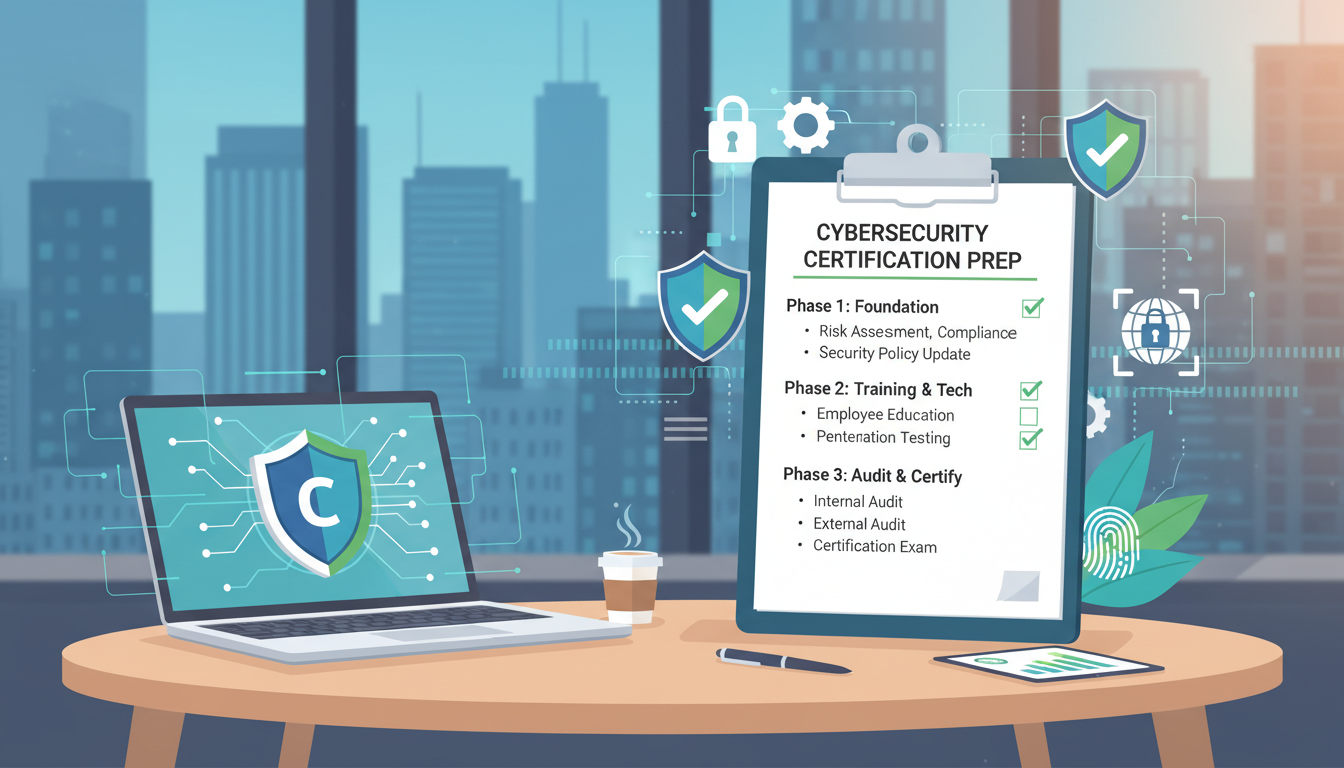
Achieving Cyber Essentials Plus certification is a goal that rewards thorough preparation. Unlike basic Cyber Essentials, which relies on self-assessment, the Plus level involves a qualified assessor actively testing your systems against the five technical controls. Organisations that invest in proper preparation consistently pass first time, while those that rush into the assessment often face unexpected failures and costly remediation cycles.
This guide walks you through a practical, step-by-step preparation process - from initial scoping and gap analysis through to the day of assessment itself. Whether your organisation has ten employees or ten thousand, the principles are the same. Preparation is the difference between a smooth certification and a stressful scramble.
Cyber Essentials vs Cyber Essentials Plus: Understanding the Difference
Before embarking on your preparation journey, it is important to understand exactly how Cyber Essentials Plus differs from the basic Cyber Essentials certification. While both certifications cover the same five technical controls, the assessment methodology is fundamentally different - and this difference has significant implications for how thoroughly you need to prepare. The basic certification is a self-assessment questionnaire reviewed by a certification body, whereas the Plus level involves a qualified assessor actively testing your live systems. The comparison below summarises the key distinctions that affect your preparation strategy and the level of rigour required.
Cyber Essentials Plus
Cyber Essentials (Basic)
The critical distinction is verification. With basic Cyber Essentials, you complete a questionnaire about your controls and a certification body reviews your answers. With Cyber Essentials Plus, a qualified assessor physically or remotely tests your systems to confirm that the controls are genuinely in place and functioning correctly. This means that any gaps, misconfigurations, or oversights that might pass through a self-assessment will almost certainly be discovered during a Plus assessment. The preparation guidance in this article is specifically designed to help you identify and resolve these issues well before the assessor does.
It is also worth noting the growing commercial value of the Plus certification. While basic Cyber Essentials demonstrates security awareness and intent, the Plus level provides genuine assurance to your clients, suppliers, and insurers that your security controls have been independently verified. For UK businesses bidding on government contracts, working with NHS trusts, or operating in supply chains where data security is paramount, the Plus certification is increasingly becoming a de facto requirement rather than merely a desirable addition. Investing in thorough preparation for the Plus assessment is an investment in your commercial credibility and competitive positioning.
Step 1: Understand the Scope
Before you begin any technical preparation, you need to define precisely what falls within the scope of your Cyber Essentials Plus assessment. Getting this wrong can lead to either unnecessary work (preparing systems that are out of scope) or unexpected failures (discovering on assessment day that systems you thought were excluded are actually in scope).
The scope of a Cyber Essentials Plus assessment generally includes all user devices that access organisational data or the internet - desktops, laptops, tablets, and smartphones. It includes the network infrastructure that connects these devices - routers, switches, firewalls, and wireless access points. It includes servers that provide services to users or are accessible from the internet. And it includes the configuration of cloud services that your organisation manages, such as Microsoft 365 or Google Workspace.
Devices and systems that are genuinely isolated from your network and do not handle organisational data may be excluded, but you should discuss this with your assessor before the assessment. Attempting to exclude problematic systems by claiming they are out of scope is unlikely to succeed - assessors are experienced at identifying scope manipulation.
Home workers' devices are firmly within scope since the 2022 update to the Cyber Essentials standard. If your staff work from home - even occasionally - their laptops and other devices must meet the same security standards as office-based equipment. Do not overlook this during preparation.
Step 2: Conduct a Gap Analysis
With your scope defined, the next step is to conduct a thorough gap analysis - a systematic review of your current security controls against the five Cyber Essentials requirements. This is where you identify what needs to change before the assessment.
A gap analysis should cover each of the five technical controls: firewalls, secure configuration, security update management, user access control, and malware protection. For each control, compare your current state against the requirements and document any gaps. Be honest and thorough - the purpose is to find problems now, when you can fix them, rather than during the assessment when the clock is ticking.
Firewall Gap Analysis
Review your boundary firewall configuration. Are all inbound connections blocked by default? Are only necessary services permitted through? Have default administrative passwords been changed? Document every firewall rule and confirm it has a valid business justification. Check personal firewalls on all user devices - are they enabled? Can standard users disable them?
For organisations with remote workers, pay particular attention to the devices used outside the office. These devices rely on their personal firewalls as the primary defence, and they must be configured to block unsolicited inbound connections regardless of which network they are connected to.
Secure Configuration Gap Analysis
Audit the software installed on a representative sample of devices. Is there unnecessary software that should be removed? Are default accounts disabled? Are auto-run and auto-play features turned off? Are screen lock policies in place and enforced? Are only necessary services running on each device?
Check network equipment for default credentials. This is a common finding during Cyber Essentials Plus assessments - organisations change the passwords on their main firewall but overlook secondary devices such as wireless access points, managed switches, or secondary routers.
Patch Management Gap Analysis
This is often the area where the most gaps are found. Check the patch levels of operating systems, web browsers, email clients, office applications, and any other software that processes data from the internet. Are all critical and high-risk updates applied within 14 days? Is all software licensed and within its supported lifecycle? Are there any devices running unsupported operating systems or applications?
Pay particular attention to third-party software - Java, Adobe products, browser plugins, and similar components are frequently missed by automated update mechanisms and can harbour critical vulnerabilities. Also check firmware versions on network equipment, as these are sometimes overlooked in patch management processes.
User Access Control Gap Analysis
Audit all user accounts across your systems. Are there shared accounts? Are there accounts belonging to former employees that have not been disabled? How many accounts have administrative privileges, and is this number justified? Is multi-factor authentication enabled for all cloud services and administrative access?
Review your password policy. Does it meet the minimum requirements - at least 12 characters, or 8 characters with complexity plus throttling? Are accounts locked after a defined number of failed login attempts? Do administrators use separate accounts for administrative and routine tasks?
Malware Protection Gap Analysis
Verify that every device in scope has active, up-to-date anti-malware protection. Is real-time scanning enabled? Are signature updates occurring automatically and at least daily? Can standard users disable the anti-malware software? Test the defences by downloading the EICAR test file - does your solution detect and block it?
Step 3: Remediate the Gaps
Once your gap analysis is complete, you will have a clear picture of what needs to change before the assessment. Prioritise remediation based on the severity and likelihood of each gap causing a failure.
Quick Wins
Start with the items that are easiest to fix and most likely to cause failures. Enable MFA on all cloud services - this can typically be done within a day. Disable or remove accounts belonging to former employees. Change default passwords on network equipment. Enable personal firewalls on any devices where they are currently disabled. Remove unnecessary software from user devices.
Patching Sprint
Apply all outstanding security updates across your device estate. Focus first on operating systems and web browsers, as these are the most commonly targeted and the most closely scrutinised during the assessment. Then address office applications, email clients, and third-party software. Verify that all software is within its supported lifecycle - replace any end-of-life products.
Configuration Hardening
Implement or strengthen your secure configuration baseline. Disable auto-run and auto-play features. Ensure screen lock policies are enforced. Review and tighten firewall rules, removing any that are unnecessary. Disable guest accounts and unnecessary services. Document your baseline configuration so that it can be consistently applied across all devices.
Access Control Tightening
Reduce administrative privileges to the minimum necessary. Create separate administrative accounts for staff who need elevated access, and ensure they use standard accounts for everyday tasks. Implement or strengthen your password policy. Set up account lockout or throttling policies. Establish a regular account review process.
Step 4: Pre-Assessment Testing
Before the assessor arrives, conduct your own testing to verify that your remediation has been effective. This is your dress rehearsal - treat it as seriously as the actual assessment.
Run an external vulnerability scan against your internet-facing IP addresses. Many certification bodies offer pre-assessment scans, or you can use tools such as Nessus, Qualys, or OpenVAS. Address any high or critical findings before the assessment. Run internal scans on a sample of devices to check for missing patches and misconfigurations.
Test your malware defences using the EICAR test file. Attempt to access known malicious URLs (using a safe testing service) to verify that your web filtering is functioning. Check that your anti-malware solution detects and blocks the test files - this is a standard part of the Plus assessment.
Review your firewall rules one more time. Verify that MFA is functioning for all cloud services. Confirm that all user accounts are individual, that admin privileges are restricted, and that no shared or orphaned accounts exist.
Keep a remediation log documenting every change you make during preparation. This serves two purposes: it provides evidence of your diligence to the assessor, and it creates a record that helps maintain your security posture throughout the year until your next renewal assessment.
Step 5: Prepare Your Documentation
While Cyber Essentials Plus is primarily a technical assessment, having clear documentation ready demonstrates organisational maturity and helps the assessment run smoothly. Prepare documentation covering your network topology (a simple diagram showing how devices and networks are connected), your firewall rule set with business justifications for each rule, your patch management policy and process, your user account management procedures, your anti-malware configuration and update schedule, and an inventory of devices and software in scope.
You do not need elaborate policy documents - clear, concise documentation that accurately reflects your actual practices is far more valuable than lengthy policies that nobody follows. The assessor wants to see that your controls are real and consistently applied, not that you have an impressive document library.
Step 6: The Assessment Day
When assessment day arrives, the process typically follows a structured format. The assessor will begin by reviewing the scope and confirming which systems and devices will be tested. They will then work through each of the five controls, conducting technical tests to verify compliance.
For the external assessment, the assessor will scan your internet-facing IP addresses for vulnerabilities, open ports, and misconfigured services. For the internal assessment, they will select a representative sample of devices - typically covering different operating systems, user roles, and locations - and check patch levels, configuration settings, user accounts, and malware defences.
The assessor will attempt to download EICAR test files and access known malicious URLs to verify that your malware protection is functioning. They will review user account configurations, checking for shared accounts, excessive privileges, and MFA implementation. They will inspect firewall settings and verify that personal firewalls are enabled and properly configured.
Throughout the process, the assessor may ask questions about your policies and procedures. Be honest - if you do not have a formal policy for something, say so. Assessors value honesty and practical controls over paperwork.
Step 7: After the Assessment
If the assessment identifies any issues, you will typically be given a remediation window - usually around 30 days - to address them and undergo retesting. Common findings include a handful of missing patches on individual devices, a firewall rule that was overlooked during preparation, an account with unnecessary admin rights, or a device where the personal firewall was inadvertently disabled.
These issues are usually straightforward to resolve. Address them promptly, document the changes, and schedule the retesting. Once all controls pass, your Cyber Essentials Plus certificate will be issued.
If your assessment passes first time - which is the norm for organisations that follow a thorough preparation process - congratulations. Your certificate will be issued promptly and listed on the NCSC's public register. Remember that the certificate is valid for 12 months, so begin planning your renewal assessment well in advance to maintain continuous certification.
UK Readiness Scores: How Organisations Typically Perform
Based on pre-assessment audits conducted across hundreds of UK organisations preparing for Cyber Essentials Plus, the readiness scores below illustrate how businesses typically perform against each of the five technical controls before targeted remediation begins. These scores represent the baseline state - the starting point before preparation work closes the gaps. Understanding where most organisations struggle helps you prioritise your own remediation efforts and allocate time and resources accordingly.
Malware protection consistently scores highest because most organisations already have anti-malware software installed and running. The challenge is usually fine-tuning settings - ensuring real-time scanning is enabled, automatic updates are configured, and users cannot disable the protection - rather than implementing the control from scratch. Security update management, by contrast, is the area where organisations most frequently struggle. The 14-day patching window required by Cyber Essentials is demanding, particularly for organisations without centralised patch management tools or those with a large estate of third-party applications that do not update automatically.
Secure configuration scores are typically depressed by a combination of factors: default credentials on network equipment that nobody remembers to change, unnecessary software and services running on user devices, and inconsistent baseline configurations across the device estate. These issues are individually minor but collectively represent a significant remediation effort. Starting your gap analysis and remediation at least six weeks before the assessment date provides adequate time to address findings methodically rather than rushing through last-minute changes that may introduce new problems or create unforeseen disruptions to your business operations.
Common Pitfalls to Avoid
Experience shows that certain pitfalls trip up organisations repeatedly during their Cyber Essentials Plus preparation and assessment. Being aware of these common mistakes helps you avoid them.
Overlooking personal devices: If employees use personal smartphones or tablets to access organisational email or data, those devices may be in scope. Ensure they meet the security requirements or implement technical controls (such as conditional access policies) to manage the risk.
Forgetting about network equipment: Routers, switches, and wireless access points are in scope and must have their default credentials changed. This is one of the most common findings during assessments - the main firewall is properly configured, but a secondary router still has factory-default credentials.
Ignoring third-party software: The patch management requirement applies to all software, not just the operating system. Java, Adobe products, browser extensions, PDF readers, and other third-party components must be current and supported.
Assuming cloud services are out of scope: Your configuration and management of cloud services is very much in scope. User access controls, MFA settings, and administrative configurations for services like Microsoft 365 or Google Workspace will be reviewed.
Last-minute preparation: Attempting to prepare for the assessment in the final few days before it occurs is a recipe for failure. Give yourself at least four to six weeks for the full preparation process, including gap analysis, remediation, and pre-assessment testing.
| Preparation Phase | Typical Duration | Key Activities |
|---|---|---|
| Scoping | 1 week | Define boundaries, inventory devices |
| Gap analysis | 1 – 2 weeks | Audit all five controls, document gaps |
| Remediation | 2 – 4 weeks | Apply patches, harden configs, fix access |
| Pre-assessment testing | 1 week | Vulnerability scans, malware tests, reviews |
| Assessment | 1 – 2 days | Assessor conducts technical testing |
| Remediation (if needed) | Up to 30 days | Address findings, retest |
Building a Culture of Ongoing Compliance
The most successful organisations treat Cyber Essentials Plus not as an annual event but as an ongoing commitment. The five controls should be embedded into your daily IT management processes - patches applied as they are released, new accounts created following least-privilege principles, firewall rules reviewed regularly, and malware defences monitored continuously.
This approach has two significant benefits. First, it makes the annual renewal assessment far less stressful because your systems are continuously maintained to the required standard. Second, and more importantly, it provides genuine ongoing protection against cyber threats rather than periodic spikes of security around assessment time.
Consider scheduling quarterly internal reviews of your security controls, mirroring the areas that the assessor will test. This catches drift before it becomes a problem and ensures that new devices, new staff, and new software are properly incorporated into your security framework.
Prepare with Confidence
Cloudswitched provides comprehensive Cyber Essentials Plus preparation services for UK organisations. From scoping and gap analysis through to remediation support and pre-assessment testing, we ensure you are fully ready before the assessor arrives. Achieve certification first time with expert guidance at every step.
Explore Cyber Essentials Certification
CloudSwitched
London-based managed IT services provider offering support, cloud solutions and cybersecurity for SMEs.


