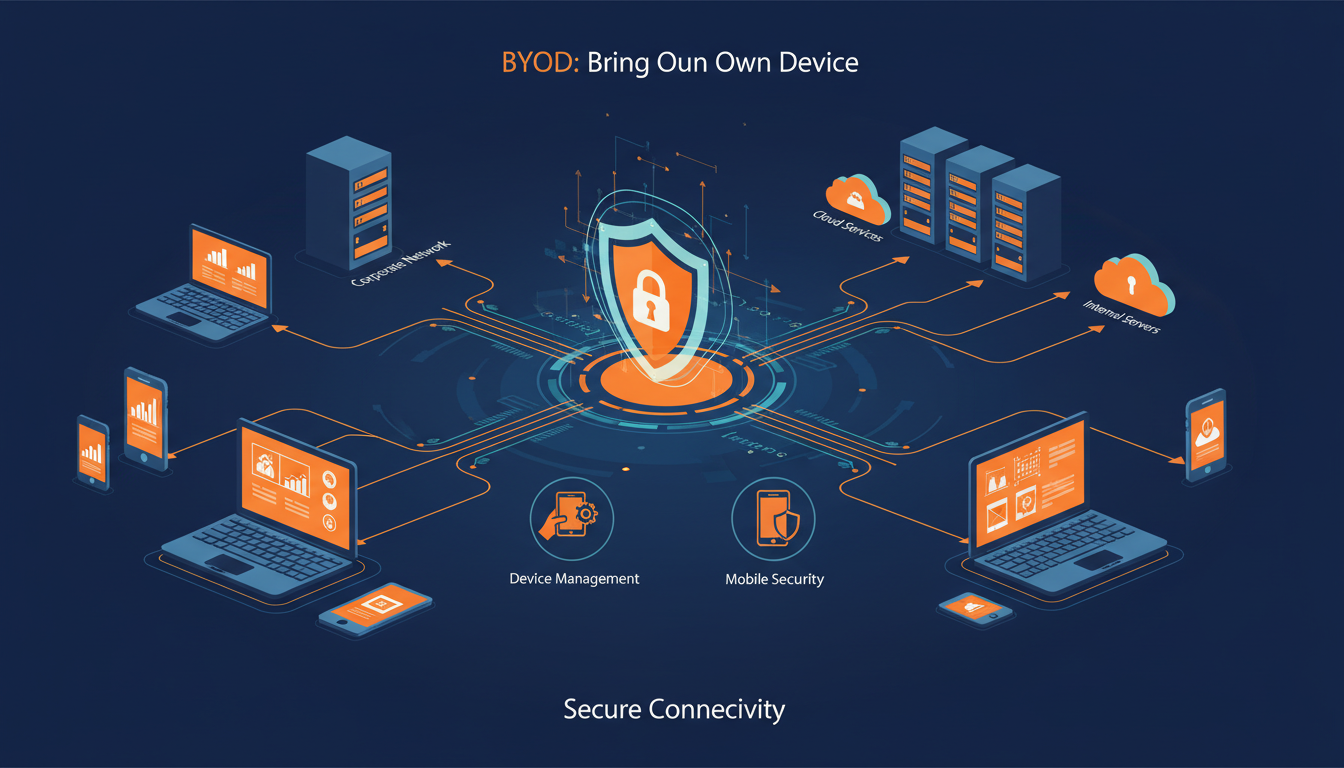
Bring Your Own Device (BYOD) policies have become standard practice across UK businesses of every size. Employees prefer using their own smartphones, laptops, and tablets - devices they're familiar with and already own - and businesses benefit from reduced hardware costs and increased flexibility. But when it comes to Cyber Essentials Plus certification, personal devices create a genuine compliance challenge that many organisations underestimate.
Cyber Essentials Plus is the advanced level of the UK Government's Cyber Essentials scheme, requiring an independent, hands-on technical audit of your systems. Unlike the basic Cyber Essentials self-assessment, the Plus certification involves an external assessor actively testing your devices, configurations, and network defences. If personal devices are used for work, they fall within scope - and meeting the technical requirements on hardware you don't own introduces complexities that demand careful planning.
Understanding the Scope: When Do Personal Devices Fall Under Cyber Essentials Plus?
The critical question is whether a personal device accesses organisational data or services. If an employee uses their personal phone to check work email, access cloud applications like Microsoft 365 or Google Workspace, connect to the corporate network or VPN, store or process business data, or access any system that handles customer or employee information - then that device is in scope for Cyber Essentials Plus.
This catches many businesses off guard. A managing director checking email on their personal iPad during a weekend, a sales representative accessing the CRM from their personal laptop, or a developer testing code on their own machine - all of these scenarios bring those personal devices into the certification scope.
You cannot simply exclude personal devices from the scope of your Cyber Essentials Plus assessment if those devices access organisational data. The NCSC's guidance is clear: any device that connects to your organisation's networks or accesses your data is in scope. Attempting to hide BYOD usage during an assessment is a compliance risk and could invalidate your certification entirely.
The scale of the BYOD compliance challenge becomes clear when you examine the numbers. Across UK businesses pursuing Cyber Essentials Plus certification, personal devices represent a significant and growing proportion of the device estate that assessors must evaluate during the hands-on technical audit.
The Five Technical Controls and How They Apply to BYOD
Cyber Essentials Plus is built on five technical security controls. Each presents specific challenges when applied to personal devices. Let's examine each one in the BYOD context.
1. Firewalls
Every device in scope must have an active, properly configured firewall. For company-owned devices, this is straightforward - you control the configuration. For personal devices, you need to verify that the device's built-in firewall is enabled and correctly configured (Windows Firewall, macOS firewall, or a third-party equivalent), that the firewall hasn't been modified or disabled by the user, and that incoming connections are blocked by default unless explicitly required.
The challenge is enforcement. On a personal device, the user has administrative control and could disable the firewall. Mobile Device Management (MDM) solutions can enforce firewall policies, but deploying MDM on personal devices raises its own issues - which we'll address shortly.
2. Secure Configuration
Devices must be securely configured, which means removing unnecessary software, disabling unused services, changing default passwords, and applying security-hardened settings. On personal devices, this is inherently complicated because the user has legitimate personal software installed alongside work applications, default configurations may have been changed for personal preferences, and you cannot reasonably demand that an employee remove personal applications from their own device.
The practical solution is to focus on work-related configurations rather than trying to control the entire device. Containerisation and work profiles (discussed below) allow you to secure the work environment without dictating the personal one.
3. Security Update Management
All software on in-scope devices must be patched within 14 days of a security update being released. This is one of the most challenging controls for BYOD because you must ensure the operating system is updated promptly, all applications that access work data are patched, and the device isn't running an end-of-life operating system that no longer receives security updates.
For personal devices, this means an employee using an old iPhone that no longer receives iOS updates, or a laptop running Windows 8.1, would fail the assessment - and their device would need to be brought up to standard or excluded from accessing work systems.
4. User Access Control
Access to data and services must be controlled through user accounts with appropriate privileges. For BYOD, this means strong authentication is enforced (complex passwords or biometrics as a minimum, multi-factor authentication ideally), user accounts don't have unnecessary administrative privileges on work systems, screen locks are enabled with reasonable timeout periods, and accounts are properly deprovisioned when an employee leaves.
The access control challenge with BYOD is that the user is typically an administrator on their own device. While you can't (and shouldn't) remove admin rights on a personal device, you can ensure that access to work systems requires separate, managed credentials that you control.
5. Malware Protection
All devices must have anti-malware protection that is active, up to date, and configured to scan files automatically. For Windows and macOS devices, this means verified, current antivirus software. For iOS devices, the built-in security model and App Store restrictions are generally accepted as sufficient. For Android devices, Google Play Protect must be enabled, and ideally a reputable mobile security application should be installed.
On personal devices, the risk is that users disable antivirus software to improve performance, or install applications from untrusted sources that bypass security protections. Your BYOD policy needs to address both scenarios explicitly.
Three Approaches to BYOD Compliance
There's no single "right" way to handle BYOD under Cyber Essentials Plus. The best approach depends on your organisation's size, risk appetite, and the degree of control employees are willing to accept on their personal devices. Here are the three most common strategies.
Full MDM Enrolment
Work Profile / Containerisation
Virtual Desktop (VDI)
Approach 1: Full MDM Enrolment
Mobile Device Management (MDM) platforms like Microsoft Intune, VMware Workspace ONE, or Jamf allow you to enforce security policies on any enrolled device. With full MDM enrolment, you can remotely enforce firewall settings, antivirus requirements, and update policies. You can verify device compliance in real time. You can remotely wipe work data (or the entire device) if it's lost or stolen. The assessor can verify compliance through the MDM console during the audit.
The downside is employee pushback. Full MDM gives the organisation significant visibility into - and control over - personal devices. Many employees are uncomfortable with their employer being able to see their installed applications, track their location, or potentially wipe their device. This approach works best in environments where employees understand and accept the trade-off, or where the business provides a stipend to compensate for the intrusion.
Approach 2: Work Profile / Containerisation
This approach creates a separate, managed "container" on the personal device that holds all work data and applications. Android's Work Profile (managed through an MDM like Intune) and Apple's User Enrolment feature are the most common implementations. The work container is fully managed and can be configured to meet all Cyber Essentials Plus requirements. The personal side of the device remains untouched and private. Work data cannot leak to personal applications, and vice versa. If the employee leaves, only the work container is wiped - personal data stays intact.
This is increasingly the recommended approach for most UK businesses. It balances compliance requirements with employee privacy expectations, and modern MDM platforms make it relatively straightforward to implement.
Approach 3: Virtual Desktop Infrastructure (VDI)
With VDI (using platforms like Azure Virtual Desktop, Citrix, or Amazon WorkSpaces), no work data ever touches the personal device. The employee connects to a virtual desktop running in the cloud, and all processing and storage happens server-side. The personal device is essentially a thin client - a window into the work environment.
This approach largely sidesteps the BYOD compliance challenge because the "device" being assessed is the virtual desktop, not the personal hardware. However, VDI has significant cost implications and requires reliable internet connectivity, making it less practical for some roles and working patterns.
Preparing Personal Devices for the Assessment
When the Cyber Essentials Plus assessor visits (or conducts a remote assessment), they will test in-scope devices directly. For personal devices, this means the assessor will verify that each tested device has a functioning, enabled firewall, run vulnerability scans to check for missing security updates, verify that anti-malware protection is active and current, check authentication settings (password complexity, screen lock timeouts), and confirm that the operating system and key applications are within their supported lifecycle.
Preparing for this requires advance work. At least four weeks before the assessment, audit all personal devices that access work systems. Identify any that are running unsupported operating systems, have significant missing patches, or lack required security software. Give device owners clear instructions and a deadline for remediation. Any device that can't meet the requirements must be excluded from work system access before the assessment.
Create a "BYOD readiness checklist" that employees can self-assess against before the formal audit. Include specific items like "Operating system version is X or higher," "Windows Firewall is enabled," "Screen lock is set to activate within 5 minutes," and "Antivirus software is installed and up to date." This empowers employees to prepare their own devices and reduces the last-minute scramble before the assessment.
Writing a BYOD Policy That Supports Certification
A formal BYOD policy is essential - both for operational clarity and as evidence for the Cyber Essentials Plus assessment. Your policy should cover the following areas at minimum.
Eligibility and registration. Which roles are permitted to use personal devices for work? What is the registration process? How are devices tracked and inventoried?
Minimum device requirements. Specify minimum operating system versions, required security software, and any hardware requirements. Be explicit: "Devices must run iOS 16 or later, Android 13 or later, Windows 11 with current feature updates, or macOS Ventura or later."
Security requirements. Document the specific controls required: firewall enabled, antivirus active, screen lock configured, encryption enabled, automatic updates turned on.
Acceptable use. What can and cannot be done with work data on a personal device? Can files be downloaded locally? Can data be shared to personal cloud storage? Can work applications be used on shared family devices?
Monitoring and compliance. Explain what the organisation can and cannot see on enrolled devices. Be transparent about the level of monitoring and control - this is crucial for employee trust and GDPR compliance.
Offboarding. What happens when an employee leaves? How is work data removed? What is the process for unenrolling from MDM?
Non-compliance consequences. What happens if a device doesn't meet requirements? Typically, access to work systems is revoked until the device is brought into compliance.
Comparing MDM Platforms for BYOD Compliance
Selecting the right Mobile Device Management platform is a critical decision for BYOD compliance. Each major MDM solution offers different strengths across the key areas that matter for Cyber Essentials Plus certification. The following comparison covers the most commonly deployed platforms across UK businesses pursuing or maintaining their Plus certification.
| MDM Platform | Work Profile Support | Patch Monitoring | Remote Wipe | Compliance Reporting | Best For |
|---|---|---|---|---|---|
| Microsoft Intune | Full (Android & iOS) | Excellent | Selective & Full | Built-in dashboards | Microsoft 365 environments |
| VMware Workspace ONE | Full (Android & iOS) | Excellent | Selective & Full | Advanced analytics | Multi-platform enterprises |
| Jamf Pro | macOS & iOS only | Good | Selective & Full | Good reporting | Apple-centric organisations |
| Kandji | macOS & iOS only | Good | Selective & Full | Good reporting | Apple-focused SMEs |
| Hexnode | Full (all platforms) | Good | Selective & Full | Basic reporting | Budget-conscious SMEs |
For most UK organisations already invested in the Microsoft ecosystem, Intune offers the most seamless path to BYOD compliance. Its integration with Azure Active Directory, Conditional Access policies, and Microsoft 365 means you can enforce compliance requirements without deploying separate infrastructure. Organisations with a predominantly Apple device estate should consider Jamf Pro or Kandji for their deeper macOS and iOS management capabilities.
Common BYOD Pitfalls in Cyber Essentials Plus Assessments
Based on common assessment experiences across UK businesses, these are the issues that most frequently cause problems.
Forgotten devices. The IT team knows about the laptops and phones, but forgets about the managing director's personal tablet, the intern's Chromebook, or the contractor's laptop. If it accesses work data, it's in scope.
End-of-life operating systems. An employee's three-year-old Android phone that stopped receiving security updates six months ago is a compliance failure waiting to happen. Proactively identify and address these before the assessment.
Missing patches on personal machines. Personal devices often lag behind on updates because users defer them. The 14-day patching requirement catches many personal devices out, particularly Windows laptops where updates can be postponed for weeks.
No separation of work and personal data. Without containerisation or a work profile, work data may be accessible to personal applications (and vice versa). This creates both a compliance issue and a data protection risk under GDPR.
Rooted or jailbroken devices. Devices where the user has bypassed the manufacturer's security restrictions (rooting on Android, jailbreaking on iOS) cannot meet Cyber Essentials Plus requirements. Your BYOD policy must explicitly prohibit their use for work purposes.
The Privacy Balance: GDPR Considerations
Deploying management tools on personal devices creates a tension between organisational security and employee privacy. Under GDPR and the UK Data Protection Act 2018, any monitoring or data collection on personal devices must have a lawful basis (legitimate interests is the most common for BYOD), must be proportionate to the security objective, must be clearly communicated to the employee, and must not collect more data than necessary.
Employees have a reasonable expectation of privacy on their own devices. You cannot, for example, monitor personal web browsing, read personal messages, access personal photos, or track location outside working hours. Your MDM configuration must be carefully designed to manage only the work profile or container, and your privacy notice must clearly explain what data is and isn't collected.
The containerisation approach (Approach 2 above) is particularly strong here because it creates a clear boundary: the organisation manages the work container, and everything outside it remains entirely private.
Making the Decision: BYOD, COPE, or Corporate-Only?
For some organisations, the compliance burden of BYOD under Cyber Essentials Plus may be significant enough to reconsider the approach entirely. Three models to evaluate are as follows.
BYOD (Bring Your Own Device): Employees use personal devices with appropriate security controls. Lowest hardware cost, highest compliance complexity.
COPE (Corporate-Owned, Personally Enabled): The organisation provides devices that employees can also use for personal purposes. Higher hardware cost, simpler compliance, good employee satisfaction.
Corporate-only: Work is done exclusively on company-owned and managed devices. Personal devices are explicitly excluded from work systems. Highest hardware cost, simplest compliance, potentially lower employee satisfaction.
There's no universally correct answer. The right model depends on your workforce, your budget, your risk appetite, and the sensitivity of the data you handle. What matters is choosing deliberately and implementing consistently - rather than drifting into an unmanaged BYOD situation that creates compliance gaps.
BYOD Readiness Assessment
Before your Cyber Essentials Plus assessment, it is essential to gauge how prepared your BYOD estate really is. The following readiness indicators reflect typical scores we observe during pre-assessment audits of UK organisations with active BYOD policies. Scores below 75 indicate areas requiring immediate attention before the formal audit.
As these figures illustrate, OS patching compliance and device inventory accuracy tend to be the weakest areas for organisations managing personal devices. Addressing these two areas proactively - well before your scheduled assessment date - significantly improves your chances of passing on the first attempt and avoids the cost and disruption of a failed certification.
Getting Certified With Confidence
BYOD and Cyber Essentials Plus are not incompatible - far from it. Thousands of UK businesses successfully maintain Plus certification while supporting personal device usage. The key is intentional planning: choosing the right technical approach, writing a clear BYOD policy, preparing devices in advance of the assessment, and maintaining ongoing compliance through regular monitoring and updates.
The investment in getting this right pays dividends beyond certification. A well-managed BYOD environment reduces data breach risk, improves your posture for other compliance frameworks (ISO 27001, GDPR), and demonstrates to clients and partners that you take security seriously - an increasingly important differentiator in UK business.
Need Help With BYOD and Cyber Essentials Plus?
Our Cyber Essentials Plus specialists help UK businesses navigate the complexities of BYOD compliance. From policy development to MDM deployment to assessment preparation, we ensure your personal device strategy supports - rather than undermines - your certification. Get expert guidance today.
GET IN TOUCH
CloudSwitched
London-based managed IT services provider offering support, cloud solutions and cybersecurity for SMEs.


