- Cloud Backup
How to Set Up Automated Cloud Backup for Your Business
11 Mar, 2026
£74.30 inc. VAT
AI-generated summary
At £61.92 ex-VAT, the Acer KA242Y Gbi is exactly the kind of “good enough” monitor that makes sense for basic office setups: spreadsheets, admin work, and dual-screen desks where you don’t want to burn budget. 120Hz is a nice bonus at this price point, and the 23.8" size is a sweet spot for productivity without taking over your workstation. If you’re equipping multiple staff or outfitting a light-duty environment (think call-centre overflow, training rooms, back offices), this will do the job reliably.
That said, I wouldn’t choose it as your main daily driver for colour-critical work or long-haul design tasks—budget panels typically come with trade-offs in viewing angles and contrast, and you’ll notice that if you spend hours fine-tuning visuals. Also, it’s a pared-back experience: if you need lots of connectivity or ergonomic adjustments, you may find it frustrating compared to pricier business models. Buy it when cost-per-screen matters and the work is mostly text and number work; avoid it if you care about “set it and forget it” office ergonomics and image quality.
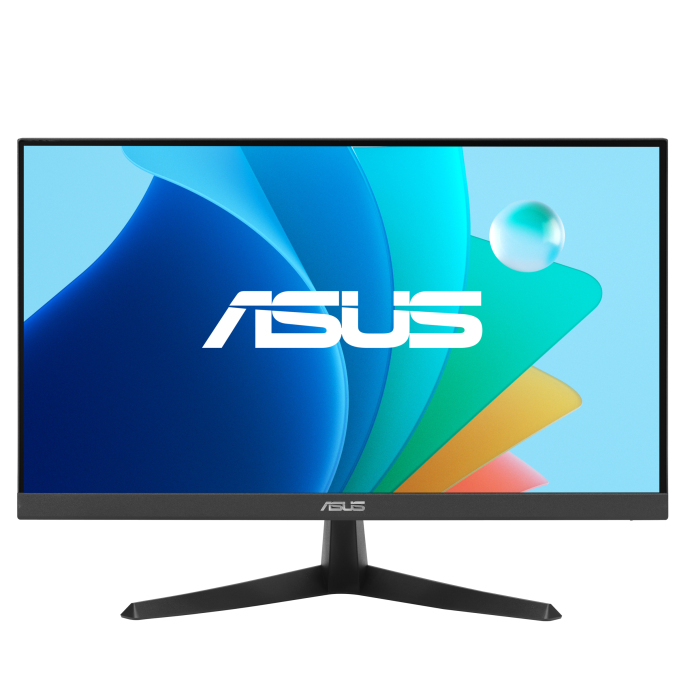
Asus
ASUS VY229HF - LED monitor - gaming - 22" (21.45" viewable) - 1920 x 1080 Full HD (1080p) @ 100 Hz - IPS - 250 cd/m� - 1300:1 - 1 ms - HDMI, VGA - black

AOC
AOC CU34E4CV - LED monitor - curved - USB - 34" - 3440 x 1440 UWQHD @ 120 Hz - VA - 3500:1 - HDR10 - 4 ms - 2xHDMI, DisplayPort, USB-C - speakers - black
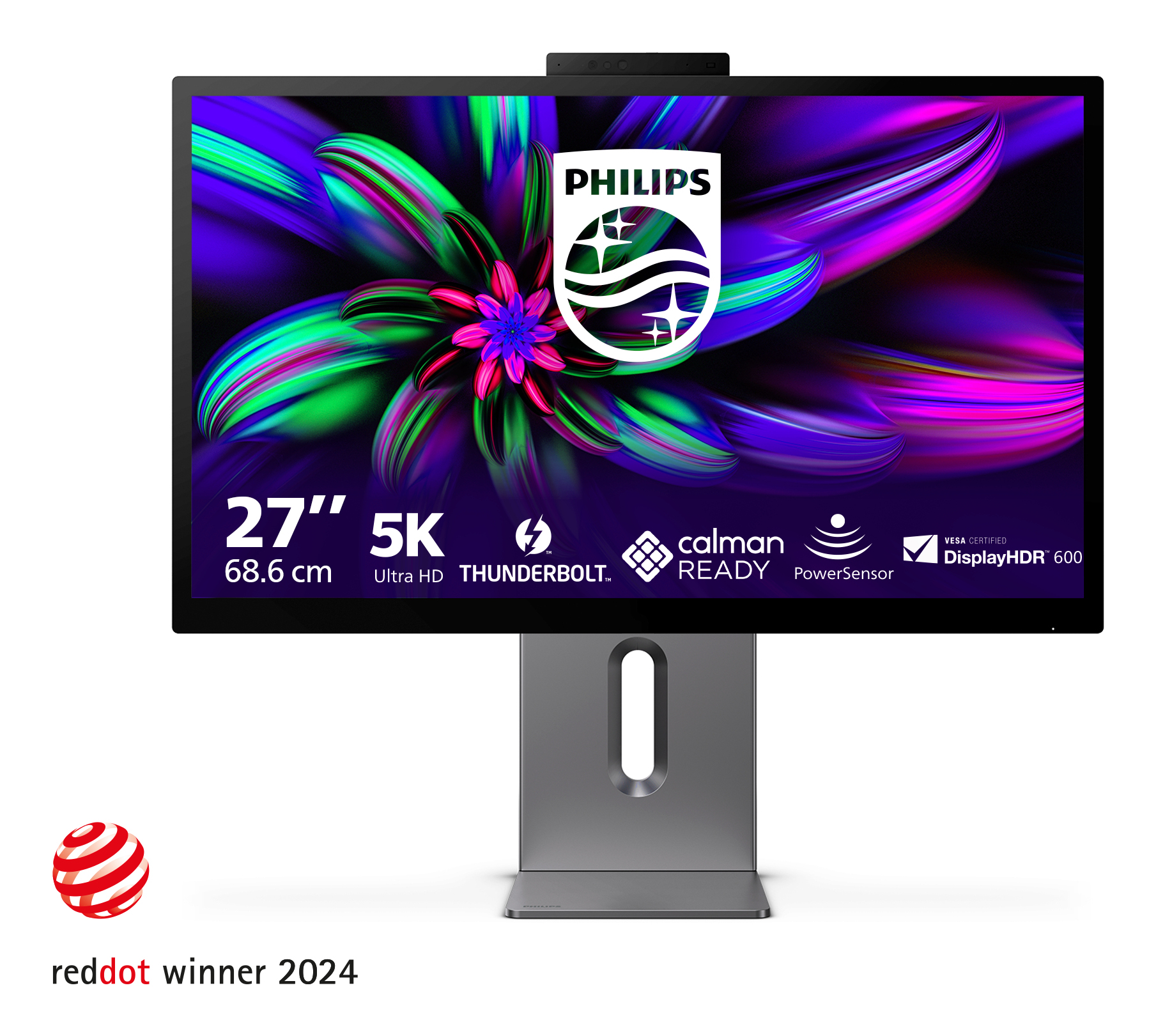
Philips
Philips Brilliance 27E3U7903 - 7000 Series - LED monitor - USB - 27" - 5120 x 2880 5K Ultra HD (2880p) @ 70 Hz - IPS - 500 cd/m� - 2000:1 - DisplayHDR 600 - 4 ms - Thunderbolt 4, HDMI - speakers - space grey
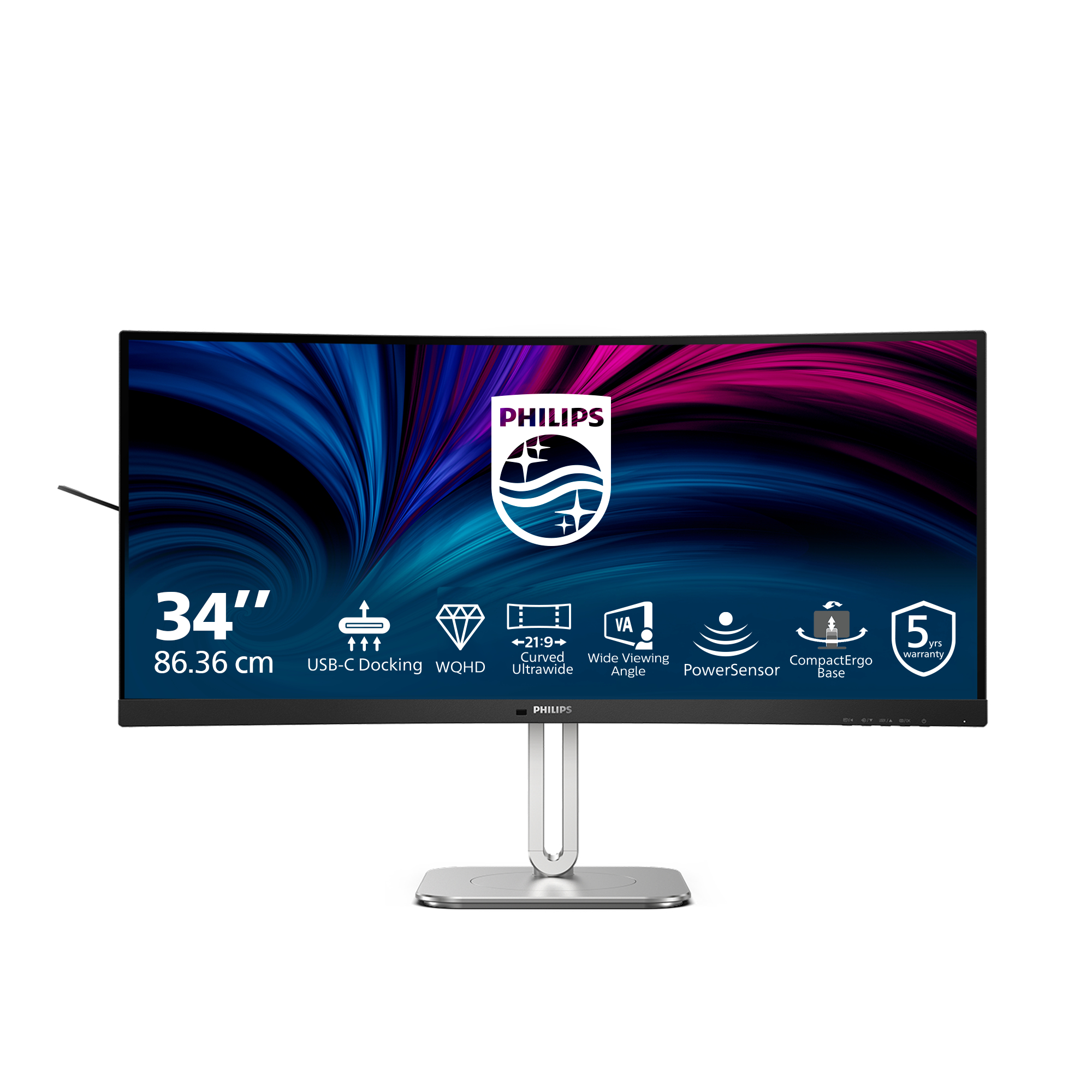
Philips
Philips 34B2U5600C - 5000 Series - LED monitor - curved - USB - 34" - 3440 x 1440 WQHD @ 120 Hz - VA - 300 cd/m� - 4000:1 - 4 ms - 2xHDMI, DisplayPort, USB-C - speakers - charcoal