- Cloud Email
Shared Mailboxes vs Distribution Lists: When to Use Each
11 Mar, 2026
£80.77 inc. VAT
AI-generated summary
The Magic Mouse is one of those Apple peripherals that looks great on a desk and feels *smooth* to use day to day, especially if you’re already living in macOS. For light office work, scrolling and gestures are genuinely pleasant, and the Bluetooth connection is usually painless. At £67.28 ex-VAT, it’s not an “impulse buy” mouse though—you’re paying for the Apple experience and the clean multi-touch surface more than raw ergonomics or gaming-grade performance.
That said, I wouldn’t recommend it to everyone. If you do lots of long typing sessions with heavy mouse use, the shape and touch controls can get a bit fiddly, and it’s not the most ergonomic choice for either comfort or precision. Also, some people hate that the surface is both the control area and the place your fingers naturally rest—there’s a learning curve and it’s easier to trigger unintended gestures. If you want a reliable, no-drama workhorse mouse, there are usually better-value options; if you want a stylish, gesture-friendly mouse for everyday Mac use and you don’t mind trading ergonomics for touch controls, then the Magic Mouse makes sense.
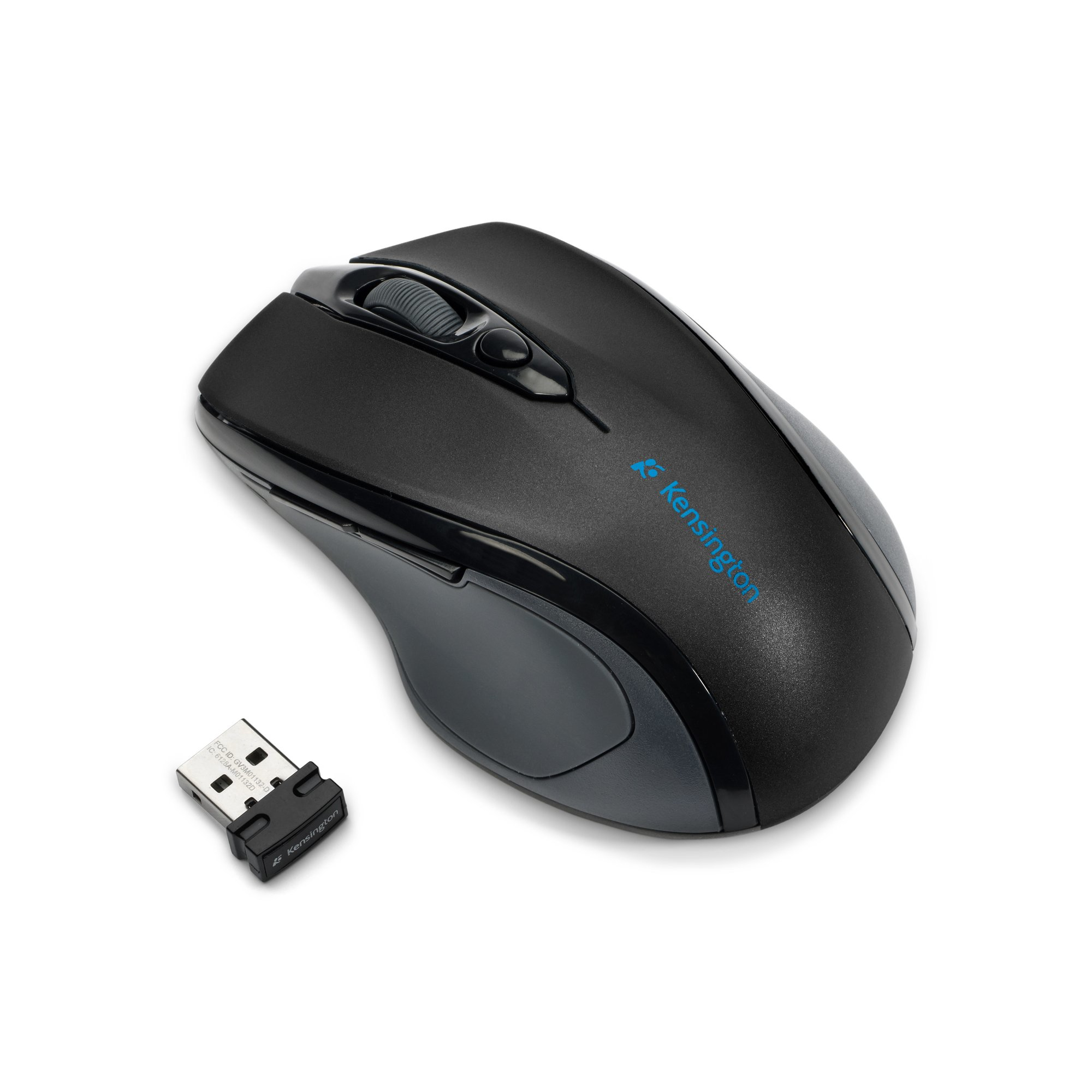
Kensington
ProFit Wireless Mid-Size Mouse with nano receiver
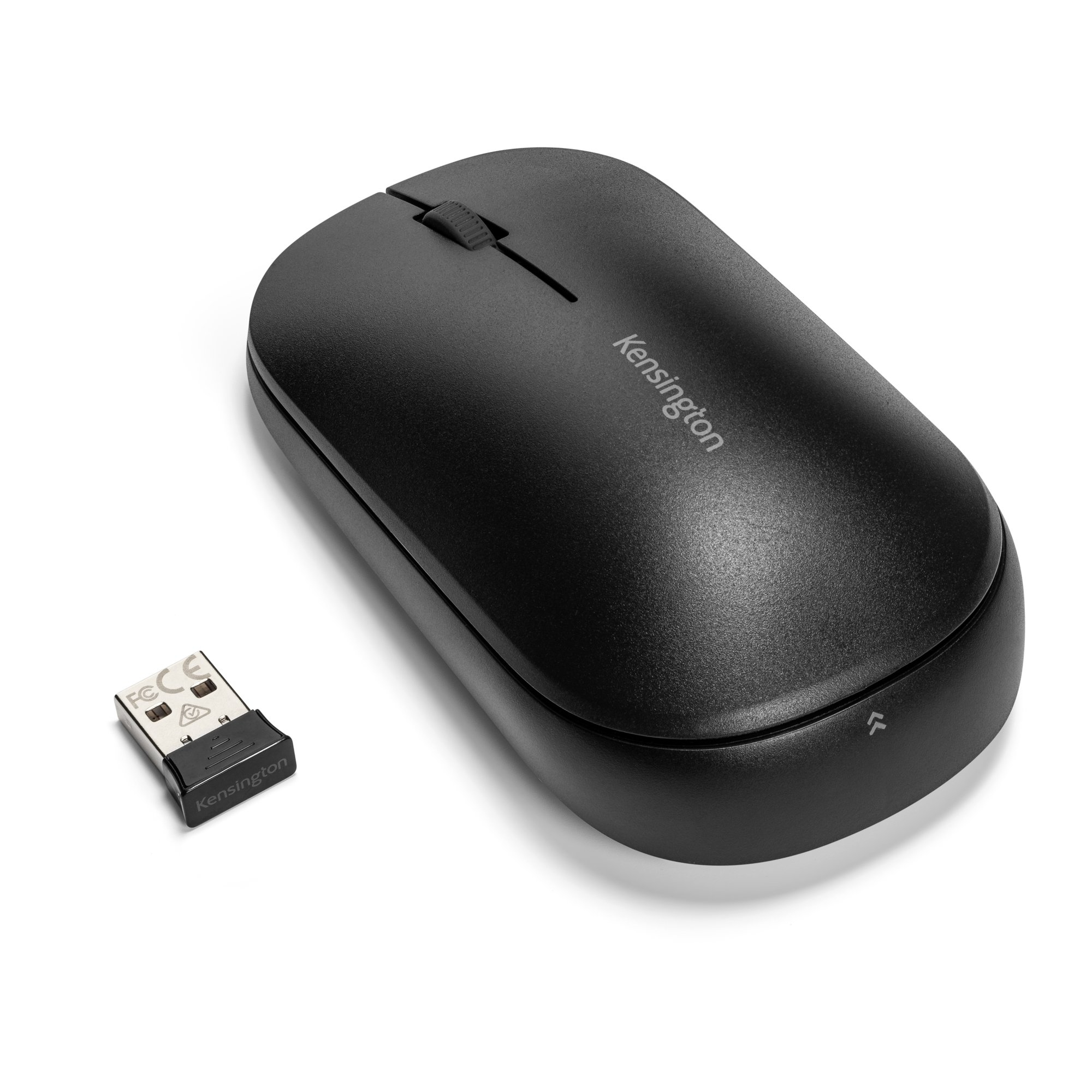
Kensington
Kensington SureTrack Dual Wireless Mouse - Mouse - optical - 4 buttons - wireless - 2.4 GHz, Bluetooth 5.0 LE, Bluetooth 3.0 - USB wireless receiver - black
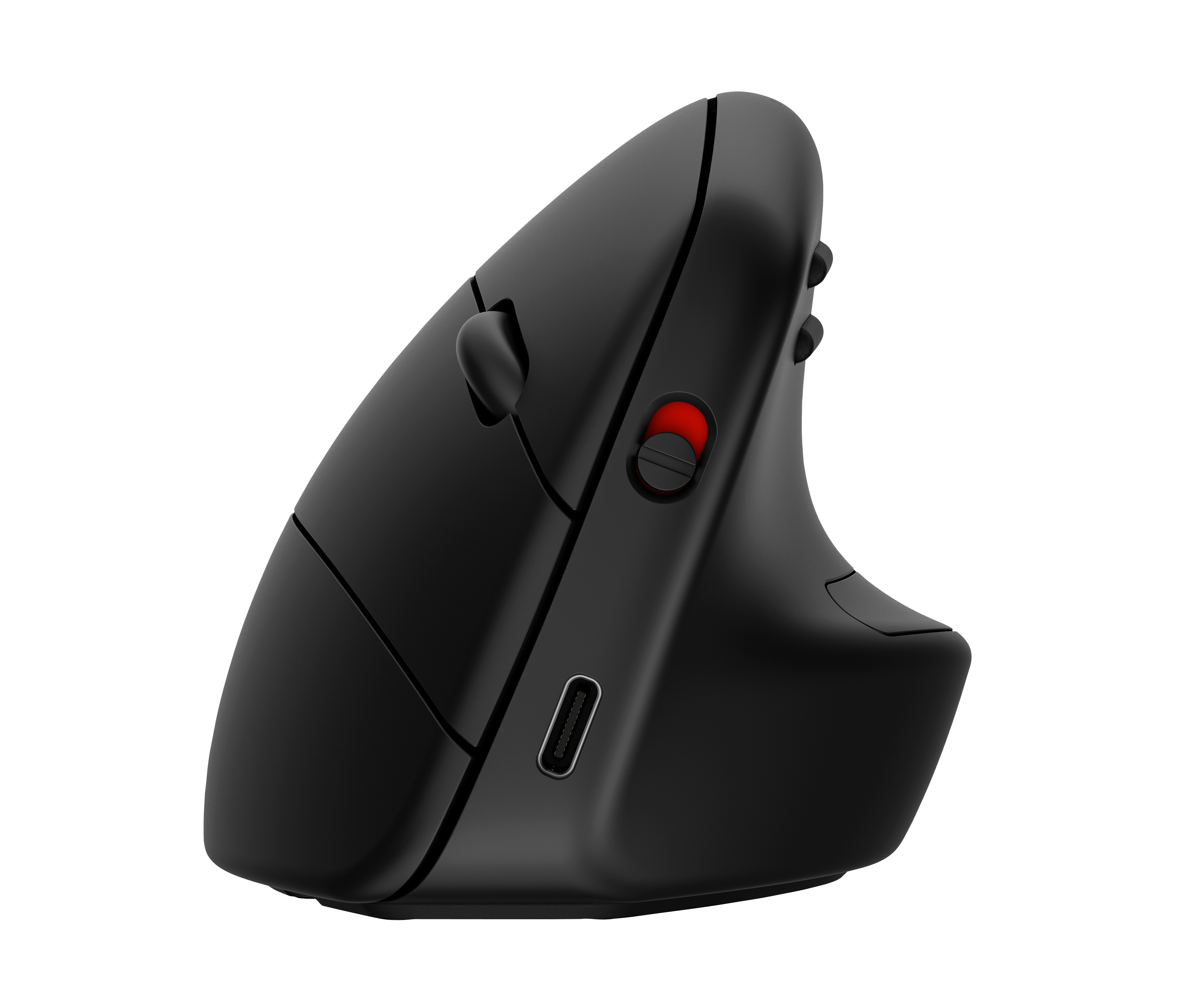
HP
HP 925 - Vertical mouse - ergonomic - 6 buttons - wireless - Bluetooth 5.3, 2.4 GHz - USB wireless receiver - black - 100% paper-based packaging
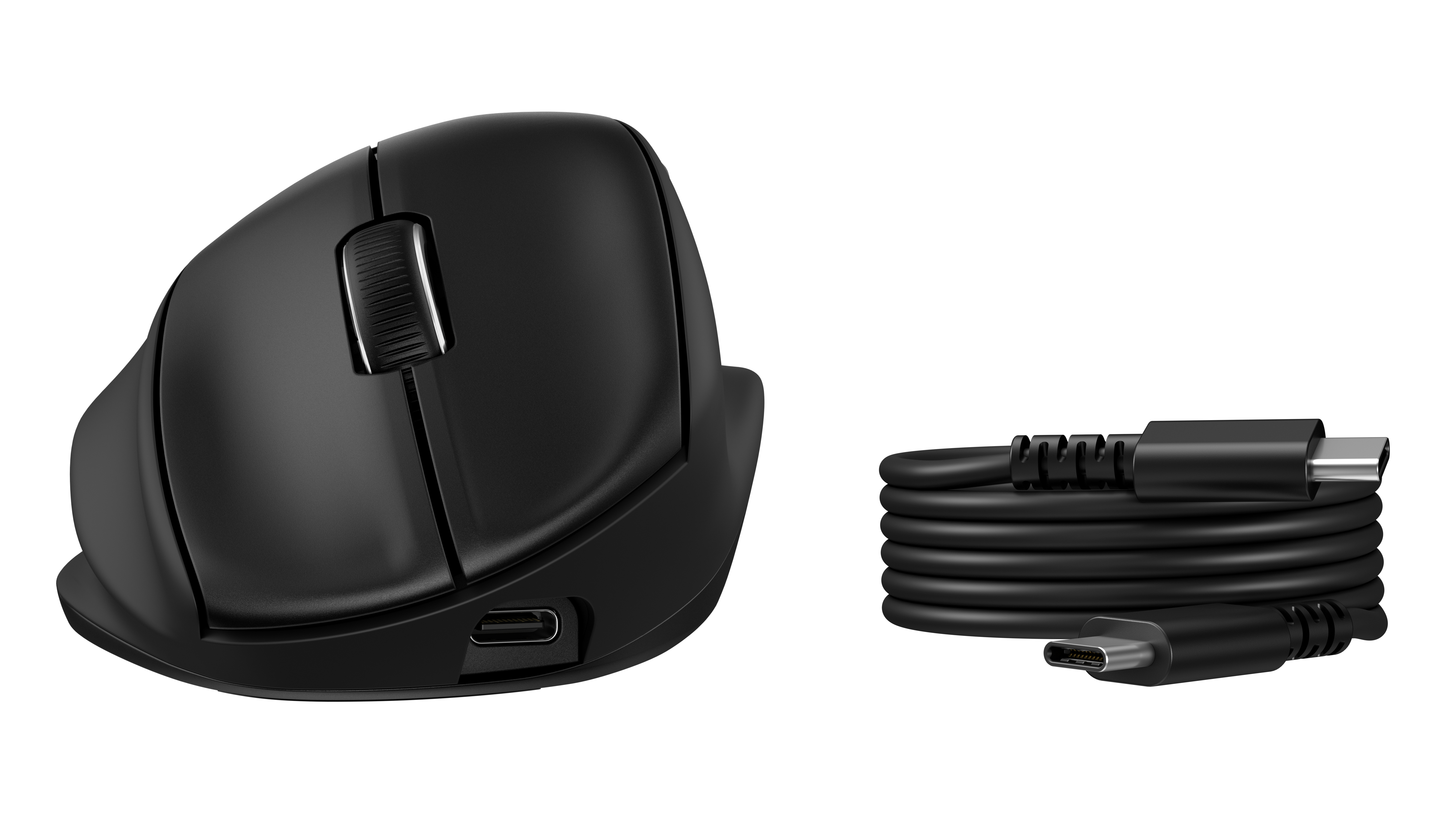
HP
HP 725M - Mouse - ergonomic - 21� semi-vertical tilt - right-handed - 7 buttons - wireless - Bluetooth, 2.4 GHz - USB wireless receiver - black
Powered by industry-leading technologies including SolarWinds, Cloudflare, BitDefender, AWS, Microsoft Azure, and Cisco Meraki to deliver secure, scalable, and reliable IT solutions.


