- IT Office Moves
7 Things to Consider When Moving Your IT to a New Office
2 Jun, 2025
£133.79 inc. VAT
AI-generated summary
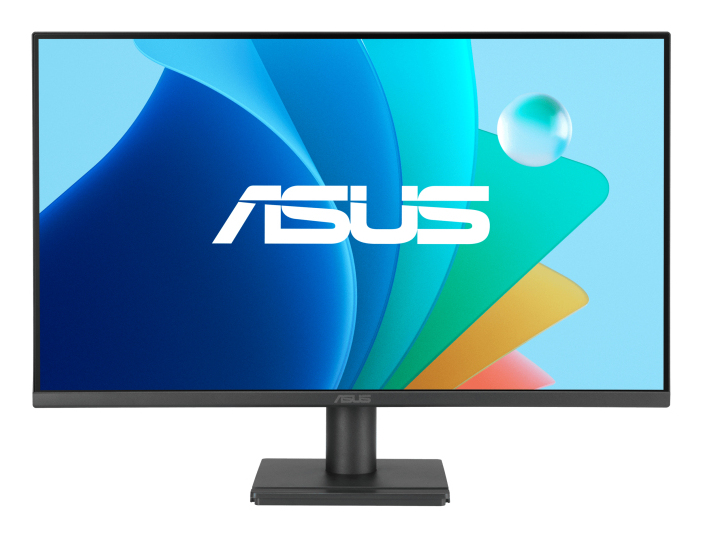
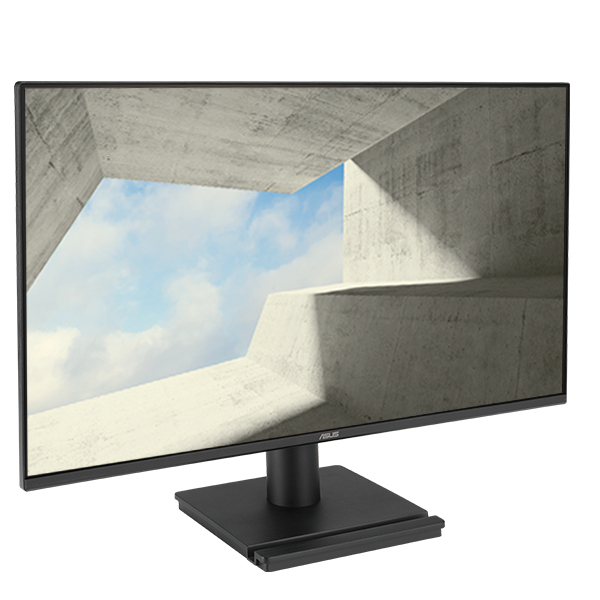
The ASUS VA249QG at £111.42 ex-VAT is the kind of monitor I’d recommend for straightforward office setups where you want something reliable without pretending it’s a premium display. At this size and price point it’s a sensible “bolt-on” upgrade for everyday admin work, spreadsheets, email, and dual-screen desktop productivity—basically the stuff you don’t want to babysit. If your team works mainly in apps that don’t demand colour-critical output, it’ll feel perfectly fine day to day.
That said, I wouldn’t buy it if you’re expecting strong ergonomics or wow-factor image quality. Entry-level FHD panels tend to show their limits with viewing angles and contrast, and you’ll notice that more with design work, finance dashboards with lots of gradients, or anyone sitting off-axis for long periods. If you’re buying for a room where people won’t all be sitting straight on, or you need better text clarity/colour consistency for creative or QA work, you’ll be happier spending a bit more on a better panel type and features that actually improve the working experience. For basic office use: good value. For anything more demanding: it’s a cost-effective compromise, not a “set and forget” long-term upgrade.
Samsung
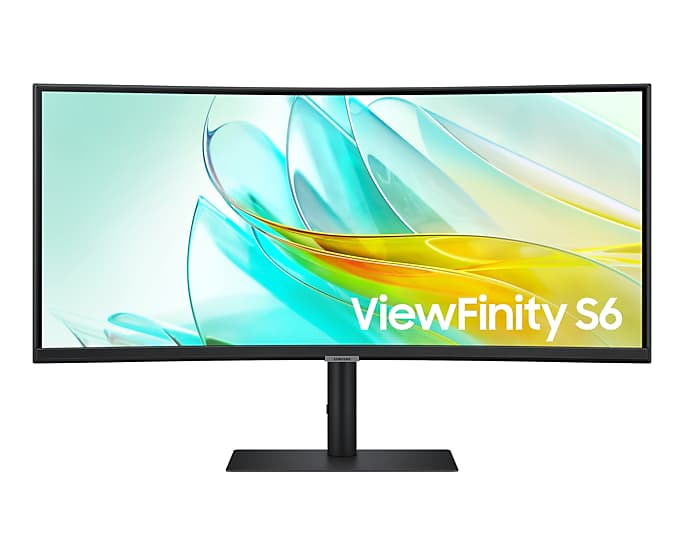
Samsung ViewFinity S6 S34C652UAU - S65UC Series - LED monitor - curved - 34" - 3440 x 1440 UWQHD @ 100 Hz - VA - 350 cd/m� - 3000:1 - HDR10 - 5 ms - HDMI, DisplayPort, USB-C - speakers - black
Iiyama
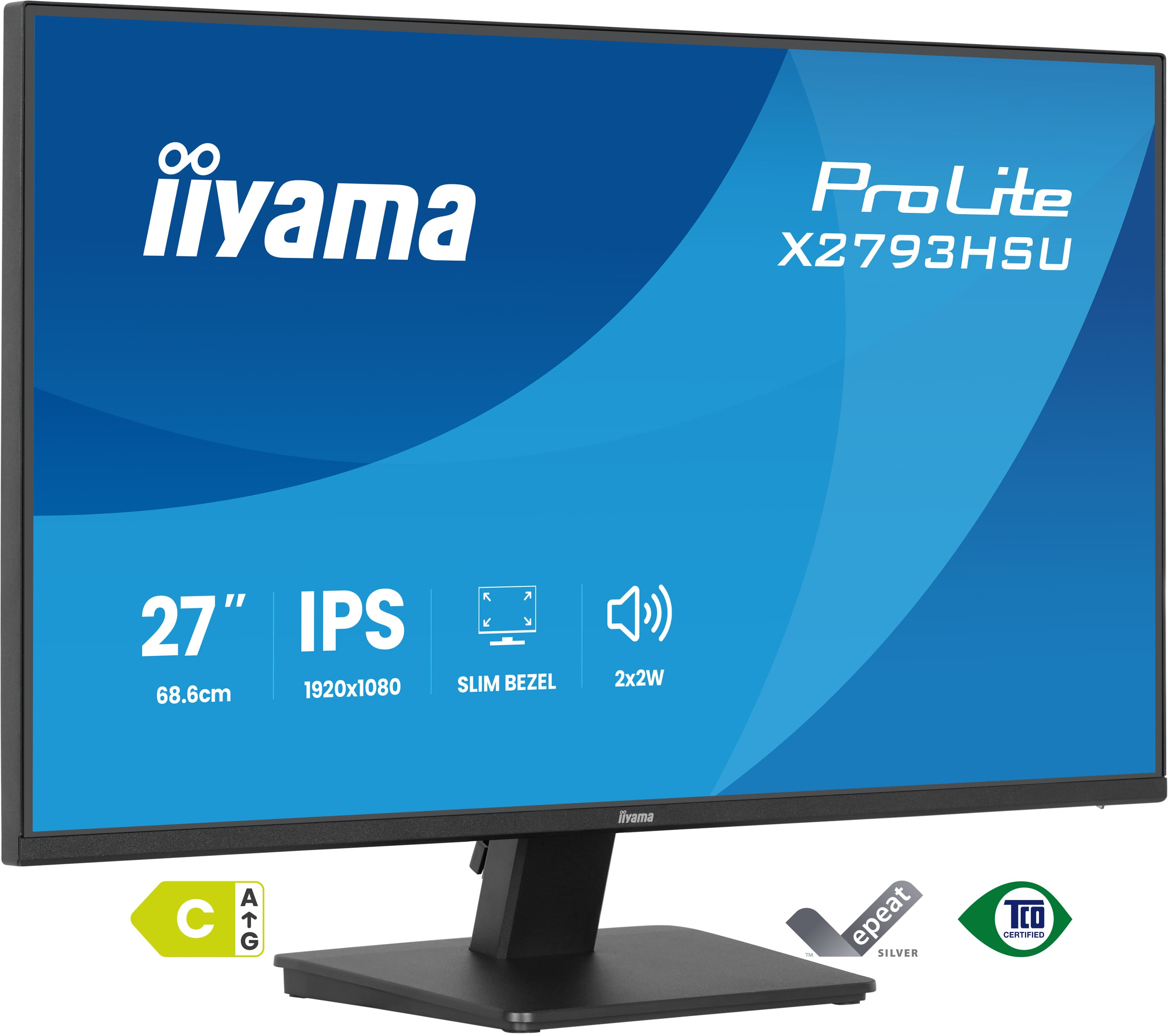
Iiyama X2793HSU-B1 - LED monitor - 27" - 1920 x 1080 Full HD (1080p) @ 120 Hz - IPS - 350 cd/m� - 1500:1 - 1 ms - HDMI, DisplayPort - speakers - matte, black
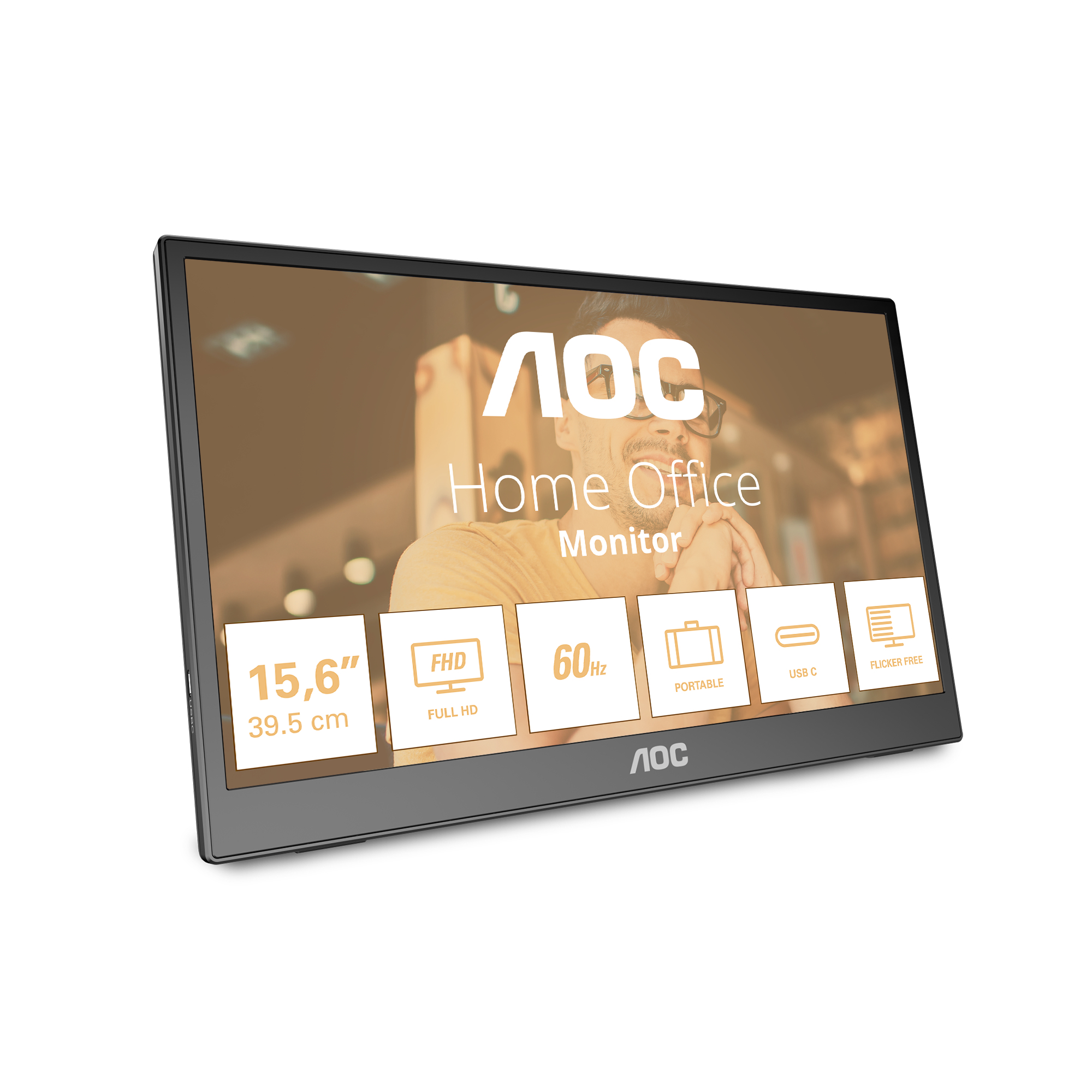
AOC
AOC 16T3EA - LED monitor - 16" (15.6" viewable) - portable - 1920 x 1080 Full HD (1080p) @ 60 Hz - IPS - 250 cd/m� - 700:1 - 4 ms - USB-C - textured black
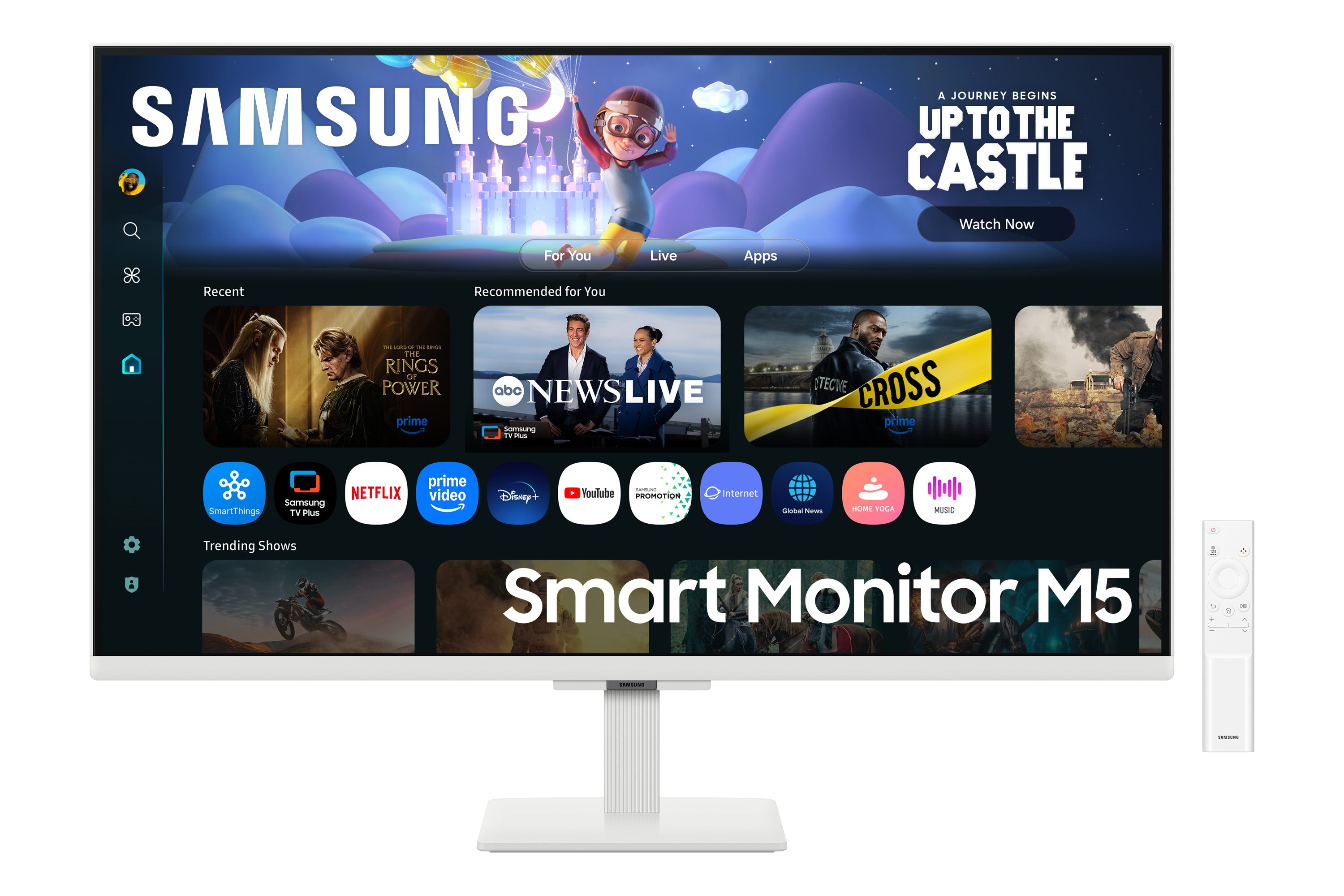
Samsung
Samsung S32FM501EU - M50F Series - LED monitor - Smart - 32" - 1920 x 1080 Full HD (1080p) @ 60 Hz - VA - 250 cd/m� - 3000:1 - HDR10 - 4 ms - 2xHDMI - speakers - white