- Azure Cloud
How to Monitor Azure Performance and Costs
10 Jul, 2025


£47.22 inc. VAT
AI-generated summary
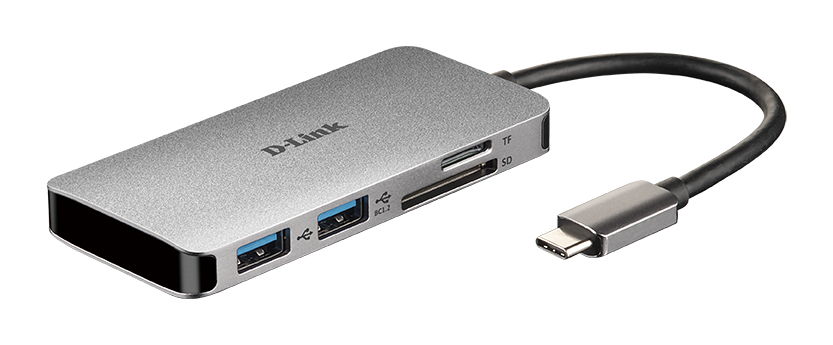
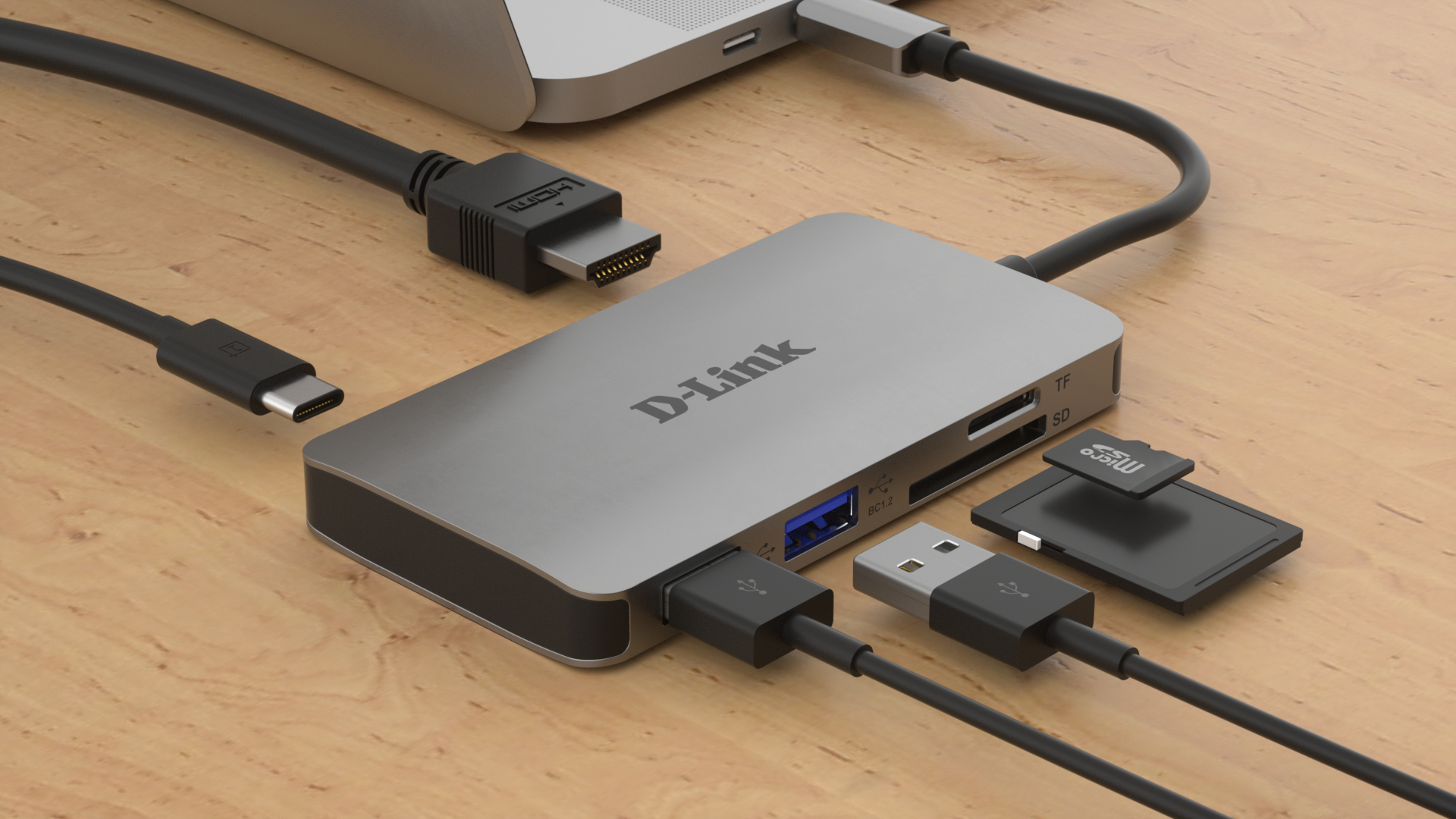
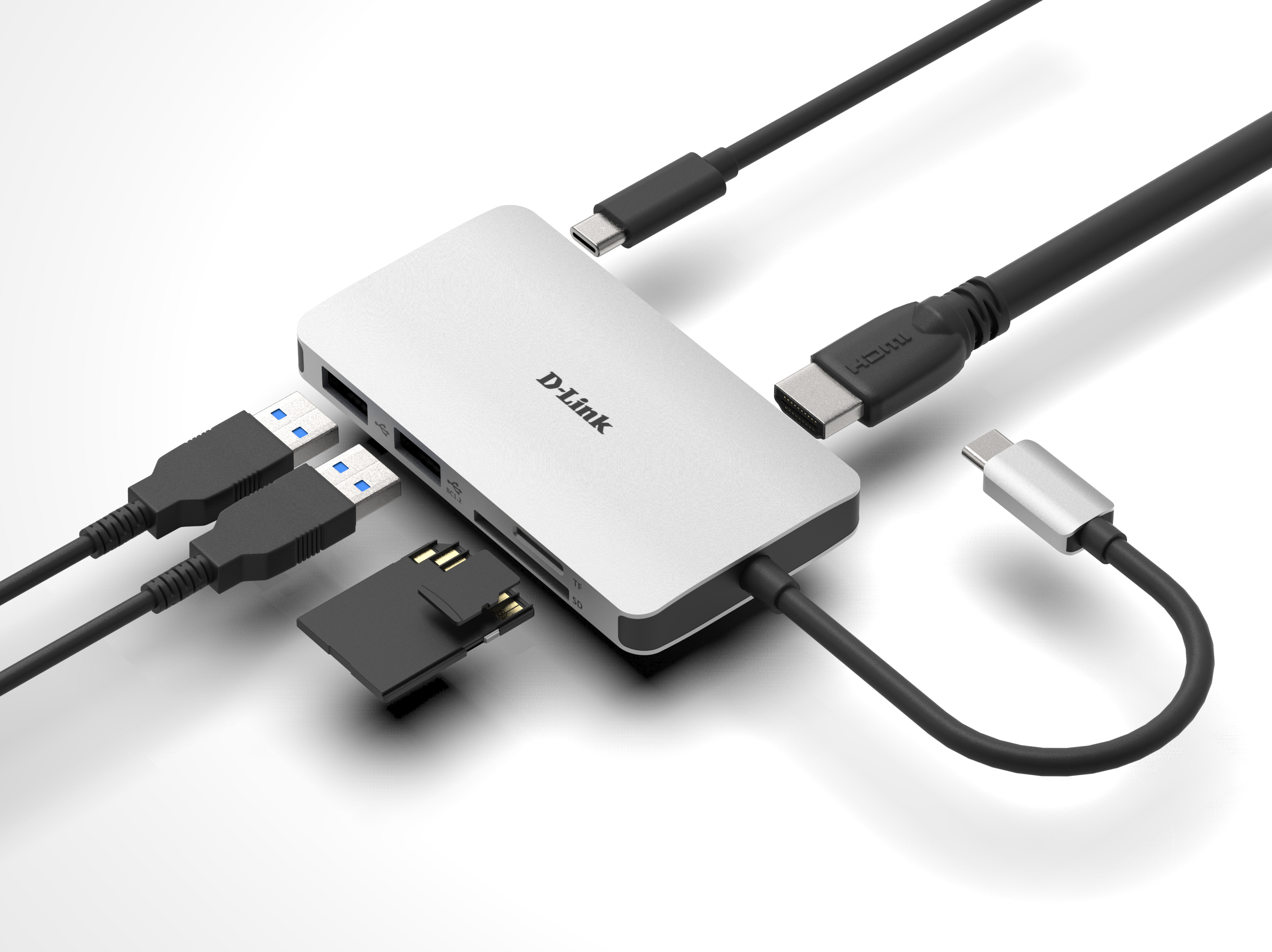
For £39.40 ex-VAT, this D‑Link 6‑in‑1 USB‑C hub is a sensible “grab-and-go” option if you mostly need the basics: HDMI for a second screen, a couple of USB ports for peripherals, and card reading without hauling a full dock. It’s the kind of accessory that actually gets used day-to-day—plug it in at your desk, it behaves like an extension of your laptop, and you’re not paying enterprise dock money for a feature set you’ll only use occasionally. If you’ve got a modern laptop with USB‑C and want reliability for common office tasks, it’s good value.
That said, don’t buy it if you’re expecting one-hub-to-run-everything performance. These portable hubs can be a bit hit-and-miss with “higher demand” setups (multiple displays, heavier USB devices, or finicky monitors), and cheap-ish HDMI/cable chains are where issues show up first—flicker, negotiation problems, or “it works until it doesn’t.” If you’re in a role with lots of A/V gear, spreadsheets plus external storage plus a projector all at once, I’d spend more on a more robust docking solution. But for typical office use—monitor, keyboard/mouse, and occasional media transfer—this is the kind of practical, low-risk buy that saves you faffing about with dongles.
Kensington
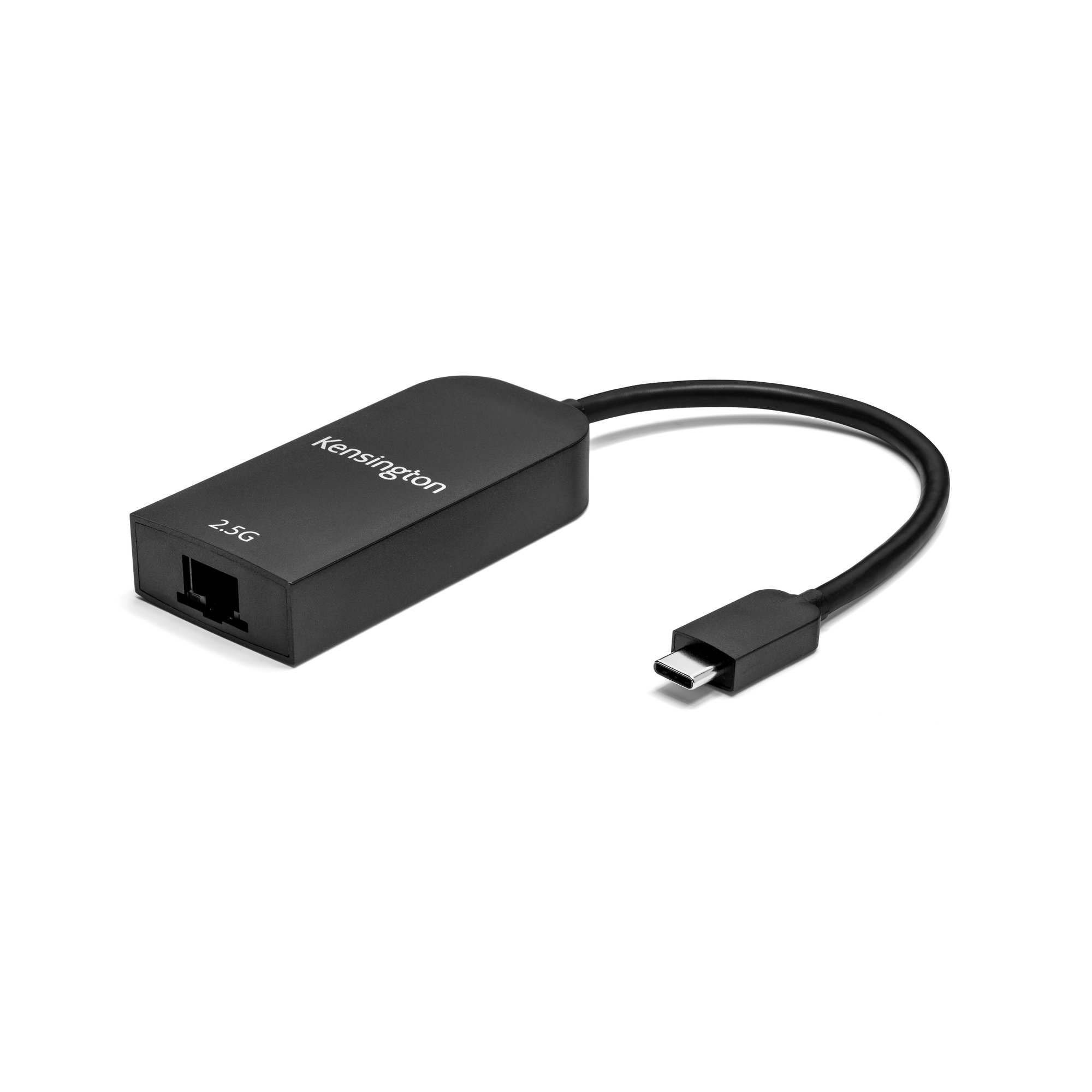
Kensington - Network adapter - USB-C - 2.5GBase-T x 1
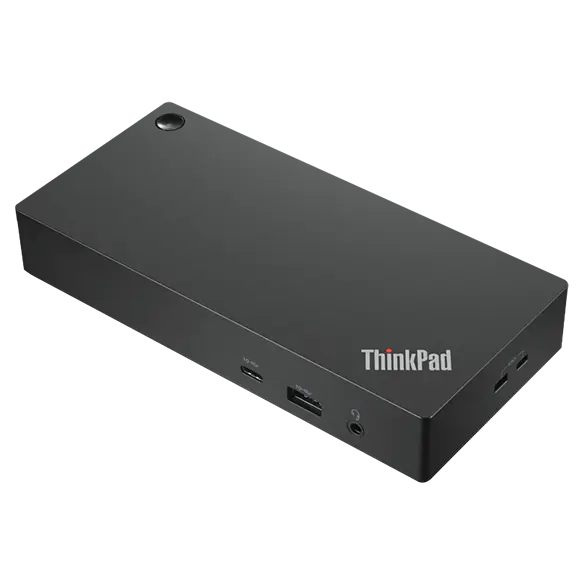
Lenovo
Lenovo ThinkPad - Docking station - USB-C - HDMI, DP - 1GbE - 135 Watt - United Kingdom
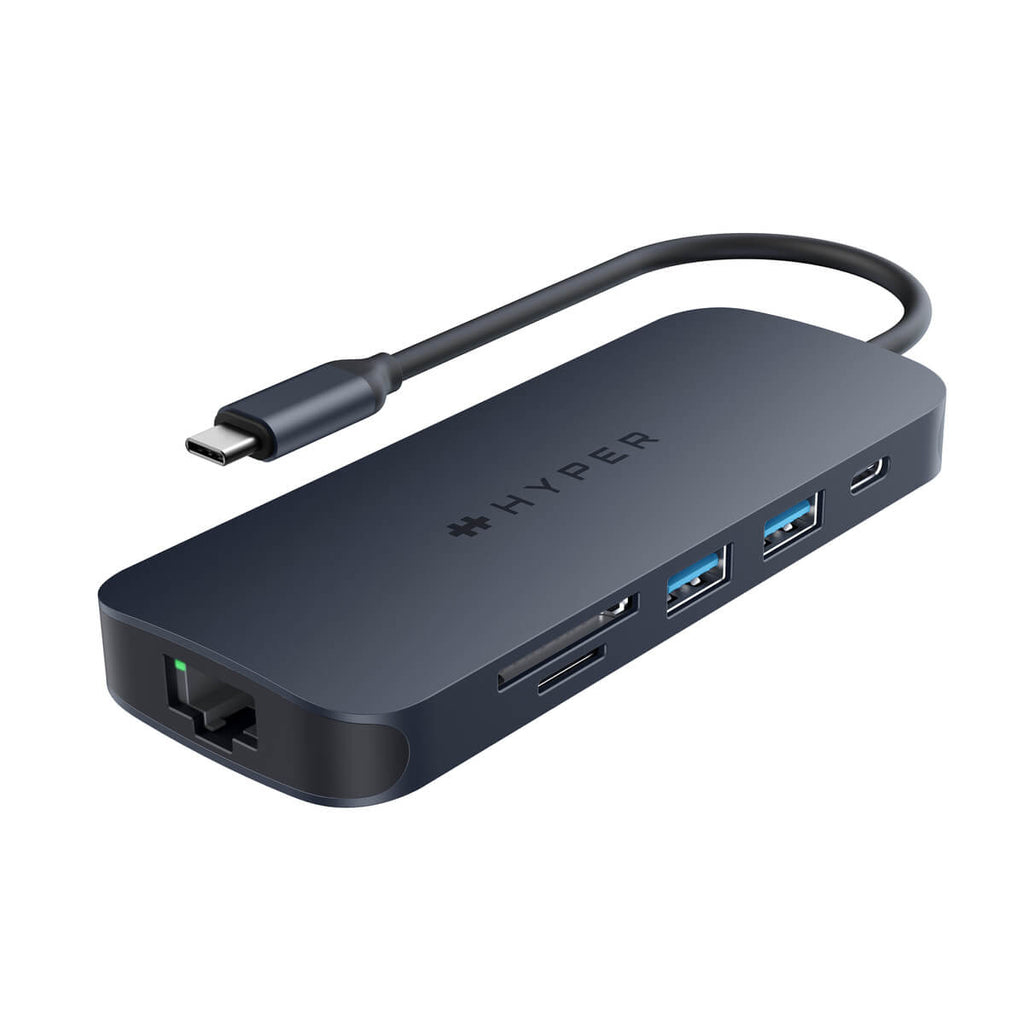
TARGUS HARDWARE
HyperDrive Next - Docking station - USB-C 3.2 Gen 2 / Thunderbolt 3 / Thunderbolt 4 - HDMI
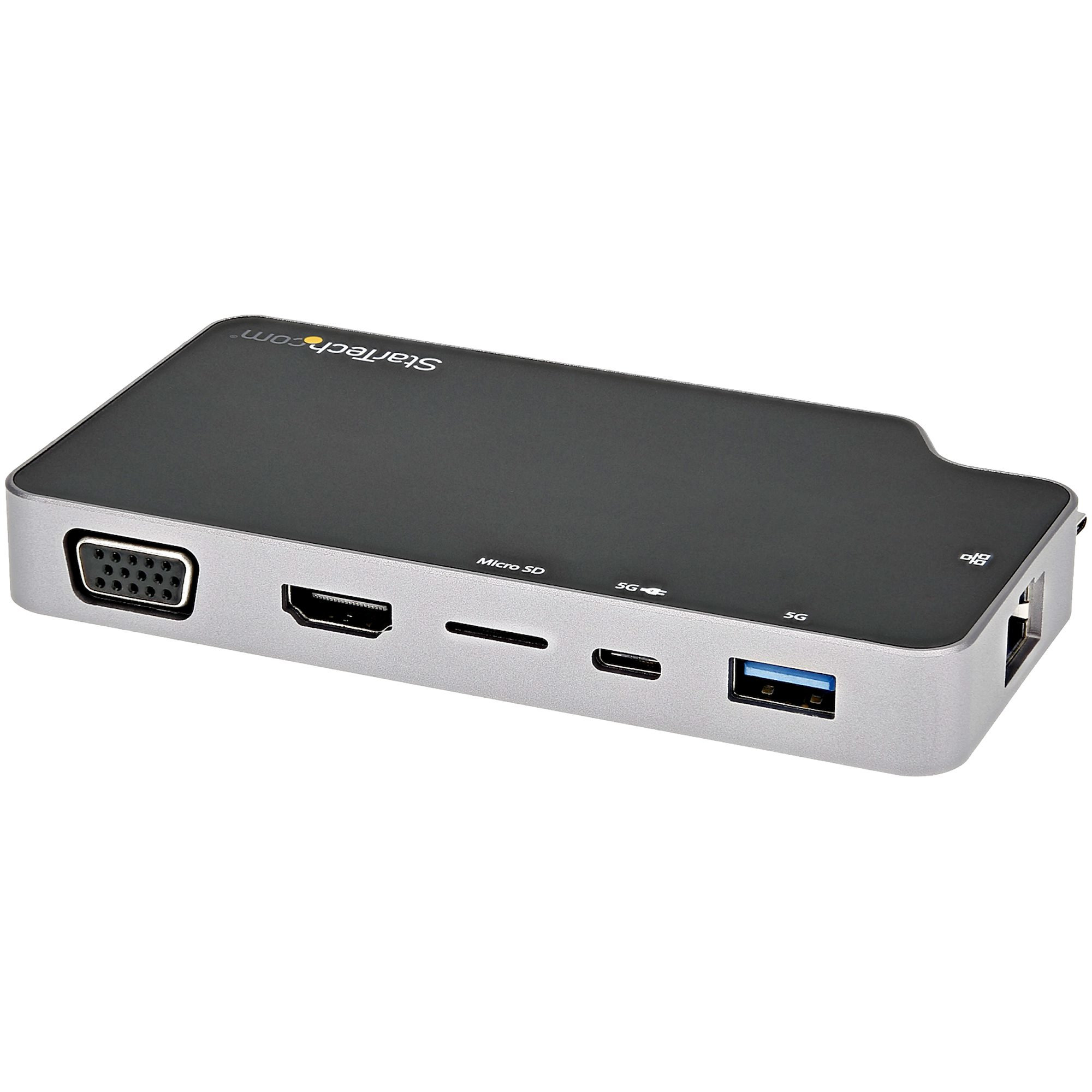
STARTECH
StarTech.com USB C Multiport Adapter, USB-C to 4K HDMI or VGA Display/Video/Monitor with 100W Power Delivery Pass-through, 10Gbps USB Hub, MicroSD, Ethernet, USB 3.1 Gen 2 Type-C Mini Dock - Works w/ Thunderbolt 3 (CDP2HVGUASPD) - Docking station - USB-C 3.1 Gen 2 / Thunderbolt 3 - HDMI, VGA - 1GbE