- VoIP & Phone Systems
How to Set Up Auto-Attendant and IVR for Your Business
18 Mar, 2026

£73.07 inc. VAT
AI-generated summary
At £60.89 ex-VAT for an 8GB DDR4 ECC DIMM, this is the kind of “keep the server alive” upgrade that makes sense if you’re trying to fix a specific shortage or get past a memory-related bottleneck. Dell’s branded ECC modules are usually a safe bet in Dell platforms—compatibility is typically straightforward, and ECC is exactly what you want for error resilience in business environments. If you’ve got an older Dell server that’s under-provisioned (or you’re replacing a failed stick), this is a cost-effective, low-risk way to buy yourself headroom without re-platforming.
That said, I wouldn’t buy this casually for a non-Dell system or for a machine where you don’t actually need ECC. Also, 8GB is fairly modest in 2026 terms—fine for basic workloads, but if you’re looking to improve performance for VMs, databases, or anything memory-hungry, you’ll likely feel the limit quickly and end up spending again. My rule of thumb: buy it if you can confirm it matches your server’s memory type and you’re solving a specific capacity problem; skip it if you’re thinking of “future-proofing,” because you’ll outgrow 8GB per slot faster than you’d hope.

Kingston
Kingston FURY Renegade RGB - DDR5 - module - 24 GB: 1 x 24 GB - DIMM 288-pin - 7200 MT/s / PC5-57600 - CL38 - 1.1 V - unbuffered - on-die ECC - black, silver
Kingston
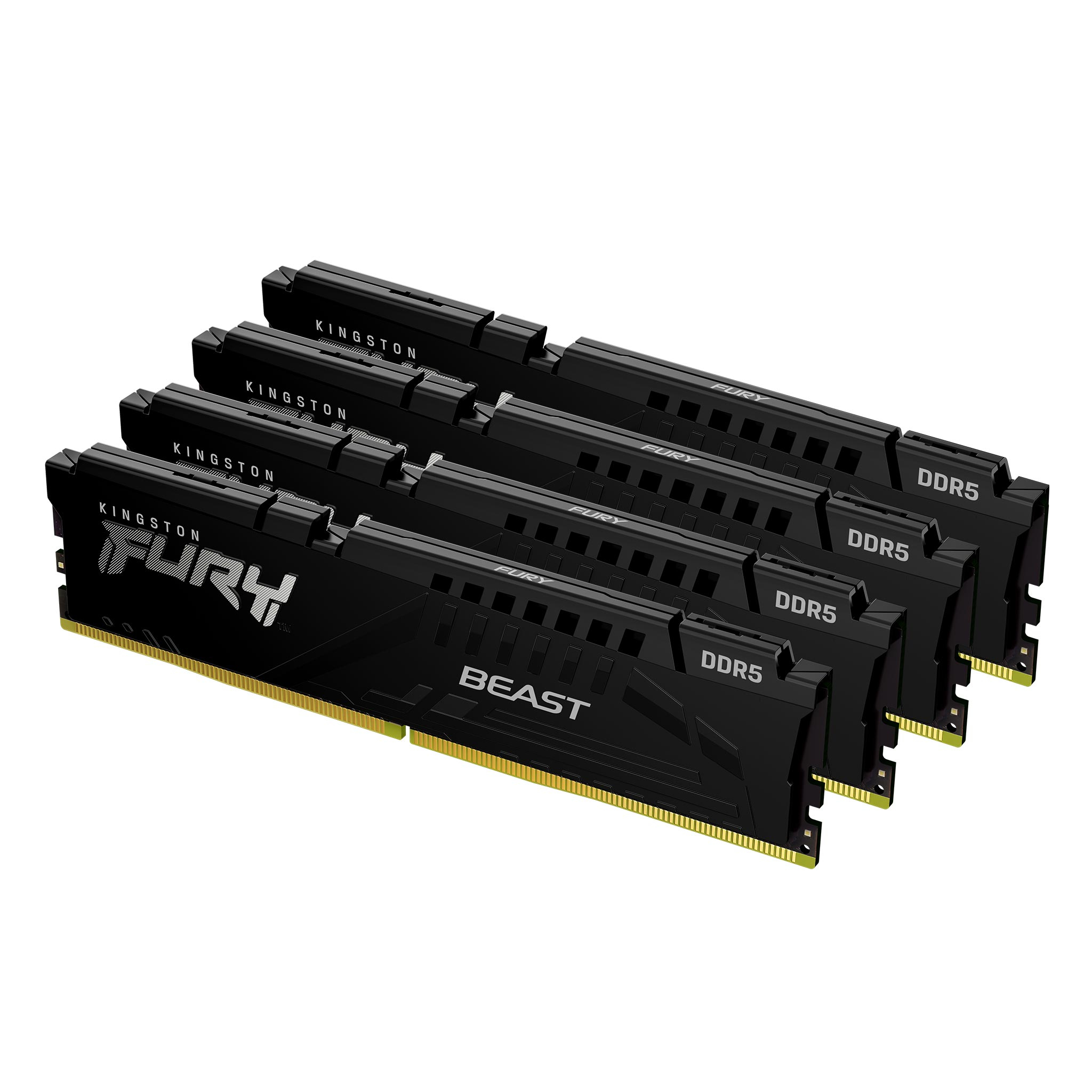
Kingston FURY Beast - DDR5 - kit - 64 GB: 4 x 16 GB - DIMM 288-pin - 5600 MT/s / PC5-44800 - CL40 - 1.25 V - unbuffered - on-die ECC - black
Kingston
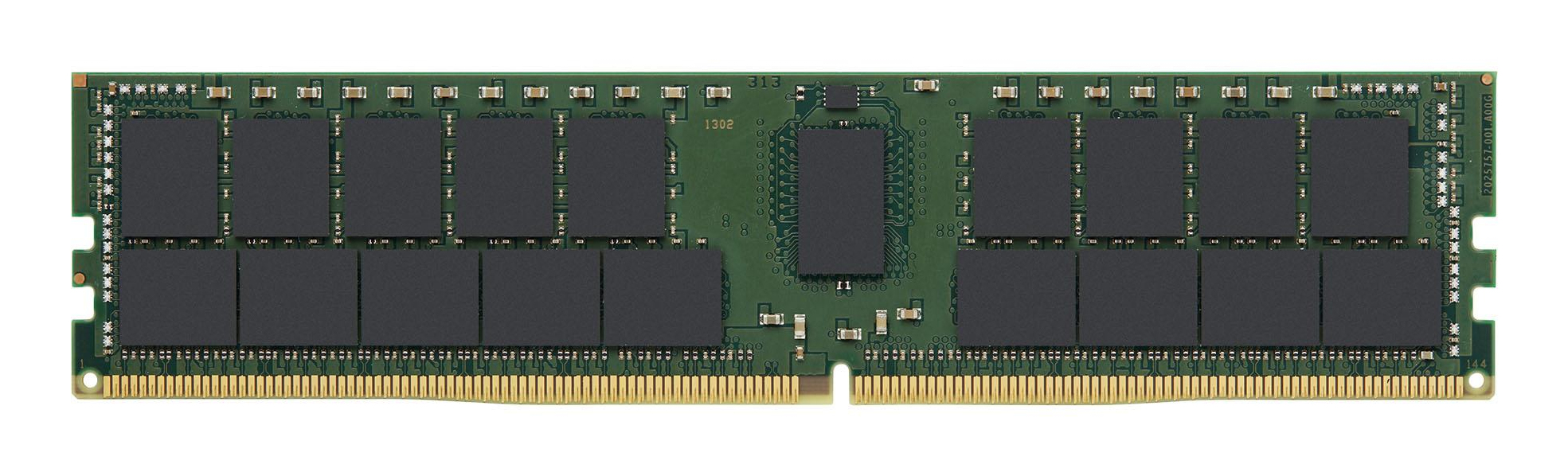
Kingston - DDR4 - module - 64 GB - DIMM 288-pin - 3200 MT/s / PC4-25600 - CL22 - 1.2 V - registered - ECC
Kingston
64GB 3200MT/s DDR4 ECC Reg CL22 DIMM 2Rx
Powered by industry-leading technologies including SolarWinds, Cloudflare, BitDefender, AWS, Microsoft Azure, and Cisco Meraki to deliver secure, scalable, and reliable IT solutions.


