- Network Admin
How to Optimise Wi-Fi Performance in a Dense Office
11 Jul, 2025
£650.26 inc. VAT
AI-generated summary
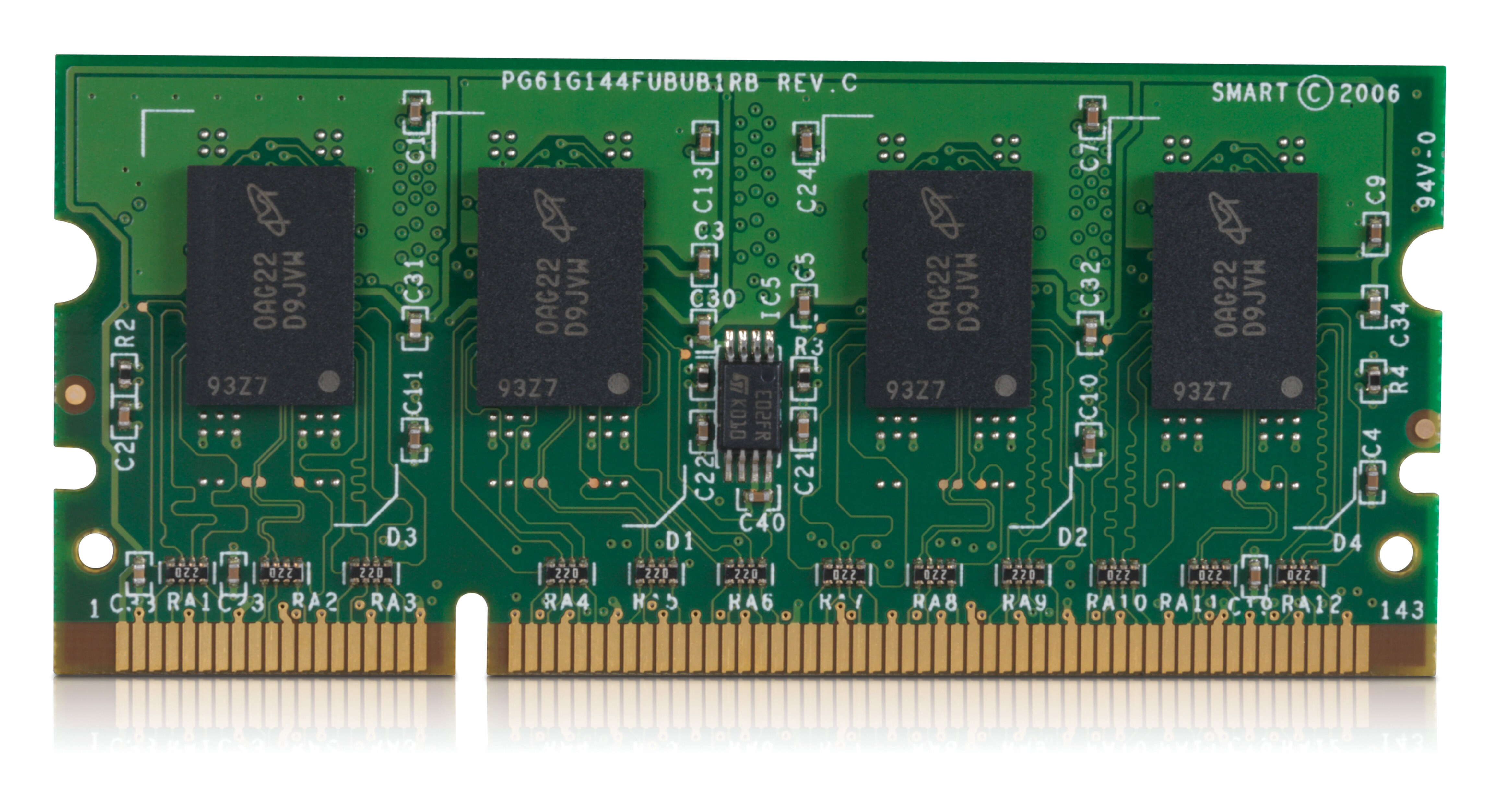
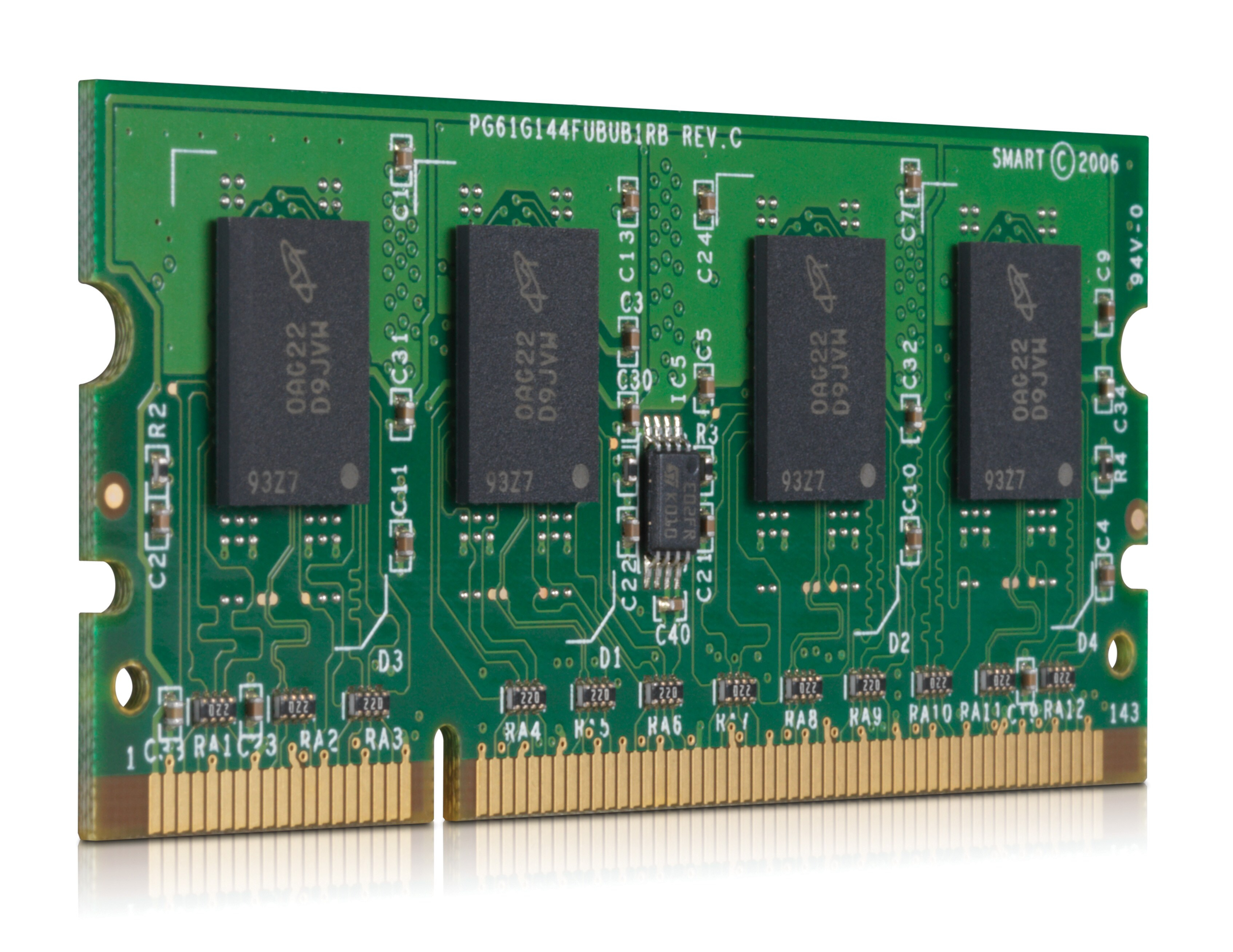
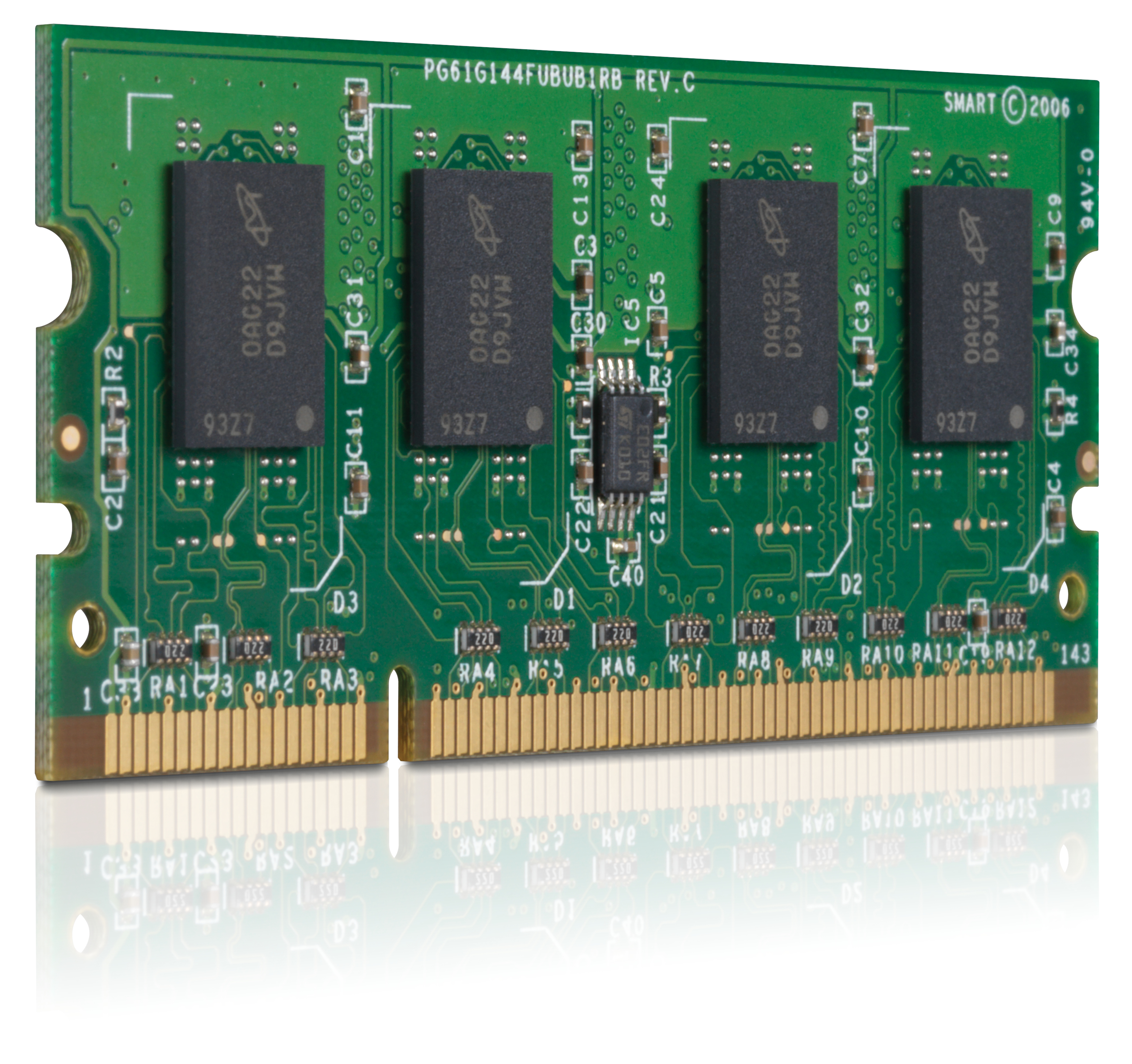
Honestly, this is a weird one to be buying in 2026. An HP 512MB DDR2 x32 DIMM is *very* old—useful mainly for restoring legacy hardware that you can’t replace easily (think: older office machines with DDR2 boards where the cost of downtime is higher than the part price). If you’re trying to bring a modern system back to life, it’s not going to make a dent; you’ll hit bottlenecks long before RAM becomes the limiting factor, and you’d be better spending that money on something current or on fixing the real issue elsewhere.
At **£541.88 ex-VAT for 512MB**, the value is the bigger problem than the age. For that kind of money, you could often source a newer platform or at least a set of more capacity-friendly modules (even from refurb channels) depending on the hardware. The only time I’d consider this is when the server/PC is mission-critical, DDR2 is the hard requirement, and you’ve verified the exact compatibility needs with HP part guidance or the machine’s support list. Otherwise, I’d say pass—unless you’ve got a very specific “must keep old kit running” situation.
Kingston
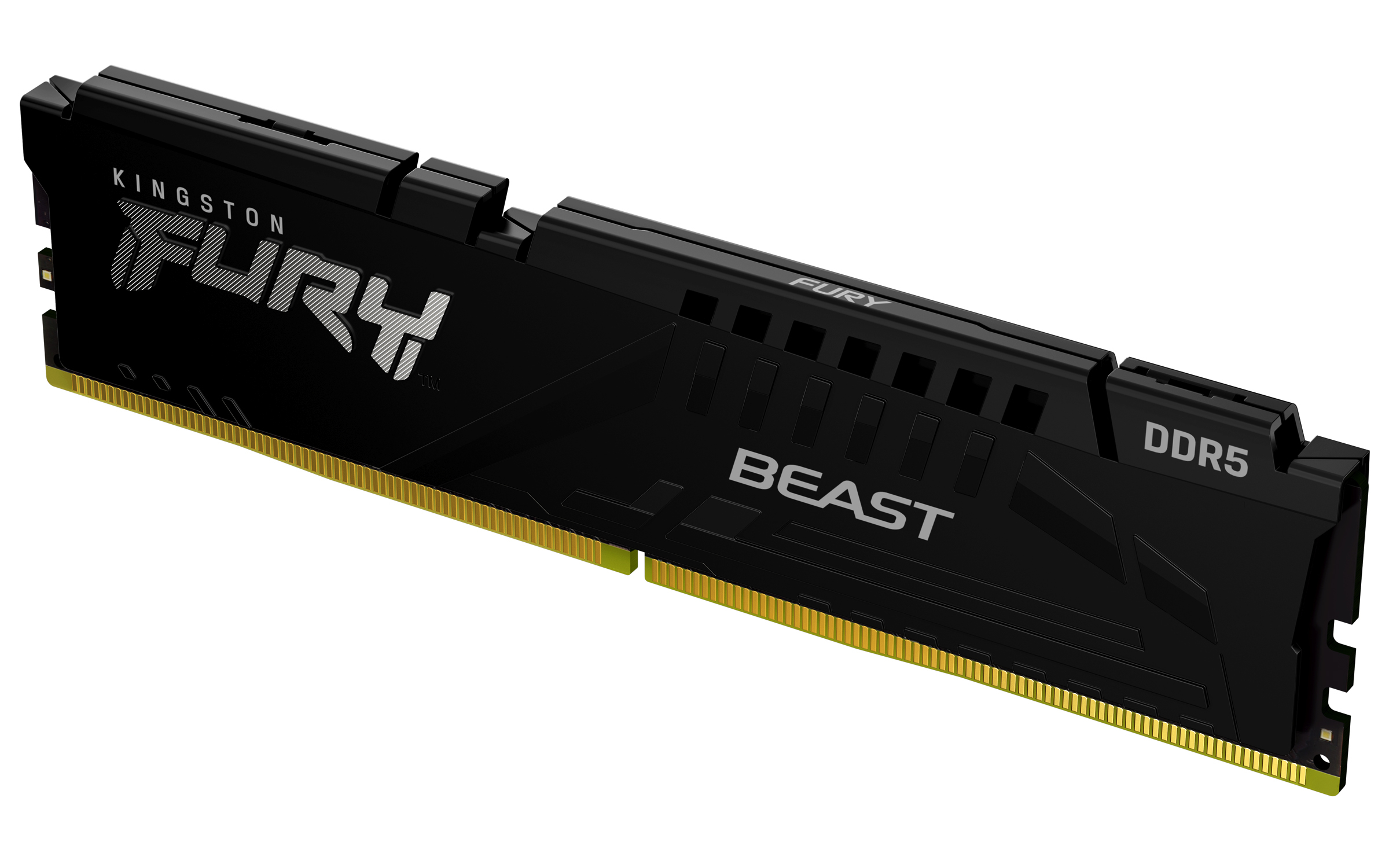
Kingston FURY Beast - DDR5 - module - 32 GB - DIMM 288-pin - 5600 MT/s / PC5-44800 - CL36 - 1.25 V - unbuffered - on-die ECC - black
Kingston
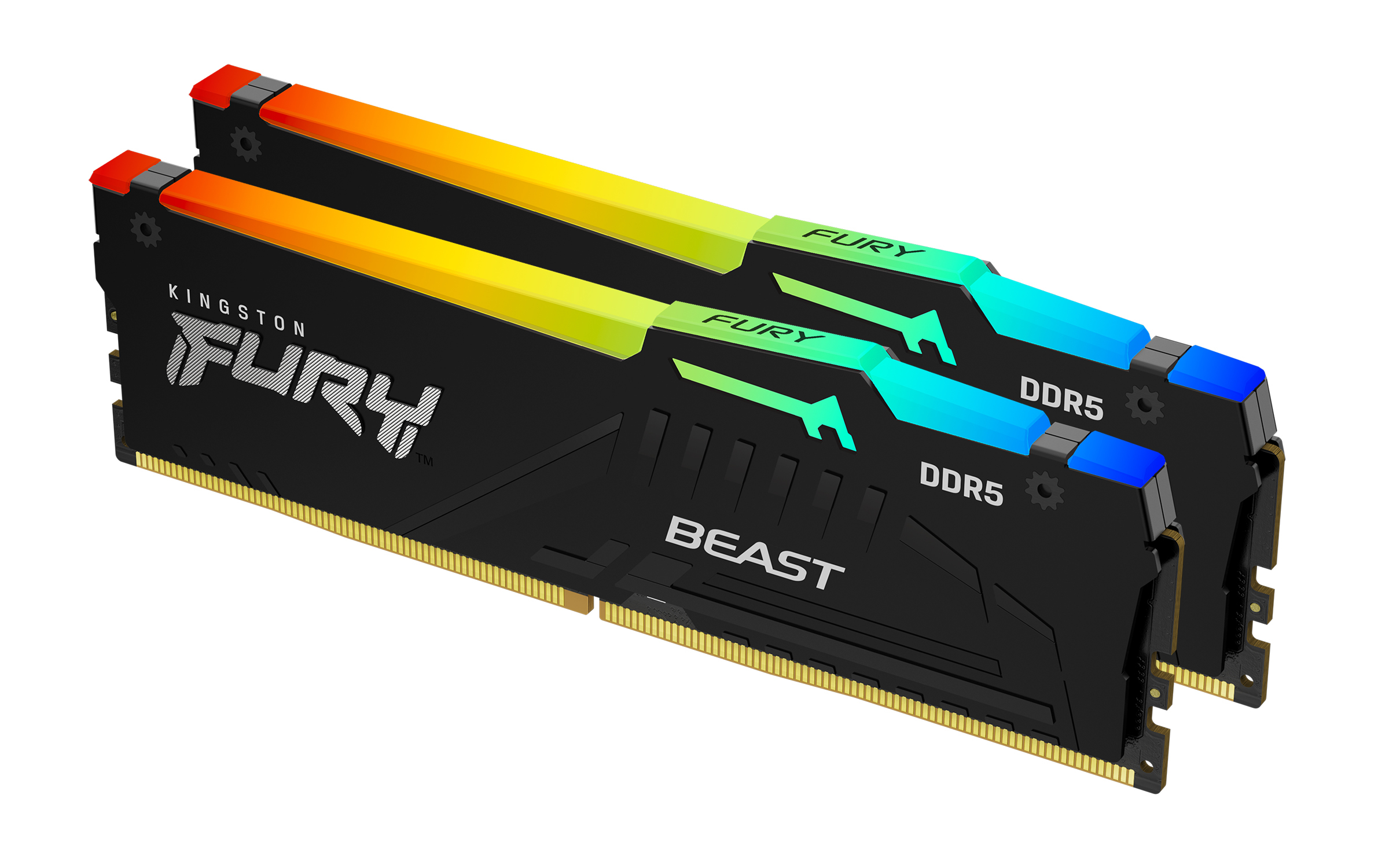
Kingston FURY Beast RGB - DDR5 - kit - 16 GB: 2 x 8 GB - DIMM 288-pin - 5200 MT/s / PC5-41600 - CL40 - 1.25 V - unbuffered - on-die ECC
Kingston
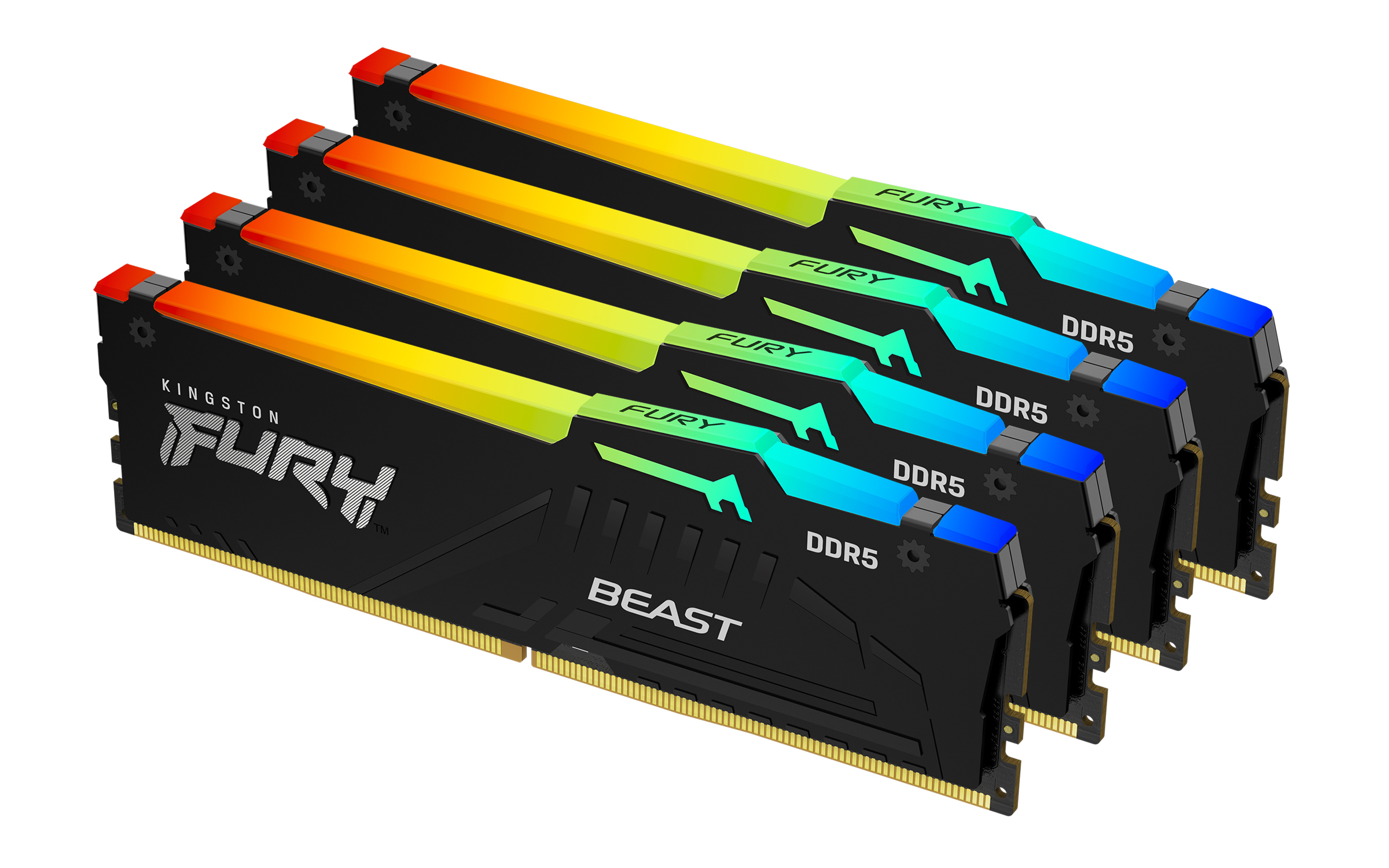
Kingston FURY Beast RGB - DDR5 - kit - 64 GB: 4 x 16 GB - DIMM 288-pin - 5600 MT/s / PC5-44800 - CL40 - 1.25 V - unbuffered - on-die ECC - black
Kingston
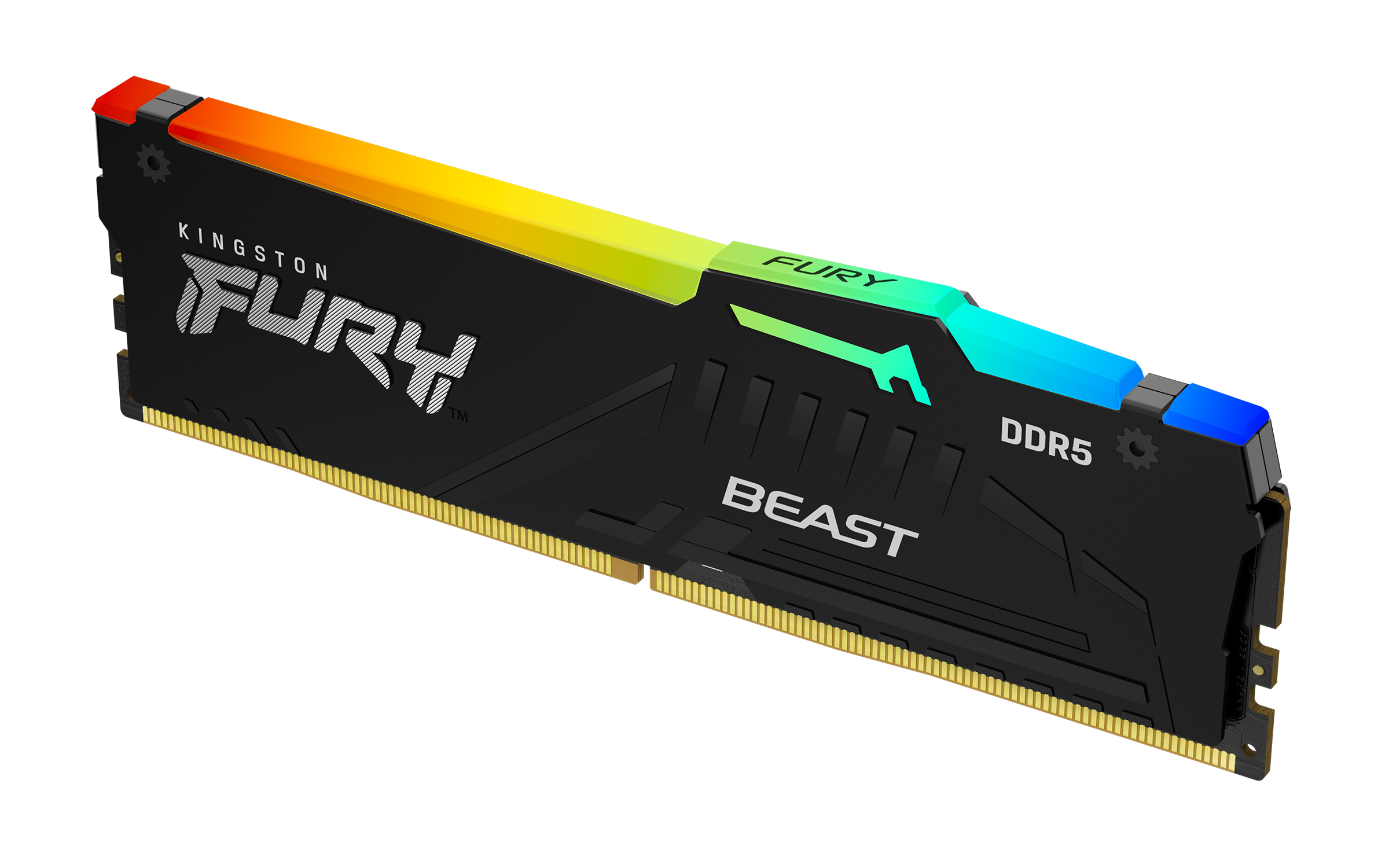
Kingston FURY Beast RGB - DDR5 - module - 64 GB - DIMM 288-pin - 2800 MHz / PC5-44800 - CL40 - 1.25 V - unbuffered - on-die ECC - black
Powered by industry-leading technologies including SolarWinds, Cloudflare, BitDefender, AWS, Microsoft Azure, and Cisco Meraki to deliver secure, scalable, and reliable IT solutions.


