- Virtual CIO
The IT Due Diligence Checklist for Mergers and Acquisitions
11 Mar, 2026
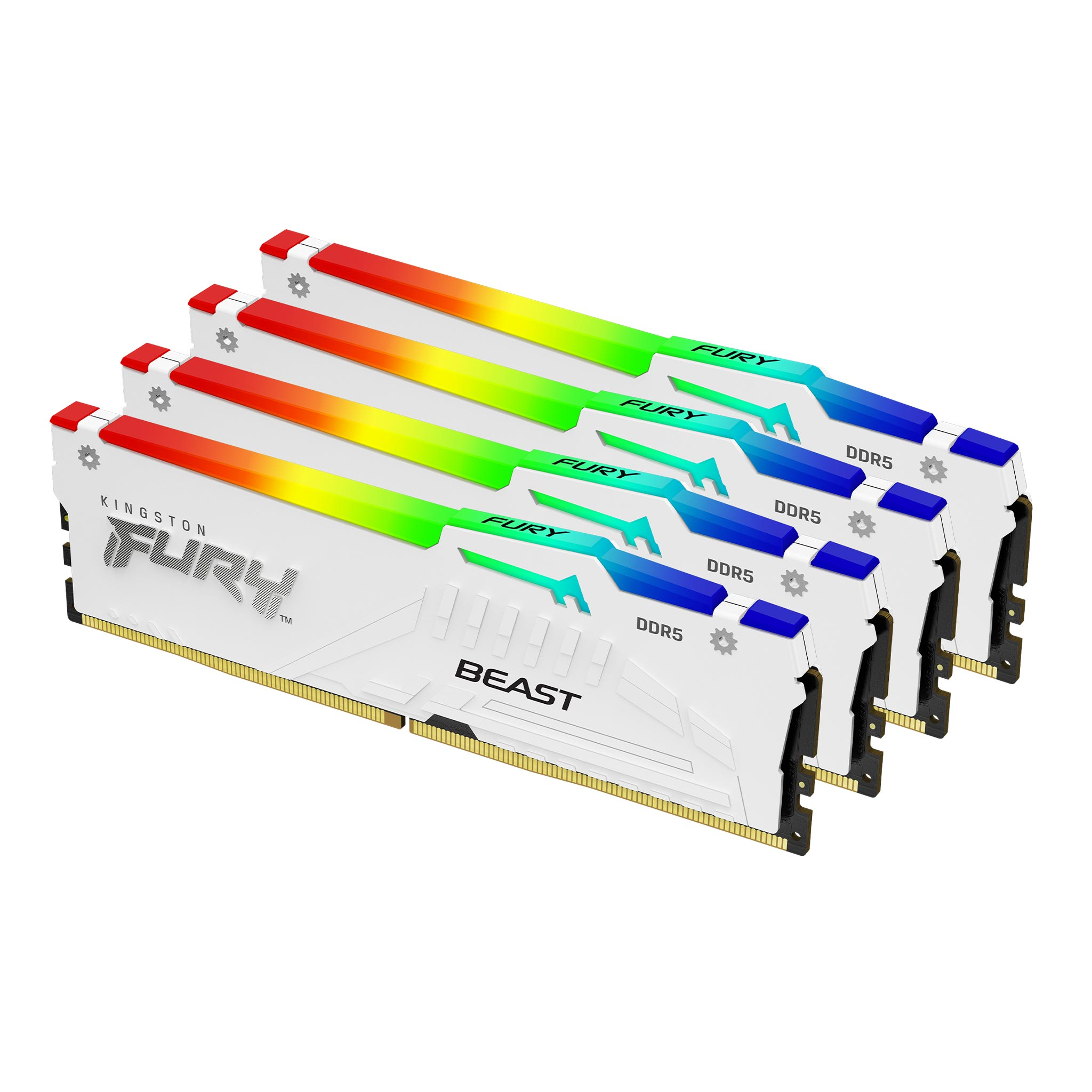
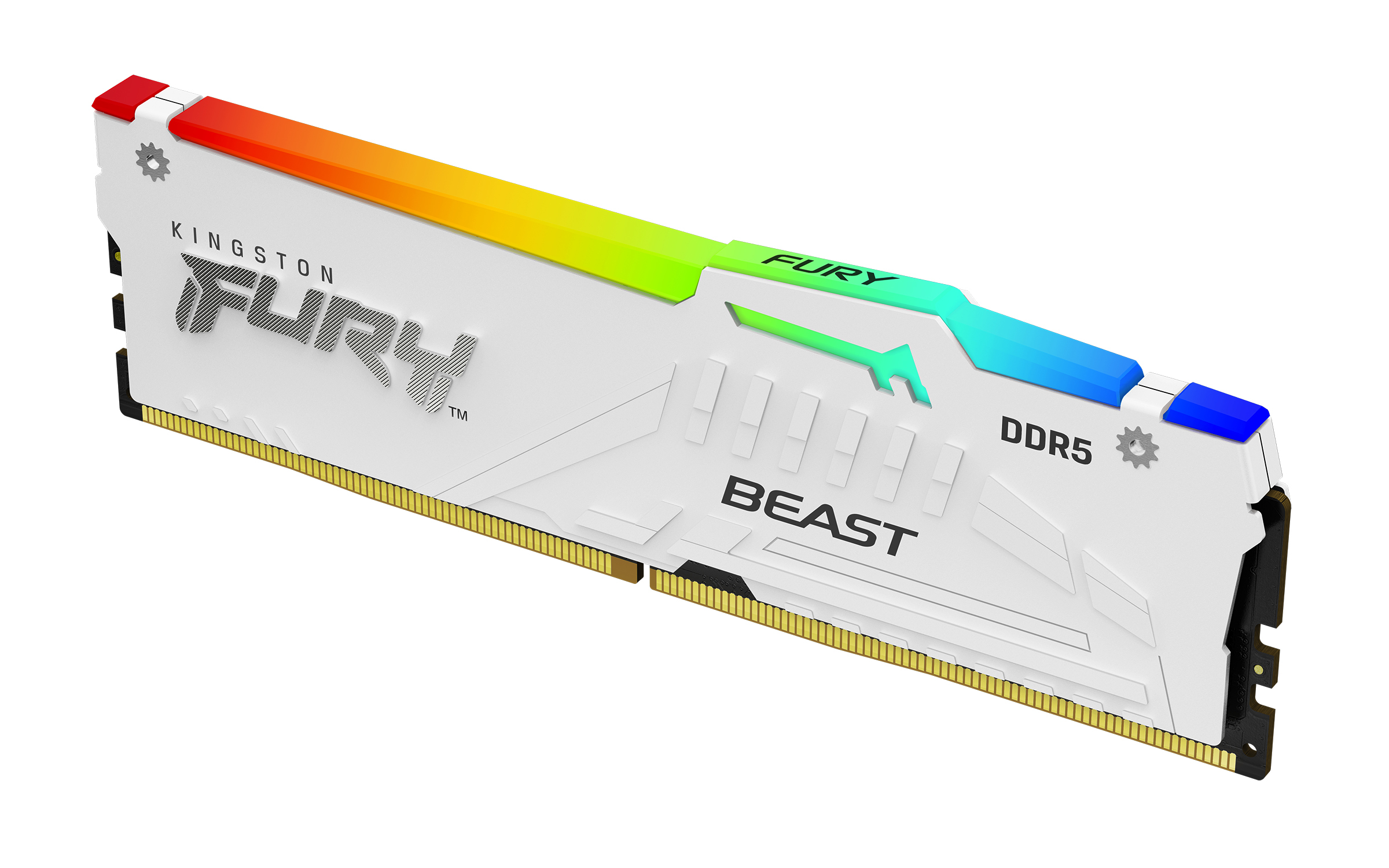


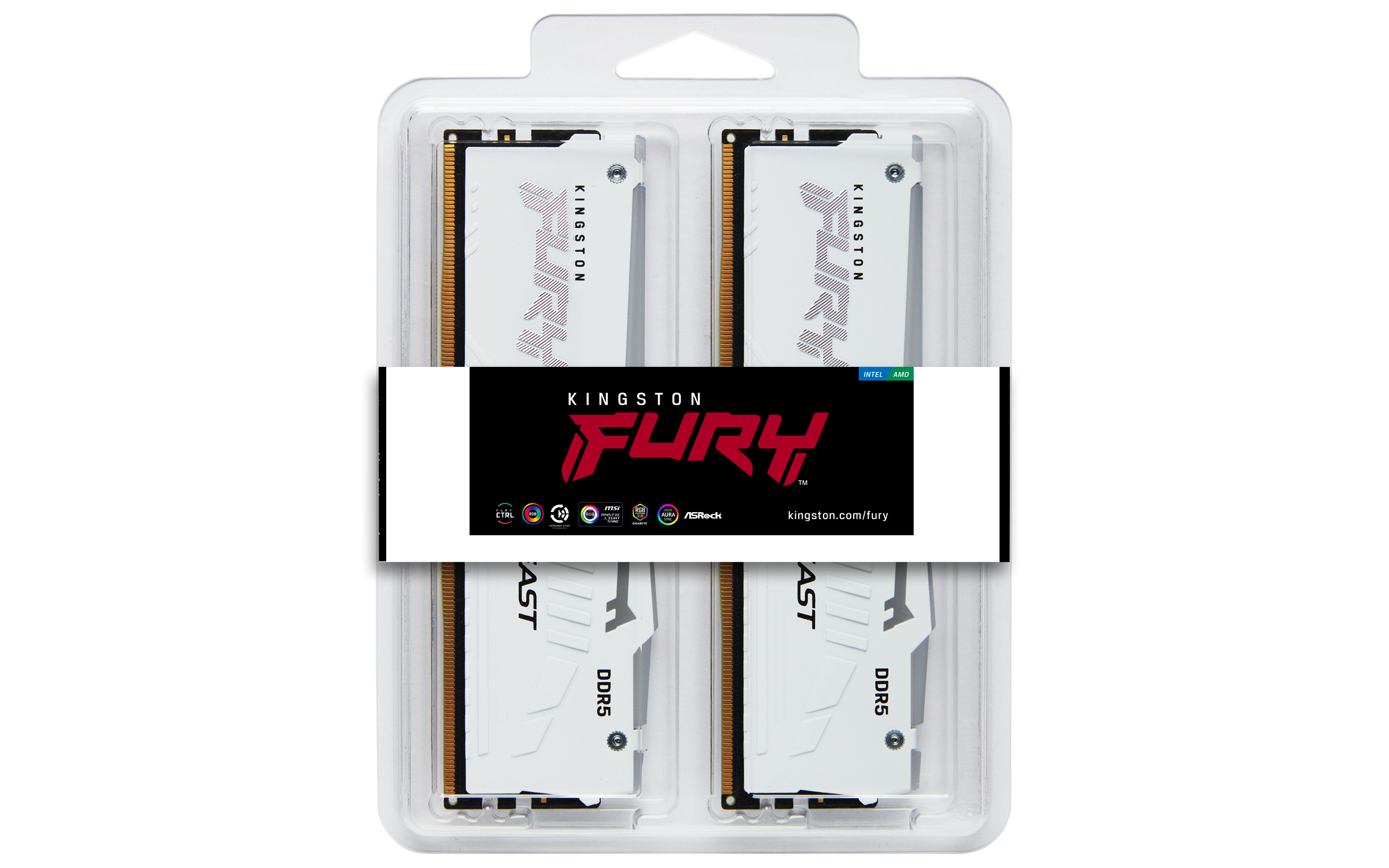
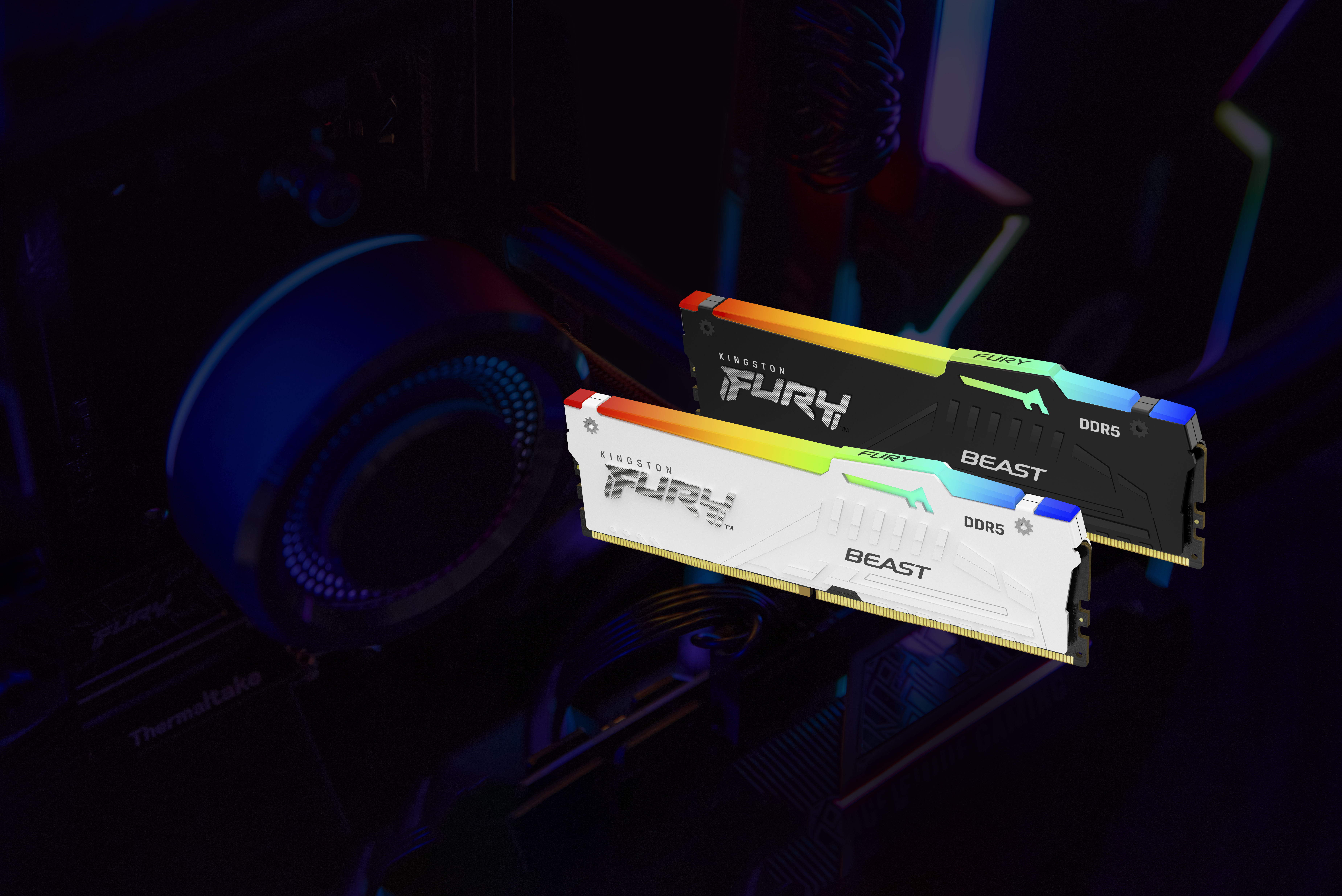
£1111.74 inc. VAT
AI-generated summary
For ~£808 ex‑VAT for a 64GB DDR5 kit (and a kit-of-4 is a big hint you’re aiming at a high-capacity build), this is only “good” if you actually need the capacity *and* the RGB doesn’t bother you. Kingston’s FURY Beast line is generally solid and stable in typical workstation/gaming/server-adjacent setups, and it’ll be fine for everyday memory-heavy workloads—VMs, build servers, CAD workstations, lots of browser tabs plus tooling, that sort of thing. If your system supports it cleanly and you’re setting XMP once and moving on, it’s an easy buy.
That said: this feels overpriced for the category unless you have a specific reason to pay for this exact kit (RGB preference, matched multi-stick behaviour, or you’ve already priced other 64GB options and this is the best you can get today). “Beast” doesn’t magically make DDR5 faster in real work; you’re mostly buying reliability and capacity, and there are often cheaper 64GB DDR5 kits with comparable performance. I’d only recommend it if you’re building a machine where the memory upgrade is a core cost and you want Kingston specifically, or you’re matching kits for consistency. If you’re cost-optimising a fleet of similar boxes, I’d shop around before pulling the trigger.
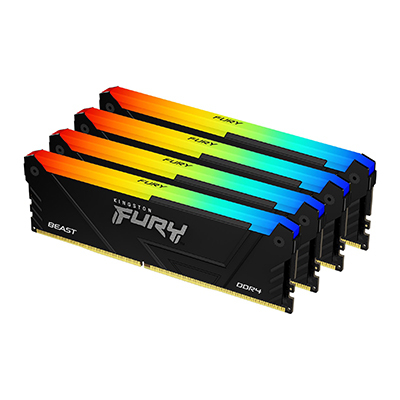
Kingston
Kingston FURY Beast RGB - DDR4 - kit - 64 GB: 4 x 16 GB - DIMM 288-pin - 3600 MT/s / PC4-28800 - CL18 - 1.35 V - unbuffered - non-ECC - black
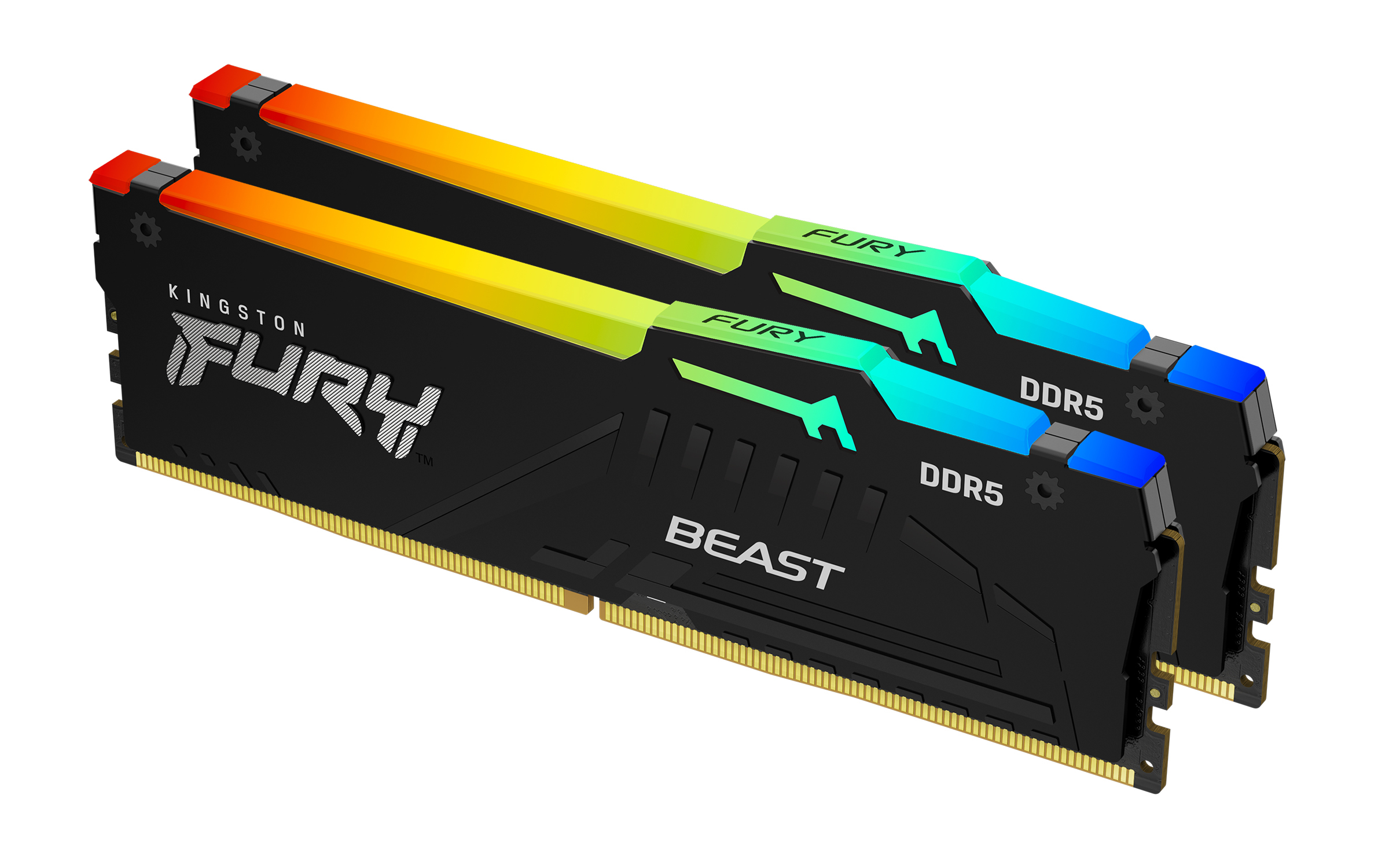
Kingston
Kingston FURY Beast RGB - DDR5 - kit - 32 GB: 2 x 16 GB - DIMM 288-pin - 5600 MT/s / PC5-44800 - CL40 - 1.25 V - unbuffered - on-die ECC
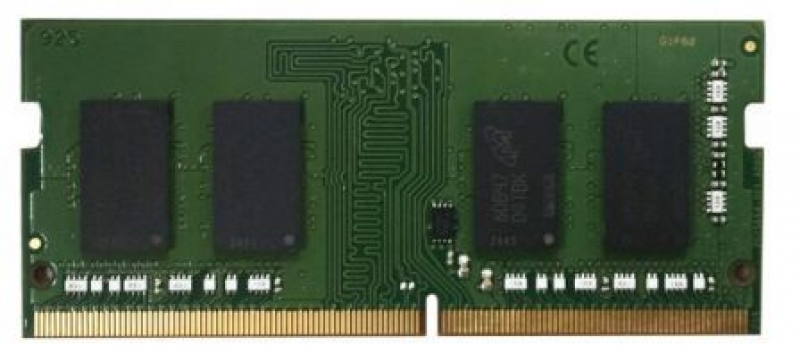
Qnap
QNAP - T0 version - DDR5 - module - 16 GB - SO-DIMM 262-pin - 5600 MHz
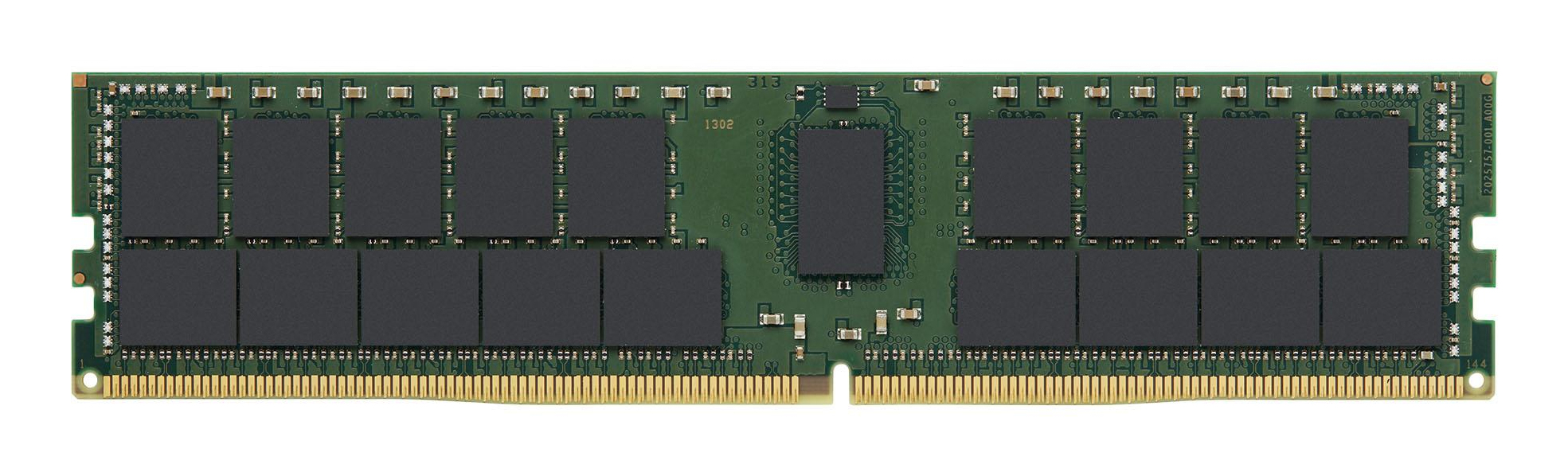
Kingston
64GB 3200MT/s DDR4 ECC Reg CL22 DIMM 2Rx
Powered by industry-leading technologies including SolarWinds, Cloudflare, BitDefender, AWS, Microsoft Azure, and Cisco Meraki to deliver secure, scalable, and reliable IT solutions.


