- Virtual CIO
How to Create an IT Budget That Actually Works
11 Mar, 2026
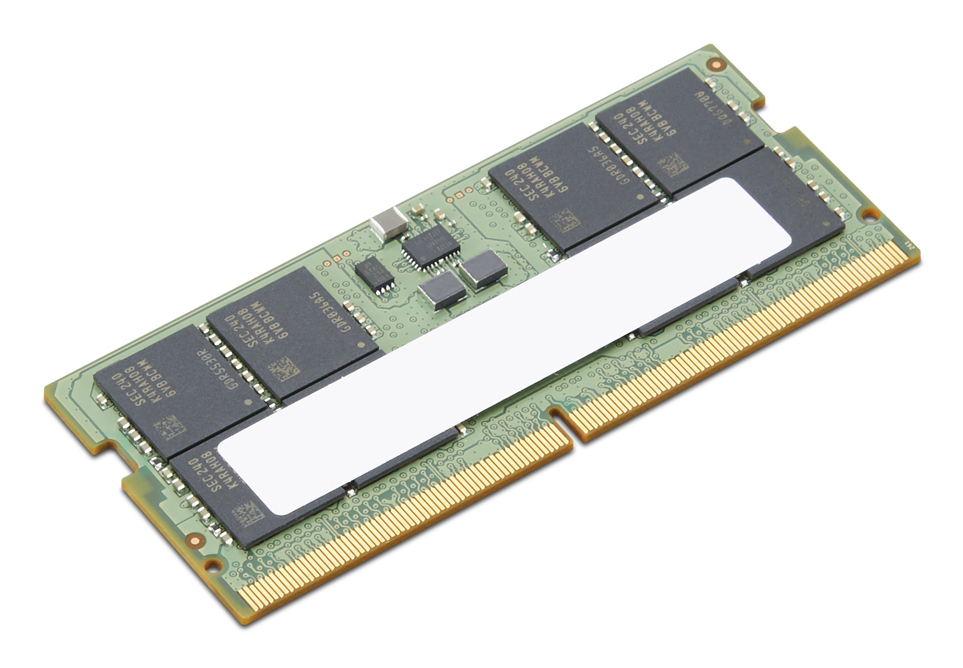
£415.02 inc. VAT
AI-generated summary
At £346.02 ex-VAT for a single 32GB DDR5 SO-DIMM, this Lenovo-branded stick is “pricey but not insane” — assuming it’s the exact type your device expects. Where it’s a good buy is simple: you’ve got a Lenovo workstation/server that takes DDR5 SO-DIMM, you’re upgrading capacity for memory-hungry workloads (virtualisation, heavier databases, VDI, analytics), and you want the least-fuss route with parts that are known to be compatible.
That said, I wouldn’t buy it blindly. The biggest risk with single-module upgrades is flexibility: if your system supports dual-channel, a lone stick can leave performance on the table compared with buying matched pairs, and mixing memory options can also cause stability annoyances (even if it “should” work). Before you spend, check your exact Lenovo model’s memory requirements and whether it recommends populating in matched sets. If you’re already running with an empty DIMM slot and you truly need 32GB more, it’s sensible. If you’re just trying to improve performance broadly, you’ll often get better value buying the right configuration (often paired) rather than paying premium pricing for one module.
Kingston
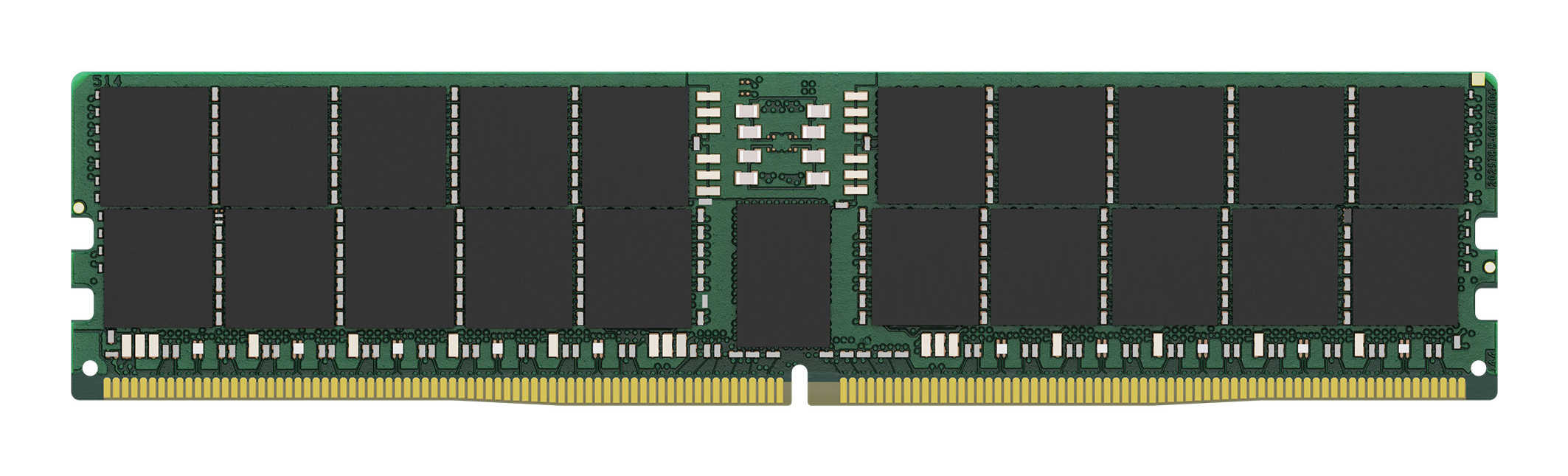
Kingston - DDR5 - module - 64 GB - DIMM 288-pin - 6400 MT/s / PC5-64000 - CL52 - 1.1 V - registered - ECC
Kingston
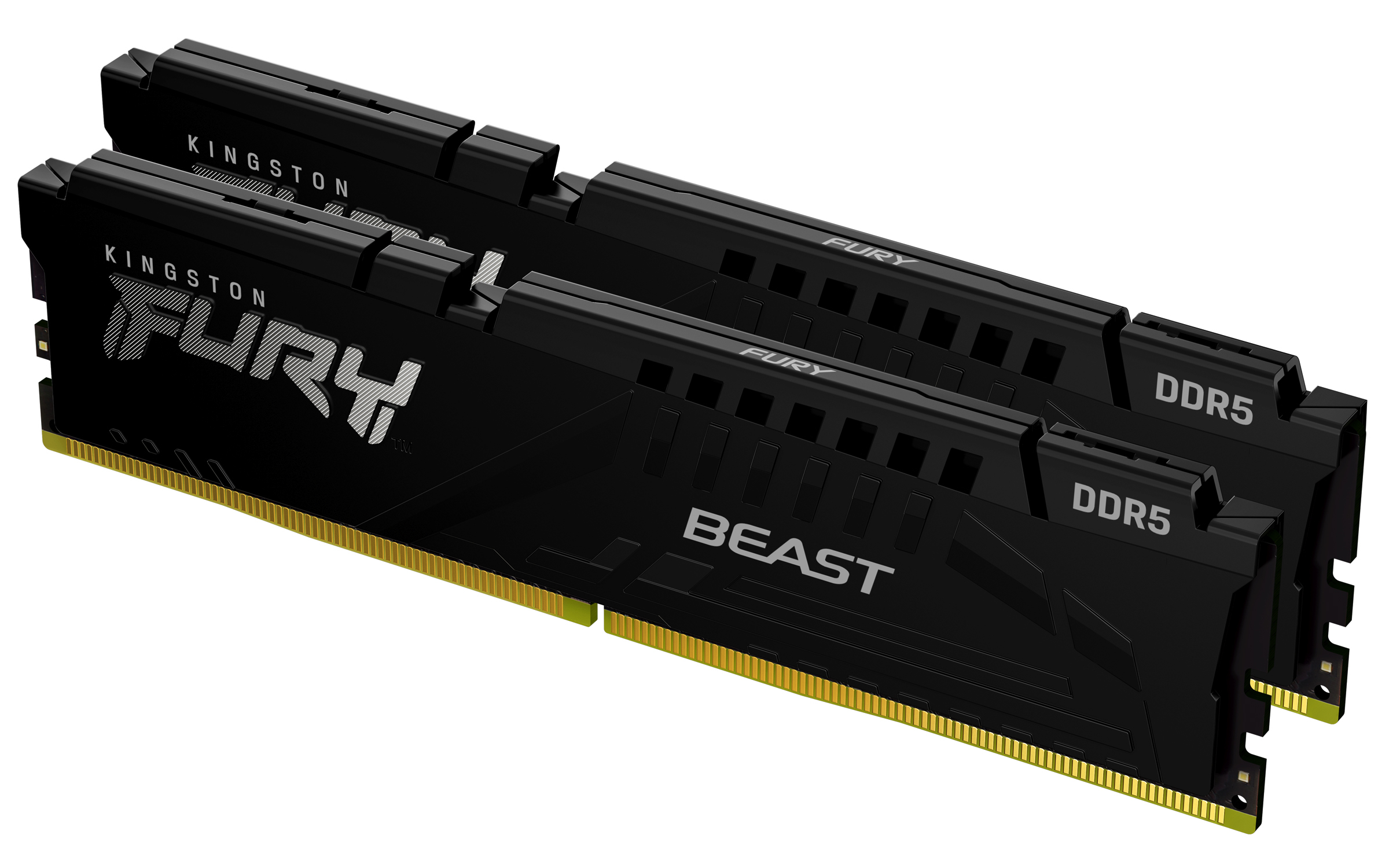
Kingston FURY Beast - DDR5 - kit - 16 GB: 2 x 8 GB - DIMM 288-pin - 6000 MHz / PC5-48000 - CL30 - 1.4 V - unbuffered - on-die ECC - black
Kingston
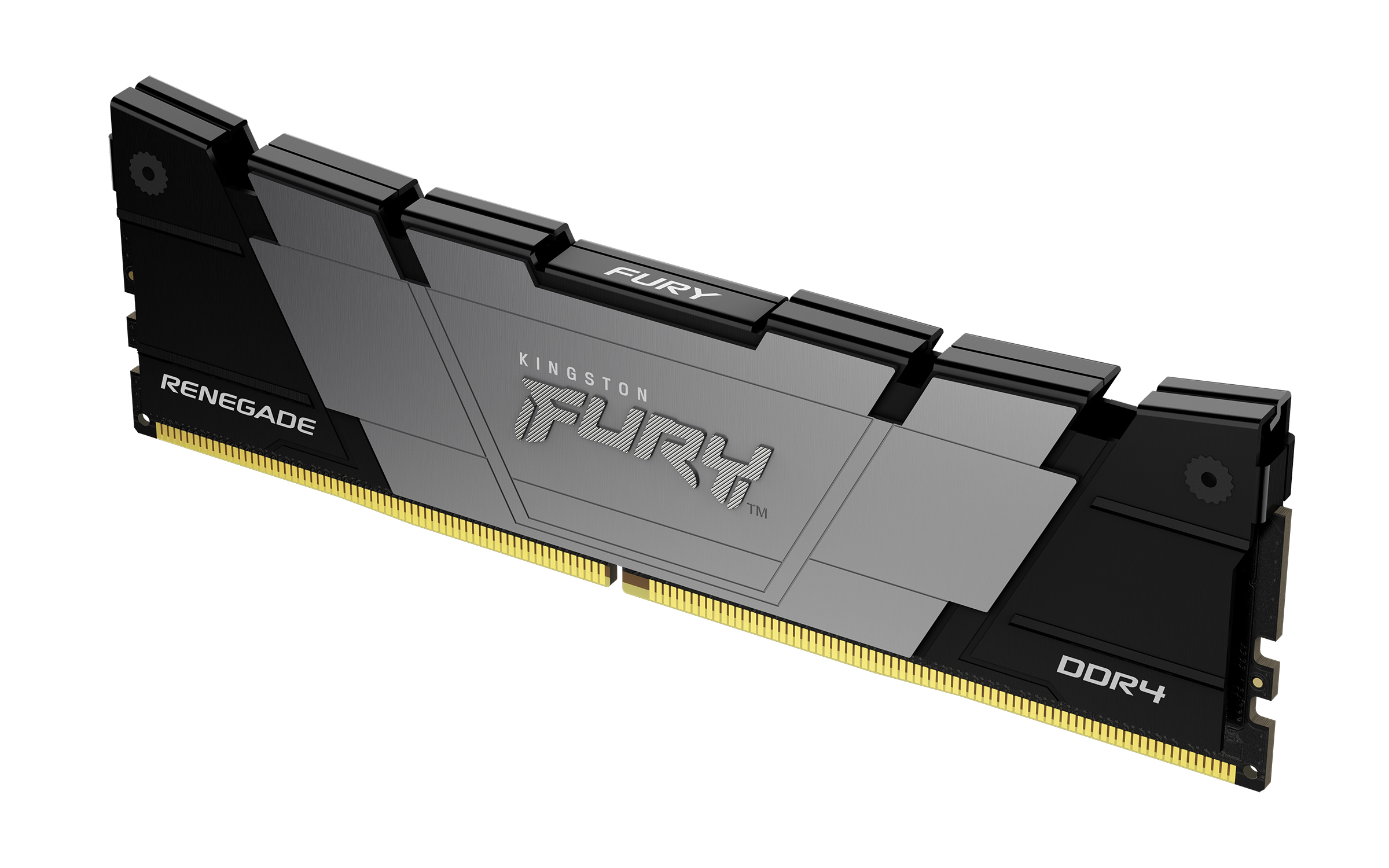
Kingston FURY Renegade - DDR4 - module - 8 GB - DIMM 288-pin - 3200 MT/s / PC4-25600 - CL16 - 1.2 V - unbuffered - non-ECC - black

Dell
Dell - DDR4 - module - 16 GB - DIMM 288-pin - 2666 MHz / PC4-21300 - 1.2 V - unbuffered - ECC - Upgrade
Powered by industry-leading technologies including SolarWinds, Cloudflare, BitDefender, AWS, Microsoft Azure, and Cisco Meraki to deliver secure, scalable, and reliable IT solutions.


