- Cloud Backup
Cloud Backup vs Local Backup: Which Does Your Business Need?
5 Feb, 2026
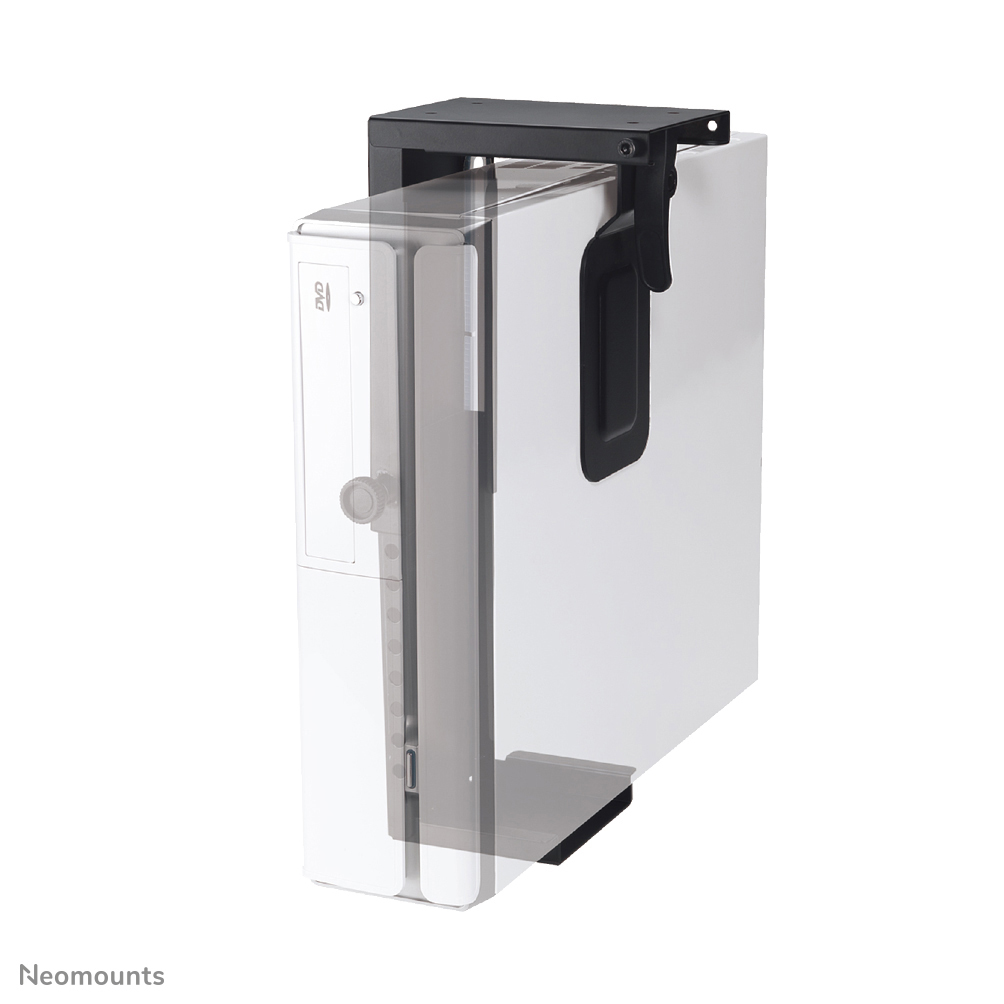


£46.86 inc. VAT
AI-generated summary
If you’ve got an LED/LFD setup and need a simple, solid way to mount the CPU rather than just letting it sit on a shelf, this Neomounts CPU holder is the kind of “boring but useful” bracket that tends to save headaches. At £39.14 ex-VAT it’s not a bargain-basement price, but it’s fair for something that’s meant for day-to-day B2B installs where you want predictable fit, decent stability, and fewer trips back on site because of wobbly mounting. The universal angle is the main reason it makes sense: it’s one of those solutions that’s more likely to work across different CPU sizes than the ultra-specific mounts.
That said, I wouldn’t buy it if you’re expecting it to solve a clearance/cable-management problem on its own—CPU holders like this are usually only as good as the space you already have and how you plan to route power/IO. Also, if you’ve got a heavier or unusually shaped compute unit, the “up to” limit matters a lot; you don’t want to be close to the maximum for something that will be bumped regularly in a working environment. Overall: buy it if you’re doing clean installs for meeting rooms, signage suites, or training spaces and you want a dependable, reasonably priced CPU mount. Skip it if your install needs very custom fit, great ventilation access, or you’re not confident about weight/clearance.

NEOMOUNTS
Neomounts DS70S-950BL1 - Mounting kit (desk mounting arm) - full-motion - for Monitor - aluminium - black - screen size: 17"-49"
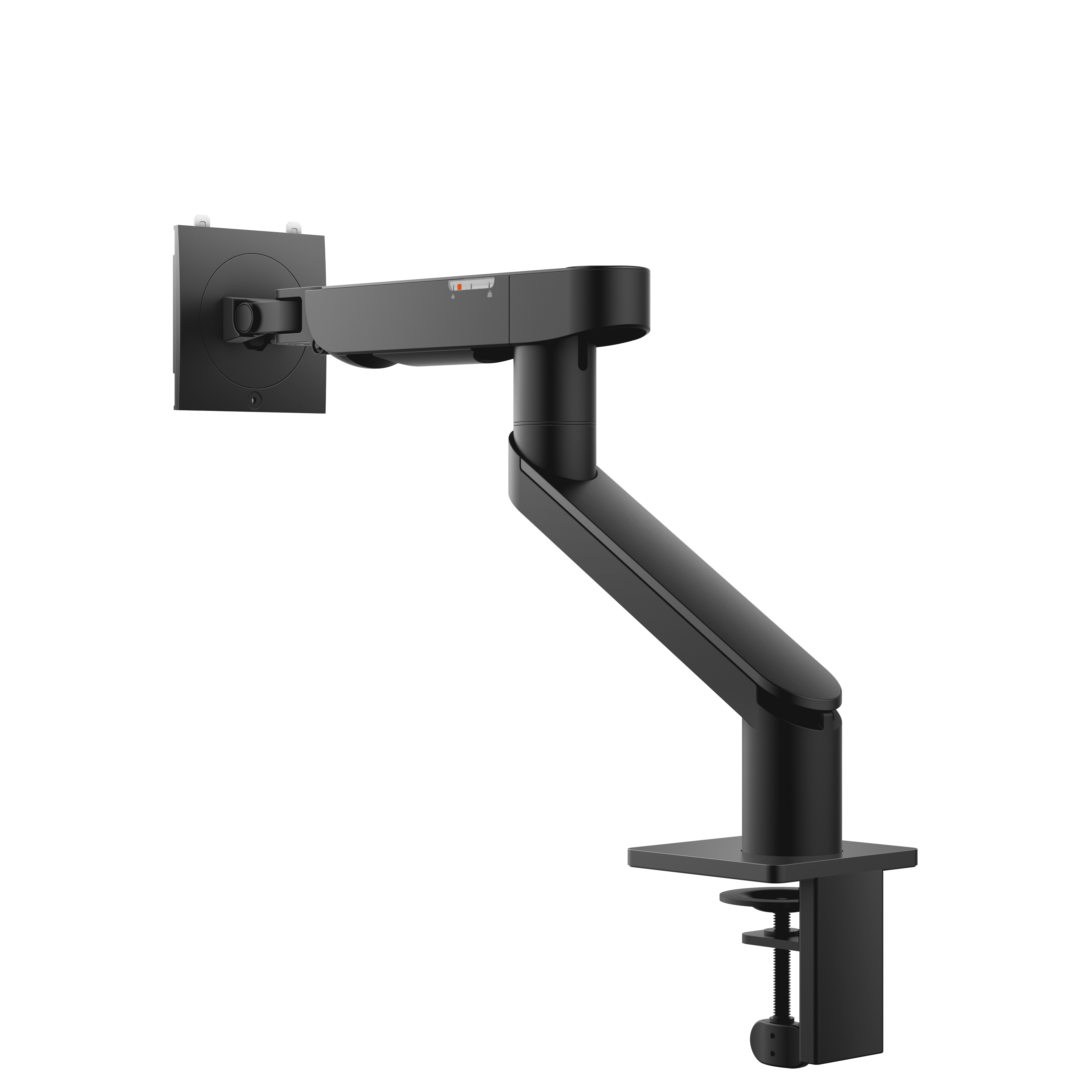
Dell
Dell Single Monitor Arm - MSA20 - Mounting kit - adjustable arm - for LCD display - metal - black - screen size: 19"-40" - mounting interface: 100 x 100 mm - desk-mountable
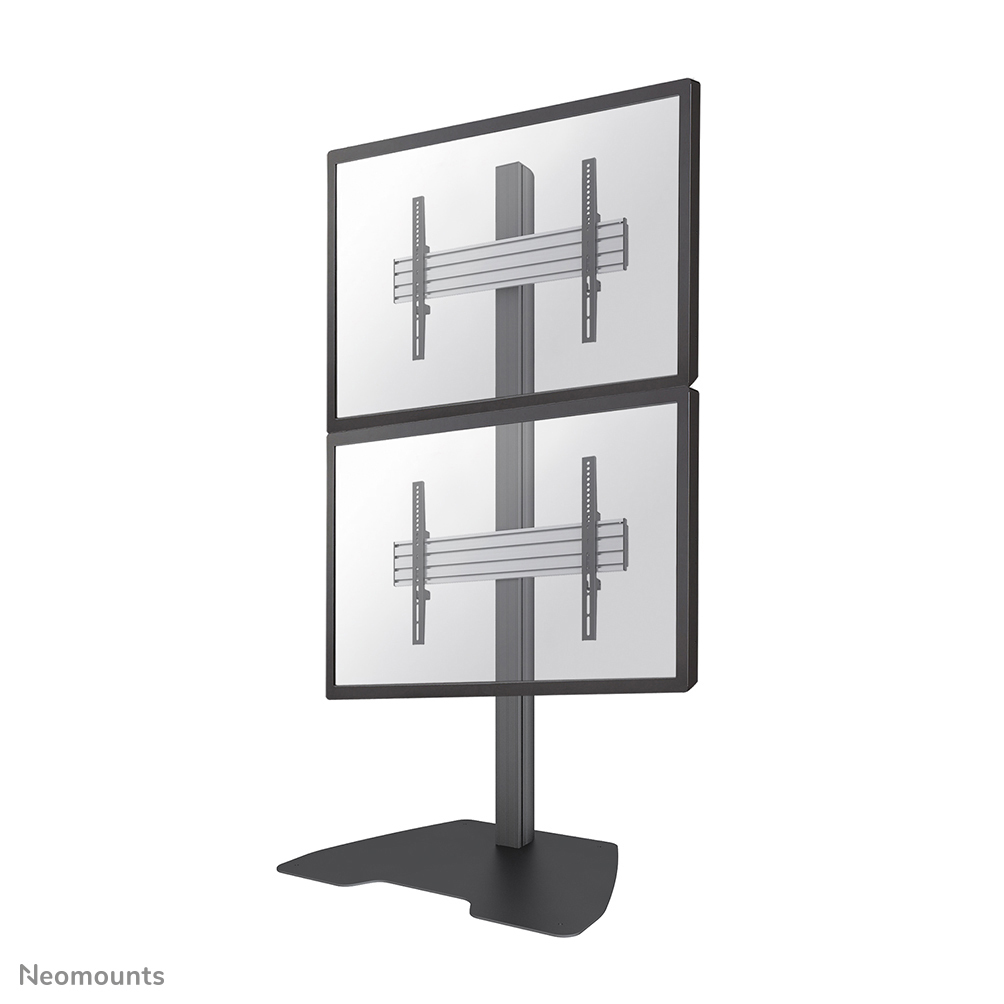
NEOMOUNTS
Neomounts NMPRO-S12 - Stand - fixed - for 1x1 video wall - black - screen size: 32"-65" - floor-standing
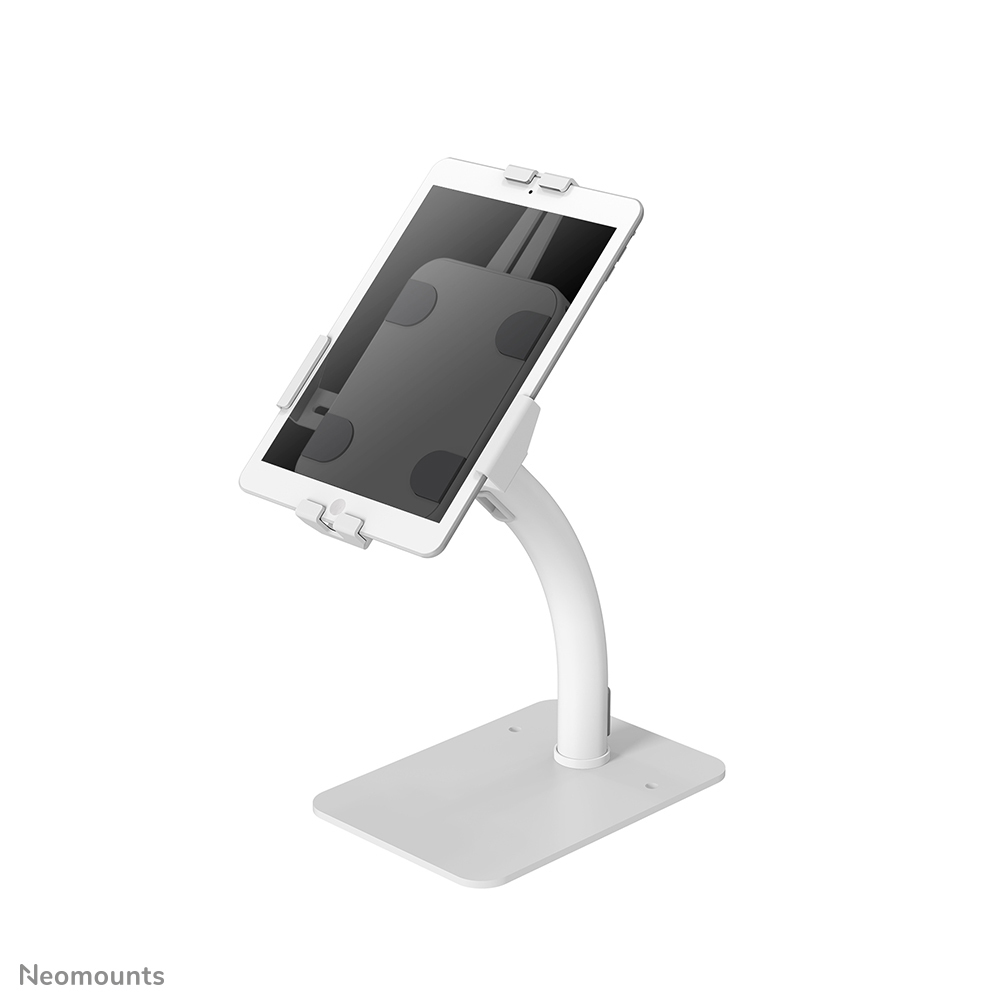
NEOMOUNTS
Neomounts DS15-625WH1 - Stand - for tablet - lockable - steel - white - screen size: 7.9" - 11" - counter top