- IT Office Moves
How to Plan IT for an International Office Relocation
18 Mar, 2026
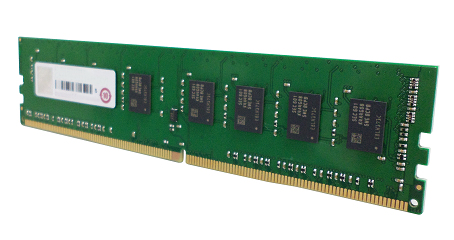
£428.64 inc. VAT
AI-generated summary
If you’re buying the QNAP RAM-16GDR4ECT0-UD-3200 for a QNAP NAS, it can be a sensible way to buy stability and headroom without overthinking memory choices. QNAP’s own modules tend to be “fit-and-forget” in the sense that they’re usually validated for the compatible NAS range, so you’re less likely to end up with weird compatibility quirks, training time, or BIOS fuss. For the right model, 16GB is also a practical upgrade tier—useful if you’ve got lots of small files, more concurrent users, heavier snapshots/replication workloads, or you just want the box to stop feeling sluggish under load.
That said, at £357.19 ex-VAT, this is not cheap for what is essentially straightforward DDR4. If your NAS supports multiple sticks, buying a matched pair for dual-channel (rather than a single module) is often where you see better real-world benefit per pound. If you only have one RAM slot available or you’re definitely constrained to this exact module type, then it’s easier to justify. But if you’re simply trying to increase capacity without a clear workload reason, I’d compare prices against third-party ECC UDIMMs that are known-good for your NAS model—otherwise you may be paying a “QNAP tax” for compatibility you might not actually need.
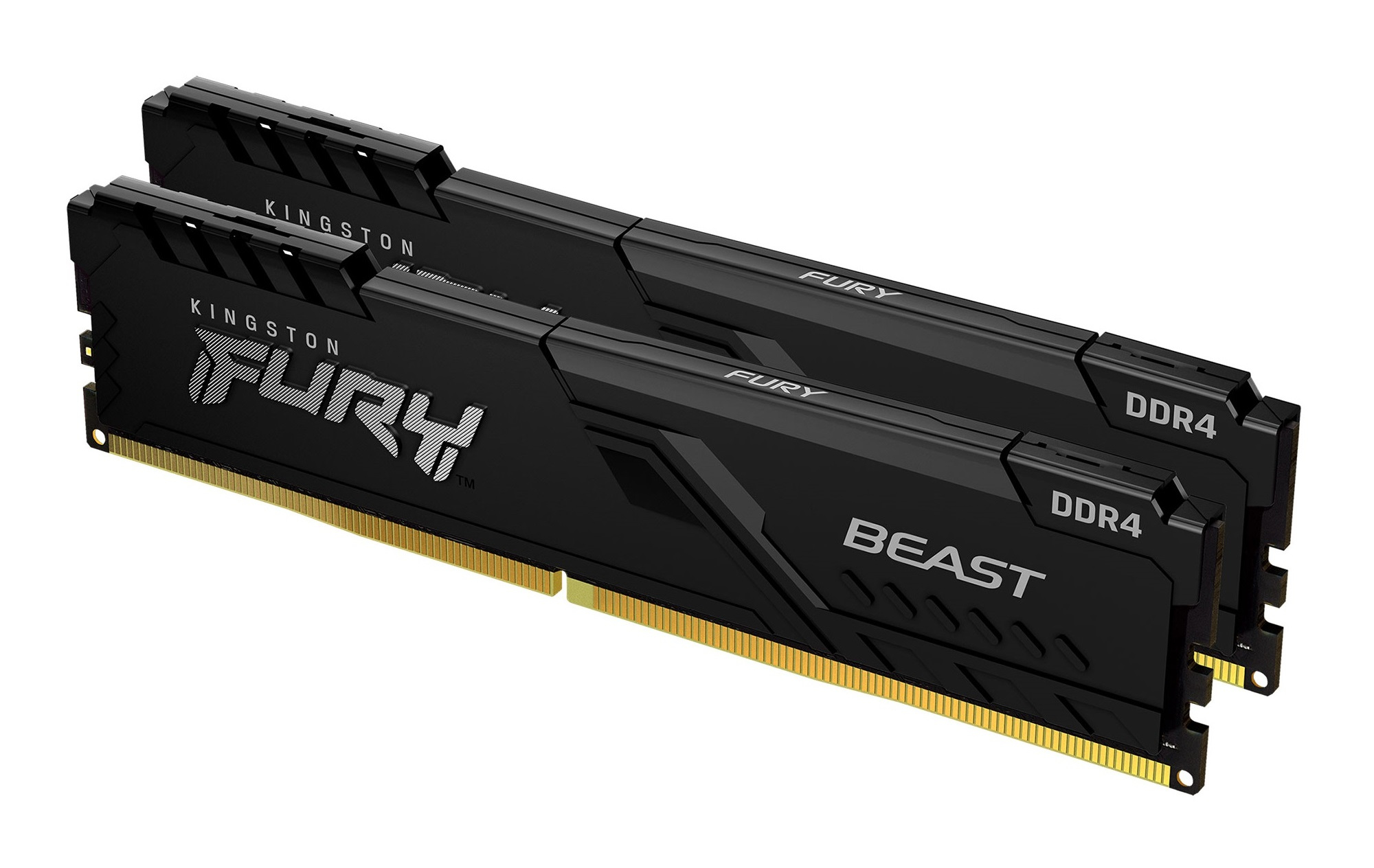
Kingston
Kingston FURY Beast - DDR4 - kit - 32 GB: 2 x 16 GB - DIMM 288-pin - 3600 MT/s / PC4-28800 - CL18 - 1.35 V - unbuffered - non-ECC - black
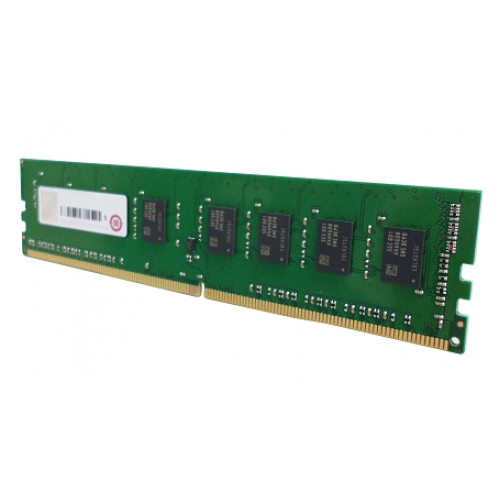
Qnap
QNAP - DDR4 - module - 16 GB - DIMM 288-pin - 2400 MT/s / PC4-19200 - 1.2 V - unbuffered - non-ECC
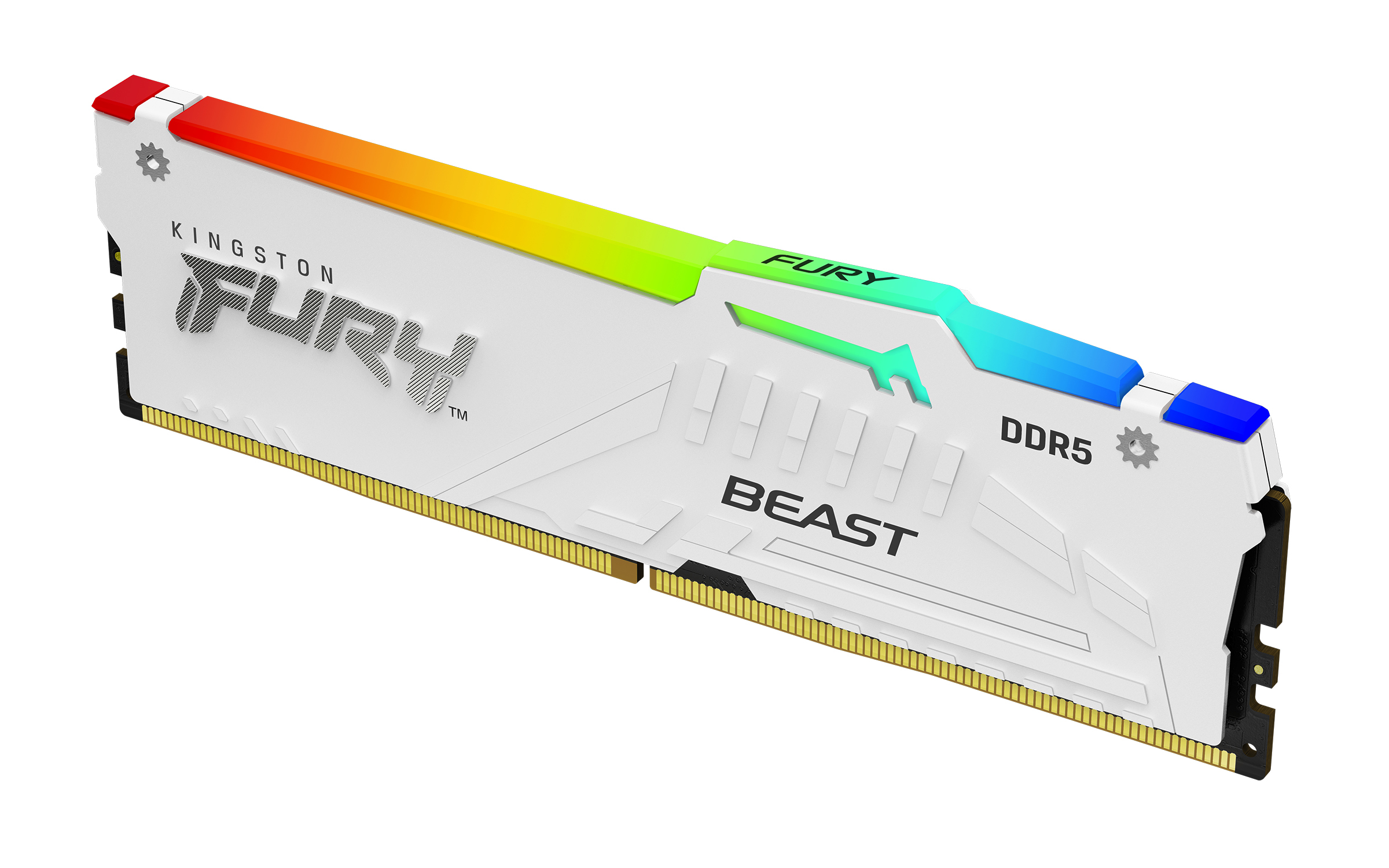
Kingston
Kingston FURY Beast RGB - DDR5 - module - 32 GB - DIMM 288-pin - 6000 MHz / PC5-48000 - CL30 - 1.4 V - unbuffered - on-die ECC - white
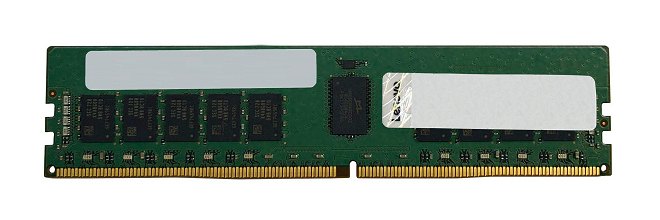
Lenovo
Lenovo TruDDR5 - DDR5 - module - 32 GB - DIMM 288-pin - 2800 MHz - registered
Powered by industry-leading technologies including SolarWinds, Cloudflare, BitDefender, AWS, Microsoft Azure, and Cisco Meraki to deliver secure, scalable, and reliable IT solutions.


