- Cloud Backup
Cloud Backup vs Local Backup: Which Does Your Business Need?
5 Feb, 2026
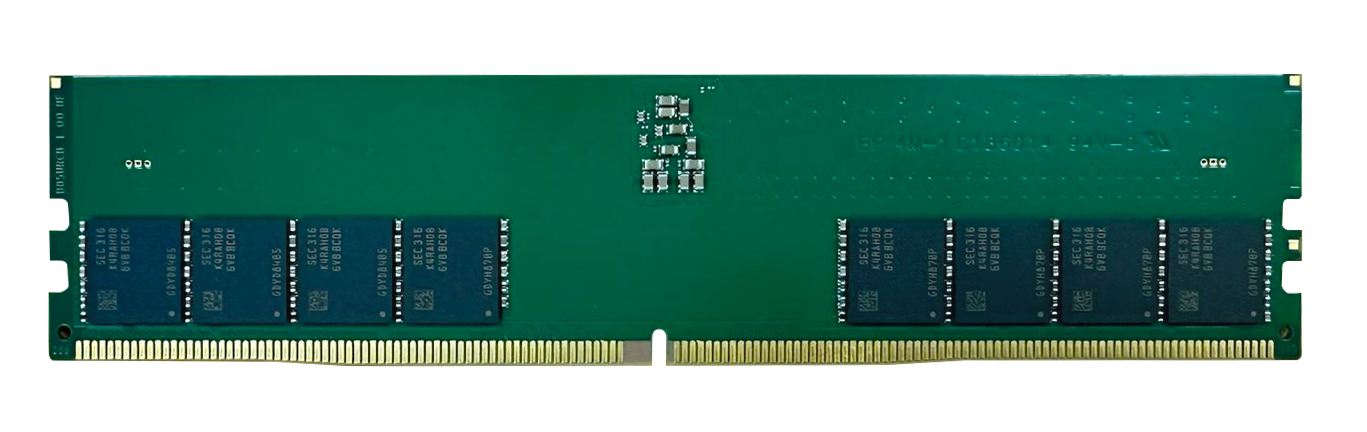
£588.80 inc. VAT
AI-generated summary
At £490.64 ex-VAT for a single 32GB DDR5 module, the QNAP RAM-32GDR5T0-UD-4800 is *expensive enough* that I’d only look at it when you’re trying to solve a specific compatibility/performance need in a QNAP box that’s picky about RAM. The upside is that buying the “right” QNAP-labelled stick usually avoids the annoyances you get with cheaper third-party memory—boot quirks, intermittent issues, or wasted time chasing down whether it’s really supported in that model.
Who should buy it? If you’ve got a QNAP NAS/workstation in the sweet spot for RAM expansion, and your workload is memory-bound (lots of small files, indexing, container/VM usage, heavy caching, multitasking services), this kind of upgrade can be genuinely noticeable. Who should *not* buy it: anyone just trying to raise RAM capacity “because they can,” or anyone with the option to buy more cost-effective memory from a vetted channel—at this price, the £/GB is hard to justify unless you *need* guaranteed compatibility and can’t risk instability. If you tell me your exact QNAP model, I can give a more grounded take on whether this is the sensible upgrade path or whether you’d be better off shopping around for a cheaper route.
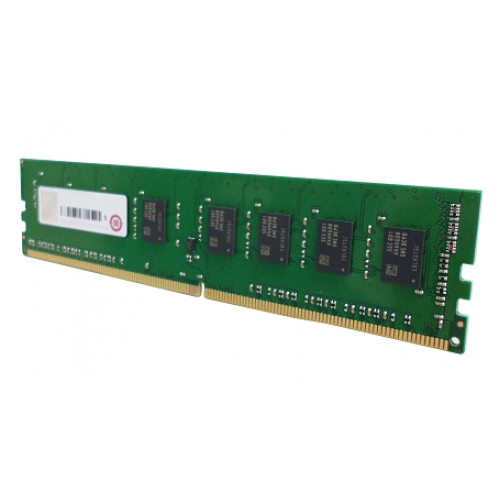
Qnap
QNAP - A1 version - DDR4 - module - 8 GB - DIMM 288-pin - 2400 MT/s / PC4-19200 - CL17 - 1.2 V - unbuffered - non-ECC
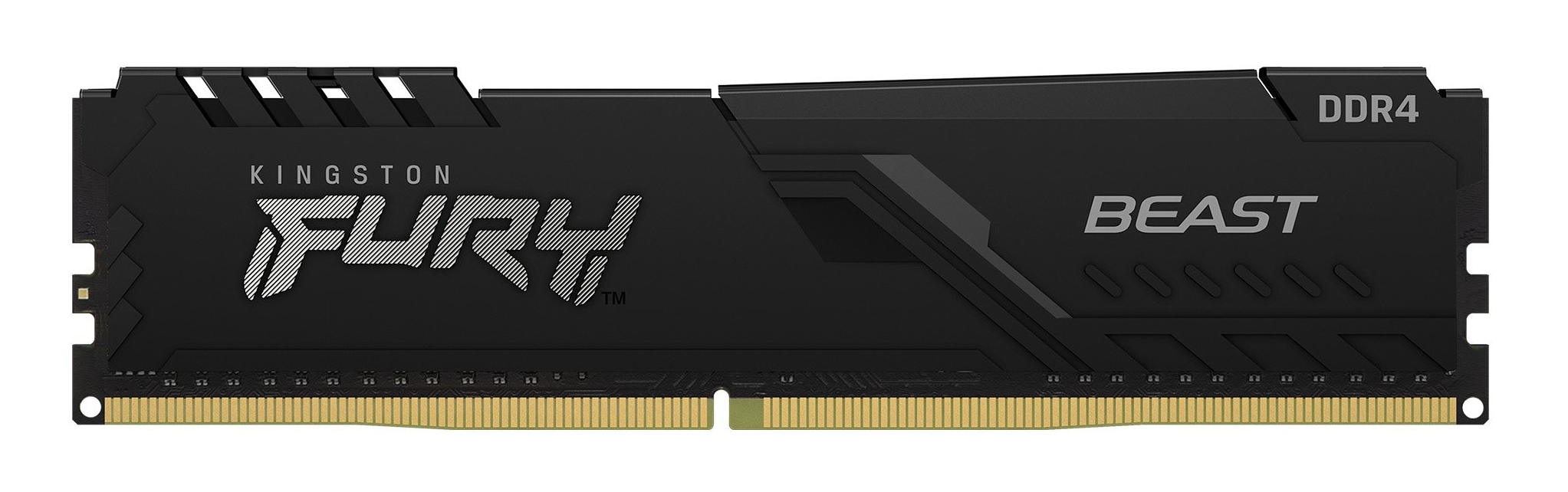
Kingston
Kingston FURY Beast - DDR4 - module - 8 GB - DIMM 288-pin - 3200 MHz / PC4-25600 - CL16 - 1.35 V - unbuffered - non-ECC - black
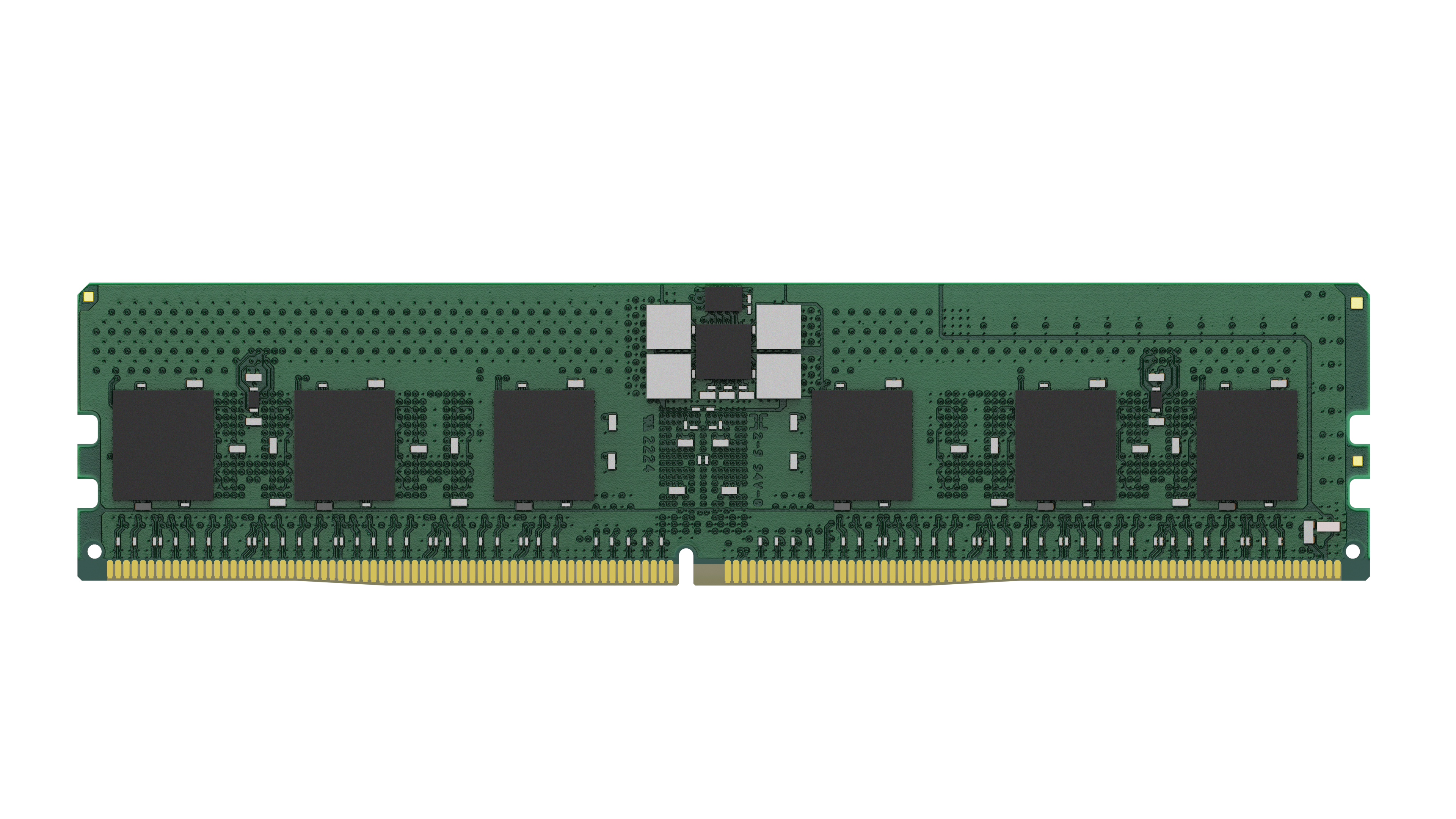
Kingston
Kingston - DDR5 - module - 24 GB - DIMM 288-pin - 5600 MHz / PC5-44800 - CL46 - 1.1 V - registered - ECC
Kingston
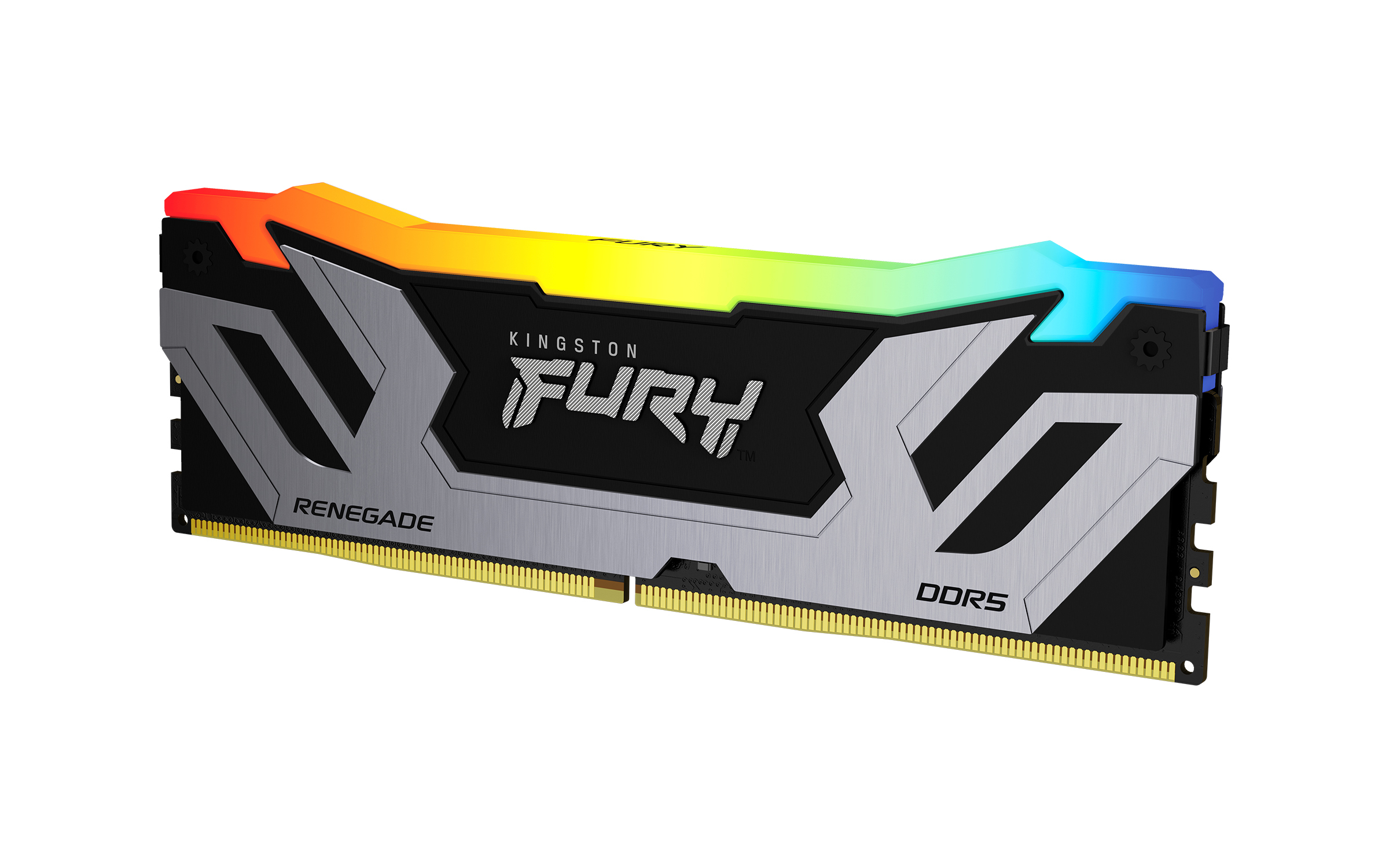
Kingston FURY Renegade RGB - DDR5 - module - 24 GB - DIMM 288-pin - 4200 MHz / PC5-67200 - CL40 - 1.45 V - unbuffered - on-die ECC - black & silver
Powered by industry-leading technologies including SolarWinds, Cloudflare, BitDefender, AWS, Microsoft Azure, and Cisco Meraki to deliver secure, scalable, and reliable IT solutions.


