ShopAll ProductsCategoriesBrands
Cart
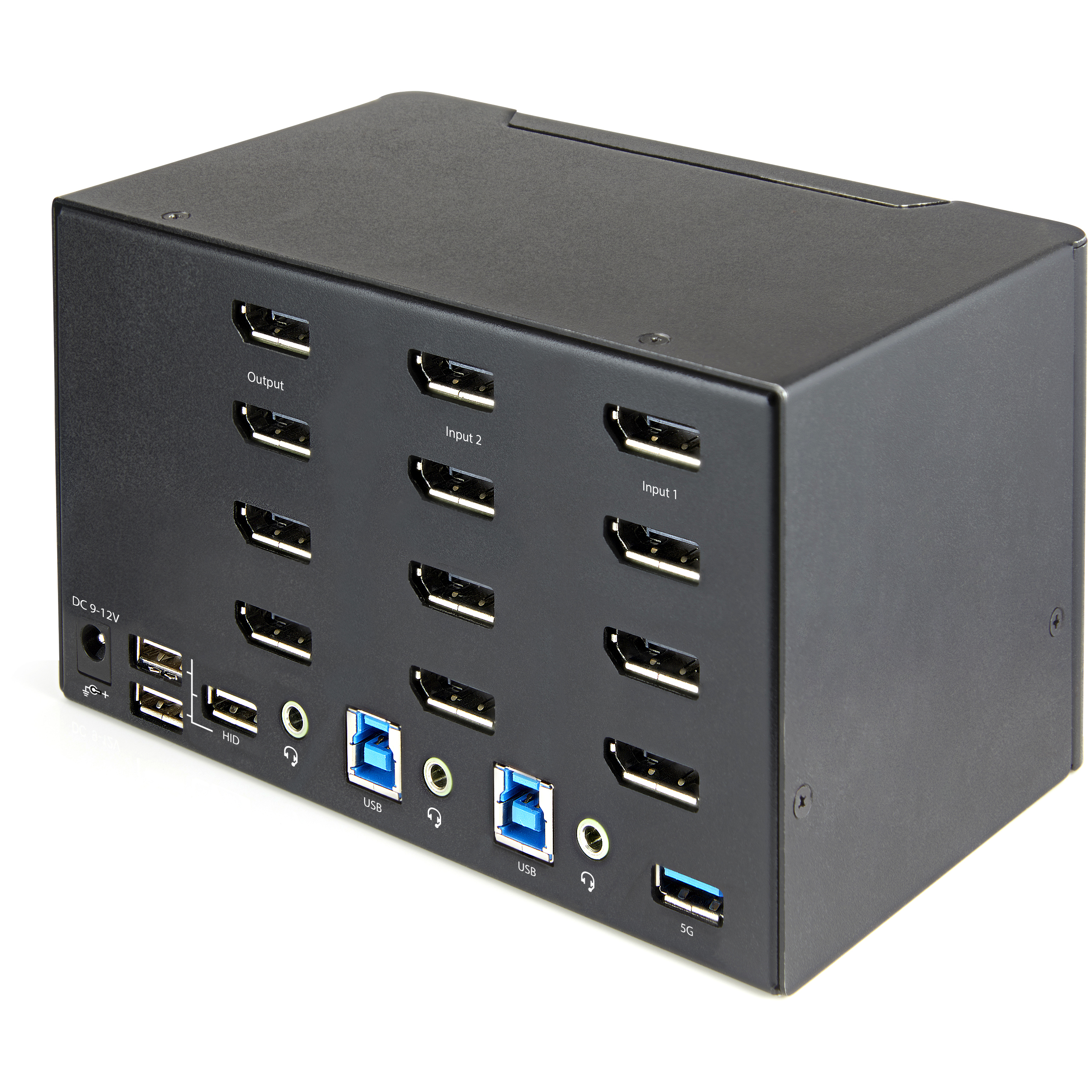
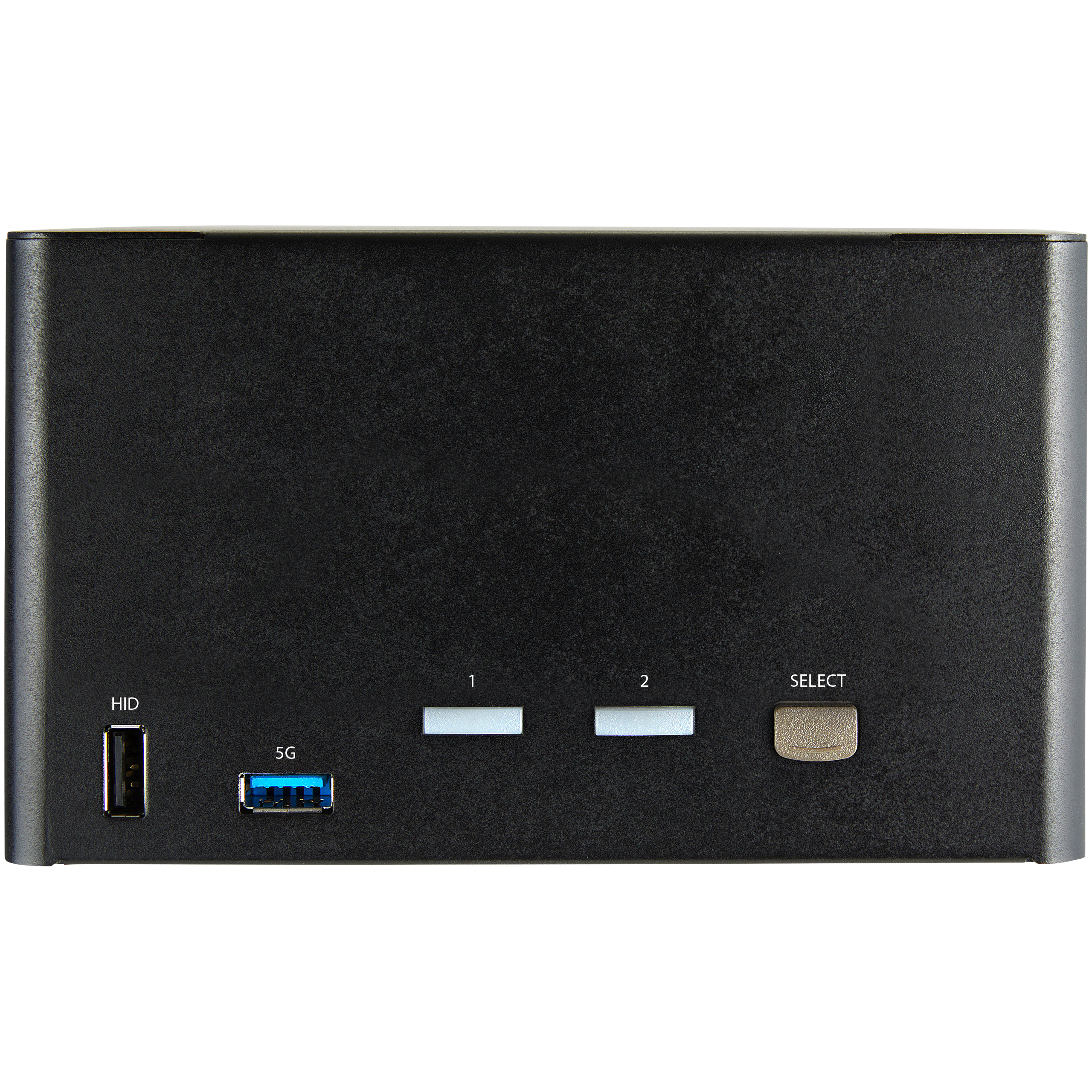
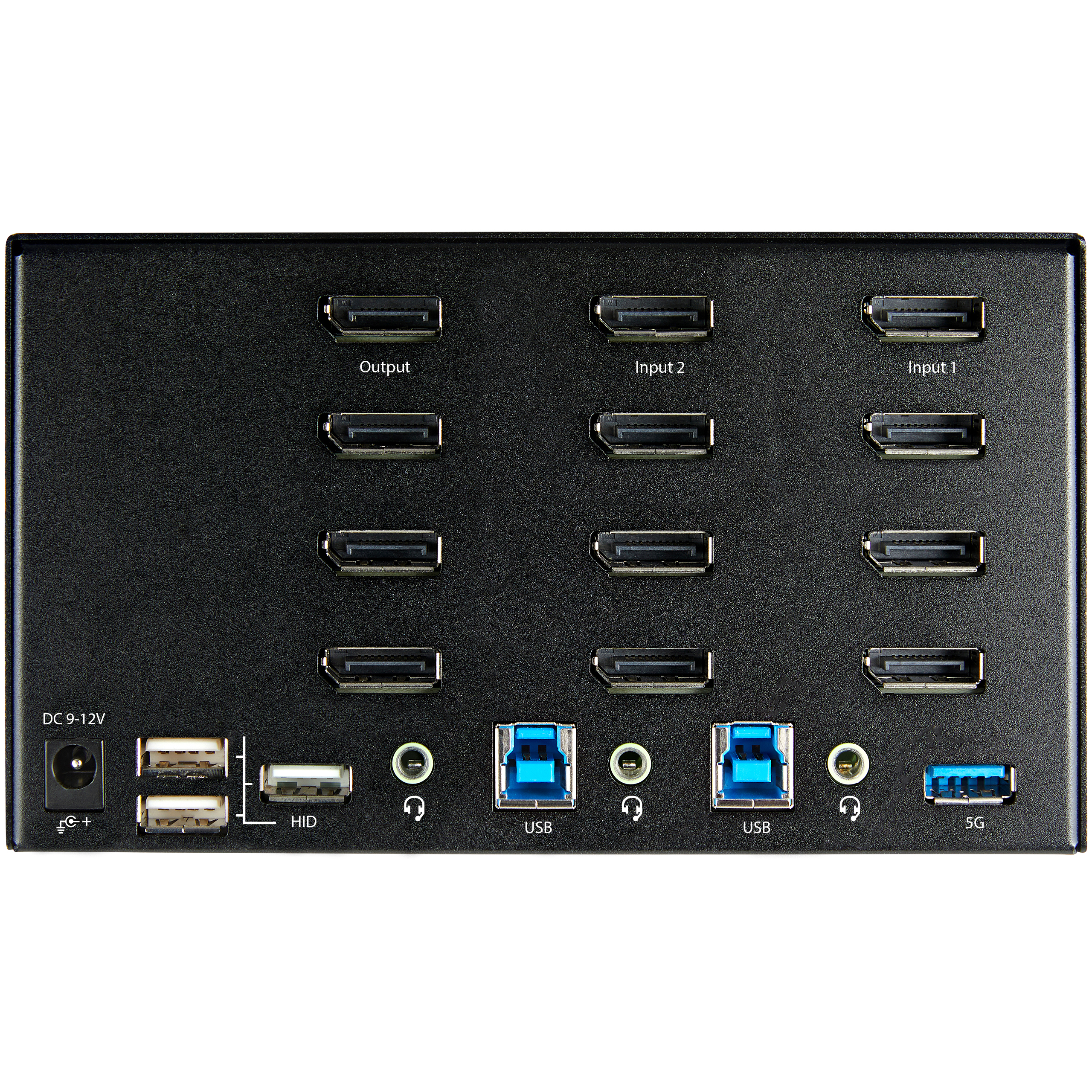
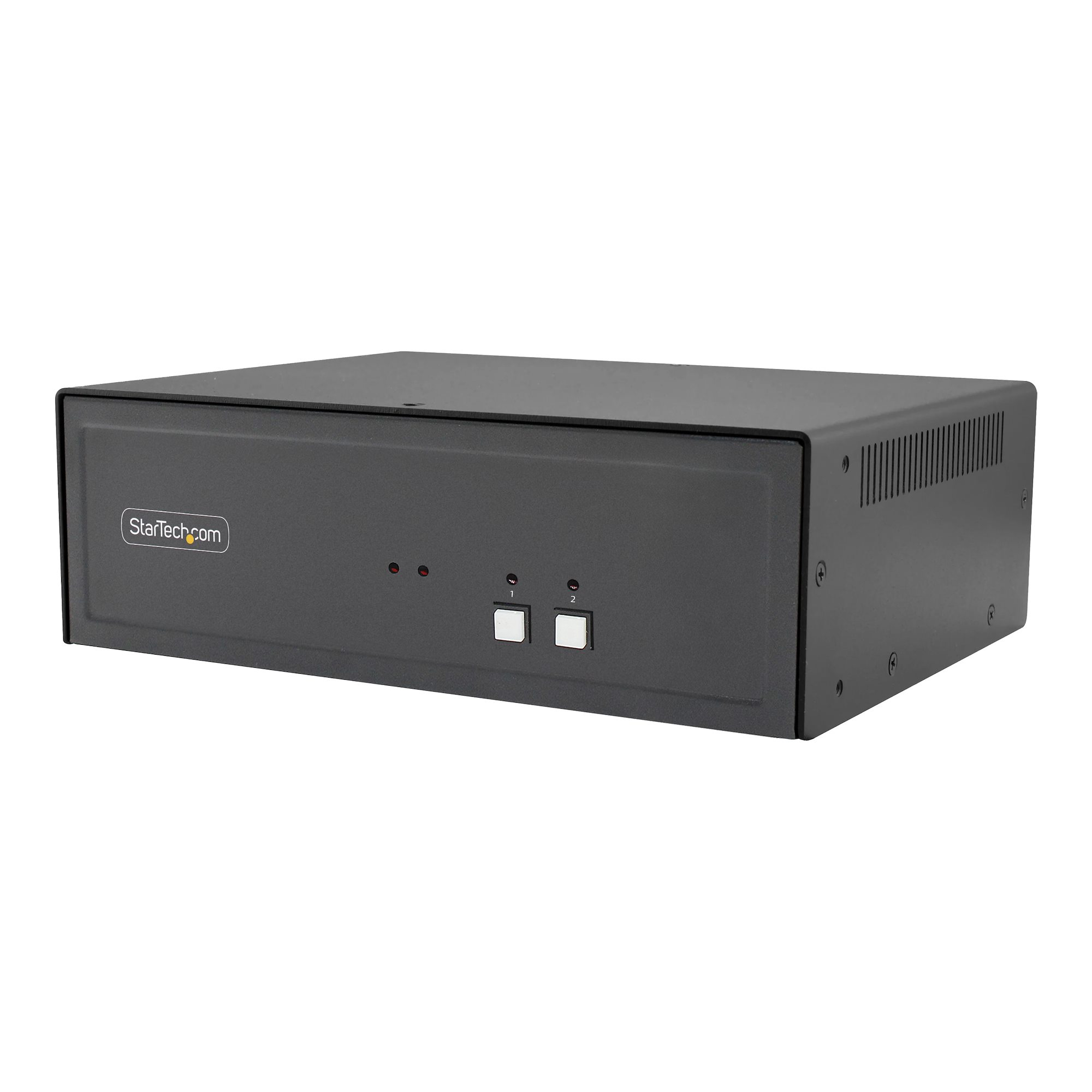
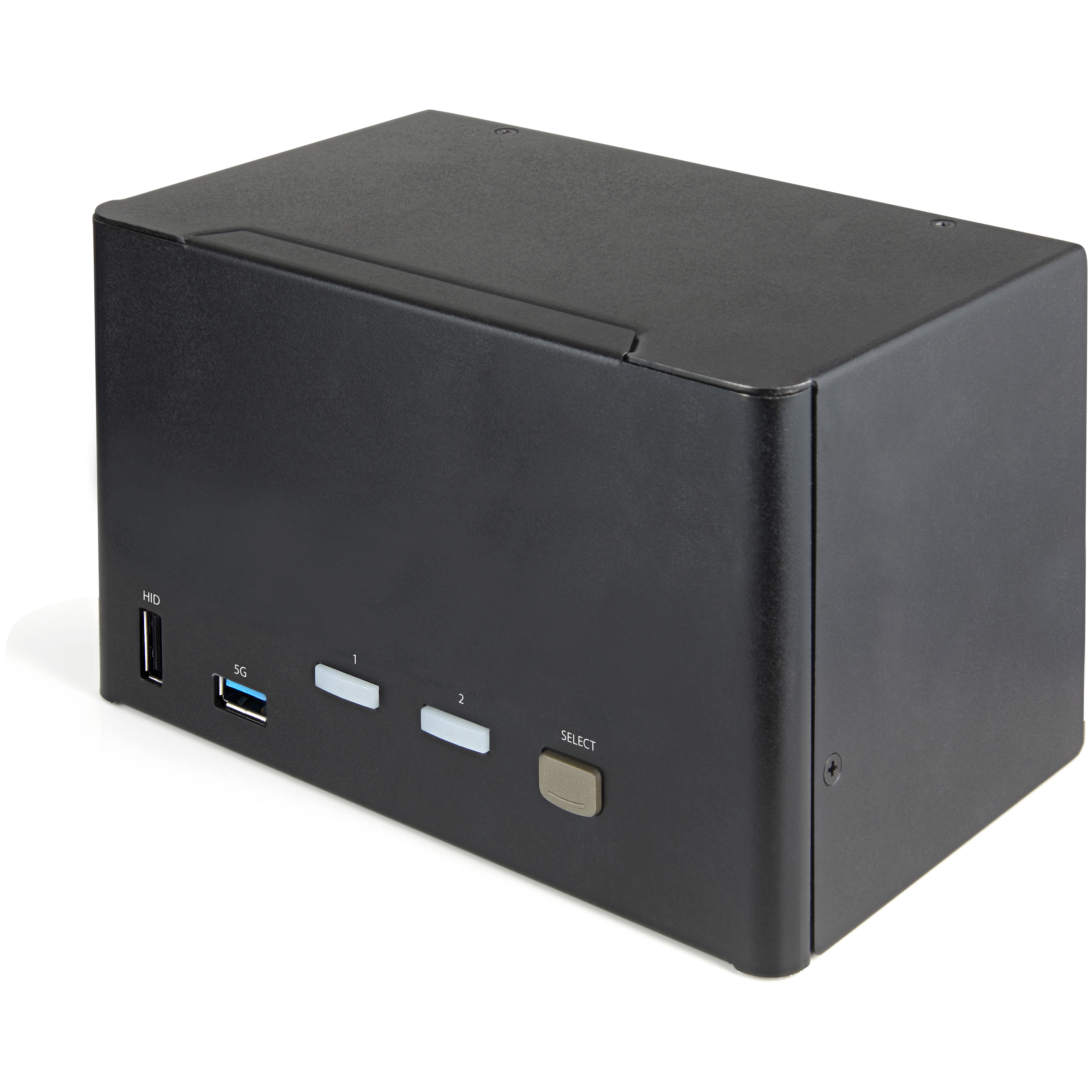
ShopKVM SwitchesStarTech.com 2 Port Quad Monitor DisplayPort KVM Switch - 4K 60Hz UHD HDR - Desktop 4K DP 1.2 KVM with 2 Port USB 3.0 Hub (5Gbps) & 4x USB 2.0 HID Ports, Audio - Hotkey Switching - TAA
StarTech.com 2 Port Quad Monitor DisplayPort KVM Switch - 4K 60Hz UHD HDR - Desktop 4K DP 1.2 KVM with 2 Port USB 3.0 Hub (5Gbps) & 4x USB 2.0 HID Ports, Audio - Hotkey Switching - TAA
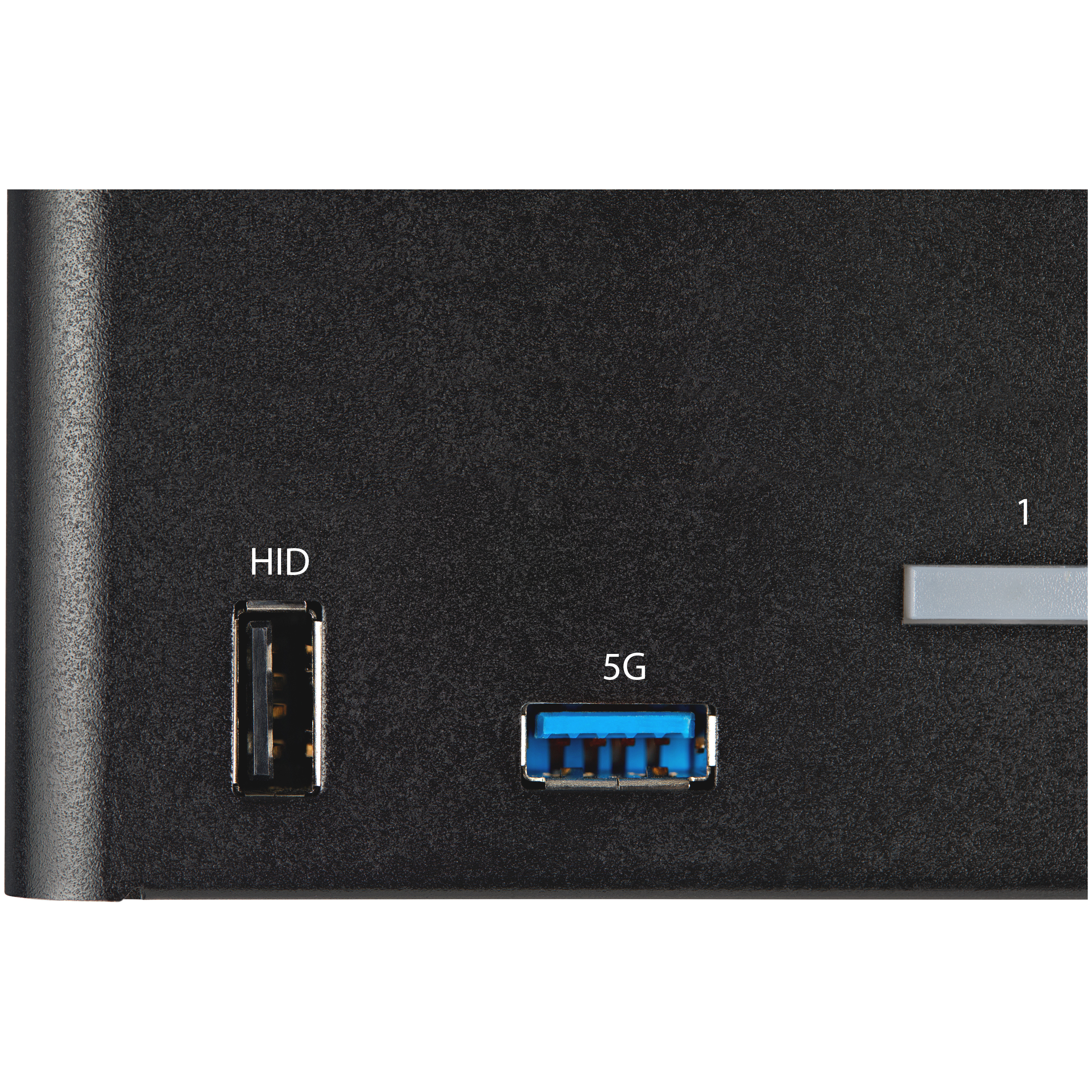
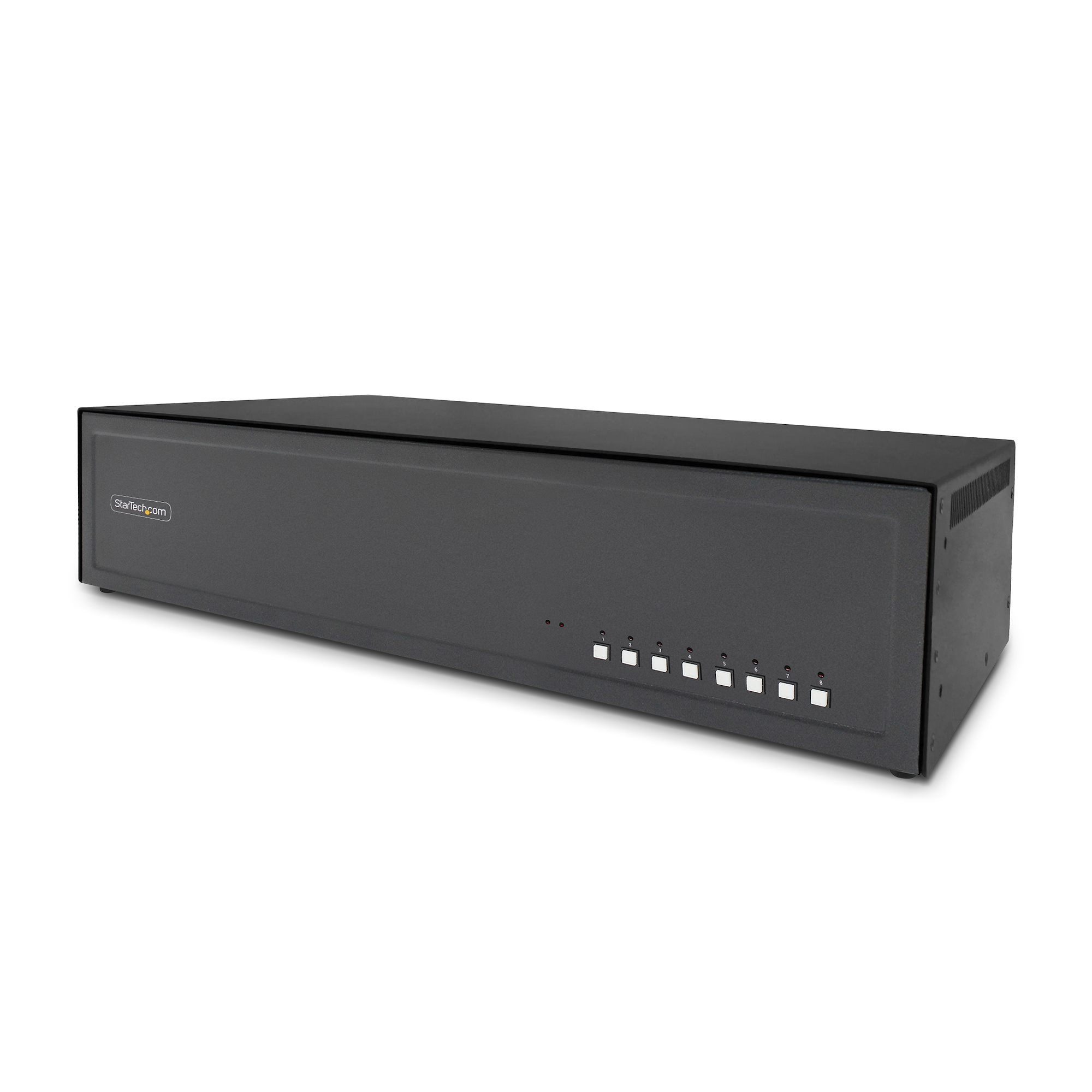
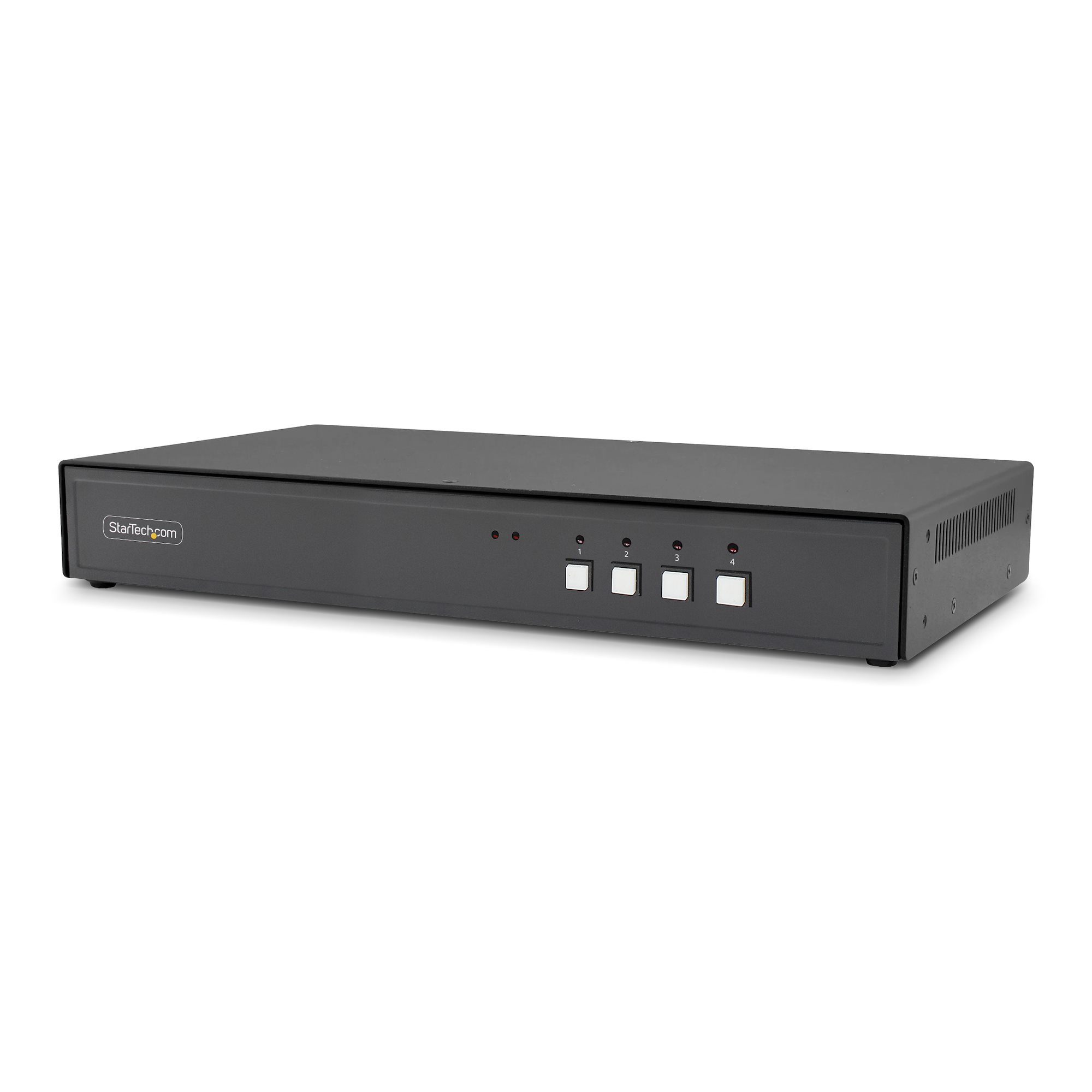
View 1
View 2
View 3
View 4
View 5
View 6

StarTech.com 2 Port Quad Monitor DisplayPort KVM Switch - 4K 60Hz UHD HDR - Desktop 4K DP 1.2 KVM with 2 Port USB 3.0 Hub (5Gbps) & 4x USB 2.0 HID Ports, Audio - Hotkey Switching - TAA

£480.36

£576.43 inc. VAT

Low Stock(7)MPN: SV231QDPU34K
🚚 Next-day delivery £4.95
Quantity:1
1
2
3
4
5
6
7
8
9
10+

Key Features

StarTech.com 2 Port Quad Monitor DisplayPort KVM Switch, 4K 60Hz UHD HDR, Desktop 4K DP 1.2 KVM with 2 Port USB 3.0 Hub (5Gbps) & 4x USB 2.0 HID Ports, Audio, Hotkey Switching, TAA
Keyboard/Video/Mouse Switch
KVM / audio switch
2 x KVM / audio
desktop
TAA Compliant

Product Overview

AI-generated summary

At ~£480 ex-VAT, this StarTech 2‑port DisplayPort KVM is priced like a “serious office” tool, not a desk gadget. It makes sense if you actually run two computers in one workstation and want to keep keyboard/mouse plus shared peripherals under control—hotkey switching is usually what you end up relying on day to day, and StarTech tends to be more consistent than bargain brands. The added USB hub/HID ports are also genuinely useful in real admin and finance setups (think barcode scanners, dongles, simple peripherals) where you don’t want to keep swapping cables.

That said, I wouldn’t buy it just for the headline “4K 60Hz HDR” numbers. In practice, KVMs like this live or die on your specific monitor model, GPU/driver behaviour, and whether you’re sensitive to input latency or handshake quirks when switching. If your environment is simple (one keyboard/mouse, minimal USB devices, not fussed about HDR), you can almost certainly find better value. If you *do* have a proper dual‑PC setup, multiple USB devices that need to stay mapped, and you’re using DisplayPort reliably across both machines, then paying the money here is defensible—this is the kind of KVM you buy once and stop thinking about.

Specifications

Ports & interfaces

Number of computers controlled2
Keyboard port typeUSB
Mouse port typeUSB
Video port typeDisplayPort
DisplayPorts quantity12

Performance

HD type4K Ultra HD
Maximum resolution3840 x 2160 pixels
Video bandwidth60 Hz
Data transfer rate (max)5 Gbit/s
Scan interval3,8,15,30 s

Design

Rack mountingN
Product colourBlack
Housing materialSteel
LED indicatorsY
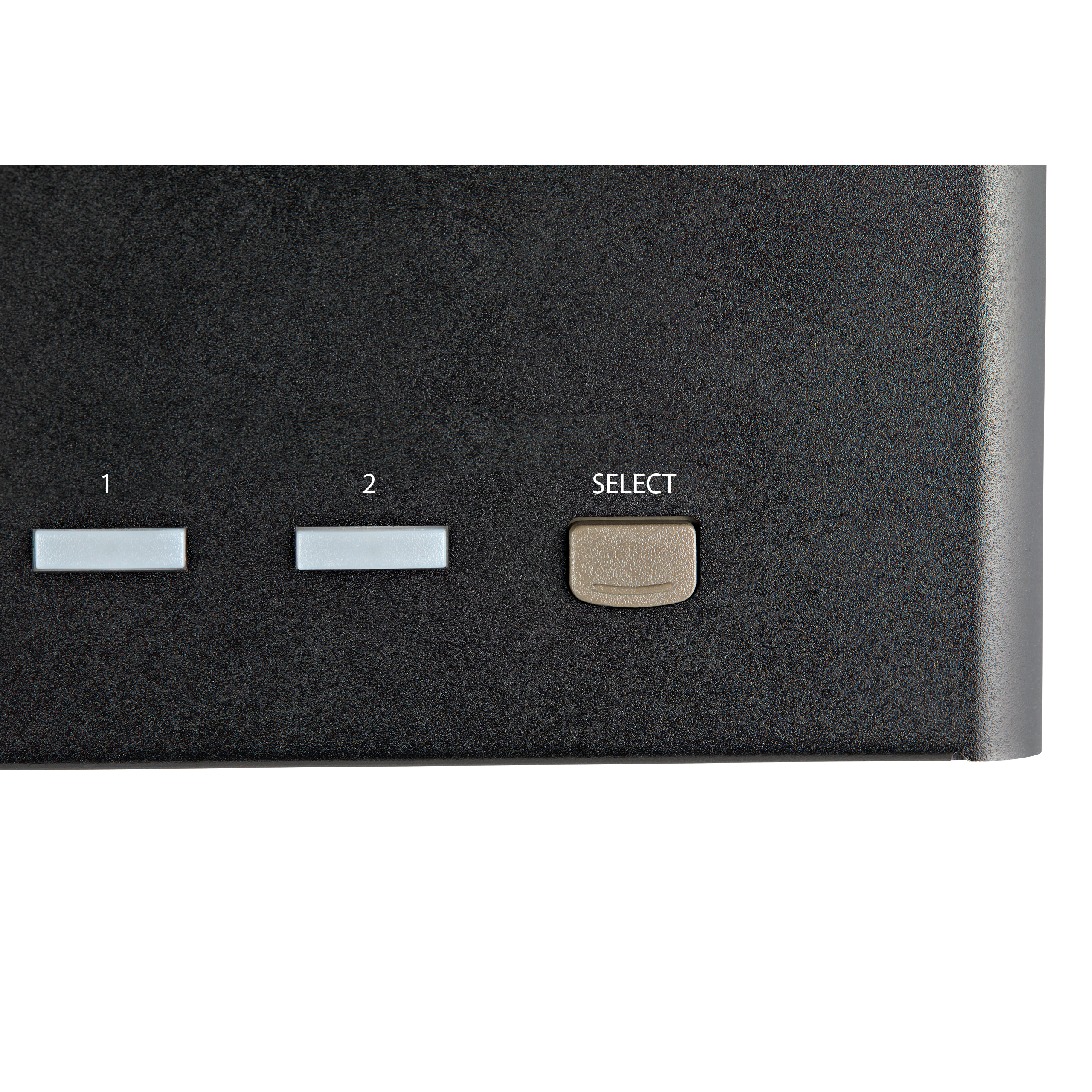
Push buttonY

Display

Built-in displayN
On Screen Display (OSD)N

Power

Input voltage100 - 240 V
Input current1 A
Output voltage12 V
Output current3 A
Power consumption (typical)36 W

Operational conditions

Operating temperature (T-T)0 - 40 °C
Storage temperature (T-T)-10 - 60 °C
Operating relative humidity (H-H)0 - 80 %

Weight & dimensions

Width180 mm
Depth438 mm
Height43 mm
Weight959 g

Packaging data

Package width185 mm
Package depth250 mm
Package height100 mm

From Our Blog

18
  • Azure Cloud

Azure Front Door: Global Load Balancing for Business

18 Mar, 2026
Read more
10
  • Cyber Security

Cyber Insurance: What UK Businesses Need to Know

10 Jan, 2026

Read more
30
  • Cloud Networking

The Guide to Meraki Switches for Small Business Networks

30 Aug, 2025

Read more

Enquiry Received!

Thank you for getting in touch. A member of our team will review your enquiry and get back to you within 24 hours.