- IT Support
How to Onboard a New IT Support Provider Without Disruption
11 Mar, 2026

£88.72 inc. VAT
AI-generated summary
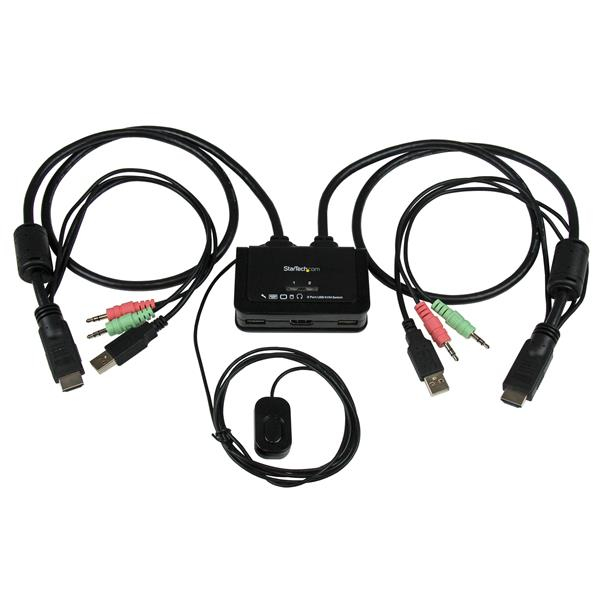
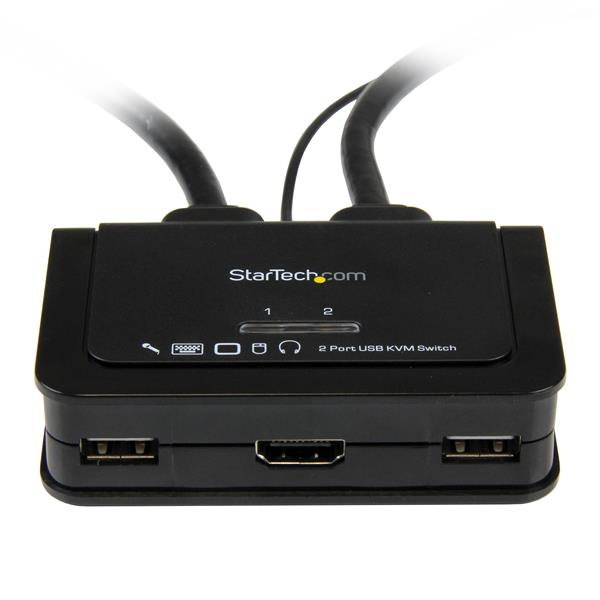
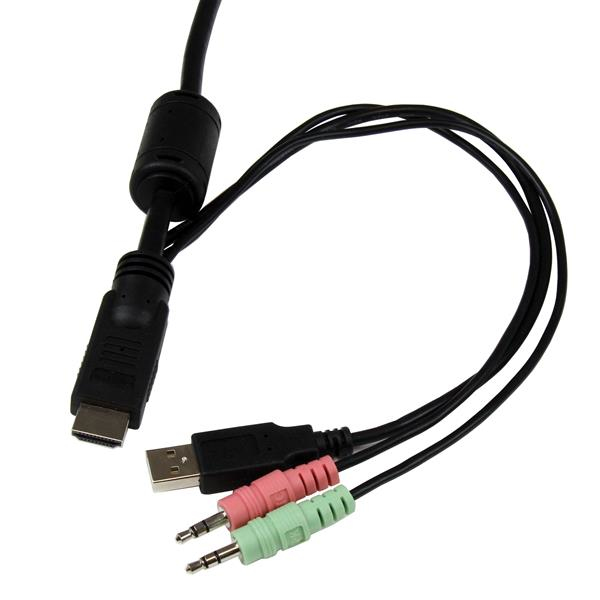
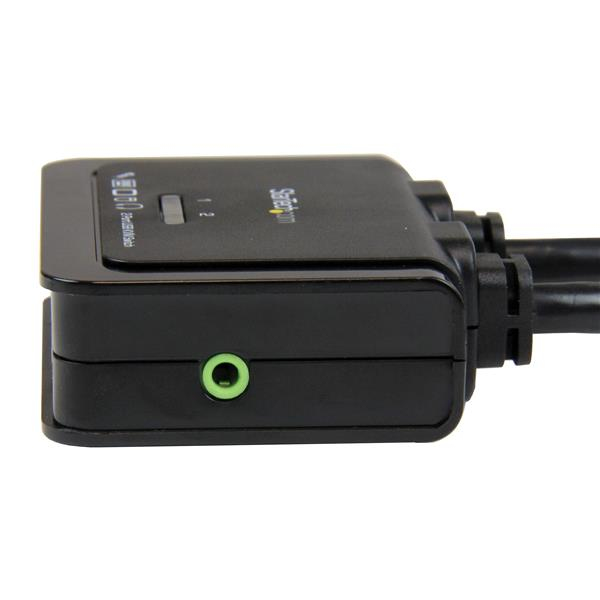
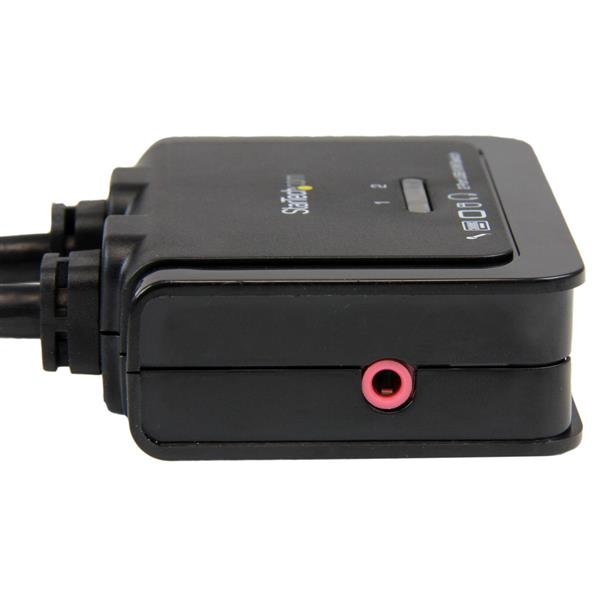
For £74 ex-VAT, the StarTech 2‑port USB HDMI KVM is a sensible “small office / admin desk” buy if you just need to jump between two HDMI computers using one keyboard/mouse and get audio too. Where these tend to shine is simple setups: the USB-powered angle is convenient, there’s a remote switch so you don’t have to reach behind a monitor, and StarTech generally doesn’t do anything weird with compatibility—so it’s a decent bet for standard Windows machines, basic peripherals, and meetings/processing without any drama.
I’d be cautious if you’re expecting high-end workstation behaviour. KVMs in this price band can be less forgiving with odd refresh rates, laptops with picky USB handshakes, or setups that rely on specific device timing (e.g., certain docking stations, multi-monitor quirks, or Bluetooth audio routes). If you’re on a modern GPU-heavy workflow and care about instant, seamless switching, you may want to spend more on a model explicitly aimed at low-latency/more demanding AV paths.
**Who should buy:** IT managers, finance/admin teams, and anyone needing a straightforward two-PC control point for HDMI monitors with a remote switch, without messing around with power adapters. **Who shouldn’t:** power users with complex multi-monitor or “finicky” hardware, or anyone who can’t tolerate occasional compatibility headaches that sometimes come with budget KVMs.
STARTECH
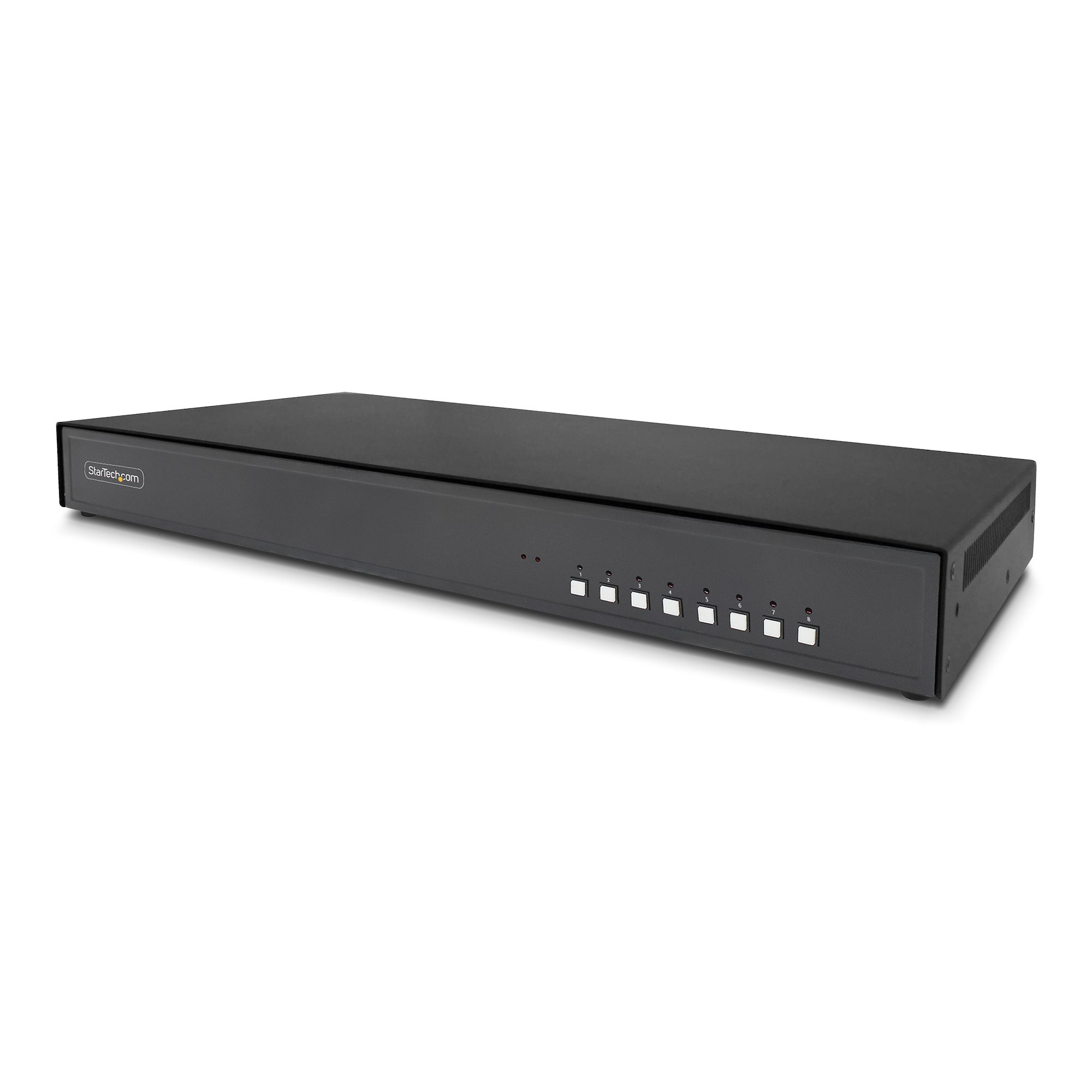
StarTech.com - KVM switch - secure - 8 x KVM port(s) - 1 local user - desktop - TAA Compliant
STARTECH
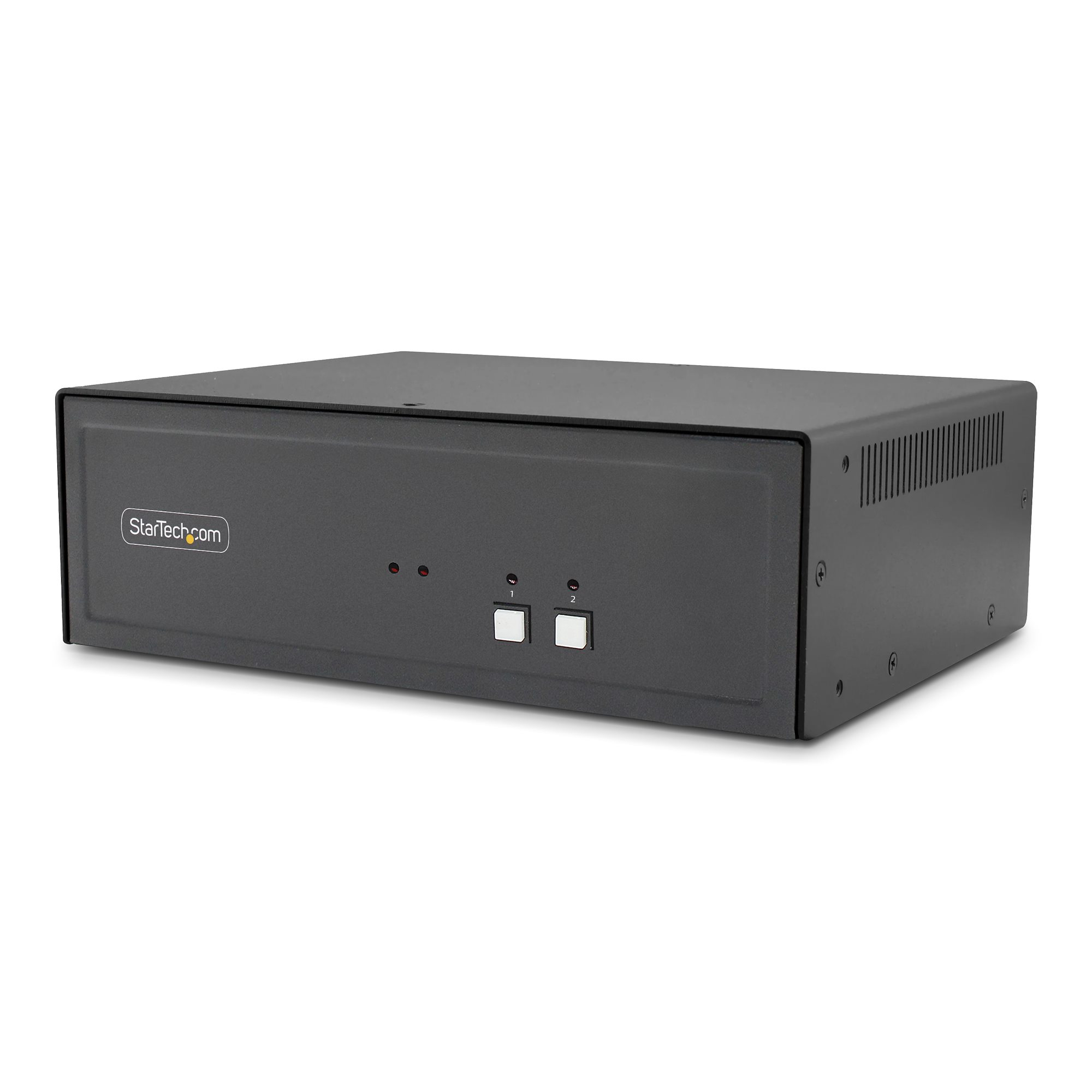
StarTech.com - KVM switch - secure - 2 x KVM port(s) - 1 local user - desktop - TAA Compliant
STARTECH
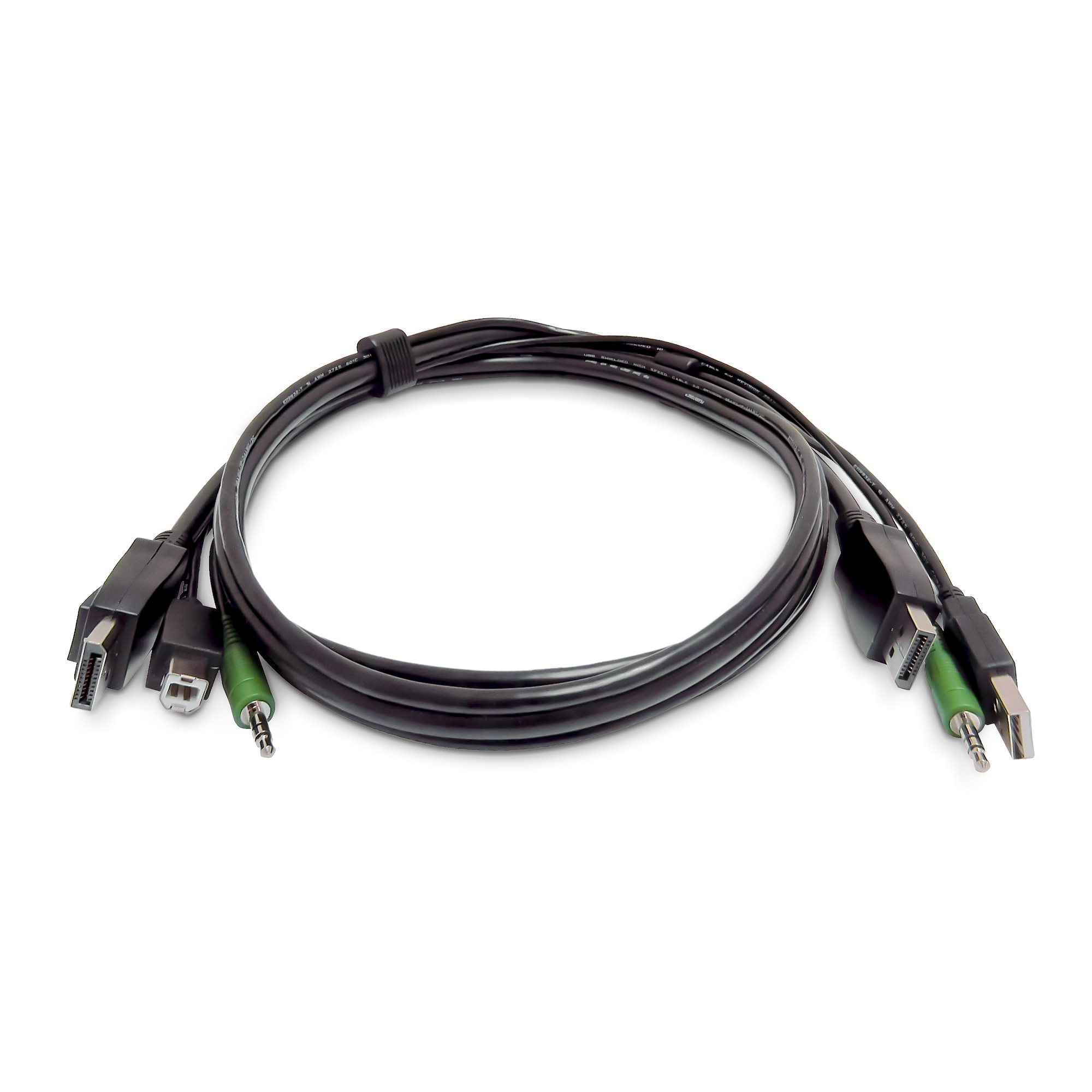
StarTech.com - Keyboard / video / mouse (KVM) cable - TAA Compliant - USB Type A, 3.5mm audio jack, DisplayPort (M) to USB Type B, 3.5mm audio jack, DisplayPort (M) - 1.8 m
STARTECH
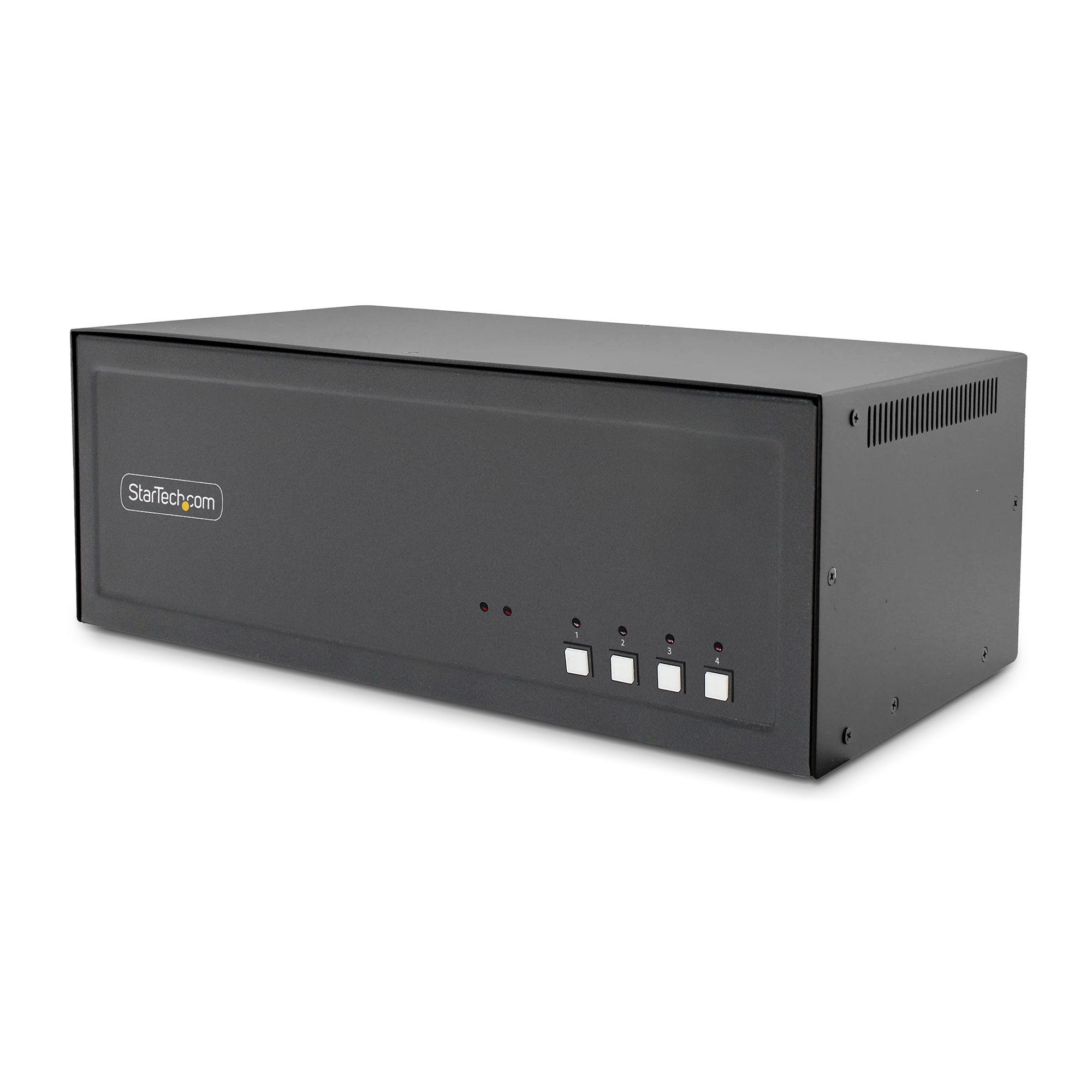
StarTech.com - KVM / audio / USB switch - 4 x KVM / audio / USB - 1 local user - desktop - TAA Compliant