- Cloud Networking
The Guide to Cisco Meraki Adaptive Policy
28 Dec, 2025
£416.50 inc. VAT
AI-generated summary
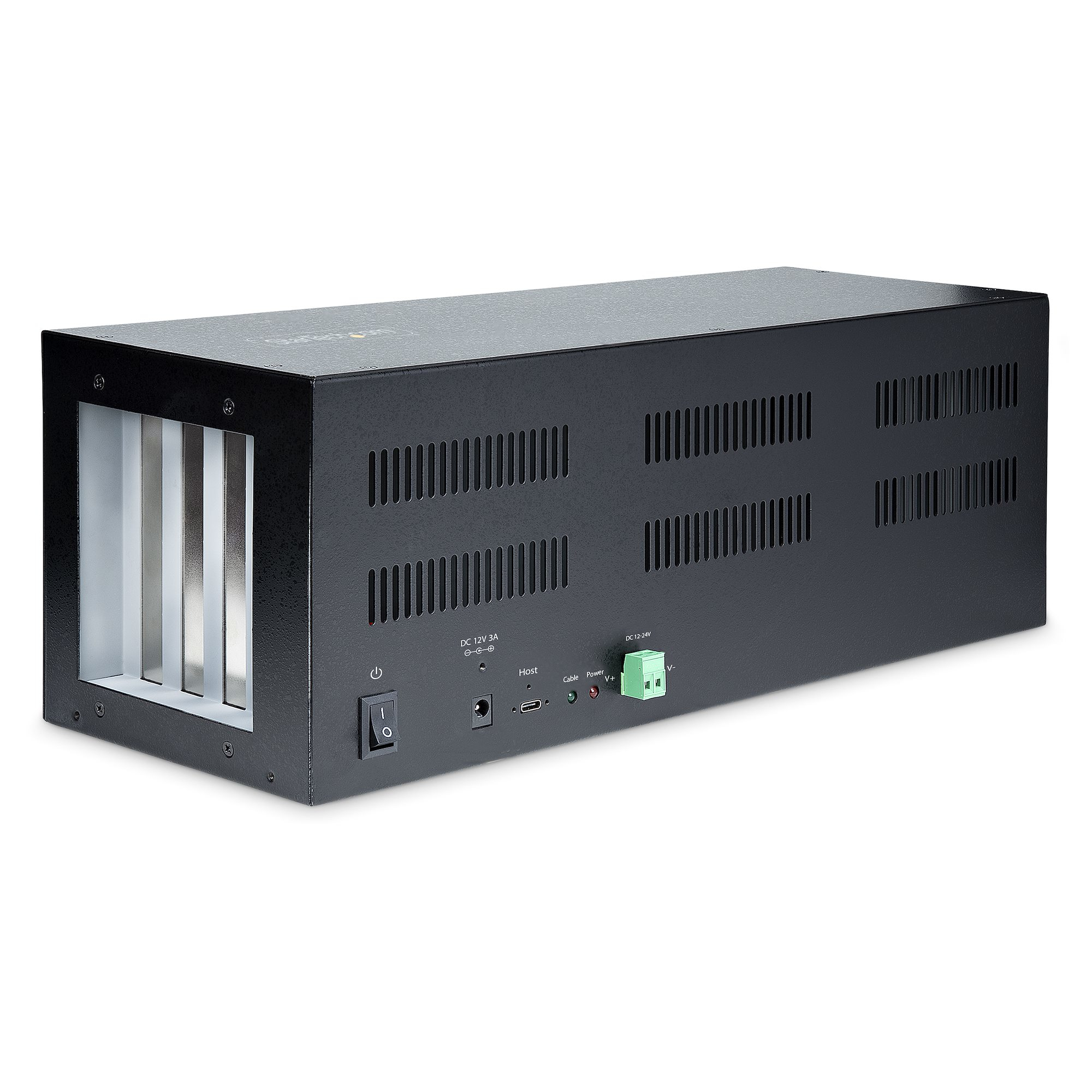
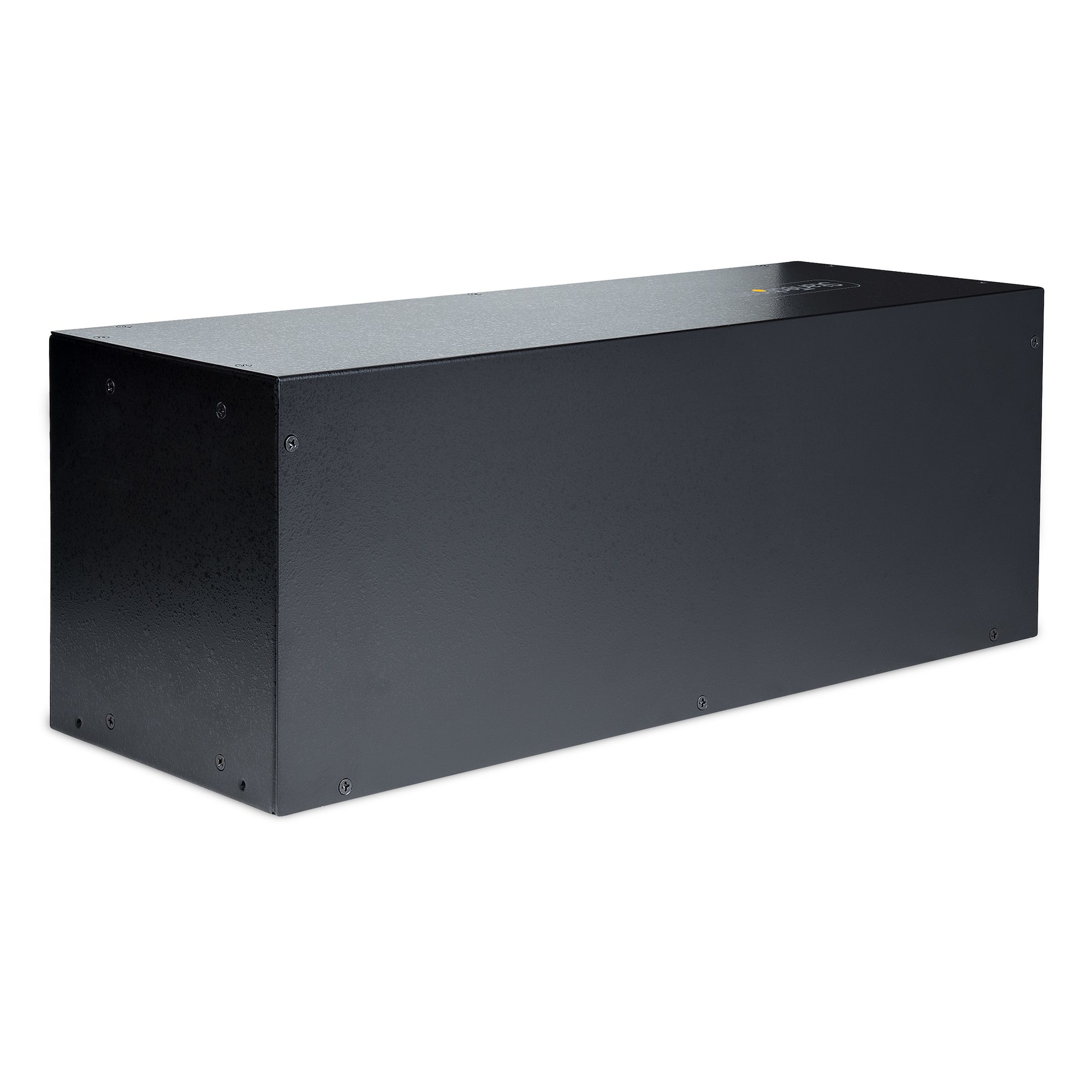
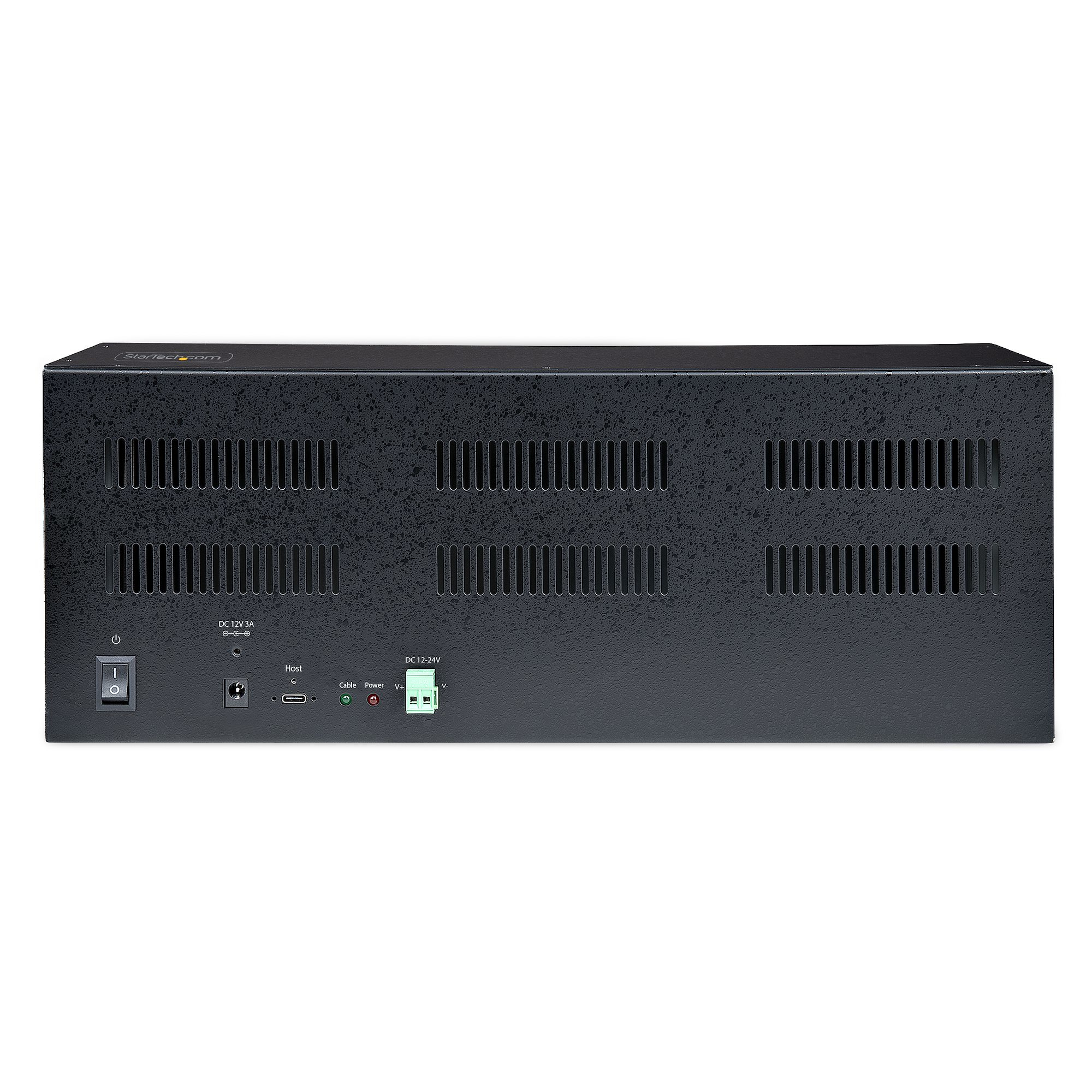
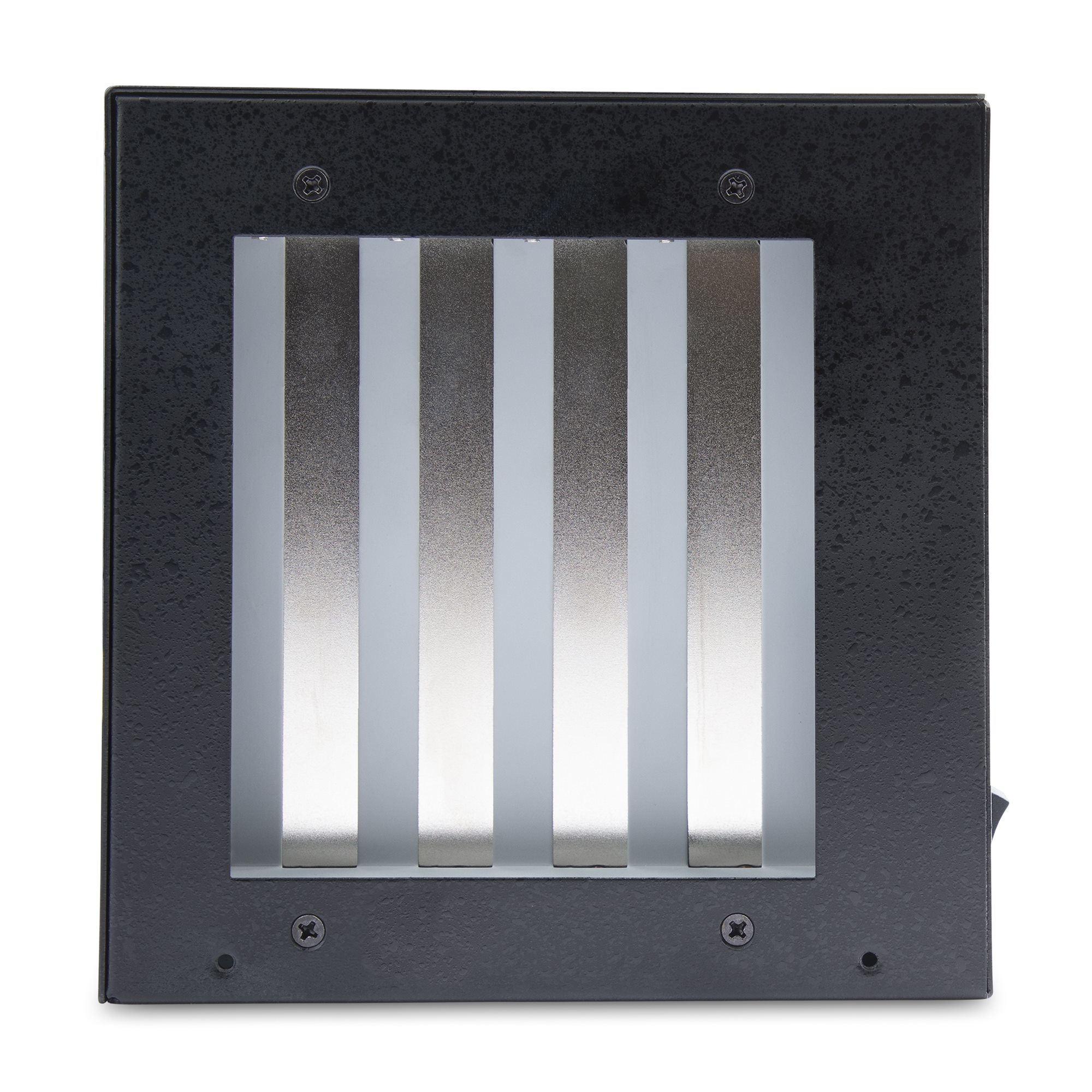
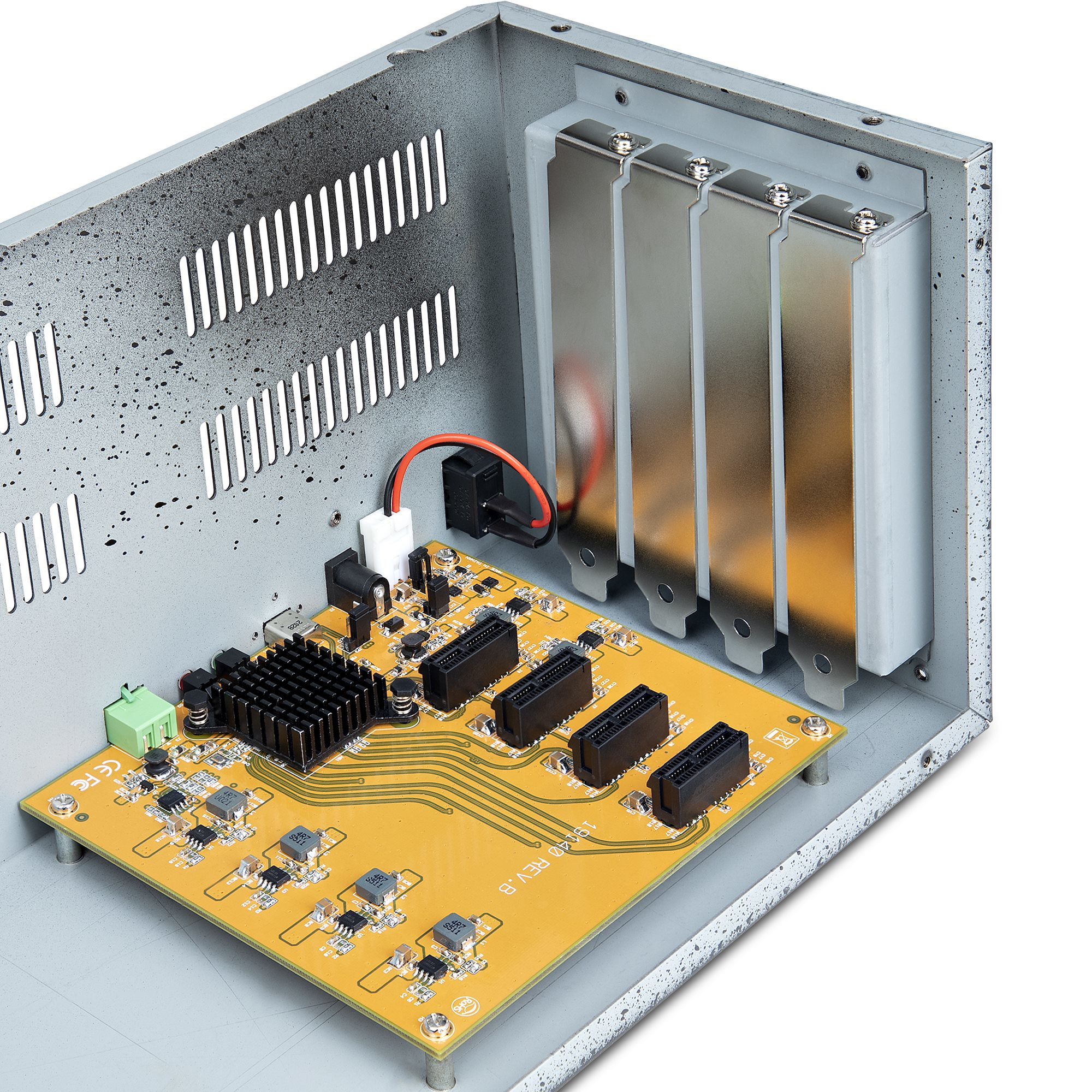
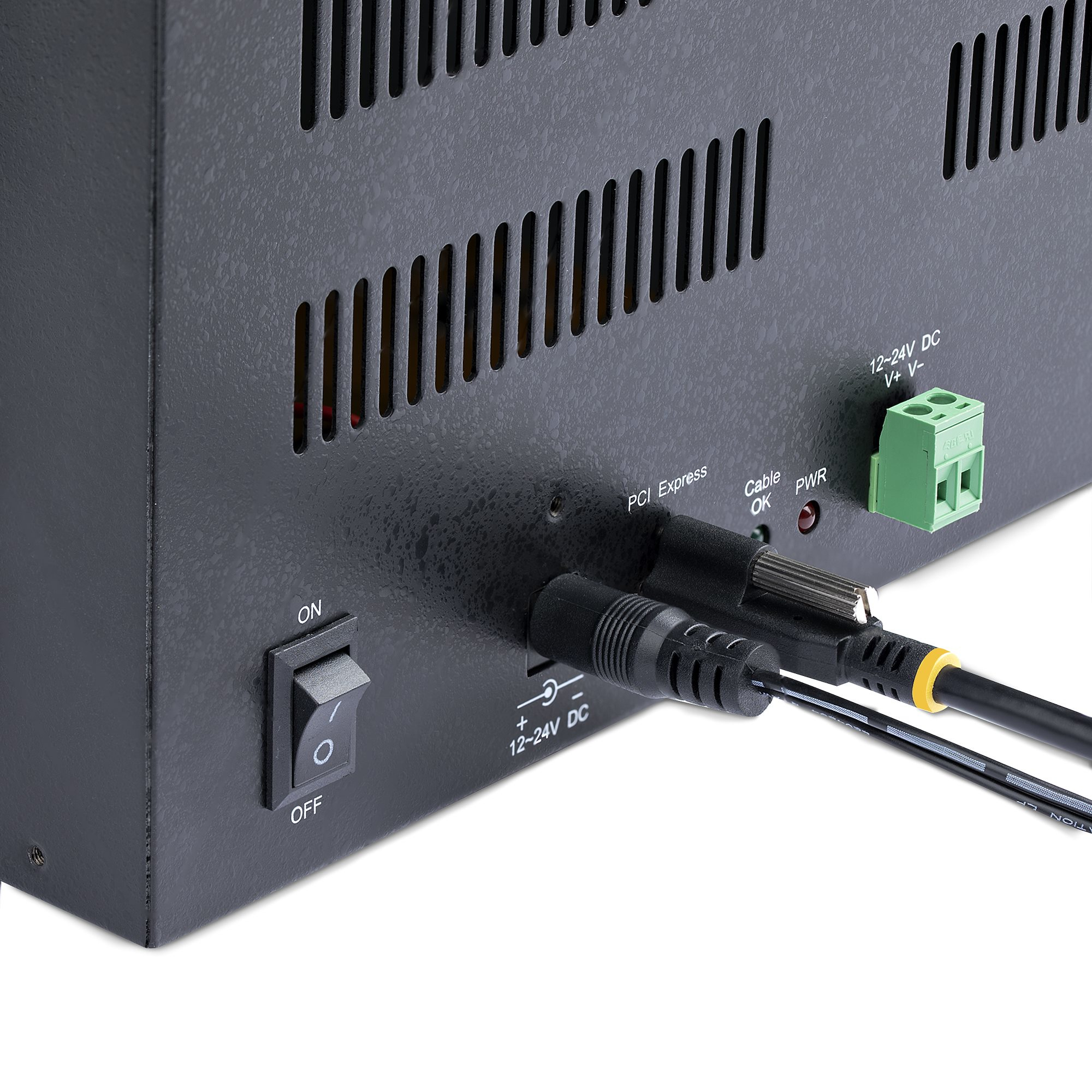
At £385.63 ex-VAT, this StarTech 4‑slot PCIe expansion chassis is the kind of “it solves a specific problem” box rather than a general docking station. The big win is that you can drop extra low-profile PCIe cards into an existing desktop/server when the internal slots are scarce (think network/IO cards, specialized NIC add-ons, certain capture/industrial interfaces). It’s also a sensible choice for environments where you want something more serviceable than USB adapters—because PCIe cards are what they are, and this keeps that expectation.
That said, it’s not great value if you’re buying it as a casual add-on for typical office peripherals or if you expected it to behave like a full internal slot replacement. Expect some compromises: you’ll need to be comfortable managing cabling, power, and compatibility between the host adapter and the card you’re putting inside. And for anything bandwidth-hungry, you should assume you won’t get “same-as-PCIe-in-the-server” performance—so if your use case is high-throughput compute or storage networking, you’ll want to validate requirements up front.
Who should buy: IT teams or resellers supporting niche PCIe peripherals, lab/industrial setups, or ageing desktops that need a small number of real PCIe cards without replacing the whole machine. Who shouldn’t: buyers who just need more ports for staff workstations, or anyone who can simply use an internal slot expansion—because at this price, the time saved has to outweigh the effort of deploying and supporting an external chassis.

TARGUS HARDWARE
HyperDrive Next - Docking station - USB-C 3.2 Gen 2 - HDMI
STARTECH
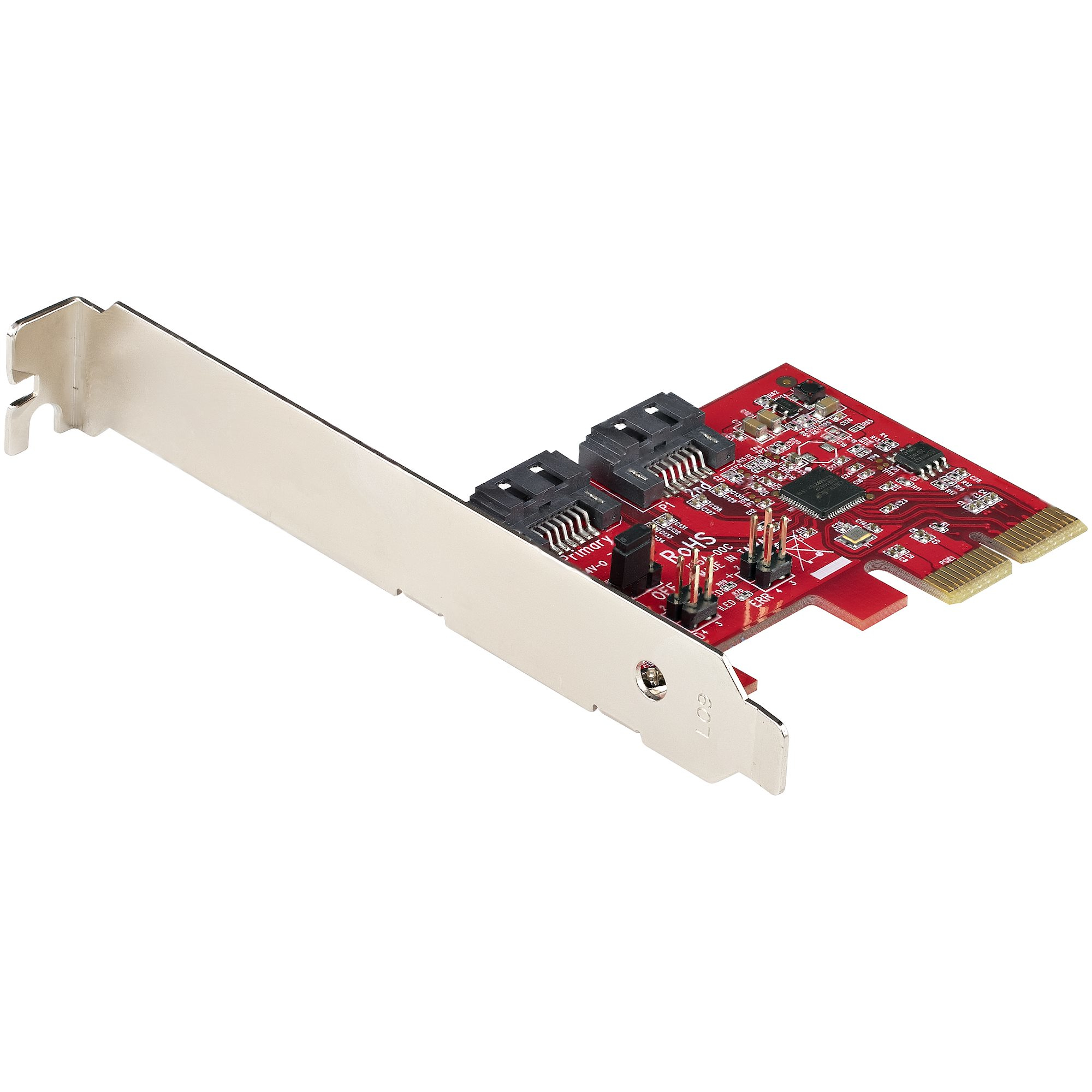
StarTech.com SATA PCIe Card, 2 Port PCIe SATA Expansion card, 6Gbps SATA Card, Full/Low Profile, PCI Express to SATA Adapter, ASM1062R SATA RAID Controller Card - PCIe to SATA Converter - Storage controller - SATA 6Gb/s - low profile - RAID 0, 1, JBOD - PCIe 2.0 x2 - red

STARTECH
StarTech.com USB 3.0 Docking Station Dual Monitor with HDMI & 4K DisplayPort, 4x USB-A, Gigabit Ethernet, USB Type A Universal Laptop Dock with USB 3.1 Gen 1 Hub (5 Gbps) and Charging - Mac, Windows, Chrome (USB3DOCKHDPC) - Docking station - USB - HDMI, DP - 1GbE - for P/N: ARMBARDUO, ARMDUAL, ARMDUAL30, ARMSLIMDUO
STARTECH
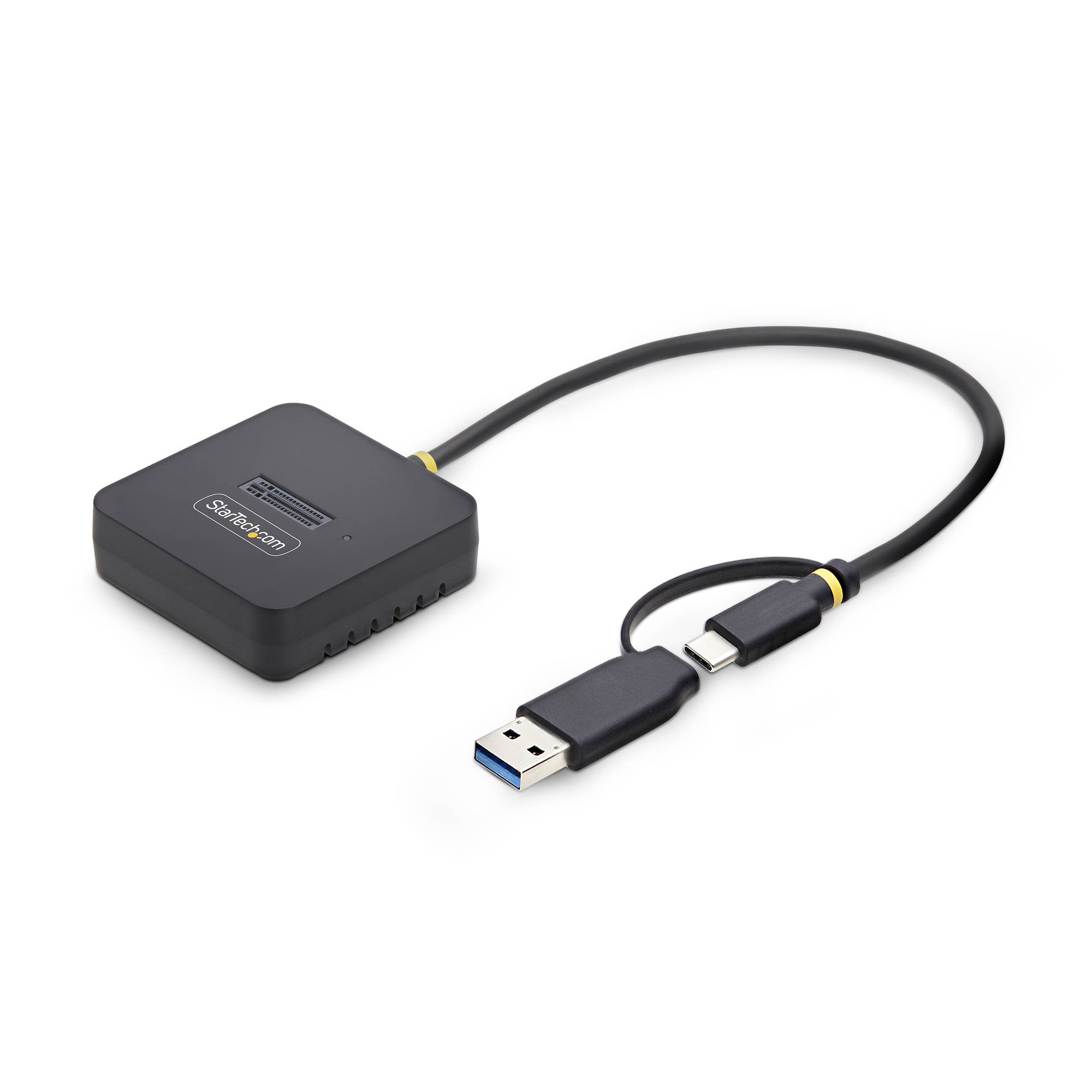
StarTech.com - Interface adapter - M.2 2230, M.2 2242, M.2 2260, M.2 2280 - M.2 NVMe Card - USB 3.2 (Gen 2), USB-C 3.2 (Gen 2) - black - TAA Compliant