- AI
AI Content Creation Tools
20 Mar, 2026


£83.09 inc. VAT
AI-generated summary
For £69.83 ex‑VAT, this StarTech dual‑monitor USB 3.0 dock is the kind of “get the basics working” option that usually makes sense for an office generalist setup—especially if you don’t want to pay for a full-fat Thunderbolt dock. The mix of HDMI + DVI/VGA-style outputs and built-in USB ports is great for typical admin desks: screens, keyboard/mouse, maybe a headset via audio, and a wired network for stability (rather than relying on flaky Wi‑Fi). In day-to-day use it’s the practicality that wins—plug in, get productive, don’t overthink it.
That said, it’s not a great fit if you’re expecting consistent high-end dual‑display performance across every laptop or if you’re gaming/colour‑critical. USB 3.0 docks can be a bit more sensitive to laptop graphics drivers and how the display pipeline is handled, so it’s worth sanity-checking before committing—particularly if you run non-standard resolutions, older operating system images, or you regularly hot-swap docking across multiple devices. If you want “it always works the same” for demanding multi-monitor setups, you’ll likely be happier spending more on a higher-tier dock.
**Who should buy:** businesses with lots of similar laptops, staff who need dual screens plus a wired network and extra USB ports, and a budget-conscious way to standardise desk setups. **Who shouldn’t:** users with demanding display needs, frequent monitor mode changes, or teams that need maximum plug-and-play reliability across a very mixed laptop fleet.
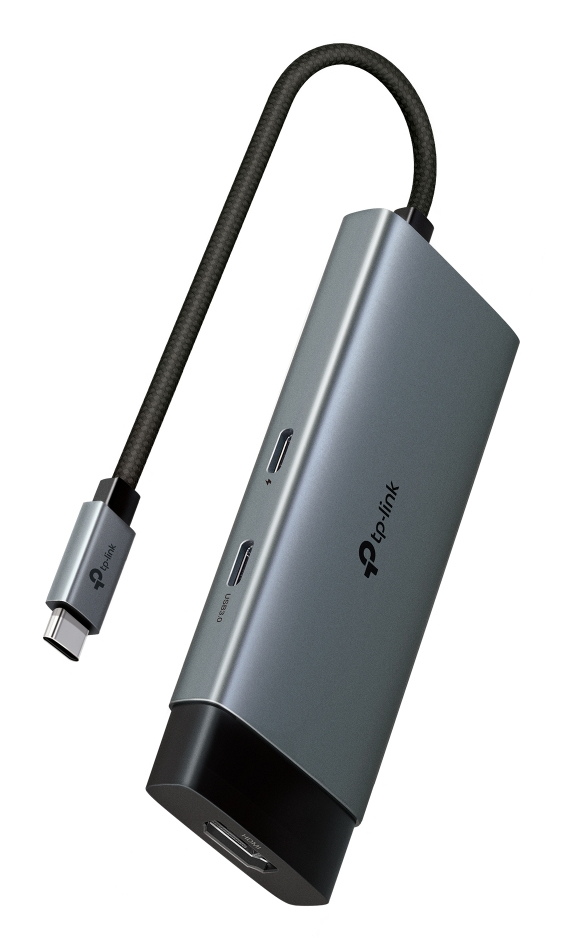
TP-Link
TP-Link UH5020C V1 - Docking station - for desktop, laptop, smartphone, tablet - USB-C - HDMI
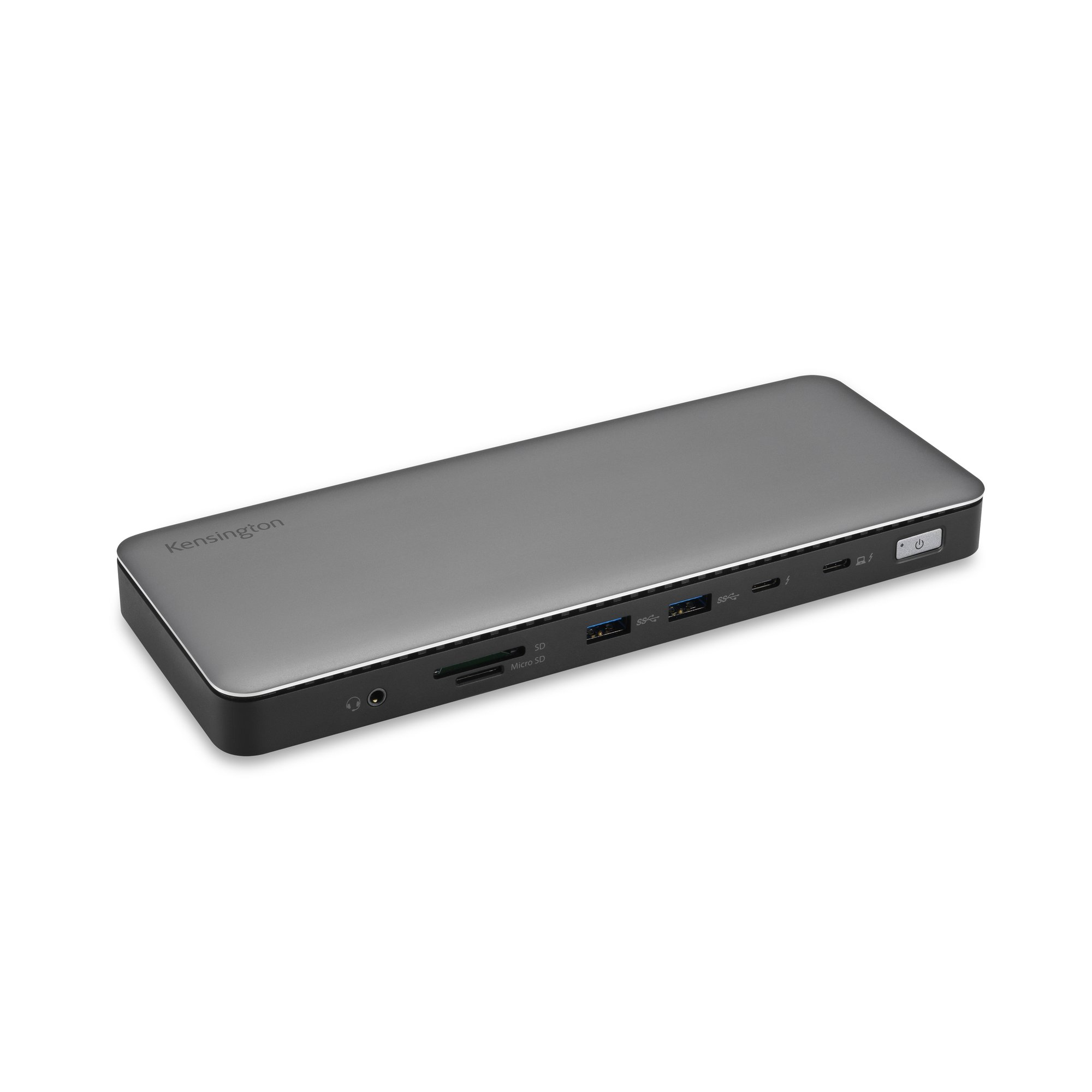
Kensington
Kensington SD5760T - Docking station - USB-C / USB4 / Thunderbolt 3 / Thunderbolt 4 - 2 x HDMI, Thunderbolt - 1GbE
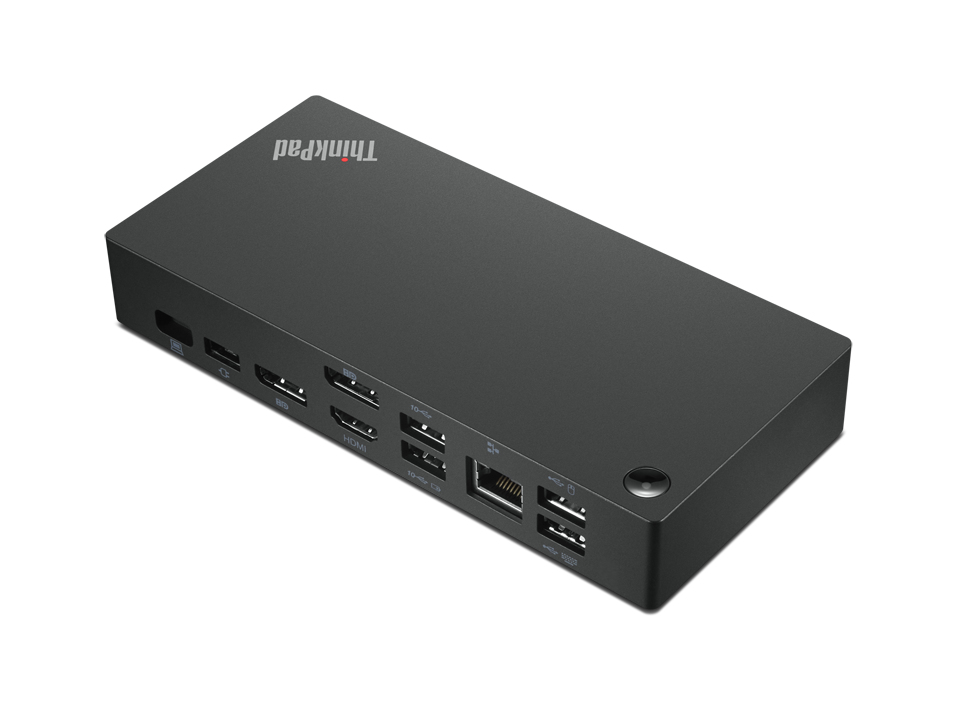
Lenovo
Lenovo ThinkPad Universal USB-C Dock - Docking station - USB-C - HDMI, 2 x DP - 1GbE - 90 Watt
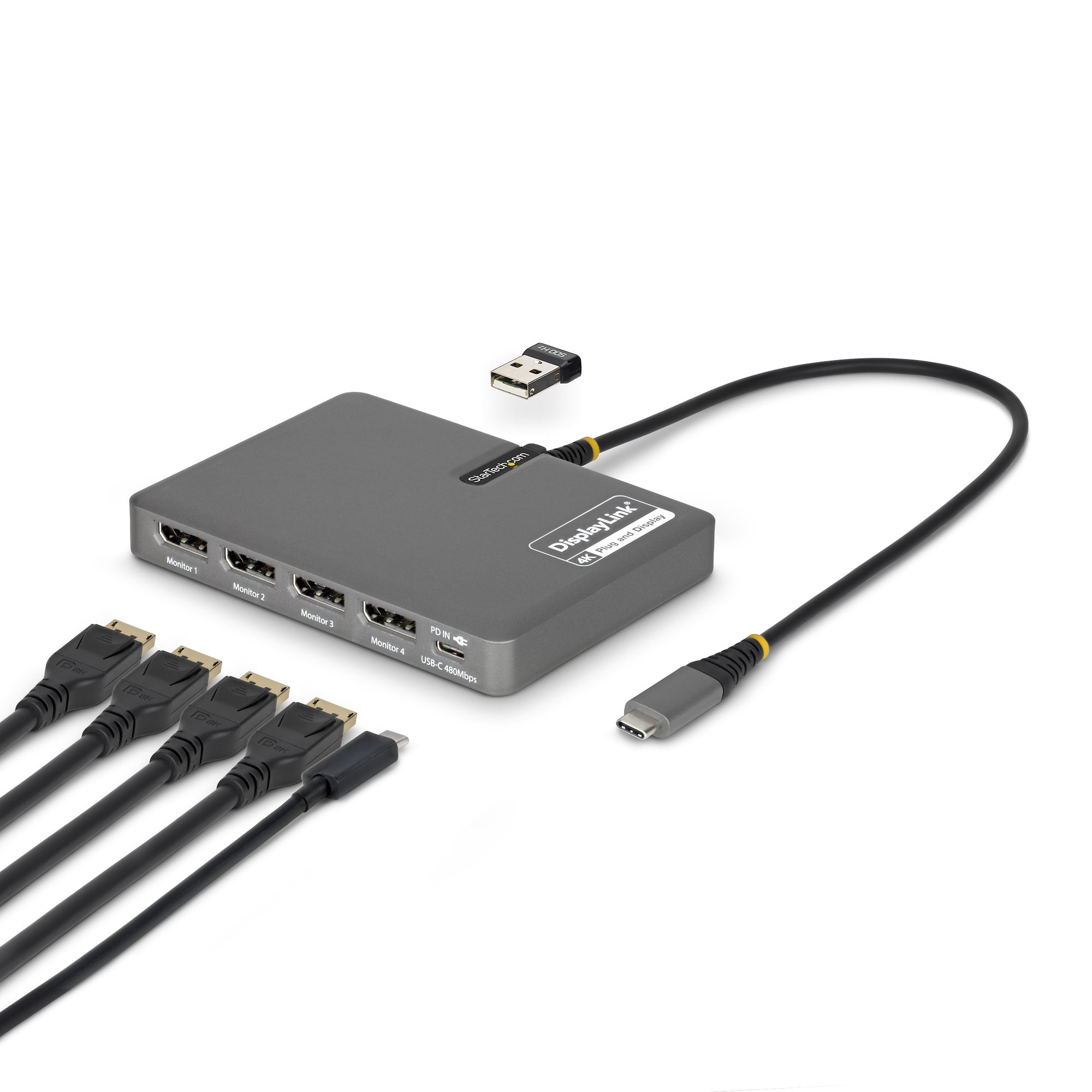
STARTECH
StarTech.com - Docking station - USB-C / Displayport - 4 x DP - TAA Compliant