- Internet & Connectivity
How to Set Up a 4G/5G Backup Internet Connection for Business
18 Mar, 2026
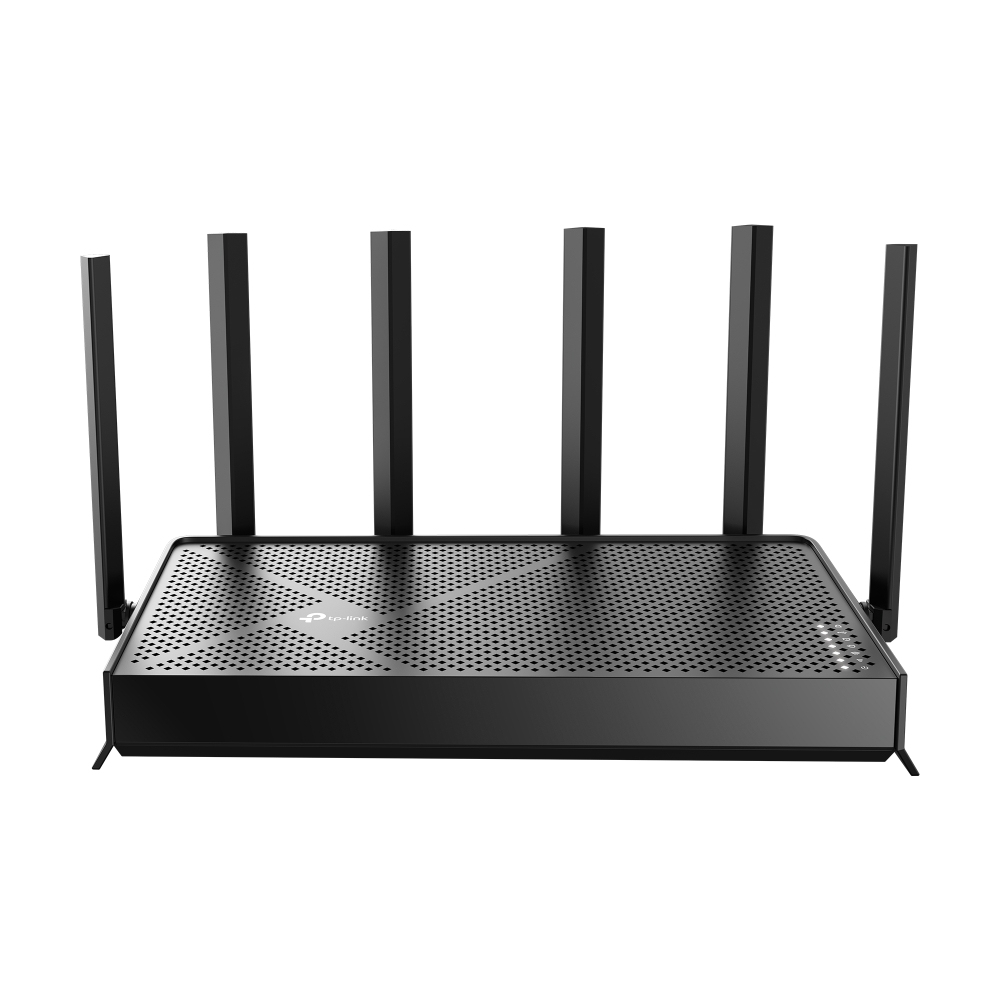
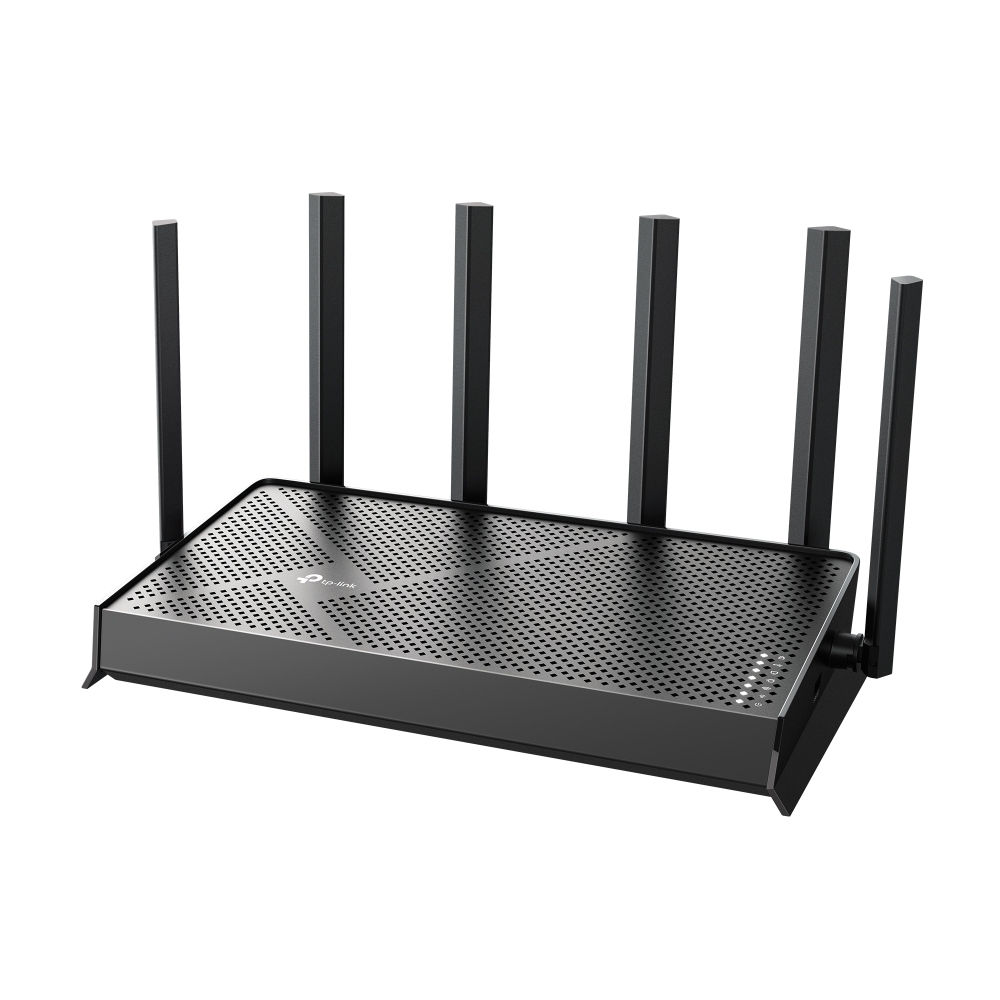
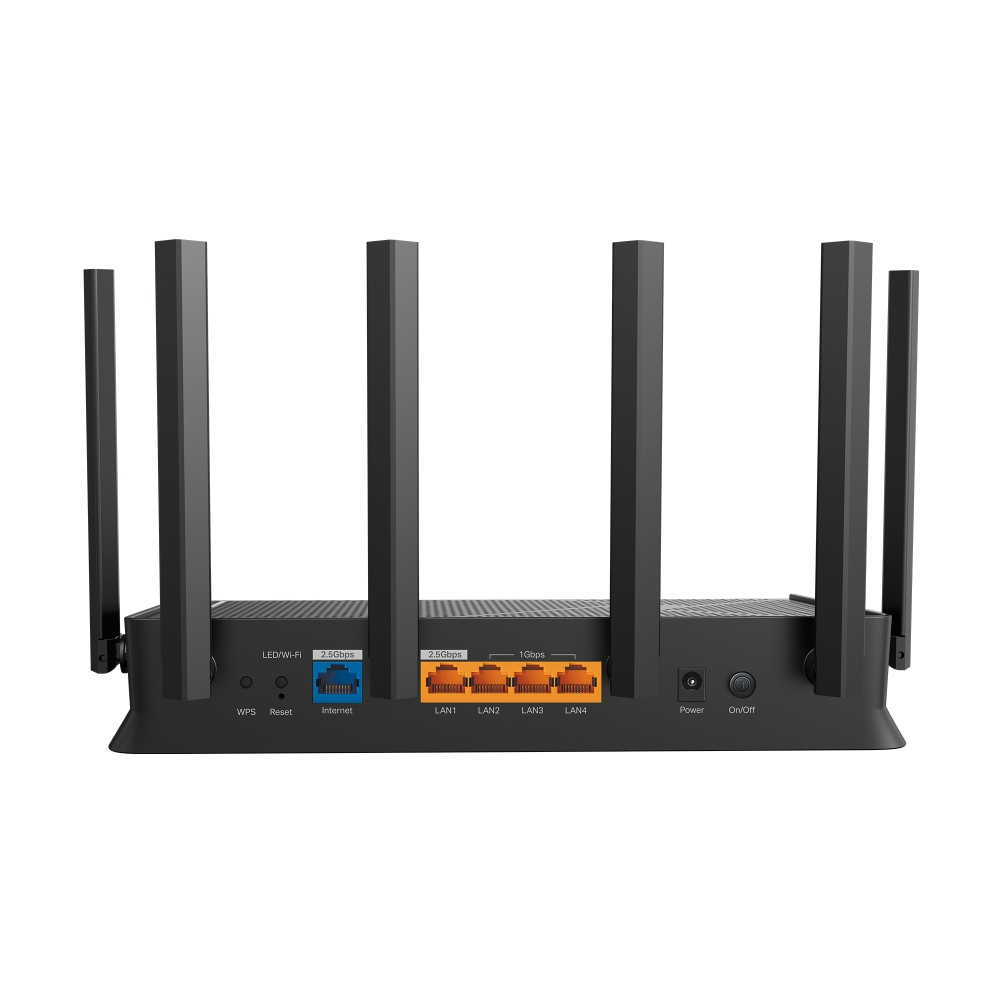
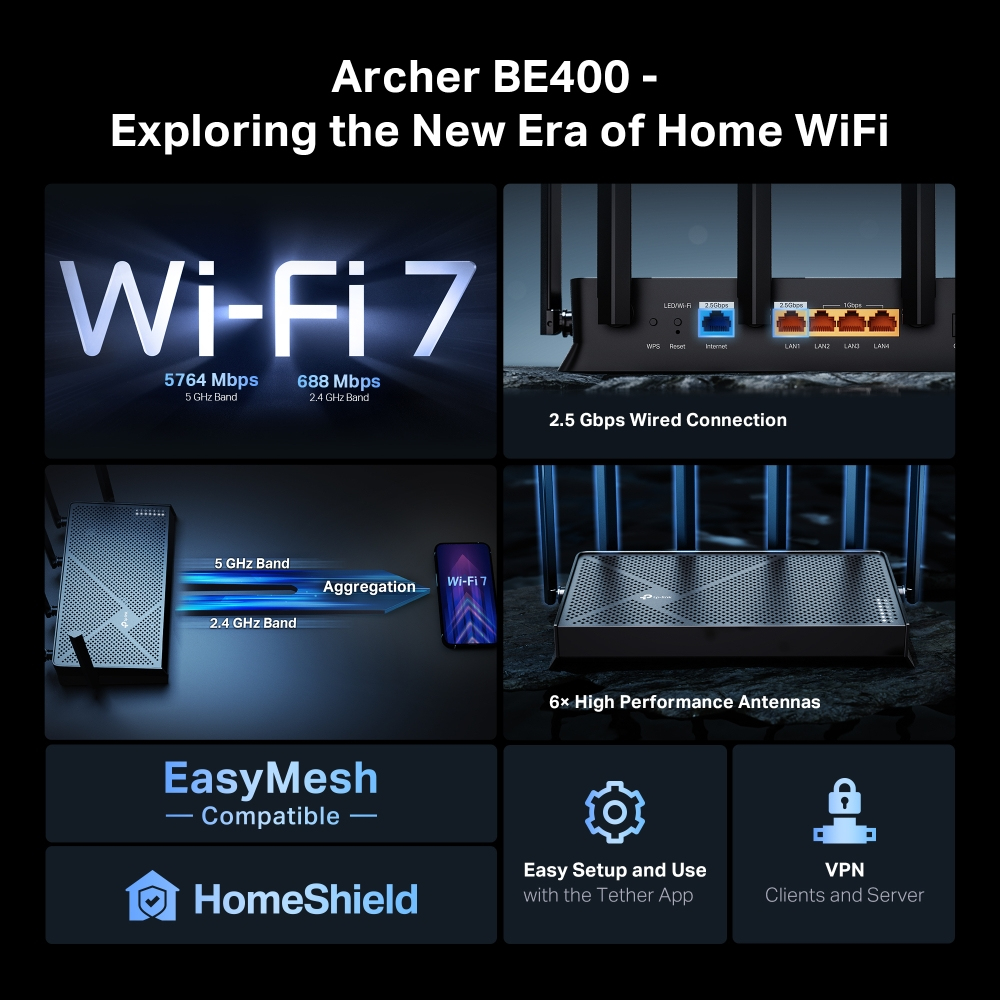

£152.94 inc. VAT
AI-generated summary
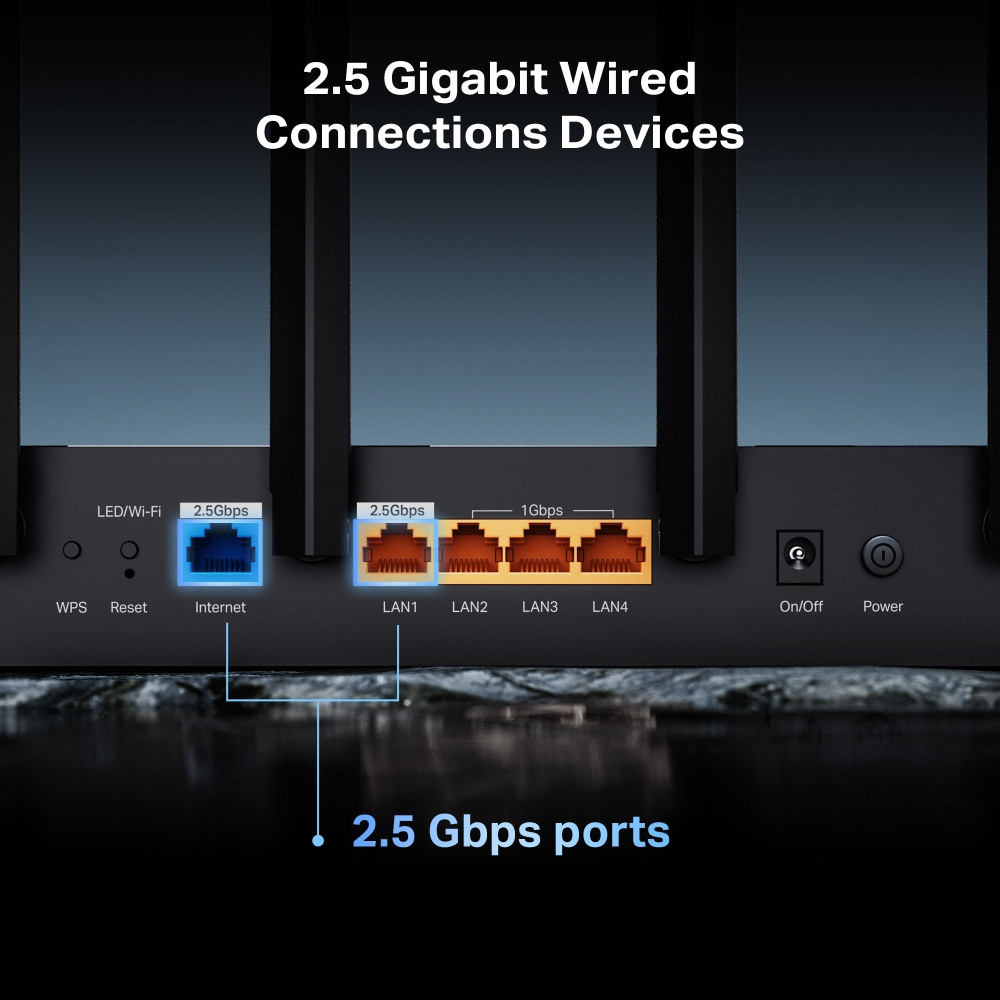
The TP-Link Archer BE400 is a sensible “get decent Wi‑Fi without overthinking it” router, especially if you’re in a smaller office or a typical UK setup where you want stronger coverage than the cheap ISP box. The 2.5GbE ports are a nice practical touch for buyers who have a modern-ish network (or plan to), because you’re not bottlenecking a faster connection when you start adding better switches/APs down the line. For £126.52 ex‑VAT, it feels like good value—TP-Link’s software is usually straightforward, and it generally behaves well under everyday office loads (video calls, Teams, multiple devices).
That said, I wouldn’t buy it if you’re expecting it to replace a proper Wi‑Fi design for a bigger space with lots of walls, floors, or interference. It’s also not the “set and forget superrouter” if your priority is maximum throughput at the far end of the building—BE-class gear tends to show its best results when the client devices and layout are both cooperating. If you want coverage and stability more than raw speed, consider whether you’d be better off putting this model as a single AP solution—or pairing it with an additional access point—rather than trying to brute-force the entire office with one unit.
TP-Link
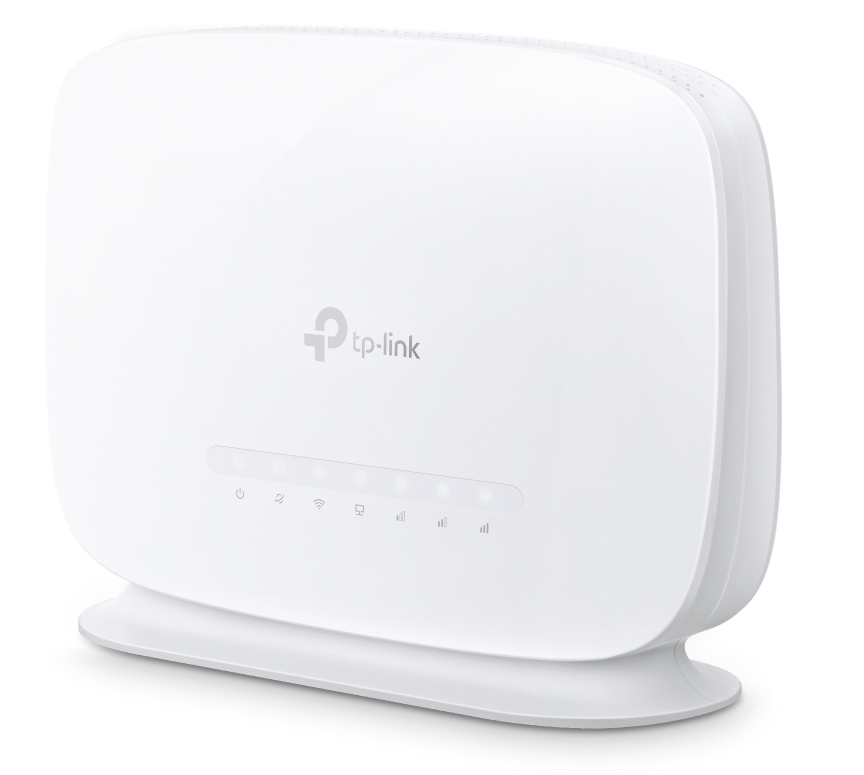
TP-Link Archer MR515 V1 - Wireless router - WWAN 3-port switch - 1GbE - Wi-Fi 5 - Dual Band - 4G, 3G
TP-Link
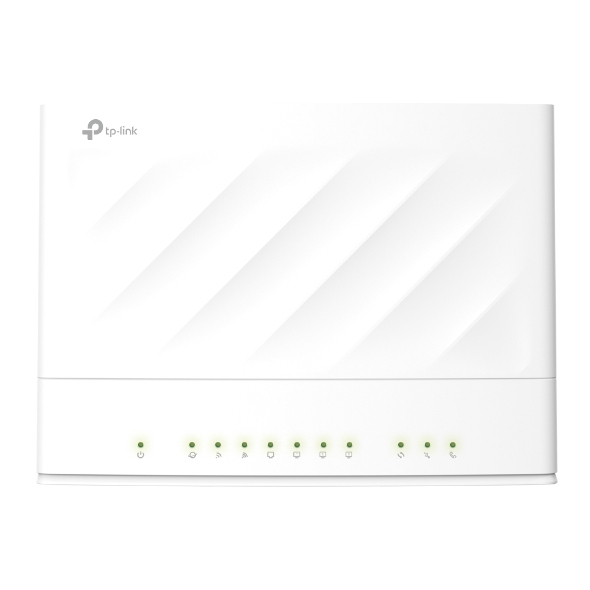
TP-Link EX230v V1 - Wireless router 3-port switch - 1GbE - Wi-Fi 6 - Dual Band
TP-Link
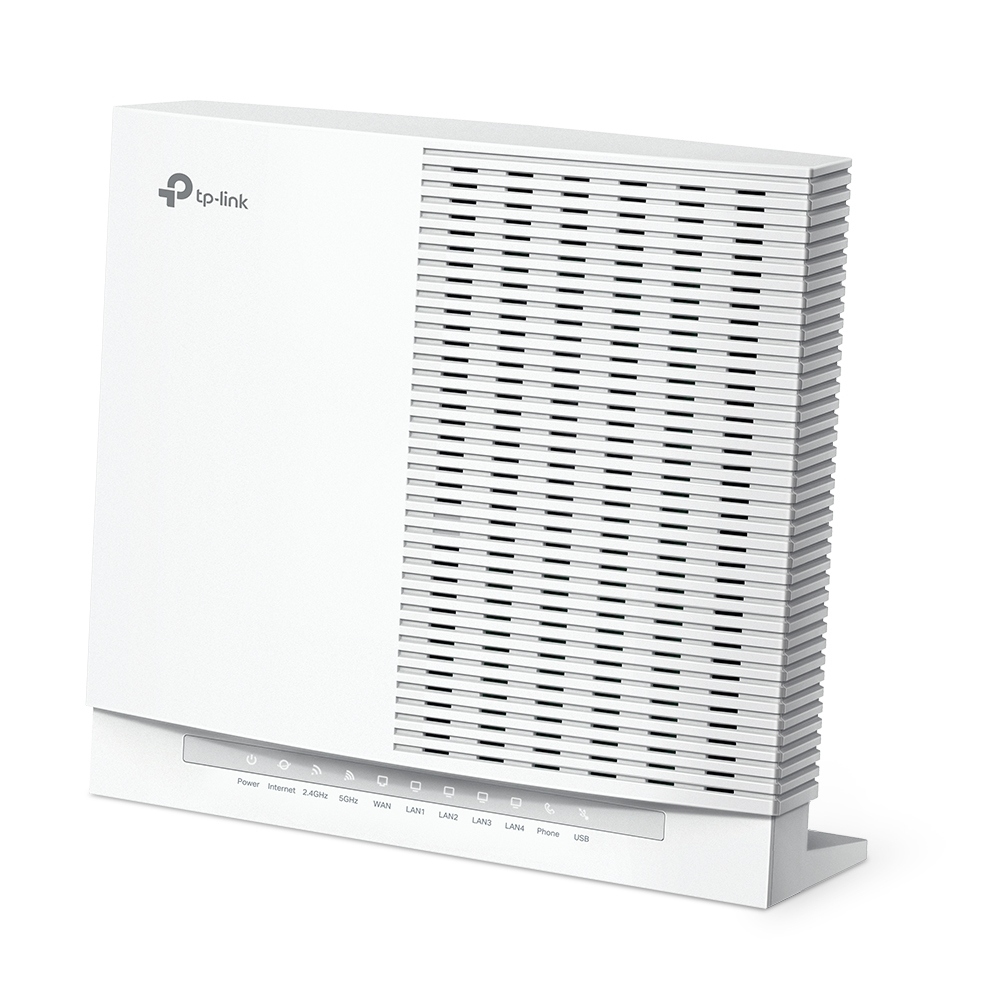
TP-Link EX820v V1 - Wireless router 4-port switch - 1GbE, 2.5GbE - Wi-Fi 6 - Dual Band
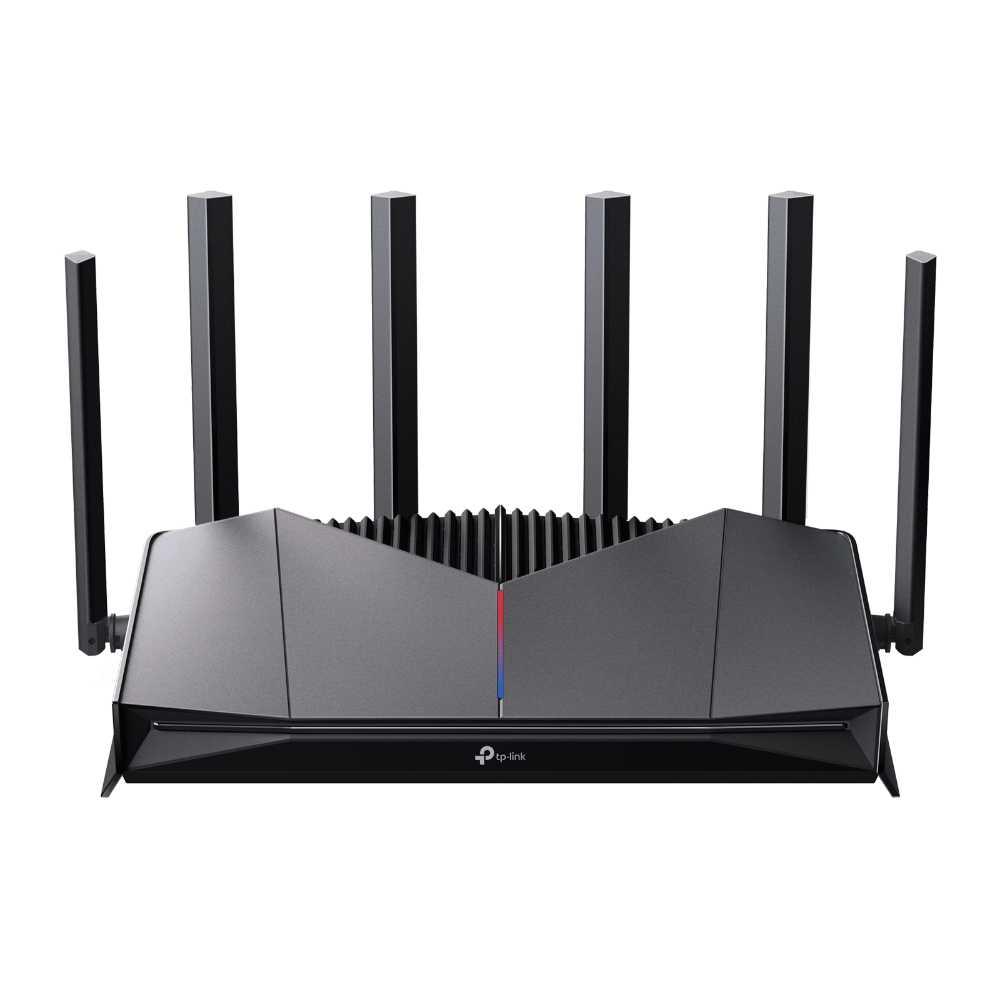
TP-Link
TP-Link Archer GE400 V1 - Wireless router 4-port switch - 1GbE, 2.5GbE, Wi-Fi 7 Dual Band
Powered by industry-leading technologies including SolarWinds, Cloudflare, BitDefender, AWS, Microsoft Azure, and Cisco Meraki to deliver secure, scalable, and reliable IT solutions.


