- Cloud Networking
How to Configure VLANs with Cisco Meraki
16 Feb, 2026

£16.44 inc. VAT
AI-generated summary
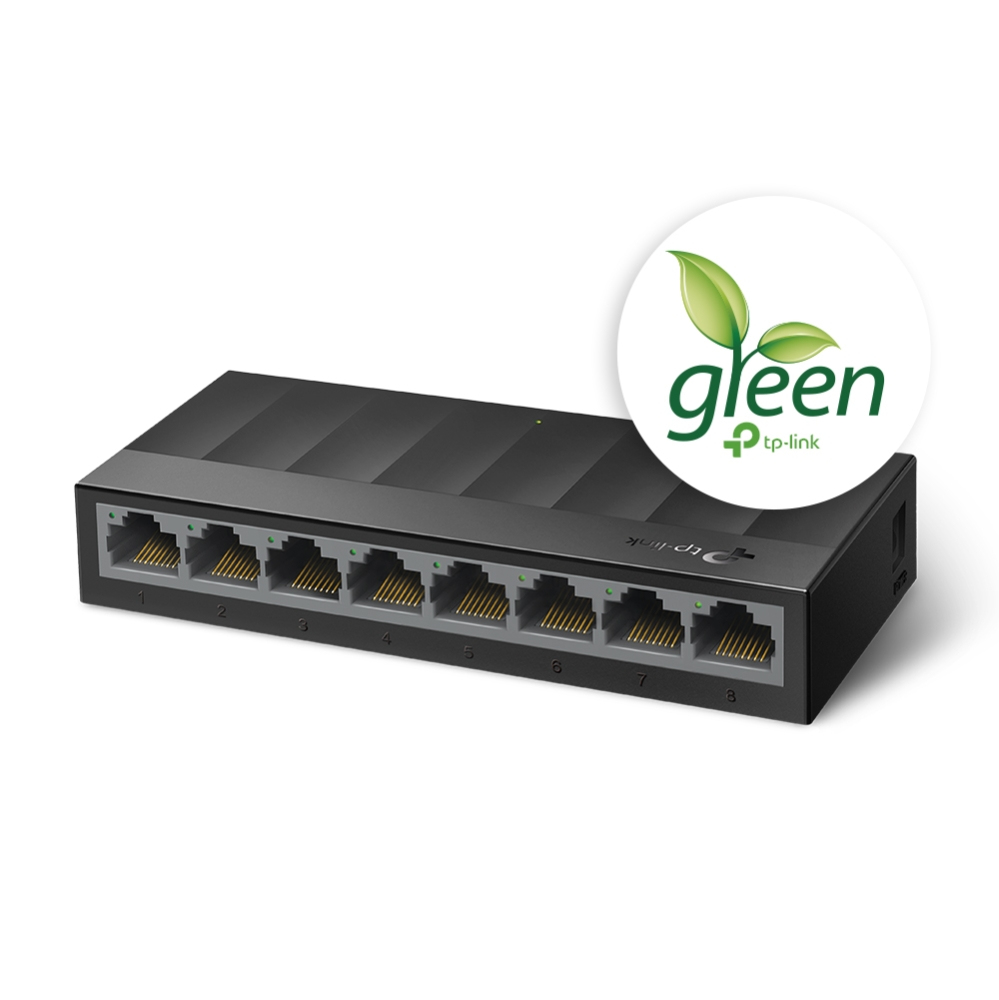
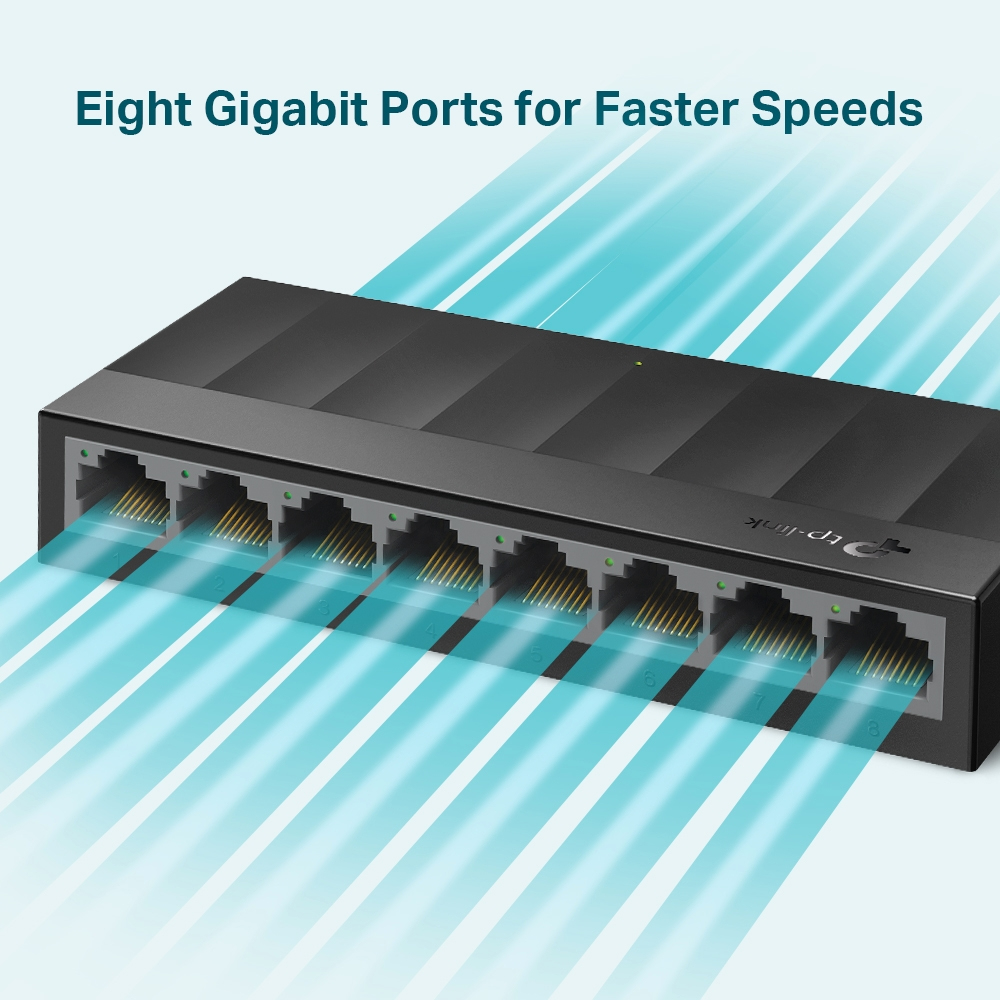
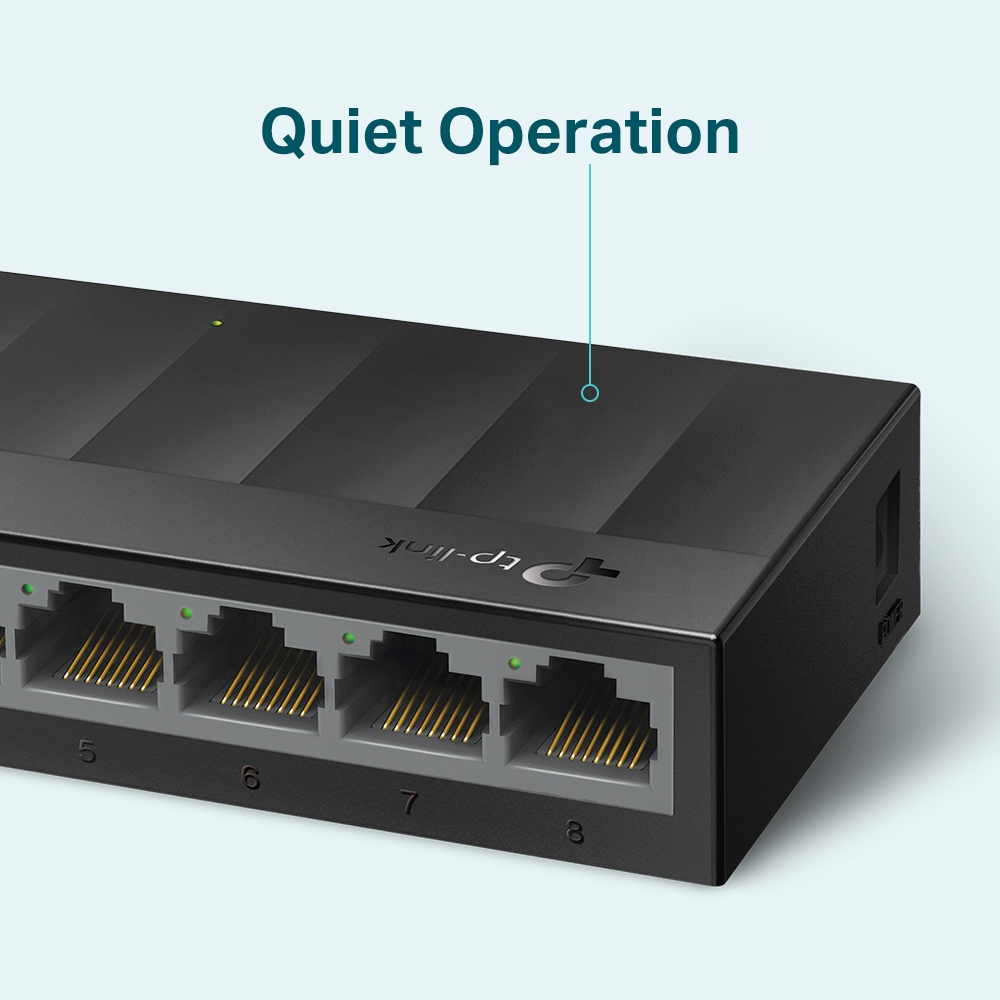
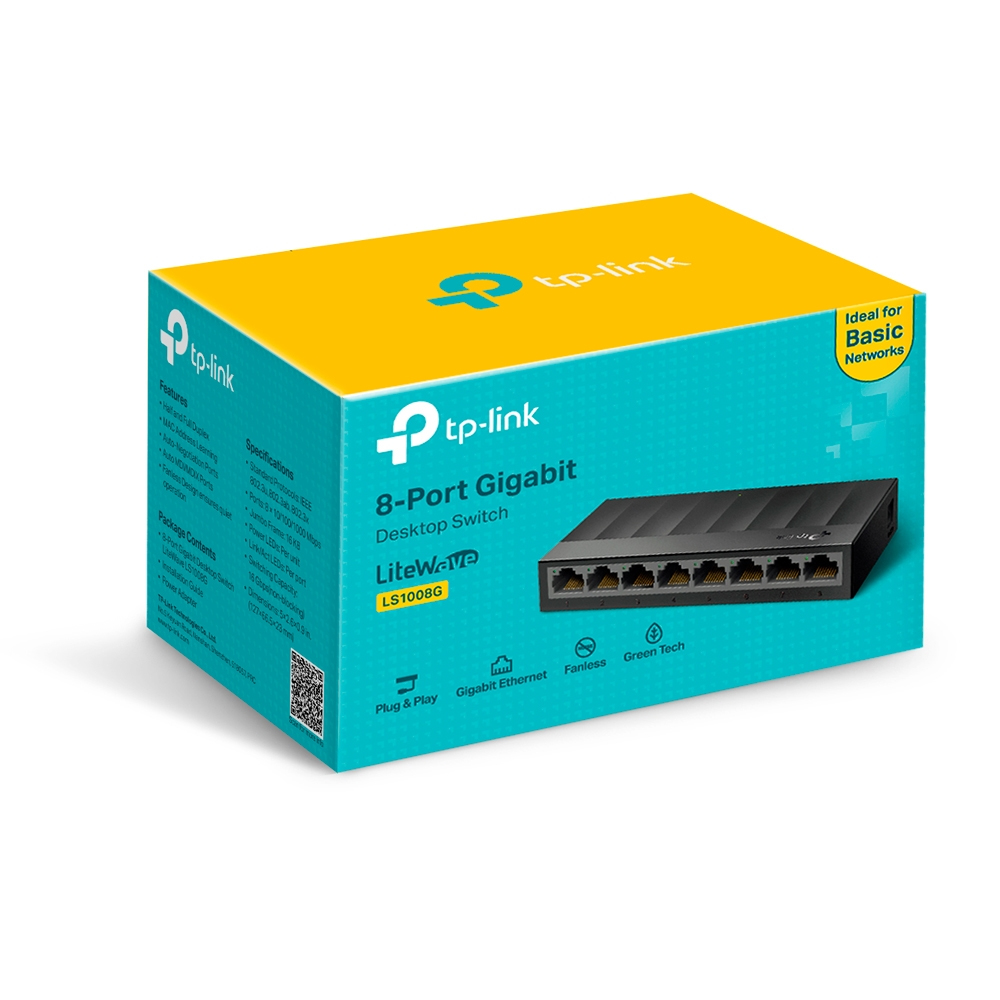
For £13.72 ex-VAT, the TP-Link LS1008G is exactly the kind of no-nonsense, “just make it work” switch you keep around for small offices, spare rooms, or where you don’t want to think about VLANs or managed features. It’s unmanaged and gigabit, so in real life that means reliable plug-and-play wiring for a handful of devices—think desktop PCs, printers, simple NAS setups, IP phones, or a couple of access points off a main router. Performance-wise, for typical office traffic, it’s not going to be the bottleneck; you’ll notice network issues only if your upstream link or cabling is poor.
The catch is you shouldn’t buy it if you actually need control. If you’re dealing with VoIP prioritisation, network segmentation, or you want monitoring/troubleshooting tools, this unmanaged model won’t give you that. Also, unmanaged 8-port switches can be a bit “one-size-fits-none” when you outgrow them—you’ll eventually want a managed switch as the network gets busier or more complex. But for the price, it’s hard to argue against as a low-cost expansion switch for SMEs and home offices with basic requirements.
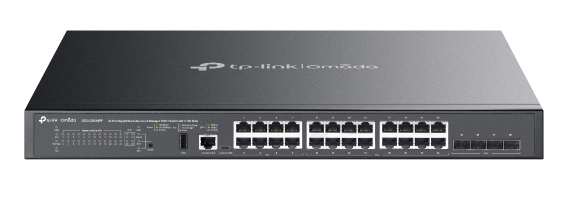
TP-Link
TP-Link Omada SG5428XMPP V1 - Switch - L3 Lite - Managed - 24 x 10/100/1000 (PoE++) + 4 x 10Gb Ethernet SFP+ - side to side airflow - rack-mountable - PoE++ (500 W)

Zyxel
Zyxel GS1900-8HP - Switch - smart - 8 x 10/100/1000 (PoE+) - desktop, wall-mountable - PoE+ (77 W)
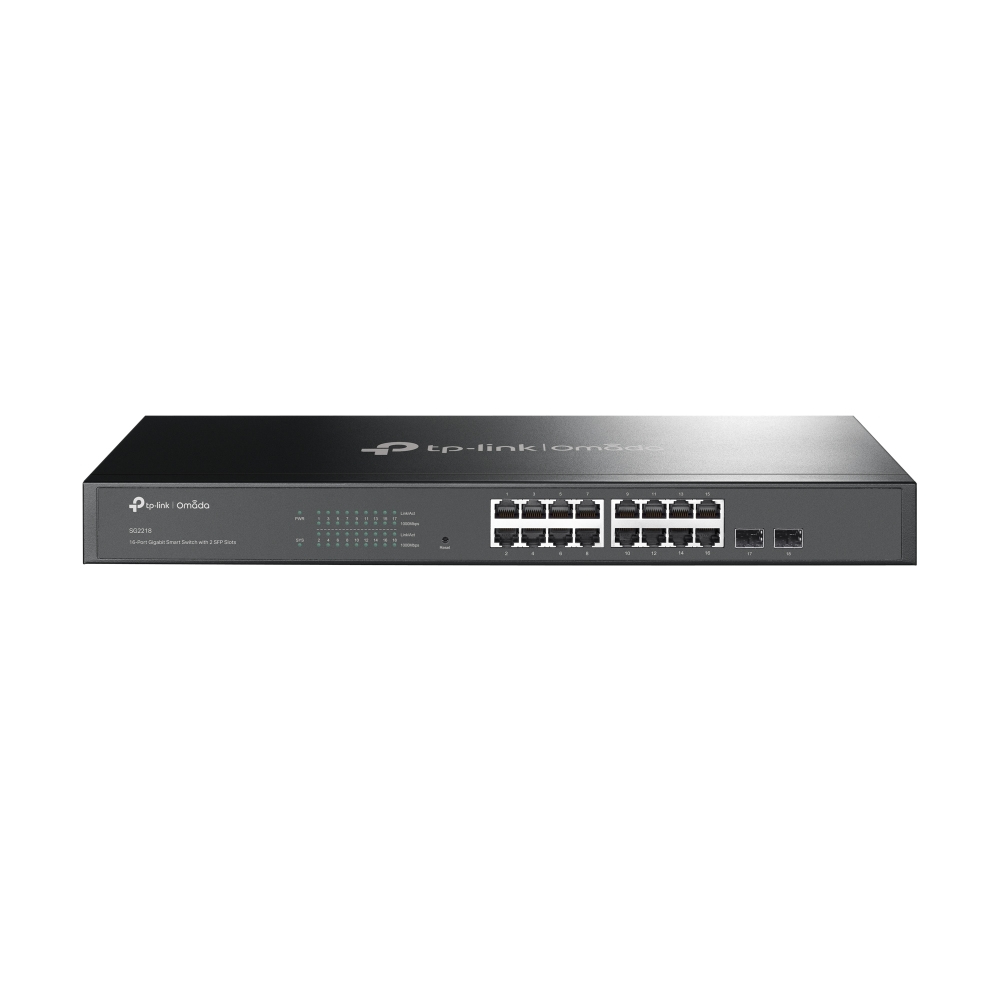
TP-Link
TP-Link JetStream TL-SG2218P V1.60 - Switch - smart - 16 x 10/100/1000 (PoE+) + 2 x SFP - rack-mountable - PoE+ (150 W)
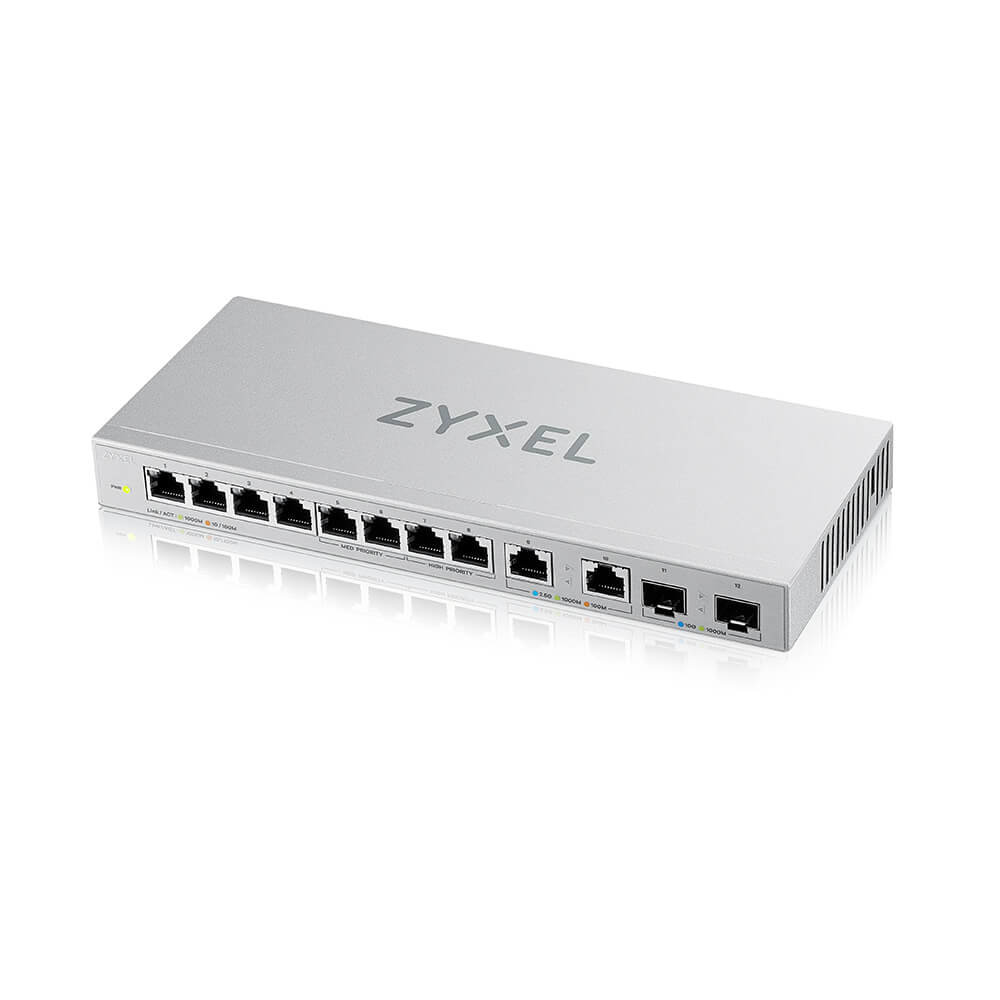
Zyxel
Zyxel XGS1010-12 - V2 - switch - Managed - 8 x 10/100/1000 + 2 x 100/1000/2.5G + 2 x 1 Gigabit / 10 Gigabit SFP+ (uplink) - desktop, wall-mountable