Migrating your business infrastructure to Microsoft Azure is one of the most significant technology transformations a UK organisation can undertake. Done well, it delivers transformative benefits - improved scalability, enhanced security, reduced capital expenditure, and the agility to respond rapidly to changing business demands. Done poorly, it results in cost overruns, performance problems, extended downtime, and a workforce frustrated by disruption to their daily operations.
The difference between success and failure in Azure migration almost always comes down to planning. Organisations that invest adequate time in structured planning before touching a single workload consistently achieve better outcomes than those that rush into migration driven by deadline pressure or vendor enthusiasm. Microsoft's own Cloud Adoption Framework for Azure recommends a disciplined phased approach, and the most successful migration projects across UK businesses follow this methodology faithfully.
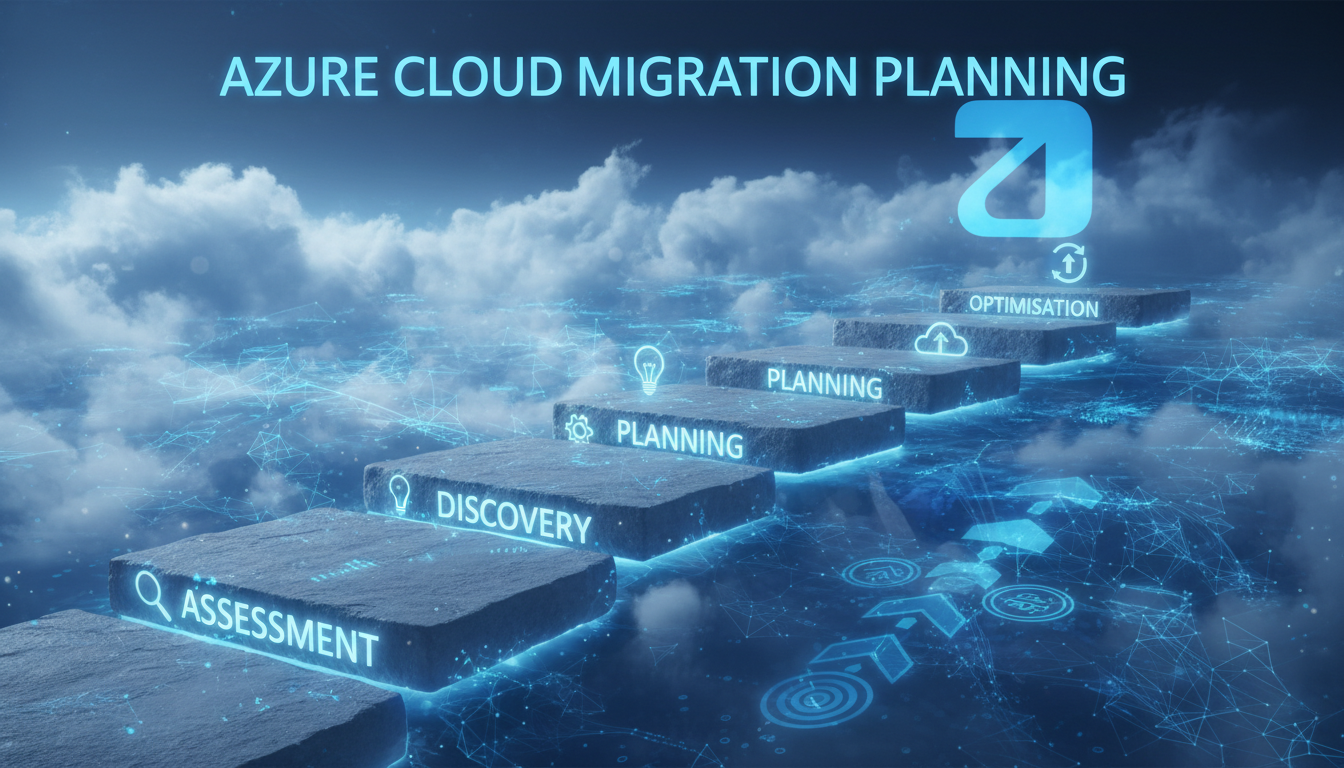
This guide breaks down the Azure migration journey into five clear, actionable phases. Whether you are migrating a handful of servers from a local data centre in Birmingham, moving an entire IT estate from a co-location facility in London, or transitioning from another cloud provider, these phases provide a proven framework for planning and executing your migration with confidence.
Phase 1: Assessment and Discovery
The assessment phase is the foundation upon which every subsequent decision rests. Its purpose is to build a complete, accurate picture of your current IT environment - every server, every application, every dependency, every data flow, and every integration. Skipping or rushing this phase is the single most common cause of migration project failures, because you cannot plan a journey effectively if you do not know your starting point in precise detail.
Begin with a comprehensive inventory of your existing infrastructure. Document every physical and virtual server, including its operating system, CPU and memory specifications, storage consumption, and average utilisation levels. Catalogue every application running across your estate, noting which servers host each application, what databases they connect to, what external services they integrate with, and which users or departments depend upon them. Map network dependencies meticulously - which systems communicate with which, on which ports, and with what frequency. This dependency mapping is critical because migrating a server without understanding its dependencies can break applications that rely upon it.
Use automated discovery tools to supplement manual documentation. Microsoft's own Azure Migrate service provides agentless discovery that scans your VMware, Hyper-V, or physical environments and automatically catalogues servers, applications, and dependencies. Third-party tools such as Movere, Cloudamize, and Turbonomic offer similar capabilities with additional analysis features. These tools are invaluable for identifying shadow IT - systems that exist but are not formally documented - and for revealing dependencies that technical staff may have forgotten or never known about.
The assessment phase typically takes four to eight weeks for a mid-sized UK business with 50 to 200 users. Resist the temptation to compress this timeline. Incomplete assessment is directly correlated with migration failures, cost overruns, and post-migration performance issues. Every hour invested in thorough discovery saves multiple hours of troubleshooting during and after migration. Document everything, validate assumptions with stakeholders, and verify dependencies through actual traffic analysis rather than relying solely on documentation that may be outdated.
Phase 2: Planning and Design
With your assessment complete, the planning phase transforms that raw data into a concrete migration design. This is where you make the critical decisions about how each workload will move to Azure - what migration strategy to use, what Azure services to target, how networking will work, how security will be implemented, and in what order workloads will migrate.
For each workload, determine the appropriate migration strategy using Microsoft's "5 Rs" framework. Rehost (lift and shift) moves the workload to Azure virtual machines with minimal changes - fastest and lowest risk but may not optimise costs. Refactor makes minor modifications to leverage Azure platform services such as Azure SQL Database instead of SQL Server on a VM. Rearchitect involves more significant changes to take advantage of cloud-native capabilities. Rebuild means rewriting the application entirely for cloud-native architecture. Retire means decommissioning workloads that are no longer needed.
Cost estimation is a critical component of the planning phase. Use the Azure Pricing Calculator and Azure Migrate's cost assessment features to estimate monthly running costs for each workload in Azure. Compare these projections against your current on-premises costs, including server hardware amortisation, electricity, cooling, physical space rental, maintenance contracts, and the staff time spent managing on-premises infrastructure. Be realistic about both sides of the equation - cloud costs are often underestimated during initial planning because architects specify the minimum viable configuration without accounting for production reality, whilst on-premises costs are frequently underestimated because hidden costs such as power, cooling, insurance, and opportunity cost of floor space are overlooked.
Design your Azure landing zone - the foundational environment that will host your workloads. This includes subscription structure, resource group organisation, virtual network topology, network security groups, Azure Active Directory integration, role-based access control, and monitoring configuration. For UK businesses, ensure that your landing zone is deployed in the Azure UK South or UK West regions to maintain data residency within the United Kingdom, which simplifies GDPR compliance and satisfies data sovereignty requirements.
| Migration Strategy | Complexity | Cost Optimisation | Best For |
|---|---|---|---|
| Rehost (Lift and Shift) | Low | Moderate | Quick migration with minimal disruption |
| Refactor | Medium | Good | Leveraging PaaS services without major rewrites |
| Rearchitect | High | Excellent | Applications needing cloud-native scalability |
| Rebuild | Very High | Excellent | Legacy applications requiring complete modernisation |
| Retire | Minimal | Maximum | Redundant or unused applications and services |
Phase 3: Preparation and Pilot
The preparation phase bridges planning and execution. It involves building your Azure landing zone, configuring networking and security, setting up monitoring and management tools, and conducting a pilot migration with a small number of low-risk workloads to validate your approach before committing to the full migration.
Deploy your Azure landing zone according to the design created in Phase 2. Configure virtual networks, subnets, network security groups, and connectivity back to your on-premises environment using Azure ExpressRoute or site-to-site VPN. Set up Azure Active Directory synchronisation with your on-premises directory. Configure Azure Monitor, Log Analytics, and Azure Security Centre to provide visibility into your new cloud environment from day one.
Select two to three low-risk, low-dependency workloads for your pilot migration. Ideal pilot candidates are standalone applications that few users depend upon, have clear success criteria, and can be rolled back easily if problems arise. Migrate these pilot workloads using the tools and processes you plan to use for the full migration, and monitor them intensively for at least two weeks. The pilot validates your migration tooling, your network connectivity, your security configuration, and your operational procedures before you scale to production-critical workloads.
Networking and Connectivity Considerations
Network connectivity between your on-premises environment and Azure is a critical success factor that deserves dedicated attention during the preparation phase. For most UK businesses, you will choose between a site-to-site VPN tunnel over your existing internet connection or a dedicated Azure ExpressRoute circuit. A VPN is simpler and cheaper to implement, typically costing nothing beyond your existing firewall capability, but performance depends entirely on your internet connection quality and is subject to the variability and latency inherent in public internet routing. ExpressRoute provides a private, dedicated connection to Azure through a UK-based partner such as BT, Vodafone, or Colt, delivering consistent low-latency performance with guaranteed bandwidth - but at a significantly higher monthly cost, typically £200 to £1,500 depending on bandwidth and redundancy requirements. For organisations migrating performance-sensitive workloads such as databases, VoIP systems, or real-time applications, ExpressRoute is strongly recommended.
Phase 4: Migration Execution
With your pilot validated and your team confident in the processes and tools, Phase 4 is the full migration execution. This is where the majority of your workloads move to Azure, following the migration waves planned in Phase 2. Each wave groups workloads that share dependencies and can migrate together without disrupting the broader environment.
Before beginning execution, conduct a final readiness review with all stakeholders. Confirm that the landing zone has passed security and compliance validation, that network connectivity between on-premises and Azure is performing within acceptable parameters, that monitoring and alerting are fully operational in the Azure environment, that all team members understand their roles and responsibilities during migration events, and that rollback procedures have been tested and documented for every workload wave. This readiness gate ensures that nothing has been overlooked before you begin moving production workloads.
Execute migrations in planned waves, typically migrating groups of related servers and applications together during agreed maintenance windows. For each wave, follow a consistent process: pre-migration validation checks, data replication and synchronisation, cutover during the maintenance window, post-migration testing and validation, and formal sign-off from application owners before marking the migration as complete. Maintain your on-premises environment in a ready state for rollback throughout the migration period until each wave has been validated and operating stably in Azure for an agreed period.
Communication is critical throughout the execution phase. Keep all stakeholders informed of the migration schedule, expected impacts, and support procedures. Ensure your help desk team is briefed and prepared for increased support requests during and immediately after each migration wave. Users who understand what is happening and why are far more tolerant of minor disruptions than those who are surprised by unexpected changes to their working environment.
Managing Risk and Ensuring Business Continuity During Migration
Every migration carries inherent risk, and managing that risk proactively is what separates successful projects from problematic ones. The most critical risk management tool in your arsenal is a comprehensive rollback plan for every migration wave. Before migrating any workload, document the exact steps required to reverse the migration and return the workload to its original on-premises location. Test the rollback procedure for your pilot workloads to confirm it works reliably under realistic conditions. During migration, maintain the on-premises environment in a functional state for an agreed stabilisation period - typically two to four weeks - after each wave completes, ensuring that rollback remains viable if unexpected issues emerge in production.
Data integrity is another paramount concern during migration. For database workloads, implement data validation checks that compare record counts, checksums, and sample data queries between the source and target environments before and after migration. For file-based workloads, verify file counts, directory structures, and spot-check file integrity after transfer. Any discrepancy identified during validation must be investigated and resolved before the migration wave is signed off as complete.
Business continuity planning must account for the transition period when workloads are moving between environments. Identify the maximum acceptable downtime for each workload and schedule migrations accordingly - critical systems with near-zero downtime tolerance should use live migration techniques with minimal cutover windows, whilst less critical systems can tolerate longer maintenance windows that simplify the migration process. Communicate planned downtime to all affected users well in advance, provide alternative procedures for any business processes that will be temporarily unavailable, and have support staff on standby during and immediately after each migration event to address issues promptly.
Consider the human element as well. Migration projects create uncertainty and disruption for employees who depend on the systems being moved. Proactive change management - clear communication about what is changing, why, and how it will affect each team - reduces resistance and ensures that staff are prepared to work with the new Azure-hosted environment from the moment it goes live. Training sessions, updated documentation, and accessible support channels all contribute to a smoother transition and faster adoption of the new platform.
Phase 5: Optimisation and Governance
Migration is not complete when the last server is moved. Phase 5 focuses on optimising your Azure environment for cost efficiency, performance, and security, and establishing the ongoing governance practices that ensure your cloud environment remains well-managed as it evolves.
Migration is not complete when the last server is moved to Azure. Phase 5 represents a permanent shift in operational mindset from project delivery to continuous cloud management - and it is where many of the long-term financial and operational benefits of cloud migration are actually realised. Organisations that skip or rush this phase typically find that their Azure costs creep steadily upward whilst performance and security gradually degrade, eventually eroding the benefits that motivated the migration in the first place.
Review your Azure spending using Azure Cost Management and identify optimisation opportunities. Right-size virtual machines that were initially provisioned generously during migration. Implement auto-scaling where appropriate to match resource allocation with actual demand. Explore Azure Reserved Instances for stable workloads to secure significant discounts - typically 30 to 50 per cent - compared to pay-as-you-go pricing. Decommission any on-premises infrastructure that is no longer needed, including terminating co-location contracts, returning leased hardware, and cancelling maintenance agreements.
Performance optimisation is equally important. Monitor application performance in Azure using Azure Monitor and Application Insights, comparing key metrics against the baselines established during pre-migration testing. Applications that performed adequately on-premises may behave differently in the cloud due to changed network latency characteristics, different storage performance profiles, and the shared infrastructure model of cloud computing. Identify and resolve performance bottlenecks promptly - common issues include undersized virtual machine tiers, storage accounts with insufficient throughput limits, network routing inefficiencies, and applications that were not designed for the higher latency of cloud storage compared to local SAN or NAS systems.
Establish ongoing cloud governance practices including regular cost reviews, security posture assessments using Azure Security Centre recommendations, compliance audits, and capacity planning. Assign clear ownership of Azure resources and implement tagging policies that enable cost allocation, environment identification, and lifecycle management. Azure governance is not a one-time activity - it requires continuous attention to prevent cost sprawl, configuration drift, and security degradation over time.
Planned Migration Benefits
- Predictable timeline and budget adherence
- Minimal business disruption during cutover
- Optimised Azure costs from day one
- Security and compliance built into the foundation
- Clear rollback procedures for every workload
- Staff confidence through structured communication
Unplanned Migration Risks
- Cost overruns of 40-60% above original estimates
- Extended downtime from undiscovered dependencies
- Oversized VMs wasting budget on unused capacity
- Security gaps from rushed configuration
- No rollback capability when problems arise
- Staff frustration from unexpected disruptions
Plan Your Azure Migration with Expert Guidance
Cloudswitched has guided dozens of UK businesses through successful Azure migrations - from initial assessment through to post-migration optimisation. Our structured five-phase approach minimises risk, controls costs, and delivers results. Contact us for a free migration assessment and discover what Azure can do for your organisation.
Get a Free Azure Migration Assessment
CloudSwitched
London-based managed IT services provider offering support, cloud solutions and cybersecurity for SMEs.


