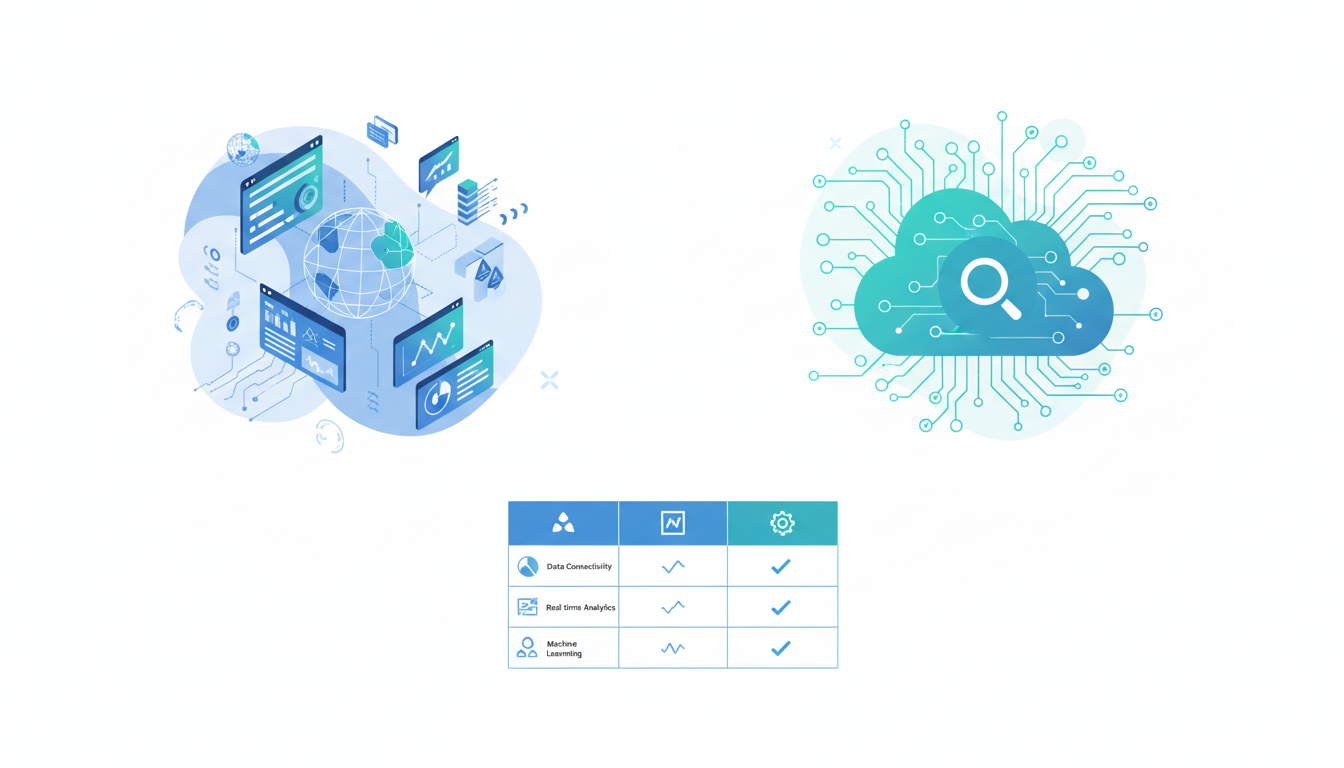
Choosing the right business intelligence platform is one of the most consequential technology decisions a UK organisation can make. The tool you select will shape how your teams interact with data, how quickly insights reach decision-makers, and how effectively your organisation can respond to market changes. With file BI, Tableau, and Looker dominating the enterprise BI landscape, understanding the strengths, limitations, and ideal use cases for each platform is essential before committing budget and training resources to any one solution.
The UK business intelligence market has matured considerably, with adoption climbing across organisations of all sizes. SMEs that once relied on spreadsheets are deploying sophisticated BI platforms, while enterprises consolidate from multiple legacy tools onto modern platforms offering self-service analytics and embedded AI. In this detailed comparison, we evaluate Power BI, Tableau, and Looker across the dimensions that matter most to UK businesses: feature depth, pricing, ease of use, data connectivity, governance, and ecosystem fit. We draw on real-world deployment experience across financial services, retail, healthcare, and professional services to provide practical guidance.
The UK business intelligence landscape has undergone a significant transformation in recent years. Where once only large enterprises with dedicated IT departments could afford analytics platforms, the democratisation of cloud-based BI tools has opened sophisticated data analysis capabilities to organisations of every size. The shift to remote and hybrid working models accelerated adoption further, as businesses needed real-time visibility into performance metrics without requiring physical access to on-premises systems. Today, the question for most UK organisations is not whether to adopt a BI platform, but which platform best fits their specific requirements, budget, and technical ecosystem.
Power BI: Microsoft's Integrated Analytics Powerhouse
Power BI has become the default business intelligence choice for many UK organisations, driven largely by its deep integration with the Microsoft 365 ecosystem. For companies already invested in Azure, SharePoint, Teams, and Excel, Power BI offers a natural extension that minimises friction and leverages existing licences. The platform consists of Power BI Desktop (a free Windows application for report authoring), the Power BI Service (a cloud-hosted platform for sharing and collaboration), and Power BI Mobile (for on-the-go access).
The platform's strength lies in its accessibility. Business analysts familiar with Excel can become productive in Power BI within days, thanks to a similar formula language (DAX) and familiar drag-and-drop interface. Power Query, the data transformation engine shared with Excel, allows users to connect to hundreds of data sources and shape data without writing code. For more advanced users, Power BI supports R and Python scripting, custom visuals, and paginated reports for pixel-perfect formatting required in regulated industries.
Power BI Pricing for UK Organisations
Power BI's pricing model is one of its most compelling advantages. Power BI Pro costs approximately £7.50 per user per month, making it accessible to organisations of all sizes. Power BI Premium starts at around £3,750 per month for dedicated capacity, suited to large enterprises with heavy usage or strict data residency requirements. The free Power BI Desktop tier allows individuals to create reports locally, though sharing requires a Pro or Premium licence. For UK organisations already holding Microsoft 365 E5 licences, Power BI Pro is included at no additional cost - a significant factor in many procurement decisions.
Power BI data processed through the Power BI Service is stored in Azure data centres. UK organisations can select the UK South or UK West Azure regions to ensure data remains within UK borders, an important consideration for compliance with GDPR and sector-specific regulations. Power BI Premium offers additional control over data location and processing.
Power BI has also invested heavily in artificial intelligence and machine learning capabilities accessible to non-technical users. Features such as Quick Insights automatically analyse datasets and surface notable patterns, while the natural language query feature allows users to ask questions in plain English and receive visualisations in response. The AI-powered Key Influencers visual identifies which factors most strongly affect a selected metric, and the Decomposition Tree allows users to drill into root causes interactively. For UK organisations already invested in the Microsoft AI ecosystem, these capabilities provide a significant productivity advantage without requiring dedicated data science resources or specialist training budgets.
Tableau: The Visualisation Pioneer
Tableau established the modern BI category and remains the benchmark for data visualisation quality and flexibility. Acquired by Salesforce in 2019, Tableau excels at producing beautiful, interactive visualisations that communicate complex data stories effectively. Its VizQL technology translates drag-and-drop actions into optimised database queries, allowing users to explore data visually without understanding the underlying query language.
Tableau's strength is its visualisation engine. Where Power BI provides good-enough charts for most business purposes, Tableau offers fine-grained control over every visual element - colour, size, shape, position, and interaction behaviour can all be customised precisely. This makes Tableau the preferred choice for data journalism, executive presentations, and any context where visual storytelling is paramount. The platform also excels at geographic visualisations, with built-in mapping capabilities that rival dedicated GIS tools for many business use cases.
Tableau Deployment Options
Tableau offers three deployment models: Tableau Cloud (fully hosted SaaS), Tableau Server (self-hosted on your infrastructure), and Tableau Desktop (individual authoring tool). Tableau Cloud is the simplest option for UK organisations that want managed infrastructure, while Tableau Server provides maximum control over data and security for organisations with strict governance requirements. Pricing starts at approximately £52 per user per month for Tableau Creator (full authoring capabilities) and £12 per user per month for Tableau Viewer (consumption-only access), making it significantly more expensive than Power BI for large user bases.
Looker: Google's Data Modelling Specialist
Looker, now part of Google Cloud, takes a fundamentally different approach to business intelligence. Rather than focusing on visual report building, Looker centres on a semantic modelling layer called LookML. This modelling language defines metrics, dimensions, and business logic in a version-controlled codebase, ensuring that every user across the organisation works from the same definitions. When a finance team member and a sales team member both query "revenue," they get the same answer - a consistency that larger organisations often struggle to achieve with other BI tools.
This approach makes Looker particularly powerful for organisations with complex data models and multiple teams consuming analytics. LookML models are maintained by data engineers or analysts and serve as a curated, governed data layer that business users explore through a clean, intuitive interface. Changes to business logic - such as redefining how revenue is calculated - propagate automatically to every dashboard and report that references the metric, eliminating the inconsistency that plagues organisations where individual report authors maintain their own calculation logic.
Looker and BigQuery Integration
Looker's tightest integration is with Google BigQuery, Google's serverless data warehouse. For organisations already using Google Cloud Platform, this combination is compelling - Looker pushes queries directly to BigQuery, leveraging its massive parallel processing capabilities for sub-second query responses on terabyte-scale datasets. However, Looker also connects to dozens of other databases including Snowflake, Amazon Redshift, PostgreSQL, and SQL Server, making it viable for multi-cloud and hybrid environments common across UK enterprises.
| Feature | Power BI | Tableau | Looker |
|---|---|---|---|
| Starting price (per user/month) | £7.50 | £12 (Viewer) | Custom quote |
| Best for | Microsoft-centric orgs | Visual storytelling | Data governance at scale |
| Learning curve | Low to moderate | Moderate | Moderate to steep |
| Data modelling | DAX / Power Query | Calculated fields | LookML (code-based) |
| Cloud platform | Azure | AWS / Azure / GCP | Google Cloud |
| Embedded analytics | Strong | Strong | Excellent |
| UK data residency | UK Azure regions | EU / UK hosting | London GCP region |
| Mobile experience | Excellent | Good | Good |
Embedded analytics is an increasingly important capability for UK organisations that want to deliver data insights directly within their own products, client portals, or internal applications. Looker excels in this area with its powerful API and embedding framework, which allows developers to integrate interactive dashboards and data explorations seamlessly into external-facing applications. Tableau offers robust embedding through its JavaScript API and Tableau Connected Apps, enabling secure embedded analytics with single sign-on authentication. Power BI Embedded provides a comprehensive set of REST APIs and SDKs for integrating analytics into custom applications, with capacity-based pricing that can be more cost-effective than per-user licensing for large external audiences. For UK SaaS companies and professional services firms that want to differentiate their offerings with built-in analytics, the embedded capabilities of each platform should be a primary evaluation criterion.
Ease of Use and Learning Curve
For UK organisations where self-service analytics is a priority - empowering business users to build their own reports without IT intervention - ease of use is often the deciding factor. Power BI wins this category for most audiences, particularly in organisations where Excel proficiency is widespread. The familiar interface, extensive template library, and strong community resources (including free Microsoft Learn training) lower the barrier to adoption significantly. Most business analysts can produce professional dashboards within their first week of using Power BI.
Tableau requires more training investment but rewards users with greater creative freedom. Its interface is intuitive once mastered, but the initial curve is steeper, particularly for users without prior data visualisation experience. Tableau's community is exceptionally active, with user groups in London, Manchester, Edinburgh, and other UK cities providing networking and knowledge-sharing.
Looker's learning curve is the steepest, primarily because of LookML. While the exploration interface for business users is clean and intuitive, the platform's real power lies in its modelling layer, which requires dedicated data engineering resources. For UK mid-market firms without data engineering teams, this can be a barrier to adoption.
Integration Capabilities and Data Connectivity
All three platforms connect to a wide range of data sources, but their integration philosophies differ. Power BI offers over 200 native connectors spanning databases, cloud services, SaaS applications, and file formats. Its integration with Microsoft Dataverse, Azure Synapse, and Dynamics 365 is particularly tight, creating a unified analytics experience for organisations standardised on Microsoft. Power BI also supports DirectQuery mode, which queries data sources in real time without importing data - useful for large datasets or when data freshness is critical.
Tableau connects to virtually every database and file type through native and ODBC/JDBC drivers. Its Tableau Prep tool provides a visual data preparation interface for cleaning and combining data before analysis. Tableau's Salesforce integration, strengthened since the acquisition, is particularly attractive for sales and marketing teams. The platform also supports live connections and data extracts, giving users flexibility to balance query performance against data freshness.
UK businesses commonly use platforms such as Xero for accounting, Sage for payroll, Shopify for e-commerce, and HubSpot for marketing. Power BI and Tableau both offer native connectors for these services. Looker typically requires a data warehouse intermediary - you extract data from SaaS platforms into BigQuery or Snowflake, then model it in LookML. While this adds a step, it provides a cleaner, more governed data architecture in the long run.
Real-time analytics capabilities vary considerably across the three platforms and deserve careful evaluation for UK businesses where timely data access is critical. Power BI supports DirectQuery mode, which queries the underlying data source in real time rather than importing a snapshot, though this places additional load on the source database and may result in slower dashboard interactions for complex queries. Tableau offers live connections alongside its extract-based approach, giving users flexibility to choose between data freshness and query performance on a per-workbook basis. Looker operates exclusively through live queries against the underlying database, meaning dashboards always reflect the most current data - a significant advantage for operational reporting but one that requires a well-optimised data warehouse to deliver acceptable query response times at scale. For UK financial trading firms and logistics companies where decisions depend on up-to-the-minute data, this architectural difference between the platforms can be the decisive factor.
Governance, Security and Compliance
For UK organisations operating under GDPR, FCA regulations, or NHS data governance frameworks, the security and compliance capabilities of your BI platform are non-negotiable. All three platforms offer robust security features, but their approaches and strengths differ in ways that may be decisive for your organisation.
Power BI leverages Azure Active Directory for identity management, providing single sign-on, multi-factor authentication, and conditional access policies. Row-level security allows administrators to restrict data access based on user identity, ensuring that regional managers see only their region's data. Sensitivity labels from Microsoft Information Protection can be applied to Power BI reports, extending your organisation's data classification and protection policies into the analytics layer.
Looker's governance model is arguably the strongest, thanks to its centralised LookML layer. Because all business logic is defined in code and version-controlled, changes go through a formal review process before reaching production. This provides a complete audit trail of who changed what, when, and why. Field-level permissions and row-level access controls ensure sensitive data is visible only to authorised users.
Total Cost of Ownership for UK Deployments
Licence costs tell only the part of the story. Total cost of ownership must account for infrastructure, training, administration, and analyst time spent on platform management. Power BI's low per-user cost can be offset by Azure compute costs and the need for Premium for certain features. Tableau's higher licence costs may be partially offset by faster time-to-insight for complex visualisations. Looker's custom pricing typically includes platform access and support, but requires separate budgeting for the underlying cloud data warehouse.
| Cost Component | Power BI | Tableau | Looker |
|---|---|---|---|
| 50-user annual licence | ~£4,500 | ~£18,000+ | Custom (est. £30,000+) |
| Infrastructure | Azure (variable) | Cloud or self-hosted | GCP warehouse costs |
| Training (initial) | £2,000–£5,000 | £5,000–£10,000 | £8,000–£15,000 |
| Admin FTE required | 0.25–0.5 | 0.5–1.0 | 0.5–1.0 + data engineer |
| Time to ROI | 1–3 months | 2–4 months | 3–6 months |
Dedicated BI Platform
Spreadsheet-Based Analytics
Making the Right Choice for Your Organisation
There is no universally "best" BI platform - the right choice depends on your organisation's specific context. Power BI is the strongest choice for Microsoft-centric organisations that value cost efficiency, broad accessibility, and integration with existing Microsoft 365 workflows. It is particularly well-suited to UK SMEs and mid-market firms where budget constraints and ease of adoption are primary concerns.
Tableau is the right choice when visualisation quality and creative flexibility are paramount. Organisations with dedicated data teams, complex analytical requirements, and a culture of data storytelling will find Tableau's capabilities unmatched. It is popular in UK consultancies, media organisations, and research institutions where communicating data effectively to diverse audiences is a core competency.
Looker is the strongest choice for data-mature organisations that prioritise governance, consistency, and scalability. Enterprises with dedicated data engineering teams, complex multi-source data models, and strict compliance requirements will benefit most from Looker's code-based modelling approach. UK financial services firms and large retailers with sophisticated data operations are typical Looker adopters.
CloudSwitched helps UK organisations evaluate, select, and implement business intelligence platforms that align with their data strategy, technical infrastructure, and team capabilities. Whether you are deploying your first BI tool or consolidating from multiple platforms, our consultants provide independent, vendor-neutral guidance grounded in real-world UK deployment experience across all three platforms covered in this comparison.
Transform Your Business Intelligence
Cloudswitched helps UK organisations evaluate, select, and implement the right business intelligence platform for their data strategy, technical infrastructure, and team capabilities. Whether you are deploying your first BI tool or consolidating multiple platforms, our consultants provide independent, vendor-neutral guidance grounded in real-world UK deployment experience.

CloudSwitched
London-based managed IT services provider offering support, cloud solutions and cybersecurity for SMEs.


