- Google Ads & PPC
Google Ads Bidding Strategies Explained
25 May, 2026
£310.66 inc. VAT
AI-generated summary
At £258.88 ex‑VAT, the Acer TravelMate B3 11 is a sensible “get the job done” little workhorse for basic admin, email, web apps, and light classroom use. The 180‑degree hinge is genuinely handy day-to-day (sharing screens, teaching, casual desk docking), and the spec choices are clearly aimed at keeping the budget down: it’s built for usability and manageability rather than performance. If your users mainly live in a browser or run lightweight office tools, this will feel fine and won’t feel like you’re wasting money.
That said, I wouldn’t buy it as a general-purpose device for teams who do anything more demanding—multi-tab browsing with heavier web apps, lots of spreadsheets, or anything that needs sustained responsiveness. The small 11.6" panel and modest storage/ram mean you’ll notice limits sooner than on pricier 13–14" business models, especially after updates and day-to-day file churn. Also, it’s only worth it if “education” licensing fits your deployment; otherwise you may prefer a similarly priced mainstream business laptop with more headroom.
**Who should buy:** schools, training providers, and businesses issuing budget laptops for straightforward tasks, plus anyone who values the hinge for shared/teaching scenarios. **Who shouldn’t:** power users, anyone expecting snappy performance under load, or teams that want a device to “last years without complaint.”
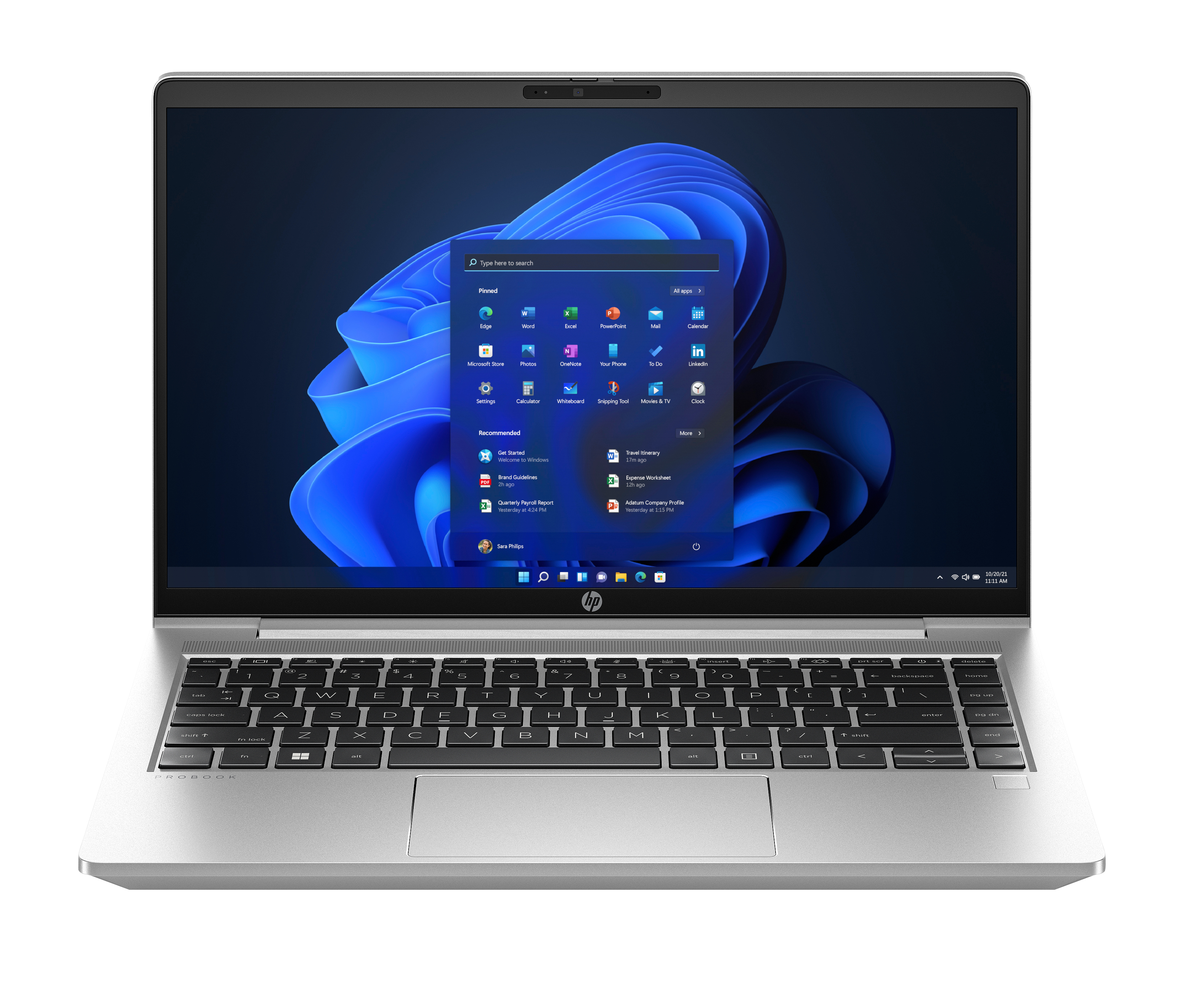
HP
HP ProBook 445 G10 Notebook - 177-degree hinge design - AMD Ryzen 5 - 7530U / up to 4.5 GHz - Win 11 Pro - Radeon Graphics - 8 GB RAM - 256 GB SSD NVMe - 14" IPS 1920 x 1080 (Full HD) - Gigabit Ethernet - Wi-Fi 6E, Bluetooth - pike silver aluminium - kbd: UK
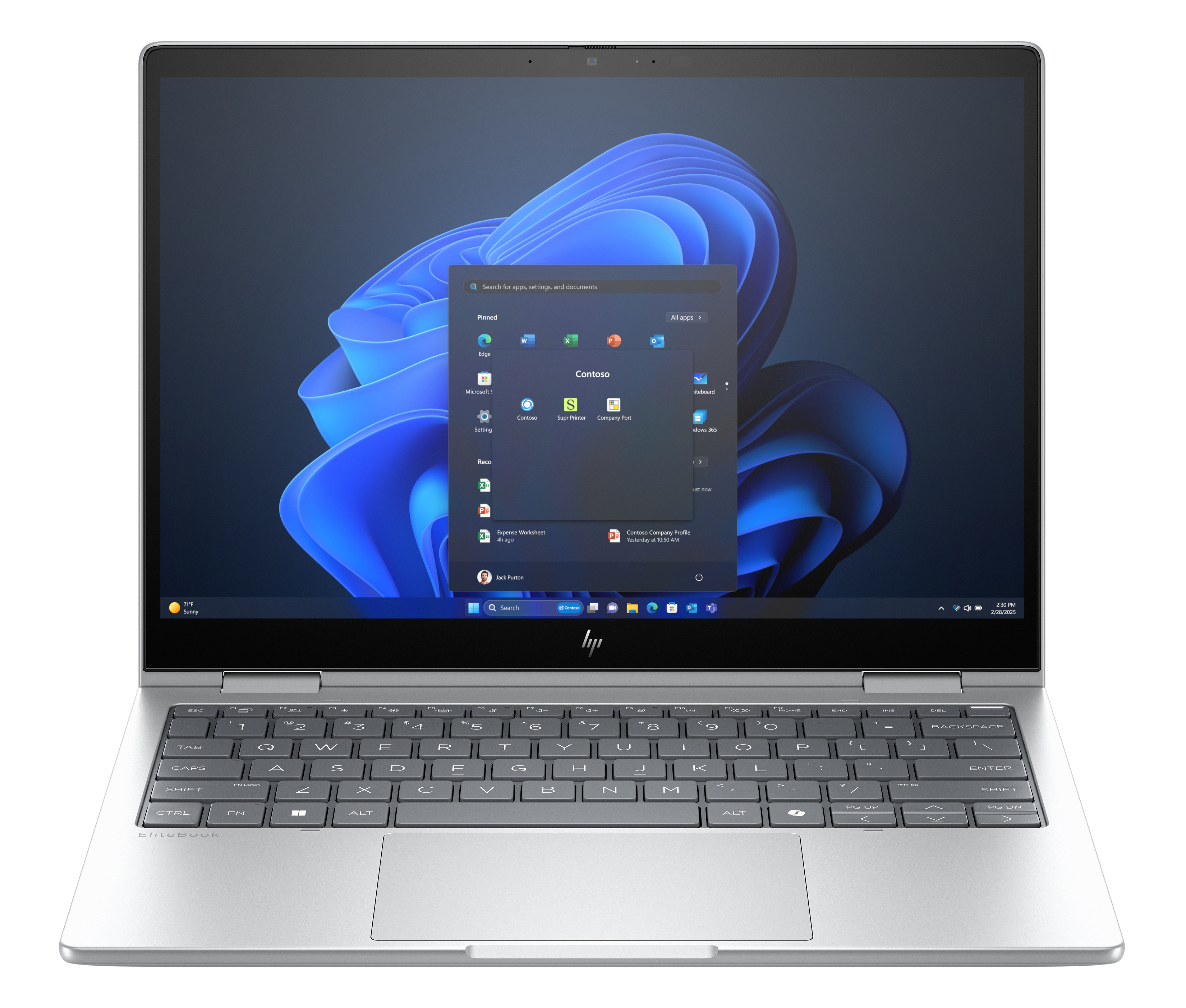
HP
HP EliteBook 8 Flip G1i Notebook AI - Flip design - Intel Core Ultra 5 - 225U / up to 4.8 GHz - Win 11 Pro - Intel Arc Graphics - 16 GB RAM - 256 GB SSD NVMe - 13.3" IPS touchscreen 1920 x 1200 - Wi-Fi 7, Bluetooth - glacier silver - kbd: UK
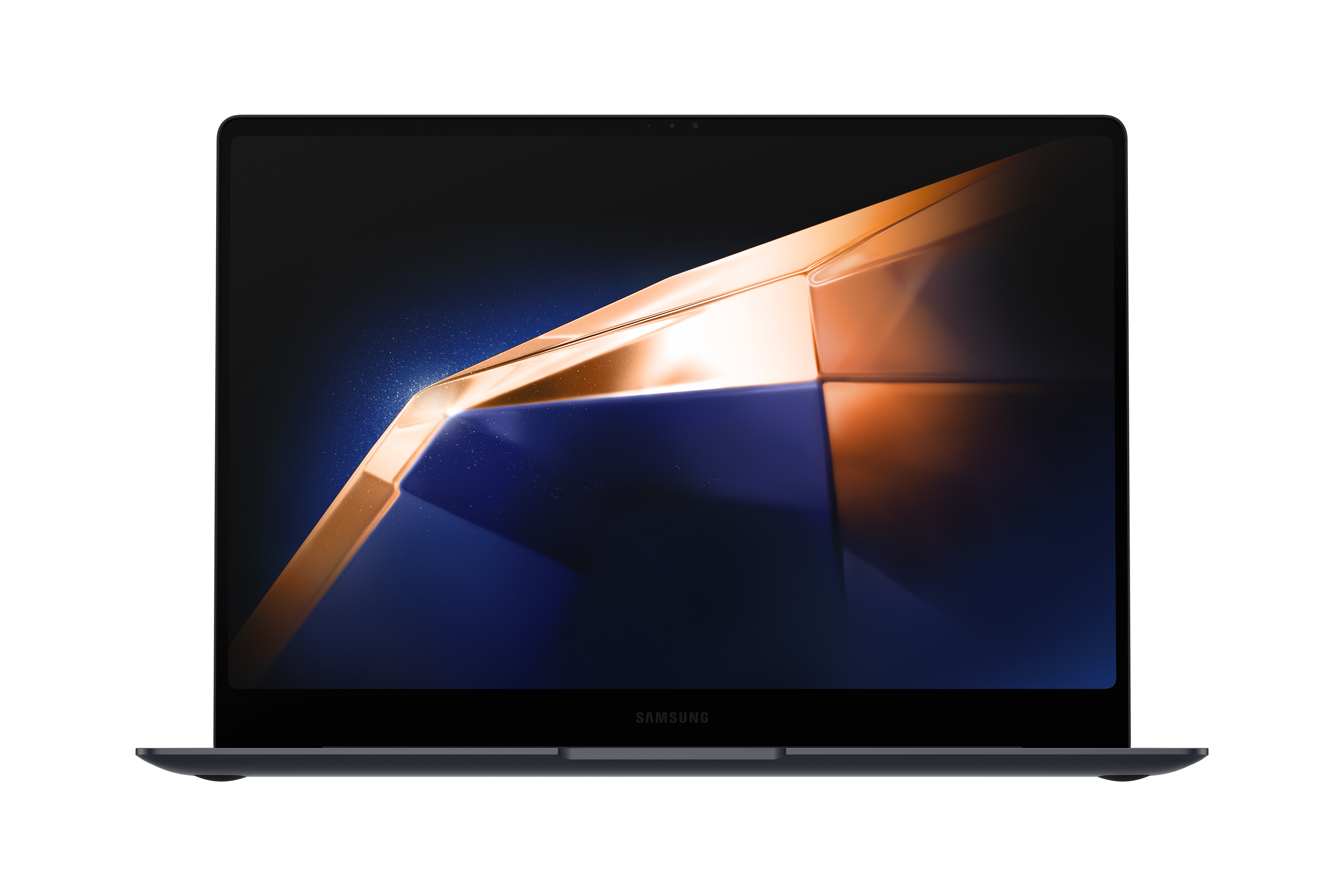
Samsung
Samsung Galaxy Book4 Pro - Intel Core Ultra 7 - 155H / up to 4.8 GHz - Evo - Win 11 Pro - Intel Arc Graphics - 16 GB RAM - 512 GB SSD NVMe - 14" AMOLED touchscreen 2880 x 1800 (WQXGA+) @ 120 Hz - Wi-Fi 6E, Bluetooth - moonstone grey
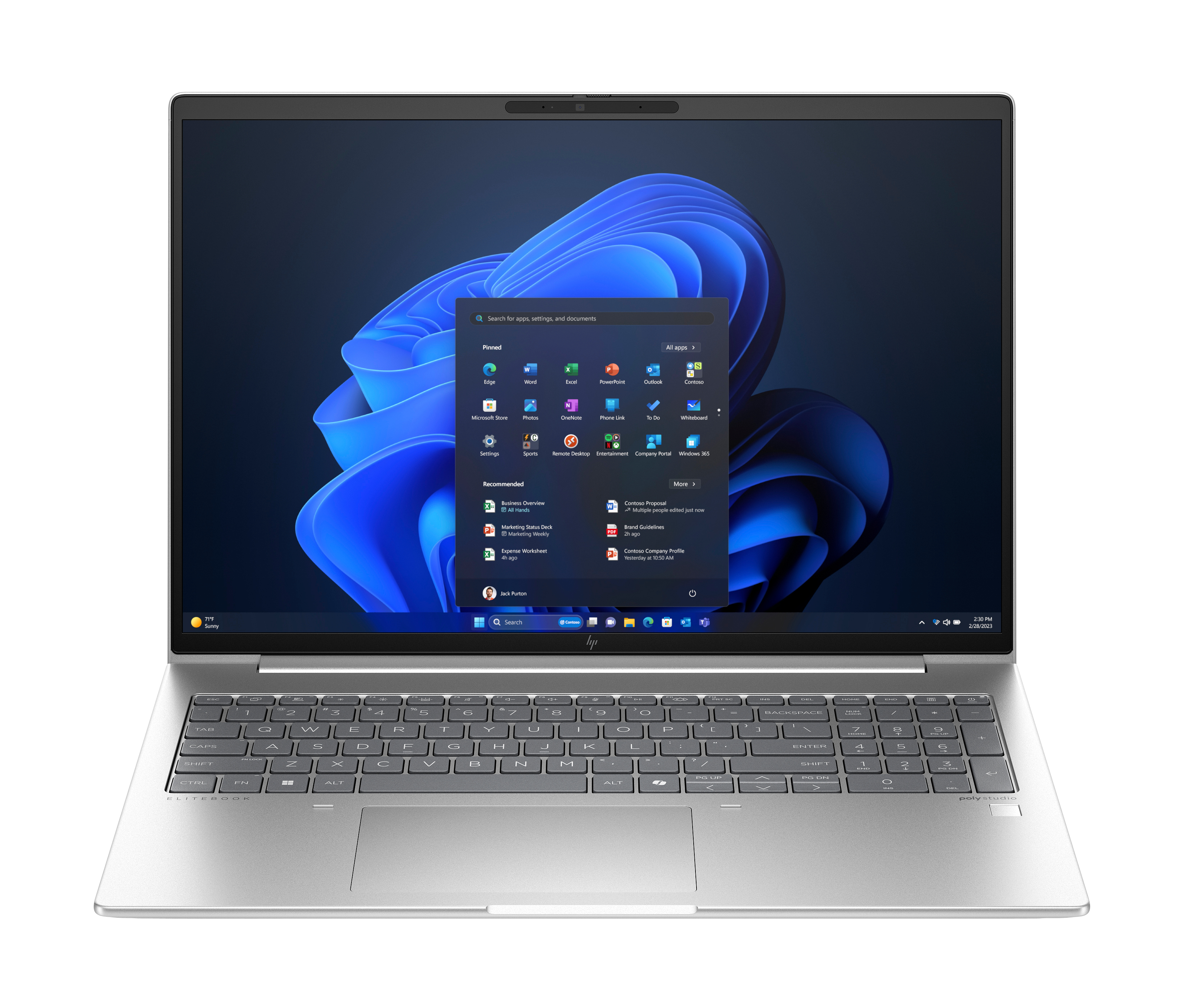
HP
HP EliteBook 660 G11 Notebook - AI PC - Intel Core Ultra 7 - 155U / up to 4.8 GHz - Win 11 Pro - Intel Graphics - 16 GB RAM - 512 GB SSD NVMe - 16" IPS 1920 x 1200 - Gigabit Ethernet - Wi-Fi 6E, Bluetooth - pike silver - kbd: UK - with HP Wolf Pro Security Edition (1 year)
Powered by industry-leading technologies including SolarWinds, Cloudflare, BitDefender, AWS, Microsoft Azure, and Cisco Meraki to deliver secure, scalable, and reliable IT solutions.


