- IT Support
How to Set Up an Internal IT Knowledge Base
18 Mar, 2026
£337.26 inc. VAT
AI-generated summary
This is one of those “it just works” Apple accessories, but it’s not a great deal at £281 ex‑VAT unless you’re already deep in the Apple ecosystem and you really value the iPad-as-laptop feel. The Smart Connector setup is the big win: no charging nonsense, instant pairing, and the trackpad experience is genuinely smooth for day-to-day work like email, spreadsheets, light drafting, and navigating docs. The folio-style protection is also practical in real life—less fiddling, more “pick up and go.”
Who should buy it: teams using iPad Air (M2/M3) as their primary mobile workstation, especially people who live in Office/Google-style workflows and need a reliable typing + cursor tool without turning it into a project. Who shouldn’t: anyone who’s cost-sensitive, wants a more flexible “use anywhere” layout (hot-desking, frequent swapping between devices), or expects it to replace a full laptop—this is best for occasional/regular office work on the move, not heavy power-user sessions.
Worth it? If your users will actually use the iPad like a laptop every day and you hate faff, yes. If you just need a basic keyboard sometimes, you’ll usually get better value from cheaper options and spend less time worrying about whether the accessory is worth the spend.
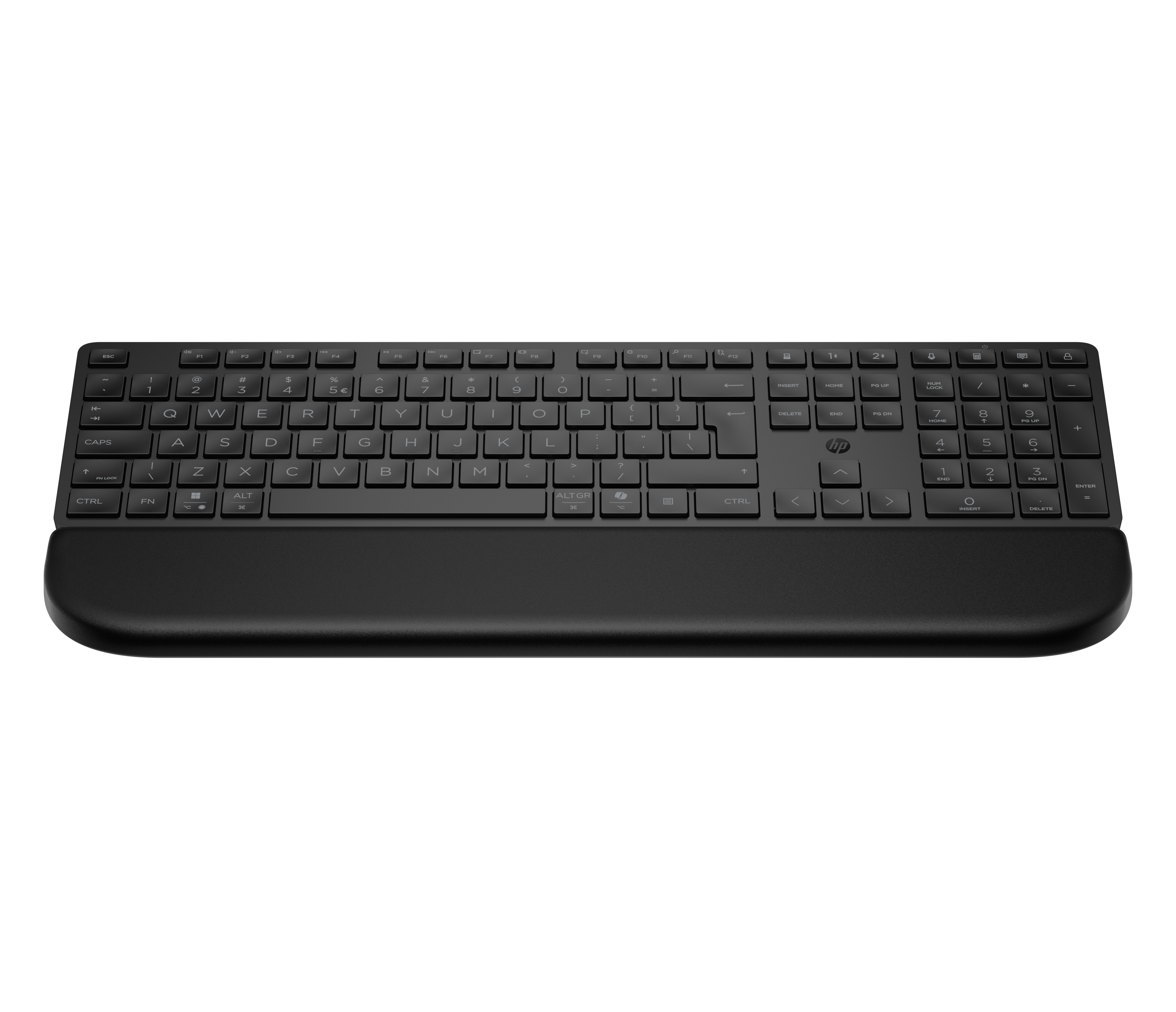
HP
HP 585K - Keyboard - dual mode, 3-zone layout, multi-device, low profile key travel - full size - wireless - Bluetooth, 2.4 GHz - UK - black
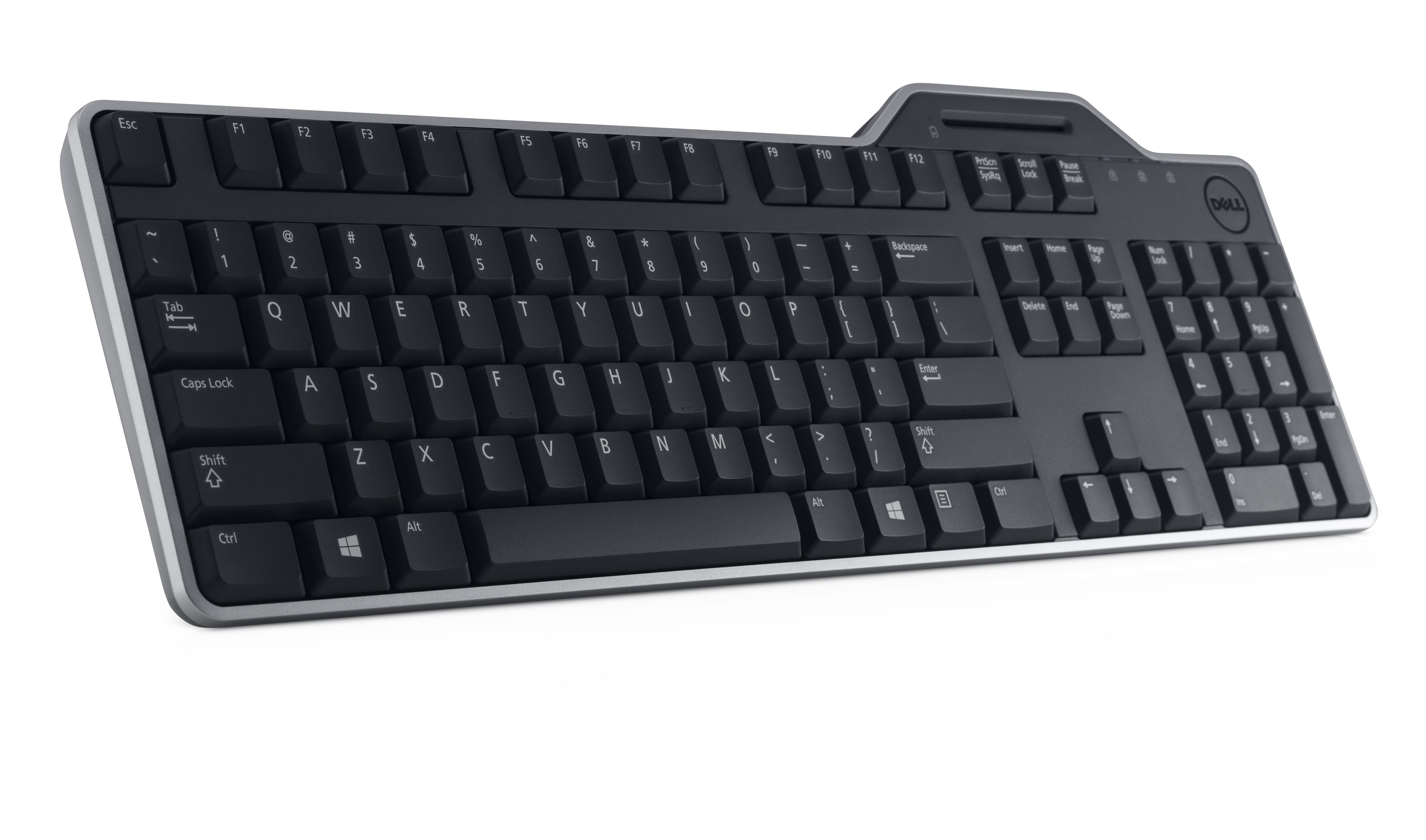
Dell
Dell KB813 Smartcard - Keyboard - USB - QWERTY - UK/Irish - black
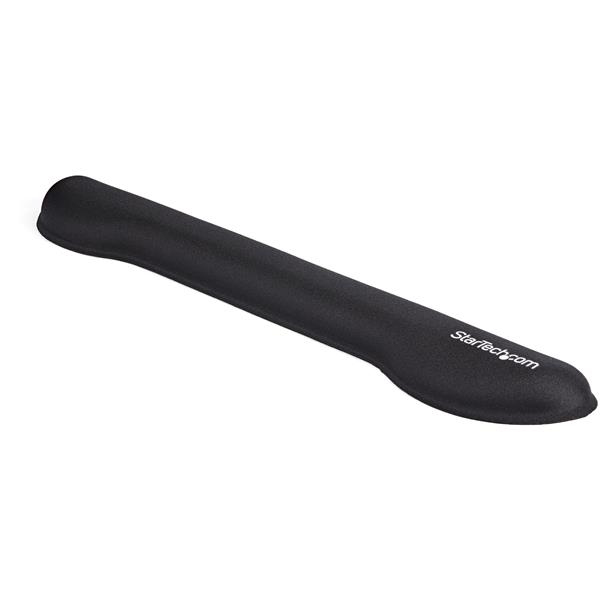
STARTECH
StarTech.com Foam Keyboard Wrist Rest for Ergonomic Typing Support, Padded Non-Slip Keyboard Cushion, Laptop or Desktop Computer Keyboard Wrist, Hand & Arm Rest, Soft Black Nylon Rest Pad - Soft Black Wrist Rest (WRSTRST) - Keyboard wrist rest - black - for P/N: LAPTOP-SIT-STAND
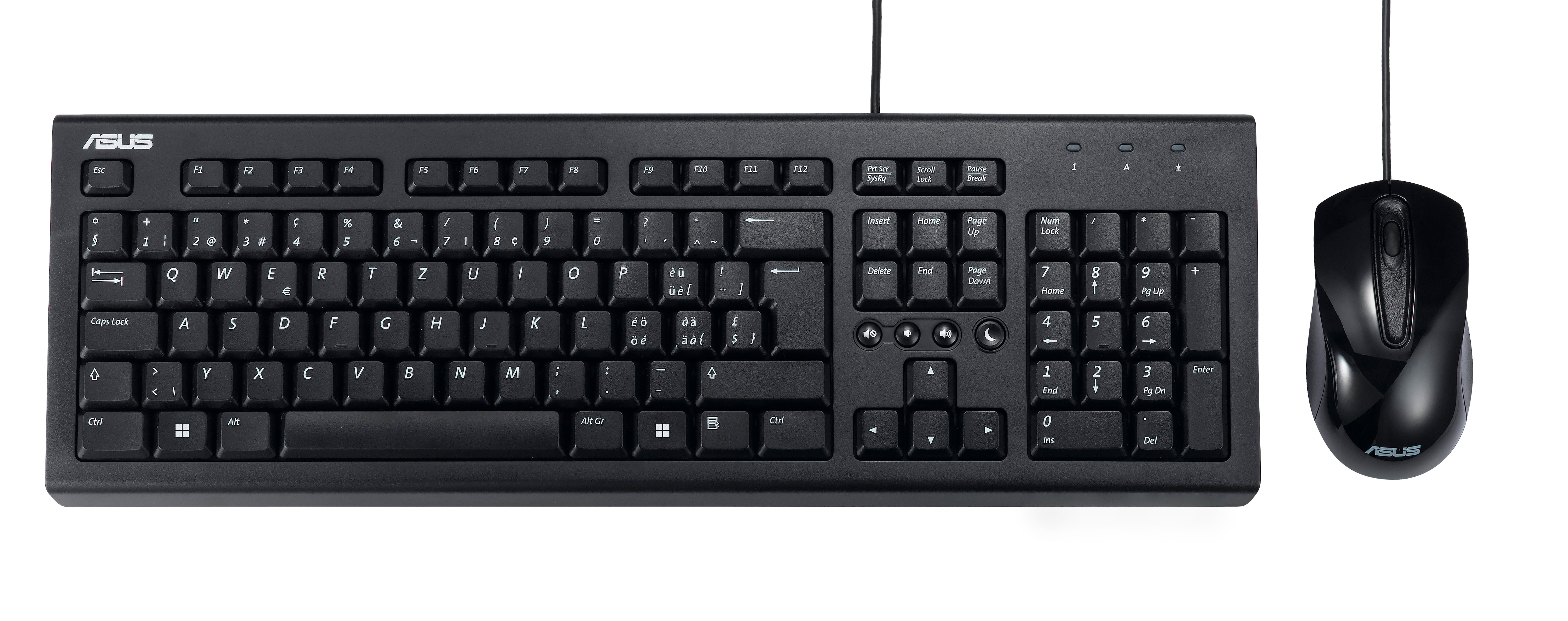
Asus
ASUS U2000 - Keyboard and mouse set - USB - black