- Azure Cloud
How to Automate Azure Resource Management
28 Sep, 2025

£2760.71 inc. VAT
AI-generated summary
If you’re paying **£2,300+ ex-VAT for a single 128GB DDR5 CAMM module**, you’d better have a very specific reason. This sort of pricing only makes sense when you’re in a Dell environment that *requires* CAMM form factors and you’re trying to solve a real capacity bottleneck (big virtualization hosts, in-memory analytics, heavy databases, large scale caching, that kind of workload). For everyone else, it’s an expensive “correctness” purchase: you’re buying compatibility and sanity, not value for money. If you just need more RAM for general server use and you can source a comparable DIMM option, this is usually the costlier path.
I’d **buy it** when (1) your server explicitly supports **CAMM** and (2) you can’t use standard DDR5 DIMMs, or (3) Dell-branded support/part matching is non-negotiable for your environment. I’d **avoid it** if you’re flexible on platform, because memory is one of those areas where the same capacity can often be achieved cheaper—especially if you’re not constrained by CAMM-only support. Also, double-check your system’s supported speeds and how many slots you can realistically populate; people get burned when “more capacity” lands but not the performance expectations.
Kingston
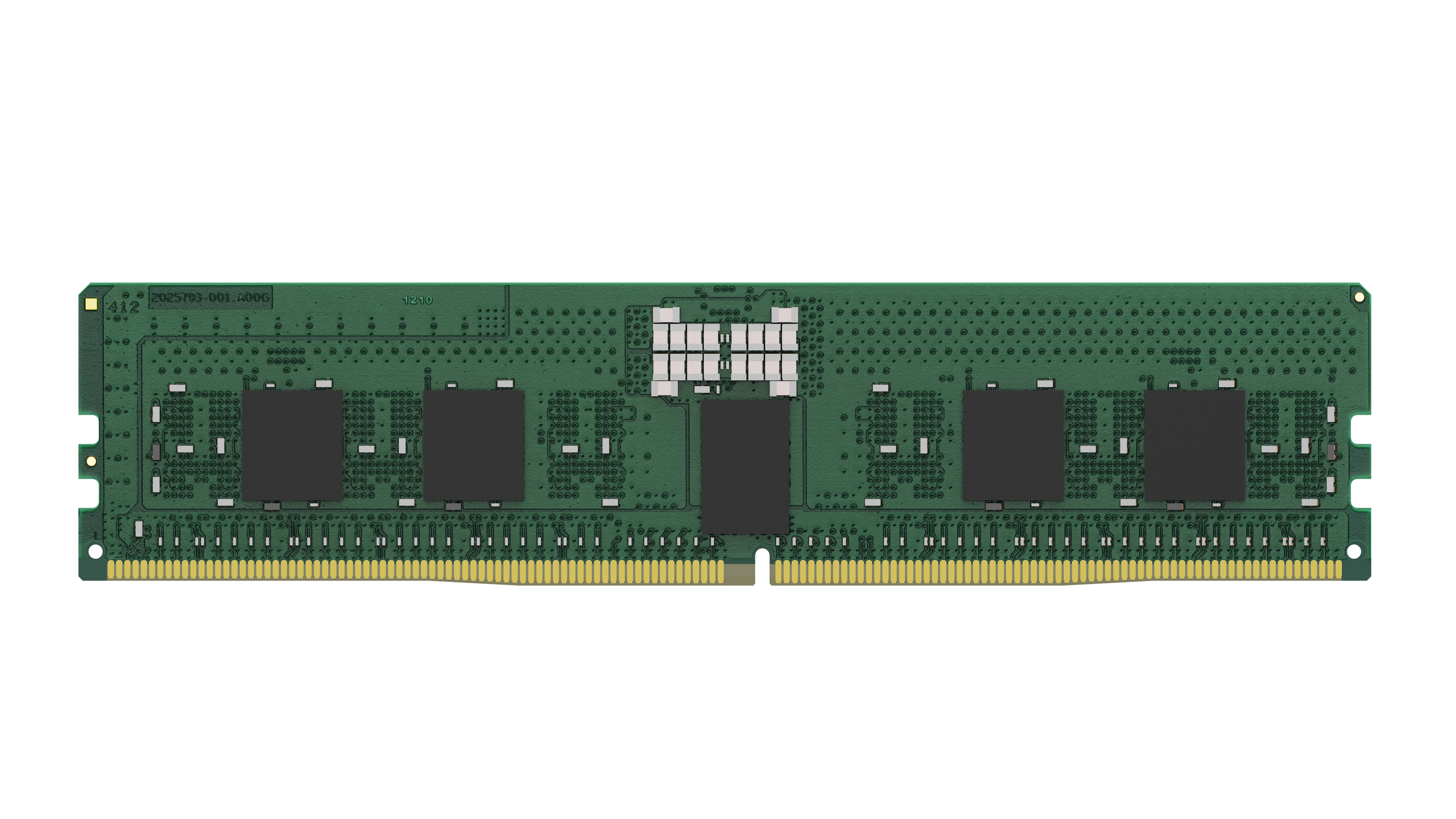
Kingston - DDR5 - module - 24 GB - DIMM 288-pin - 5600 MHz / PC5-44800 - CL46 - 1.1 V - registered - ECC
Kingston
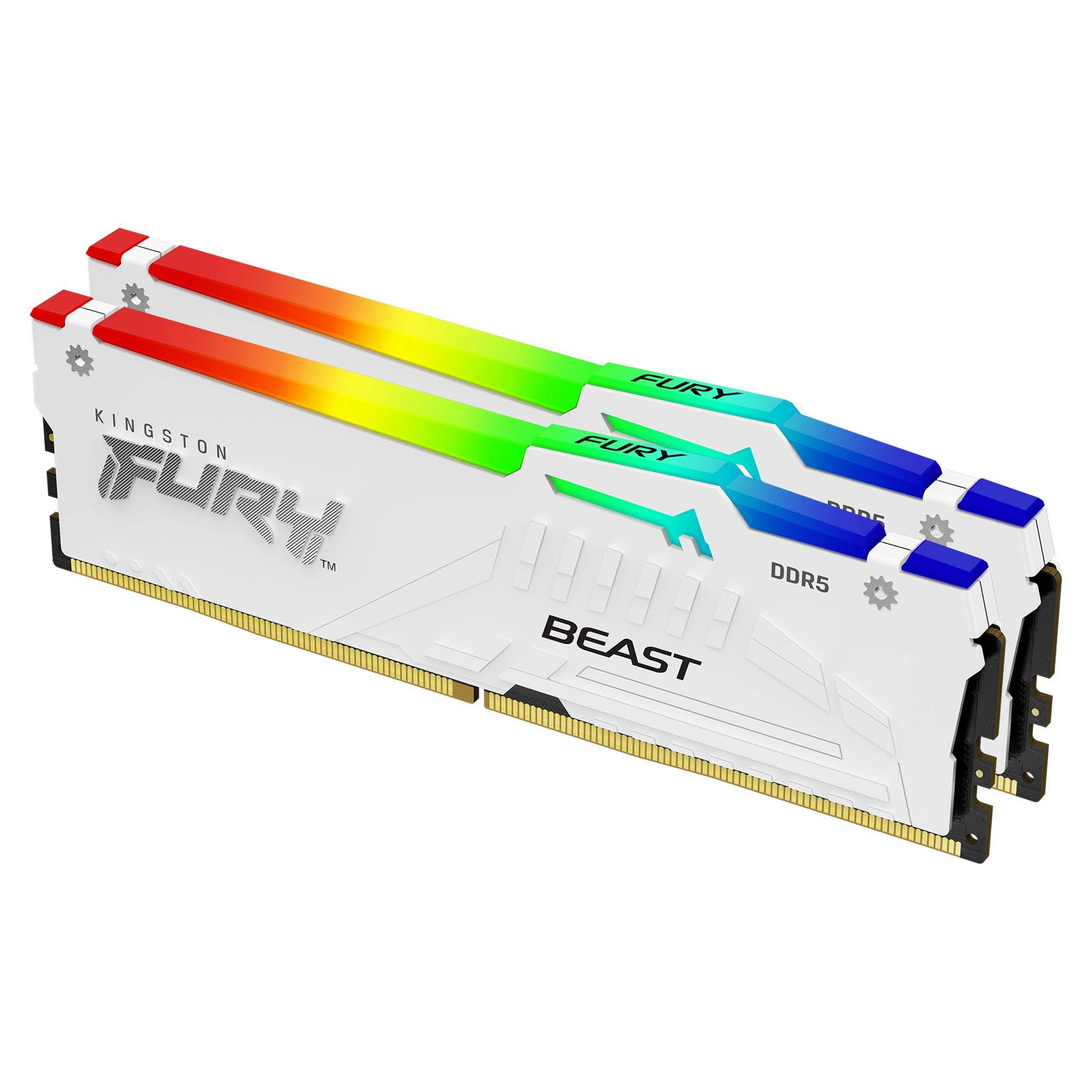
Kingston FURY Beast RGB - DDR4 - kit - 64 GB: 2 x 32 GB - DIMM 288-pin - 6400 MHz / PC5-51200 - CL32 - 1.4 V - unbuffered - on-die ECC - white

Kingston
Kingston - DDR5 - module - 8 GB - DIMM 288-pin - 5600 MT/s / PC5-44800 - CL46 - 1.1 V - unbuffered - non-ECC
HP
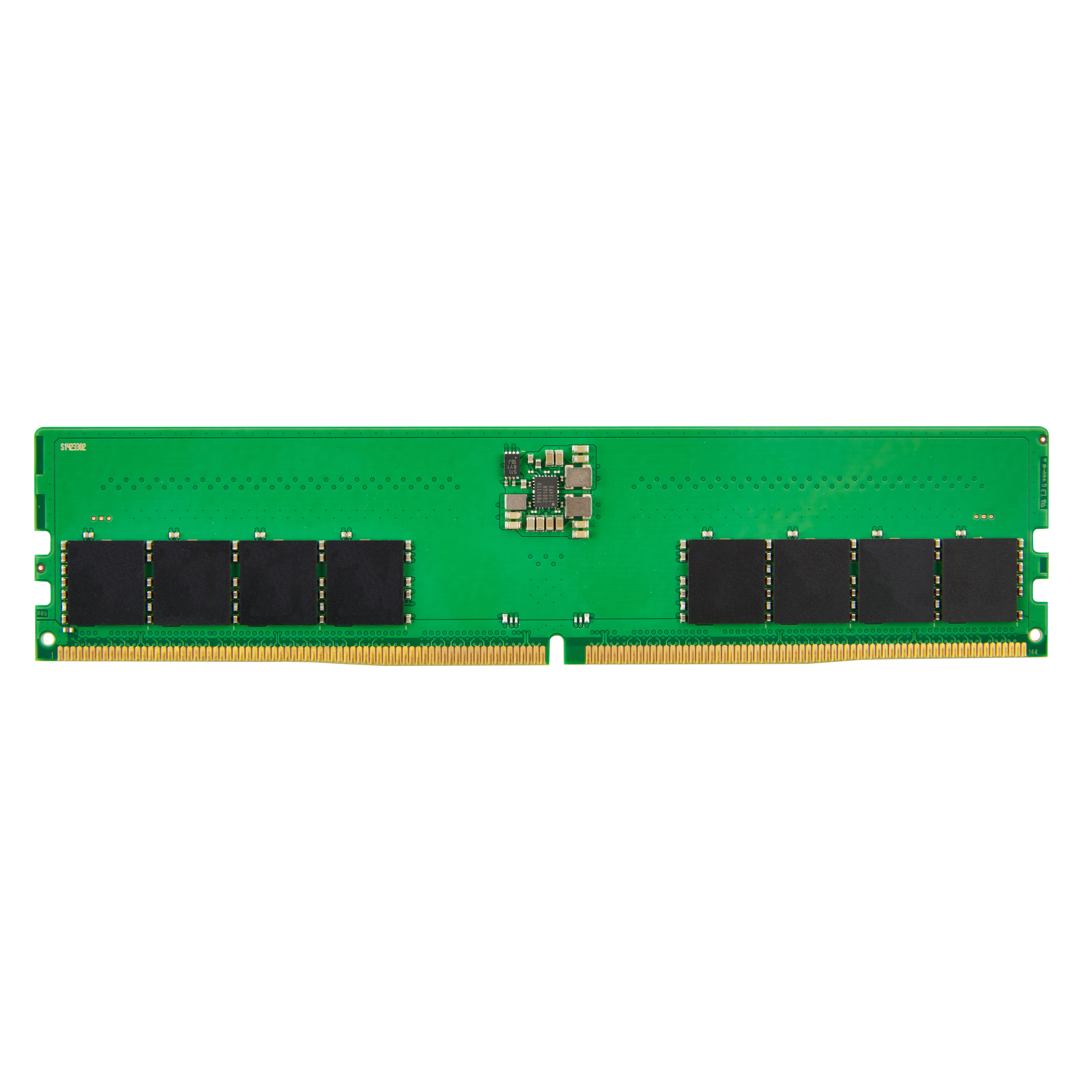
HP - DDR5 - module - 8 GB - DIMM 288-pin - 4800 MHz / PC5-38400 - unbuffered - non-ECC - for Elite 600 G9, 800 G9, Workstation Z2 G9
Powered by industry-leading technologies including SolarWinds, Cloudflare, BitDefender, AWS, Microsoft Azure, and Cisco Meraki to deliver secure, scalable, and reliable IT solutions.


