- Web Development
How to Create a Blog That Drives Traffic to Your Business
10 Nov, 2025
£187.03 inc. VAT
AI-generated summary
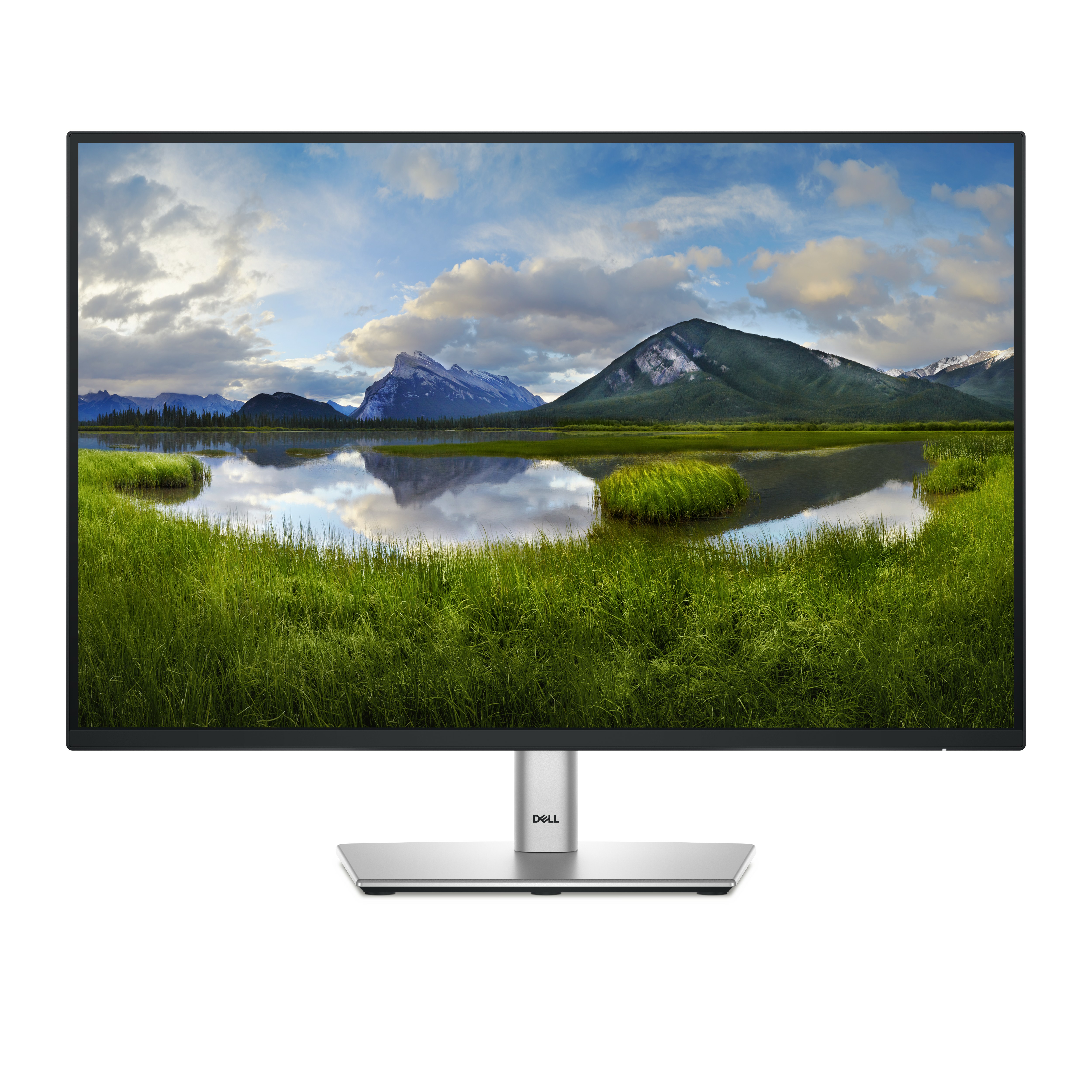
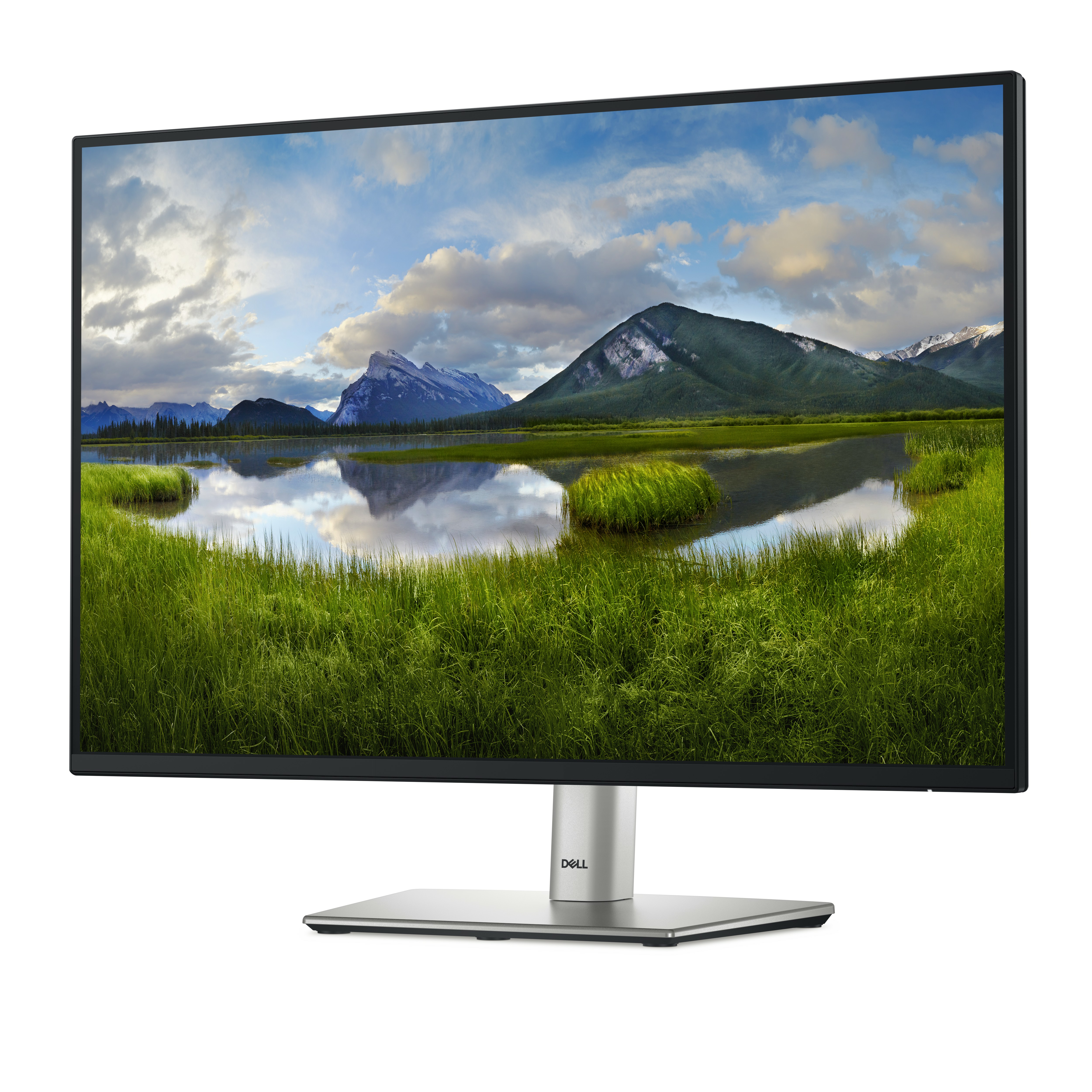
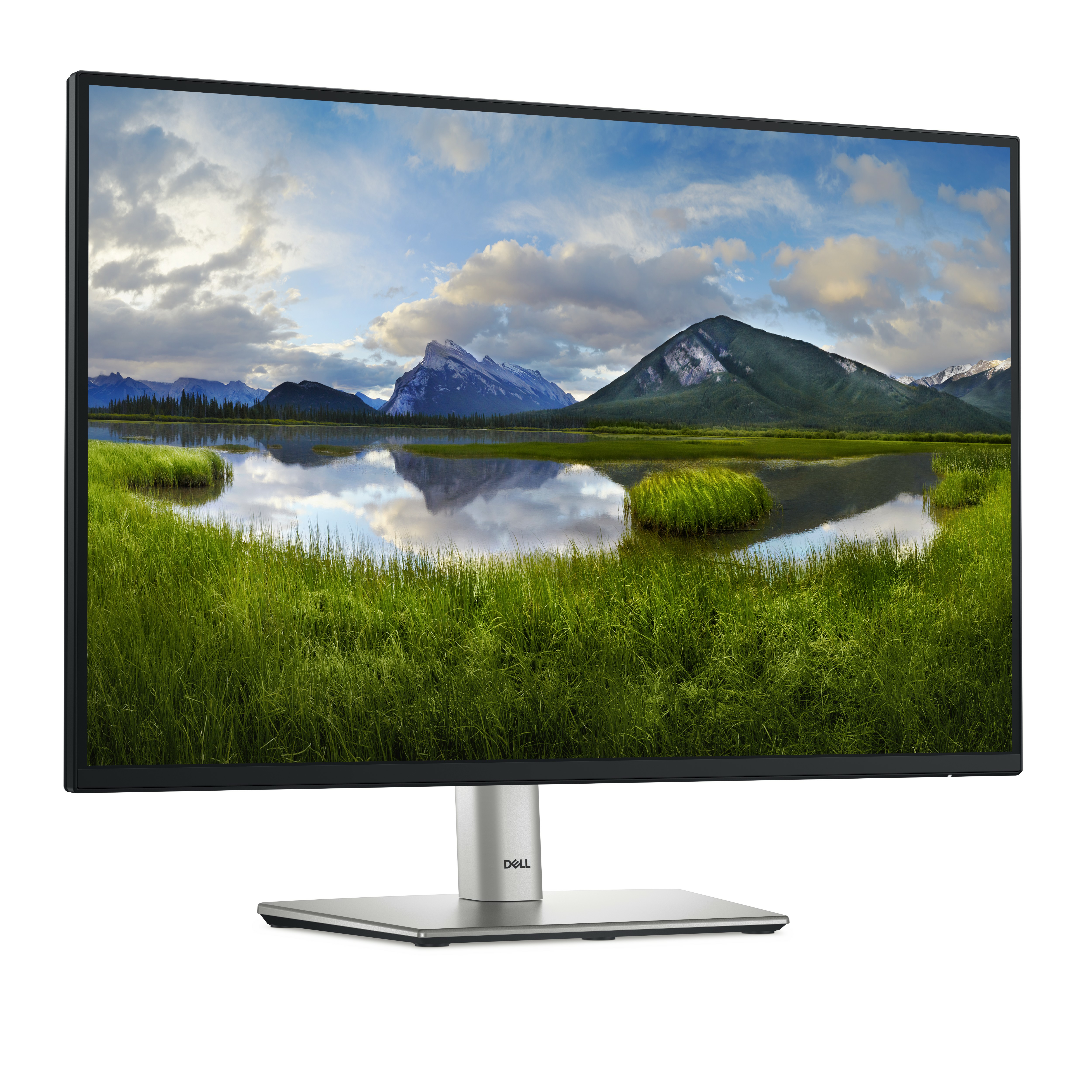
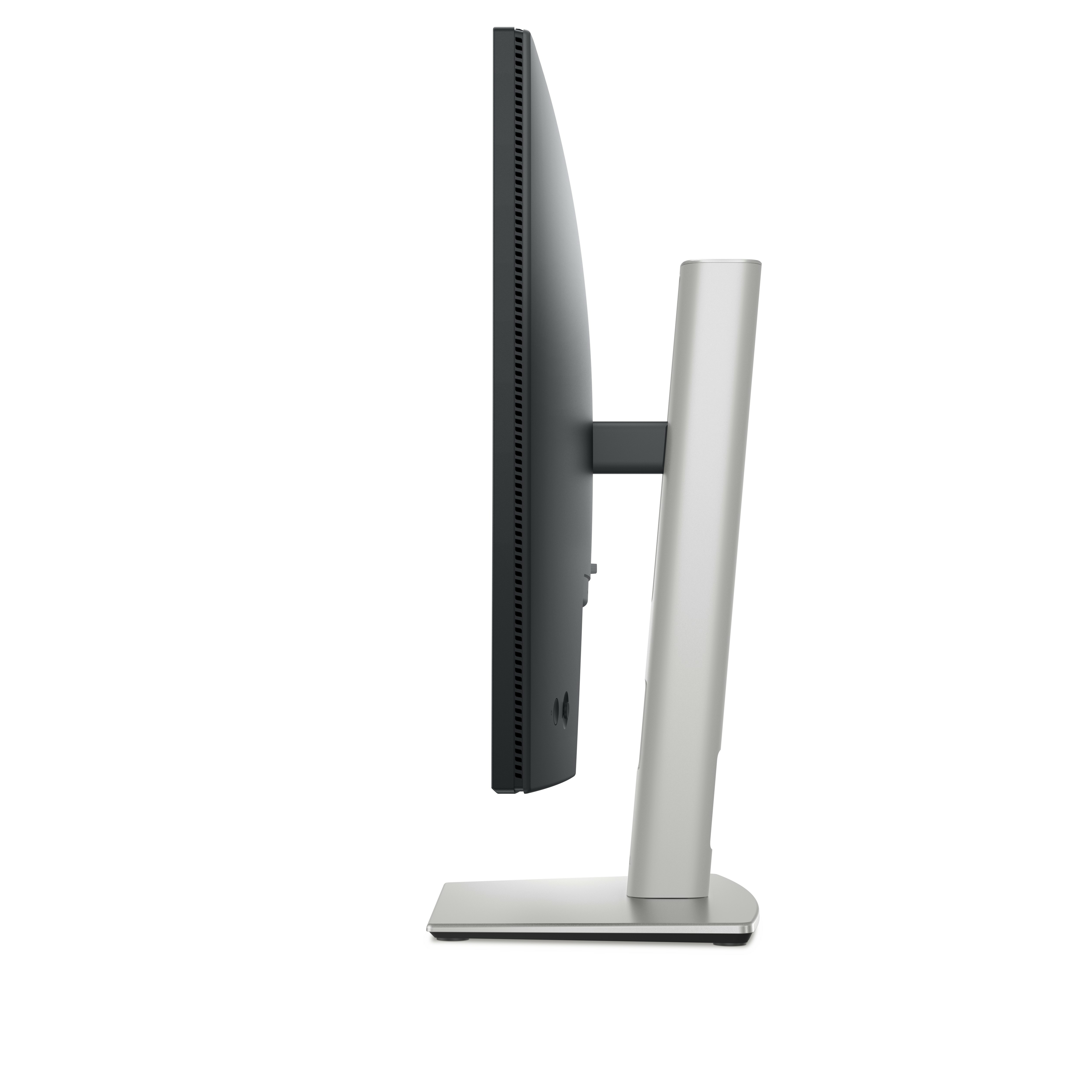
For £156 ex-VAT, the Dell Pro Plus P2425 is the sort of monitor that “just works” for day-to-day office and back-office work. You’re getting a sensible 24-inch size and a slightly wider canvas than standard 16:9 setups, which tends to be genuinely useful for spreadsheets, side-by-side documents, and multi-window admin tasks. In the real world, these Dell Pro lines are also usually solid on out-of-the-box usability—reasonable scaling, decent ergonomics for office life, and less faff than cheaper panels that need tweaking.
That said, this isn’t a “gaming bargain” or a colour-critical creative screen. If your team needs ultra-smooth high refresh rates, extreme contrast, or serious production-grade colour performance, you’ll likely end up looking elsewhere (and paying more for that). Also, if you’re trying to standardise across a fleet, check your connectivity expectations first—make sure the ports and any docking workflow fit your existing setup—because the monitor is only half the story in B2B.
**Who should buy:** office-based teams who live in documents, spreadsheets, and general productivity, and want a reliable, cost-effective Dell. **Who shouldn’t:** anyone prioritising high-end graphics/gaming or strict creative colour requirements, or teams with specific docking/port constraints that this monitor can’t easily accommodate.

Improved ComfortView Plus
Reduces harmful blue light emissions to ≤35%, for all-day comfort without sacrificing colour.
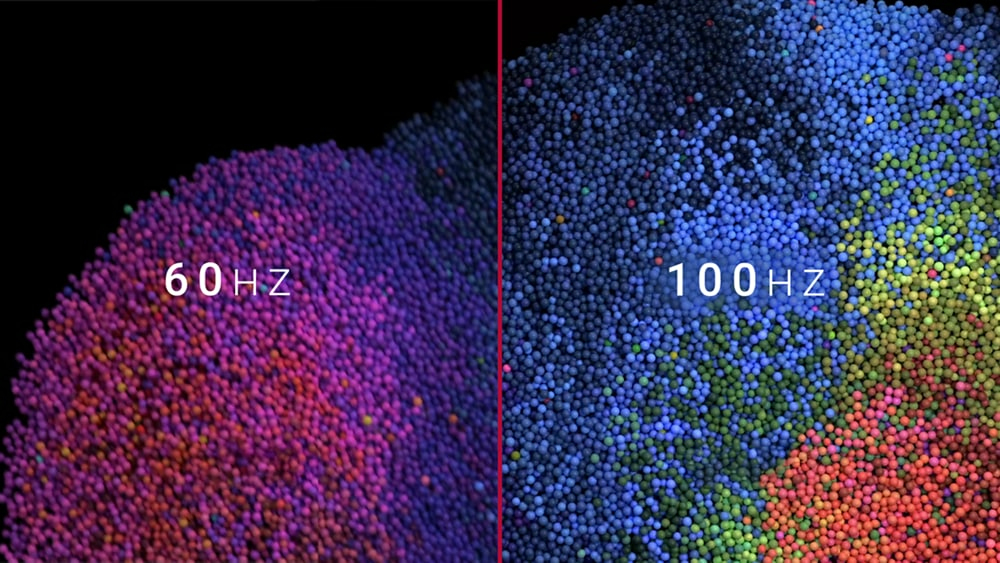
Refresh Rate
100Hz refresh rate delivers less flicker, more seamless scrolling and smoother motion.

Vivid Colours
Wide colour coverage with up to 16.7m displayable colours of 99% sRGB.
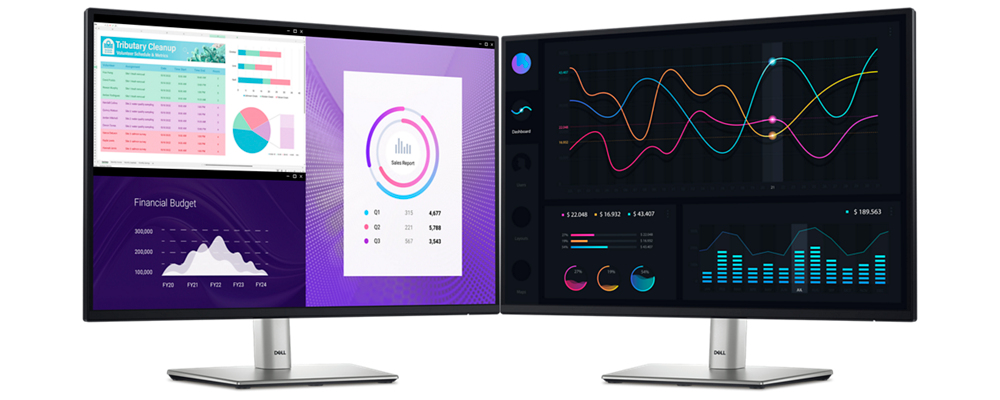
Work in clear details
See more on this ultra-thin bezel monitor. Colour consistency Vibrant colours across wide viewing angles enabled by In-Plane Switching (IPS) technology. 1500:1 contrast ratio For deeper blacks an...
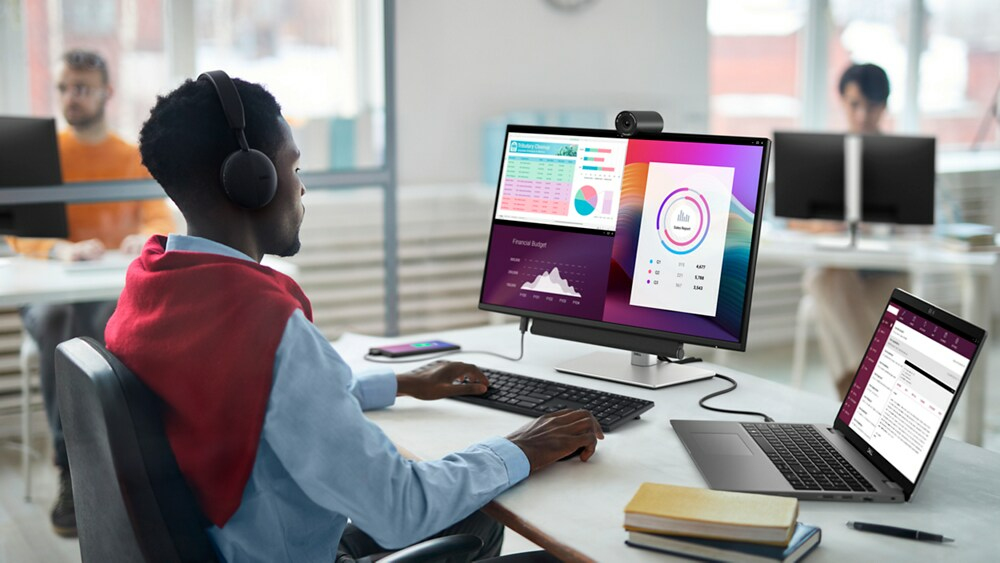
Connect to productivity
Connect your accessories with a wide variety of ports. Extensive connectivity Wide variety of ports for all your accessories. Quick Access USB Ports Including a USB-C downstream that delivers up ...
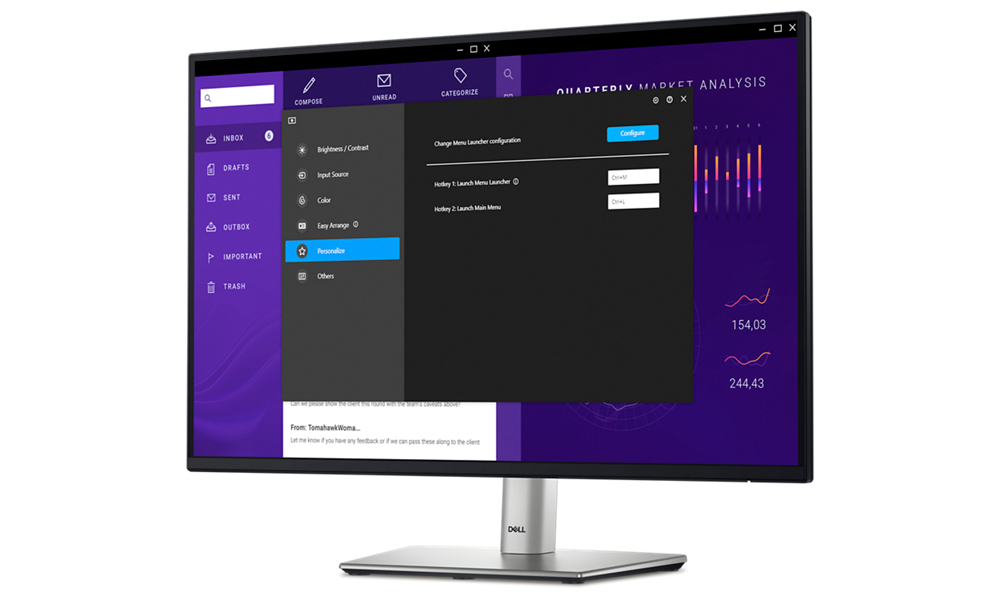
Improved Dell Display Manager
Improved multitasking Organise your screen with Easy Arrange and save profiles with Easy Arrange Memory. Smooth deployment Manage your fleet of monitors with features that are automatic, comprehen...
Lifecycle CO₂ emissions — helping you make sustainable procurement decisions
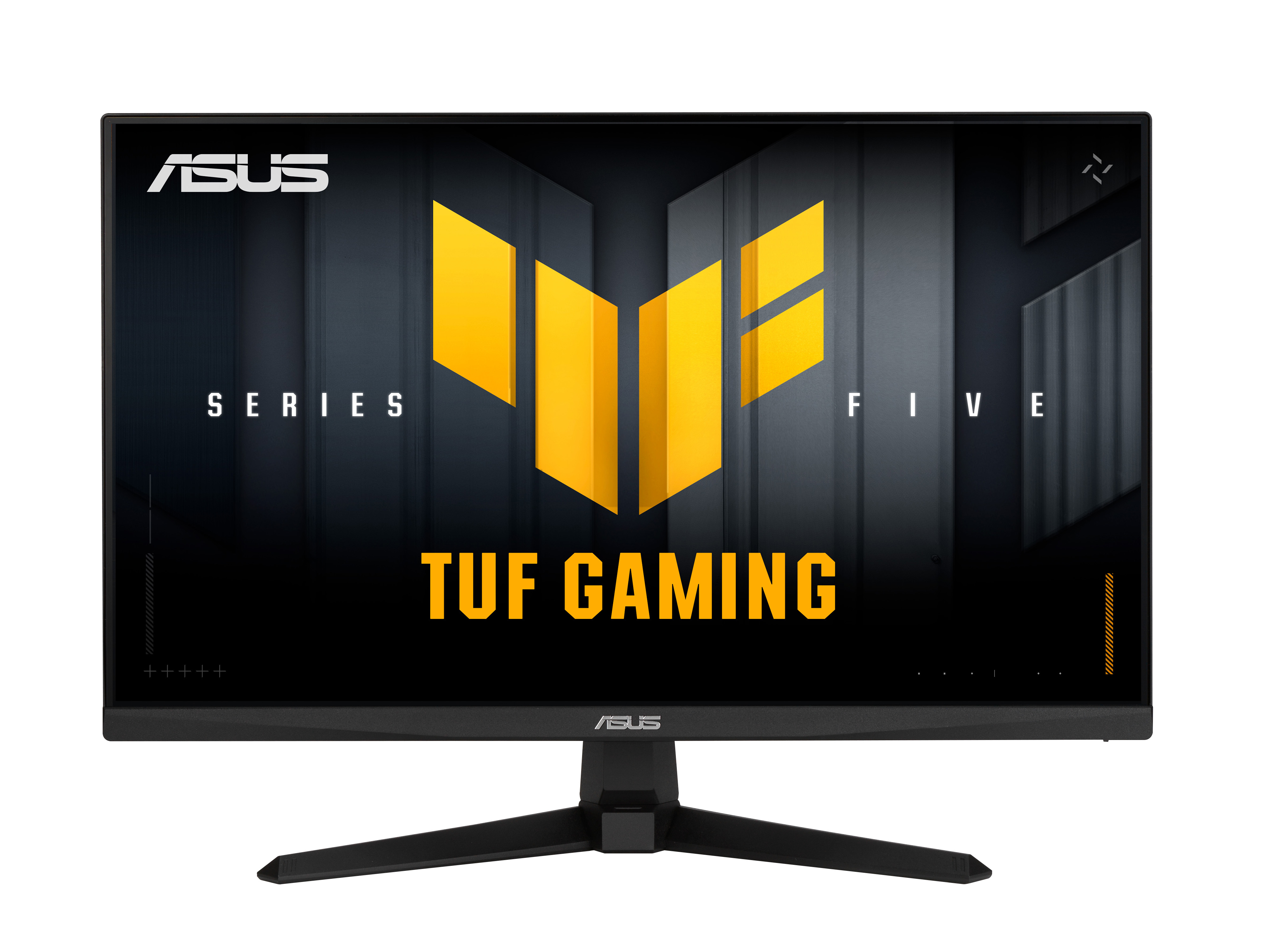
Asus
ASUS TUF Gaming VG279QM5A - 5 Series - LED monitor - gaming - 27" - 1920 x 1080 Full HD (1080p) @ 240 Hz - Fast IPS - 400 cd/m� - 1000:1 - HDR10 - 0.3 ms - 2xHDMI, DisplayPort - speakers - black
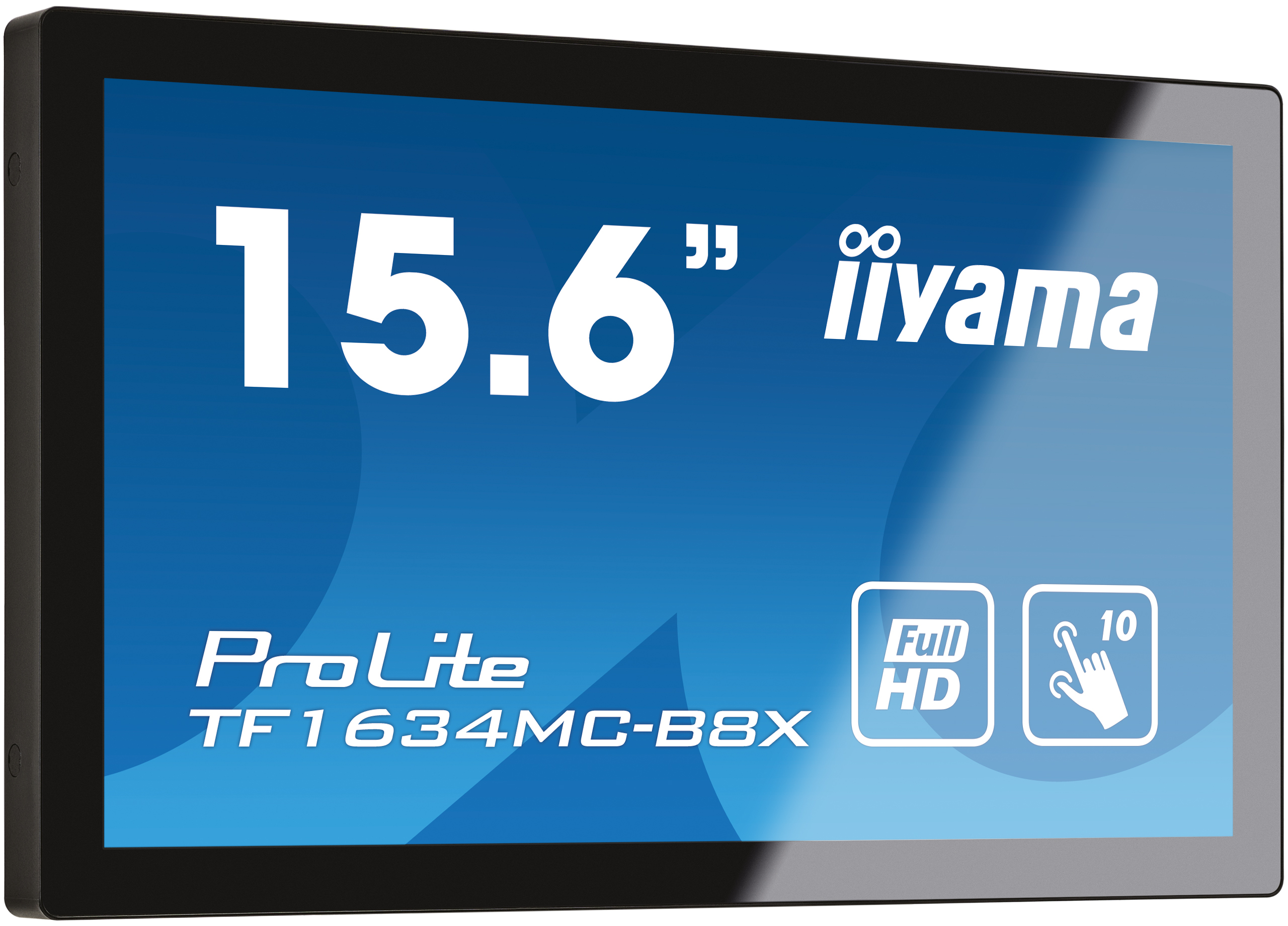
Iiyama
iiyama ProLite TF1634MC-B8X - LED monitor - 15.6" - open frame - touchscreen - 1920 x 1080 Full HD (1080p) @ 60 Hz - IPS - 450 cd/m� - 700:1 - 25 ms - HDMI, VGA, DisplayPort - black, matte
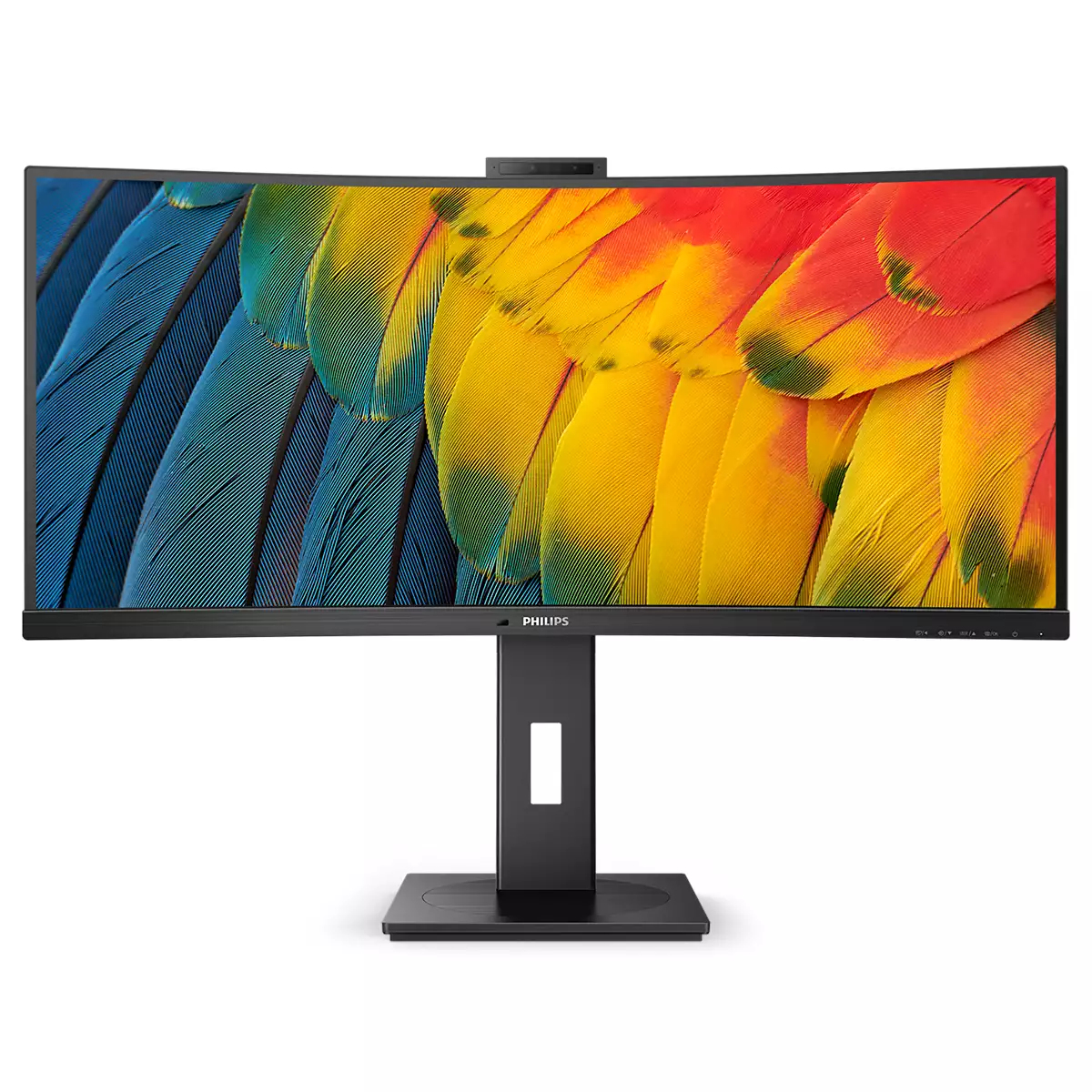
Philips
Philips 34B1U5600CH - 5000 Series - LED monitor - curved - 34" - 3440 x 1440 WQHD @ 120 Hz - VA - 350 cd/m� - 3000:1 - 4 ms - HDMI, DisplayPort, USB-C - speakers - textured black
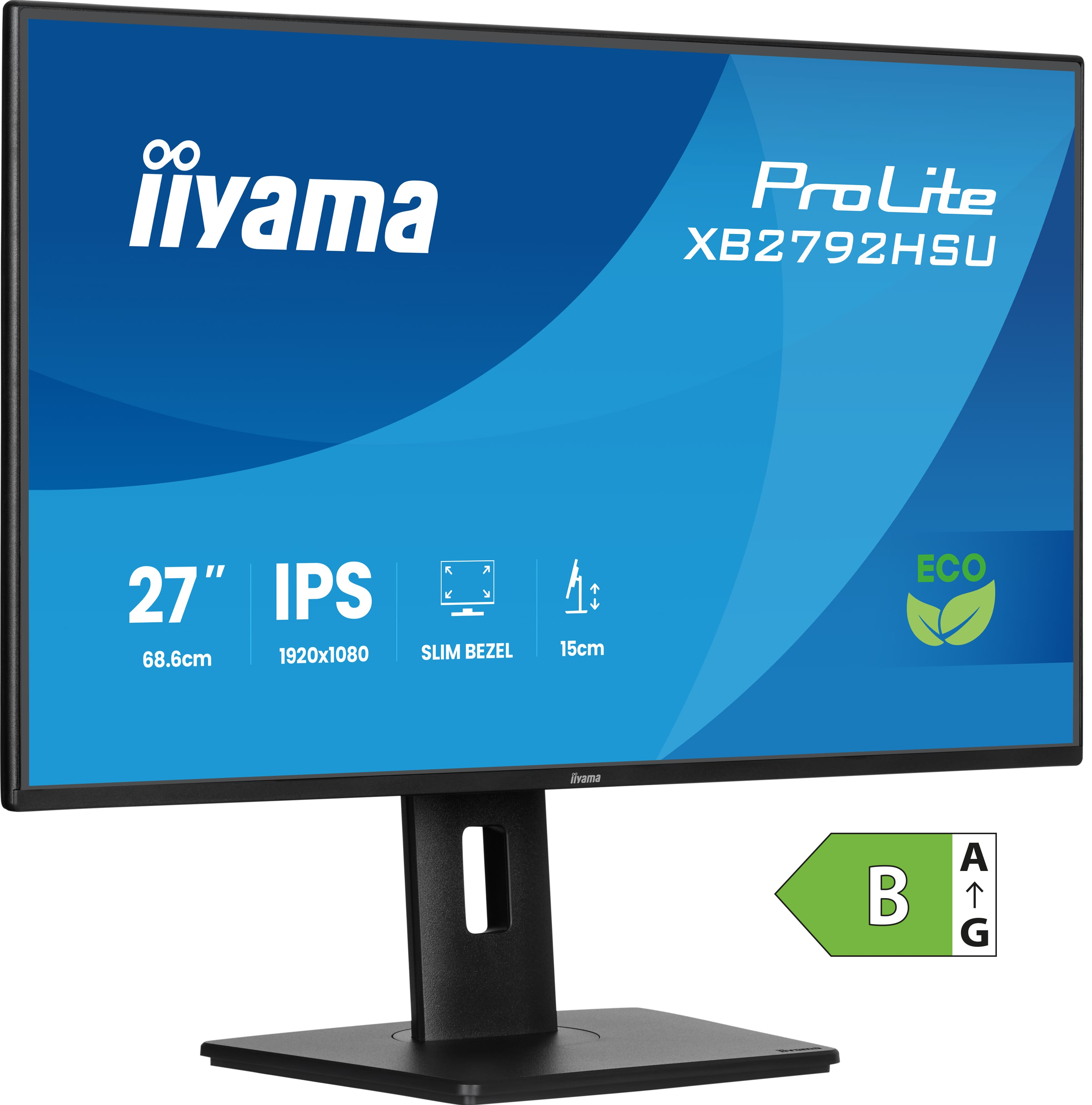
Iiyama
iiyama ProLite XB2792HSU-B1 - LED monitor - 27" - 1920 x 1080 Full HD (1080p) @ 120 Hz - IPS - 300 cd/m� - 1500:1 - 3 ms - HDMI, DisplayPort - speakers - black, matte