- Database Reporting
Data Visualisation for Business: Charts, Graphs and Beyond
20 Mar, 2026


£694.99 inc. VAT
AI-generated summary
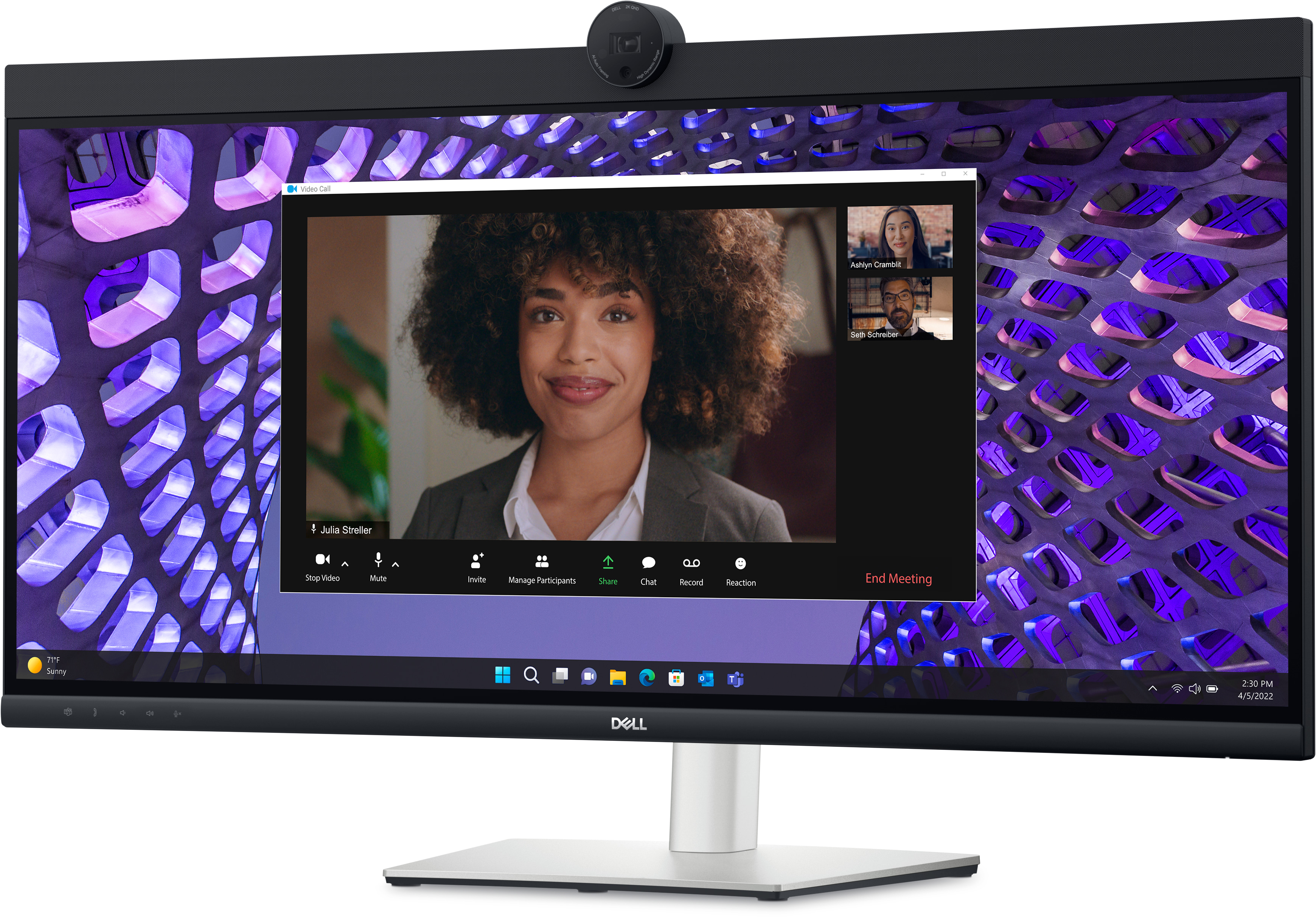
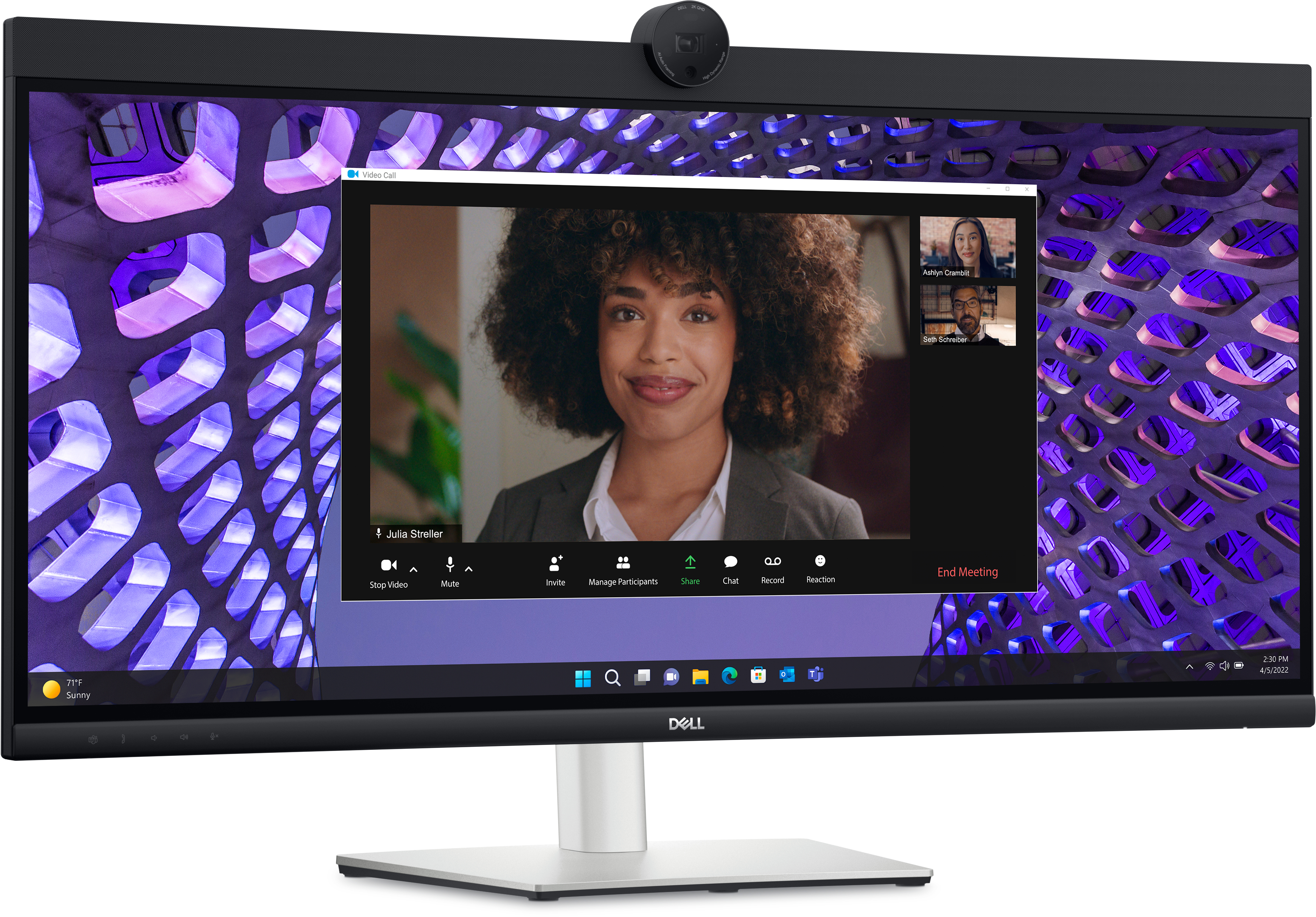
Dell’s P3424WEB is a solid choice if you want a premium 34-inch ultrawide that’s built for everyday office work, not just spec-sheet bragging. The 21:9 format is genuinely useful in UK B2B setups: spreadsheets stay readable, you get more “side-by-side” real estate for docs and dashboards, and it tends to reduce tab-swapping. For people who live in email, CRM, reporting, coding, or multi-window analysis, it’s the kind of monitor you stop noticing—until you go back to a 16:9 screen and everything feels cramped. At £502 ex-VAT, it’s not cheap, but it’s not outrageous either for a business-grade Dell.
That said, I wouldn’t buy it blindly if your usage is mostly quick browsing, spreadsheets on one app at a time, or you don’t really benefit from ultrawide. You also need desk space and proper viewing distance; otherwise you’ll just make your monitor harder to position without getting the full productivity payoff. If you’re a budget-conscious buyer, there are cheaper 34" options—just expect more compromises around build, consistency, and support. Overall: buy it if you’re upgrading a workstation for long daily sessions and want dependable, productivity-first value; skip it if you don’t plan to use the ultrawide properly.
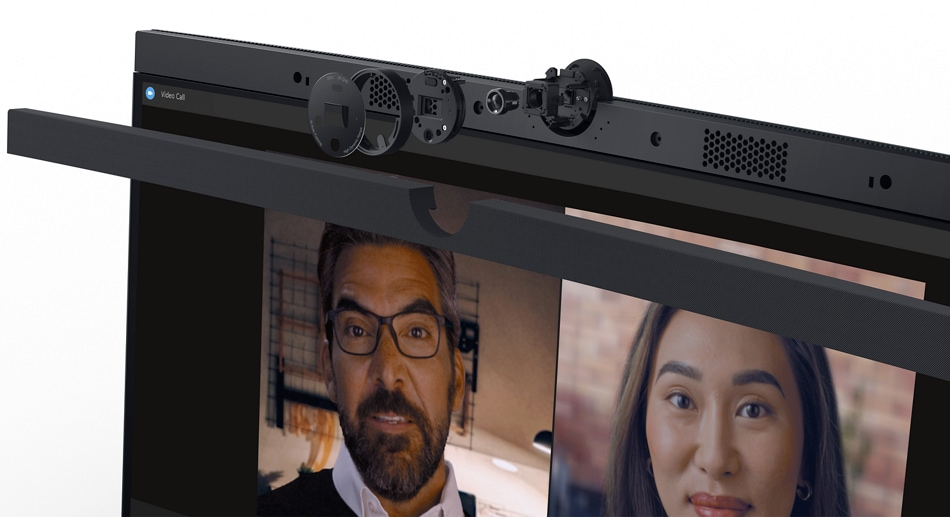
Effortless collaboration
Powerful webcam: Take center stage with a 2K QHD webcam that packs a punch. The large Sony STARVIS™ sensor is 29.5% larger than the previous model , takes in substantial light to give you vibrant p...
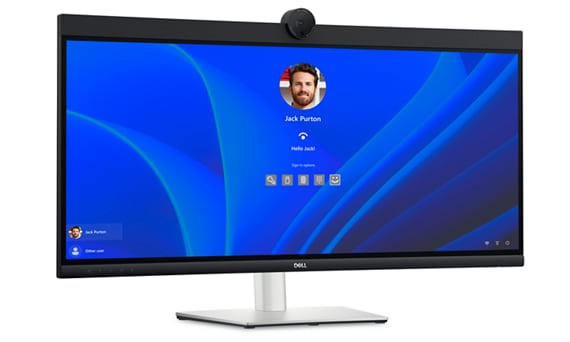
Seamless access
Get to work fast with Dell Express Sign-in, featuring a proximity sensor that detects your presence when you are close and uses Windows Hello™ to automatically log you in. When you walk away, it lo...

Easy on the eyes
Work without straining your eyes with the always-on, built-in ComfortView Plus, which reduces low blue light without compromising colour.
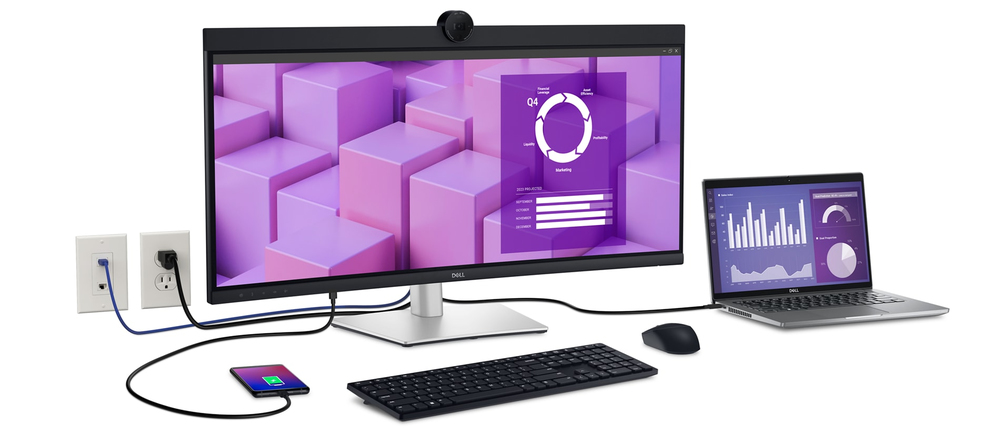
Your productivity hub
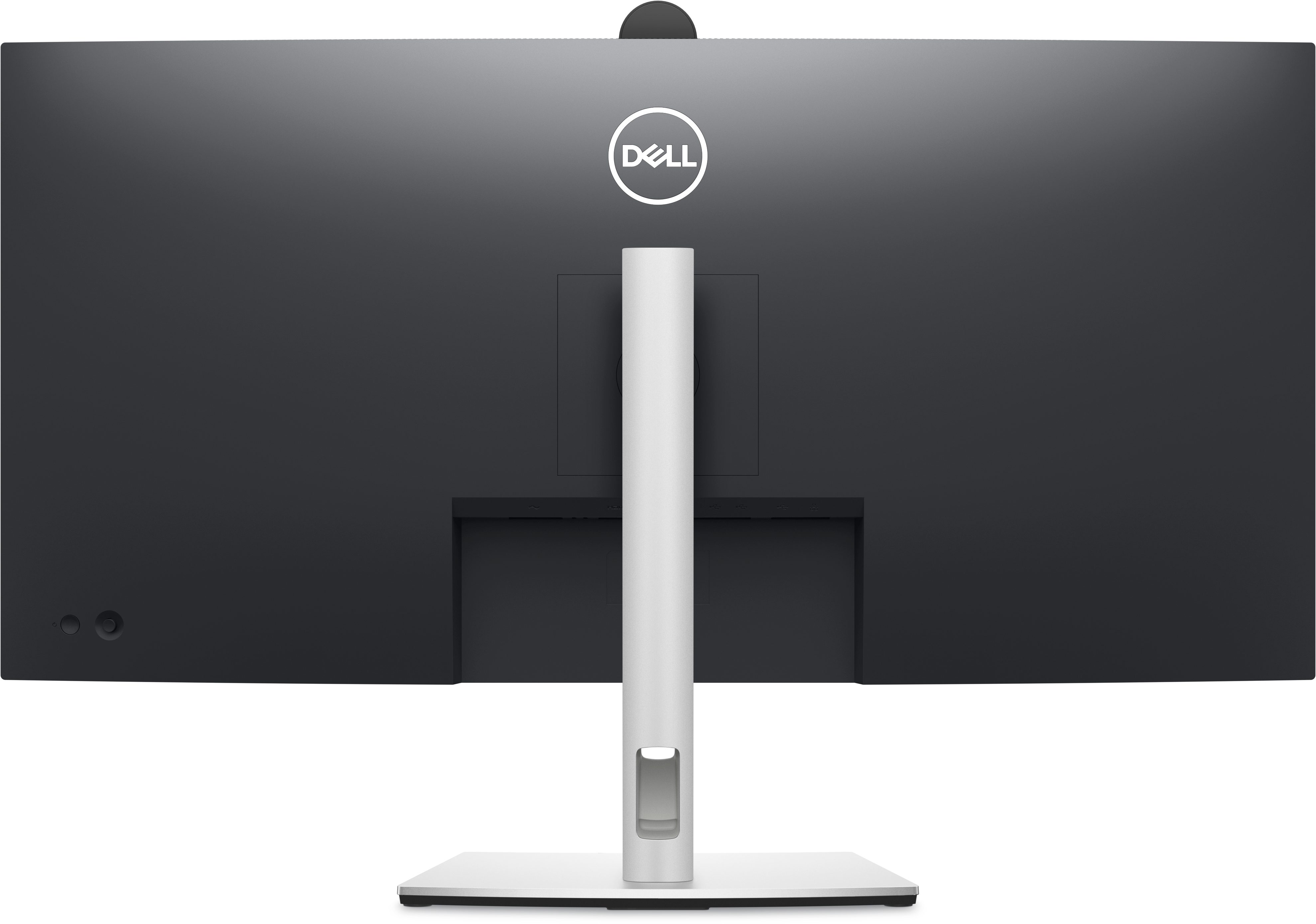
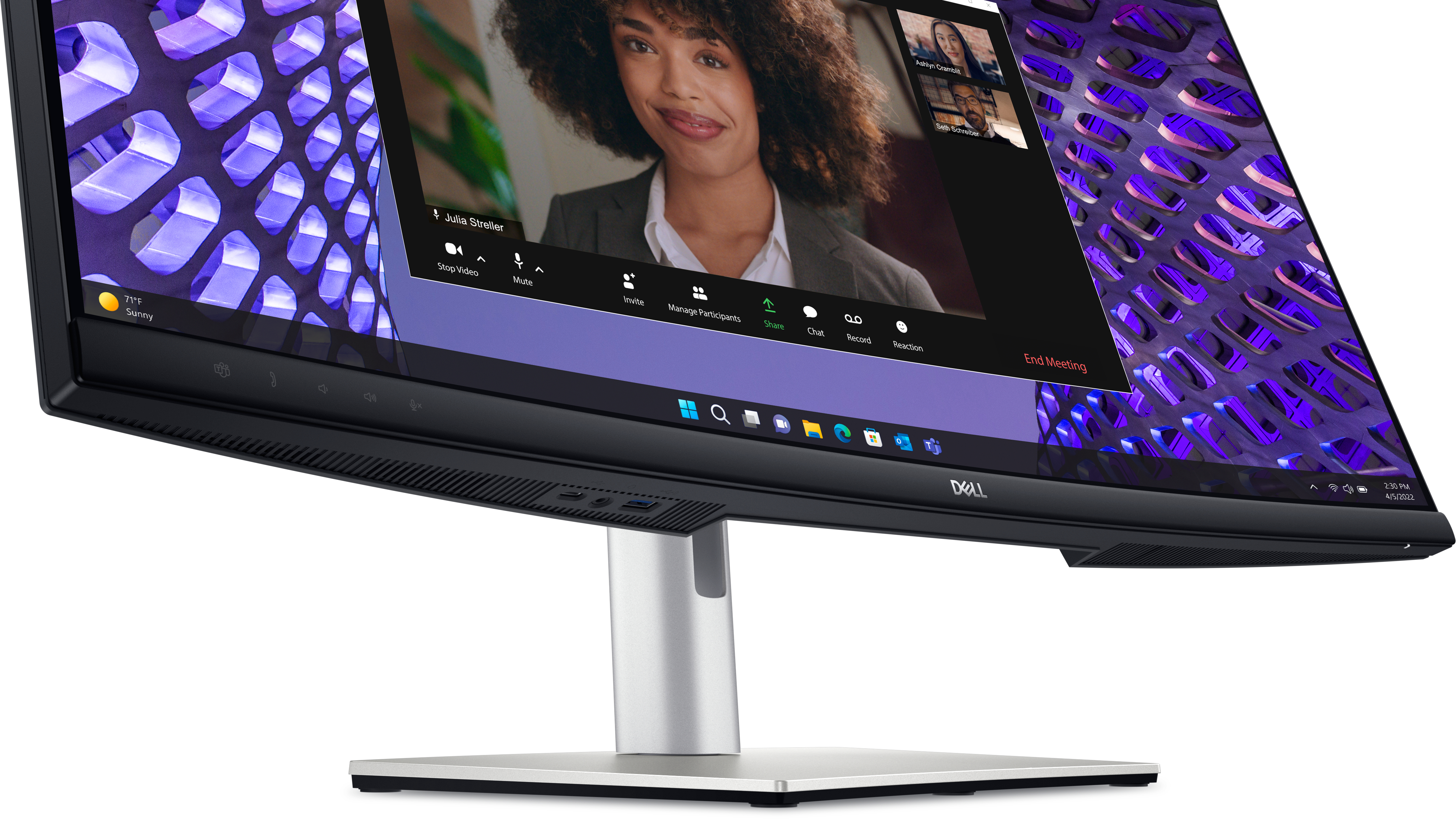
Connect to productivity: With wired connectivity options like RJ45 and USB-C®, your monitor delivers reliable Ethernet , power, audio and video—all in a clutter-free setup. The power of USB-C: Get...
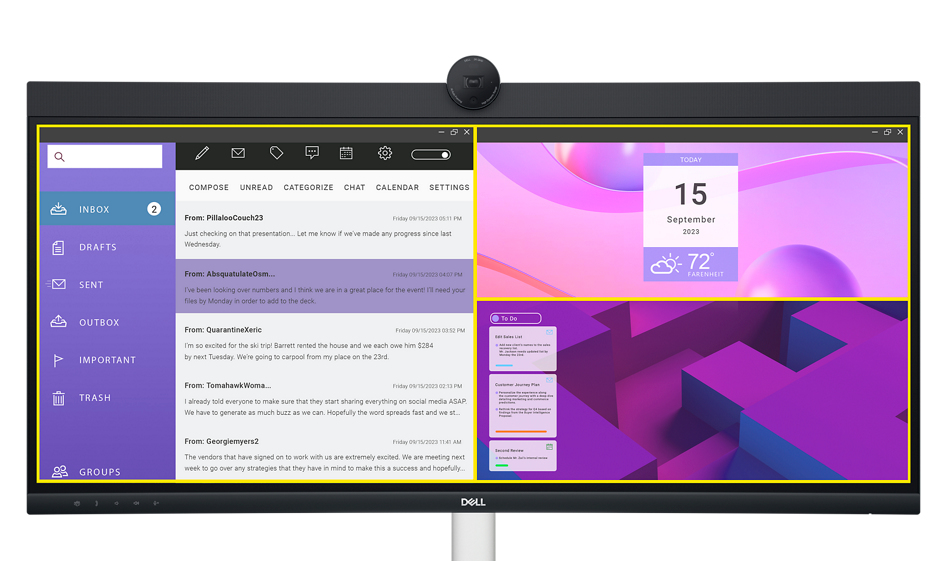
Improved Dell Display Manager
Easy management. Next-level productivity. Improved multitasking: Organise your screen with Easy Arrange and save profiles with Easy Arrange Memory. Easy navigation: Share a single keyboard, mouse ...
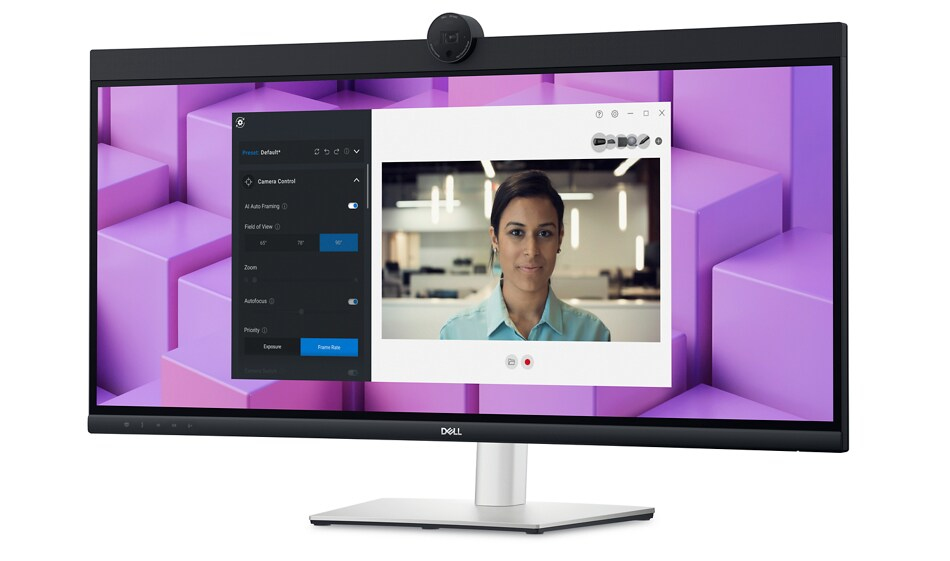
Dell Peripheral Manager
Design how they see you: Dell Peripheral Manager offers an amazing range of features like HDR, AI Auto Framing, different Field of Views and Presets - allowing you to easily customise settings base...
Lifecycle CO₂ emissions — helping you make sustainable procurement decisions
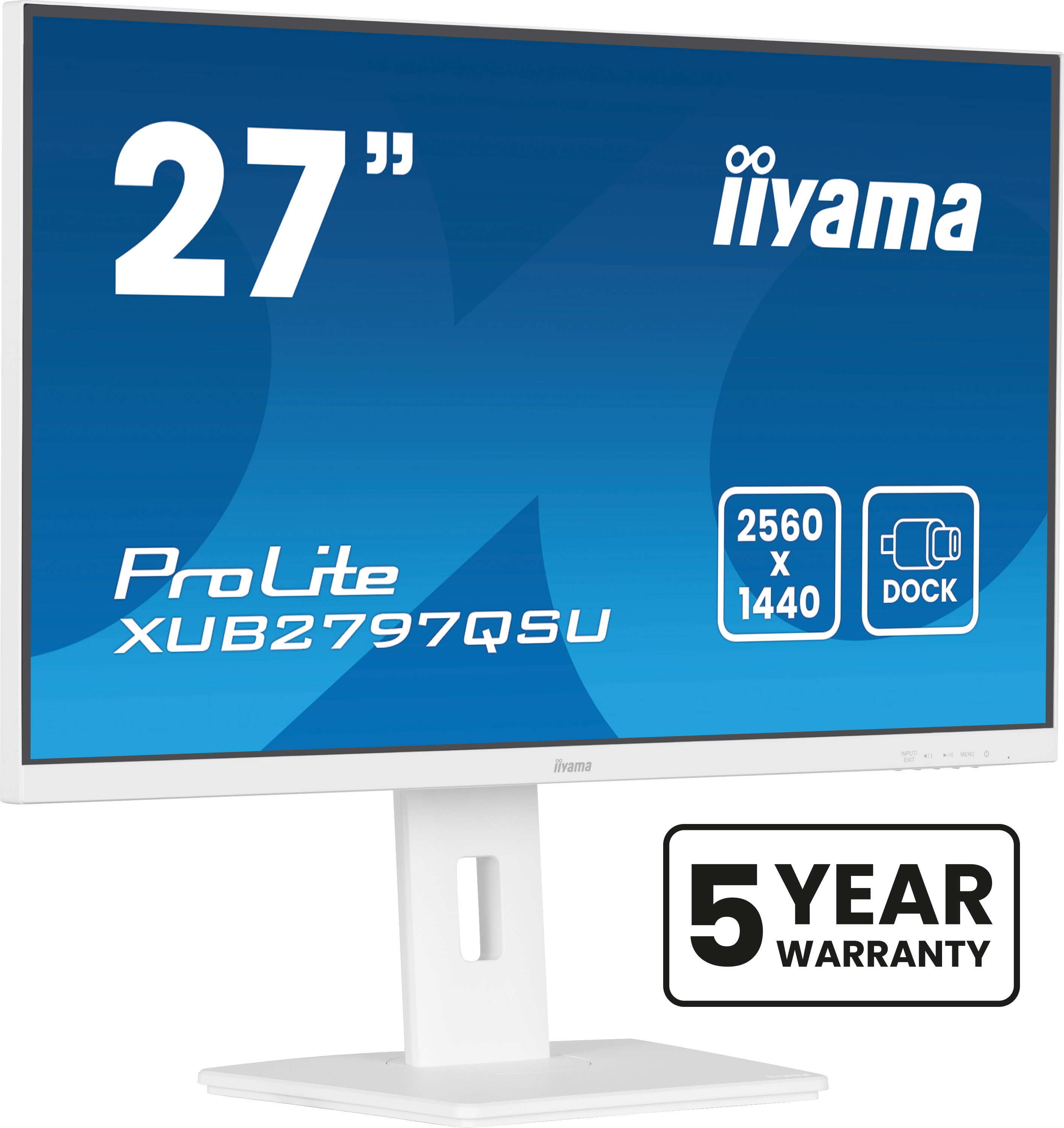
Iiyama
iiyama ProLite XUB2797QSU-W2 - LED monitor - 27" - 2560 x 1440 QHD @ 100 Hz - IPS - 300 cd/m� - 1300:1 - 1 ms - HDMI, DisplayPort - speakers - matt white
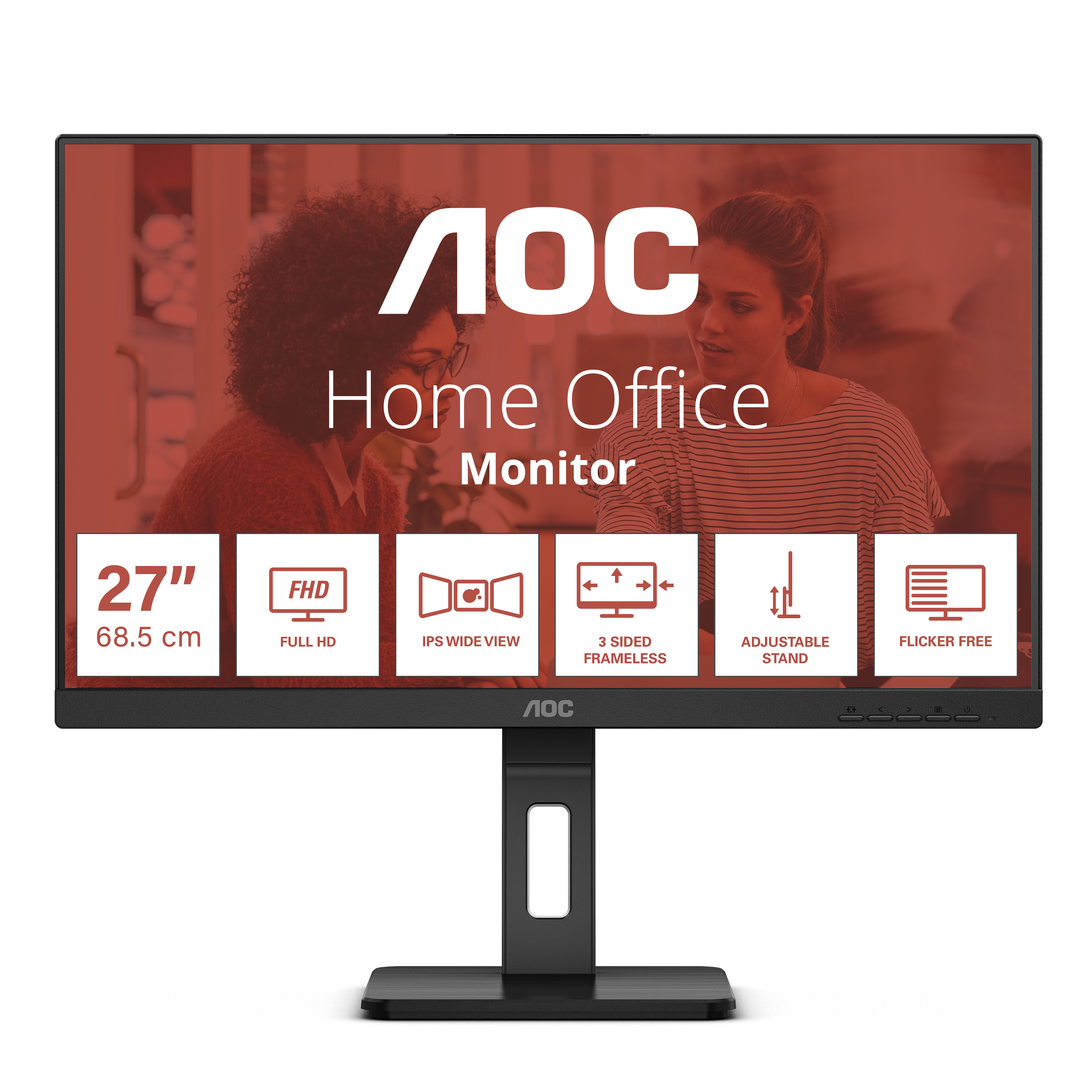
AOC
AOC 27E3QAF - LED monitor - 27" - 1920 x 1080 Full HD (1080p) @ 75 Hz - IPS - 1000:1 - 4 ms - HDMI, VGA, DisplayPort - speakers - textured black
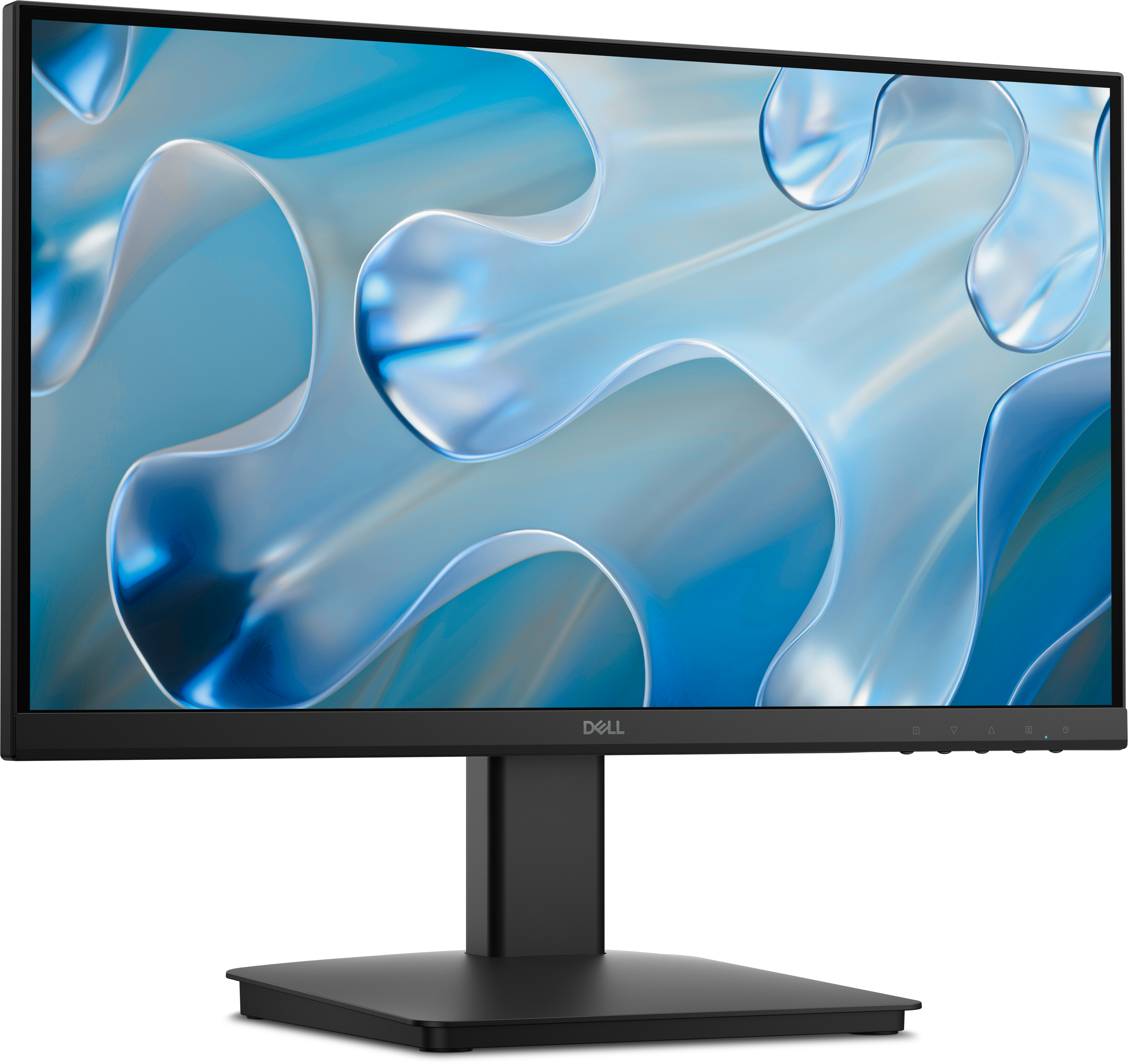
Dell
Dell 22 Monitor - SE2225HM

AOC
Q27G4SDR 26.5' 16:9 QD-OLED 360Hz 2560x1