- Azure Cloud
Azure Backup vs Third-Party Backup: Which Should You Use?
11 Mar, 2026
£157.12 inc. VAT
AI-generated summary
For £137.47 ex-VAT, this Eaton/Tripp Lite USB‑C dock is a solid “get reliable deskside productivity” option—especially if you want three screens without playing driver roulette. Triple-display docking is the kind of thing that either works cleanly or becomes a daily annoyance, and in my experience Tripp Lite tends to be more dependable than the cheapest no-name docks. The built-in Ethernet is also a big practical win in offices where Wi‑Fi is patchy; you’ll notice the difference immediately with video calls, file sync, and general responsiveness.
That said, I wouldn’t buy it if your setup is very edge-case: some triple-display configurations can be picky depending on the laptop’s USB‑C/Thunderbolt capabilities and the exact monitor resolutions you’re targeting. It’s also not the kind of dock I’d choose if you’re hunting for the absolute best power/performance for heavy workloads—100W PD is good for many business laptops, but if your “dock + monitors + demanding docking tasks” load is on the higher side, it’s worth sanity-checking compatibility. Who should buy: typical office users, call‑heavy teams, and IT who want a straightforward, good-value multi-monitor dock that’s less likely to cause support tickets. Who shouldn’t: people with very specific display needs, or anyone who expects “universal perfection” across every laptop model out of the box.
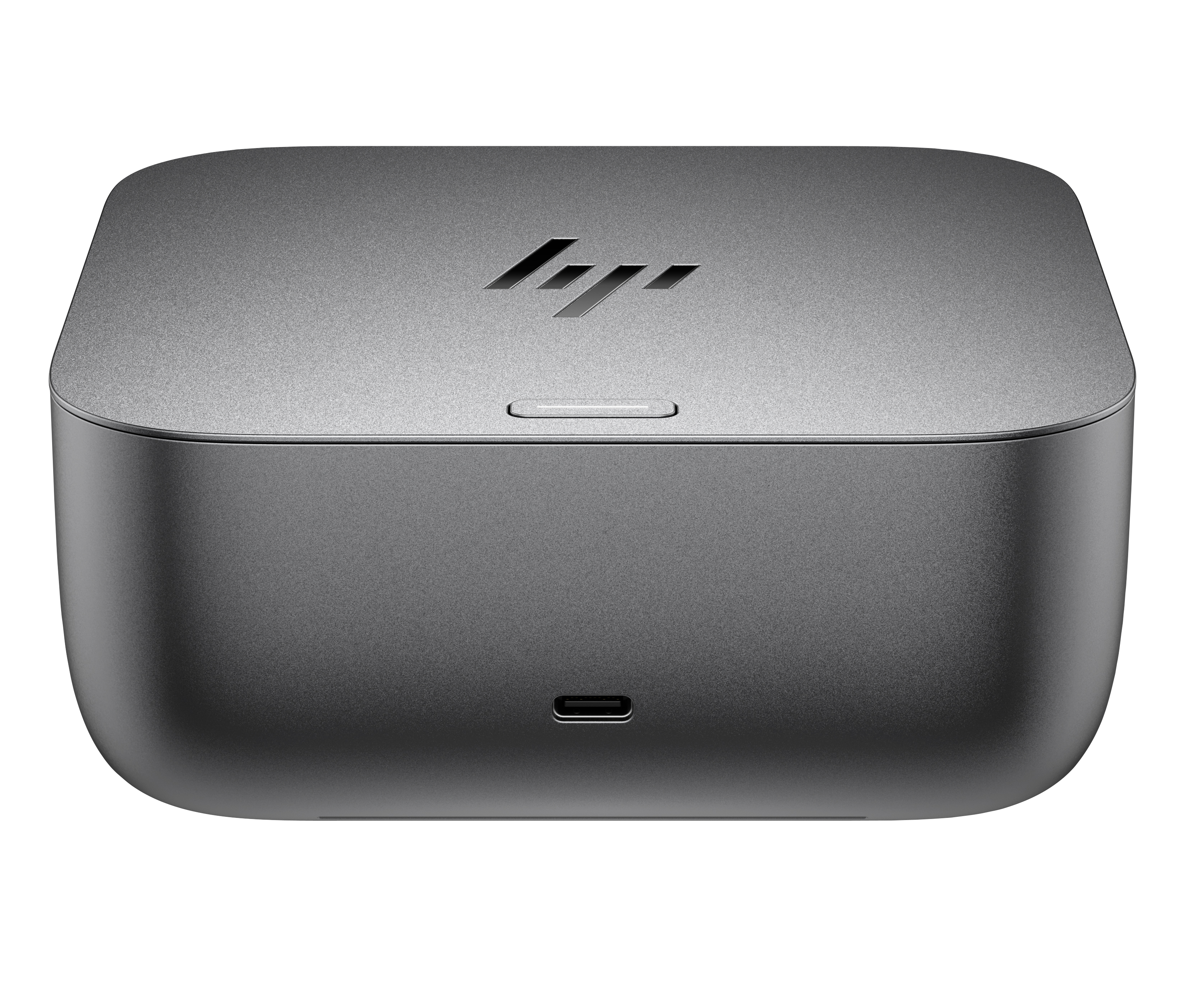
HP
HP Thunderbolt Dock G6 - Docking station - Thunderbolt 4 - 2 x DP, HDMI - 1GbE, 2.5GbE - 180 Watt - United Kingdom
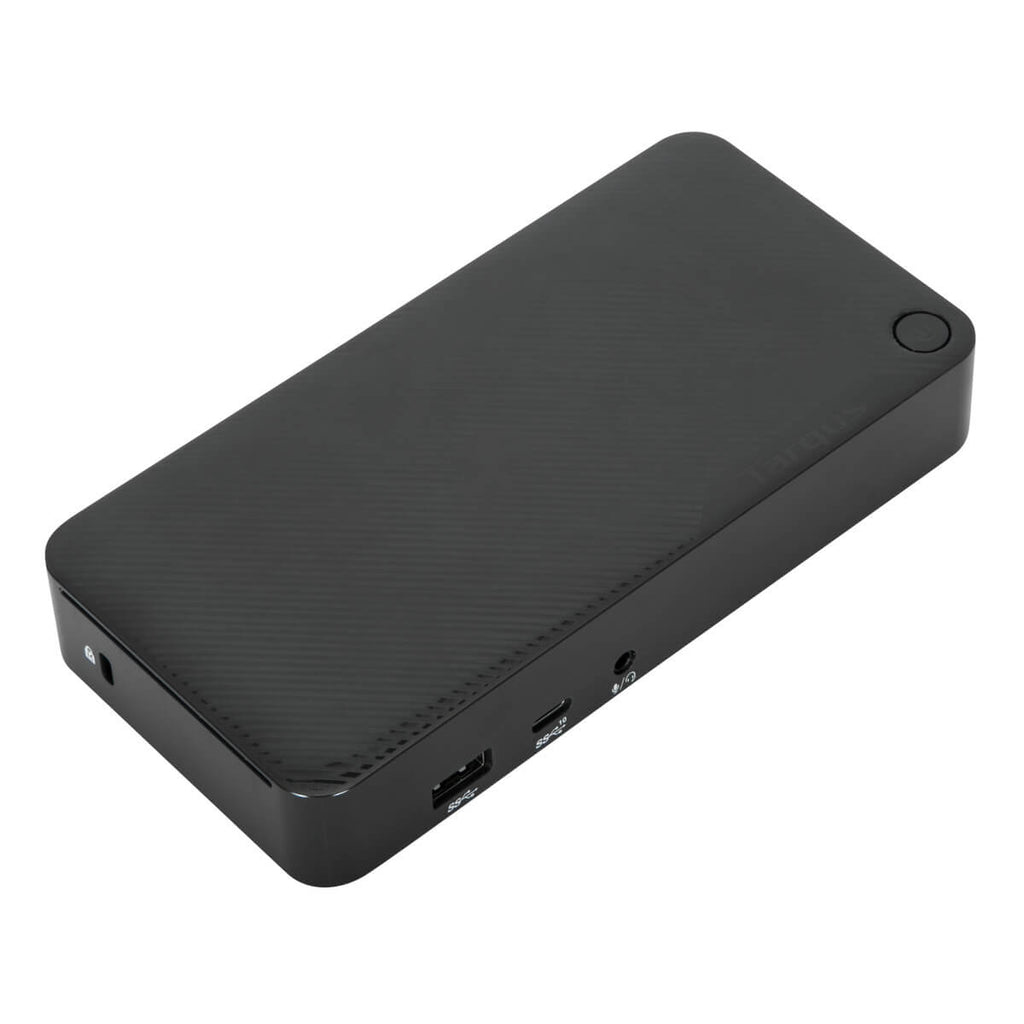
TARGUS HARDWARE
Targus - Docking station - USB-C 3.2 Gen 2 - 2 x DP - 1GbE - 100 Watt - United Kingdom, Europe

Lenovo
Lenovo ThinkPad Hybrid USB-C with USB-A Dock - Docking station - USB-C - 2 x HDMI, 2 x DP - 1GbE - 135 Watt - United Kingdom

STARTECH
StarTech.com USB C Multiport Adapter - USB-C Travel Dock to 4K HDMI, 3x USB 3.0 Hub, SD/SDHC, GbE, 60W PD 3.0 Pass-Through - USB Type-C/Thunderbolt 3 - Upgraded Version of DKT30CSDHPD (DKT30CSDHPD3) - Docking station - USB-C - 1GbE - for P/N: ARMPIVOTE2, FPPNEUSTND, MONSTADQI
Powered by industry-leading technologies including SolarWinds, Cloudflare, BitDefender, AWS, Microsoft Azure, and Cisco Meraki to deliver secure, scalable, and reliable IT solutions.


