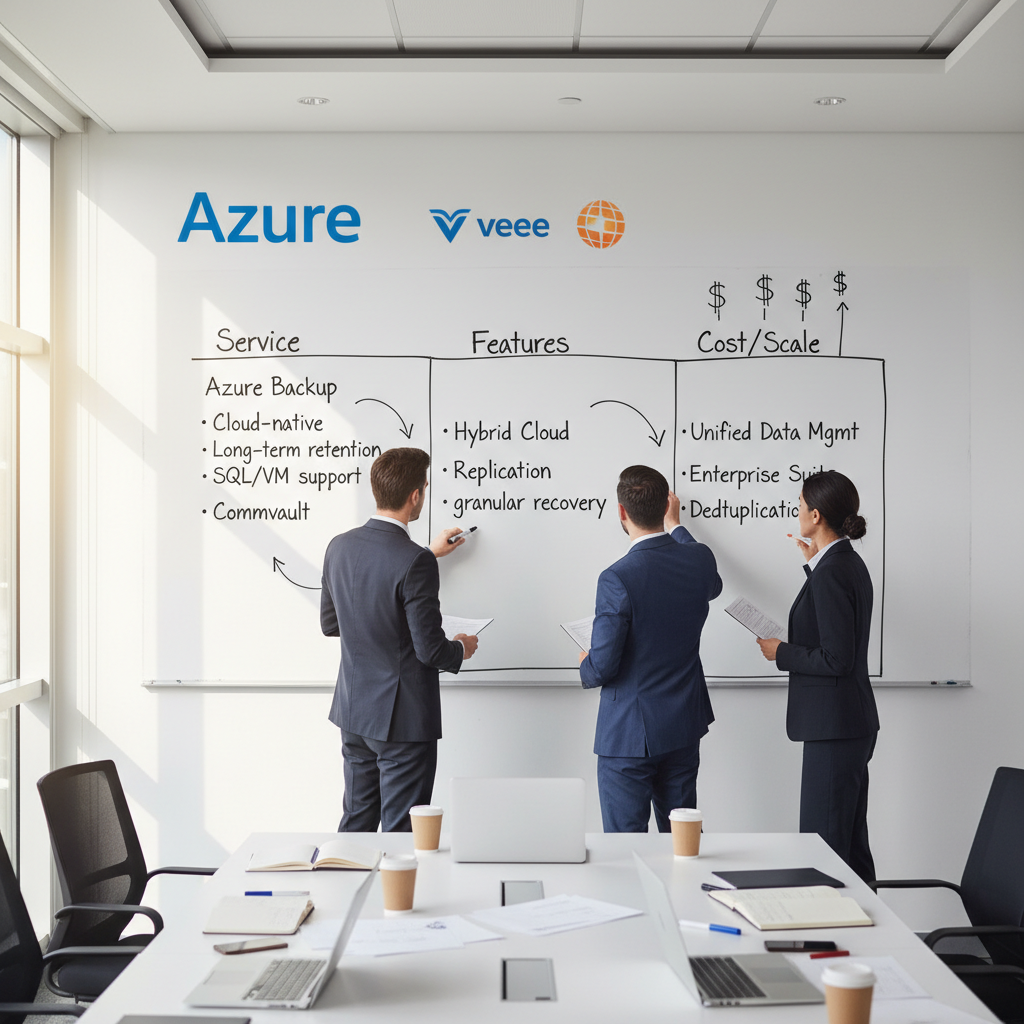
Backing up your business data is non-negotiable. The question is not whether you need a backup solution, but which one is right for your organisation. For UK businesses running workloads on Microsoft Azure - or using Microsoft 365 for email, SharePoint, and Teams - the choice often comes down to Azure Backup, Microsoft's native backup service, versus one of the many third-party backup solutions available in the market.
Both options have genuine strengths, and the right choice depends on your specific requirements, budget, compliance needs, and existing infrastructure. This guide provides an honest, detailed comparison to help UK SMEs make an informed decision.
Understanding Azure Backup
For UK businesses evaluating their backup options, it is important to understand that Azure Backup is not a single product but rather a family of backup capabilities integrated into the Azure platform. The service has evolved significantly since its initial release, with Microsoft continuously expanding the range of workloads supported and the sophistication of the management features available. Today, Azure Backup can protect Azure Virtual Machines, Azure Managed Disks, SQL Server in Azure VMs, SAP HANA databases, Azure Files shares, Azure Blobs, and even on-premises Windows servers and VMware virtual machines through the MARS agent and the Azure Backup Server.
The core architecture centres on the Recovery Services vault (and the newer Backup vault for some workload types), which serves as both the management plane and the storage destination for your backup data. Each vault is deployed to a specific Azure region and can be configured with either locally redundant storage (LRS), zone-redundant storage (ZRS), or geo-redundant storage (GRS). For UK businesses, deploying vaults in UK South with GRS replication to UK West provides a robust disaster recovery posture that keeps all backup data within UK borders - a critical consideration for organisations handling data subject to UK GDPR or sector-specific data sovereignty requirements imposed by regulators such as the Financial Conduct Authority.
Azure Backup is Microsoft's built-in backup-as-a-service offering within the Azure platform. It provides centralised backup management through the Recovery Services vault, supporting a wide range of workloads including Azure Virtual Machines, SQL Server databases, Azure Files, Azure Blobs, and on-premises servers via the Microsoft Azure Recovery Services (MARS) agent.
For businesses already invested in the Microsoft ecosystem, Azure Backup offers the advantage of deep integration. It is configured and managed through the same Azure Portal used for your other cloud resources, uses the same identity and access management (Azure Active Directory), and benefits from the same billing relationship. There is no separate vendor to manage, no additional contract to negotiate, and no integration work required to connect it to your existing Azure infrastructure.
Key Features of Azure Backup
Azure Backup provides application-consistent snapshots that ensure databases and applications are backed up in a consistent state, eliminating the risk of corrupt restores. It supports configurable retention policies from daily to yearly, with the ability to retain backups for up to 99 years for compliance purposes. Data is encrypted both in transit and at rest using Microsoft-managed keys or your own customer-managed keys stored in Azure Key Vault.
The service supports geo-redundant storage, meaning your backups can be replicated to a secondary Azure region automatically. This protects against regional outages - if the primary Azure data centre experiences a catastrophic failure, your backups remain accessible from the secondary region. For UK businesses, this typically means backups stored in UK South with replication to UK West, keeping data within UK borders.
Recovery Services Vault Architecture
The Recovery Services vault is the fundamental building block of Azure Backup, and understanding its architecture helps UK businesses make informed decisions about vault placement and configuration. Each vault can protect multiple resource types and manage thousands of backup items simultaneously. Deploying your primary vault in UK South (London) with cross-region restore enabled to UK West (Cardiff) provides both performance and resilience - backups are taken from resources close to the vault, whilst a secondary copy ensures recoverability even if an entire Azure region experiences a prolonged outage.
Azure Backup supports multiple storage tiers to help manage costs over time. Frequently accessed recovery points are stored in the standard tier, while older recovery points can be moved to the archive tier at significantly lower cost. This tiering is particularly relevant for UK businesses with long-term retention requirements - financial services firms, for example, may need to retain certain records for seven years or more under FCA regulations. The archive tier makes this economically viable without the prohibitive storage costs that long-term retention would otherwise entail.
Security features within Azure Backup have been strengthened considerably in recent years, partly in response to the growing ransomware threat facing UK organisations. Soft delete ensures that backup data is retained for an additional 14 days after deletion, protecting against both accidental and malicious deletion of recovery points. Multi-user authorisation requires approval from a designated security administrator before critical operations such as disabling soft delete or reducing retention policies - adding a layer of protection against compromised administrator accounts, which are increasingly targeted by sophisticated threat actors operating against UK businesses.
Understanding Third-Party Backup
The third-party backup market is mature and highly competitive, with vendors that have been developing data protection solutions for decades. Companies such as Veeam, Commvault, Acronis, Datto, and Druva bring deep expertise in backup and recovery that predates the cloud era, and they have invested heavily in extending their platforms to support cloud workloads alongside traditional on-premises infrastructure. This heritage means that third-party solutions often offer features and capabilities that cloud-native backup services have not yet matched, particularly in areas such as granular recovery, cross-platform support, and advanced automation.
For UK businesses, the choice of a third-party backup vendor also introduces considerations around vendor management, support, and contractual relationships. Unlike Azure Backup, which is part of your existing Microsoft relationship and billed through your Azure subscription, a third-party solution involves a separate vendor agreement, a separate support channel, and potentially a separate procurement process. For organisations with established procurement frameworks - common in the public sector and in regulated industries - this additional vendor relationship adds administrative overhead that should be factored into the total cost of ownership calculation.
That said, the independence of third-party solutions is also one of their greatest strengths. Because these vendors are not tied to a single cloud platform, they have a strong commercial incentive to support every major cloud provider, every major operating system, and every major application platform. This broad compatibility makes third-party solutions the natural choice for businesses operating in genuinely hybrid or multi-cloud environments, where a single vendor-neutral backup platform can simplify management considerably compared to maintaining separate backup solutions for each platform.
Third-party backup solutions such as Veeam, Acronis, Datto, Druva, and Commvault offer backup services that work across multiple platforms and cloud providers. These solutions can typically back up Azure workloads, Microsoft 365 data, AWS resources, Google Workspace, on-premises servers, and endpoints - all from a single management console.
The primary advantage of third-party solutions is platform independence. If your business uses a hybrid infrastructure spanning Azure, AWS, and on-premises servers, a third-party solution provides a single pane of glass for managing backups across all environments. They also frequently offer features that Azure Backup lacks, particularly around Microsoft 365 backup.
Feature-by-Feature Comparison
| Capability | Azure Backup | Third-Party (e.g., Veeam) |
|---|---|---|
| Azure VM Backup | Excellent - native integration | Good - agent or agentless options |
| Microsoft 365 Backup | Limited - Microsoft 365 Backup still evolving | Comprehensive - Exchange, SharePoint, OneDrive, Teams |
| Multi-cloud Support | Azure only | Azure, AWS, GCP, on-premises |
| Granular Restore | VM-level, file-level, SQL database | VM, file, email, SharePoint item, Teams message |
| Ransomware Protection | Soft delete, immutable vaults | Air-gapped copies, immutability, anomaly detection |
| Pricing Model | Pay-as-you-go based on storage consumed | Per-user or per-VM licensing plus storage |
| Management Console | Azure Portal | Dedicated backup management console |
| UK Data Residency | UK South and UK West regions available | Varies - verify data centre locations |
Interpreting the Comparison
The feature comparison above highlights a fundamental strategic distinction between the two approaches. Azure Backup excels within the Azure ecosystem - it is deeply integrated, requires no additional infrastructure, and benefits from Microsoft's continuous investment in the platform. Third-party solutions excel at breadth - covering multiple clouds, on-premises infrastructure, and SaaS applications from a single management plane. Neither approach is inherently superior; the right choice depends entirely on the scope and complexity of your IT environment.
For UK businesses running a relatively straightforward Azure environment with a limited number of virtual machines and databases, Azure Backup is often the more practical choice. It eliminates the need to evaluate, procure, deploy, and maintain a separate backup product, and its consumption-based pricing means you pay only for what you protect. For organisations with more complex, hybrid environments - particularly those using multiple cloud providers or needing comprehensive Microsoft 365 backup - the additional cost and complexity of a third-party solution is justified by the broader coverage it provides.
It is also worth considering the operational implications for your team. Azure Backup is managed entirely within the Azure Portal, which your infrastructure team already uses daily. There is no separate console to learn, no additional credentials to manage, and no integration work to connect backup alerts to your existing monitoring systems. Third-party solutions require their own management consoles, user accounts, and operational procedures - which may be acceptable for larger organisations with dedicated backup administrators, but can be burdensome for smaller UK businesses where a single IT team manages everything from networking to end-user support.
The Microsoft 365 Backup Gap
One of the most important considerations for UK businesses is Microsoft 365 backup. Microsoft's own terms of service make clear that they provide infrastructure-level resilience but do not protect against user-level data loss. If an employee accidentally deletes a critical email, a malicious insider wipes a SharePoint library, or ransomware encrypts your OneDrive files, Microsoft's built-in protections have significant limitations.
Azure Backup's native Microsoft 365 backup capabilities have been expanding but remain less mature than established third-party solutions. Veeam Backup for Microsoft 365, for example, provides comprehensive backup of Exchange Online, SharePoint Online, OneDrive for Business, and Microsoft Teams - with granular restore capabilities that allow you to recover individual emails, files, or even Teams conversations.
The practical implications of this gap are significant for UK businesses. Under UK GDPR, organisations have specific obligations around data retention and the ability to respond to data subject access requests. If a former employee's mailbox is deleted from Microsoft 365 - either intentionally or through licence reassignment - Microsoft's native retention policies may not preserve that data for the full period required by your retention schedule. A third-party backup of Microsoft 365 ensures that mailbox data, SharePoint documents, and Teams conversations are retained independently of Microsoft's own retention policies, giving you full control over your data lifecycle and the ability to respond to regulatory requests even years after a user account has been deprovisioned.
Ransomware represents another critical scenario where third-party Microsoft 365 backup proves its value. If a ransomware attack encrypts files synchronised to OneDrive for Business, Microsoft's version history can help - but only if the attack is detected before the version history retention window expires. Third-party backup solutions maintain completely independent copies of your data, typically in immutable storage that cannot be affected by ransomware even if the attacker gains administrative access to your Microsoft 365 tenant. For UK businesses operating in sectors with heightened cybersecurity requirements, such as financial services, healthcare, or legal, this air-gapped protection is increasingly regarded as essential rather than optional.
Microsoft has been working to address this gap with its own Microsoft 365 Backup service, which is gradually rolling out additional capabilities. However, at the time of writing, this service remains in its relatively early stages and does not yet offer the maturity, granularity, or feature depth of established third-party solutions that have been refining their Microsoft 365 backup capabilities for many years. UK businesses should monitor Microsoft's progress in this area, but should not delay implementing Microsoft 365 backup protection while waiting for Microsoft's own offering to reach full maturity - the risk of data loss in the interim is too significant to accept.
Microsoft is responsible for the availability of the Microsoft 365 service - their infrastructure, data centres, and network. You are responsible for your data - protection against accidental deletion, malicious insiders, ransomware, and retention beyond Microsoft's native policies. This shared responsibility model means that relying solely on Microsoft's built-in protections leaves significant gaps in your data protection strategy.
Cost Comparison
Pricing for backup solutions can be complex, and direct comparison requires understanding the different pricing models.
Hidden Costs and Total Cost of Ownership
When comparing backup costs, it is essential to look beyond headline pricing and consider the total cost of ownership over a three to five year period. Azure Backup's consumption-based model appears straightforward, but costs can escalate with longer retention periods, geo-redundant storage, and cross-region restore enablement. A 30-day retention policy costs significantly less than a seven-year retention policy for the same set of virtual machines, and GRS storage is roughly twice the cost of LRS. Understanding these cost levers is important for accurate budgeting and avoiding unwelcome surprises when the monthly invoice arrives.
Third-party solutions introduce their own hidden costs that are often underestimated during initial evaluation. Licensing fees are only part of the equation - you must also account for the compute and storage infrastructure needed to run the backup software (if self-hosted), the time your IT team spends managing and updating the backup platform, and the training costs to ensure your staff can operate the solution effectively. For UK businesses using a managed service provider to handle their backups, these operational costs may be bundled into a monthly service fee, simplifying the comparison but potentially obscuring the underlying cost structure.
The true cost of any backup solution, however, must ultimately be measured against the cost of not having adequate backups. The average cost of a significant data loss event for a UK business runs into the millions when you account for operational downtime, regulatory fines under UK GDPR (which can reach up to four per cent of global annual turnover), reputational damage, customer attrition, and the cost of manual data reconstruction. Against this backdrop, the monthly cost difference between Azure Backup and a third-party solution is often marginal - what matters far more is whether your chosen solution actually protects all your critical data and can restore it reliably within your required recovery time objectives.
Azure Backup uses a consumption-based model. You pay for the number of protected instances (VMs, databases, etc.) plus the storage consumed by your backups. For a typical UK SME with 5 Azure VMs and 2TB of backup data, monthly costs might range from £150 to £400 depending on retention policies and storage redundancy options.
Third-party solutions typically charge per user, per VM, or per TB of protected data, plus storage costs (which may be included or separate). Veeam Backup for Microsoft 365, for example, costs approximately £2-4 per user per month. A comprehensive Veeam solution covering Azure VMs and Microsoft 365 for a 50-user business might cost £300-600 per month.
Which Should You Choose?
The decision depends on your specific circumstances. Here is a framework for making the choice.
Choose Azure Backup When
- Your workloads are primarily or exclusively on Azure
- You value simplicity and native integration
- You have a separate solution for Microsoft 365 backup
- You prefer consumption-based pricing with no upfront commitment
- UK data residency within Azure regions meets your compliance needs
Choose Third-Party Backup When
- You need to back up across multiple platforms (Azure, AWS, on-prem)
- Microsoft 365 backup is a critical requirement
- You need advanced ransomware protection with air-gapped copies
- Granular restore of individual emails, files, or Teams messages is essential
- You want a single management console for all backup operations
The Hybrid Approach
Many UK businesses find that the best answer is not one or the other, but both. Azure Backup for Azure-native workloads - VMs, SQL databases, Azure Files - combined with a specialist third-party solution for Microsoft 365 backup and any non-Azure workloads. This hybrid approach leverages the strengths of each platform while eliminating the gaps.
Whichever approach you choose, the most important thing is that your backups are tested regularly. A backup you have never tested is a backup you cannot trust. Schedule regular restore tests - at minimum quarterly - to verify that your data can actually be recovered when you need it. The worst time to discover your backups do not work is during a genuine disaster.
Implementing a Backup Testing Programme
A backup solution is only as reliable as your last successful restore test. Yet the statistics are sobering - roughly one-third of UK businesses never test their backups at all, relying on the assumption that because backup jobs complete without errors, the data must be recoverable. Implementing a structured backup testing programme is arguably more important than the choice between Azure Backup and a third-party solution. At minimum, schedule quarterly restore tests for your most critical workloads, covering both full VM restores and granular file-level recoveries. Document the results meticulously, including the time taken to restore, any issues encountered during the process, and whether the restored data was complete and consistent.
For Azure Backup, Microsoft provides built-in restore testing capabilities that allow you to restore a VM to an isolated virtual network for validation without affecting your production environment. Use this feature regularly to verify that your backups are not only completing successfully but producing recoverable data. A backup job that reports success but produces a corrupt or incomplete restore is worse than no backup at all, because it creates a false sense of security that is shattered only when a real disaster strikes and your business is relying on those backups for survival.
UK businesses should also consider their legal and regulatory obligations around backup testing. The Information Commissioner's Office expects organisations to have tested and verified data recovery procedures as part of their broader data protection obligations under UK GDPR. ISO 27001, Cyber Essentials Plus, and sector-specific frameworks such as those from the Financial Conduct Authority and the Solicitors Regulation Authority all include requirements around business continuity and disaster recovery testing. Your backup testing programme should be documented, regularly executed, and the results retained as evidence of compliance - regardless of whether you use Azure Backup, a third-party solution, or a hybrid approach combining both.
Making Your Final Decision
Ultimately, the choice between Azure Backup and a third-party solution should be driven by a thorough assessment of your specific requirements rather than vendor marketing or industry trends. Start by documenting your backup requirements comprehensively: which workloads need protection, what recovery time and recovery point objectives you need to meet, what retention periods are mandated by your industry regulations, and whether you need to protect Microsoft 365 data independently of Microsoft's native capabilities. This requirements document becomes the foundation against which you evaluate every potential solution.
With these requirements documented, evaluate both Azure Backup and at least two third-party solutions against your specific criteria. Request demonstrations, run proof-of-concept deployments, and - critically - test restore operations from each solution before making a final commitment. The backup solution you choose will be a cornerstone of your business resilience strategy for years to come, and the investment in thorough evaluation will pay dividends when you inevitably need to rely on it during a genuine data loss event. For many UK businesses, engaging an independent cloud consultancy to assist with this evaluation brings valuable objectivity and experience that can prevent costly mistakes.
Need Help Choosing the Right Backup Strategy?
Cloudswitched designs and manages backup solutions for UK businesses using Azure and Microsoft 365. We will assess your requirements, recommend the right approach, and ensure your data is protected and recoverable.
GET IN TOUCH
CloudSwitched
London-based managed IT services provider offering support, cloud solutions and cybersecurity for SMEs.


