- AI
How AI Can Reduce Business Costs
20 Mar, 2026
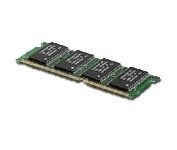
£163.49 inc. VAT
AI-generated summary
If this “Epson 256MB DDR” is genuinely an original Epson module, it can be a sensible fix for older Epson print/scan hardware that’s starved for memory. In the real world, extra RAM helps when you’re seeing slow job handling, frequent buffering, or documents bogging down—especially on busy offices running lots of mixed print jobs (graphics, PDFs, multi-page docs). At £136.24 ex-VAT, though, it’s priced like a specialist spare, not like something you’d buy to “upgrade for fun,” so the value hinges entirely on whether your device actually supports and benefits from that specific memory level.
I’d only buy it if you’ve confirmed compatibility with your exact Epson model/firmware and you’ve identified memory-related symptoms (or you’re doing a planned maintenance refresh). Otherwise, I’d be cautious: DDR capacity this small is mostly relevant to older kit, and you may end up paying a premium for marginal gains when a firmware tweak, a different upgrade path, or even using the device’s default memory settings could solve the issue. If you tell me the Epson model number, I can give you a much clearer “worth it vs not” call.
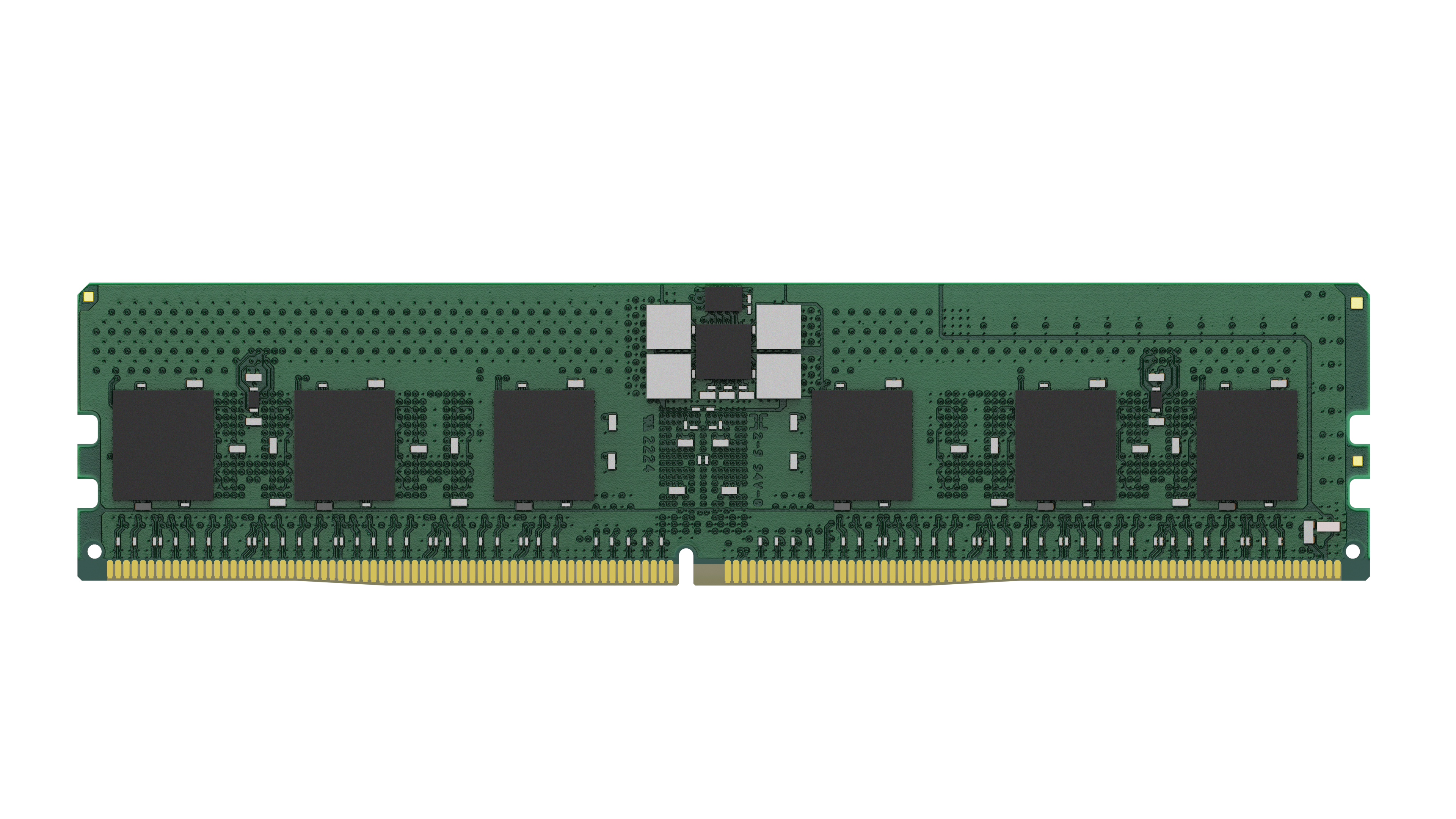
Kingston
Kingston - DDR5 - module - 24 GB - DIMM 288-pin - 5600 MHz / PC5-44800 - CL46 - 1.1 V - registered - ECC
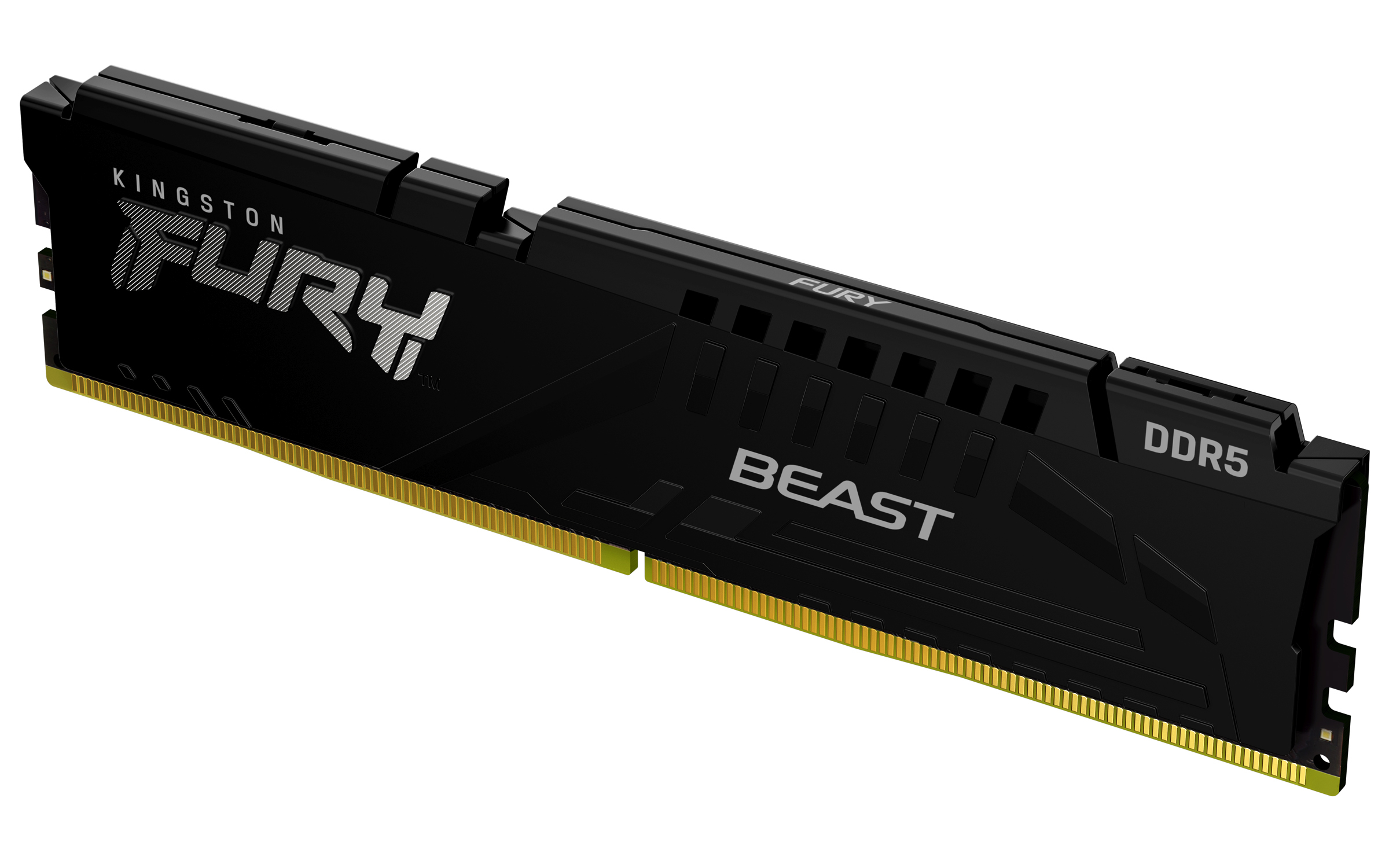
Kingston
Kingston FURY Beast - DDR5 - module - 64 GB - DIMM 288-pin - 2800 MHz / PC5-44800 - CL36 - 1.25 V - unbuffered - on-die ECC - black

Kingston
Kingston FURY Beast - DDR5 - kit - 128 GB: 4 x 32 GB - DIMM 288-pin - 5200 MT/s / PC5-41600 - CL40 - 1.25 V - on-die ECC
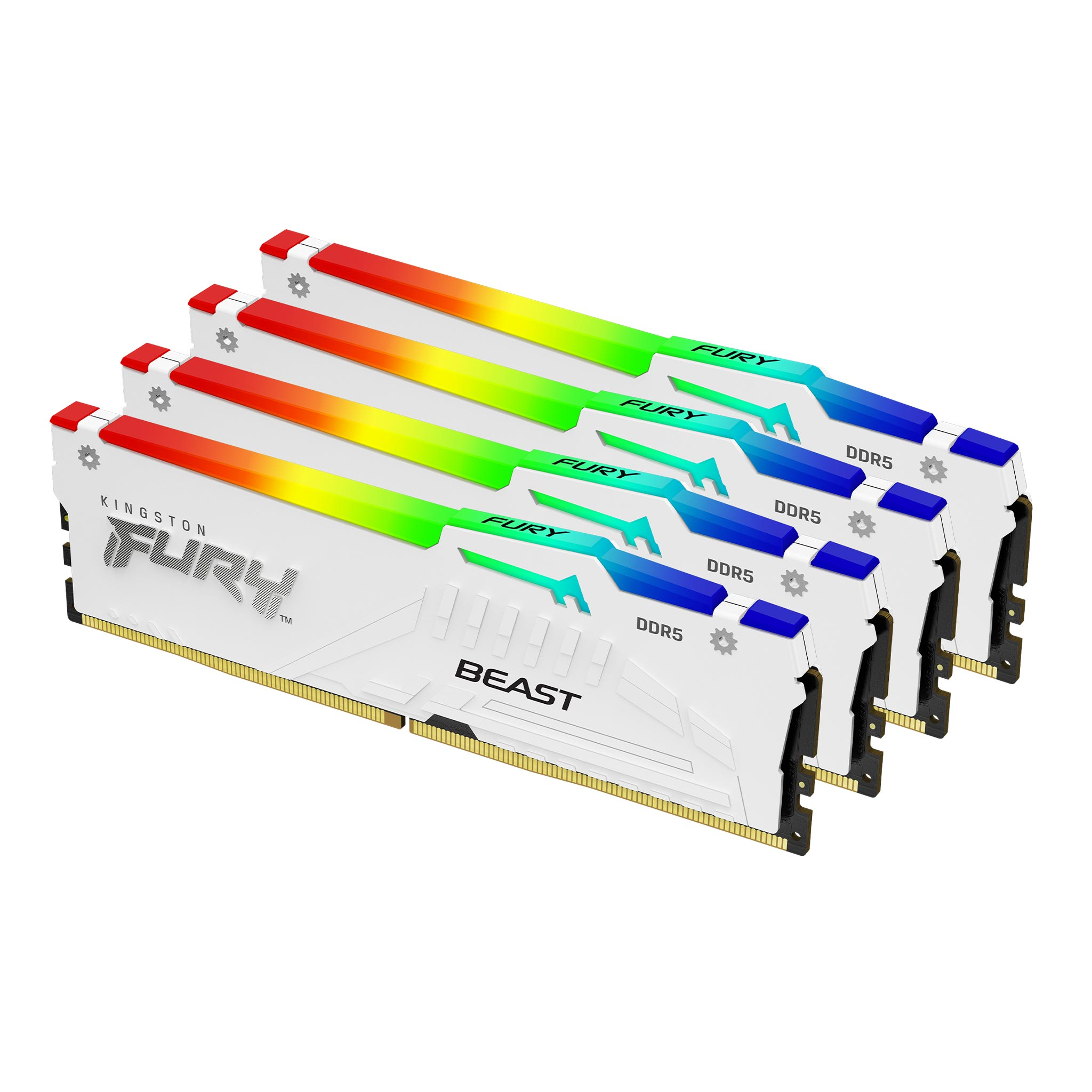
Kingston
Kingston FURY Beast RGB - DDR5 - kit - 64 GB - DIMM 288-pin - 6000 MT/s / PC5-48000 - CL40 - 1.35 V - unbuffered - on-die ECC - white
Powered by industry-leading technologies including SolarWinds, Cloudflare, BitDefender, AWS, Microsoft Azure, and Cisco Meraki to deliver secure, scalable, and reliable IT solutions.


