- IT Support
How to Onboard a New IT Support Provider Without Disruption
11 Mar, 2026
£185.09 inc. VAT
AI-generated summary
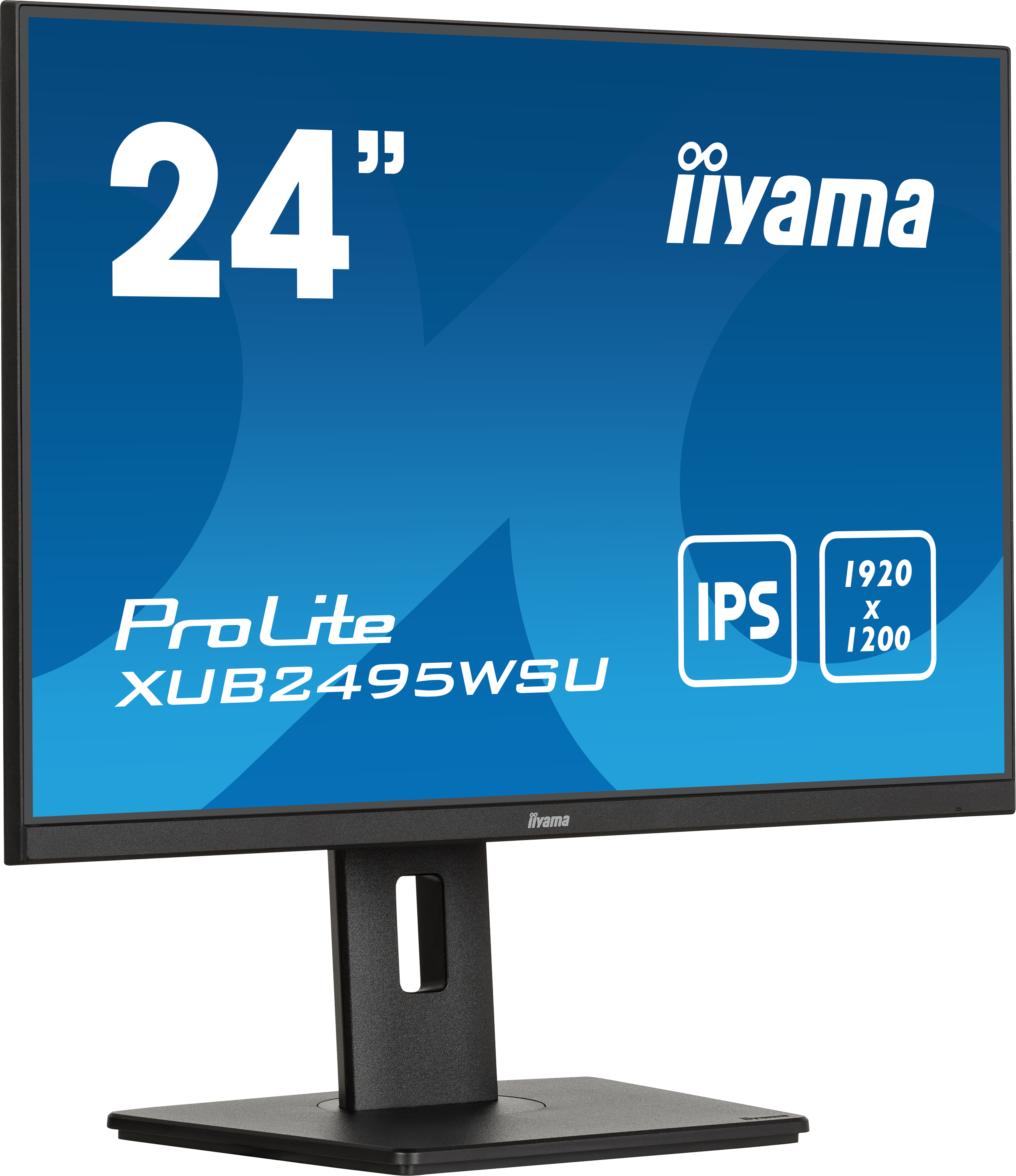
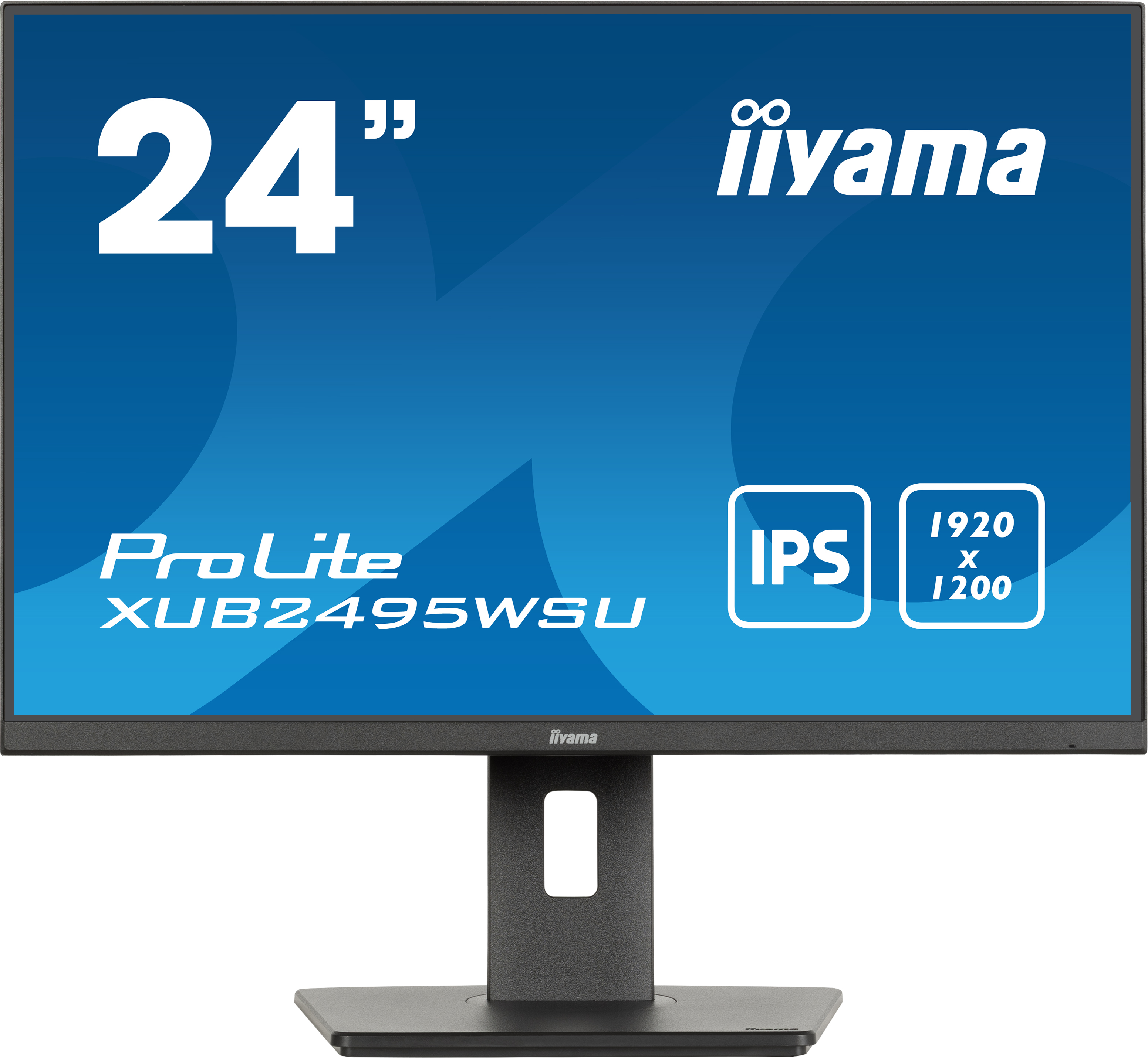
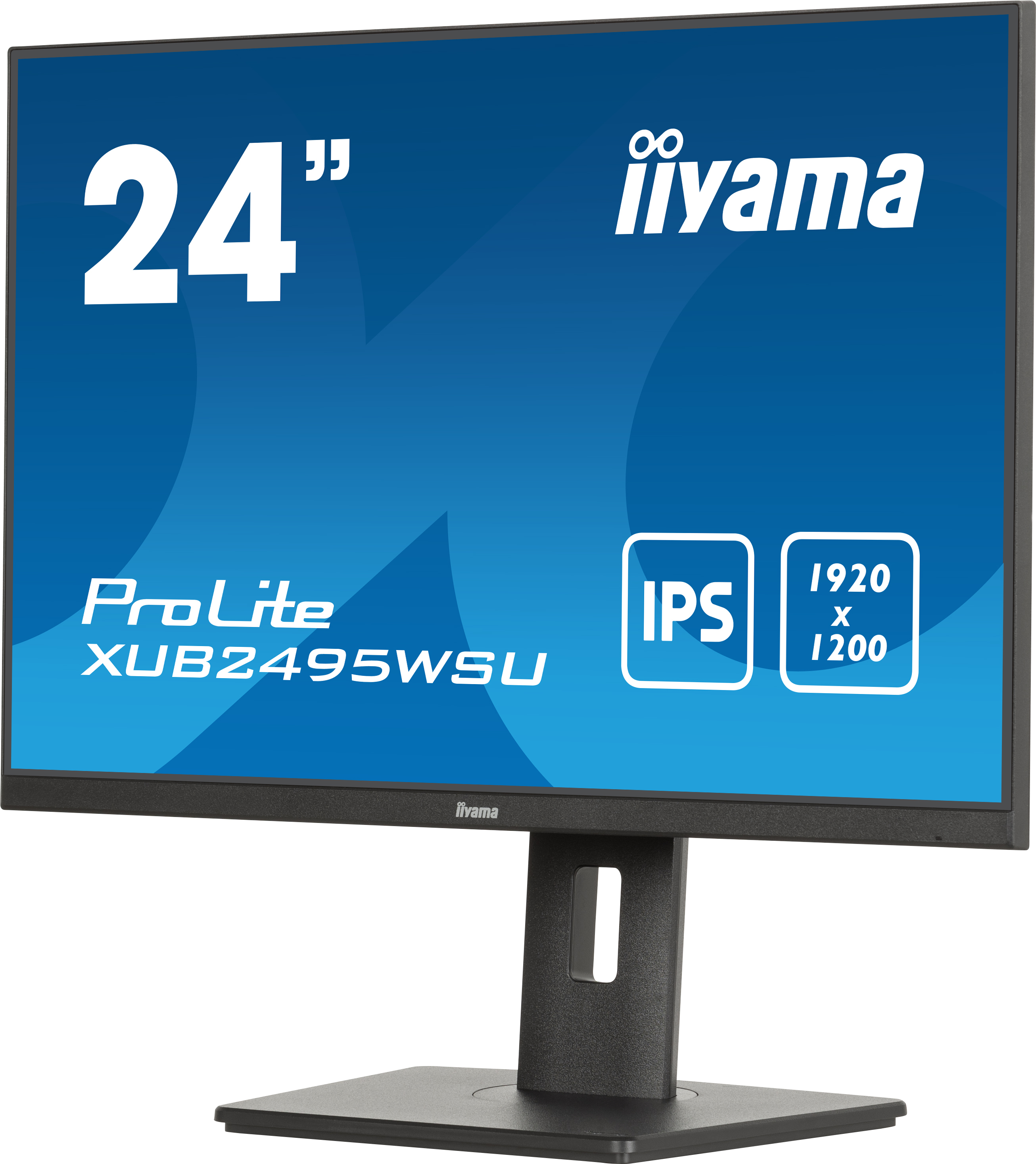
The iiyama ProLite XUB2495WSU-B7 at ~£157.70 ex-VAT looks like a sensible “office-first” buy if you want a lot of screen real estate without paying premium brand money. The 24-inch size with a slightly taller WUXGA format is genuinely useful for spreadsheets, documents, coding, and reports—more comfortable for long workdays than the more common 16:9 alternatives. iiyama’s value usually comes down to practical ergonomics and dependable day-to-day performance rather than flashy features, and for the price this kind of reliability is exactly what businesses need.
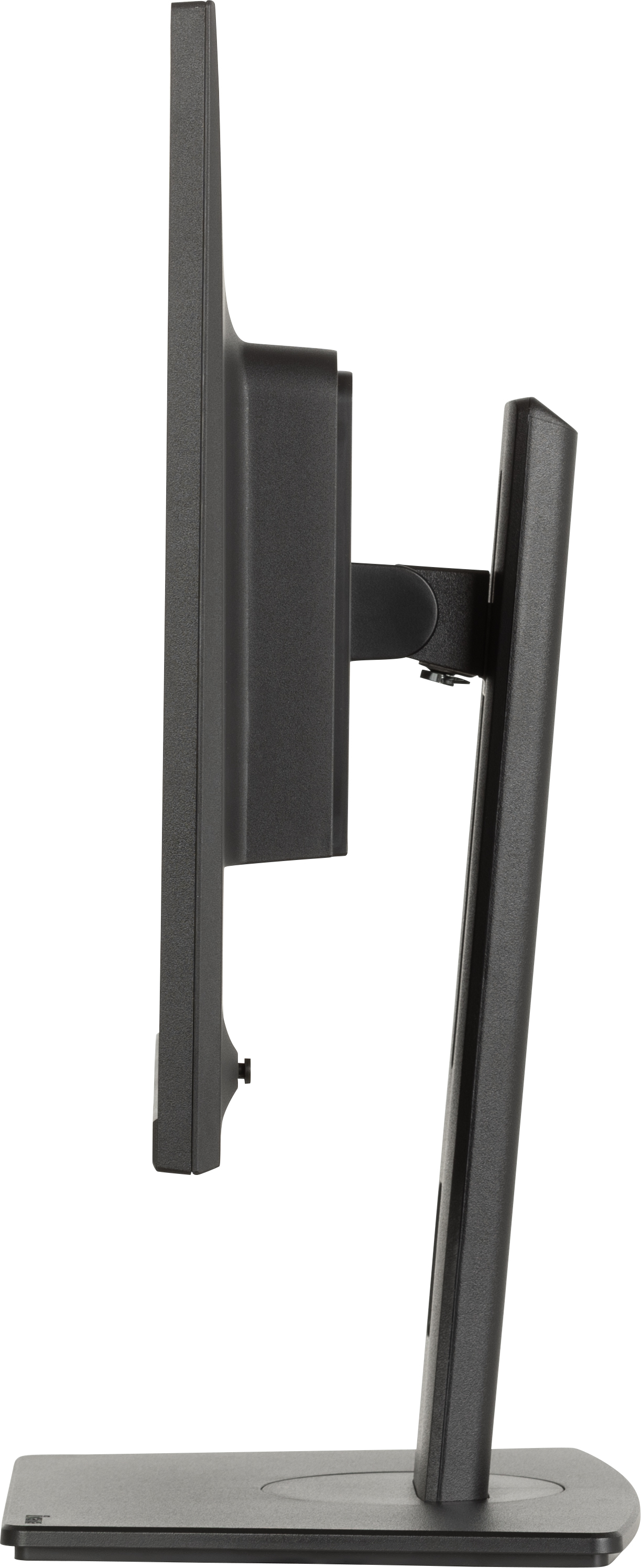
That said, I wouldn’t treat it like a “multimedia / design / colour-critical” monitor. If your teams rely heavily on accurate colour grading, high-end creative workflows, or gaming with very specific motion/contrast expectations, you’ll want to sanity-check the panel’s brightness, viewing angles, and any colour performance against your internal requirements. Also, if your desks are shared and you need lots of height/tilt adjustability, make sure the stand and connectivity meet your setup—iiyama is often fine, but it’s worth verifying rather than assuming. Overall: good value for admin, finance, analytics, and general knowledge-work—just not the best pick for colour- or entertainment-led use cases.
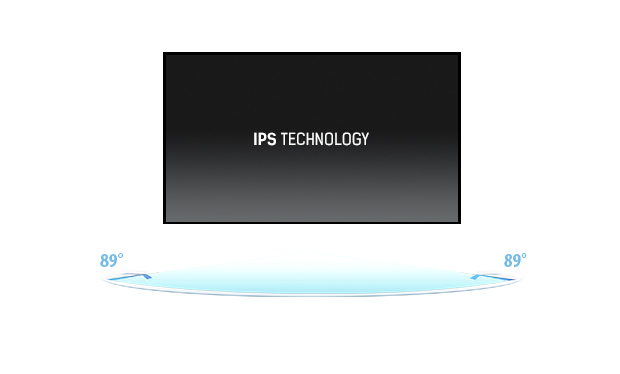
IPS Technology
IPS displays are best known for wide viewing angles and natural, highly accurate colours. They are especially suited for colour-critical applications.
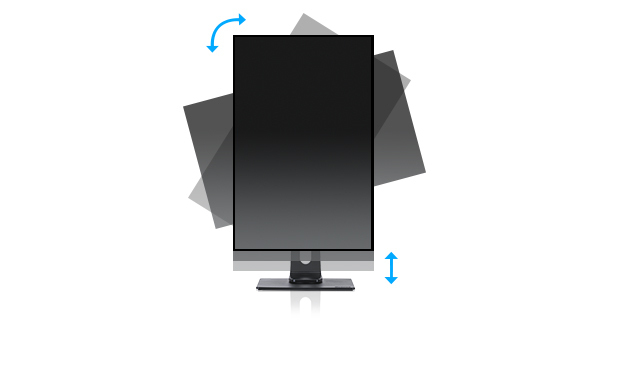
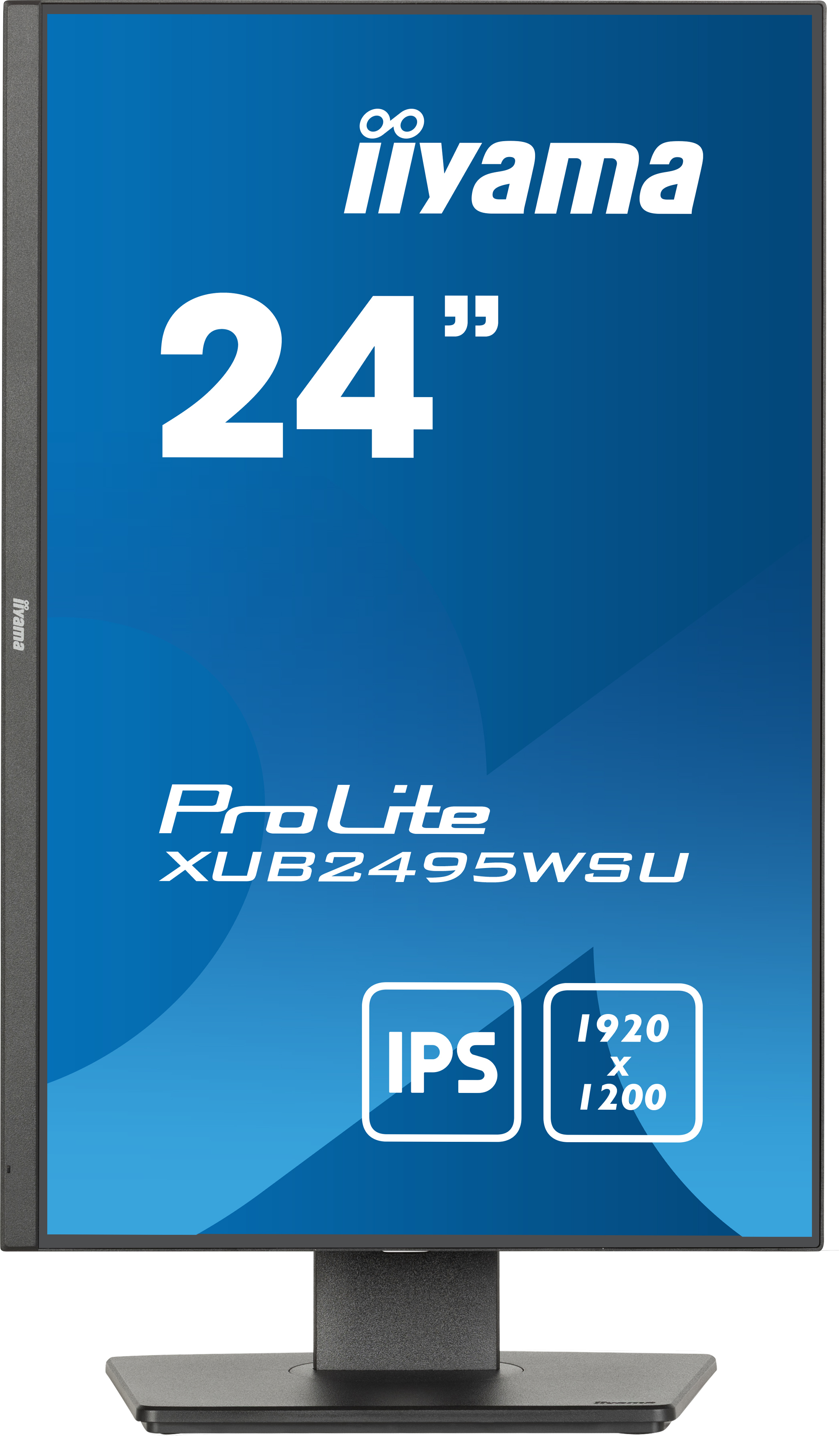
HAS (150mm) + Pivot (rotation both sides)
With a height adjustable stand you will create an ergonomic work posture and position that meets all health and safety requirements. This will not only prevent any health issues but will also incre...
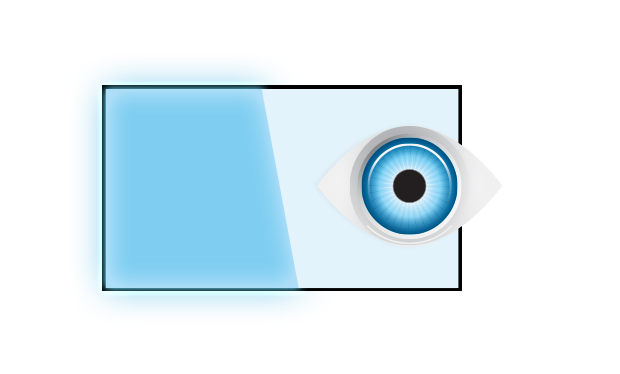
Blue light reducer
As we all know looking at a monitor screen for several hours per day, especially form a closer distance, causes eye fatigue. This effect is much stronger with computer screens than with TV equipmen...
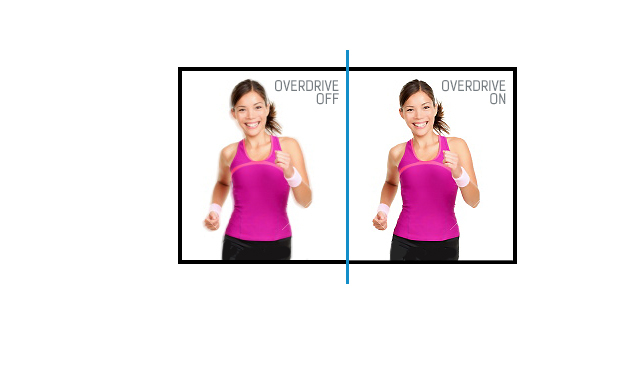
OverDrive ON / OFF
When very fast graphics are displayed your monitor can sometimes get blurry. Turning on the OverDrive feature will eliminate that.
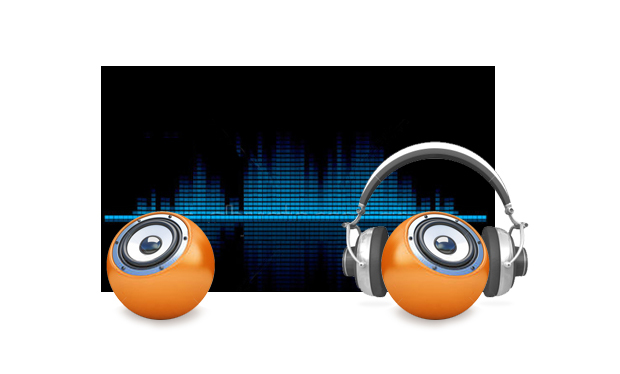
Speakers and headphones
Playing with friends? Use the integrated high-quality speakers. Don’t want to disturb anybody? Plug your headset into the headphone socket and turn the volume up.
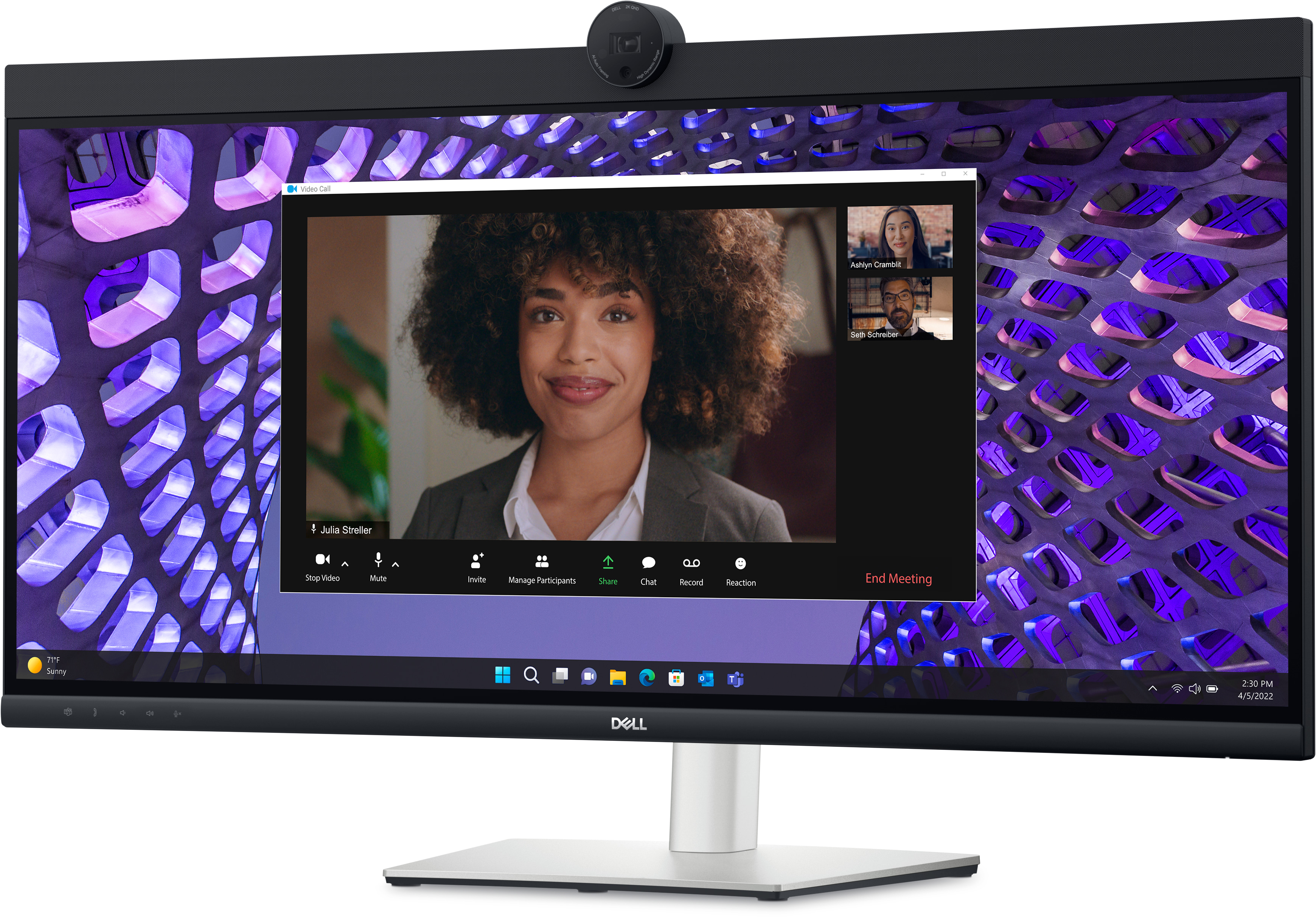
Dell
Dell P3424WEB - LED monitor - curved - 34" - 3440 x 1440 UWQHD @ 60 Hz - IPS - 300 cd/m� - 1000:1 - 5 ms - HDMI, DisplayPort, USB-C - speakers - with 3 years Advanced Exchange Basic Warranty
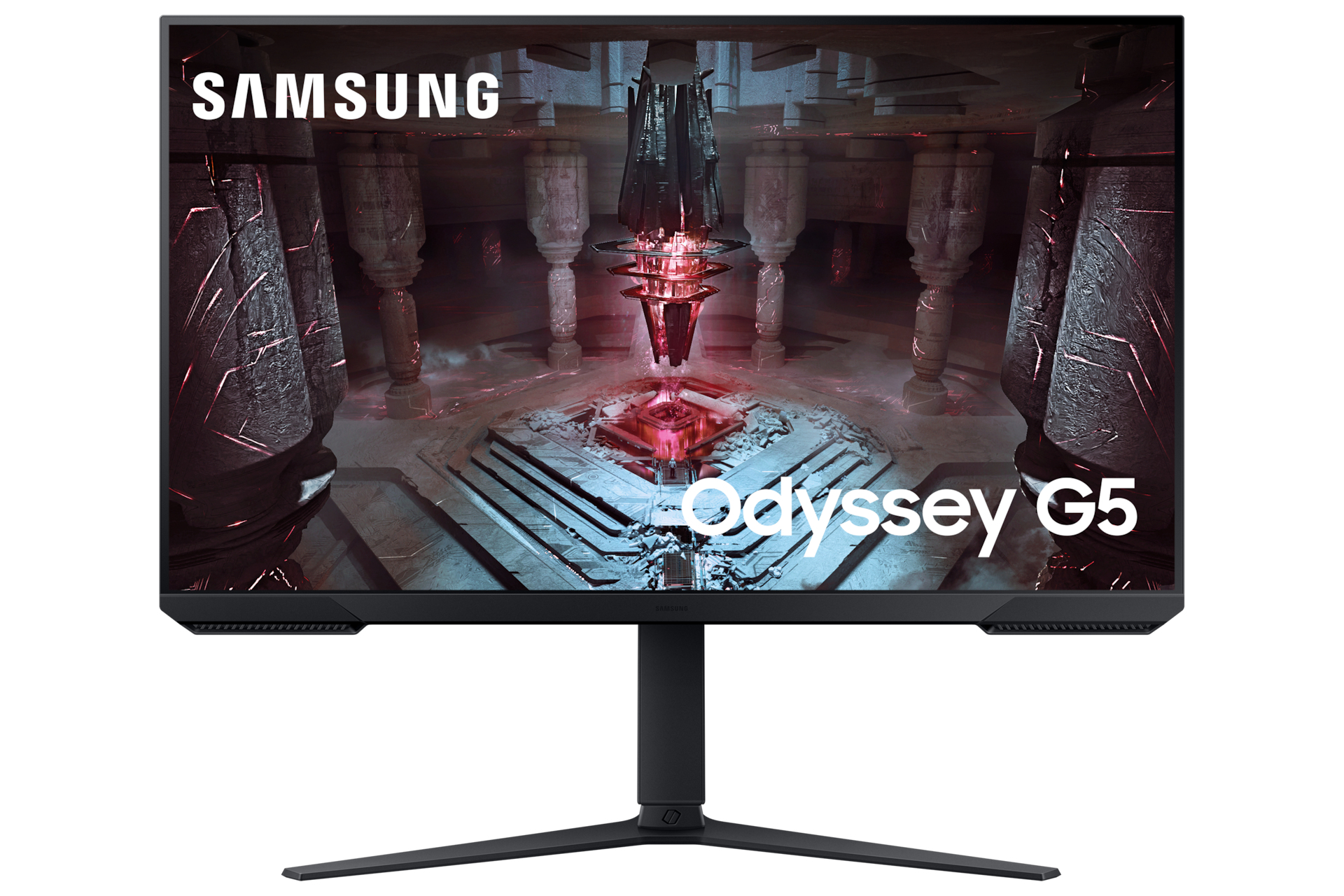
Samsung
Samsung Odyssey G5 S32CG510EU - G51C Series - LED monitor - gaming - 32" - 2560 x 1440 QHD @ 165 Hz - VA - 300 cd/m� - 3000:1 - HDR10 - 1 ms - 2xHDMI, DisplayPort - black

Philips
Philips Evnia 6000 27M2N6501L - OLED monitor - gaming - 27" (26.5" viewable) - 2560 x 1440 QHD @ 240 Hz - 400 cd/m� - 1500000:1 - HDR10 - 0.03 ms - 2xHDMI, DisplayPort - white
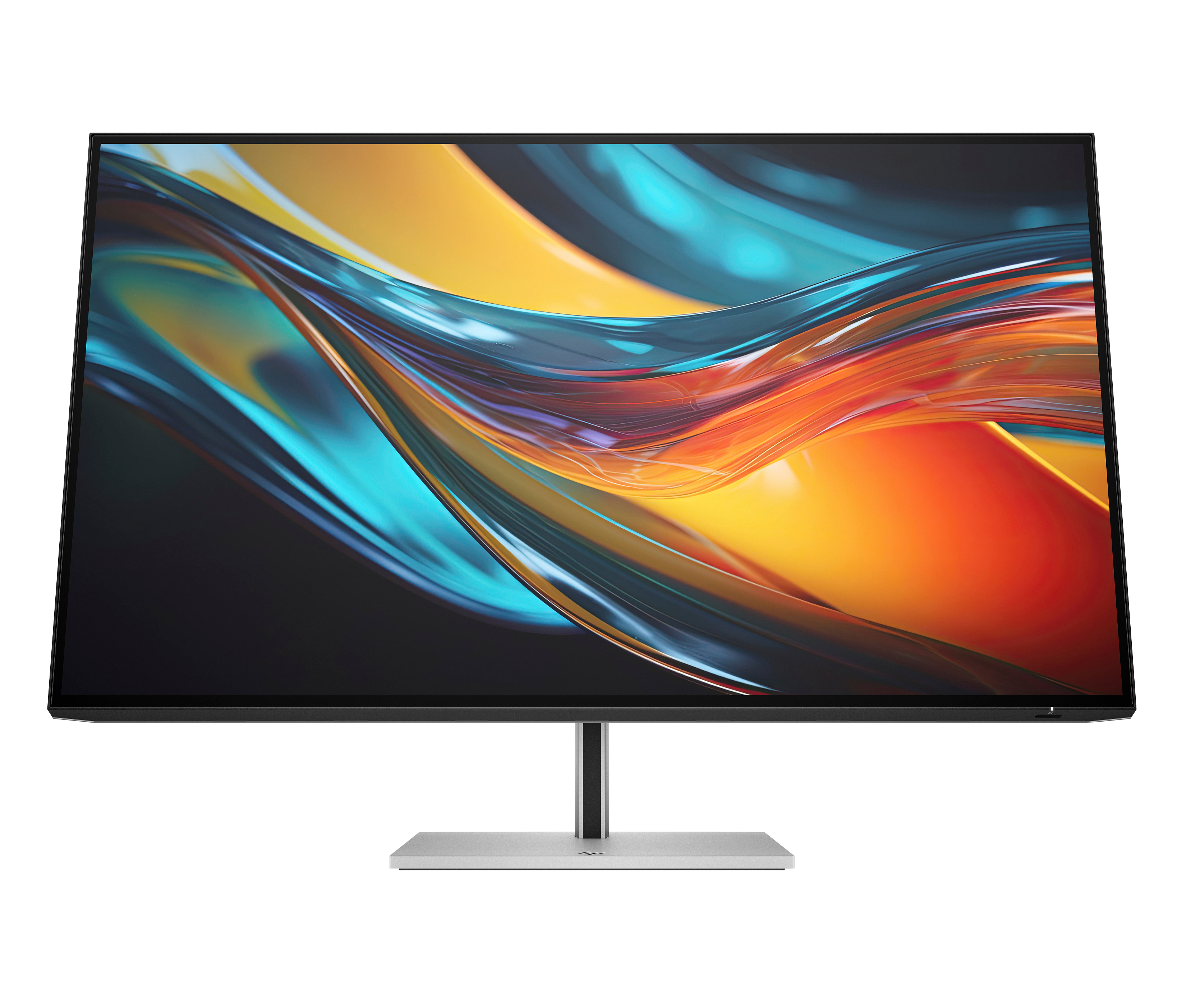
HP
HP 732pk - Series 7 Pro - LED monitor - 32" (31.5" viewable) - 3840 x 2160 4K @ 60 Hz - IPS Black - 400 cd/m� - 2000:1 - 5 ms - Thunderbolt 4, HDMI, DisplayPort - black, silver