- Virtual CIO
The Virtual CIO Checklist: 20 Things to Review Annually
25 Mar, 2026


£471.97 inc. VAT
AI-generated summary
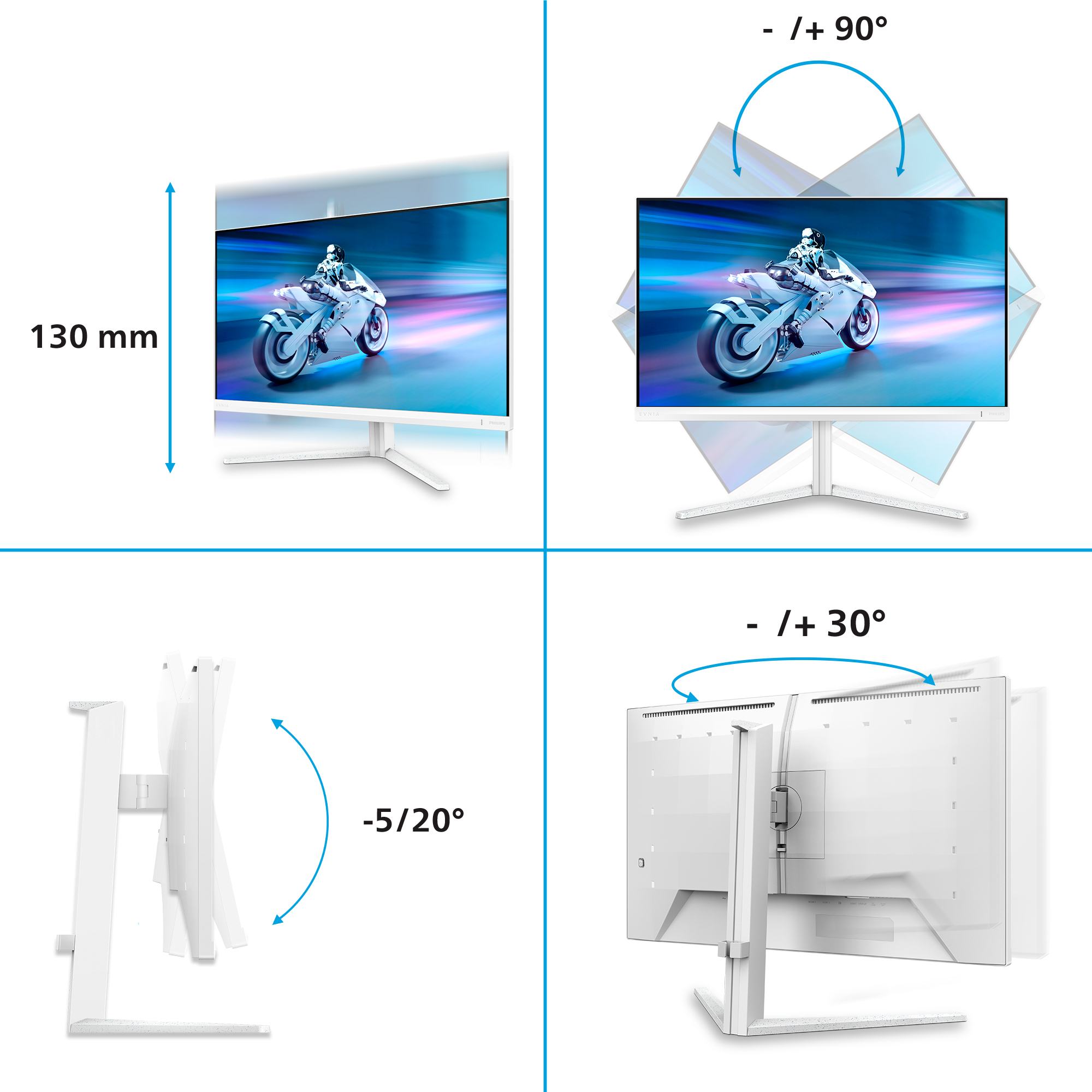
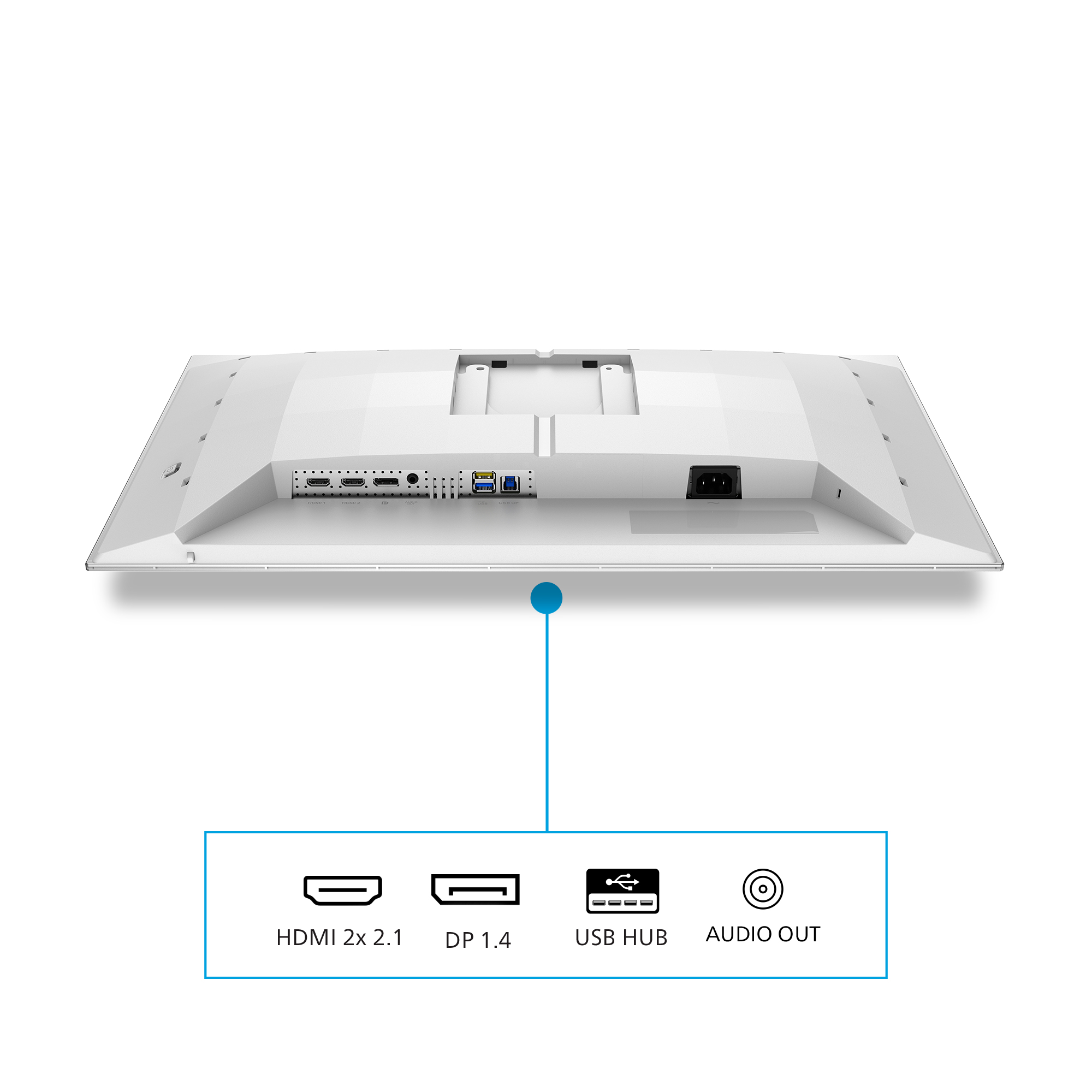
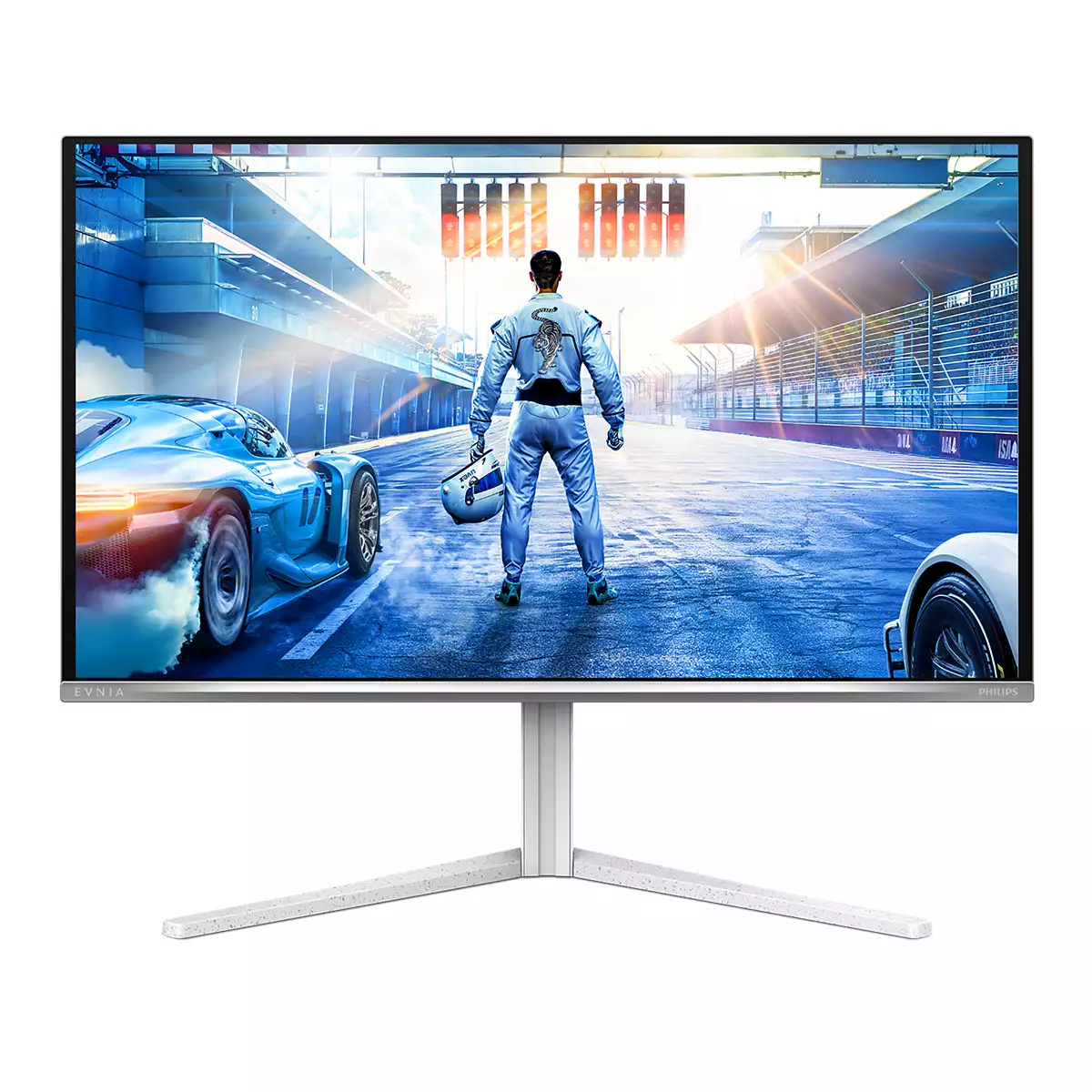
The Philips Evnia 6000 26.5" QD‑OLED is the sort of monitor you buy when you care about image quality more than “value per inch”. At ~£393 ex‑VAT, it’s not cheap, but OLED at this size tends to make everything look more premium—deeper blacks, punchier contrast, and generally a nicer “everything pops” feel for office work mixed with proper media. For a UK business setup where people actually spend time looking at content (finance teams analysing dashboards, designers, marketing, analysts watching training/briefs), it’s a strong choice because it’ll make day-to-day viewing more comfortable and visually satisfying.
That said, I wouldn’t rush to spec this for a standard data-entry-only or 9–5 spreadsheet-only environment where the same UI elements get hammered all day. OLED isn’t “set-and-forget” compared with IPS—static screens and heavy use can mean you’ll want to be a bit more disciplined with window management, brightness, and standby habits. If your users will have varied content and you’re willing to follow basic OLED hygiene, it’s a great monitor; if you need maximum simplicity for mixed users and long static workloads, a reliable IPS is usually the safer (and cheaper) route.

Evnia Precision Center: Maximize Your Gaming Experience
Evnia Precision Center is an easy-to-use software designed to optimize and personalize your Evnia monitor. Whether you're a casual or competitive gamer, it offers a wide range of customization opti...

Stark ShadowBoost: for enhancing visibility in dark scenes
This feature enhances dark scenes without overexposing lightened areas. The Stark Shadowboost feature has three selectable levels that offer texturized images with better color saturation with high...

AI-enhanced Ambiglow: for intensified entertainment
Our AI-enhanced processor analyzes the incoming image content and continuously adapts the color and brightness of the emitted light to match the image. This feature adds a new dimension to your vie...

Smart Sniper: Improved control when you zoom in on targets
Smart Sniper gives you better control over your scope for precise aiming. It overlays an additional window at either the top or center of your screen, and enables you to select a zoom level up to 2...

Smart Crosshair: for better aim and more fun
Color of Crosshair is set by default. When Smart Crosshair is on, the color will change as complementary color to the background color. Smart Crosshair enhances the accuracy of aiming so you can sp...

MultiView enables simultaneous dual connection and view
With the ultra-high resolution Philips MultiView display you can now experience a world of connectivity. MultiView enables active dual connect and view so that you can work with multiple devices li...
Dell
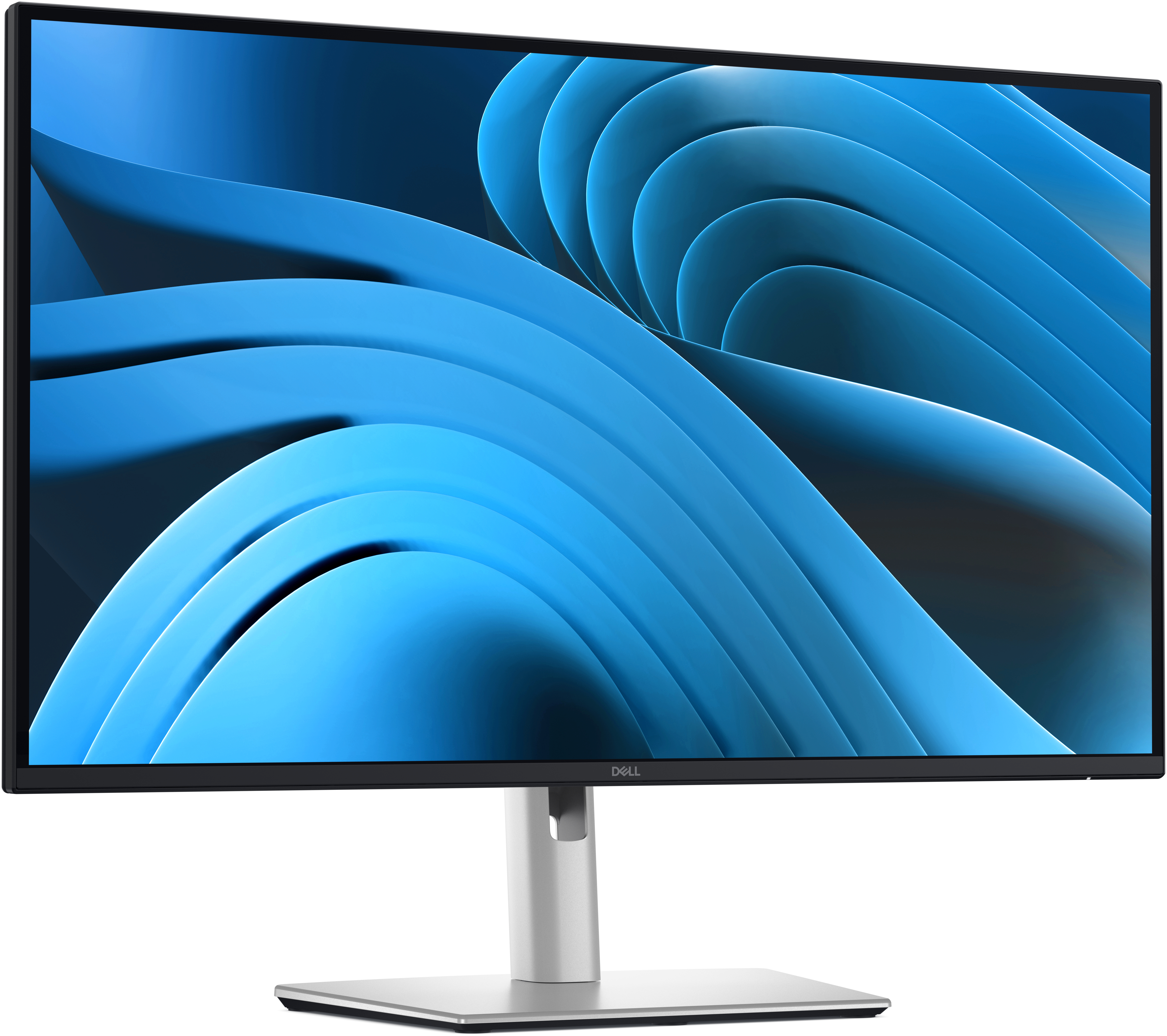
Dell Pro Plus P2725D - LED monitor - 27" - 2560 x 1440 QHD @ 100 Hz - IPS - 350 cd/m� - 1500:1 - 5 ms - HDMI, DisplayPort - BTO - with 3 years Advanced Exchange Service
Dell
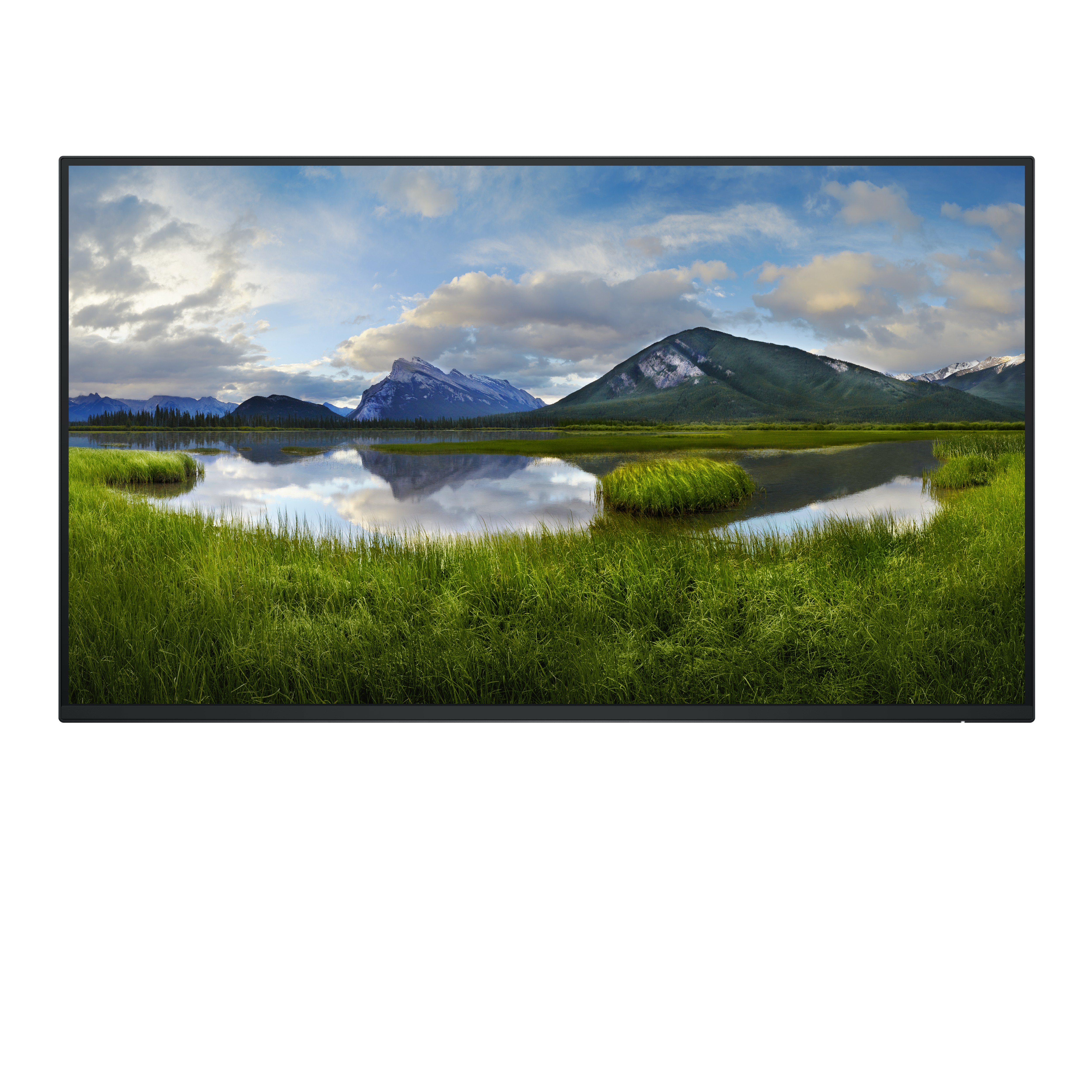
Dell P2725H - Without stand - LED monitor - 27" - 1920 x 1080 Full HD (1080p) @ 100 Hz - IPS - 300 cd/m� - 1500:1 - 5 ms - HDMI, VGA, DisplayPort - BTO - with 3 years Basic Hardware Service with Advanced Exchange after remote diagnosis
ViewSonic
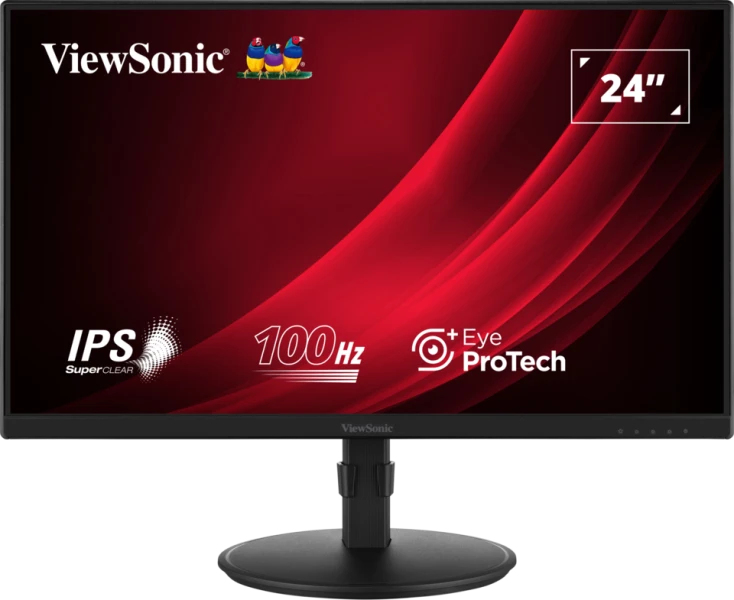
ViewSonic VA2408-HDJ - LED monitor - 24" - 1920 x 1080 Full HD (1080p) @ 100 Hz - IPS - 250 cd/m� - 1300:1 - 5 ms - HDMI, VGA, DisplayPort
HP
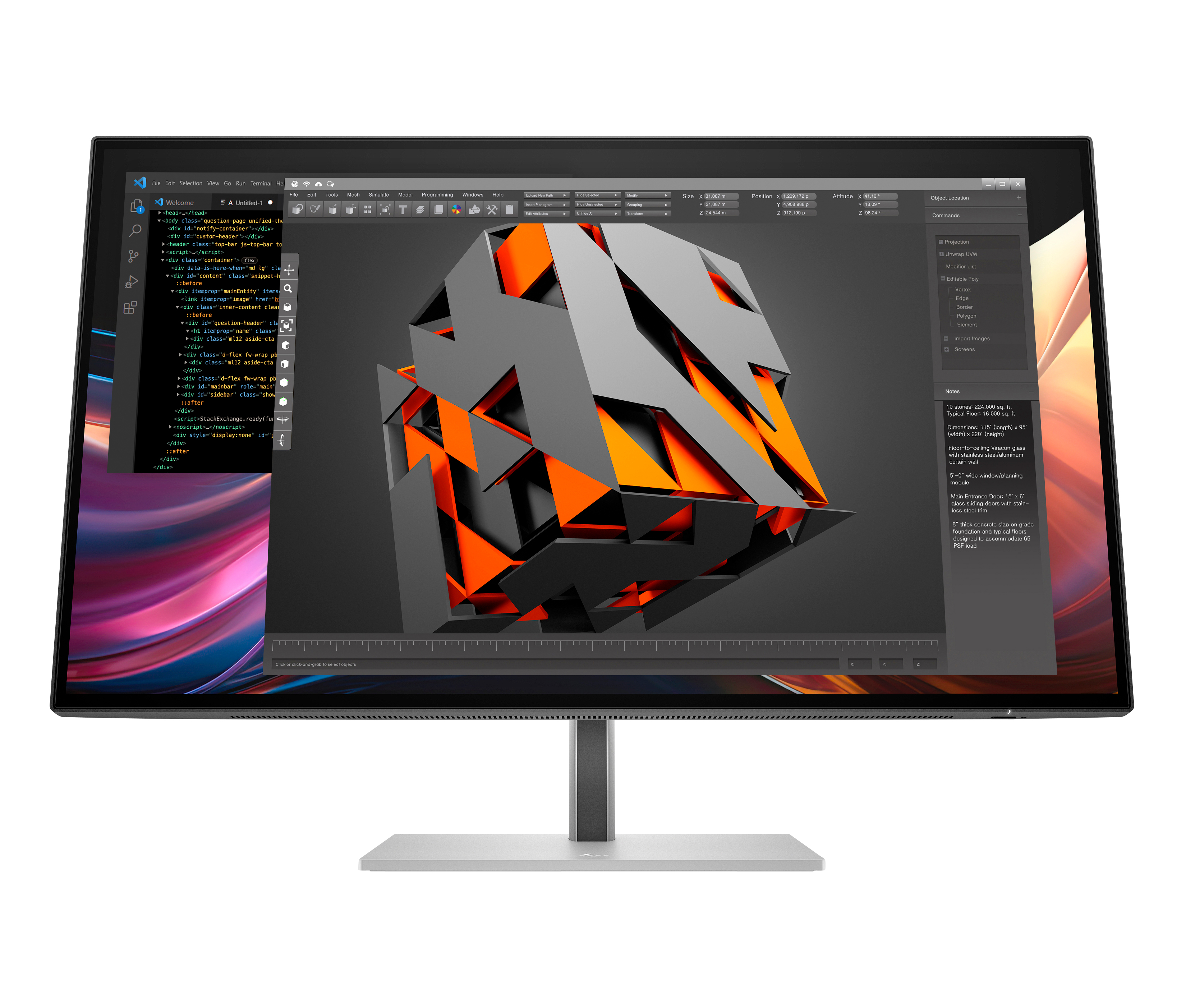
HP 727pq - Series 7 Pro - LED monitor - 27" - 2560 x 1440 QHD @ 120 Hz - IPS Black - 400 cd/m� - 2000:1 - DisplayHDR 400 - 5 ms - HDMI, DisplayPort - black, silver