- SEO
How to Choose an SEO Agency: What to Look For
27 Apr, 2026

£29.32 inc. VAT
AI-generated summary
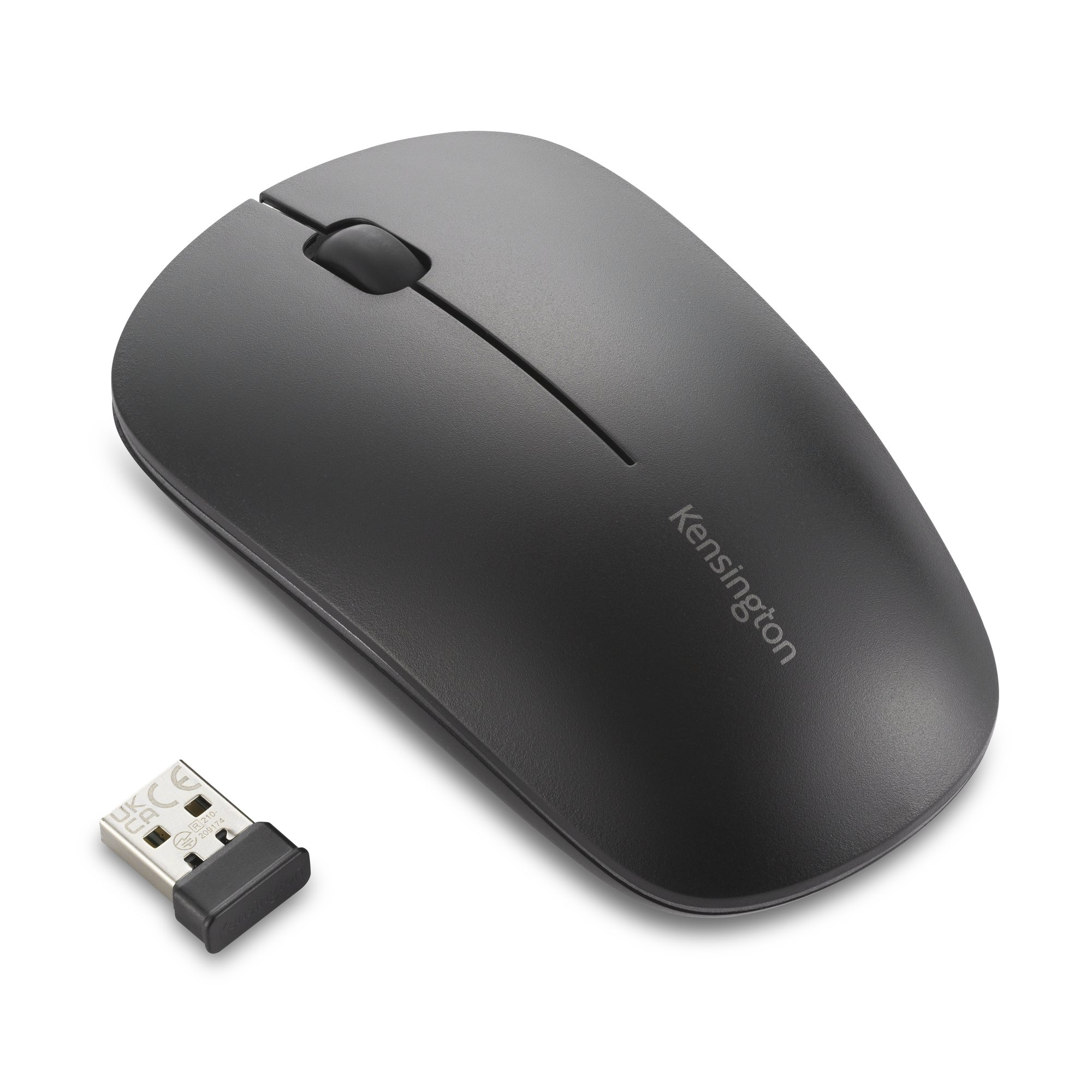
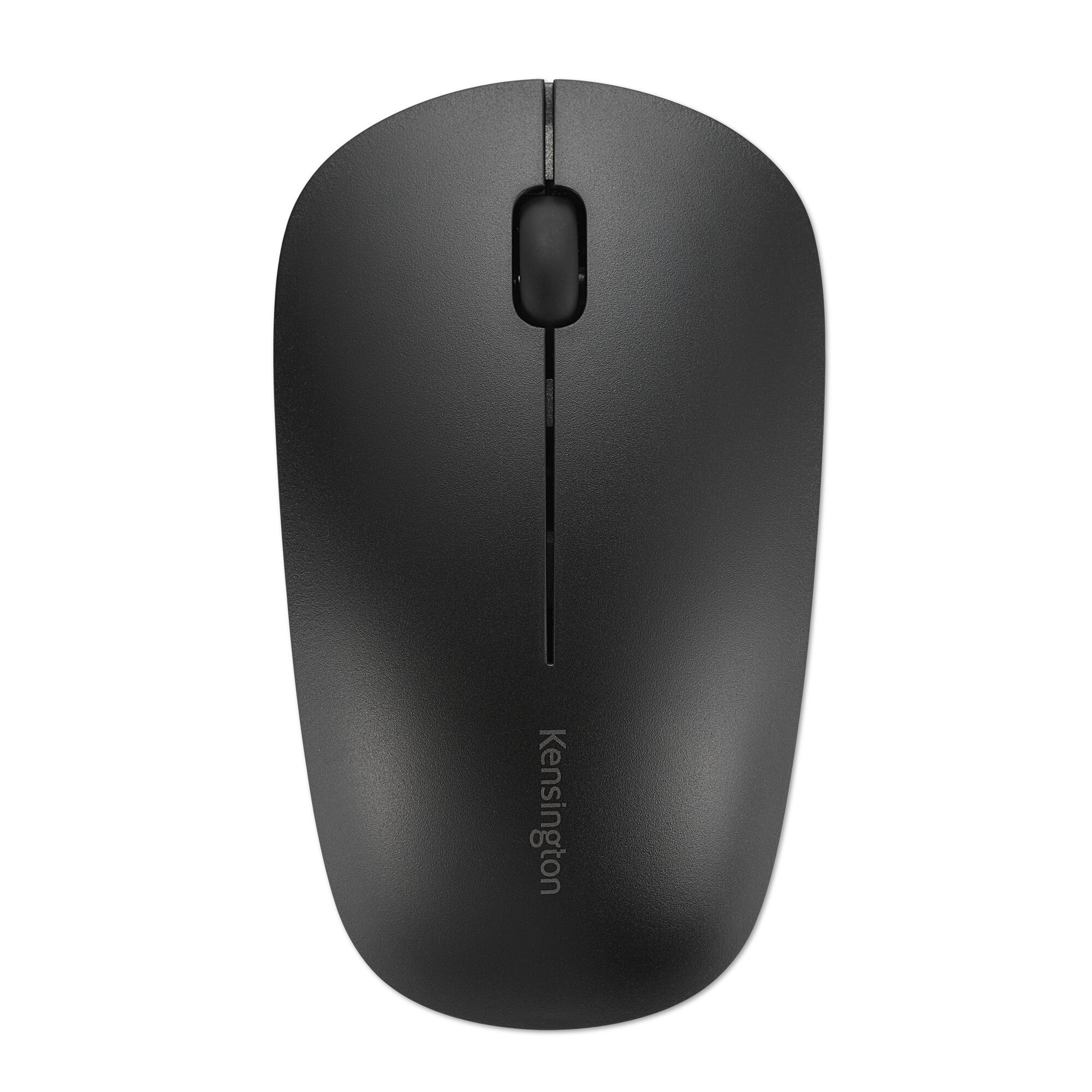
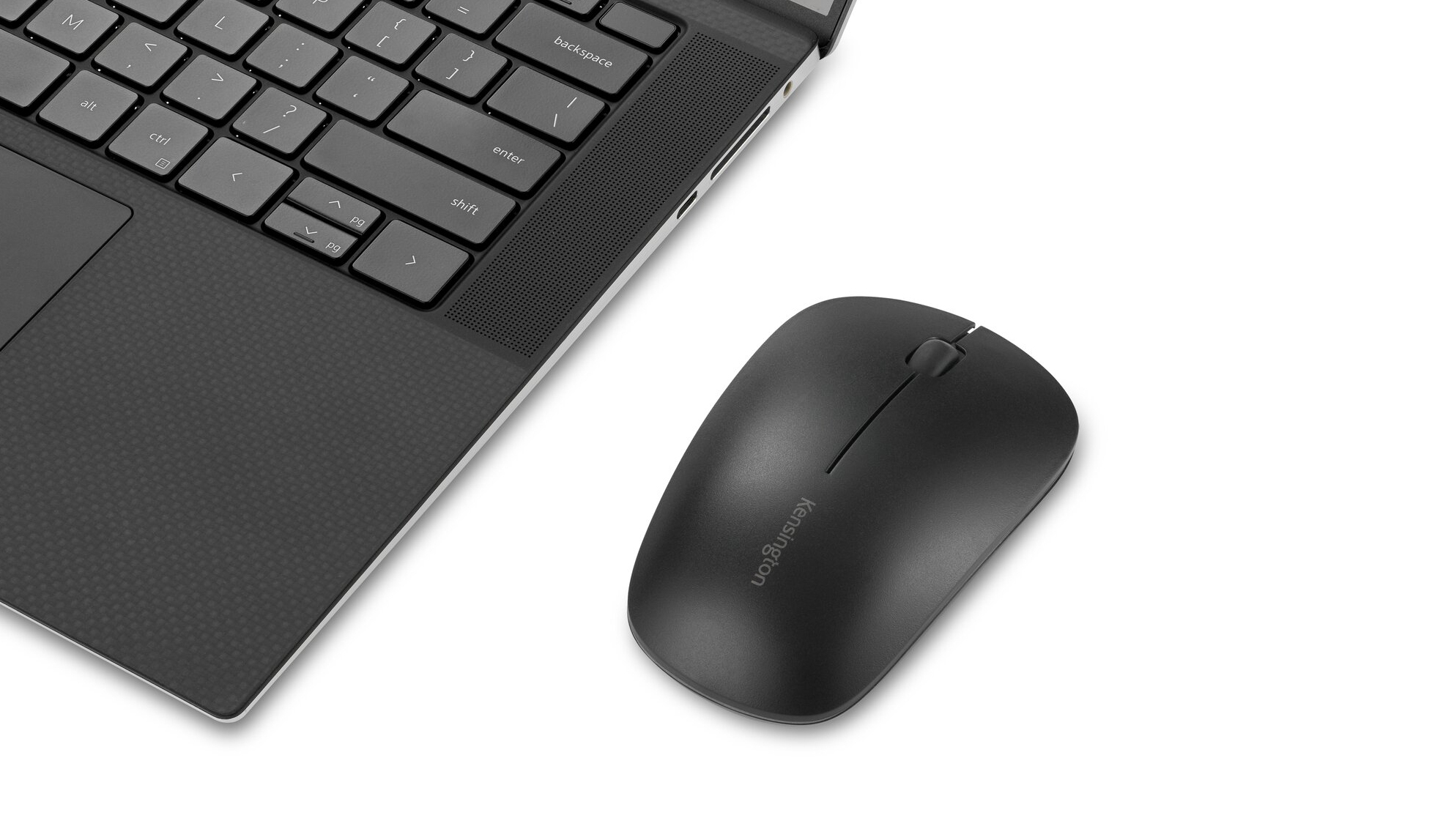
Kensington’s MY230 EQ rechargeable mouse is one of those “boring but dependable” picks. If you want a midsize wireless mouse that feels right in the hand, doesn’t need constant AA changes, and is likely to behave decently in an office day-to-day, it’s a sensible use of budget. At ~£24 ex‑VAT, you’re paying for that kind of reliability and ergonomics rather than flashy gaming performance. For most UK office setups—office suites, admin work, light browsing, spreadsheets—it’s the kind of tool people stop thinking about (which is the goal).
That said, I wouldn’t buy it if you’re a power user chasing high-end responsiveness, ultra-precise tracking, or anything borderline competitive. The “rechargeable” angle is handy, but it’s still a mouse that won’t replace a really premium sensor/feel if your workflow depends on tiny, fast movements. If you’re standardising a fleet of office mice across a team and want something comfortable and cost-effective, it makes sense. If you’re picky about click feel and latency, or you already know you prefer a specific shape/size, you’ll be better off testing first rather than assuming it’ll be perfect.
Sustainability Attributes
Certified recycled content that conforms to SCS Recycled Content Standard V8-0 for a minimum 41% post-consumer recycled content of the total plastic components. Excludes PCB assembly, rechargeable ...
Reliable Wireless Connection Options
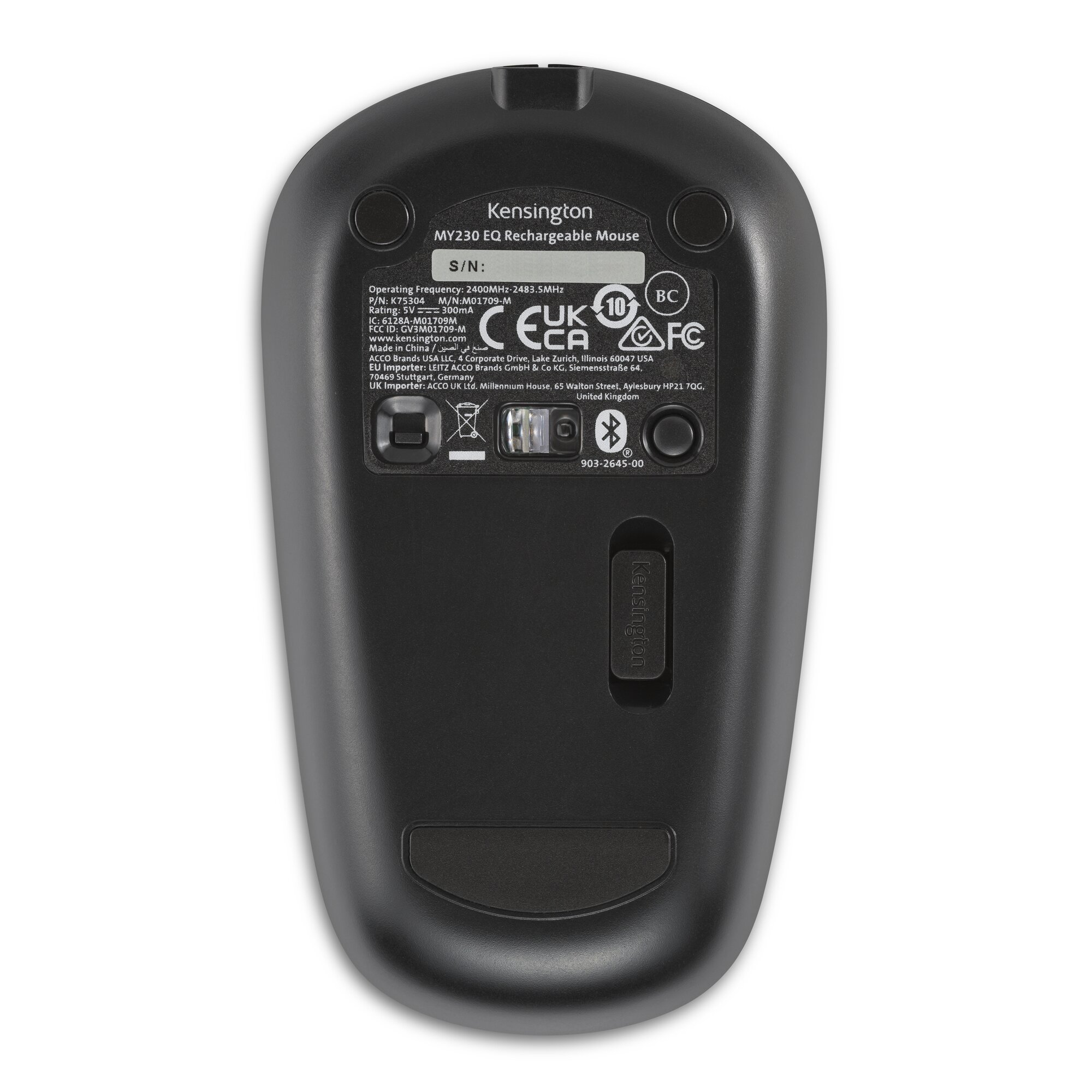
Provides two convenient and secure connectivity options – a compact USB-A nano receiver for a reliable 2.4GHz wireless connection with government-grade AES 128-bit encryption, and Bluetooth® (BT 5....
Rechargeable 500mAh Battery
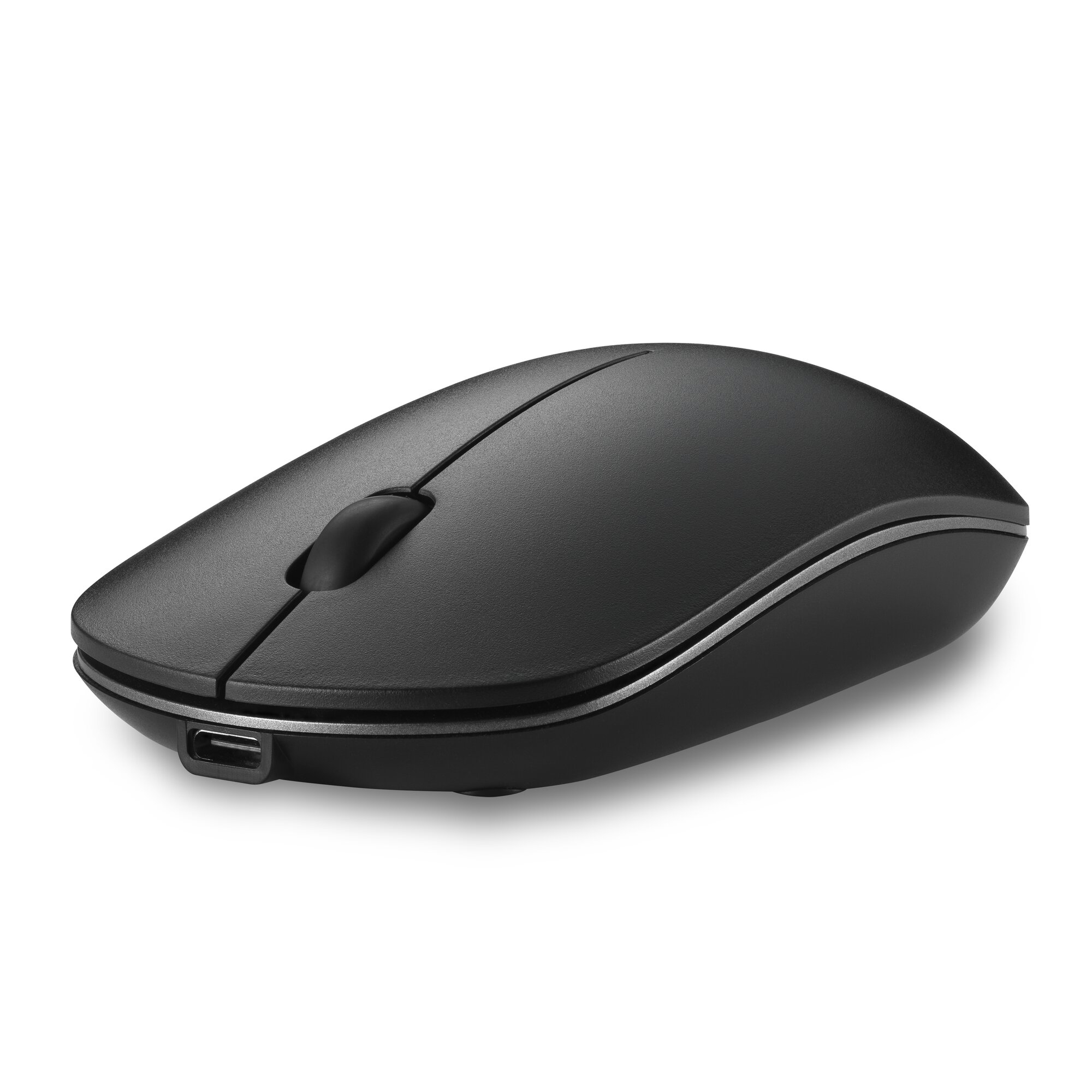
Supports up to 3 months of productivity with a single charge. Includes USB-A to USB-C® cable for charging.
Quiet-Click Ambidextrous Design
Significantly quieter than a standard mouse, the MY230 reduces noise in busy workplaces. Comfortable for both left and right-handed users, it features a center scroll wheel with 3 buttons to suppor...
LED Indicators
Convenient lights offer visual confirmation of battery life and pairing channels.
Connect & Use or Customize Buttons
Supports standard button functionality for instant connectivity or use free downloadable KensingtonWorks™ software to customise your experience to fit workflow needs.
Kensington
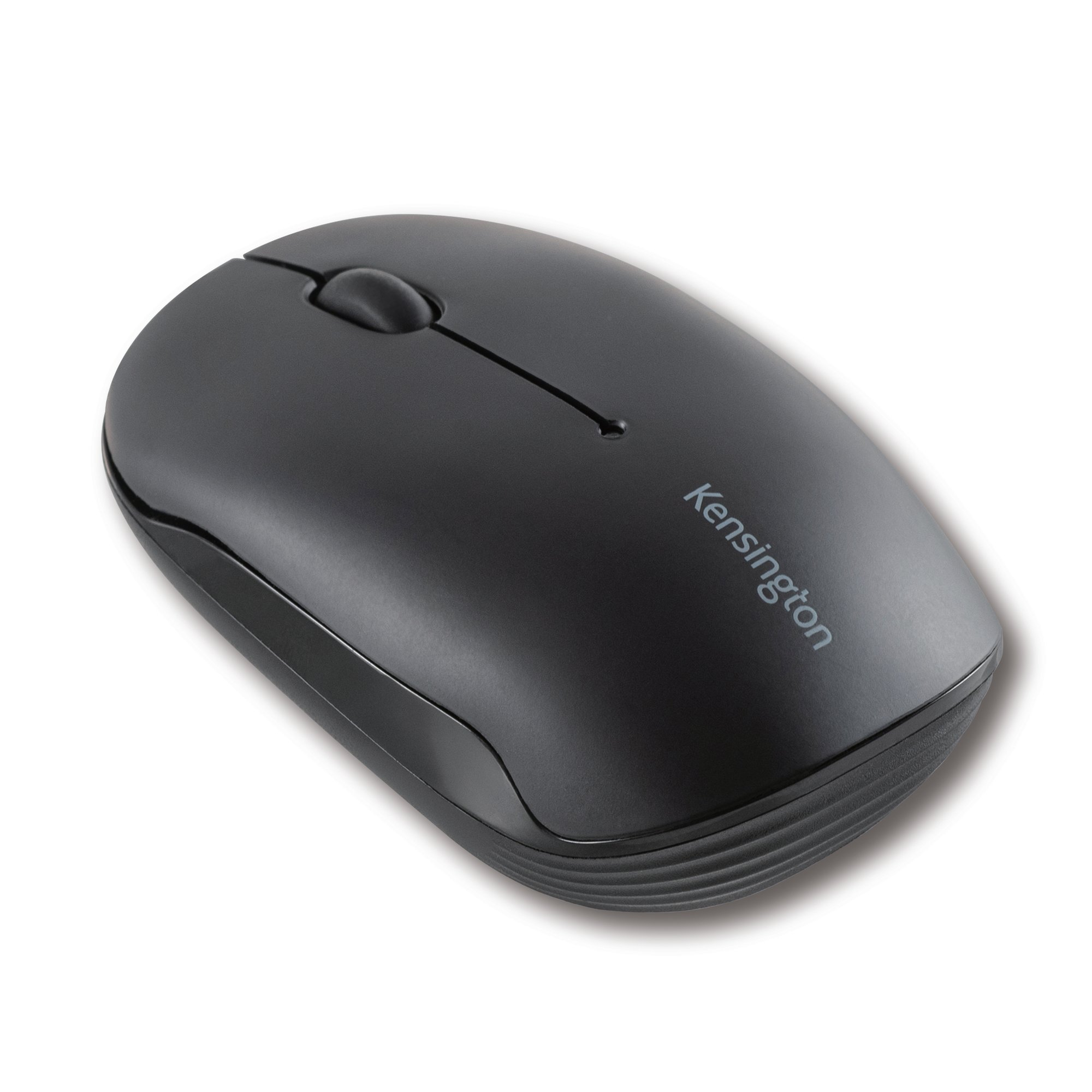
Kensington Pro Fit Compact - Mouse - right and left-handed - 3 buttons - wireless - Bluetooth 3.0, Bluetooth 5.0 - TAA Compliant
HP
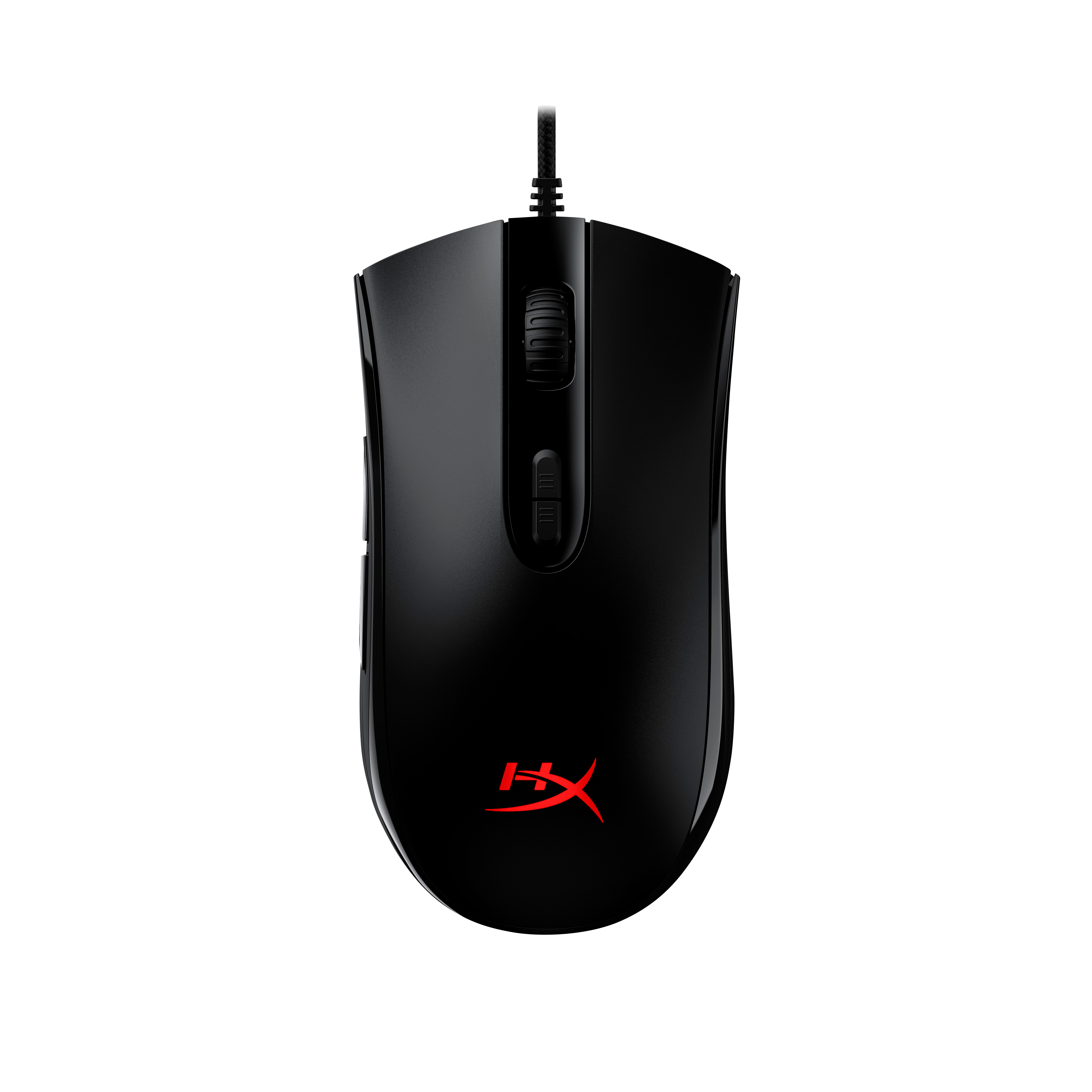
HyperX Pulsefire Core - Mouse - optical - 7 buttons - wired - USB 2.0 - for Victus by HP Laptop 16, Laptop 14, 15, 17, Pavilion x360 Laptop, Pro 290 G9
Kensington
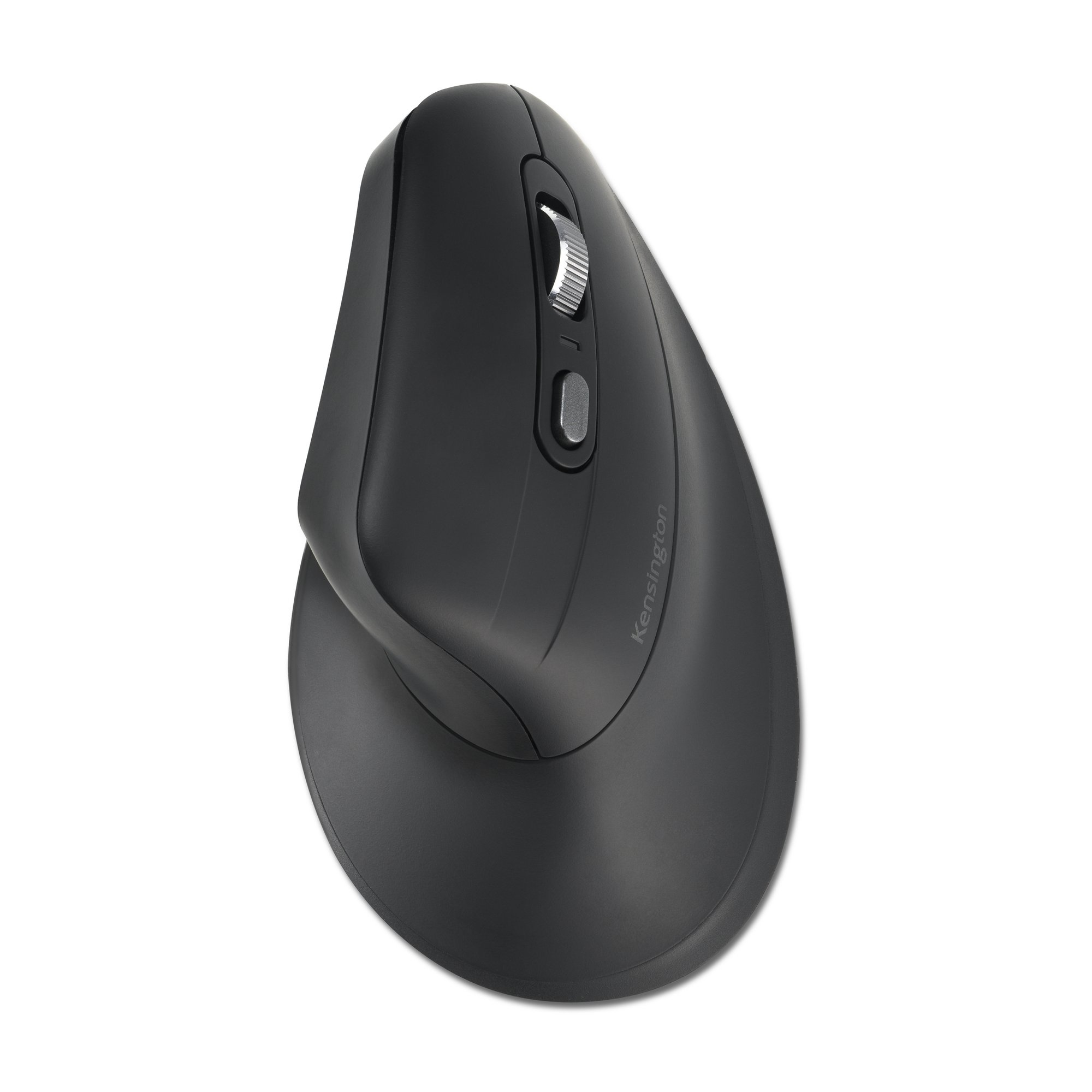
Kensington Pro Fit Ergo MY630 EQ - Mouse - ergonomic - rechargeable - 5 buttons - wireless - 2.4 GHz, Bluetooth - USB wireless receiver - retail box

Kensington
Kensington Pro Fit Ergo Vertical Wireless Mouse - Vertical mouse - ergonomic - right-handed - 6 buttons - wireless - 2.4 GHz - USB wireless receiver - black
Powered by industry-leading technologies including SolarWinds, Cloudflare, BitDefender, AWS, Microsoft Azure, and Cisco Meraki to deliver secure, scalable, and reliable IT solutions.


