- Cloud Email
OneDrive vs SharePoint: Understanding the Difference
19 Jul, 2025
£771.49 inc. VAT
AI-generated summary
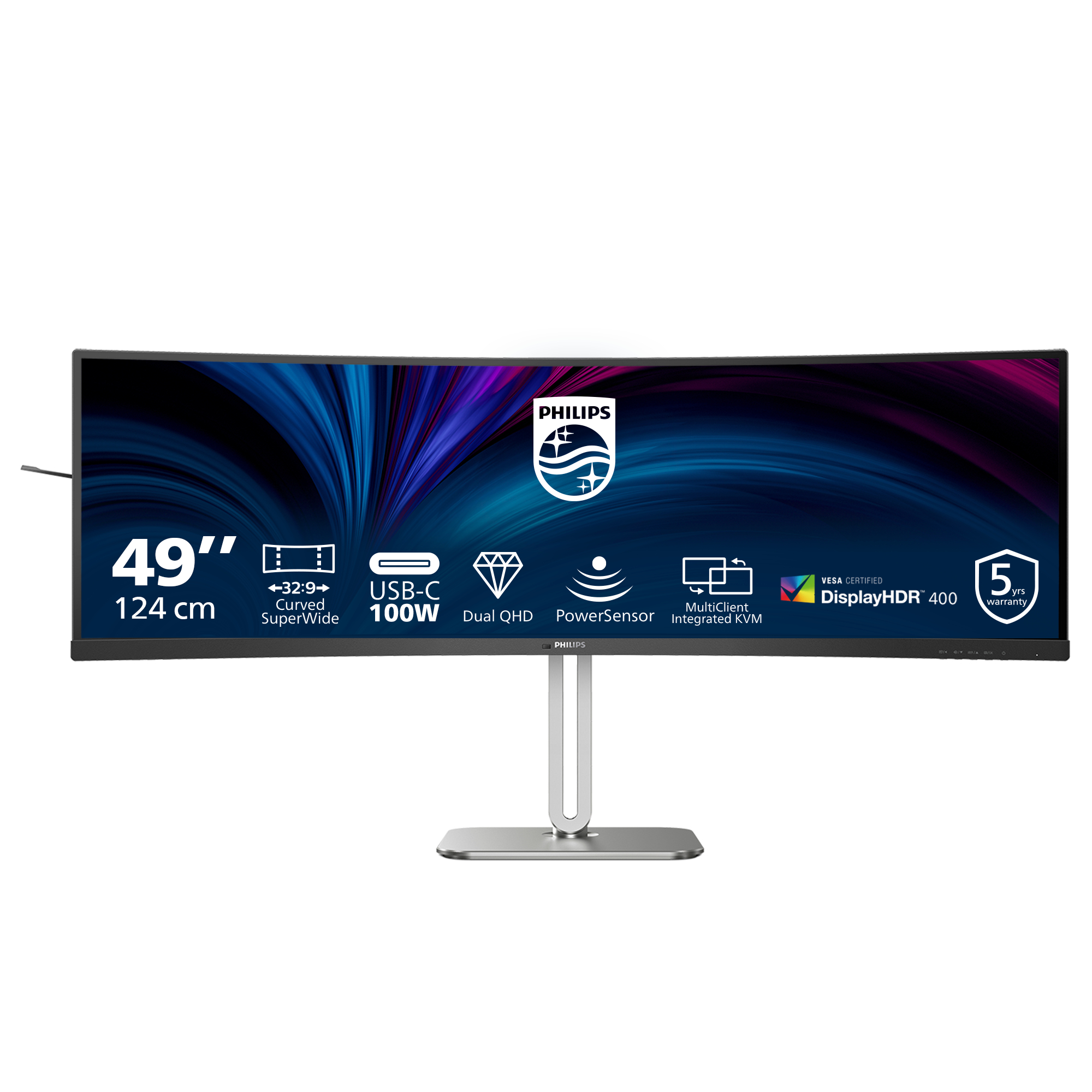
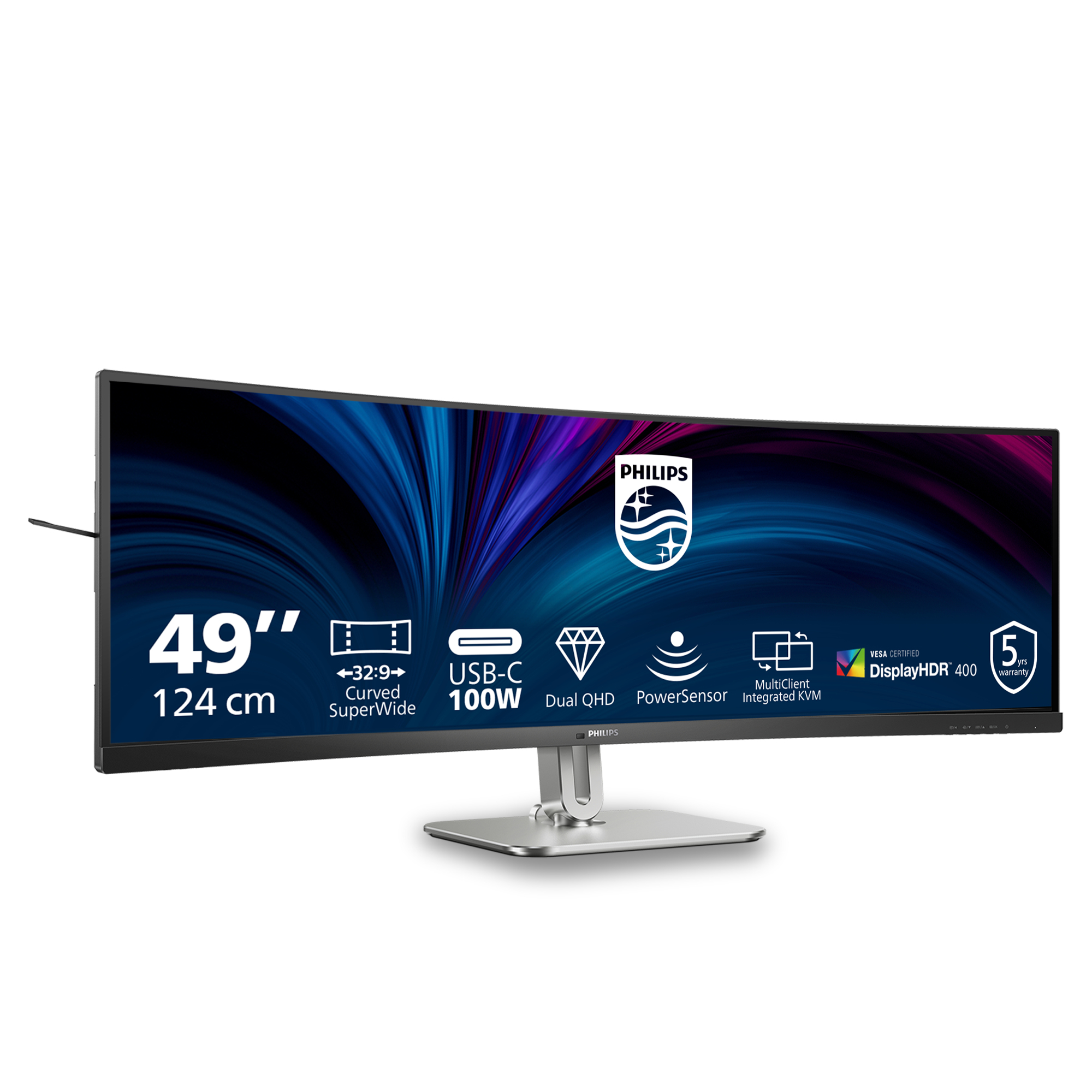
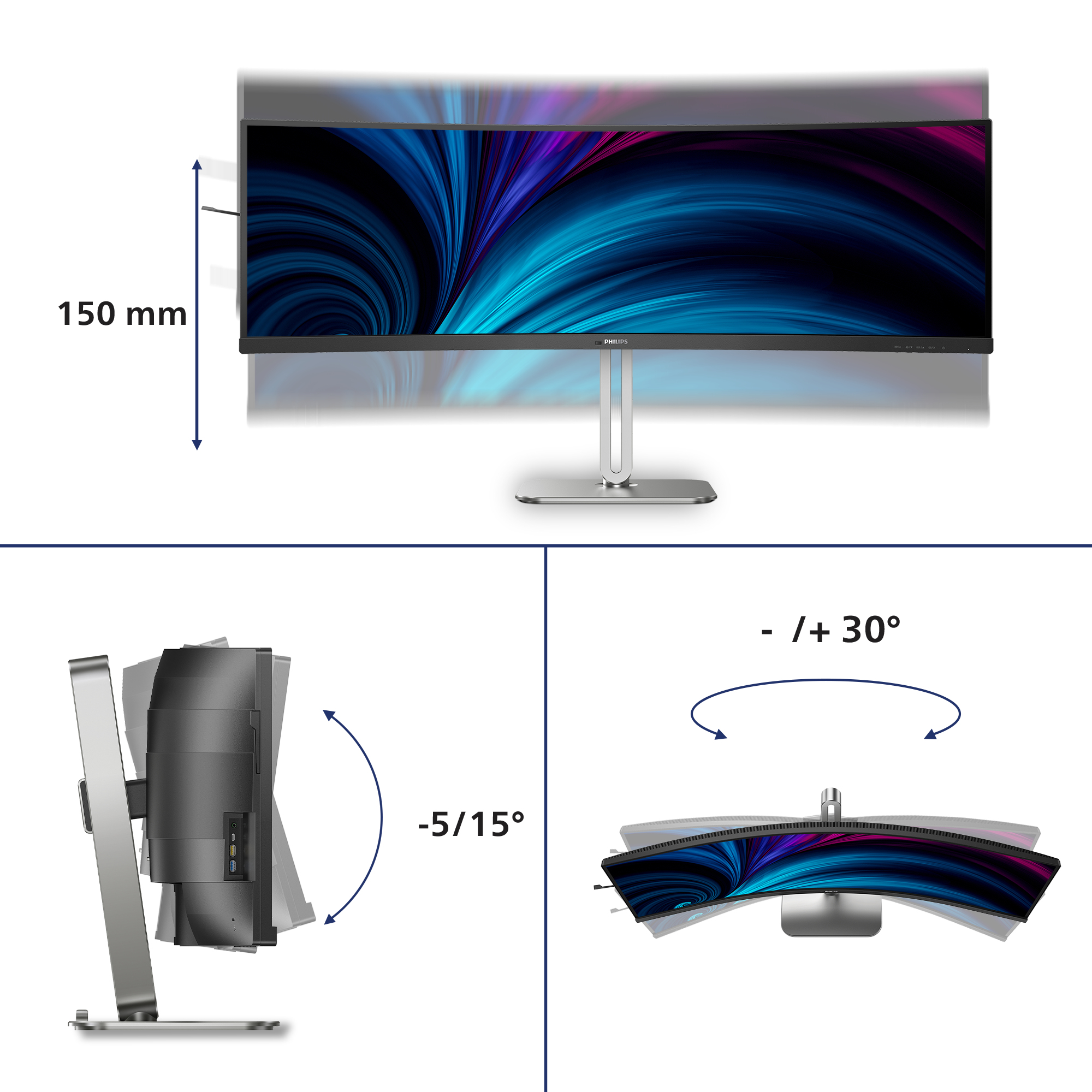
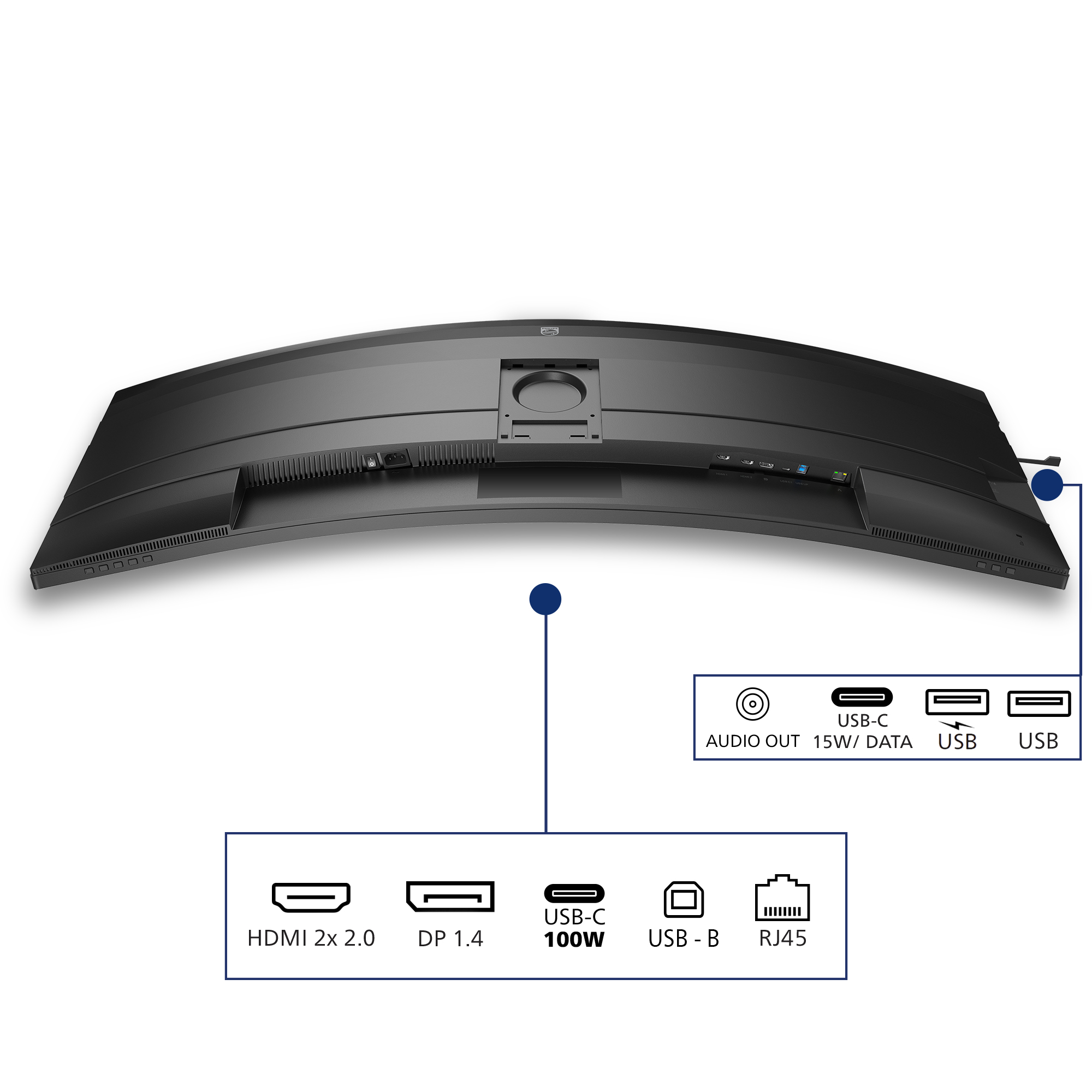
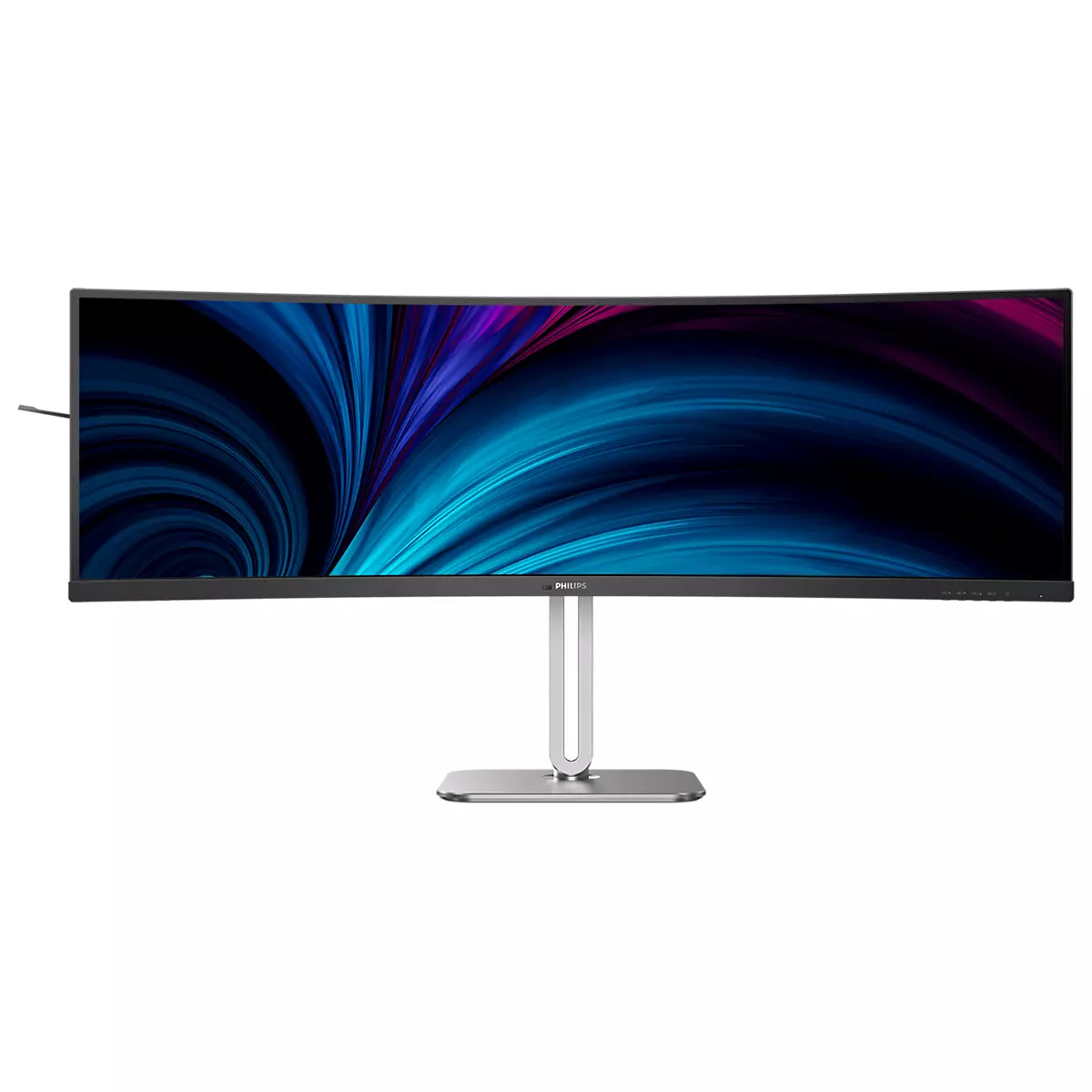
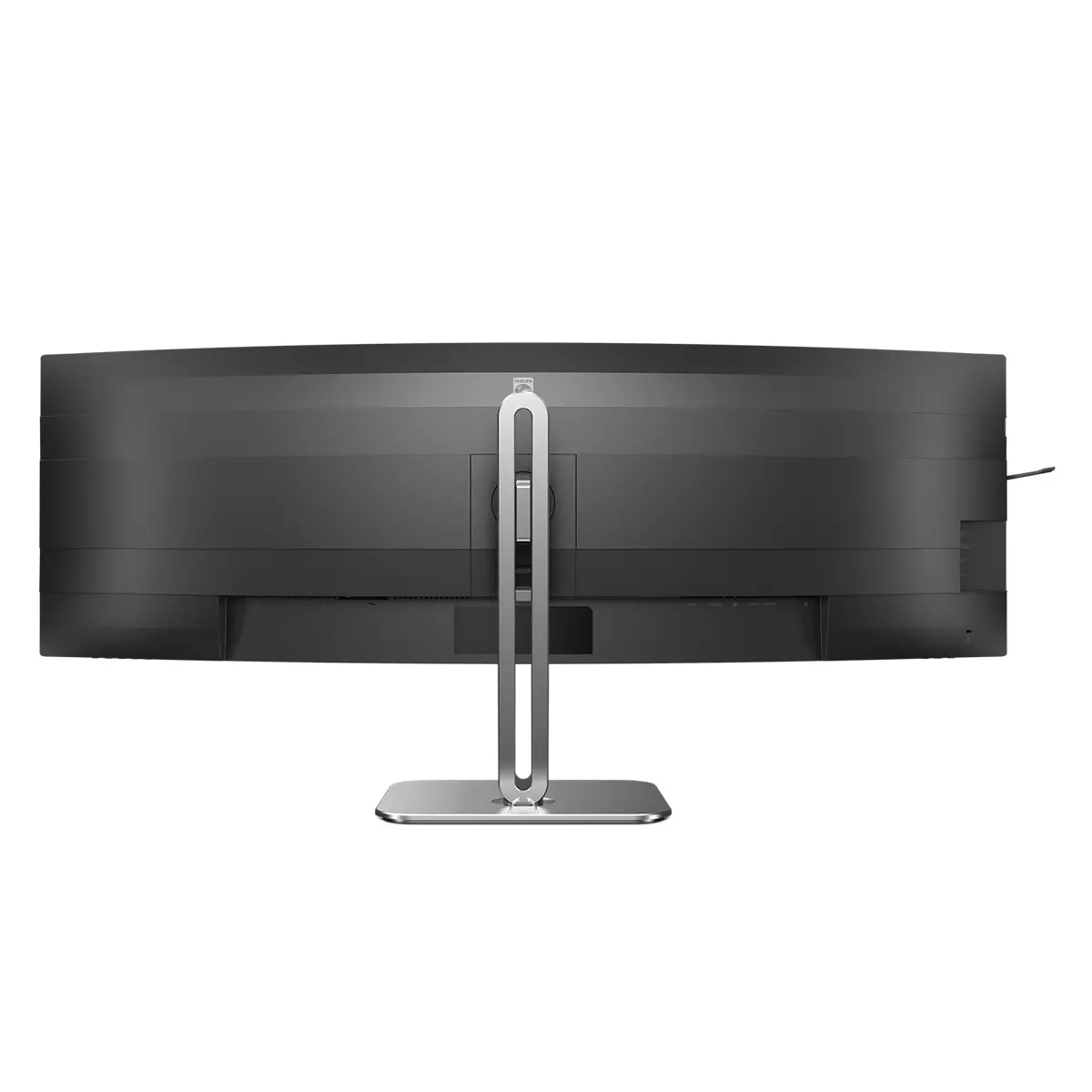
If you’re buying a monitor for serious desk use, the Philips 5000 49B2U5900C is the kind of “stop messing around” ultrawide that makes sense—especially if you live in spreadsheets, dashboards, coding IDEs, or you want two virtual screens worth of space without the usual bezel hassle. The 49-inch Dual QHD format is genuinely usable for productivity: lots of horizontal room, fewer window swaps, and it’s great for anyone who hates juggling tabs side-by-side. At ~£643 ex-VAT, it’s also priced in a way that feels reasonable for a 49-inch class panel—assuming you’ll actually use the real estate rather than just test it and leave it.
The flip side: ultrawide this big is not automatically a win in a typical office. If your desk space is tight, you sit far away, or your workflow is mostly single-window (email, docs, CRM), you may find it harder to justify—both physically and financially. Also, with any large-format display, you want to be careful about your expectations for consistent brightness/colour across the panel and how well it suits day-to-day text clarity at your viewing distance. My honest take: buy it if your team’s work benefits from wide layouts and you’ll calibrate/position it properly; otherwise, you’ll probably be happier (and save money) with a more conventional size and setup.

DisplayHDR 400 for more lifelike and outstanding visuals
VESA-certified DisplayHDR 400 delivers a significant step-up from normal SDR displays. Unlike, other 'HDR compatible' screens, true DisplayHDR 400 produces astonishing brightness, contrast and colo...

VA display delivers awesome images with wide viewing angles
Philips VA LED display uses an advanced multi-domain vertical alignment technology which gives you super-high static contrast ratios for extra vivid and bright images. While standard office applica...
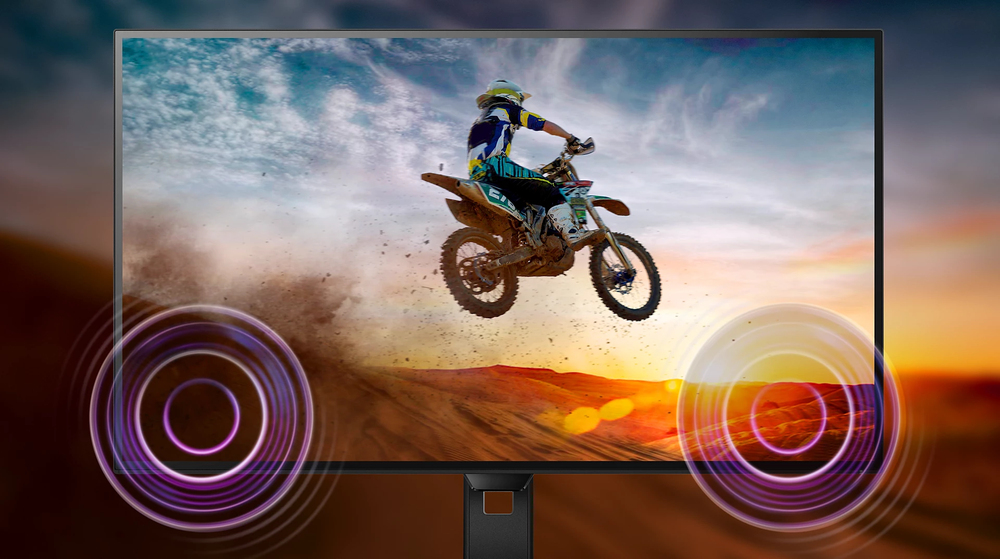
Built-in stereo speakers for multimedia
A pair of high quality stereo speakers built into a display device. It can be visible front firing, or invisible down firing, top firing, rear firing, etc depending on model and design.

SmartKVM: for easily switching between sources.
Unlike traditional built-in KVM monitor button, the smart KVM allows for switching between sources with the click of a button on your keyboard. When all devices are properly connected, users can ea...

Curved display design for more immersive experience
Desktop monitors offer a personal user experience, which suits a curve design very well. The curved screen provides a pleasant yet subtle immersion effect, which focuses on you at the center of you...

Earphone Hook: for customizable storage
Earphone storage is unmatched with this feature. Carefully pull down the hook located on the side of the monitor: This feature makes for a tidy desktop and provides a handy cable management solutio...
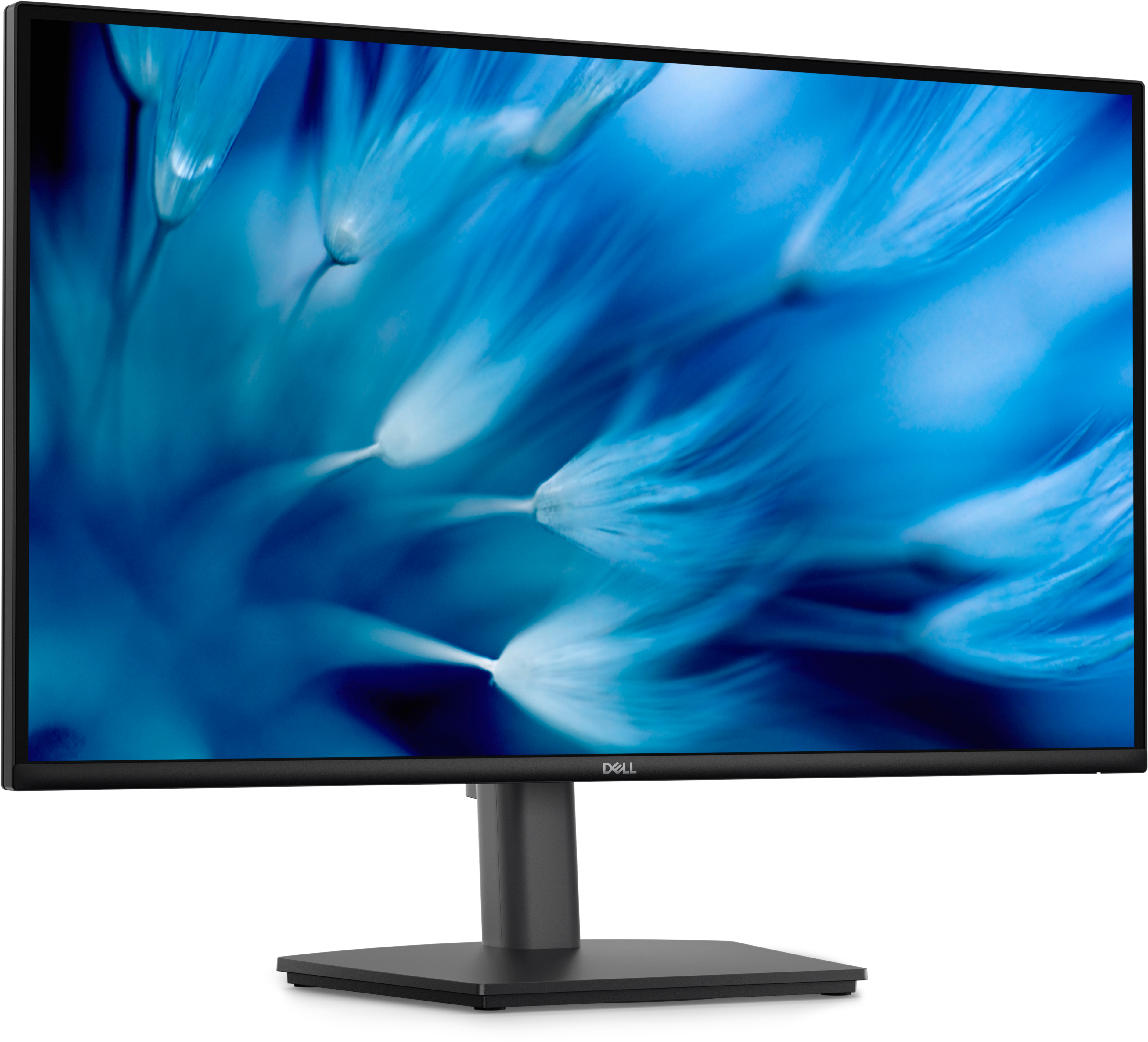
Dell
Dell Pro E2726DS - LED monitor - 27" - 2560 x 1440 QHD @ 100 Hz - IPS - 300 cd/m� - 1000:1 - 5 ms - HDMI, DisplayPort - speakers - with 3 years Advanced Exchange Service
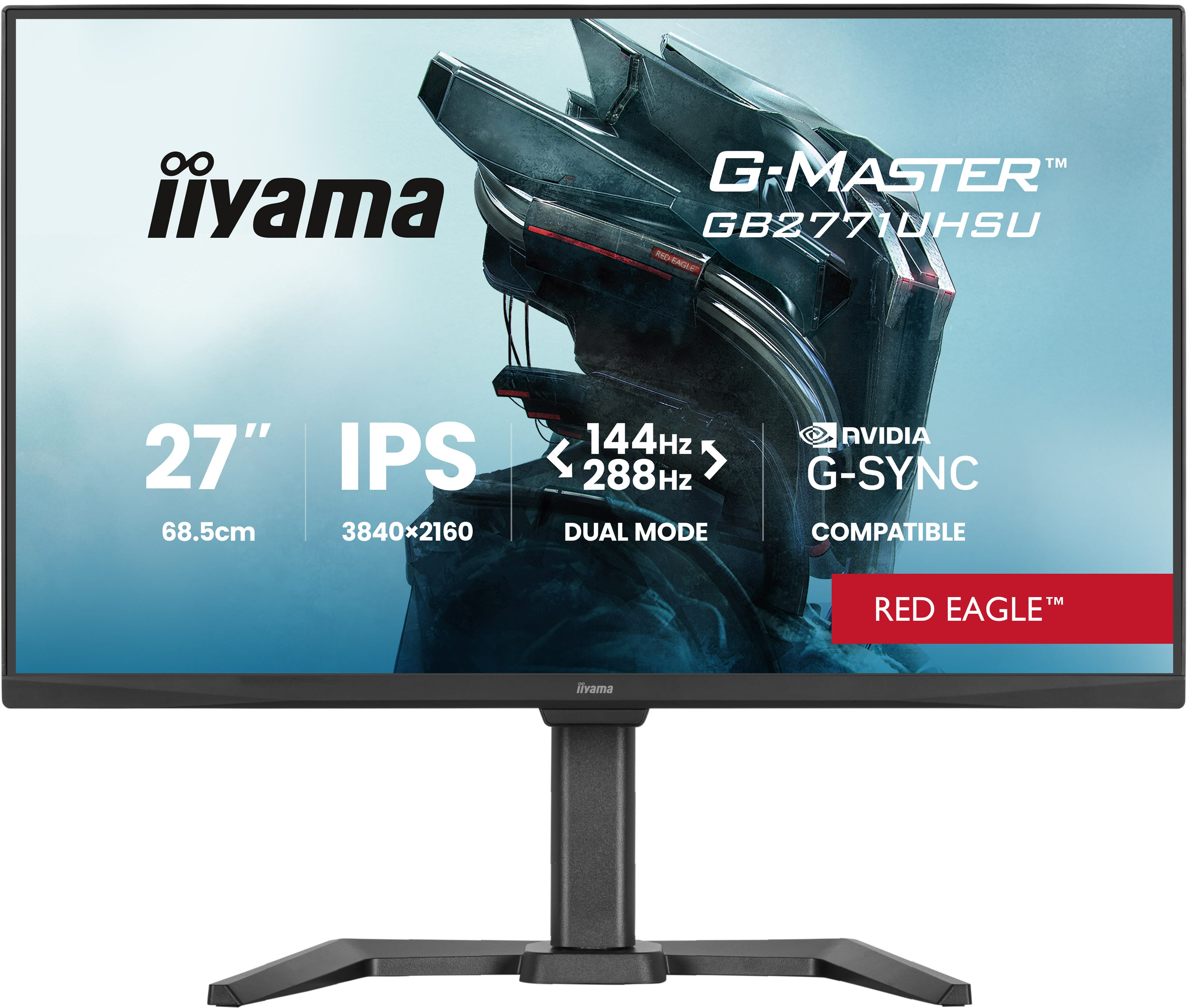
Iiyama
iiyama G-MASTER Red Eagle GB2771UHSU-B1 - LED monitor - gaming - 27" - 3840 x 2160 4K @ 144 Hz - IPS - 450 cd/m� - 1500:1 - 0.8 ms - 2xHDMI, DisplayPort - speakers - black, matte
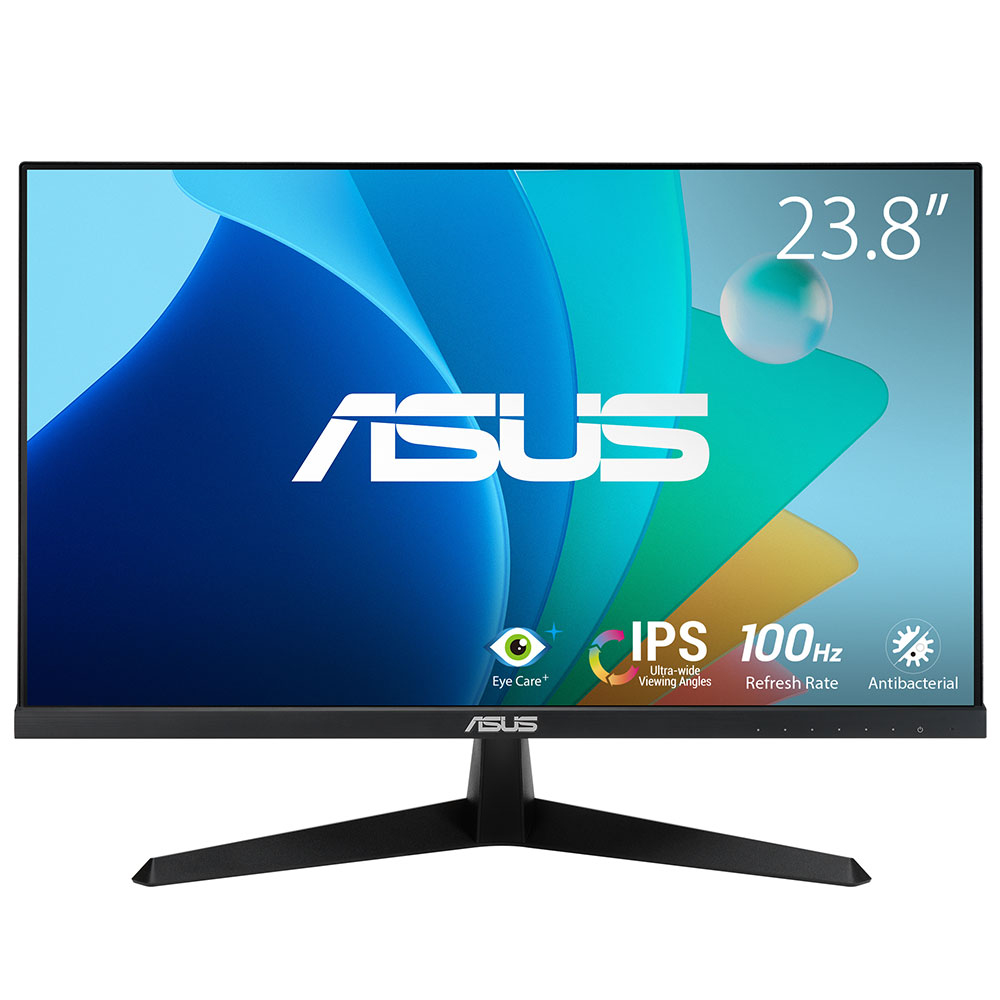
Asus
ASUS VY249HF - LED monitor - gaming - 24" - 1920 x 1080 Full HD (1080p) @ 100 Hz - IPS - 250 cd/m� - 1300:1 - 1 ms - HDMI - headphone - black
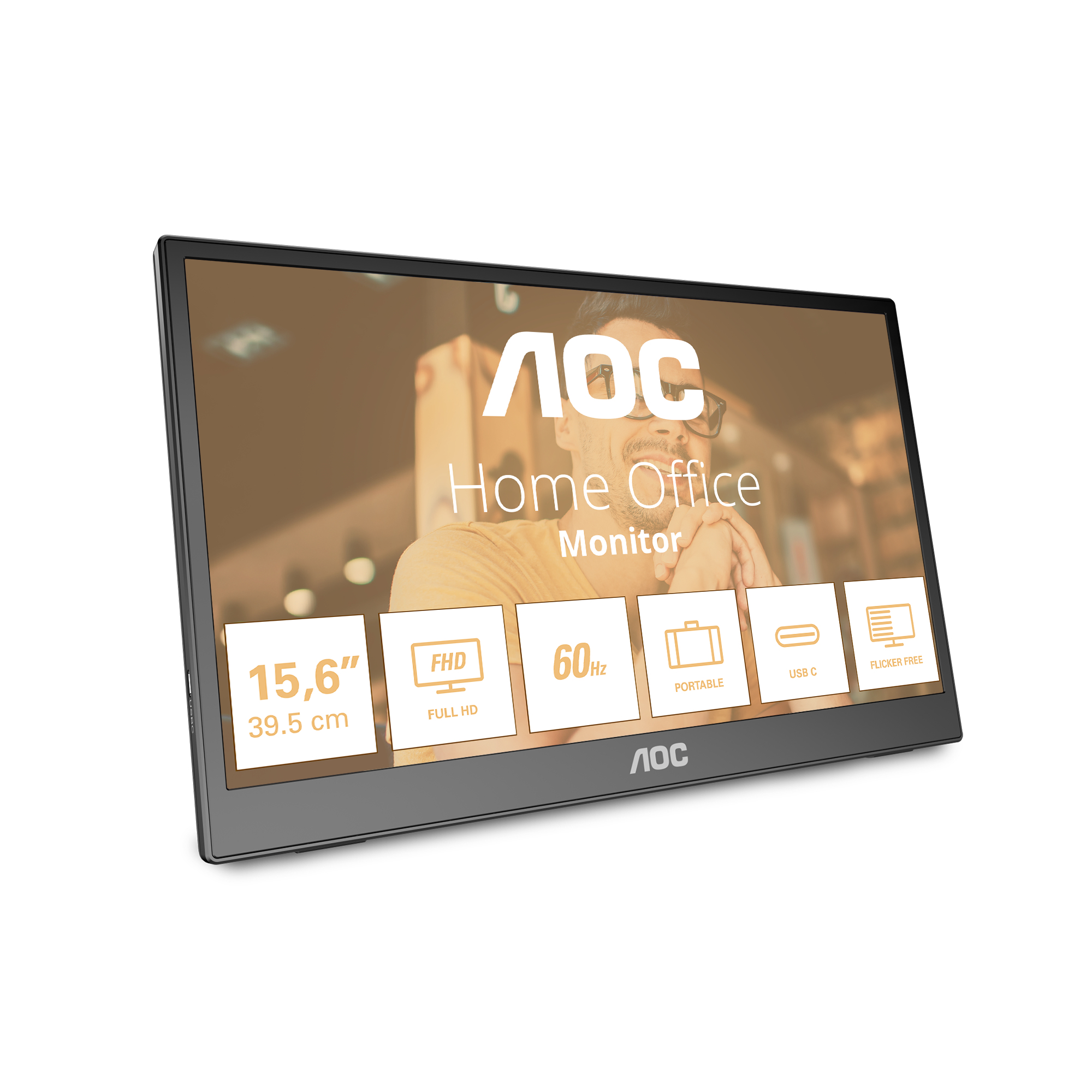
AOC
AOC 16T3EA - LED monitor - 16" (15.6" viewable) - portable - 1920 x 1080 Full HD (1080p) @ 60 Hz - IPS - 250 cd/m� - 700:1 - 4 ms - USB-C - textured black