- Network Admin
How to Manage User Accounts and Permissions Effectively
7 Jul, 2025


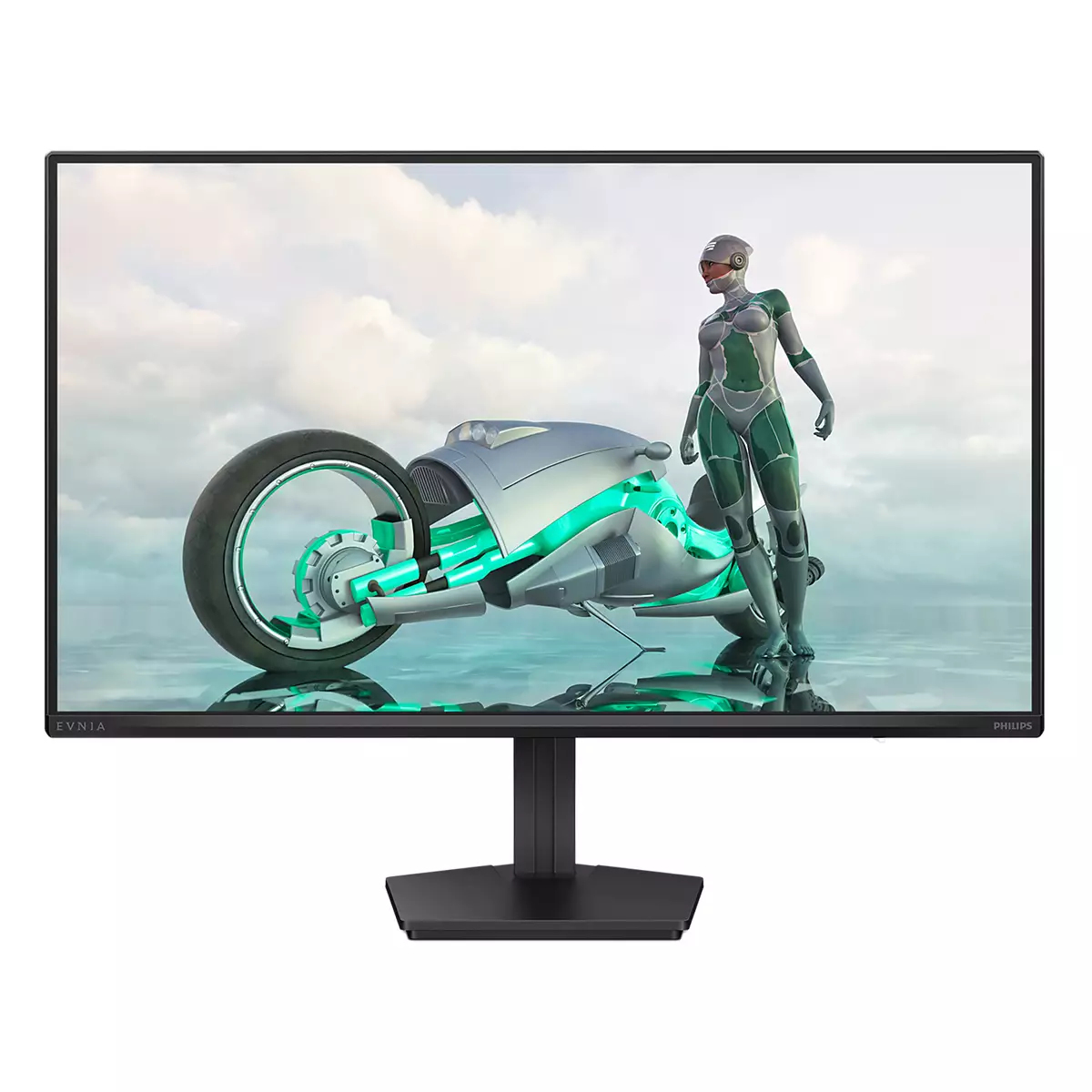
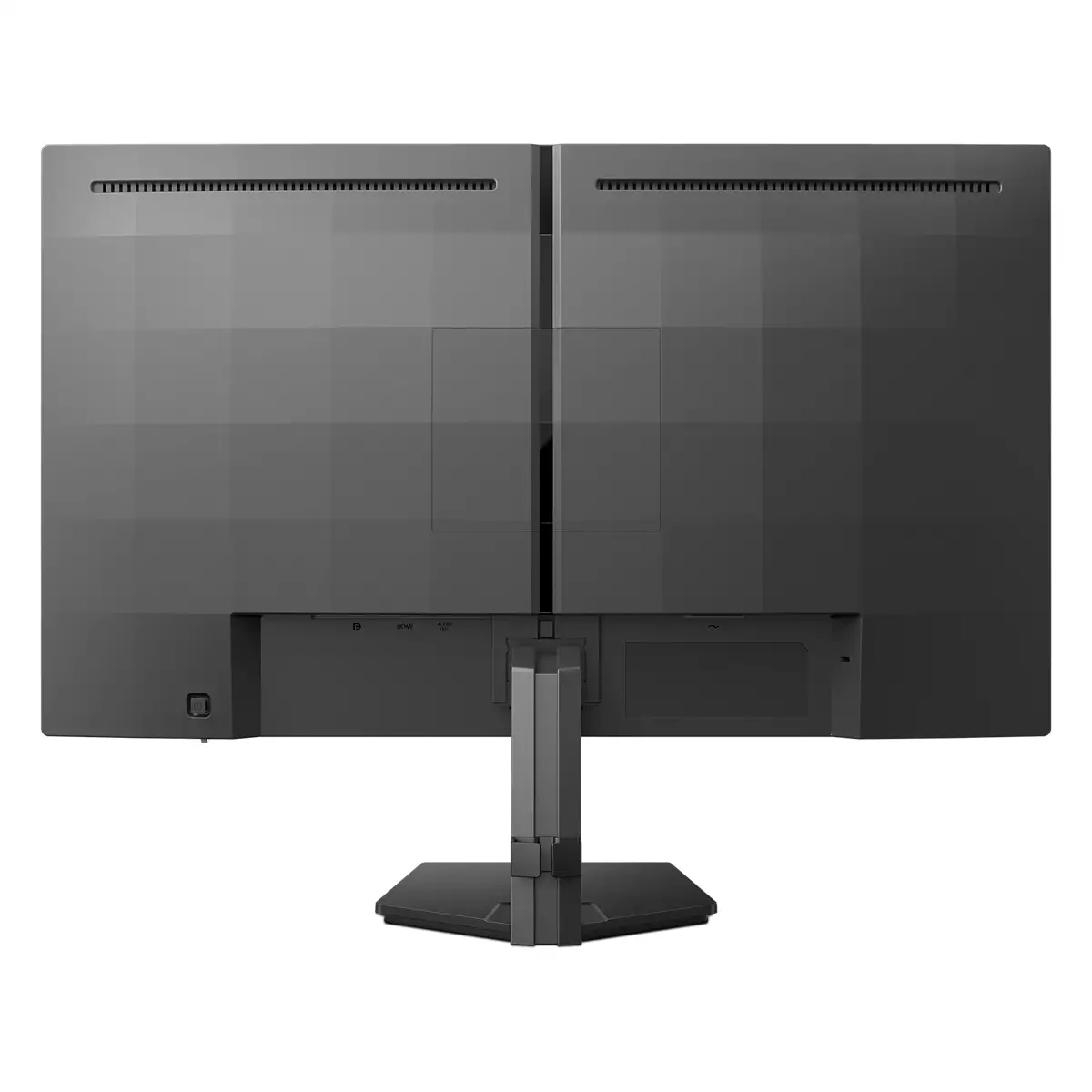
£119.24 inc. VAT
AI-generated summary
For £99 ex-VAT, the Philips Evnia 3000 27" is the kind of “good enough” monitor that makes sense if you want a larger screen without paying big-game pricing. The 27" size at Full HD is the main thing to clock though: day-to-day text and spreadsheets will look a bit less crisp than you’d get from higher resolution, so it suits general office work, light browsing, and casual gaming more than it suits anyone who lives in Excel or needs razor-sharp document reading. If you’re upgrading from a smaller 24" or older 1080p panel, it’ll feel like a genuine step up—especially for productivity and multi-window work.
I’d recommend it for budget-conscious businesses, hot-desking setups, and teams doing straightforward tasks where colour accuracy and ultra-fine detail aren’t critical. I *wouldn’t* push it for power users who are sensitive to sharpness (design, detailed CAD, heavy coding with lots of text) or for anyone expecting the “premium gaming” feel—Philips’ branding helps, but at this price you’re buying value, not cutting-edge performance. If you can, check reviews specifically on flicker/brightness consistency and how it handles motion, because that’s usually where lower-cost 27" panels can disappoint in the real world.

LowBlue mode and Flicker-free easy-on-the eyes viewing
Our LowBlue Mode and Flicker-free technology have been developed to reduce eye strain and fatigue often caused by long hours in front of a monitor.

Evnia Precision Center: Maximize Your Gaming Experience
Evnia Precision Center is an easy-to-use software designed to optimize and personalize your Evnia monitor. Whether you're a casual or competitive gamer, it offers a wide range of customization opti...

SmartImage game mode optimized for gamers
The new Philips gaming display has quick access OSD fine tuned for gamers, offering you multiple options. "FPS" mode (First person shooting) improves dark themes in games, allowing you to see hidde...

Smart Crosshair: for better aim and more fun
Color of Crosshair is set by default. When Smart Crosshair is on, the color will change as complementary color to the background color. Smart Crosshair enhances the accuracy of aiming so you can sp...
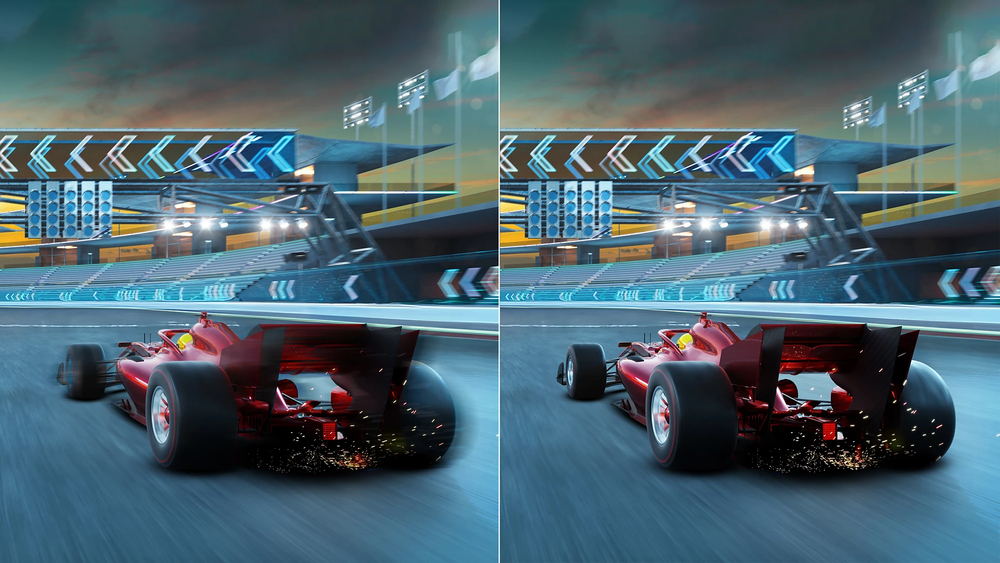
Smart MBR: for reducing motion blur.
In an effort to reduce motion blur, this monitor's LED backlight will work simultaneously with the refresh rate to control brightness levels for the best picture clarity. Please note that Smart MBR...
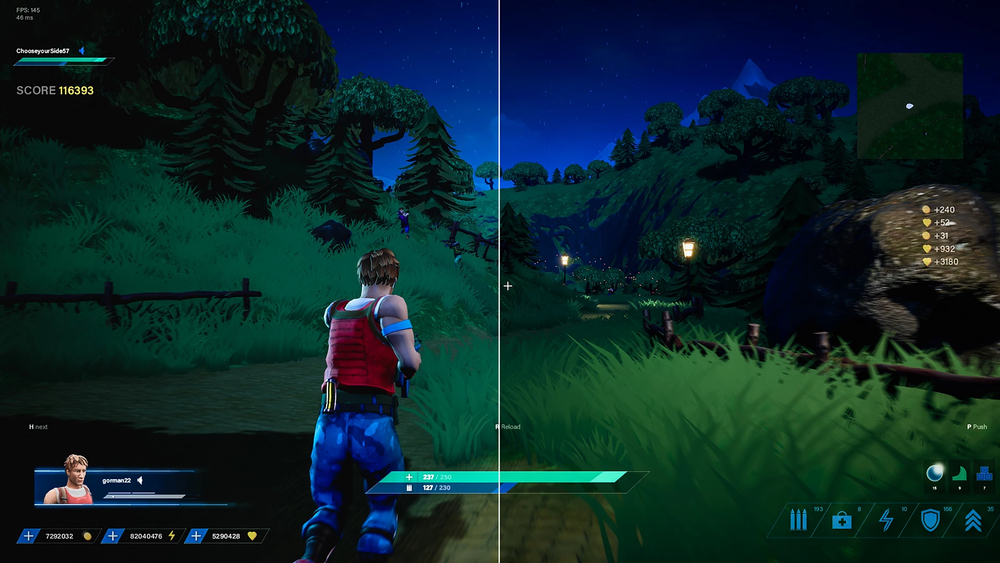
ShadowBoost: for bringing dark scenes to life.
This feature enhances dark scenes in a linear fashion. The ShadowBoost feature has three selectable levels that enhance overall brightness and ultimately provide beautiful picture quality with high...
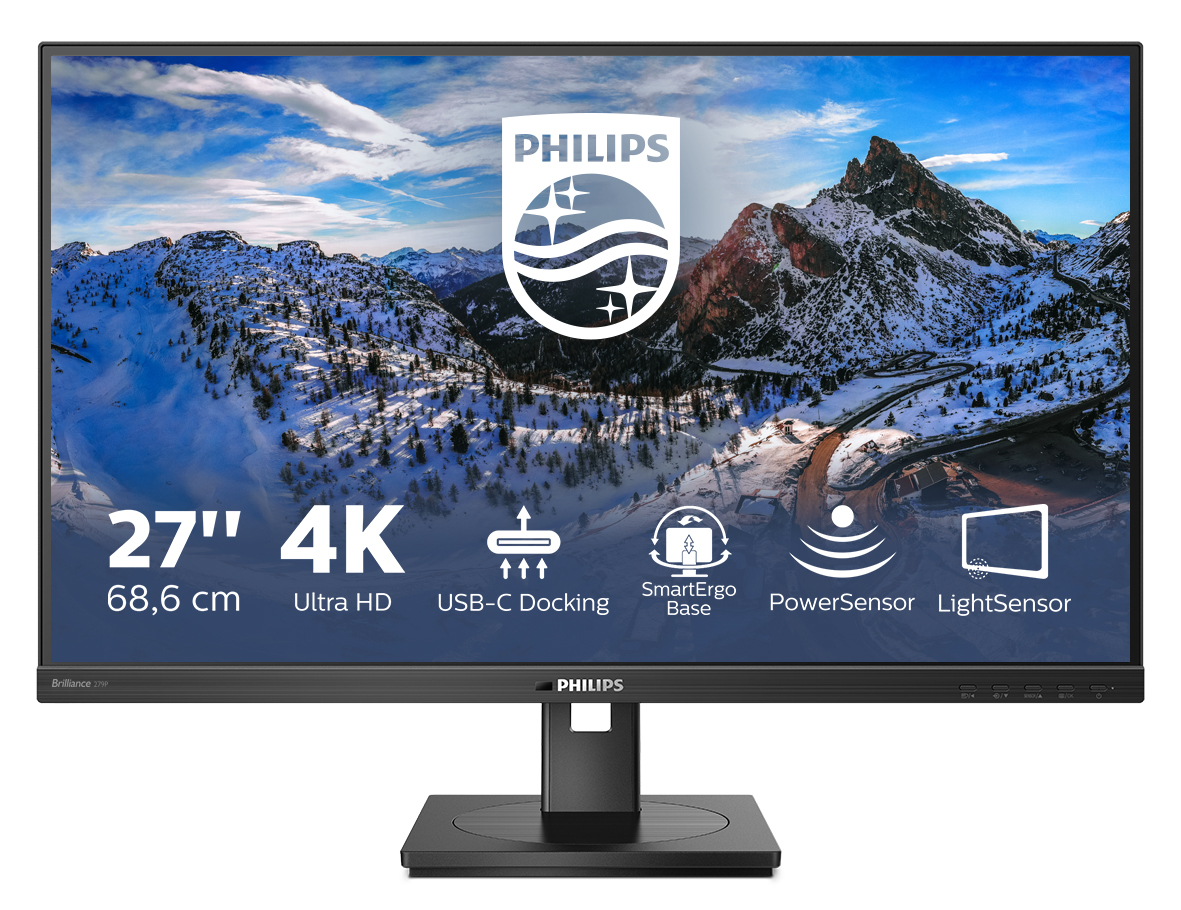
Philips
Philips P-line 279P1 - LED monitor - 27" - 3840 x 2160 4K @ 60 Hz - IPS - 350 cd/m� - 1000:1 - 4 ms - 2xHDMI, DisplayPort, USB-C - speakers - black texture
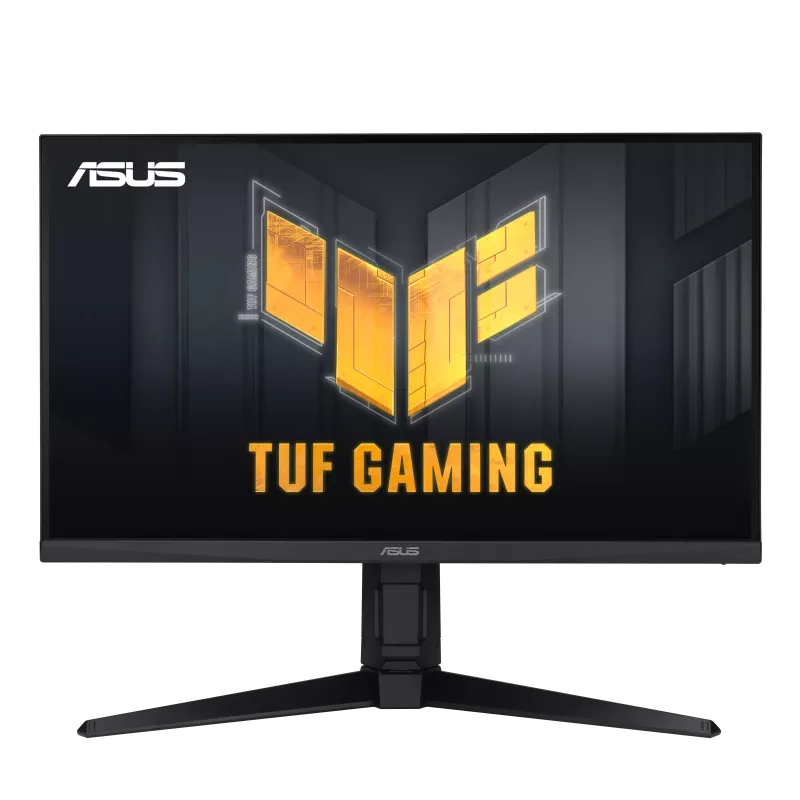
Asus
ASUS TUF Gaming VG279QL3A - LED monitor - gaming - 27" - 1920 x 1080 Full HD (1080p) @ 180 Hz - Fast IPS - 400 cd/m� - 1000:1 - DisplayHDR 400 - 1 ms - 2xHDMI, DisplayPort - speakers - black
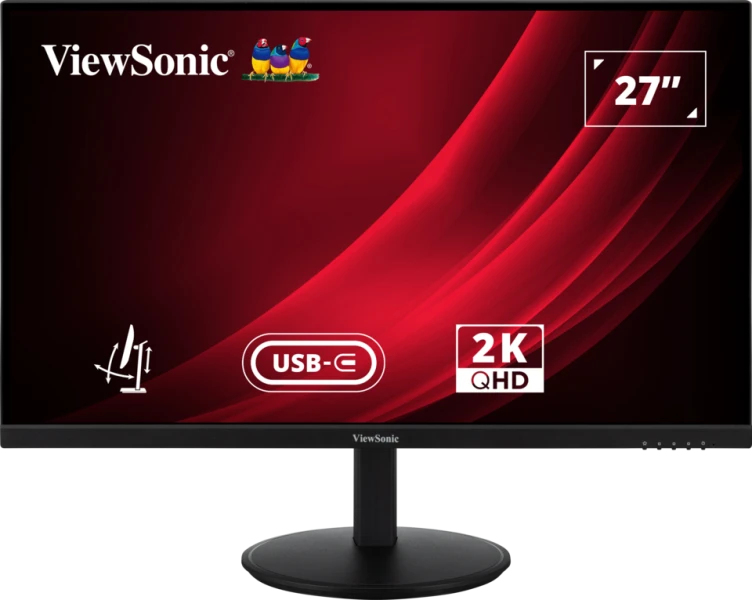
ViewSonic
ViewSonic VG2709-2K-MHDU-2 - LED monitor - 27" - 2560 x 1440 QHD @ 100 Hz - IPS - 350 cd/m� - 1000:1 - HDR10 - 4 ms - HDMI, DisplayPort, USB-C - speakers
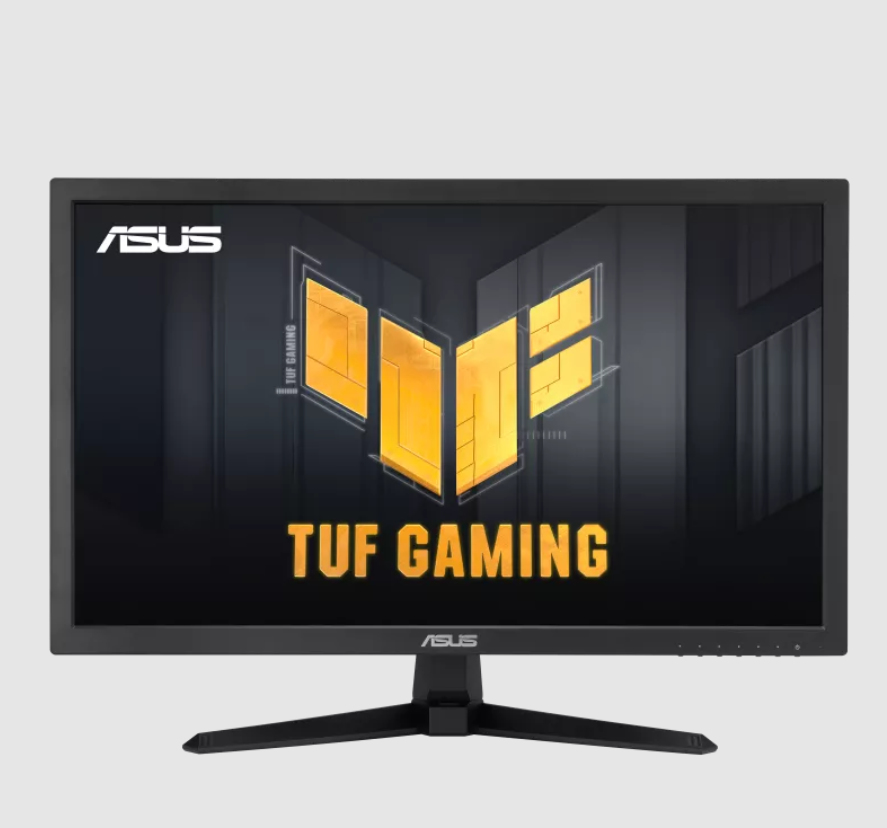
Asus
ASUS TUF Gaming VG248Q1B - LED monitor - 24" - 1920 x 1080 Full HD (1080p) @ 165 Hz - TN - 350 cd/m� - 1000:1 - 0.5 ms - HDMI, DisplayPort - black