- IT Office Moves
How to Avoid Data Loss During an Office Relocation
23 Nov, 2025
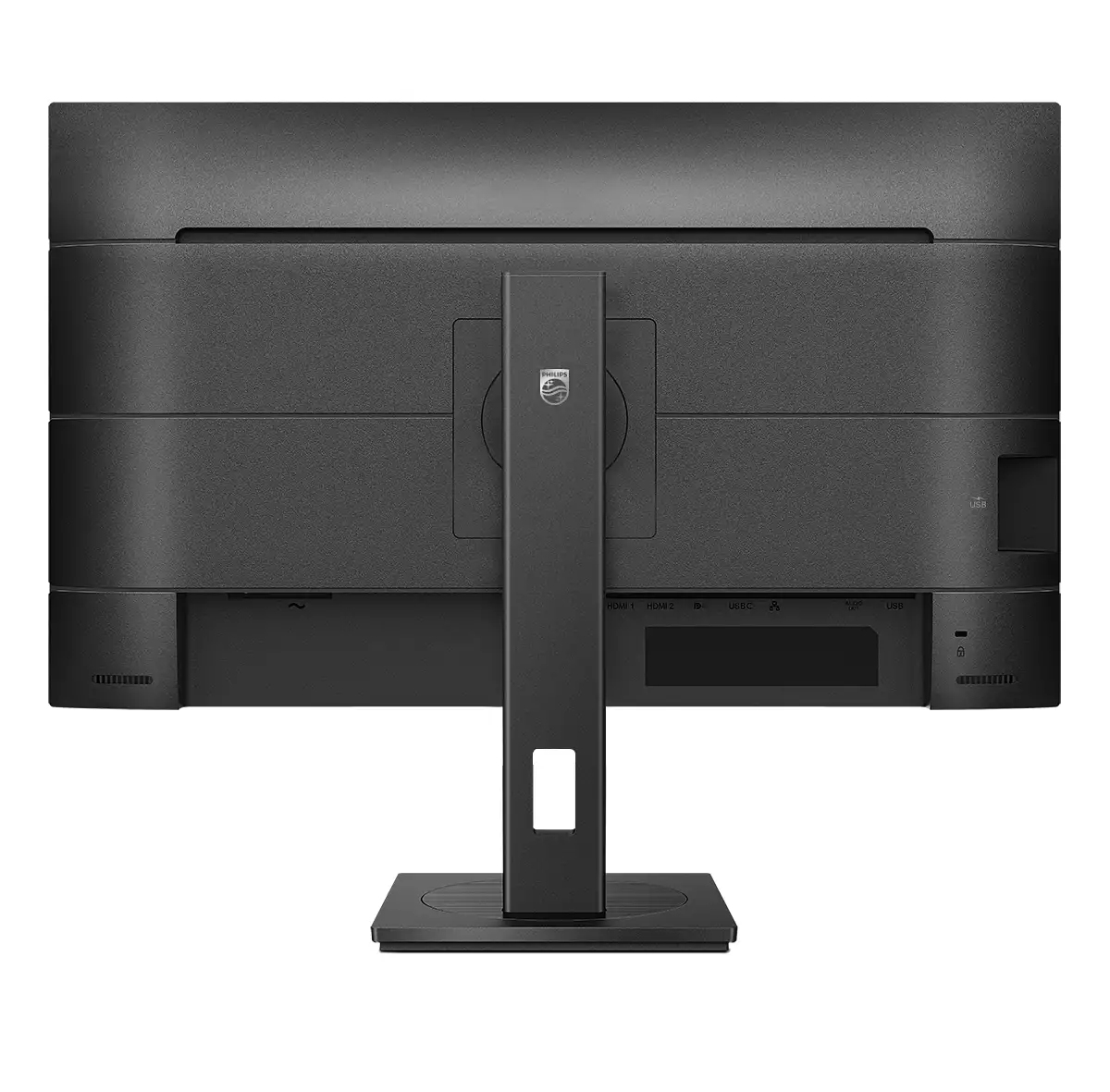
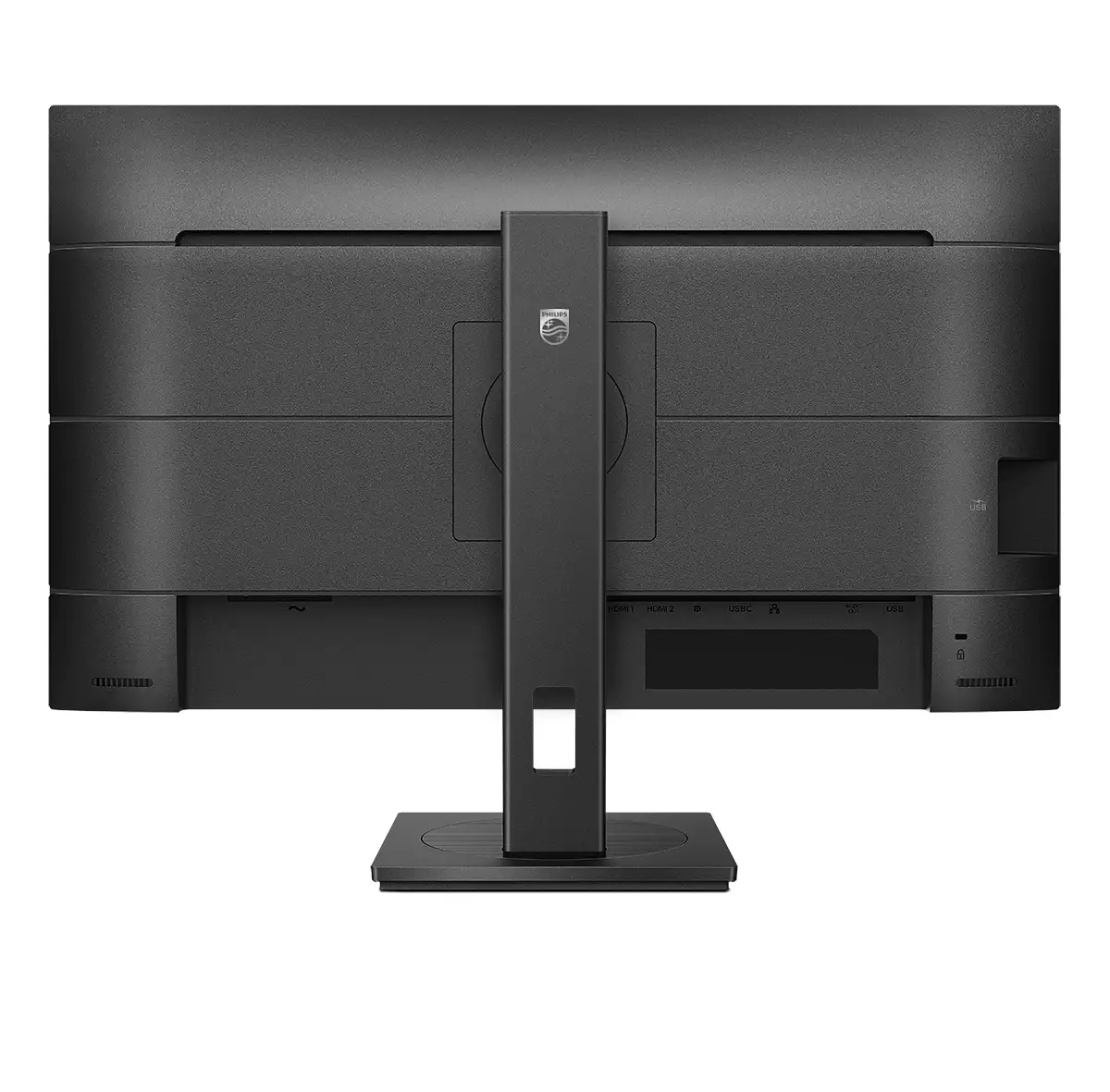
£448.51 inc. VAT
AI-generated summary
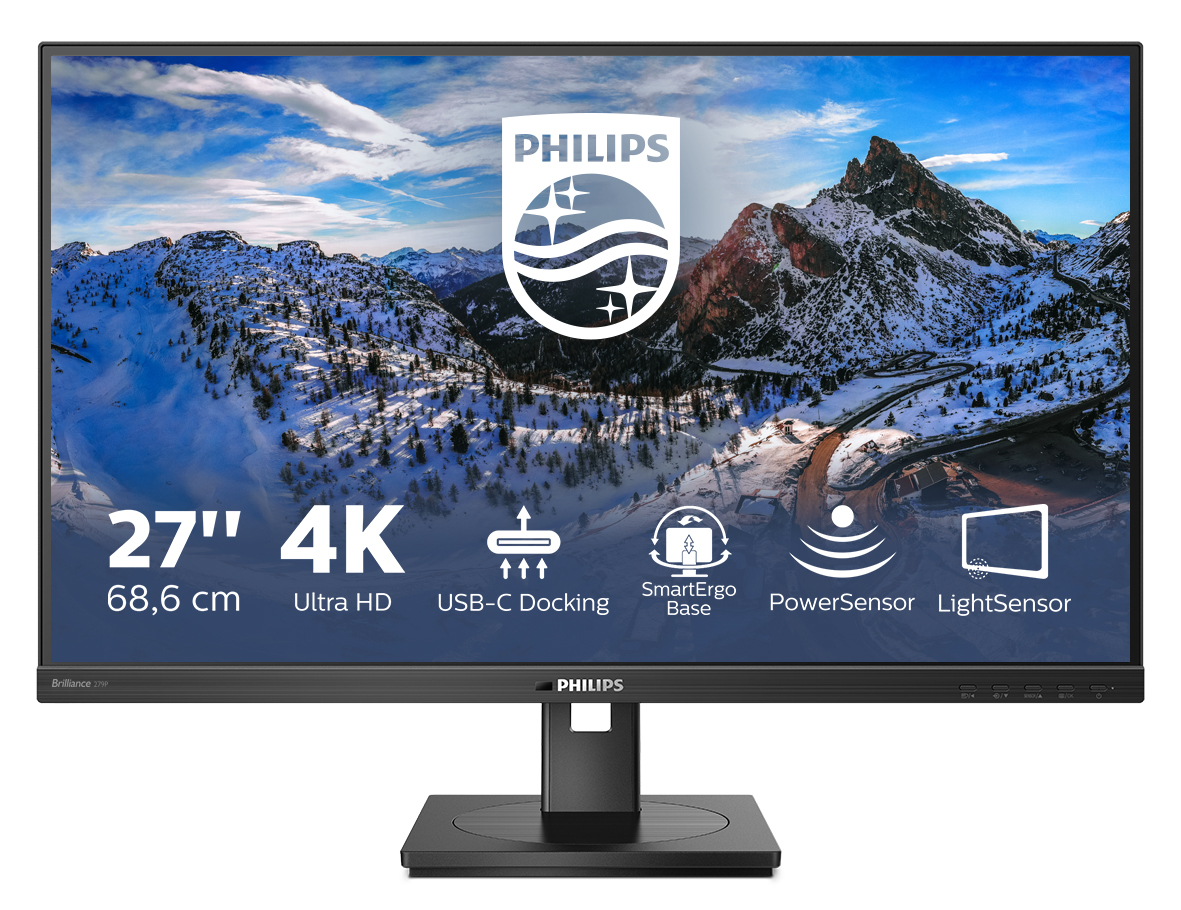
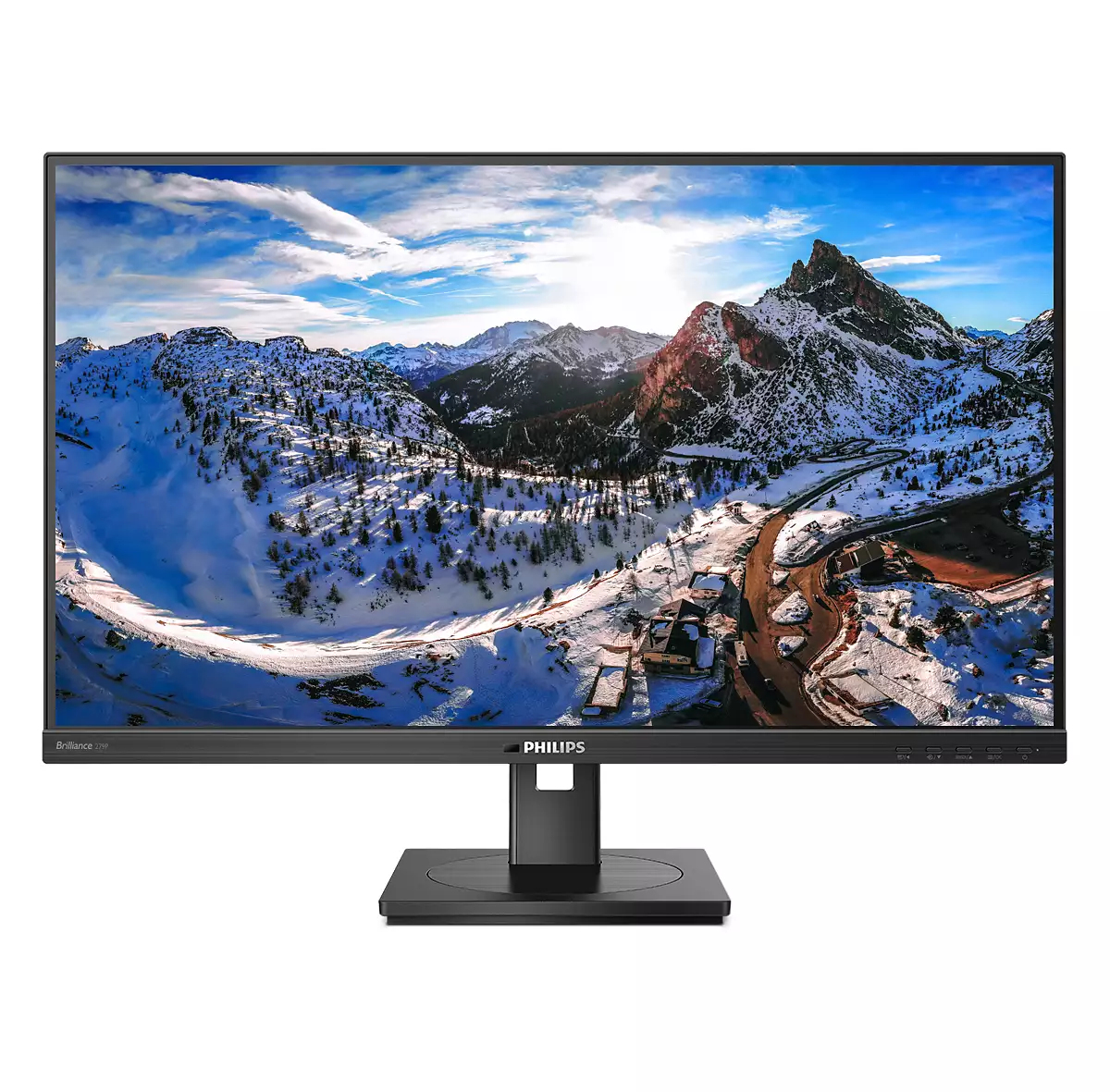
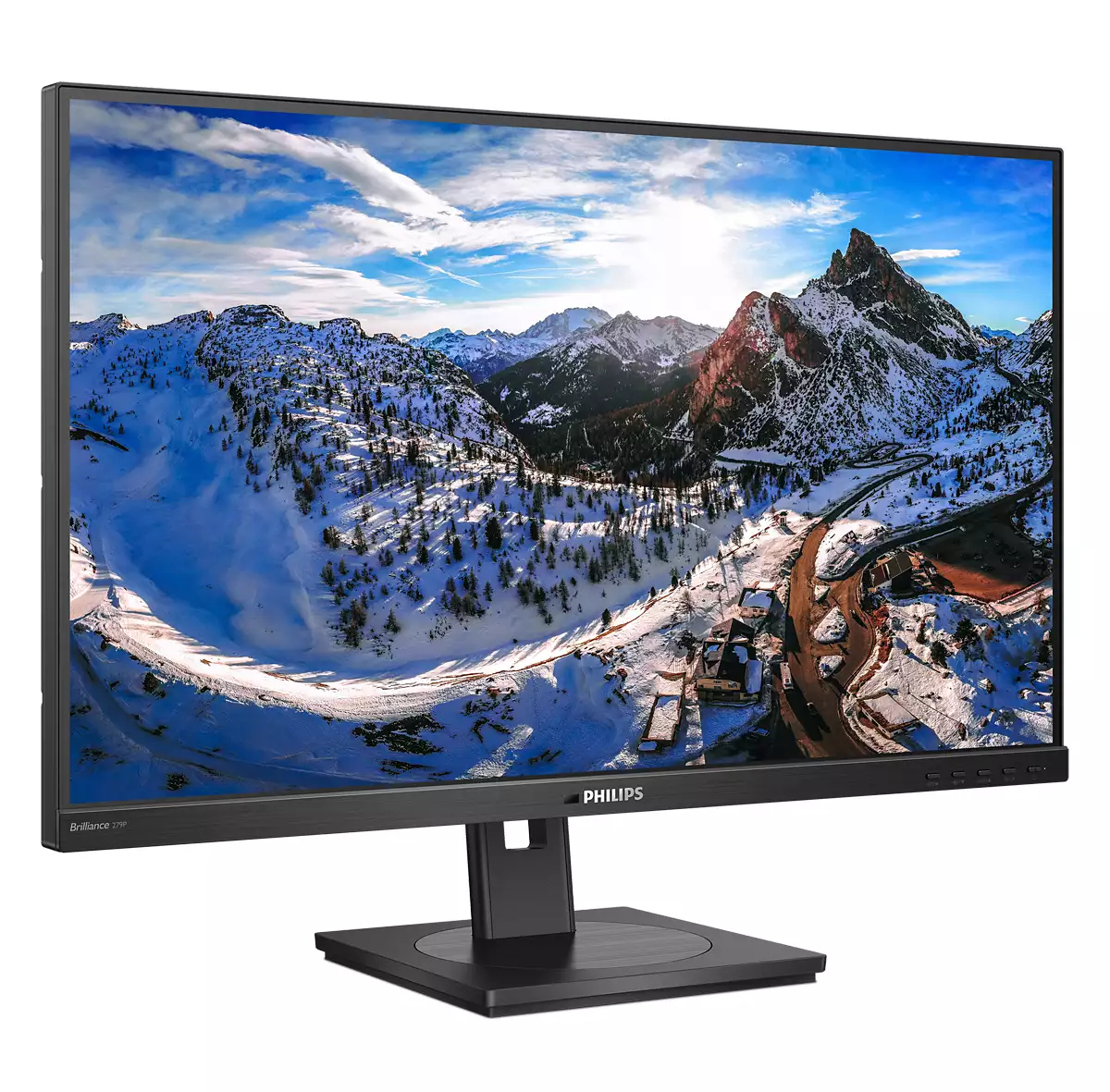
If you’re looking for a solid, no-drama 27-inch 4K screen, the Philips 279P1/00 is a decent bet—especially for office work, document-heavy days, and anyone who wants crisp text without paying “premium model” money. 4K at this size is noticeably sharper for spreadsheets and reports, and Philips’ value proposition here is that you get the resolution benefit without it feeling like a downgrade elsewhere. At **£373.78 ex-VAT**, it’s in that awkward middle ground: not cheap enough to be a disposable upgrade, but priced like it should genuinely improve day-to-day usability.
That said, whether it’s the *right* choice depends on your use case. If you’re sensitive to colour accuracy for creative work, or you’re gaming and care about responsiveness and motion, you should sanity-check the panel’s performance before you buy—because many 27-inch 4K business-oriented monitors will never feel as “special” as the more purpose-built displays in those areas. If you mainly do office productivity and want a clean, sharp 4K workstation monitor, then yes: this is the sort of purchase that tends to make users quietly happier and IT support calls quieter. If your team does lots of colour-critical design or high-speed gaming, I’d look at alternatives first.

USB-C enables laptop power charging directly from a monitor
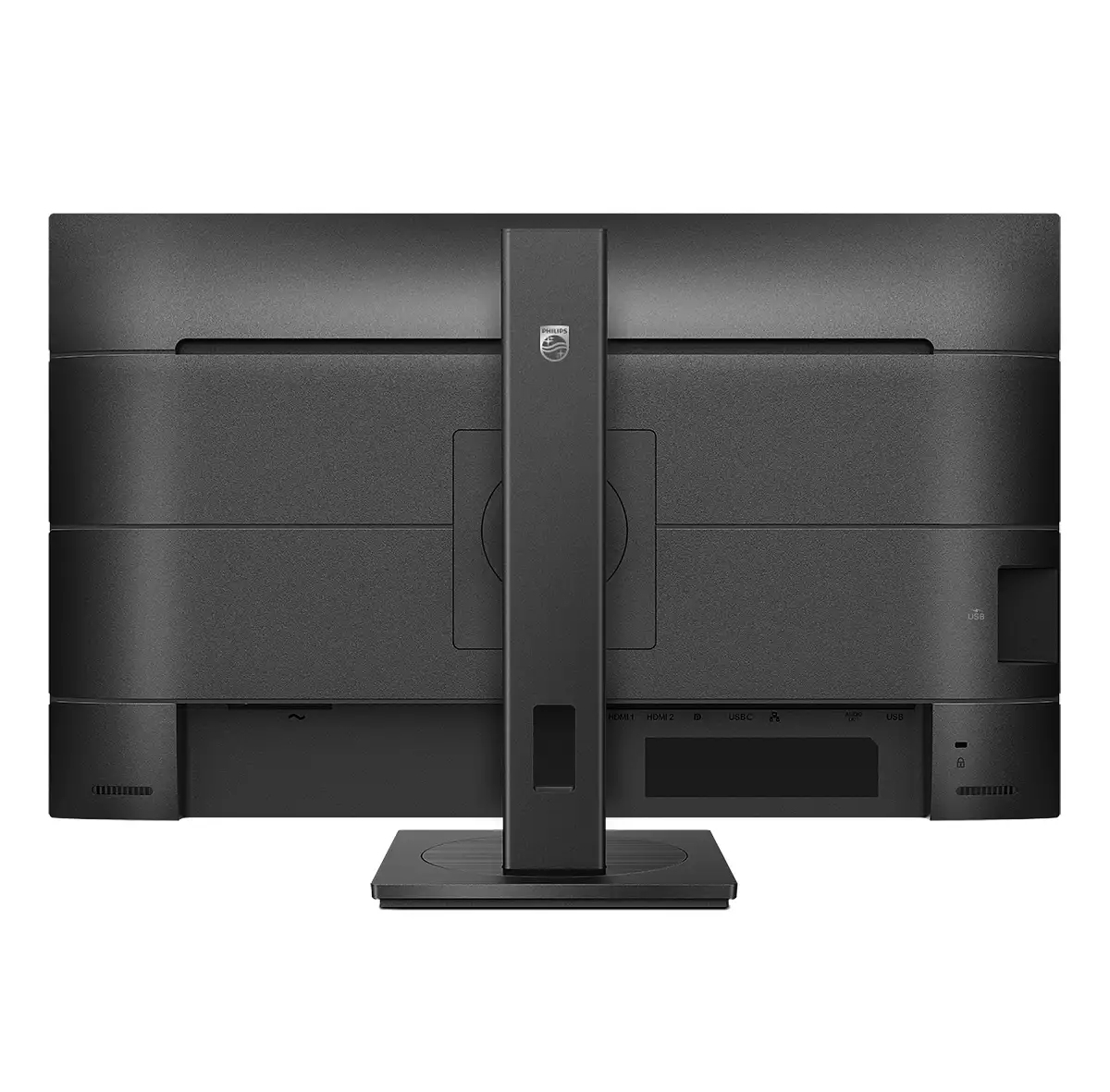
This Philips display features a built-in USB type-C docking station with power delivery. With intelligent and flexible power management, you can power charge your compatible* laptop directly. Its s...

UltraClear 4K UHD (3840 x 2160) resolution for precision
These Philips displays utilise high-performance panels to deliver UltraClear, 4K UHD (3840 x 2160) resolution images. Whether you are a demanding professional requiring extremely detailed images fo...

TUV Eye Comfort certified to reduce eye fatigue
Philips display meet TUV Rheinland Eye Comfort standard to prevent eye strain caused by prolonged computer use. With TUV Eye Comfort certification, Philips displays ensure flicker-free, low blue mo...

SmartErgoBase enables people-friendly ergonomic adjustments
The SmartErgoBase is a monitor base that delivers ergonomic display comfort and provides cable management. The base can swivel, tilt and rotate to various angles to ensure maximum comfort. The heig...
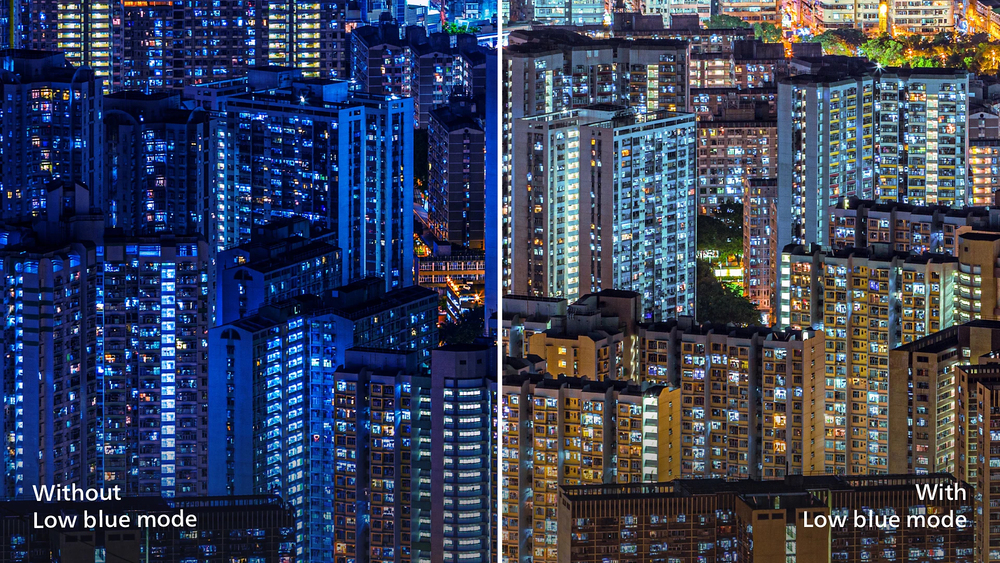
LowBlue Mode for easy on-the-eyes productivity
Studies have shown that just as ultra-violet rays can cause eye damage, shortwave length blue light rays from LED displays can cause eye damage and affect vision over time. Developed for wellbeing,...

Less eye fatigue with Flicker-free technology
Due to the way brightness is controlled on LED-backlit screens, some users experience flicker on their screen which causes eye fatigue. Philips Flicker-free Technology applies a new solution to reg...
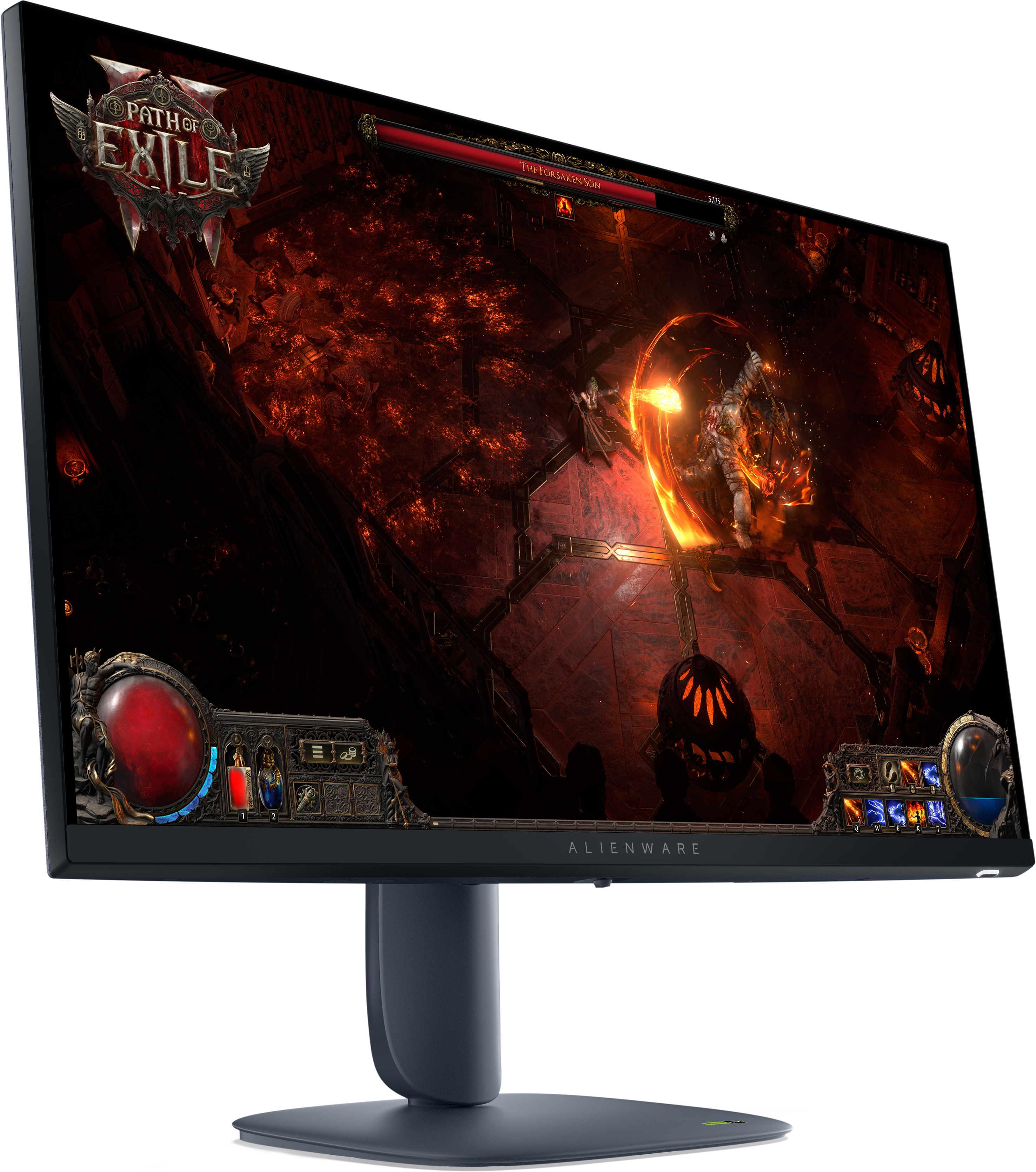
Dell
Alienware AW2725DM - LED monitor - gaming - 27" - 2560 x 1440 QHD @ 180 Hz - IPS - 400 cd/m� - 1000:1 - DisplayHDR 400 - 1 ms - 2xHDMI, DisplayPort - BTO - with 3 years Basic Hardware Service with Advanced Exchange after remote diagnosis
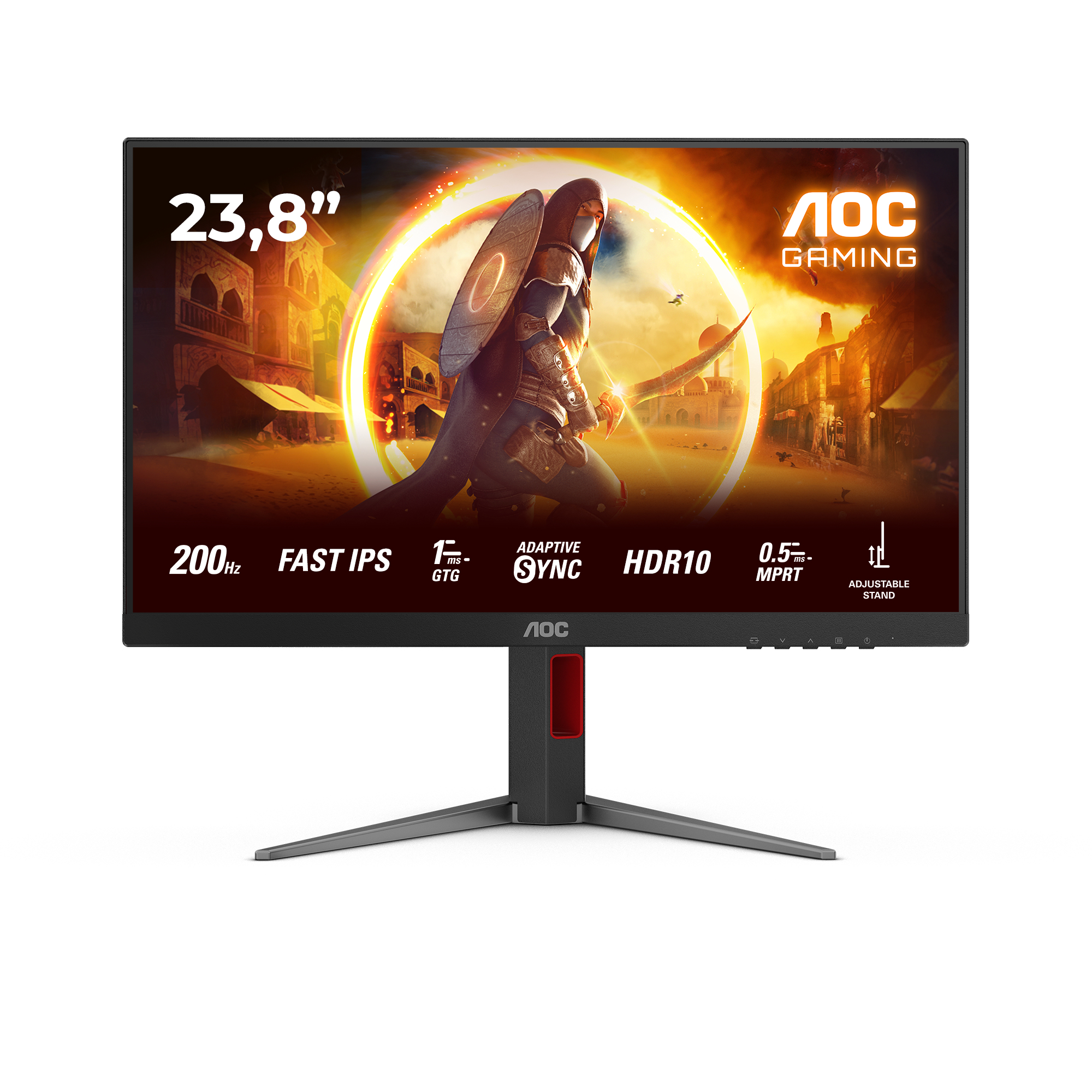
AOC
AOC Gaming 24G4HA - LED monitor - gaming - 24" (23.8" viewable) - 1920 x 1080 Full HD (1080p) @ 200 Hz - Fast IPS - 300 cd/m� - HDR10 - 0.5 ms - 2xHDMI, DisplayPort - speakers
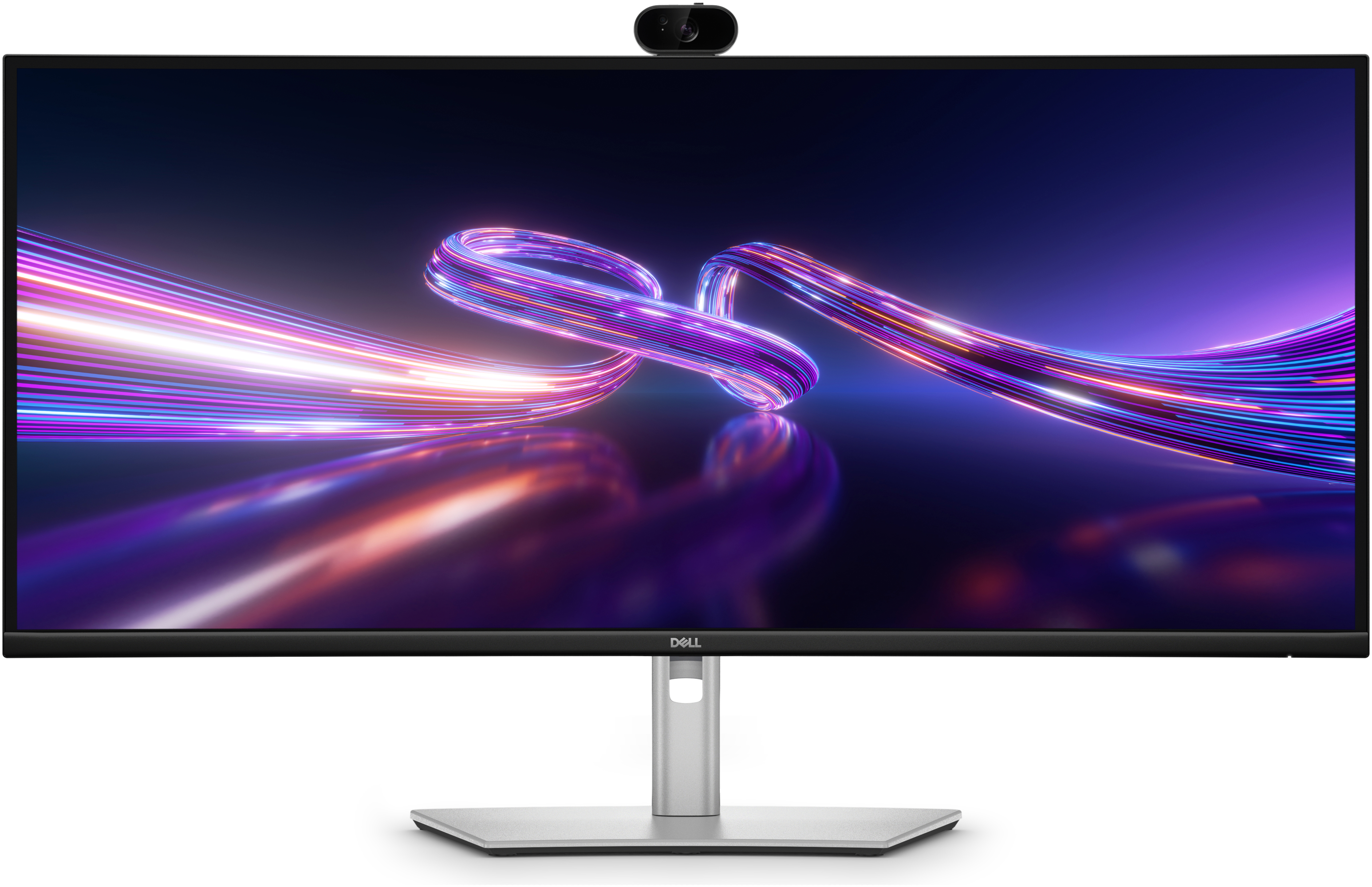
Dell
Dell Pro P 34 USB-C Hub Webcam Monitor - P3426WEV
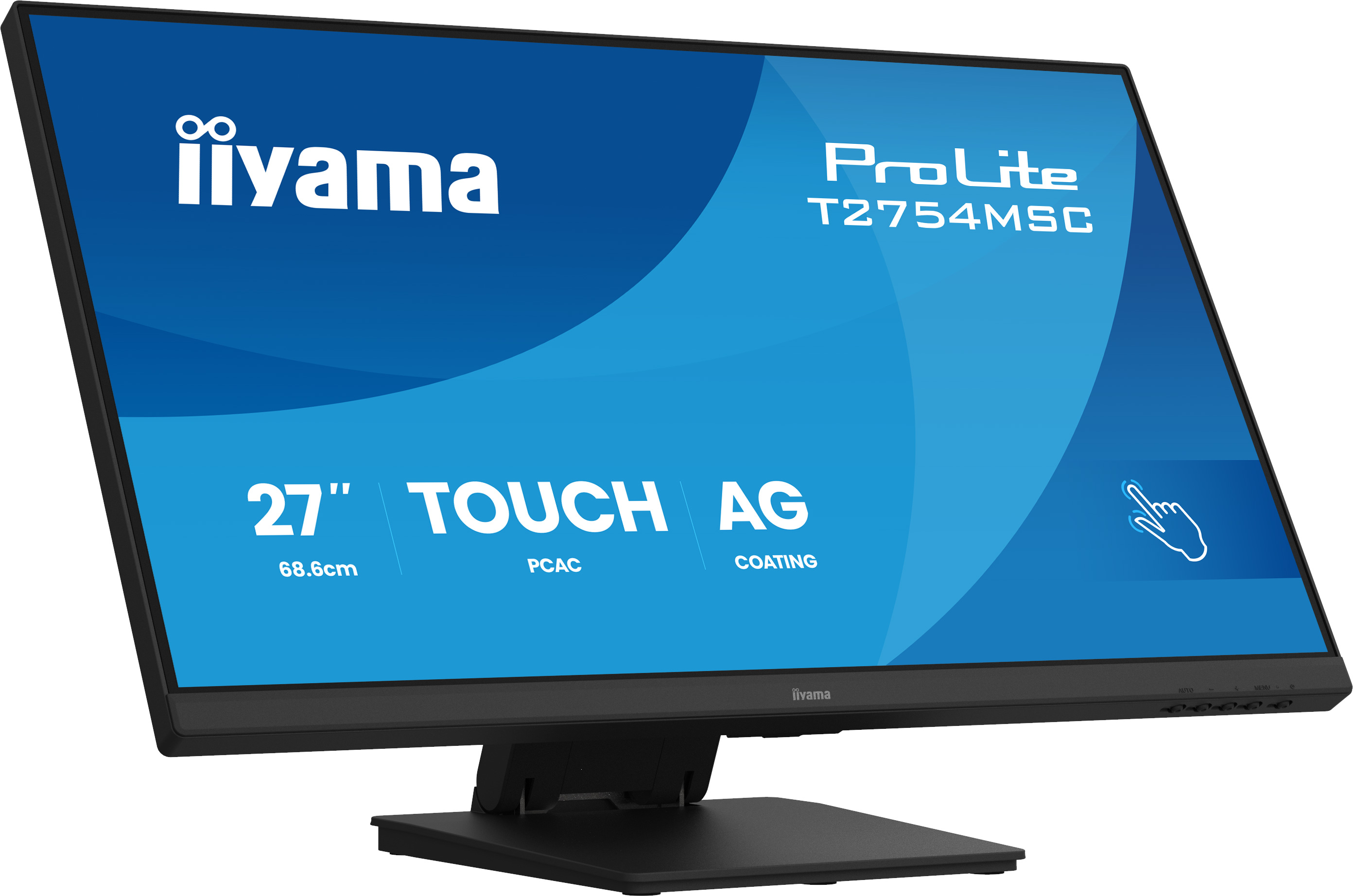
Iiyama
iiyama ProLite T2754MSC-B2AG - LED monitor - 27" - touchscreen - 1920 x 1080 Full HD (1080p) @ 83 Hz - IPS - 300 cd/m� - 1000:1 - 4 ms - HDMI, VGA - speakers - black, matte