- Virtual CIO
The Strategic Value of Data Analytics for Small Businesses
4 Jan, 2026
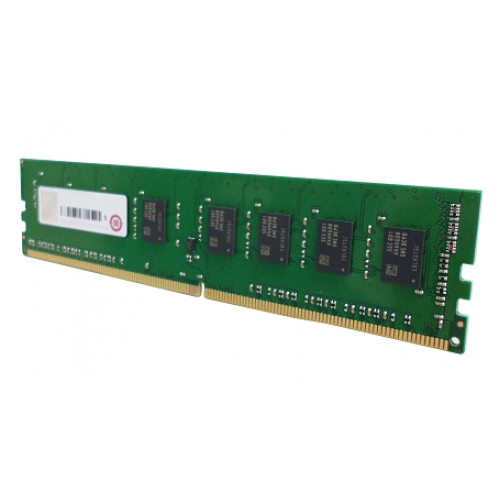
£373.70 inc. VAT
AI-generated summary
The QNAP RAM-16GDR4-LD is one of those “you’ll feel the difference, but only if you actually need it” upgrades. If you’re running a QNAP NAS hard—multiple users, lots of snapshots, Plex/containers, media indexing, heavy SMB/NFS loads—going from a cramped baseline to a fuller RAM pool can noticeably smooth things out (less swapping, fewer slowdowns under peak use). For £311.41 ex-VAT, it’s not cheap, so I’d only buy it when you’ve confirmed you’re RAM-limited rather than just hoping it’ll magically fix sluggishness caused by disks, network, or CPU bottlenecks.
I’d avoid it if your NAS is already sitting comfortably on RAM for your workload, or if you’re still diagnosing issues. Also double-check compatibility and your NAS’s exact RAM configuration rules—QNAP models can be picky, and buying the wrong stick is a classic waste of budget. Who should buy? IT teams or SMBs with a QNAP NAS that’s already struggling during busy periods and who want a straightforward, brand-matched stick to expand capacity safely. Who shouldn’t? Anyone looking for “value” unless their current performance pain is clearly memory-related.

Kingston
Kingston FURY Beast - DDR5 - kit - 64 GB: 2 x 32 GB - DIMM 288-pin - 6400 MHz / PC5-51200 - CL32 - 1.4 V - unbuffered - on-die ECC - white
Kingston
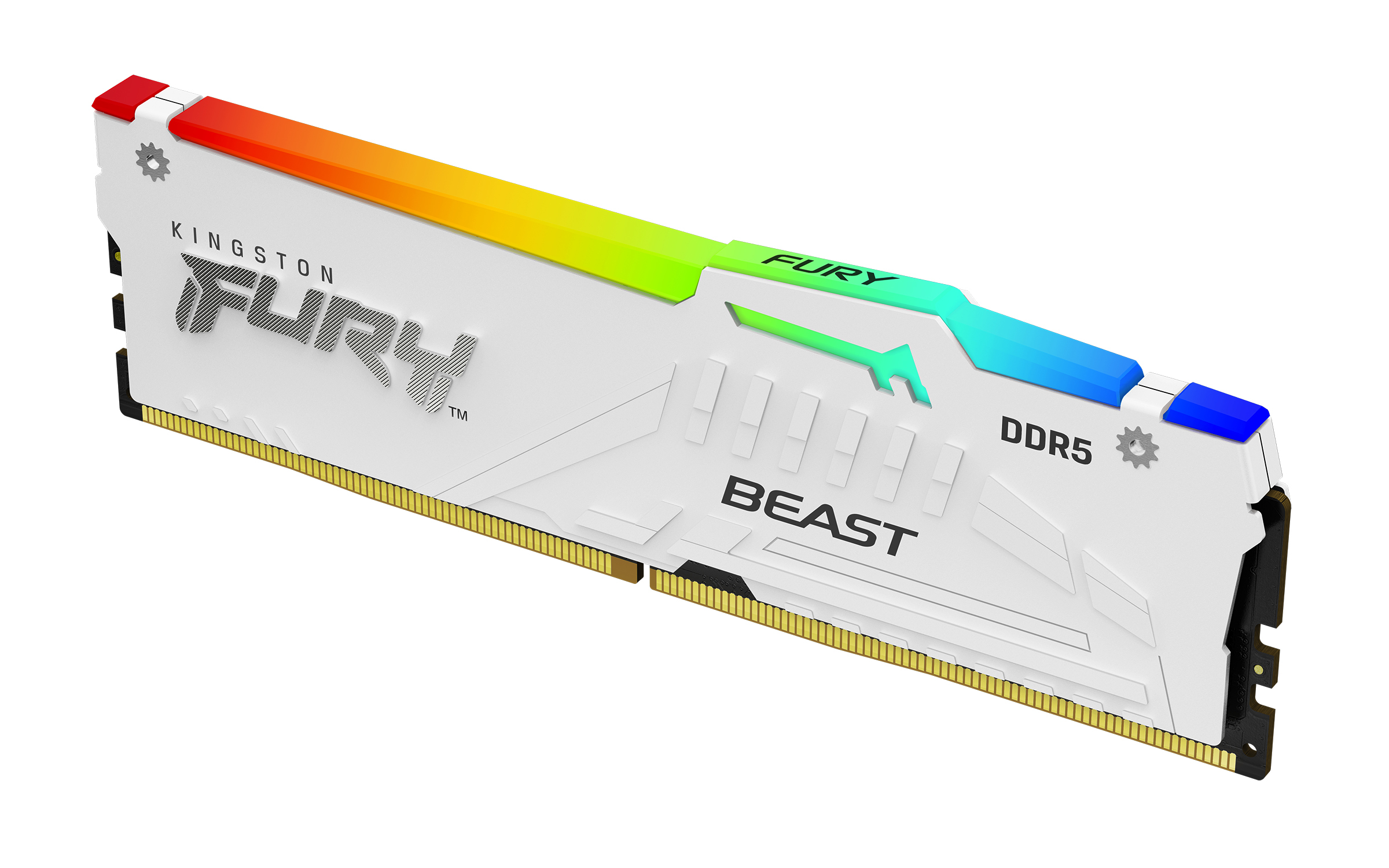
Kingston FURY Beast RGB - DDR5 - module - 32 GB - DIMM 288-pin - 6000 MT/s / PC5-48000 - CL36 - 1.35 V - unbuffered - on-die ECC - white

Kingston
Kingston FURY Beast - DDR5 - kit - 64 GB: 4 x 16 GB - DIMM 288-pin - 5600 MT/s / PC5-44800 - CL40 - 1.25 V - unbuffered - on-die ECC - white
Kingston
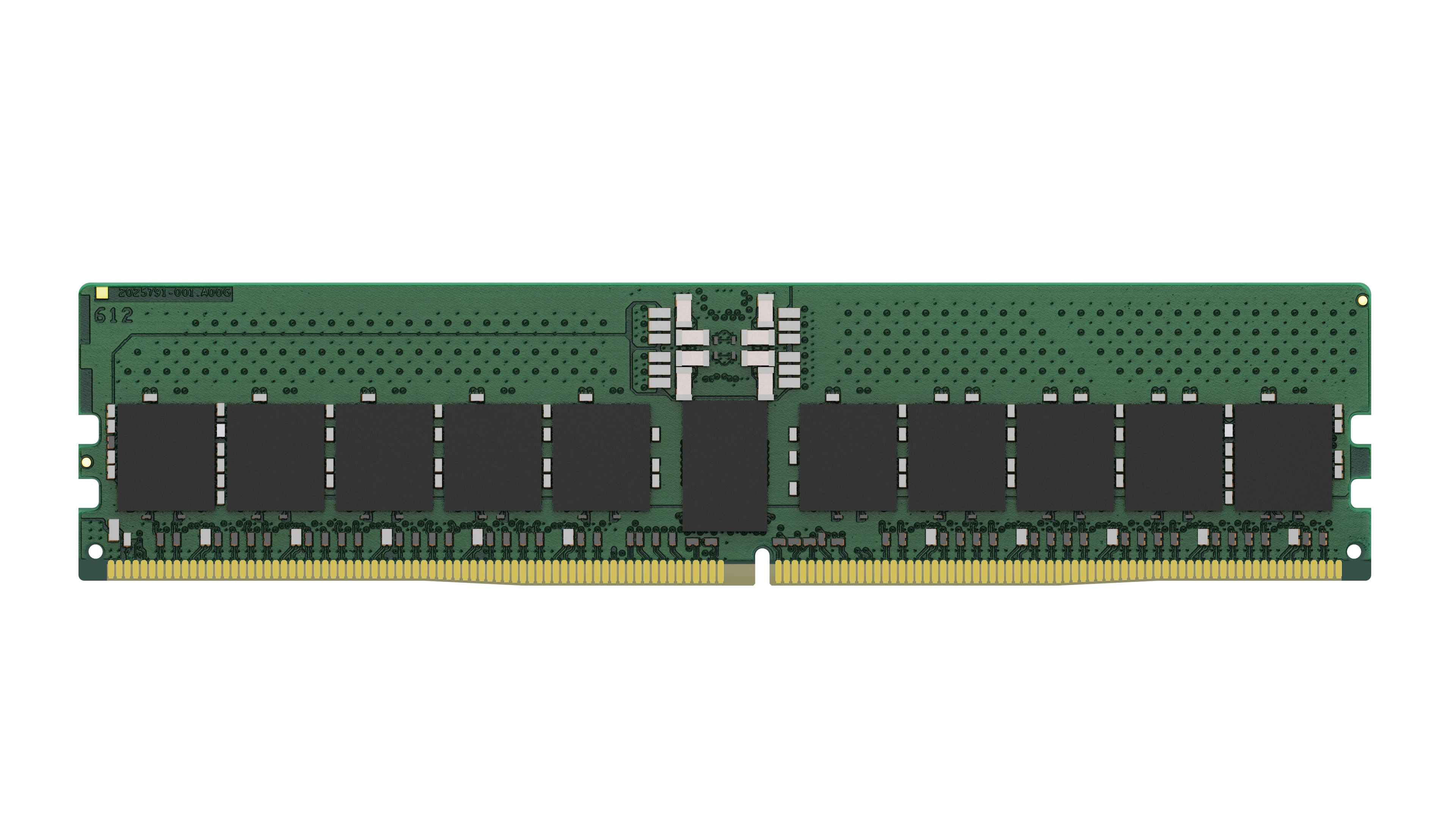
Kingston - DDR5 - module - 32 GB - DIMM 288-pin - 5600 MHz / PC5-44800 - CL46 - 1.1 V - registered - ECC
Powered by industry-leading technologies including SolarWinds, Cloudflare, BitDefender, AWS, Microsoft Azure, and Cisco Meraki to deliver secure, scalable, and reliable IT solutions.


