- Network Admin
Network Switches Explained: Managed vs Unmanaged
11 Mar, 2026
£192.40 inc. VAT
AI-generated summary
If you’ve got a QNAP NAS that supports this exact RAM type, this 8GB stick is a straightforward “make the box feel faster” upgrade. The value comes down to whether you actually need the extra headroom—if your NAS is doing lots of multi-user access, caching-heavy workloads, or services running in the background (containers, indexing, etc.), going from tight RAM to “comfortable” RAM can noticeably reduce slowdowns. At £159.70 ex-VAT, it’s not cheap for an 8GB module, so I’d treat it as a targeted purchase rather than a casual upgrade.
Where I’d say “don’t bother”: if you’re already sitting on enough memory and you’re mainly seeing slow speeds caused by disk/CPU/network, RAM won’t fix that. Also, if your NAS can take higher-capacity sticks, you’ll often get better value by doing a bigger plan upgrade rather than buying one small module at a premium. Buy this if you’re confident your model and slot layout match and you want a precise, compatible boost; skip it if you’re guessing or the underlying bottleneck is elsewhere.
Qnap
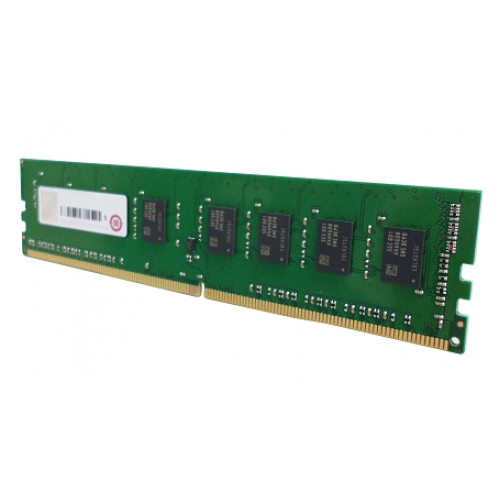
QNAP - A1 version - DDR4 - module - 8 GB - DIMM 288-pin - 2400 MT/s / PC4-19200 - CL17 - 1.2 V - unbuffered - non-ECC
Qnap
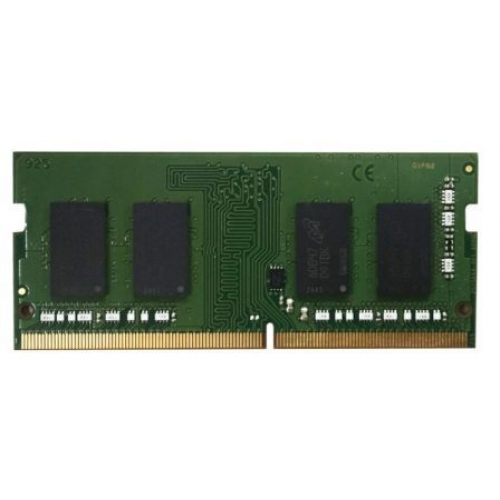
QNAP - K1 version - DDR4 - module - 4 GB - SO-DIMM 260-pin - 2400 MHz / PC4-19200 - 1.2 V - unbuffered - non-ECC
Kingston
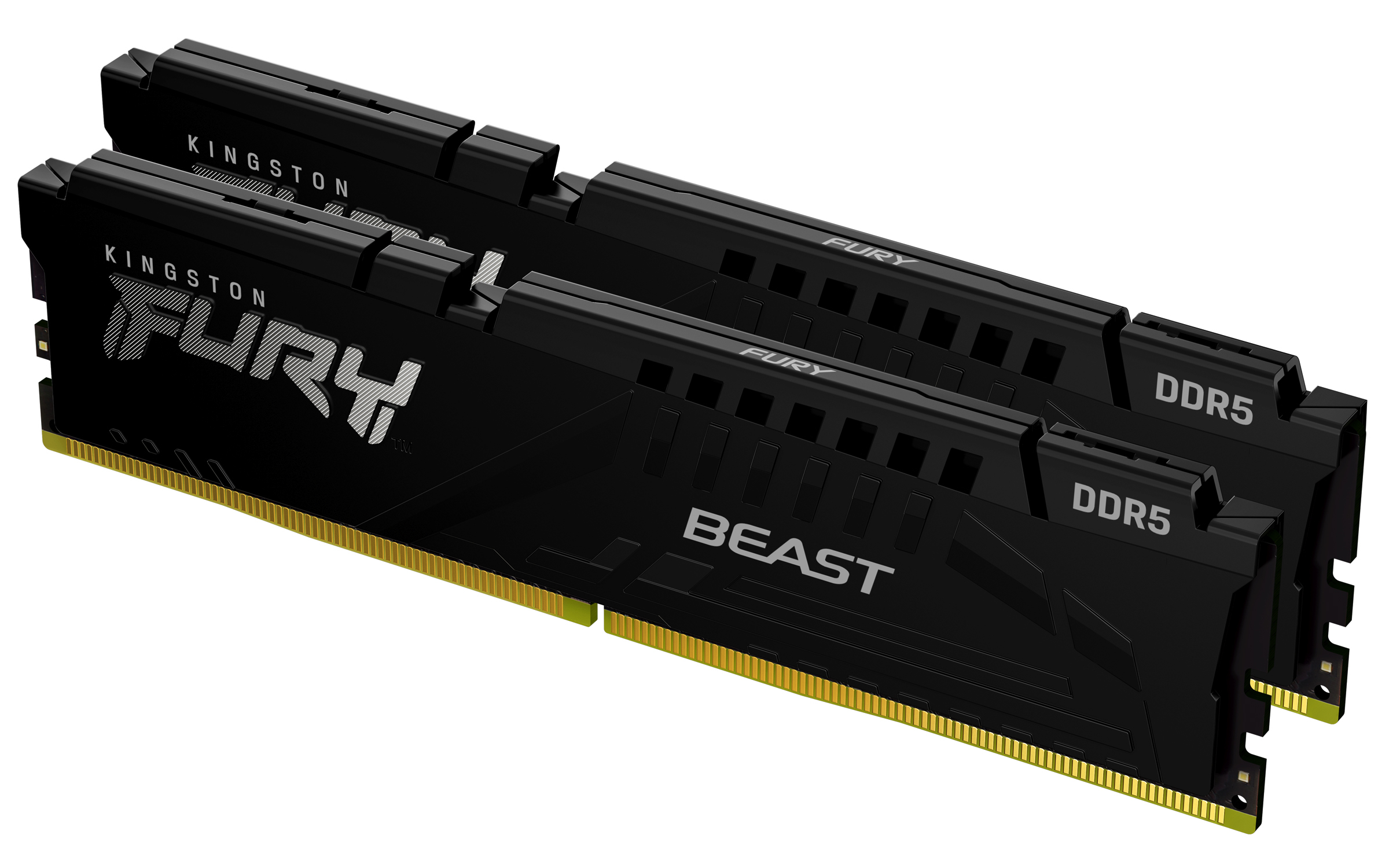
Kingston FURY Beast - DDR5 - kit - 64 GB: 2 x 32 GB - DIMM 288-pin - 3000 MHz / PC5-48000 - CL36 - 1.35 V - unbuffered - on-die ECC - black
Kingston
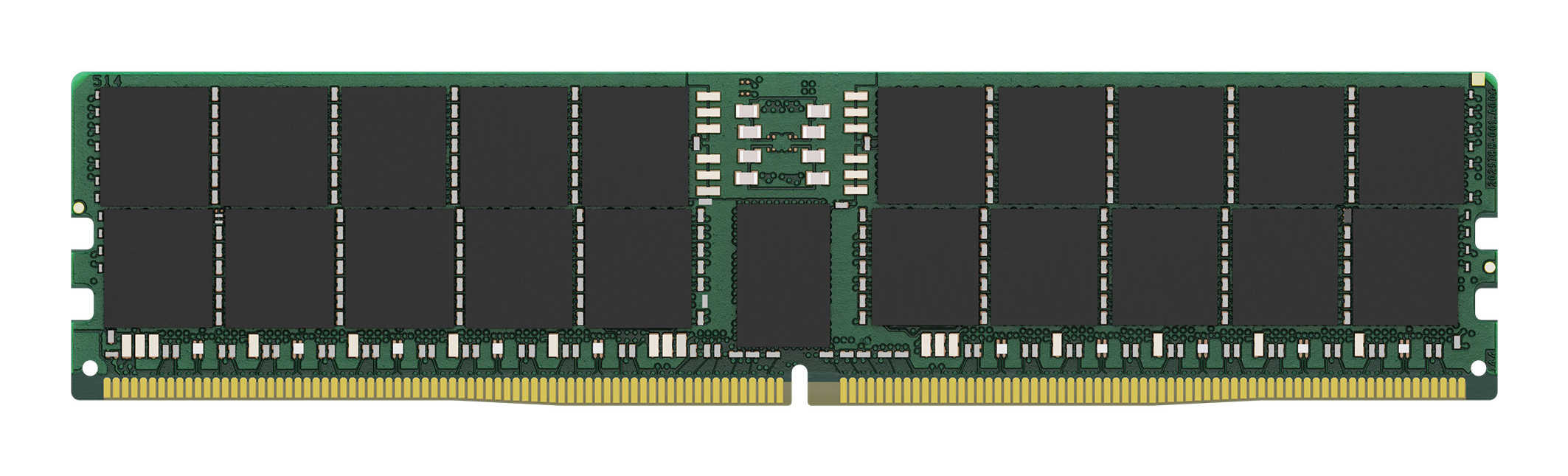
Kingston - DDR5 - module - 64 GB - DIMM 288-pin - 6400 MT/s / PC5-64000 - CL52 - 1.1 V - registered - ECC
Powered by industry-leading technologies including SolarWinds, Cloudflare, BitDefender, AWS, Microsoft Azure, and Cisco Meraki to deliver secure, scalable, and reliable IT solutions.


